














Remove All Modifiers - DAZ Studio DUF Cleaner (Python)
License: This is licensed for commercial or non-commercial use.
Product Notes
Hey folks!
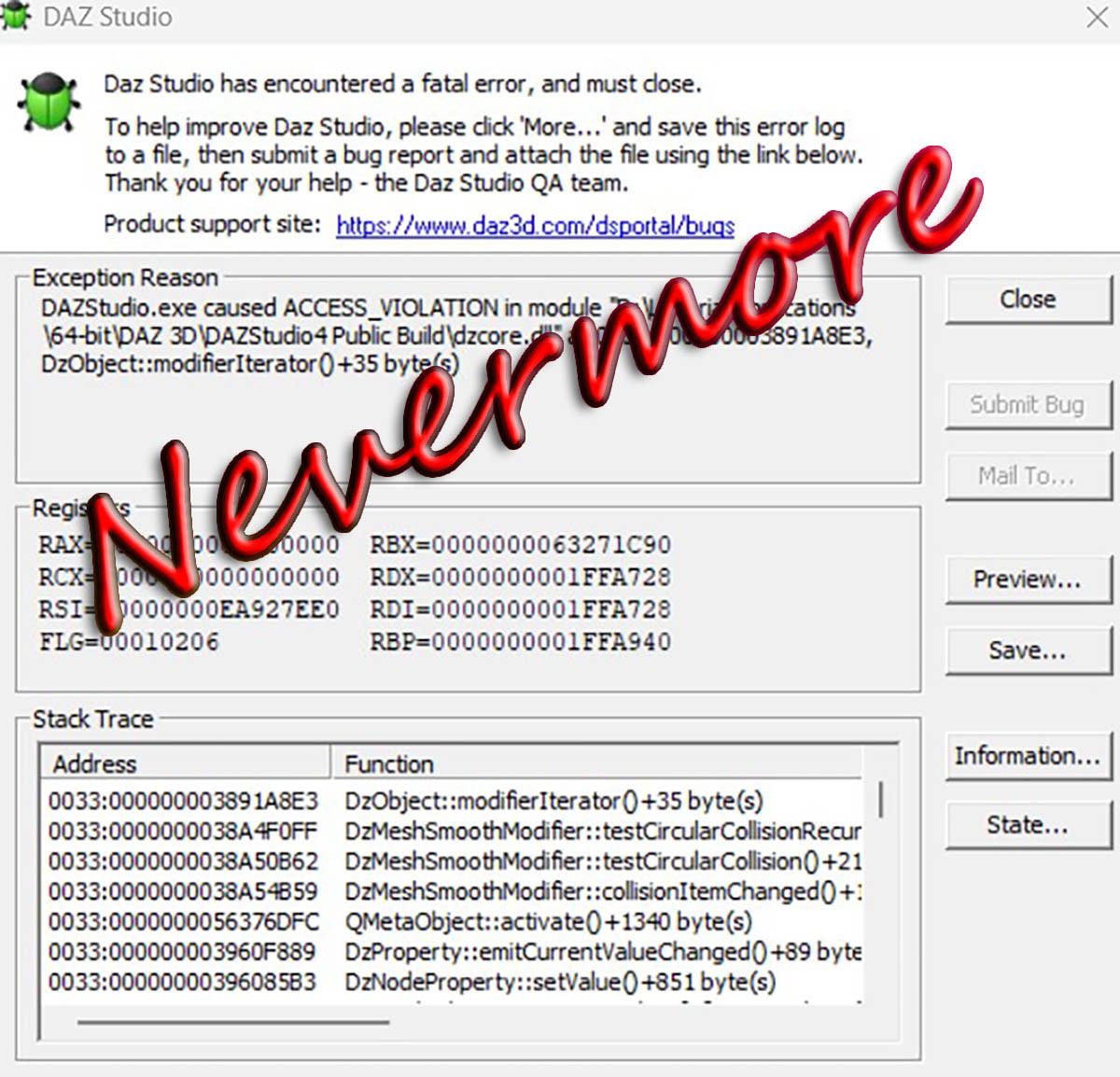
Ever had a DUF file that keeps crashing DAZ Studio every time you try to open it? Yeah, me too. Super annoying when you’re trying to work on your scene and the file just refuses to behave.
So, I had this problem and turned to ChatGPT for help — and voilà, a Python script that removes all the modifiers from the DUF while keeping everything else intact. This way, the file stops crashing, and you can get back to your work without losing anything important.
I’m sharing the script here on Renderosity because it really saved my day, and I hope it helps you too! All credits go to ChatGPT for the code; I’m just the guy who had the problem and got inspired to share the fix.
Check the README for how to run it, and feel free to reach out (or better ask GPT or anyone else, I am a total newby to Python) if you have questions!
Cheers,
funfiction (with a not little help from ChatGPT)
Last update: 20250705
On-Sale Items in the Marketplace




Comments
Thanks.
When Daz crashed I had a scene with 3 characters and some items (clothing, vehicles, etc.) and at least 3 smoothing, 1 push and various dforce. I don't know which one caused the issue, but this py wiped all of 'em.
What kind of modifiers does it work on? I can see it's affecting smoothing modifiers from the image. Does it strip out anything else?
Thanks!

Awesome! Thank you very much!