








MOJOWORLD.EXE LAA
Operating System(s): Windows 10
License: This is licensed for non-commercial use only.
Product Notes
An experimental copy of the MojoWorld .exe file that has the Large Address Aware flag set to 'true'.
Setting LAA to 'true' tells the operating system that it can use more than the standard 2GB of virtual memory. Enabing this flag on a 64-bit Windows system allows the 32-bit application to access up to 4GB of memory. Ona 32-bit Windows system, it increases the available memory to 3GB.
As of the date of this posting it has not be verified that this modification has been successful. Any user comments regarding this issue would be appreciated. Please leave comments below.
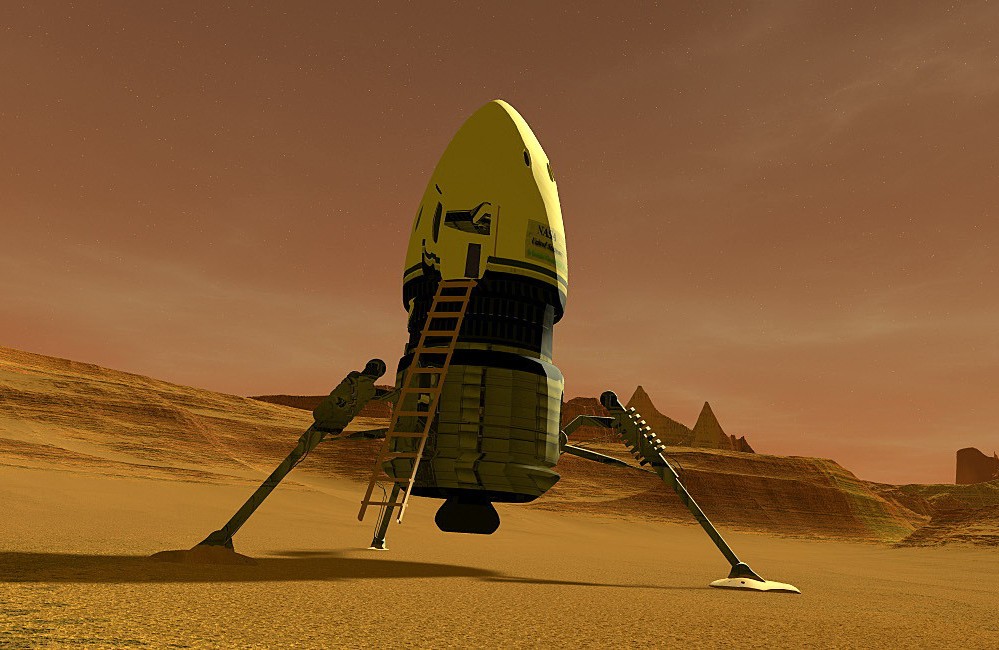
MJW image by Prutzworks
On-Sale Items in the Marketplace


Comments
Wouldn't install or work for me ....my system rebelled in 2 or 3 ways as I kept trying.....
Work as Pro v3.1.1
Norton Scan safe verified.
Program Files > Pandromeda > MojoWorld3. Re-name your original file 'OLD_MojoWorld.exe' and move it to the Pandromeda folder. Move the new 'MojoWorld.exe' file into MojoWorld3 folder. Do not re-name the file. Launch as usual. Don't forget to create new Shortcuts.

Sorry to hear that, AK! 😦 Keep us posted in the Forum thread...