

















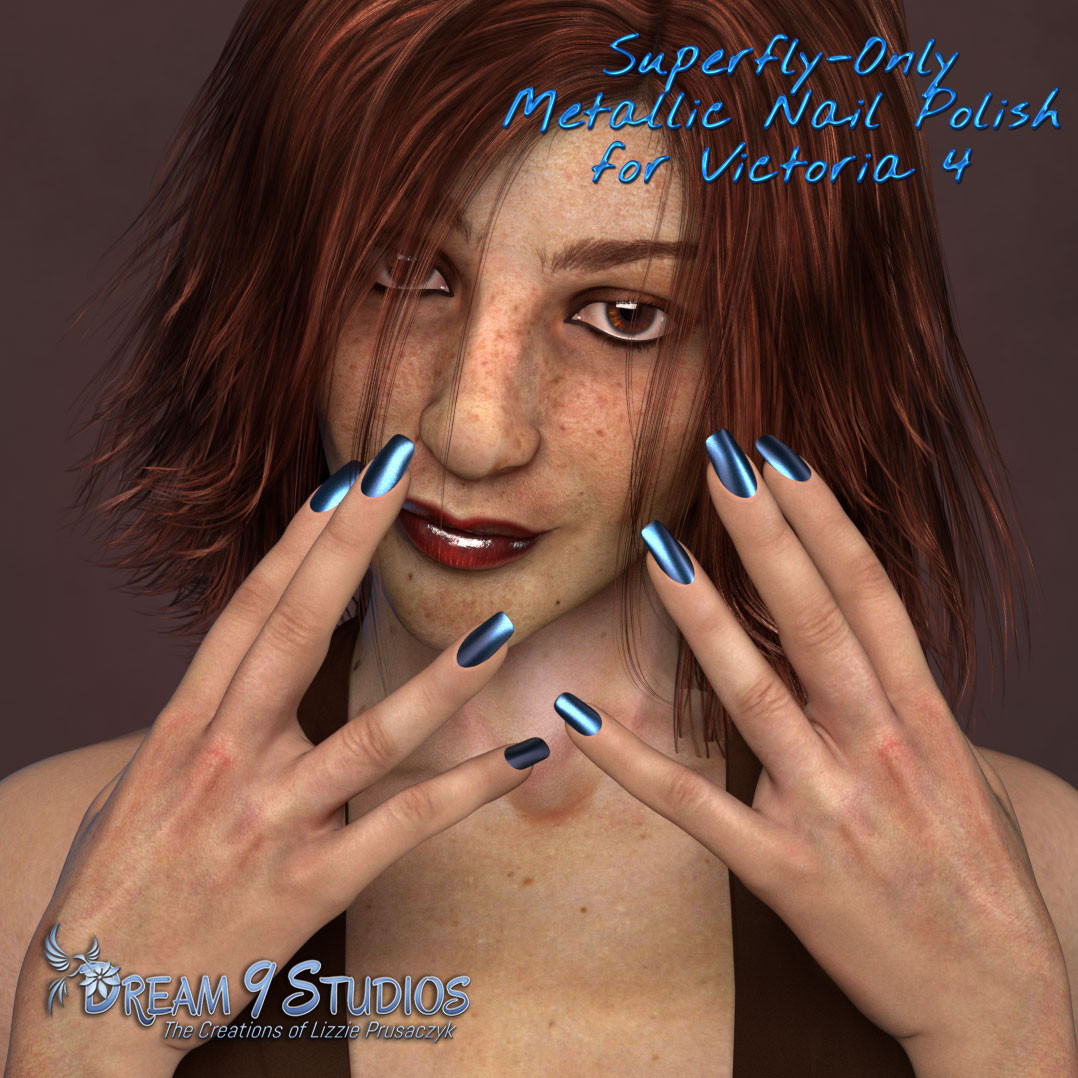
Superfly Nail Polish for V4
Softwares: Poser Pro 11, Poser 12, Poser 13, Poser 14
Base Figures: Victoria 4
License: This is licensed for commercial or non-commercial use.
Product Notes
A free nail polish shader only for Superfly that can be set to any color you wish. Included are nine colorful presets to get you started.
1. Start by loading the Victoria 4 Base from the Figures Library.
2. Go to the Materials Library and find the folder "Dream 9 Studios-->Free Stuff-->Superfly Nail Polish for V4" where all the nail polish colors are. Choose any nail polish color and click to apply the nail polish to the fingernails and toenails.
3. To change the color of the nail polish, simply go to the Material Room and then to the Fingernails material zone. See the Nail Polish Shader node and inside it the label "Nail Polish Color" next to a color? Change that to any color you desire. That will change the color of the nail polish and is the only node you need alter! Now render and done!
4. These presets will work only in Superfly.
(The character seen in the promo render is my D9S Nicola 3 available in my Renderosity store.)


these are so pretty! got the shaders working on the LF's & Maisie too, and even some of my jewelry. thanks for sharing these.