
Renderosity Forums / Carrara
Welcome to the Carrara Forum
Forum Coordinators: Kalypso, Anim8dtoon
Carrara F.A.Q (Last Updated: 2026 Jul 11 2:50 am)
Visit the Carrara Gallery here.

Subject: Helping building a Lamp / Sconce


To experiment with getting transparency, etc. Make any old object and give it one of the carrara glass shaders. Then put a tiny light on one side of it, just opposite the camera. This will show you some of what the different shader functions can do for you.
BUT: this may not be the best way to do a wall light. There may be a better way than through transparency to do what you want. For instance, take a torchiere model and give it an "anything glows" light (found in the edit menu). All done in one step!
Well to be honest I don't really have many references or attional information. I've just been experimenting unsuccessfully as I indicated. I have included below some of the inspirational material I've been looking at. Additionally what I was more hoping for were some walk throughs or tutorials on how other people made any lights/lamps etc. Thats how I've taught myself Carrara so far.
www.allmodernlighting.com/asp/show_image.asp
www.allmodernlighting.com/Estiluz-021816602-021813702-ESZ1164.html
Here is a look at the wall light collection
www.allmodernlighting.com/asp/show_collection.asp
Almost all those object looks made of simple polygons... To light works fine trhough transparency you will nee dto turn this option On in the Render Room (Light through tranparency). The glow effect can be done right in the surface or using another light source just for this... maybe this is a good idea for a new tutorial at Carrara Lounge...
Follow me at euQfiz Digital
Attached Link: building-progression-01-24-2009-morning
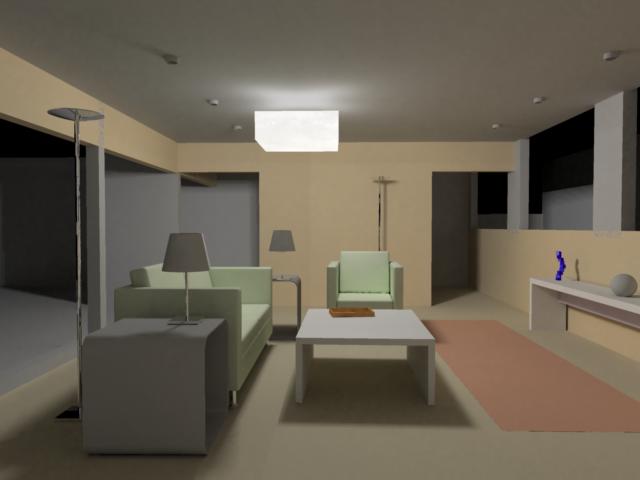
That sounds great to me! I'll be the first one to view it. I manage a financial sales team for a living with no background in art or design. 3D modeling/animation is sort of something I've always dreamed of doing so I apologize if I'm being peticularly unclear. I have been making some strides however as you'll see below this is an office building floor I've been working on. I think my biggest problem with the light is understanding transparency. I signed up for the VTC classes with Carrara last month and made it through the anything glows light but unfortunitly I didn't get to view it a few extra times as I had hoped for and now my subscription has run out. I really want to understand what is your problem with the transparency... the light effect through transparent objects?
Follow me at euQfiz Digital
The problem is transparency in general. I havn't been able to make anything even remotly transparent. I created a hollow cube with the back removed. I stuck a bulb and at one point a spotlight inside and set a camera on the other. Now I'm very about about not understanding much to do with textures or shading but I am able to find the shading section along with the transparency section. I've also fiddled with the sliders and check boxes within transparency but nothing seems to actually change anything.
Quote - The problem is transparency in general. I havn't been able to make anything even remotly transparent. I created a hollow cube with the back removed. I stuck a bulb and at one point a spotlight inside and set a camera on the other. Now I'm very about about not understanding much to do with textures or shading but I am able to find the shading section along with the transparency section. I've also fiddled with the sliders and check boxes within transparency but nothing seems to actually change anything.
Correction. I have been able to using the glass shader however it doesn't look anything like what I'm shooting for. I tried cloudy glass however that isn't transpartent at all. I can't seem to find a happy medium. EIther its totally transparent or not transparent at all.

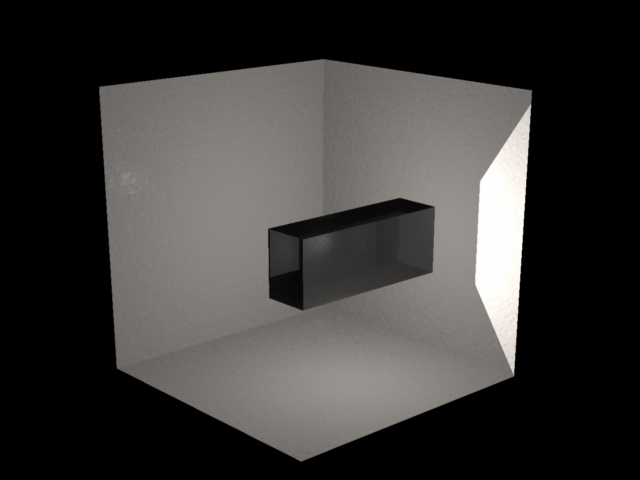
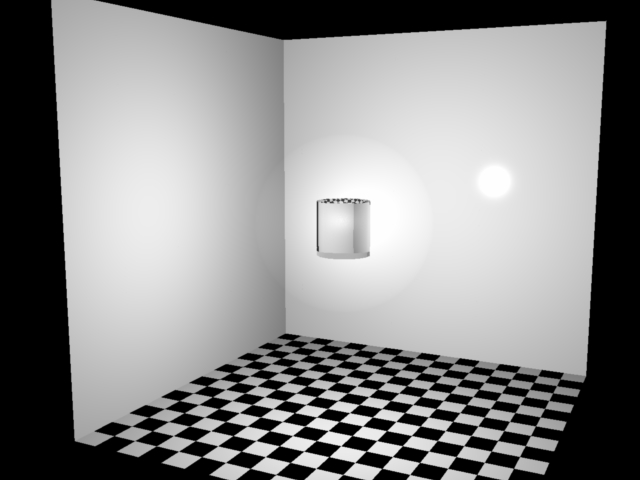
Follow me at euQfiz Digital

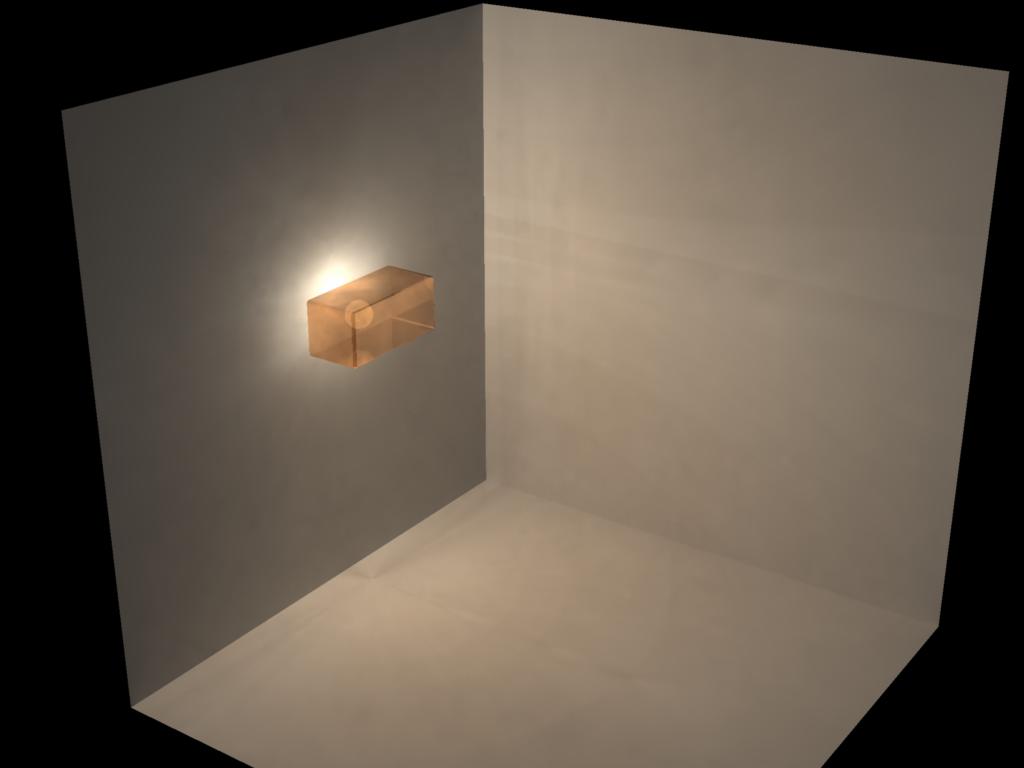
I will put this scene at Carrara Lounge so people can download... but basic the glass shader was changed to color black, index of refraction to simple glass and the transparency to about 87% nothing more.
Follow me at euQfiz Digital
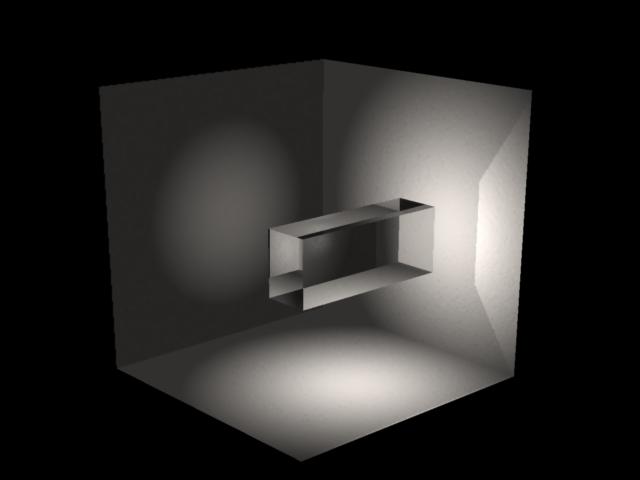
WOW! Heres what I have now. HUGE Improvement. Could someone provide a greater explaination of "Index of Refraction"? Additionally I didn't see "Simple Glass" so I tried "=== glass". In the end I'm trying to make the glass "frosted" which is why I was selecting cloudy glass. Any thoughts?
Mark,
Exactly! I plan to line some of the hallways in the image toward the top of the post with these lights.
Index of refraction: light speedy variation when it hit solid objects like glass, water and other objects, for the air the IR is 1:
http://hyperphysics.phy-astr.gsu.edu/Hbase/geoopt/refr.html
Some more IE for simulate better surfaces:
http://hyperphysics.phy-astr.gsu.edu/Hbase/Tables/indrf.html
For the cloudy glass just change the color to white, I thin will work better.
Follow me at euQfiz Digital
light rays will refract very differently thru frosted glass (both sides with rough, granular surfaces)
than thru clear or coloured glass IMVHO. however, said refraction calculations would be prohibitive
in regard to render time, hence a light source of appropriate size would likely be good enuff. but not
a point source. in case anybody asks.
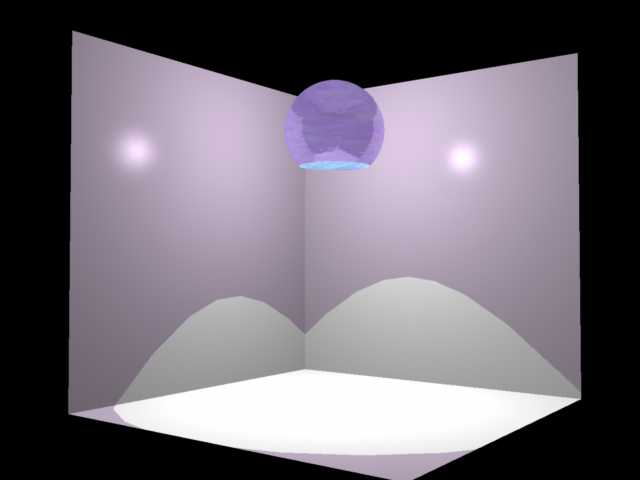
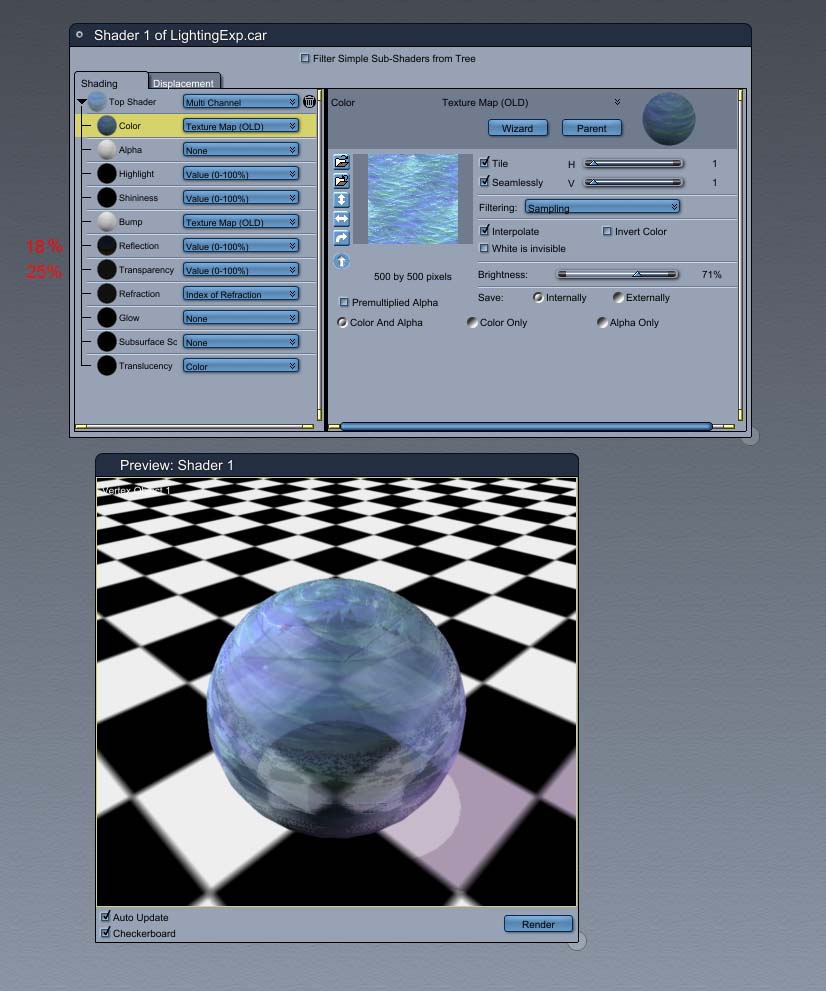
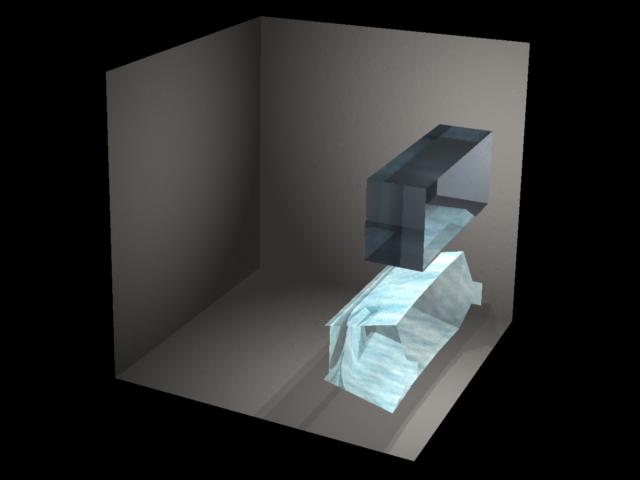
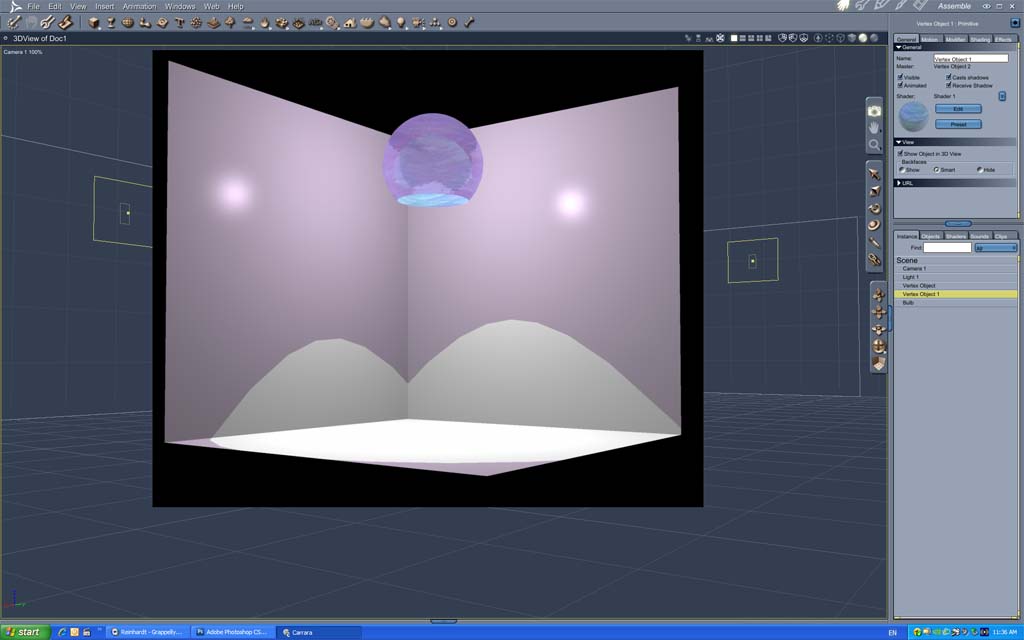
Brian, I'm not trying to make the two tone as it seems in your render. I'm more than likely going to attempt two different lights. One metalic that reflects the light and the other more lampish looking where the light shines only through cloudy glass.
I did not attempt to make any "two tone" effect? (think I am a bit lost at what you are trying to achieve maybe?)
That render is naturally about what happens when a light shines through the glass material and when it shines directly down where there is no glass between.
Brian
(The .car file attached)
bwtr
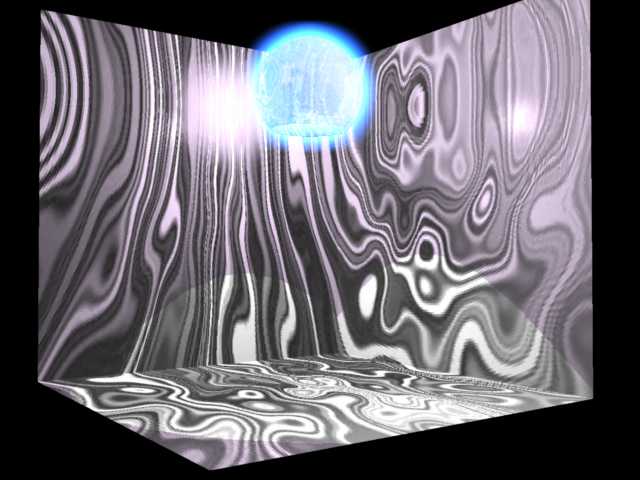
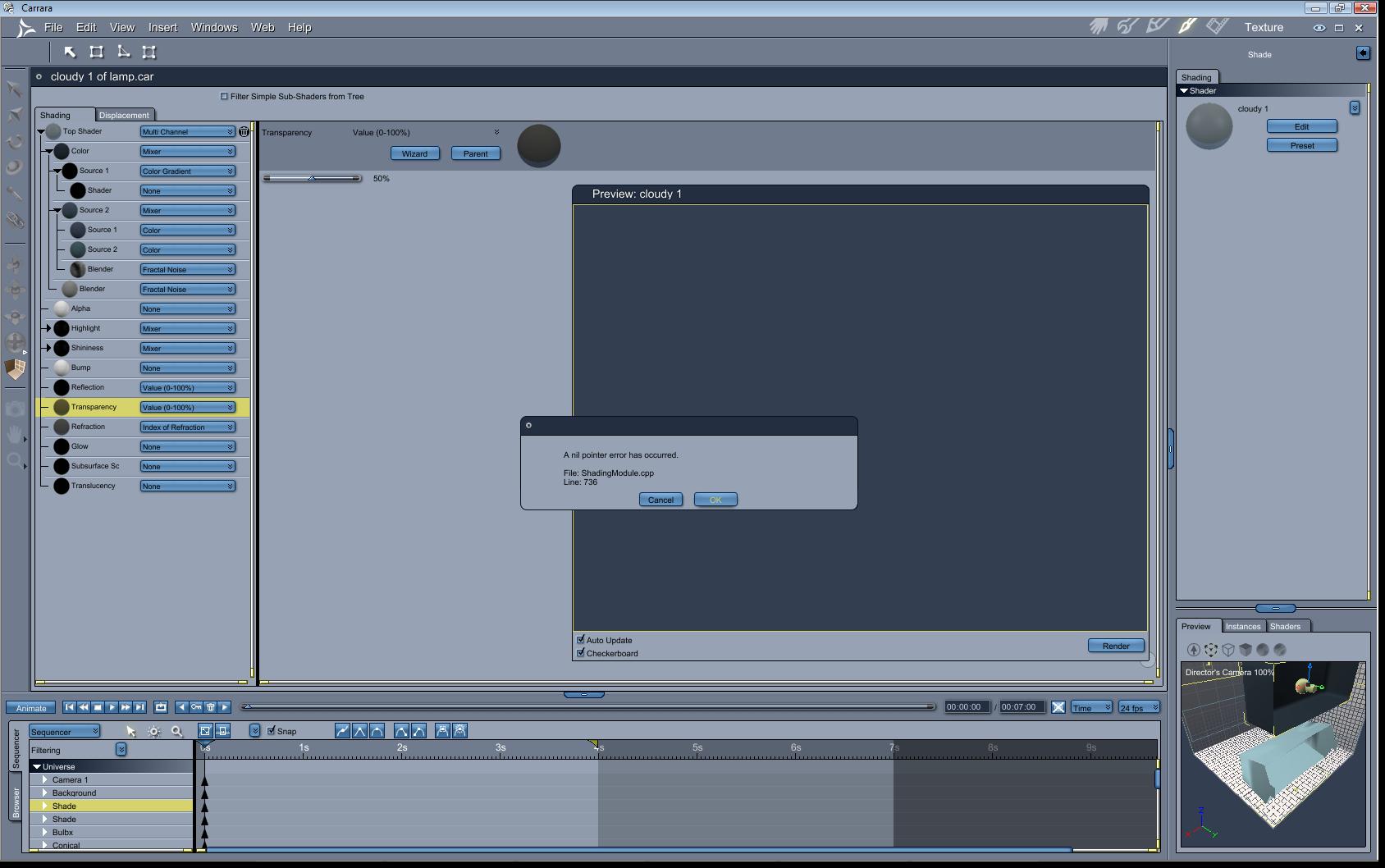
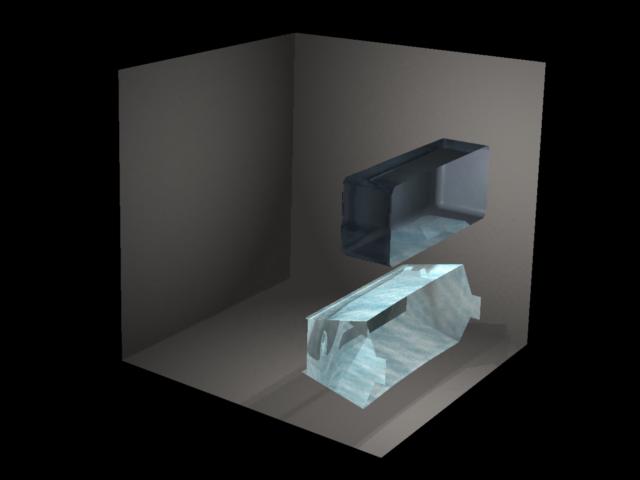
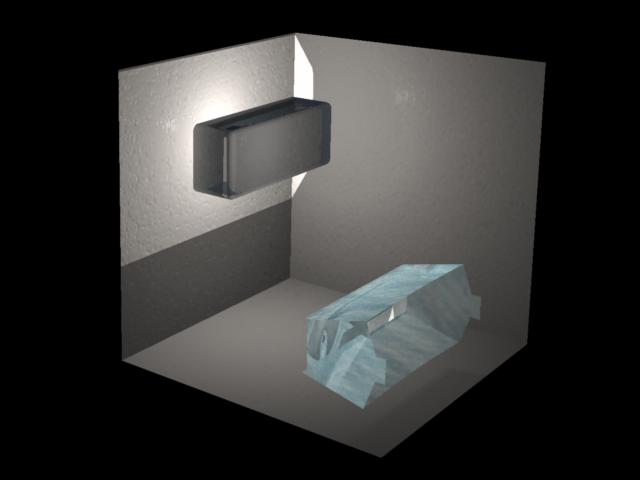
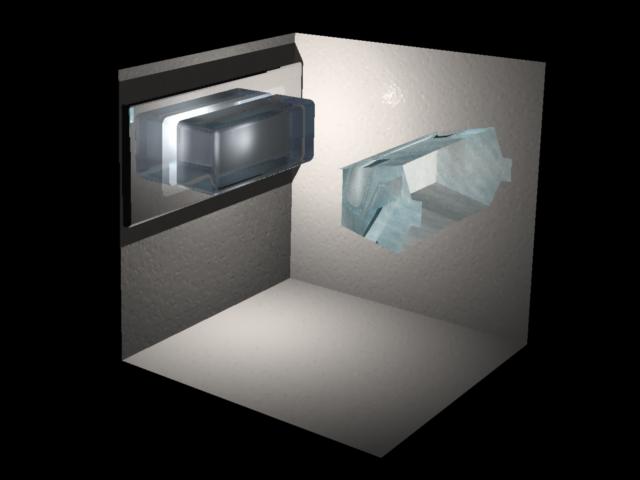
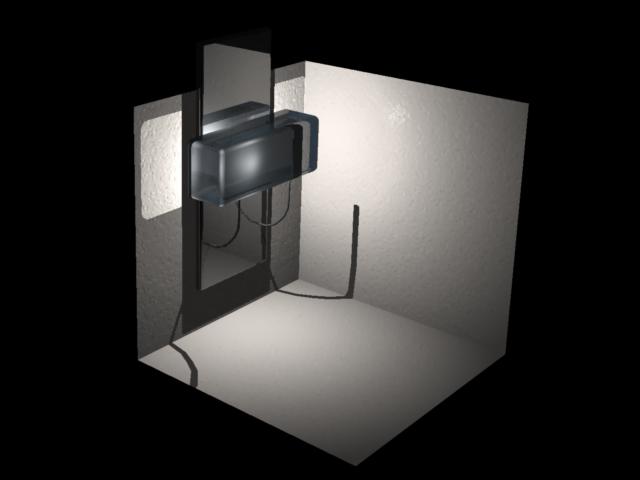
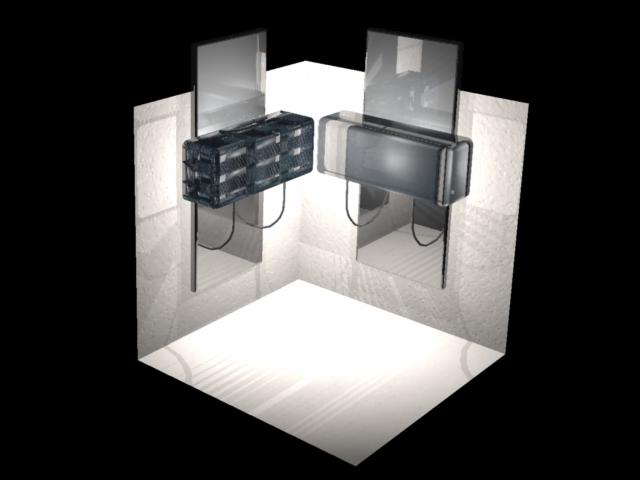
Thanks! I have no perticular heading. Just playing around till I find something good. The only downside to the one on the left is it does take quite a while to render in comparison to the other. I plan to use MANY of these in a scene to light hallways and such so it might be a better idea to use the less detailed one?

Privacy Notice
This site uses cookies to deliver the best experience. Our own cookies make user accounts and other features possible. Third-party cookies are used to display relevant ads and to analyze how Renderosity is used. By using our site, you acknowledge that you have read and understood our Terms of Service, including our Cookie Policy and our Privacy Policy.
Hello,
I'm trying to create a wall light or sconce but I'm having a lot of trouble figuring our transparancy and glow properties and I was wondering if anyone knows of a good tutorial either from screenshots or videos. Thanks!