
Renderosity Forums / Carrara
Welcome to the Carrara Forum
Forum Coordinators: Kalypso, Anim8dtoon
Carrara F.A.Q (Last Updated: 2026 Sep 09 4:39 am)
Visit the Carrara Gallery here.

Subject: Not quite reinventing the wheel

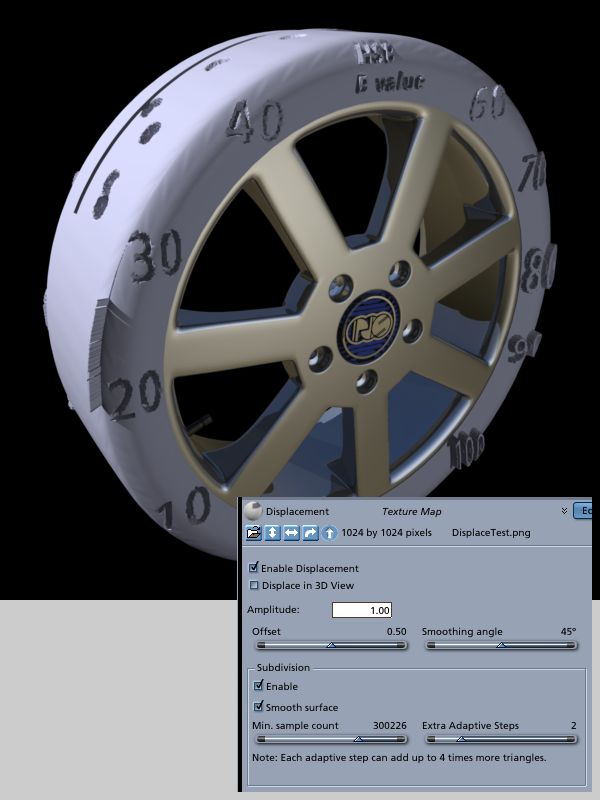
Also it seems like using displacement is quite a tradeoff for calculation time at render time. But it's either that or perhaps using a poly-bomb tire model I have sitting around, and I'm not sure if I want to stage with a couple of those in the scene.
Your friendly neighborhood Wings3D nut.
Also feel free to browse my freebies at ShareCG.
There might be something worth downloading.

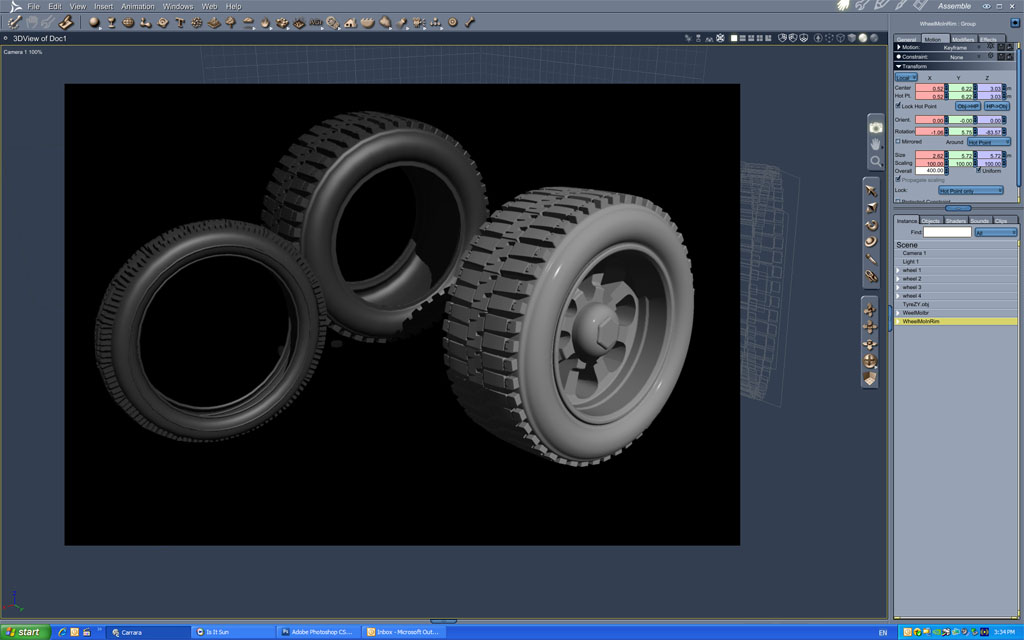
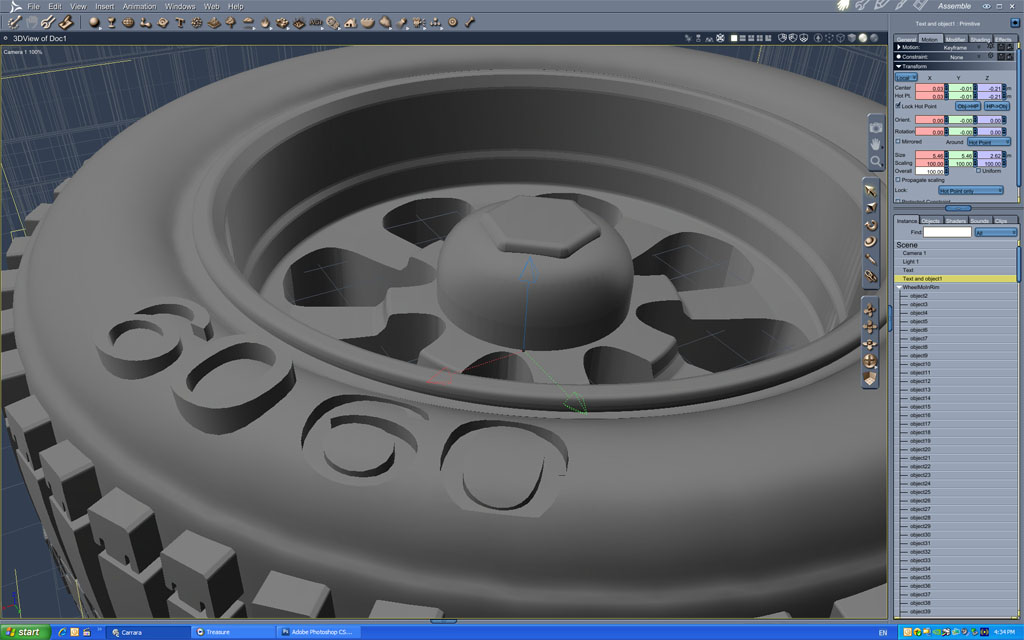
These are my efforts made in MoI for Carrara. and, with others, in the Browser.
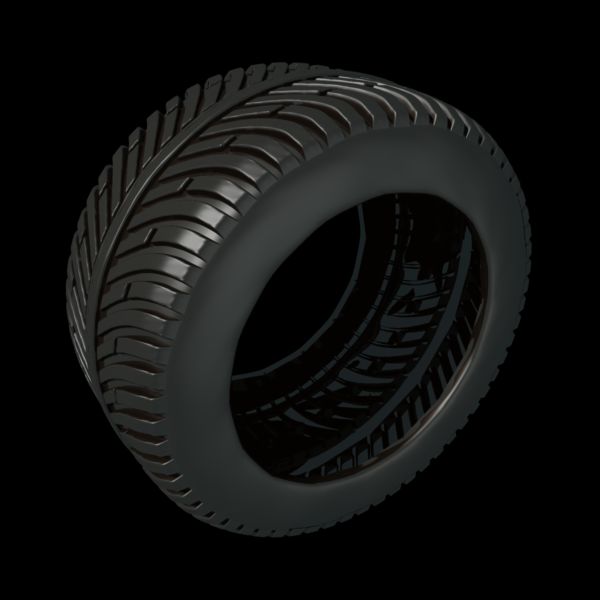
No displacement is necessary--the tread is fully modelled.
Just can not imagine getting an adequate result using displacement?
The .car file size for the tyre with rim is 3.04 MB.
(anyone can pm me if they need it)
Brian
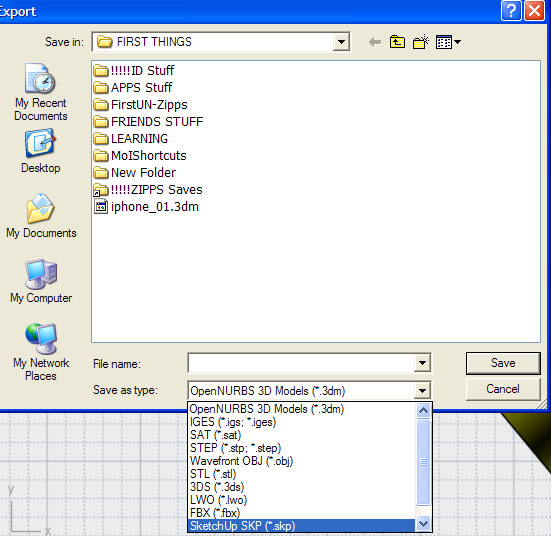
PS---any of the file type exports that I have made from MoI seem to only have part numbers
bwtr

Can you post your displacement image? You need to use gray scale to dont get those distortion...
Follow me at euQfiz Digital
Follow me at euQfiz Digital

To answer your original questions:
- I noticed that when importing objects, the various meshes that make up the model are appended with the texture name from the program they were modeled in. So is this more likely to be an export setting in Wings3D or an import setting in Carrara? Export setting in originating program
- Is there a way to select faces from existing edge or vertex selection in the Carrara modeler? I do this alot in Wings, and thought something obviously useful would be more common. I figured I could touch up shading domains this way. Carrara does not have a convert-to option. Wish it did.
- Is the modeling room normally that slow? Or is it just because I'm using an old version? (I haven't upgraded from 5.1 just yet. I've got to find the newer mag still.) I thought heavy meshes slowed my primary modeling app, but sheesh! It could be your system, it could be Carrara. Carrara 6+ has some significant improvements to the vertex operations. Obviously, meshes with more polygons take more processing power, so the most efficient way is to model low res in Carrara and use the Smooth function (kind of like Hyper nurbs) for render-time high res models.
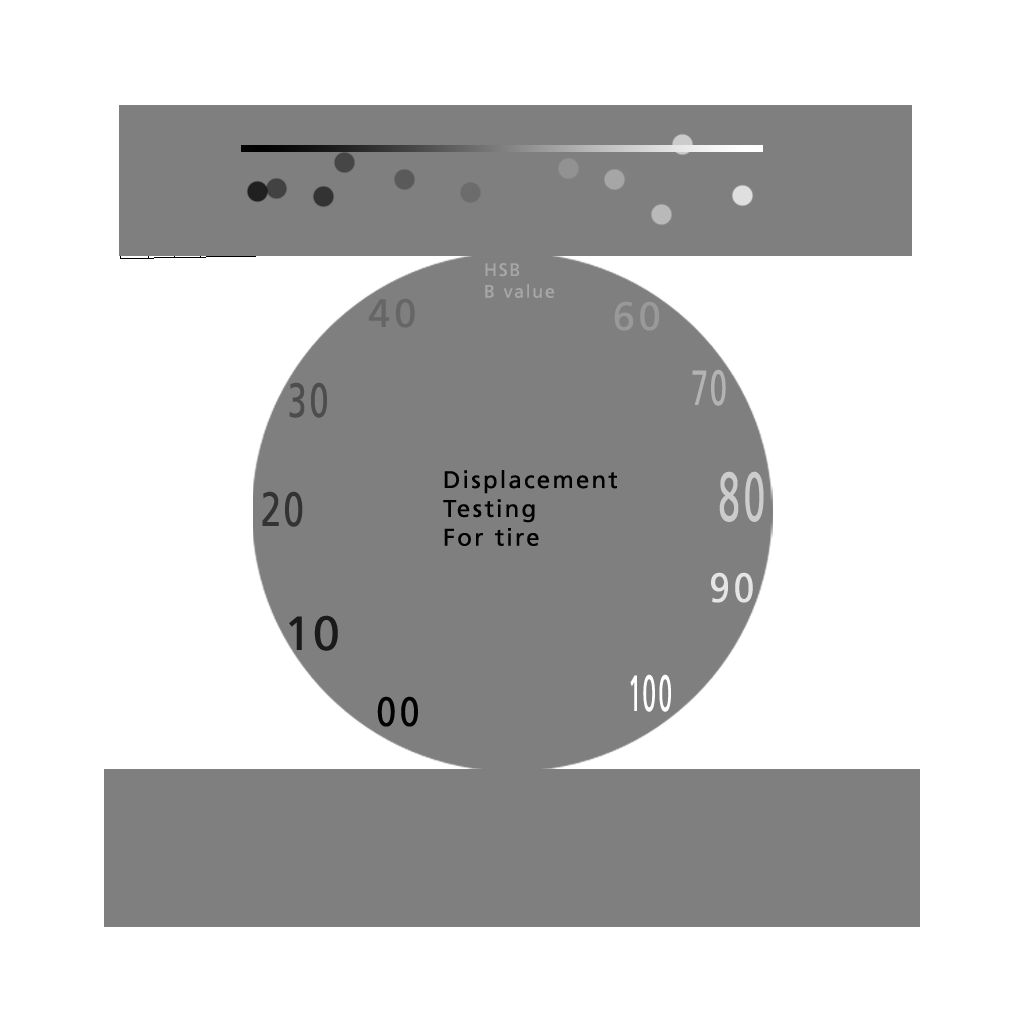
When I get around to doing the actual tread pattern, I'll do something better. But I notice already that I'll probably be using a brightness range of 30 - 70 for the sidewall stamping and siping of the tread. (Seems easy enough, since a HSB brightness value of 50% at 0% saturation is the same as using 127,127,127 in RGB, but more straight forward.)
Your friendly neighborhood Wings3D nut.
Also feel free to browse my freebies at ShareCG.
There might be something worth downloading.
Your friendly neighborhood Wings3D nut.
Also feel free to browse my freebies at ShareCG.
There might be something worth downloading.

Privacy Notice
This site uses cookies to deliver the best experience. Our own cookies make user accounts and other features possible. Third-party cookies are used to display relevant ads and to analyze how Renderosity is used. By using our site, you acknowledge that you have read and understood our Terms of Service, including our Cookie Policy and our Privacy Policy.
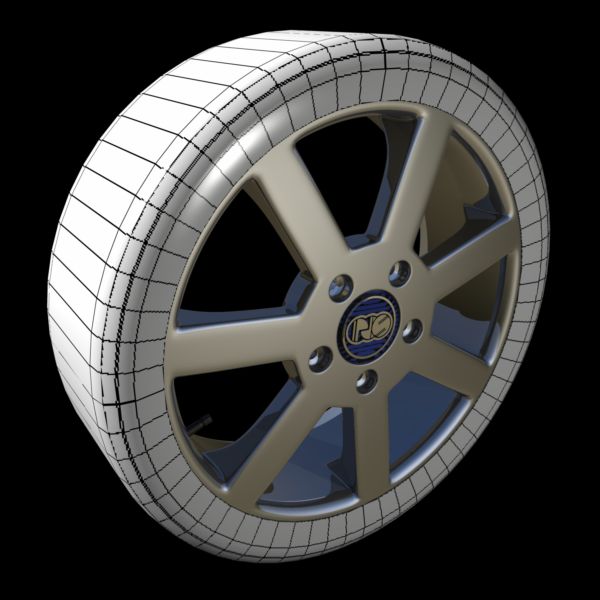
Just rendering one, that's all. But in the process I got a few questions.Other than that, things work pretty well. Did the test render seen here. Next up will be to do some displacement mapping for the tire. As for its coloring, the standard metal black-patina makes for a half-decent rubber substitute. It's just this way at this stage to show the UVs on that part.
As for why I'm rendering this wheel? I need something to inspire me to make a decent car model. I've been doing other stuff for a while and need to touch-up on the 3D again.
Barbequed Pixels?
Your friendly neighborhood Wings3D nut.
Also feel free to browse my freebies at ShareCG.
There might be something worth downloading.