
pauljs75 opened this issue on Apr 01, 2009 · 12 posts
pauljs75 posted Wed, 01 April 2009 at 11:16 PM
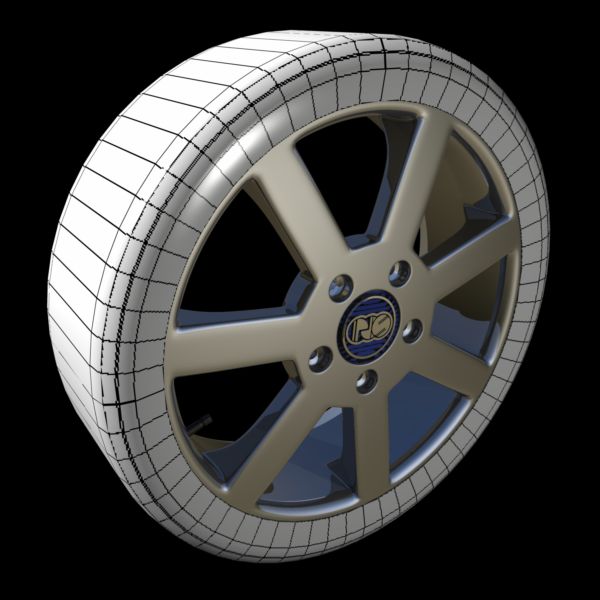
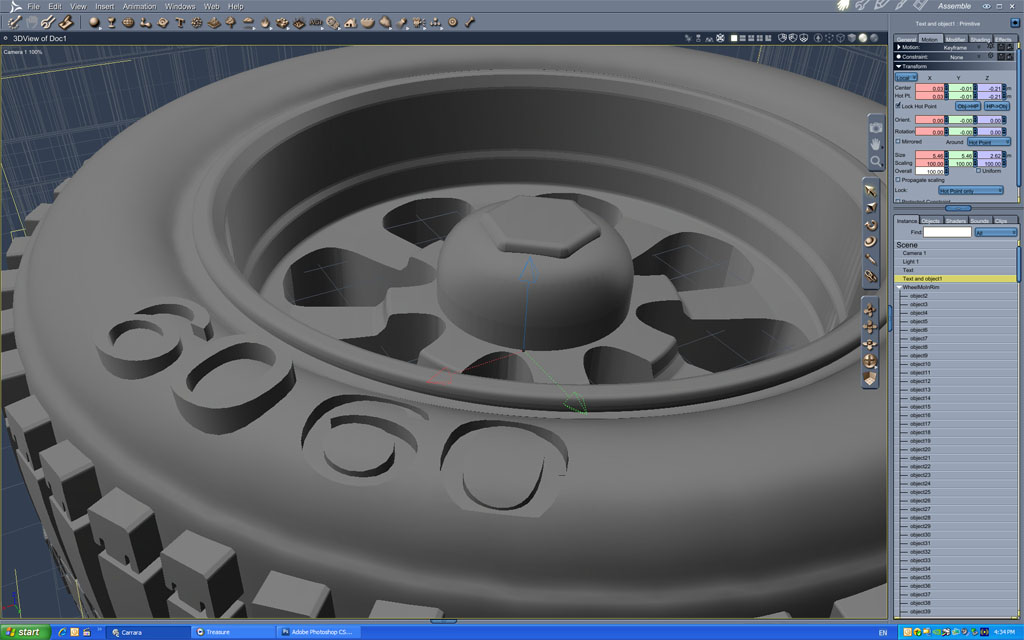
Other than that, things work pretty well. Did the test render seen here. Next up will be to do some displacement mapping for the tire. As for its coloring, the standard metal black-patina makes for a half-decent rubber substitute. It's just this way at this stage to show the UVs on that part.
As for why I'm rendering this wheel? I need something to inspire me to make a decent car model. I've been doing other stuff for a while and need to touch-up on the 3D again.
Your friendly neighborhood Wings3D nut.
Also feel free to browse my freebies at ShareCG.
There might be something worth downloading.
pauljs75 posted Wed, 01 April 2009 at 11:25 PM
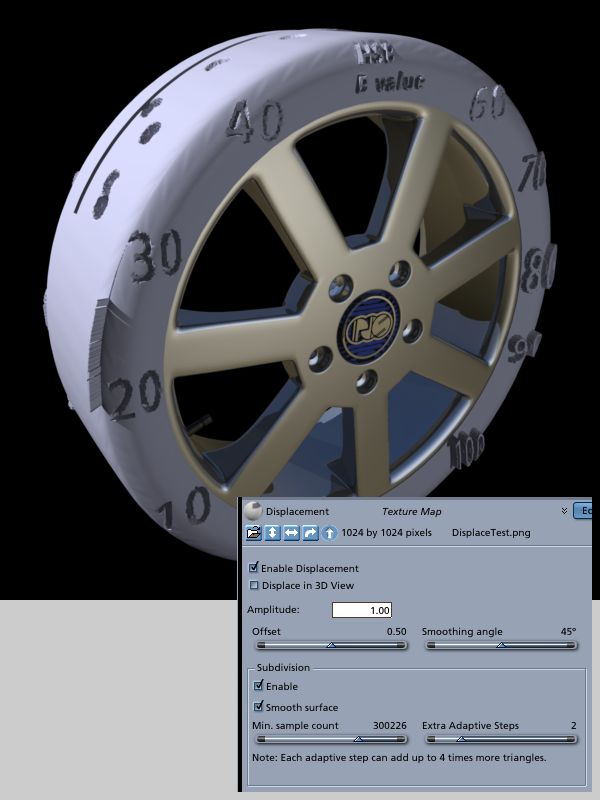
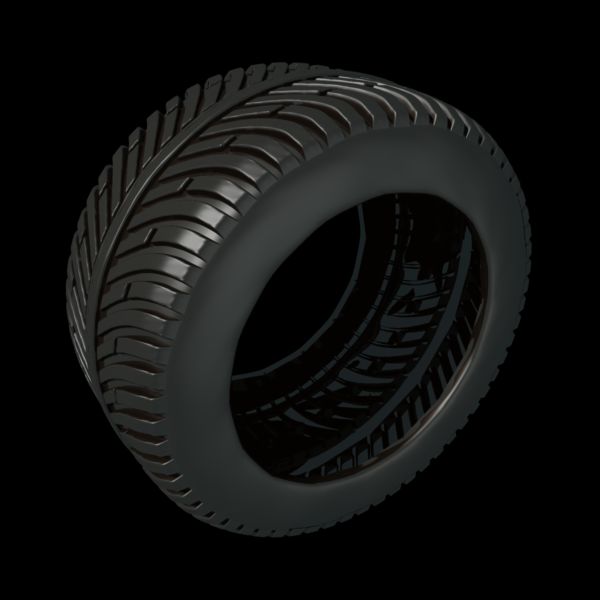
Also it seems like using displacement is quite a tradeoff for calculation time at render time. But it's either that or perhaps using a poly-bomb tire model I have sitting around, and I'm not sure if I want to stage with a couple of those in the scene.
Your friendly neighborhood Wings3D nut.
Also feel free to browse my freebies at ShareCG.
There might be something worth downloading.

bwtr posted Thu, 02 April 2009 at 12:18 AM
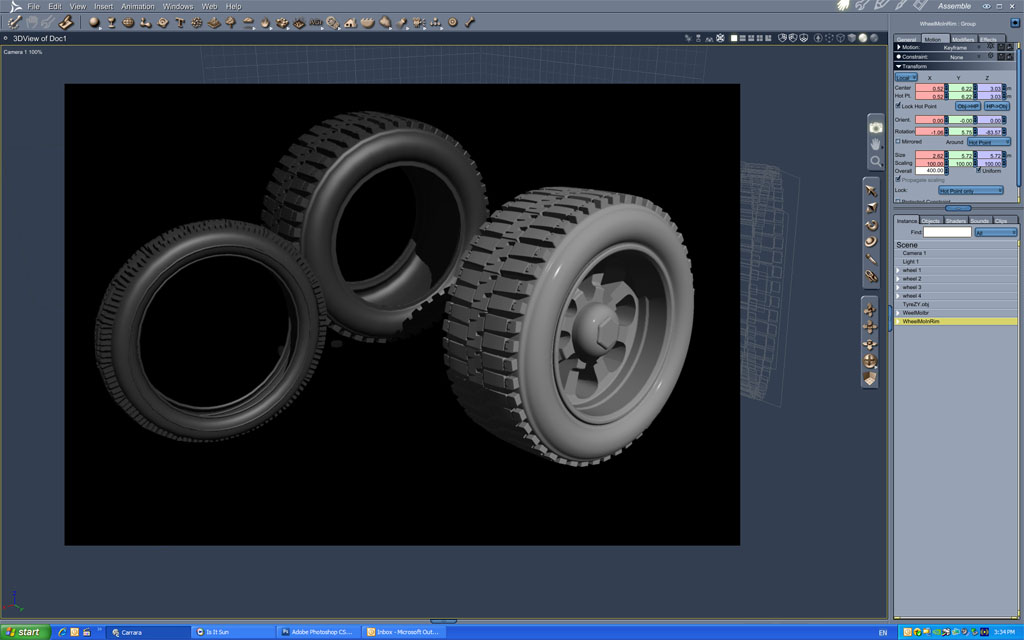
These are my efforts made in MoI for Carrara. and, with others, in the Browser.
No displacement is necessary--the tread is fully modelled.
Just can not imagine getting an adequate result using displacement?
The .car file size for the tyre with rim is 3.04 MB.
(anyone can pm me if they need it)
Brian
PS---any of the file type exports that I have made from MoI seem to only have part numbers
bwtr
bwtr posted Thu, 02 April 2009 at 12:30 AM
And another PS---Would it not be best to use the Carrara 3D text for the wheel numbers?
bwtr
bwtr posted Thu, 02 April 2009 at 1:06 AM
Brian
bwtr

GKDantas posted Thu, 02 April 2009 at 7:15 AM
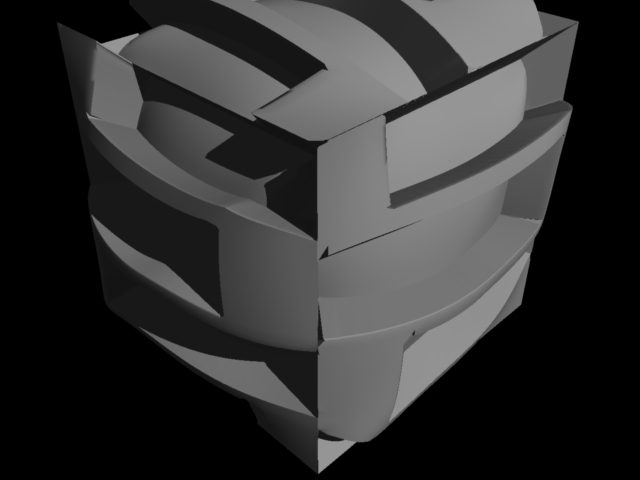
Can you post your displacement image? You need to use gray scale to dont get those distortion...
Follow me at euQfiz Digital
GKDantas posted Thu, 02 April 2009 at 7:22 AM
Follow me at euQfiz Digital

MarkBremmer posted Thu, 02 April 2009 at 9:46 AM
To answer your original questions:
pauljs75 posted Thu, 02 April 2009 at 10:51 AM
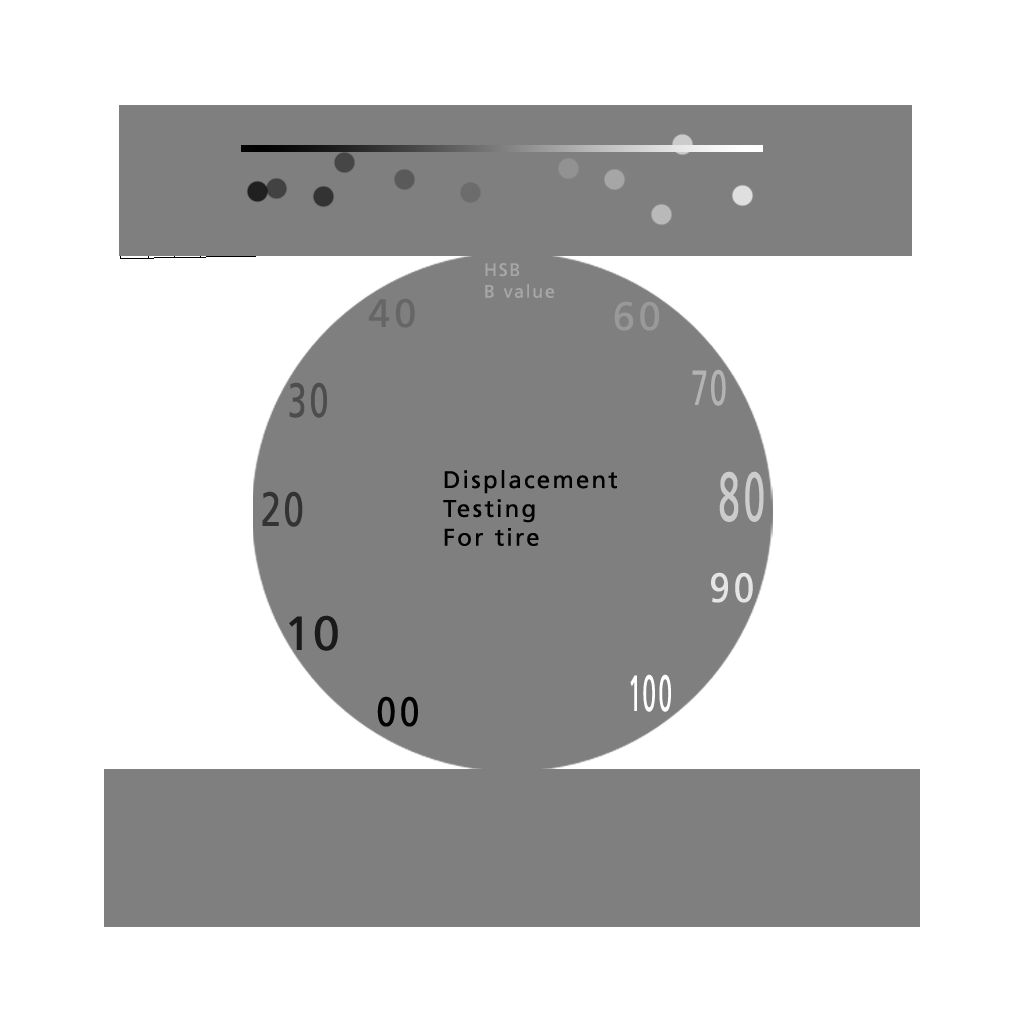
When I get around to doing the actual tread pattern, I'll do something better. But I notice already that I'll probably be using a brightness range of 30 - 70 for the sidewall stamping and siping of the tread. (Seems easy enough, since a HSB brightness value of 50% at 0% saturation is the same as using 127,127,127 in RGB, but more straight forward.)
Your friendly neighborhood Wings3D nut.
Also feel free to browse my freebies at ShareCG.
There might be something worth downloading.
pauljs75 posted Thu, 02 April 2009 at 11:22 AM
Your friendly neighborhood Wings3D nut.
Also feel free to browse my freebies at ShareCG.
There might be something worth downloading.
MarkBremmer posted Thu, 02 April 2009 at 11:29 AM
Tire tread is a huge memory hog. I've had the best luck using a UV normal map and Inagoni's Deeper to create believable tread without the file size overhead.
bwtr posted Thu, 02 April 2009 at 7:59 PM
Mark
Any chance of a small tute detailing that proceedure--for a tyre tread--- via Deeper please.
After all this time I really am not with UVs and normal mapping yet.
Brian
(The side tracking question answerer!)
bwtr