
Renderosity Forums / Cinema 4D
Welcome to the Cinema 4D Forum
Forum Moderators: CHMedia Forum Coordinators: Kalypso
Cinema 4D F.A.Q (Last Updated: 2024 Aug 27 11:07 am)

| C4D Gallery | Speed Modeling Sessions | C4D Freestuff |

Subject: Space 1999 - Project Eagle - A 3D Model In The Making

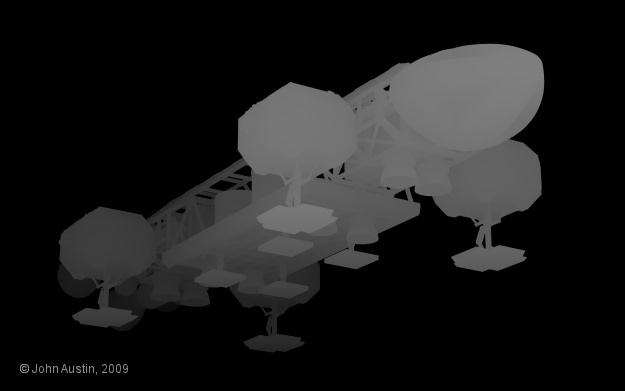
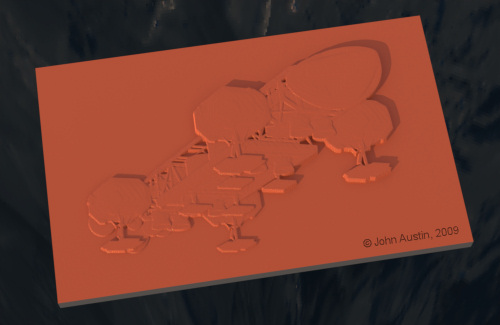
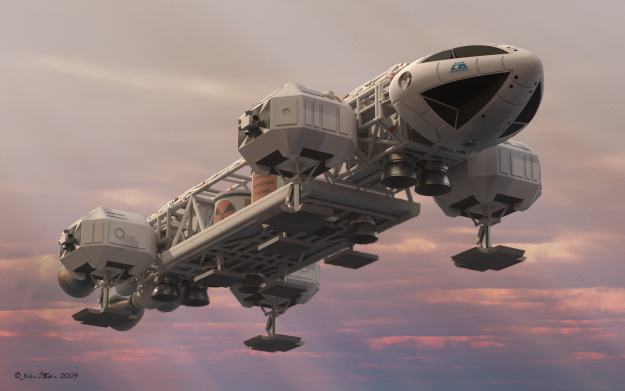
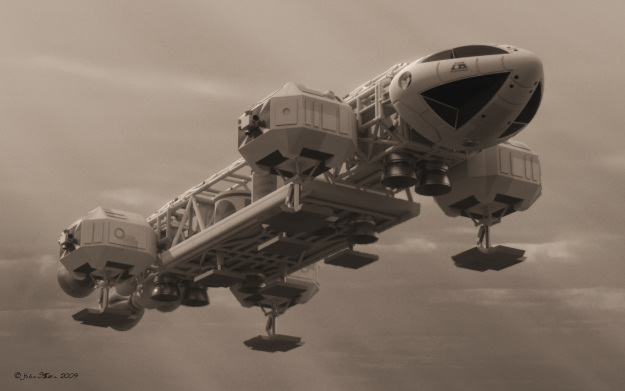

Might be a bit to much sepia like for me but stunning none the less, like them all really.
The biggest reason I like rendering in TG2, is that what your doing here with light is way out of my league. Your comment on Scifi-mesh cracked me up John "High degree of.." ;)
So I had to put in The highest... hehe All to true of course, but anyone that can't see that was not a fan. ;)
I've been playing with body paint and using the paint texture to try layering some more texture to my walker. I know it's common place for you but I haven't done it yet, so it's fun./
Mandrake7062: Thank you. I think I'm getting a bit Eagle weary now so I will leave any more significant work until the new year, Terragen 2 looks to be a very capable renderer and I suppose like all render engines the results get better each time. I'm not doing much with the light in my renders - the render engine sorts most of that that out!
At SciFi meshes, are those your Eagle renders posted just before my last one?
You are getting to grips with Bodypaint the only way anyone can. It really is exceptional software and the more you make use of it the easier it gets to use. There is something new to learn each time you use it.
Are you posting progress of your Walker model anywhere or are you keeping it secret?
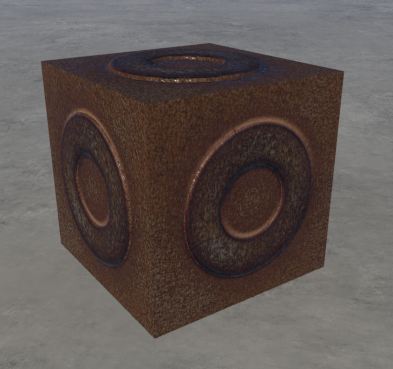
I've been to busy to do much..
There is a new release of TG2 with new obj. handling, spec and some more stuff.
So I'm doing a bunch of testing with it, and some body paint stuff.
Nothing to exciting. The new render engine is proving hard to get a grip on for some reason, can't put my finger on it, light on the obj to bright, object to flat... may just be me, don't know yet


Well i had been working on texturing the walker when something bad happened. The screen went to nothing but tiny squares that blinked different colors..
I blew my brand new ati card, I put a cheapo card in and it ran fine. :(
I need to send that back, I hate rma work!!!
Frustrated I stole your pov and tried a render...
http://www.kdf-computers.com/download/eagle03.jpg
Chris: Thank you. I hope Eagles 2 and 3 will be faster to make. I can use quite a bit of Eagle 1 so that should help. I've thought about a tutorial for the command module and have concluded that this can be done when I make an improved command module. Although, earlier in this thread, I included preview renders of the command module when it was being made.
strata: Thank you. The sepia tint also disguises the poor environment I used. Next one should be much better (hopefully!).
Mandrake7062: Shame about the card. Reminds me of an earlier system - the mainboard decided to die and it took ram and processor with it. That was costly!
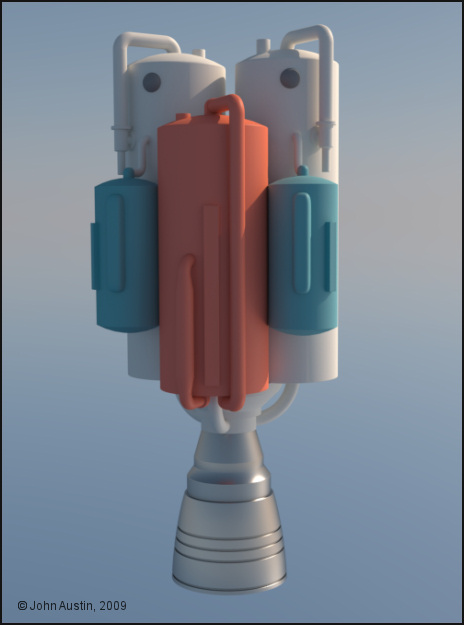
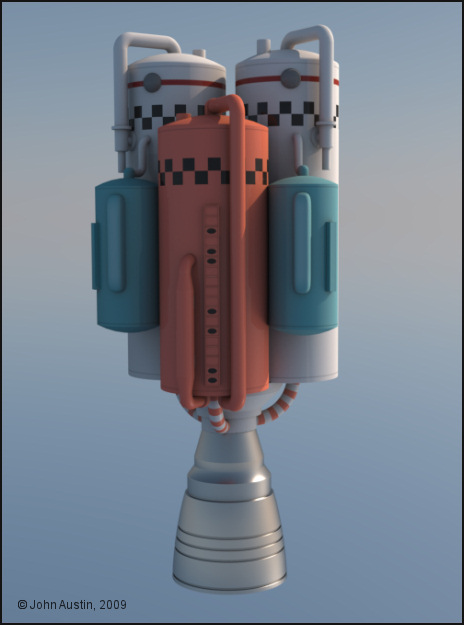
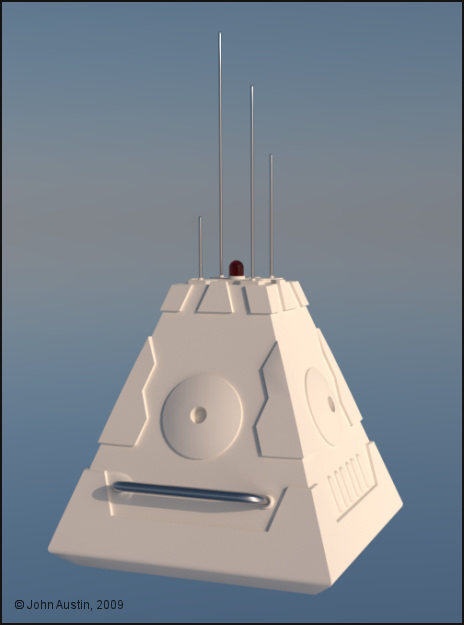
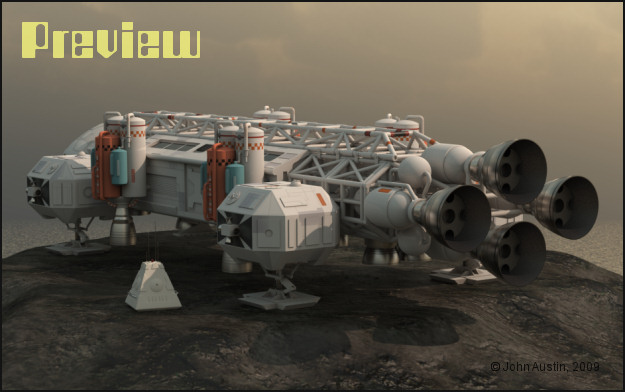
This is roughly how the 3rd final render will look - I've done more painting to the Eagle. Dirt/dust is being added a bit at a time during the course of the renders. The side boosters now have a more accurate colour scheme - the 'DANGER' sign wasn't on the original boosters and my addition is a scanned decal from an old Mercury Capsule and Atlas Booster model kit. Still some things to do with the terrain/environment.
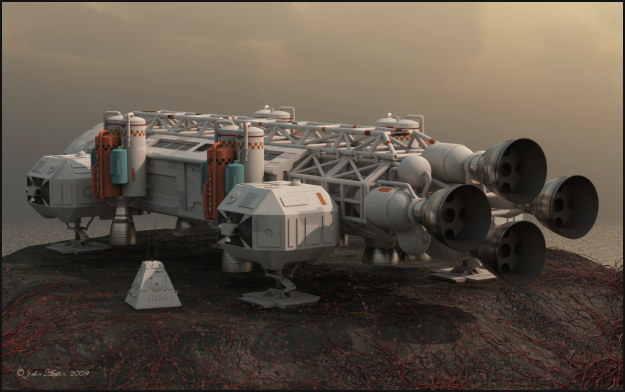
Awesome renders Becco!!
I need a global cloud system! This is an ice planet, don't know about the physics of the moon though. too close I'd guess.
http://www.kdf-computers.com/download/EagleIIceplanet02.jpg
Mandrake7062: Thank you. I like your render of the Eagle and the moon. I suppose you know that the landing gear is not in the extended flight position - hydraulic failure! I still haven't made my Eagles' landing gear workable - at present I have two sets, one raised and one lowered so I switch them on and off to suit whatever I'm doing.
My Eagle 1 is useable. At some point I will converting this Series 1 Eagle into Eagle 3 complete with a lab pod and spine boosters. Before then, other adventures loom.
Thanks to everyone for comments along the way - they helped keep the motivation going to finish the Eagle.
I have caught some comments about the landing gear but they all think that it should go all the way up into the pod while in flight..
I tried a couple of global cloud systems, they are very difficult, and I thined out the stars.
http://www.terragen.org/gallery/displayimage.php?pos=-6154
Mandrake7062: The landing gear of the real model always extends when in flight - there is no mechanism to retract it so gravity takes over. In the landed position the landing gear tube simply compresses against a spring. The landing gear could not fo all the way up into the side pod without major alterations and doing so would mean the Eagle is no longer an Eagle. Of course, how you present your model is entirely up to you :-)

Becco, can I ask you a question you may well laugh at? ;)
Seems like you should be able to do it somehow but it's got me stumped..
Is there a way to take the baked obj ao "dirt map" and remove all the white so it's transparent except for the shadows, so it could be added on top of a layer then faded back?
Mandrake7062: I suppose there is a few ways to do that but the method I use is:
1. Bake the object at the same size as the objects texture map.
2. Open the objects texture in your paint software. Create a new layer and fill it with your desired dirt colour.
3. Open the Ambient Occlusion bake in the paint software.
4. With the object texture selected, use the ambient occlusion as a mask from image on the dirt layer - change opacity to suit your requirements (this works much better than Cinemas' straight AO).
Can't be more detailed than that because I use Paint Shop Pro and whatever you use may differ to get exactly the same end result.
Have fun :-)
I hope I have it now.
I dragged the ao layer over and dropped it on the top of my layers.
Right clicked on it and choose Clip Layer.
I can't be positive yet but I think this is turning the white transparent and I can scale back the opacity.
It's tied to the layer just below it.
I think this should be a big plus, thanks again Becco.
Attached Link: Outer Rim Vue Atmospheres
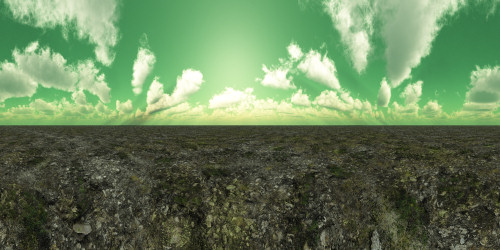
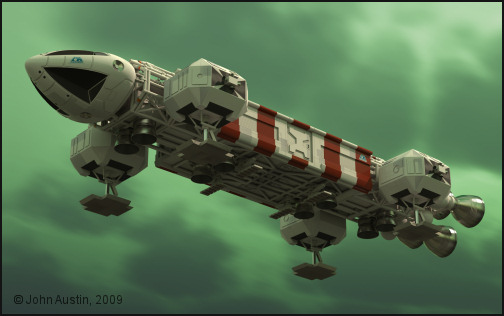
Mandrake7062: I was doubtful about using a green sky but thought I would try something different. A lot of detail has been lost in the small image. The lighting is a balancing act between Maxwells' sun (with a reduced colour temperature and ambient lighting from the vue sky. I didn't want a fully green Eagle so the ambient lighting is only contributing about 15% of the total lighting. Still some work to do before completing this image though - including rendering a z-depth image, mainly for controlling scene mist.
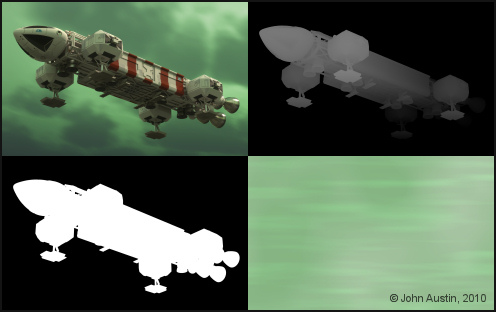
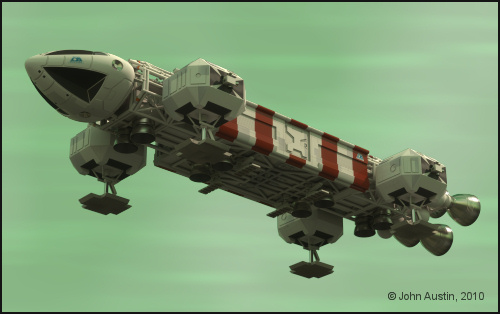
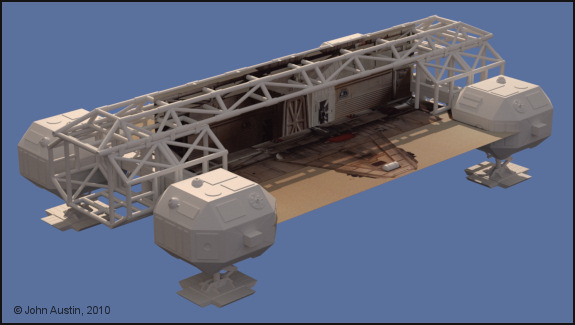
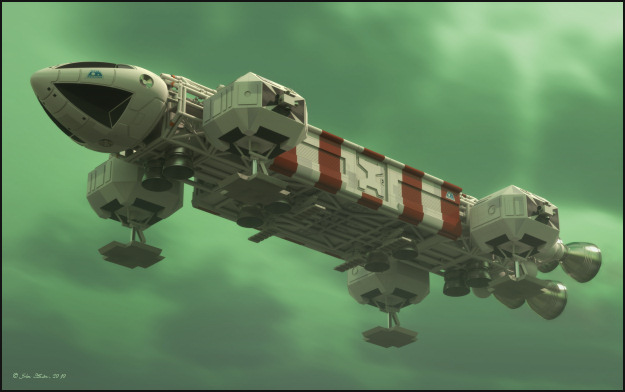
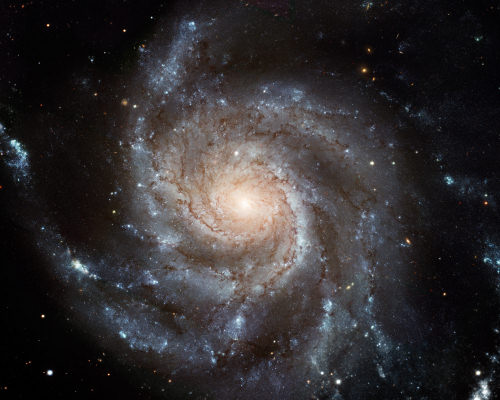
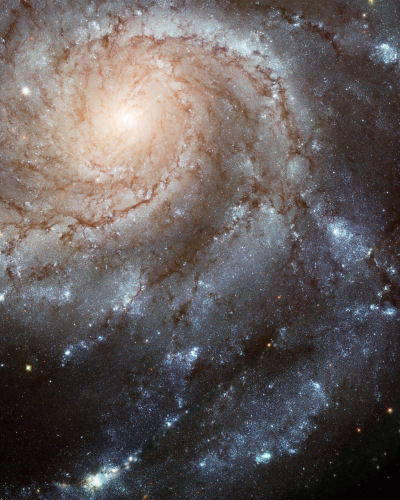
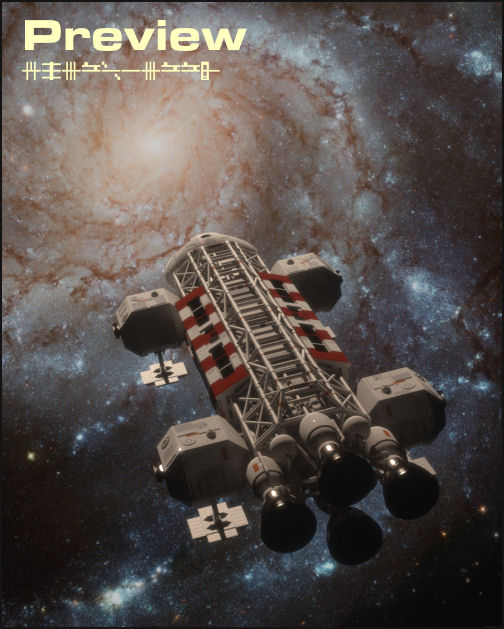
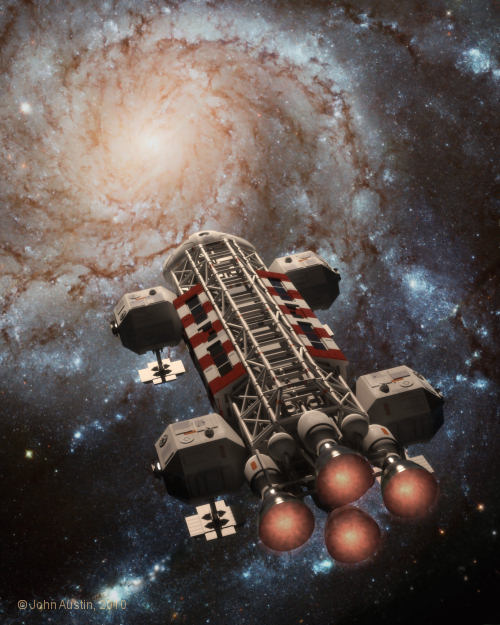
Image courtesy of: http://hubblesite.org/gallery/printshop/ps21/

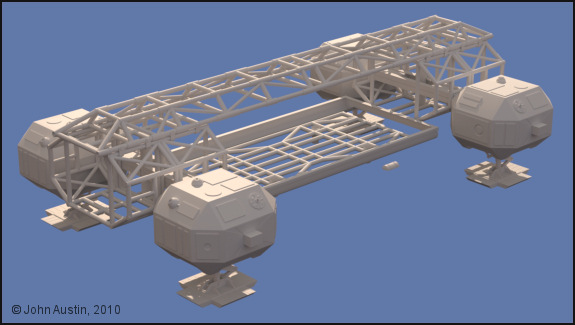
What's left is being used to check dimensions and positioning. The pods' connected tube framework looks accurate when the overlaid on the reference photos' I'm using.
However the base side rails wil need to be redone to improve their profile shape. So those parts will be the next bits to form and from there the remainder of the Lab pod looks straightforward enough to complete.
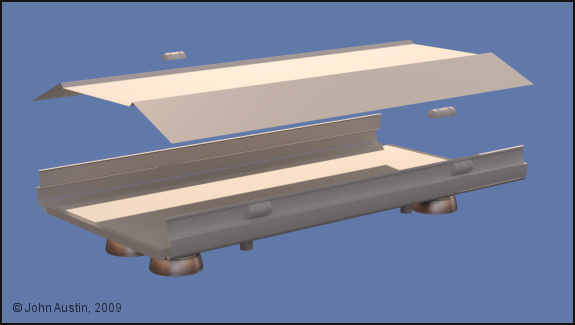
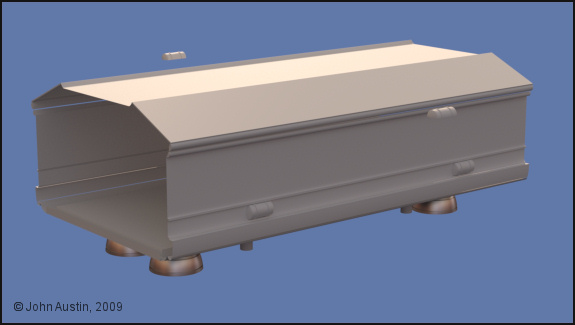
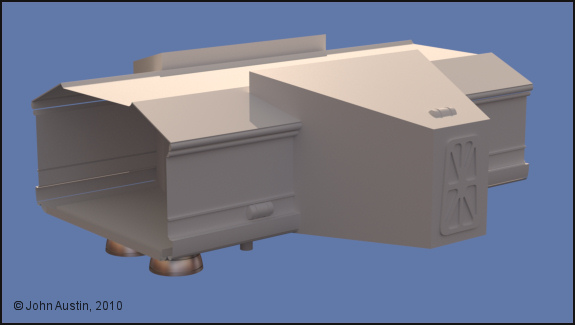


Privacy Notice
This site uses cookies to deliver the best experience. Our own cookies make user accounts and other features possible. Third-party cookies are used to display relevant ads and to analyze how Renderosity is used. By using our site, you acknowledge that you have read and understood our Terms of Service, including our Cookie Policy and our Privacy Policy.
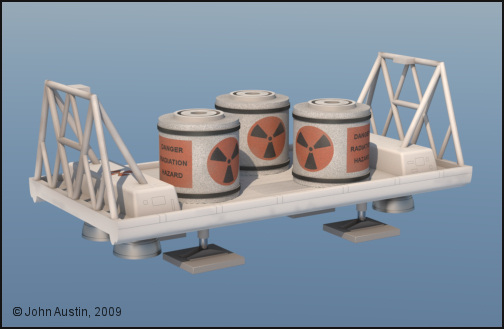
**smokeyC4D**: Thank you. I hope in time to get this Eagle nicer. At present it's what I would decribe as being useable.The Cargo Pod and Waste Containers have had some texture adjustments that may improve the next full render of the Eagle. I've decided that any additional dirt/grime will be added gradually.