
Renderosity Forums / Carrara
Welcome to the Carrara Forum
Forum Coordinators: Kalypso, Anim8dtoon
Carrara F.A.Q (Last Updated: 2026 Sep 09 4:39 am)
Visit the Carrara Gallery here.

Subject: ANY GOOD TUTORIALS ON BUILDING WATER?


i find the best way to add water is to put a turbulance on a plain and mess around with the scale. i would put some sort of terrain under the water and give a transparency of about 20 % and add a reflection value of arond the 80% mark. beyond this, its all about personal taste so experiment until your happy. keep up the cool work :-) joe

Kelley - I have had a lot of success using a tarrain as the water surface rather than using a flat plane. Reduce the height of the terrain to the height of the waves you want to simulate and also adjust the scale of the terrain noise to simulate the radial size of the waves and then apply your water texture. I also find that using "fake fresnel" (shader-ops) or even the "proximity" (shoestring shaders) options to adjust the transpacency of the water with a separate terrain underneath makes for some awesome looking water. Best of luck to you and I look forward to seeing what you come up with!
I almost had something worth looking at...and Carrara froze up on me last night. 'Will start again tonight.
EnumaElish: I got through most of your advice with good results, but could not get the "Turbulence" to rough up the surface of the rect.prism that I was using for water. Is a bump map required?
gavotte: I like the idea of using a terrain as the water itself, but the 'Shader Ops" and 'Shoestring Shaders' are third-party plug-ins are they not?
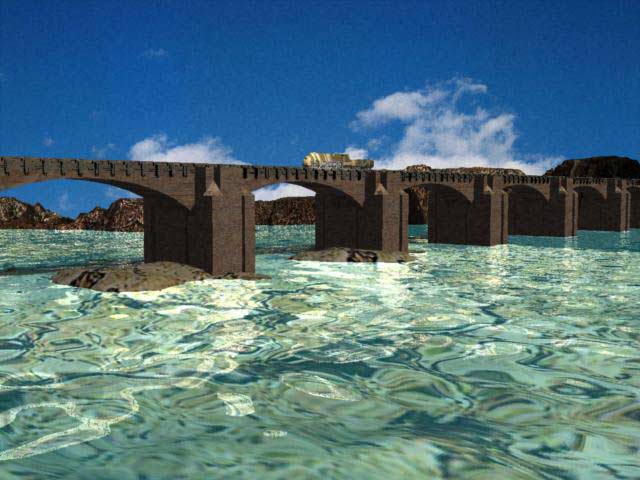
Anyone know how to bring in some of those righteous sky scenes that are offered when you open a new document? This is just rendered over a pic. from a CD of stock photos.
Try reducing the reflection slightly(80% maybe?), and try putting an index of refraction in the refraction channel... That should help with the transparency... The skies, select the scene in the assembly room (click Scene in the properties panel scene tree)... Then set the Atmosphere to Realistic Sky or sky, and select from the presets the one you want...
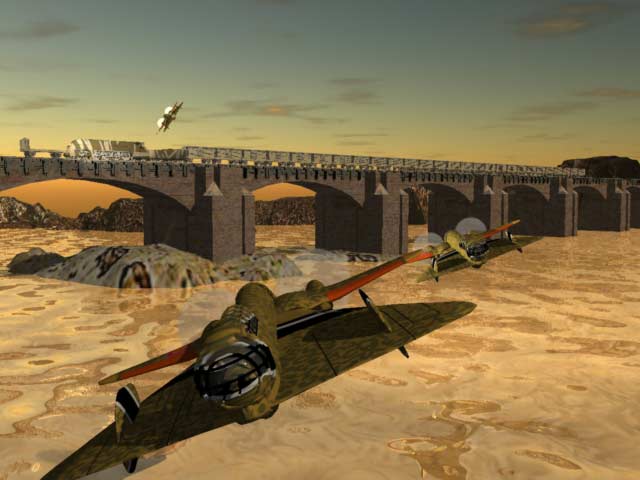
Not bad. I'd decrease the scale of the texture on the rocks, and add the same texture used into the bump channel (or modify the used texture and convert it to grayscale in an image editor and reimport). Also, randomize the waves a bit by adding a noise channel to the existing texture in the bump channel of the shader that makes up the water. I'd also add a DOF to the image. Brian

Maybe put the sun (and light source) just above the horizon so you'll get some reflection of it on the water.
www.youtube.com/user/ShawnDriscollCG
Use the sky AS your light source and go for lunch... dinner... and probably breakfast before it's done rendering! ;) But it would probably make it really fantastic with all the nooks and crannies of the bridge and train just waiting for a good GI render! And don't forget to turn off the ambient light. Looks great! Nice modeling and composition.

Privacy Notice
This site uses cookies to deliver the best experience. Our own cookies make user accounts and other features possible. Third-party cookies are used to display relevant ads and to analyze how Renderosity is used. By using our site, you acknowledge that you have read and understood our Terms of Service, including our Cookie Policy and our Privacy Policy.
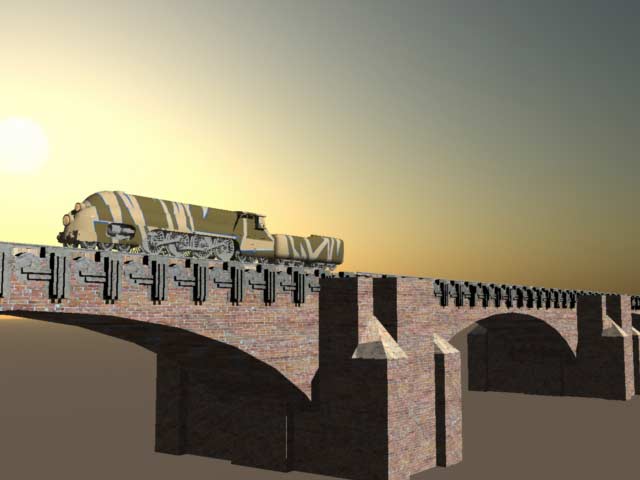
I'm just starting to dive into building landscapes in Carrara 4.3 and could use some good tips on making water. I've got the train crossing a broad river. Or lake. [If a suggestion refers to the .pdf, please give specific page numbers. I hate groping about in the .pdf. Never can find anything.]