
Renderosity Forums / DAZ|Studio
Welcome to the DAZ|Studio Forum
Forum Moderators: Wolfenshire, msansing Forum Coordinators: Lobo3433
DAZ|Studio F.A.Q (Last Updated: 2026 Aug 06 6:42 pm)


Subject: about DAZ Studio6


You can install both DS4 and DS6, they won't conflict with each other. But there's been a lot of complaints especially with the viewport speed so I wouldn't jump on installing unless you need to. Haven't tried it myself yet, just going by the discussion over at the Daz forums. https://www.daz3d.com/forums/discussion/763286/what-actually-is-new-in-daz-studio-6


Or use dForms, or a Push modifier with weight maps (a dForm rotates, trasnlates, and scales - but rotation is from a fiixed point; a Push Modifier moves the model in or out at right-angles to the local surface, which can be better for some kinds of poke-through fixing). Or do the fitting in DS 4 with mesh Grabber, bake to a morph, and open the scene in DS 6.

I waited until I resolved some issues with main system, so installed Daz6 yesterday. As mentioned, it installs as a separate program so nothing is changed to ver.4.
Initially, it seems snappier in most aspects.
Wish there was and (maybe there is/will be), a way to import menu items, Workspaces, and such from 4.x.
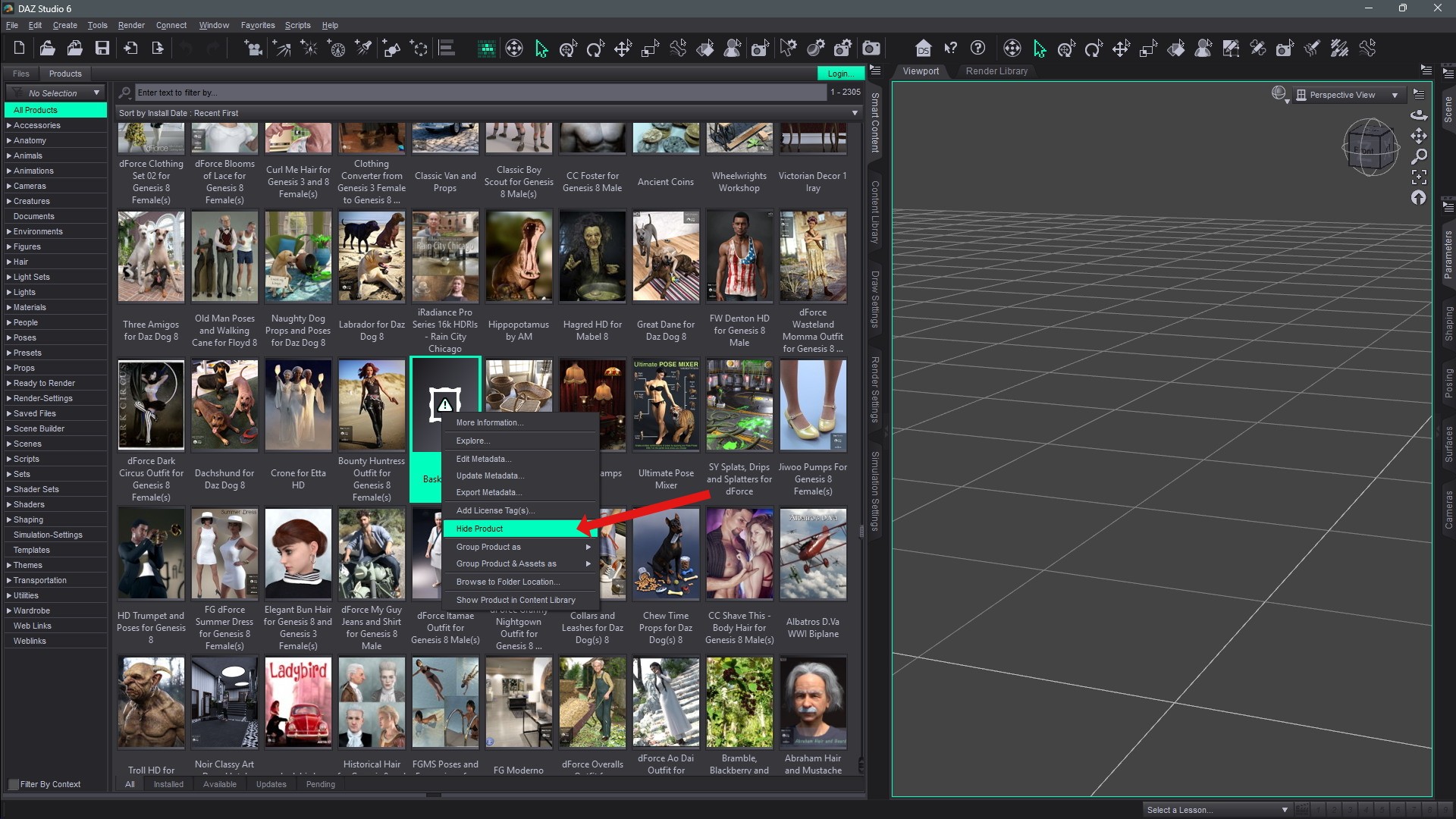
Still kickin' the tires, but my "biggest" new favorite thing so far is this little item:
They charge you 19 a month for Sculptor. (Nobody cares about the rest of Premier)
You may not care for other featues, but that is not the same as no one caring. In any event there are other tools that will allow you to achieve the same end-result, I certanly never felt the need to buy Mesh Grabber when it wsa a AP tool in previous iterations (and if you have any of those they still work in DS4, so you have the option of saving a scene from 6, opening 4, doing the work, baking to a morph, and opening back in 6).
I hear Poser now has Cycles like materials, but if I had to invest that sort of money right I#d rather have a look at CharacterCreator.
How do "Cycles-like" materials differ from any other kind of PBR, such as Iray Uber base?

You can transfer scenes between versions, in general most tools do somethign and then stop so once you have saved the scene after using them you can open it in the other version. Mesh Grabber is one exception, unless you are a Premier member and use Geometry Sculptor, but you can bake its effects to morphs in DS 4 and they will work in DS 6.


I have been using Daz Studio 6 and well it is a bit different. I still use my older versions of Daz Studio because I have invested heavily in plugs/tools for those versions. If I just want to render basic stuff with no special effects I use Daz Studio 6. Never got on the premier wagon because it just did not interest me.
Daz Studio 6 has AI chat, haven't used it and probably never will. As long as I am able to use the content I have purchased I am not going to complain.
I run Daz Studio 6 and 4 simultaneously. I create whatever I want with Daz Studio 4 and apply plugins and or affects then export it out to a new name and use the item in Daz Studio 6. Very simply work around.

Privacy Notice
This site uses cookies to deliver the best experience. Our own cookies make user accounts and other features possible. Third-party cookies are used to display relevant ads and to analyze how Renderosity is used. By using our site, you acknowledge that you have read and understood our Terms of Service, including our Cookie Policy and our Privacy Policy.
EXcuse me! What is systemrequirements of daz studio6? Can daz studio6 run with any rtx30/40?
And Can daz studio6 run with rtx5070?
And Can Can daz studio6 and 4.24 both installed in one desktop? TH
TH
Thanks.