
Renderosity Forums / Carrara
Welcome to the Carrara Forum
Forum Coordinators: Kalypso, Anim8dtoon
Carrara F.A.Q (Last Updated: 2026 Jun 30 12:55 pm)
Visit the Carrara Gallery here.

Subject: Displacement problems...


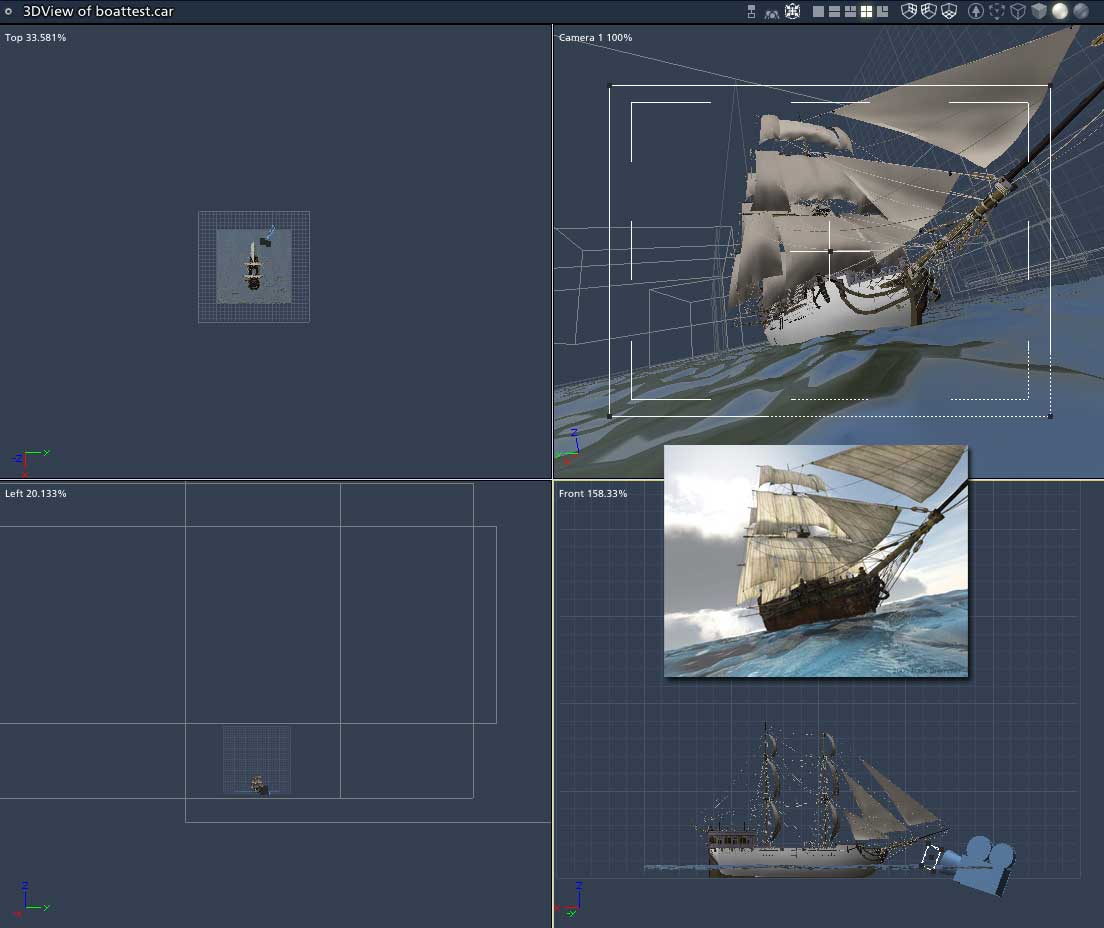
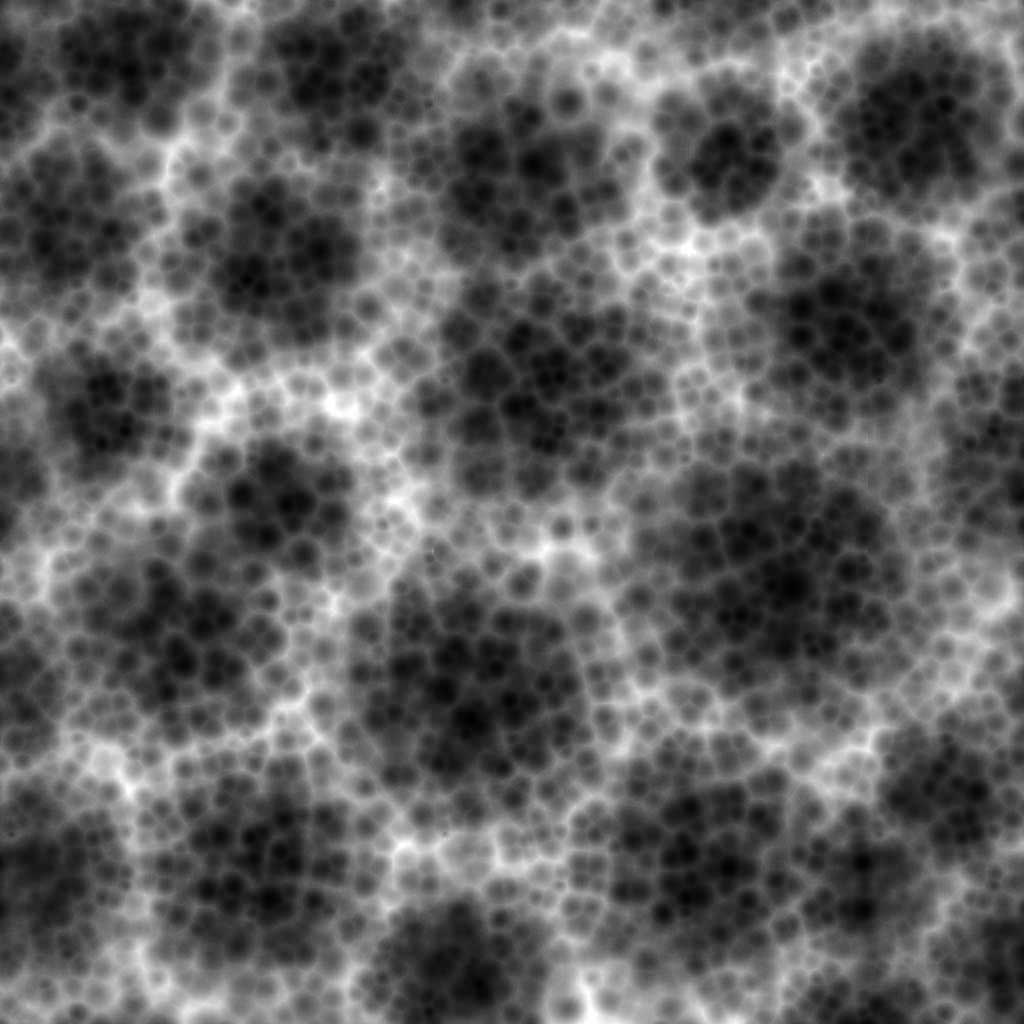
I've tried both terrains & infinite planes(to apply displacement to)....the plane was going to be water with displacement & the above is a terrain with a texture map appled & a greyscale map applied as diplacement.
I have left the setting as is but still get the triangles in both instances :(. With settings left at default...the triangles are bigger.
Message edited on: 02/28/2006 12:39
Terrains need to be displaced from within the terrain controls themselves (use the mapping features there instead of trying to use the displacement tab). Infinite planes only displace on the primary tile and no further. For expansive water, a single plane (not infinite) replicated or duplicated will be required to receed into the distance. You can add an infinite plane that sit's slightly below the tiled planes to extend your water to the horizon.


Privacy Notice
This site uses cookies to deliver the best experience. Our own cookies make user accounts and other features possible. Third-party cookies are used to display relevant ads and to analyze how Renderosity is used. By using our site, you acknowledge that you have read and understood our Terms of Service, including our Cookie Policy and our Privacy Policy.
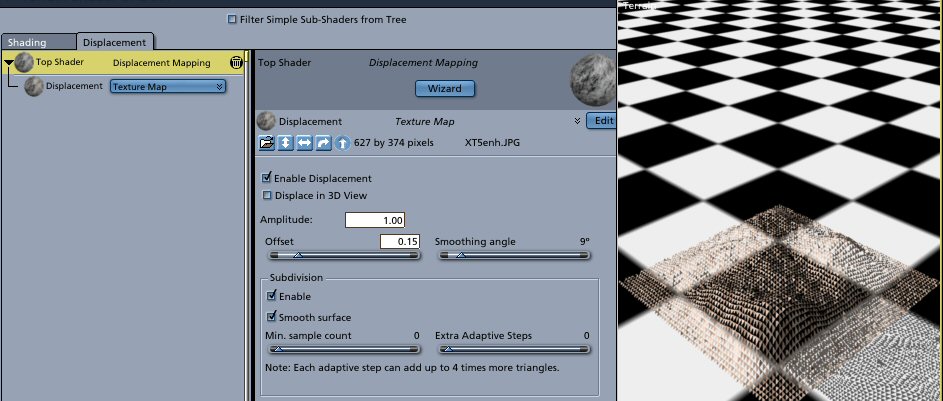
Whenever I go to use displacement now the mesh or items turns into all triangles. Doesn't matter if subdivision is turned on or not. I have a texture map I'm trying to use in this instance. How do I make the triangles go away, I don't recall having this issue before. Thanks