
dlk30341 opened this issue on Feb 27, 2006 · 9 posts
dlk30341 posted Mon, 27 February 2006 at 2:34 PM

MarkBremmer posted Tue, 28 February 2006 at 12:32 PM
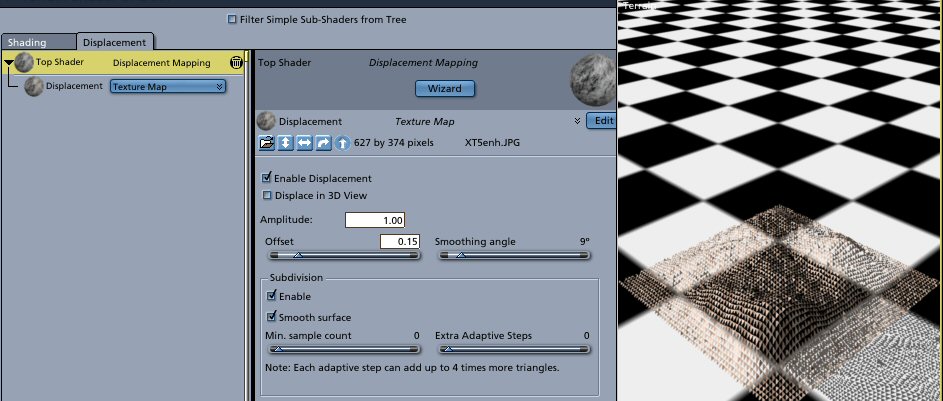
Hi DLK, I tried to reproduce this but could not. I'd trash the shader and build a new one leaving the dispacement values at the default as a starting point. Is your shape built from an inserted plane or a grid from the vertex room? Mark
dlk30341 posted Tue, 28 February 2006 at 12:37 PM
I've tried both terrains & infinite planes(to apply displacement to)....the plane was going to be water with displacement & the above is a terrain with a texture map appled & a greyscale map applied as diplacement.
I have left the setting as is but still get the triangles in both instances :(. With settings left at default...the triangles are bigger.
Message edited on: 02/28/2006 12:39
MarkBremmer posted Tue, 28 February 2006 at 12:44 PM
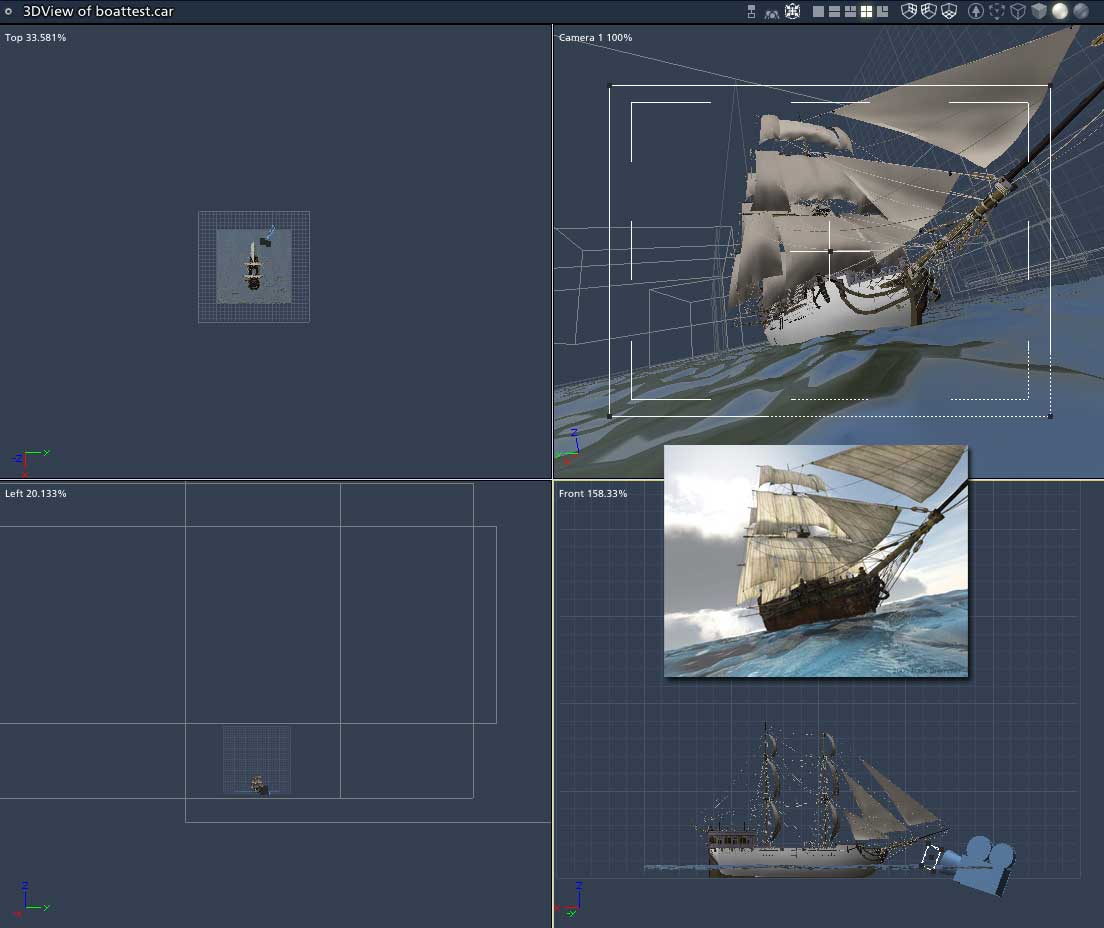
Terrains need to be displaced from within the terrain controls themselves (use the mapping features there instead of trying to use the displacement tab). Infinite planes only displace on the primary tile and no further. For expansive water, a single plane (not infinite) replicated or duplicated will be required to receed into the distance. You can add an infinite plane that sit's slightly below the tiled planes to extend your water to the horizon.
MarkBremmer posted Tue, 28 February 2006 at 12:56 PM
MarkBremmer posted Tue, 28 February 2006 at 12:58 PM
dlk30341 posted Tue, 28 February 2006 at 1:19 PM
Gotcha :) Thanks for the help once again!

Singular3D posted Tue, 28 February 2006 at 2:14 PM
This looks fantastic and is just what I need :)

50parsecs posted Sat, 14 August 2010 at 4:39 PM
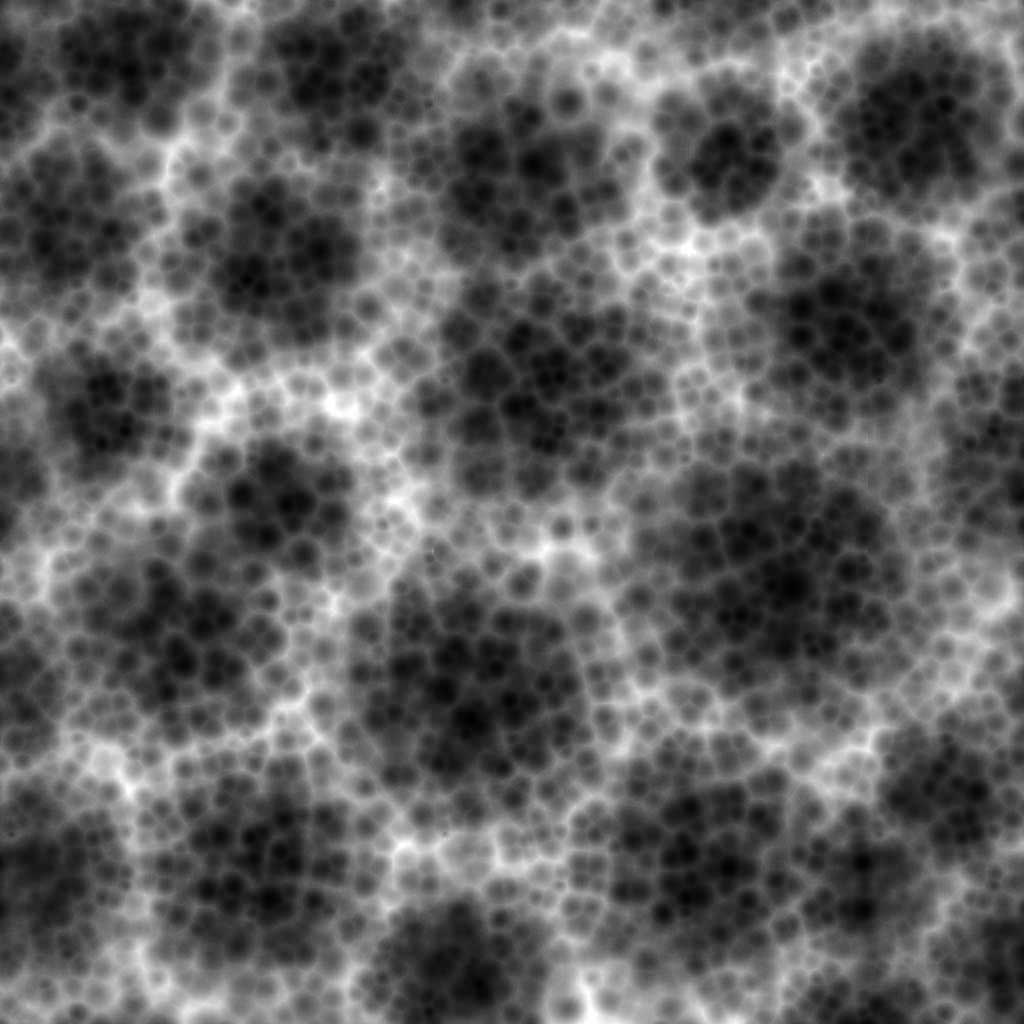
Hey Mark, hope you don't mind me asking, but what proggie did you make that displacement map in?
I tried tiling it in the replicator and it looks good, but I had probs with the tiling as there are edges showing. Thanks!