
Renderosity Forums / Carrara
Welcome to the Carrara Forum
Forum Coordinators: Kalypso, Anim8dtoon
Carrara F.A.Q (Last Updated: 2026 Jul 11 2:50 am)
Visit the Carrara Gallery here.

Subject: Poser4 to Carrara3 Tutorial --- Warning! Many Images


This is great and would make an excellent tutorial for the Carrara section, here on Renderosity and possibly for the Carrara Back Room. Excellent job. This makes it tons easier then other tuts I have read on the subject. Most of the others use grouper, which is not available on the Mac. Your tutorial is Mac friendly too! Thank You! regards, Paul


Thanks, This makes it all nice & simple, running Grouper on a Mac in virtual PC is a pain in the virtual A**. Because of the Macs handy Print-to-PDF feature I have saved this as PDF. Cheers, Grav.
Anytime I see something screech across a room and latch onto someone's neck, and the guy screams and tries to get it off, I have to laugh, because what is that thing?

Attached Link: http://www.renderosity.com/viewed.ez?galleryid=555043&Start=1&Artist=agiel&ByArtist=Yes
Nice tutorial to follow. I followed the same approach to make this picture (see the link), although I did not know about the tutorial beforehand. I picked up a couple of tricks here that I will surely apply next time. Thanks- agiel - www.linfa.net

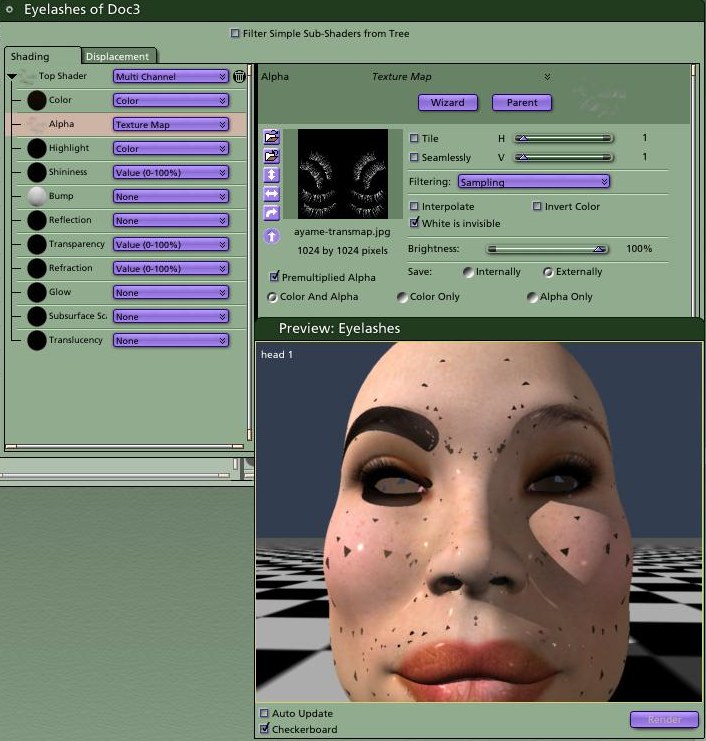
I have trouble getting the meshes eyebrows to become invisible as the eyebrows are painted onto the texture already!!
HELP??
Thanks much
Richard ;-)~
---Wolff On The Prowl---
A screen shot for the eyebrows was not done but this is just showing what my layout looks like in the Edit room and I really would love to know what I need to do to make the eyebrows that are part of V3 invisible so the texture map mapped to the main face mesh can show through properly!
Thanks again
Richard ;-)~
---Wolff On The Prowl---
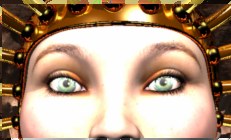
Thanks
Richard ;-)~
---Wolff On The Prowl---

Thank you this is very helpfull even out of poser..
"Luck comes and goes...Knowledge Stays Forever!"
Jennifer
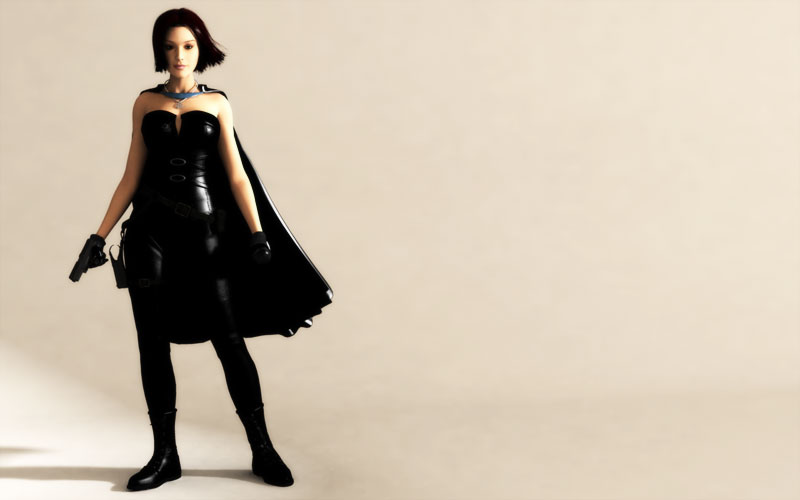
There are so many settings. Not sure what you need to see??
Raytracing
(unchecked)
Full Raytracing
Gamma Correction
(checked)
Shadows
Reflections
Refraction
Depth of Field
Bump
Transparency
Light through Trans
I have 3 lights in the scene, I have only one of them checked for shadows and have Soft Shadows checked in the Effects tab set to Fast
Let me know if there are any other settings you need in order to get this as optimized as possible. I don't mind a slow render if it's for the full on render but the "spot" render is really taking allot of time as I think it works off of the current settings for full rendering. It took about 10 minutes to get that little screen capture I posted!
Richard ;-)~
---Wolff On The Prowl---
Thanks so much for the tips!! :-)
All the best
Richard ;-)~
---Wolff On The Prowl---

Privacy Notice
This site uses cookies to deliver the best experience. Our own cookies make user accounts and other features possible. Third-party cookies are used to display relevant ads and to analyze how Renderosity is used. By using our site, you acknowledge that you have read and understood our Terms of Service, including our Cookie Policy and our Privacy Policy.
Welcome to the Poser 4 to Carrara 3 tutorial. The following steps are what I use when rendering a Poser scene in Carrara. Word on the net is that there is a plug in development to handle this sort of operation, but until then, I will do it this way. Im sure there are other ways of reaching the same goal, some use the grouper tool, but I have had a rather unsuccessful attempt at it. Others do not. If that seems to work for you, by all means, go for it. When setting up your scene, remember where your texture files are, you will need to reference them later. So here we go.