Filter: Safe | Sat, May 30, 9:31 AM CDT

Renderosity Forums / Poser - OFFICIAL


Welcome to the Poser - OFFICIAL Forum

Forum Moderators: RedPhantom Forum Coordinators: Anim8dtoon

Poser - OFFICIAL F.A.Q (Last Updated: 2026 May 29 3:05 pm)



Subject: Crystal Figure shows tongue colour HELP


saibabameuk ( ) posted Wed, 22 April 2026 at 7:13 AM · edited Sat, 30 May 2026 at 4:12 AM

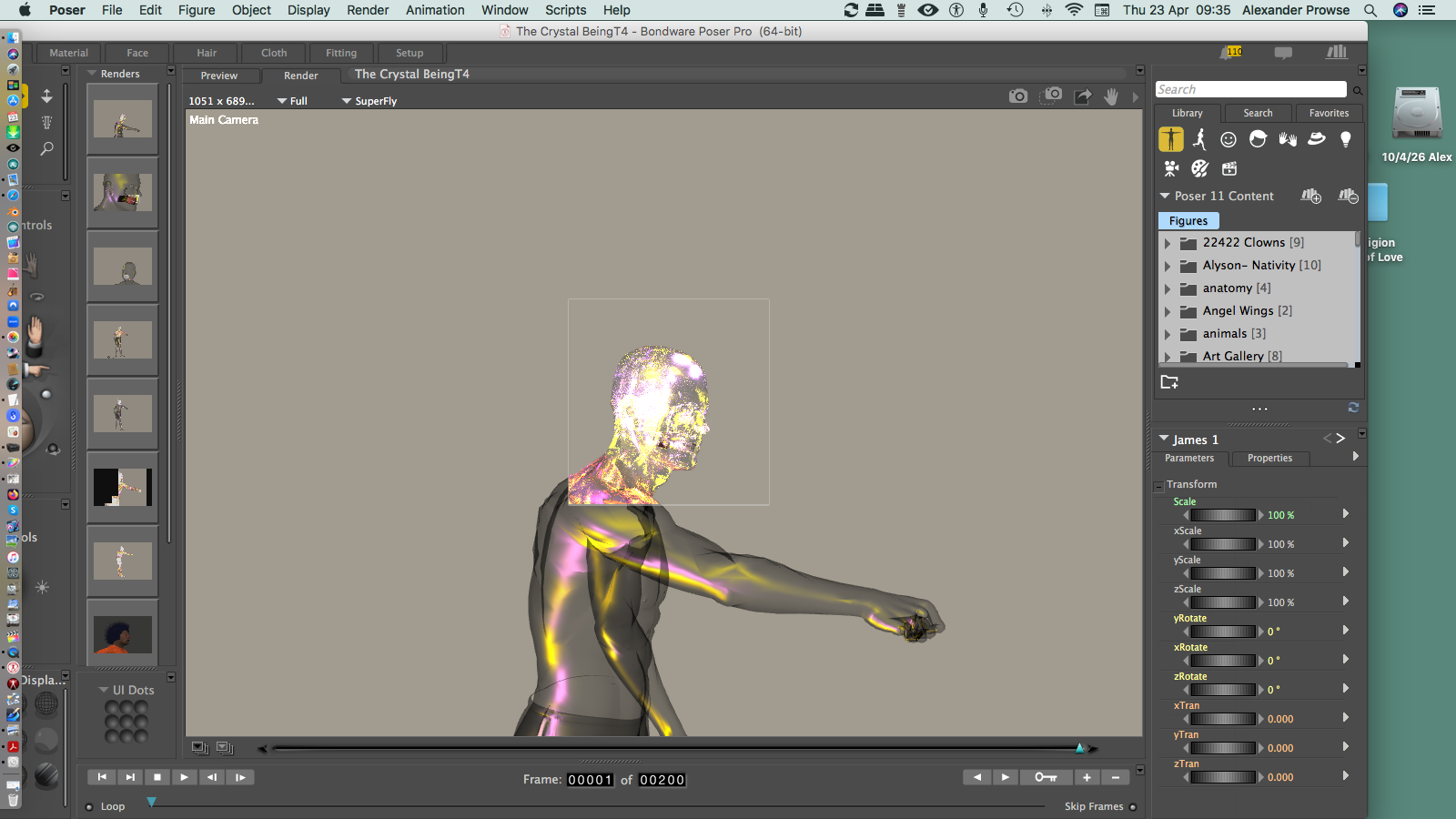
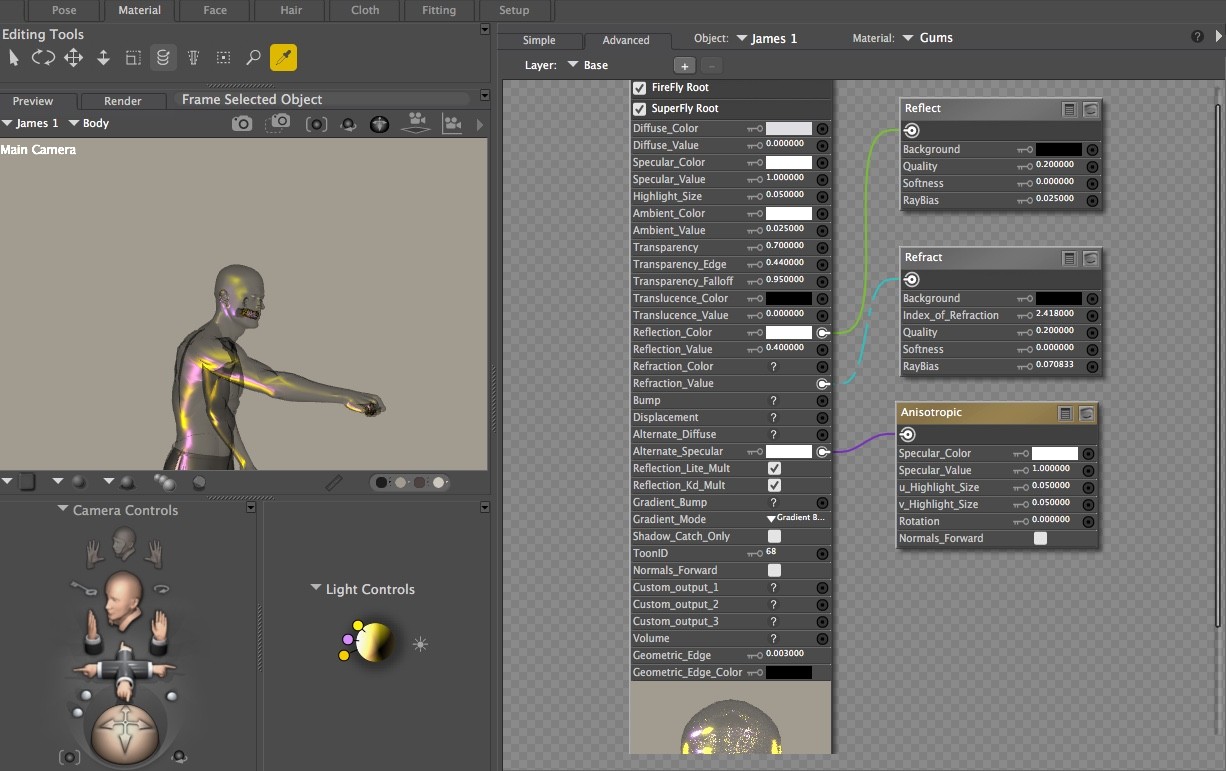
James Poser 11:Crystal Figure shows tongue color HELP Please.

mD0QH927DsvlLlXbN82i04luA8ic8gH7M8hX3iqL.png


hborre ( ) posted Wed, 22 April 2026 at 8:47 AM

This is not hard to figure out depending on how you want to approach the solution. You can either make the tongue invisible or copy the shader material from the body to the tongue. Both require altering the material shader in the Material Room. Are you comfortable making changes in the Material Room?


Deecey ( ) posted Wed, 22 April 2026 at 11:21 AM

Exactly what figure is this? I can't find anything named "James Poser 11 Crystal" to check it.


Deecey ( ) posted Wed, 22 April 2026 at 11:37 AM · edited Wed, 22 April 2026 at 11:37 AM

I also tried searching the Internet for various combinations of "James" with "Crystal" and "Poser."  Nothing shows up.  

Are you perhaps trying to apply a material to James that is made for another figure?  The image you attached isn't very helpful in trying to see what is happening.


hborre ( ) posted Wed, 22 April 2026 at 12:11 PM

Well, it is stated that James is the model and the Poser version is 11. It remains a mystery as to what shader is being used and from where. I guess we wait until we get a reply.


Rhia474 ( ) posted Wed, 22 April 2026 at 12:19 PM

Is there a Crystal material in Poser 11? My thought is it may be that that was applied to James?


hborre ( ) posted Wed, 22 April 2026 at 12:39 PM

There is a legacy crystal ball material shader available in Poser11, but it is in an MZ format (compressed MT file). You would need to select each body zone manually to apply it.


hborre ( ) posted Wed, 22 April 2026 at 12:48 PM

I just checked the James figure in P11, and he does have a tongue material zone. I'm surprised Saibabameuk can't figure out the solution; he is a long-time user with experience, unless he did something that is beyond his capability.


saibabameuk ( ) posted Thu, 23 April 2026 at 3:42 AM · edited Thu, 23 April 2026 at 3:42 AM

This is not hard to figure out depending on how you want to approach the solution. You can either make the tongue invisible or copy the shader material from the body to the tongue. Both require altering the material shader in the Material Room. Are you comfortable making changes in the Material Room?


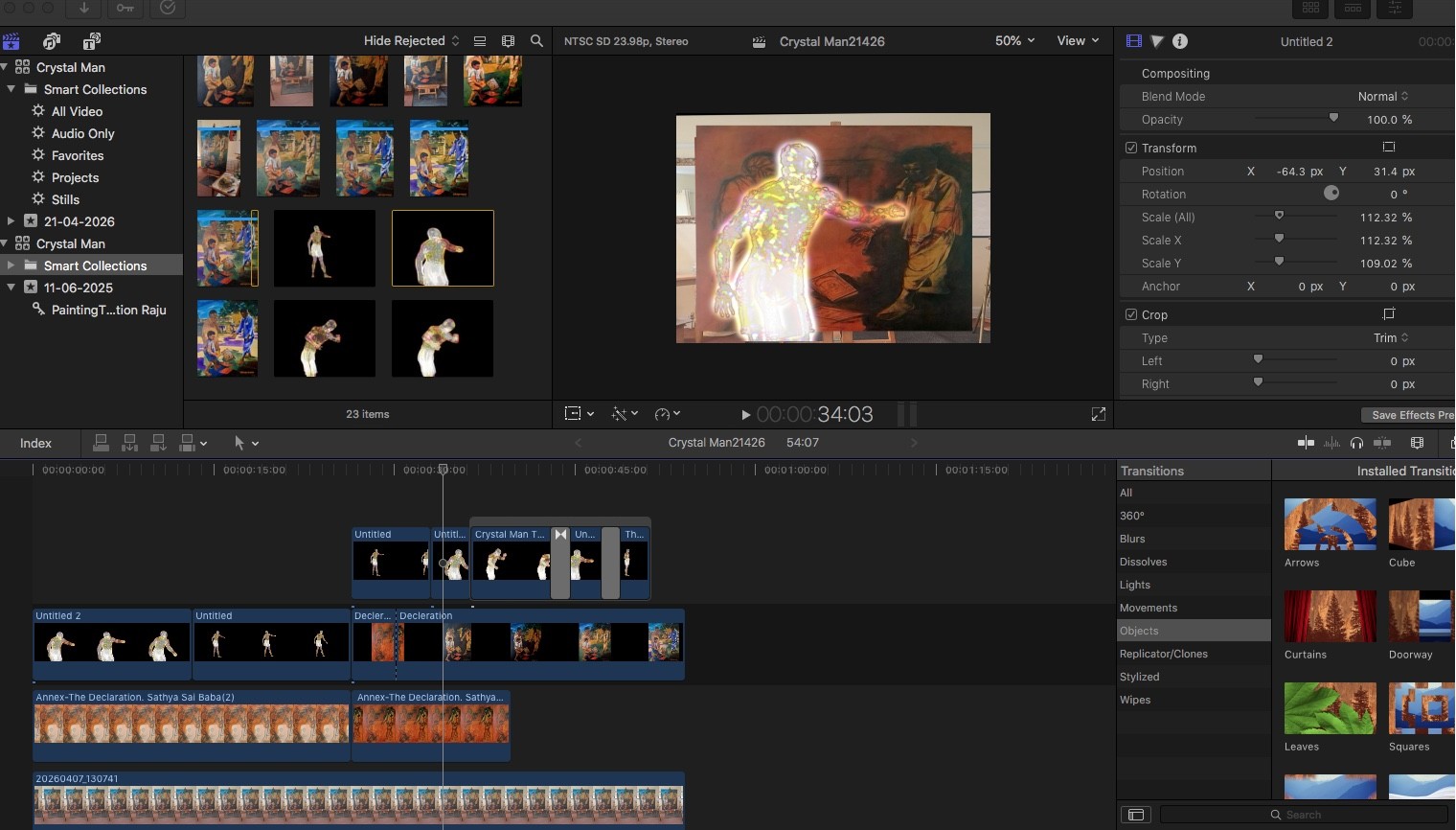
No need to surprise you any longer thank you all for your kind and useful comments what would I do without you. KB3VSB8h8Dbbe8Rqu9TblcaJMPKwAdiNMcYLjkUo.jpegbyHl3ImdmWlMel4Rw7j8K22iH3NS5lnmFynNFm6z.png

saibabameuk ( ) posted Thu, 23 April 2026 at 3:55 AM · edited Thu, 23 April 2026 at 3:55 AM

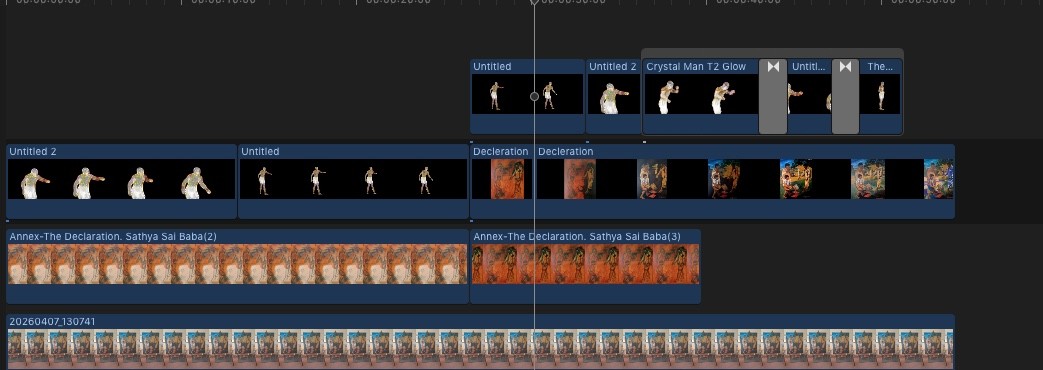
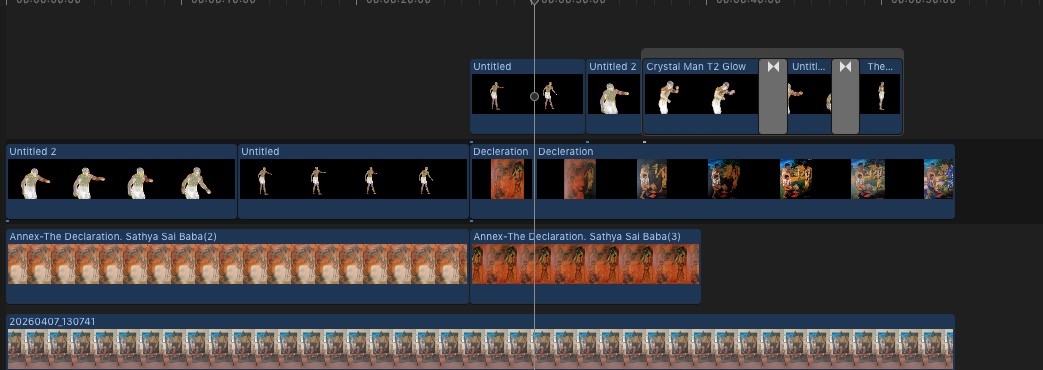
As you will see looking at many layers of animation many applications to go forward so forgive your brother for not being on top of them all :-0sTmaQpW0LErHgjGE3qy5bd61xSjOyDQqhMyt9PoU.jpeg


saibabameuk ( ) posted Sat, 25 April 2026 at 3:32 AM · edited Sat, 25 April 2026 at 3:32 AM

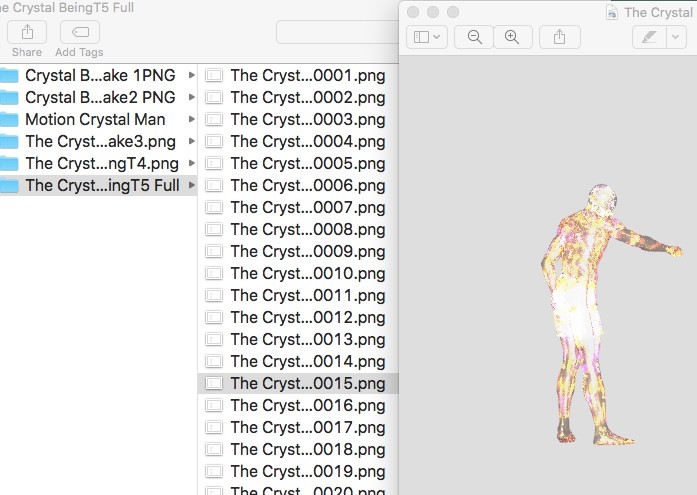
Ok Now we are moving forward looking at the file as a .MOV animation is there a stage in this panel or on Rendo where we can show the figure on stage moving via the exported PNG files mZ9C0lZJV0y67hYZA4QQPIUOtoUtkcVtZ3QAOyTo.jpeg, if there is can you


saibabameuk ( ) posted Sat, 25 April 2026 at 3:37 AM · edited Sat, 25 April 2026 at 3:37 AM

That sounds a bit jumbled simply do we have a place for showing .mov WGLBav22b6gDZr5A1jJOd0zfBuGOCGaVrXuq0S9s.jpegqKcSdWRxXFeY4Th04fwwrsiykDRUlTE1xwU19AgZ.jpeg


Richard60 ( ) posted Sat, 25 April 2026 at 12:23 PM

Well you can post videos here and link to them in the forums  Browse Gallery | Renderosity

Or you can try and make the movie in WebX format which one of the vendors has done for his store picture and it is animated scene with a lot of his products.  Normally you have to use a static image

Poser 5, 6, 7, 8, Poser Pro 9 (2012), 10 (2014), 11, 12, 13, 14


Privacy Notice

This site uses cookies to deliver the best experience. Our own cookies make user accounts and other features possible. Third-party cookies are used to display relevant ads and to analyze how Renderosity is used. By using our site, you acknowledge that you have read and understood our Terms of Service, including our Cookie Policy and our Privacy Policy.