Renderosity Forums / DAZ|Studio
Welcome to the DAZ|Studio Forum
Forum Moderators: wheatpenny Forum Coordinators: Lobo3433
DAZ|Studio F.A.Q (Last Updated: 2026 May 04 1:19 am)


Subject: transfer utility always wrong


The Source should be the figure the cloth is made for, the target should be the clothing model. If the clothing was modelled around a morphed figure, not the base shape, then Source Shape should be set to the morph used. The OBJ must line up with the figure as imported, no scaling or rotation or translation may be applied because that will be ignored by the Transfer Utility.
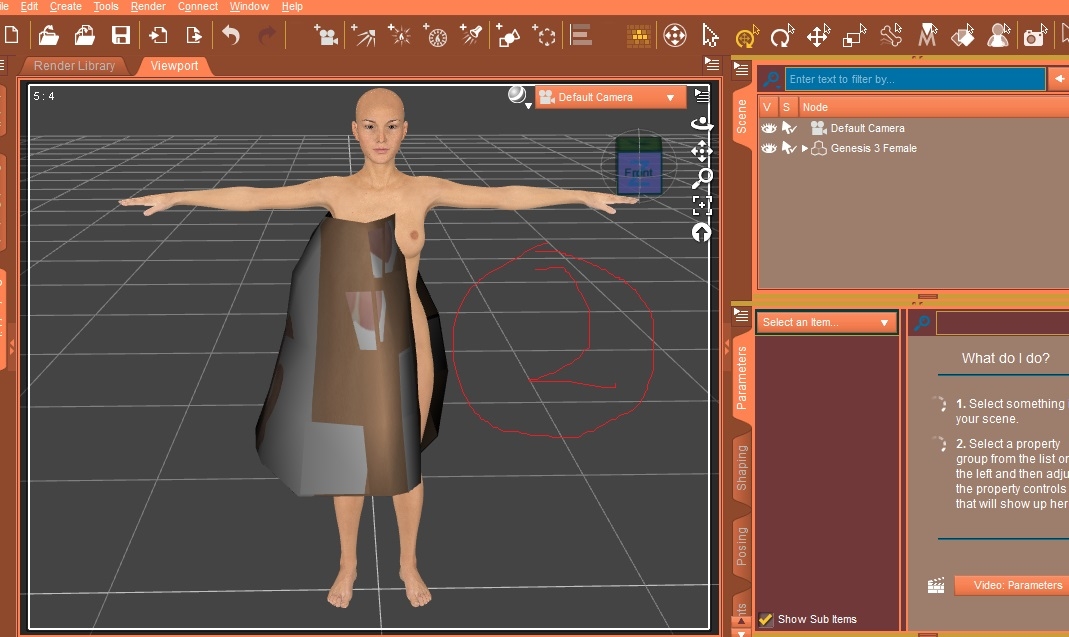
Thanks cat. My meaning is that in all DAZ genesis(1,2,3,v4,v5,v6,v7,v8,etc)which figure should set morph when transfer untility? And under edit tool,which obj has transfer utility but figure has transfer utility ,too.And under scene tab has transfer utility ,too.What different by three comparisons? And after finishing transfer utility, to delete G3F then cloth deleted too.Why cannot delete G3F?
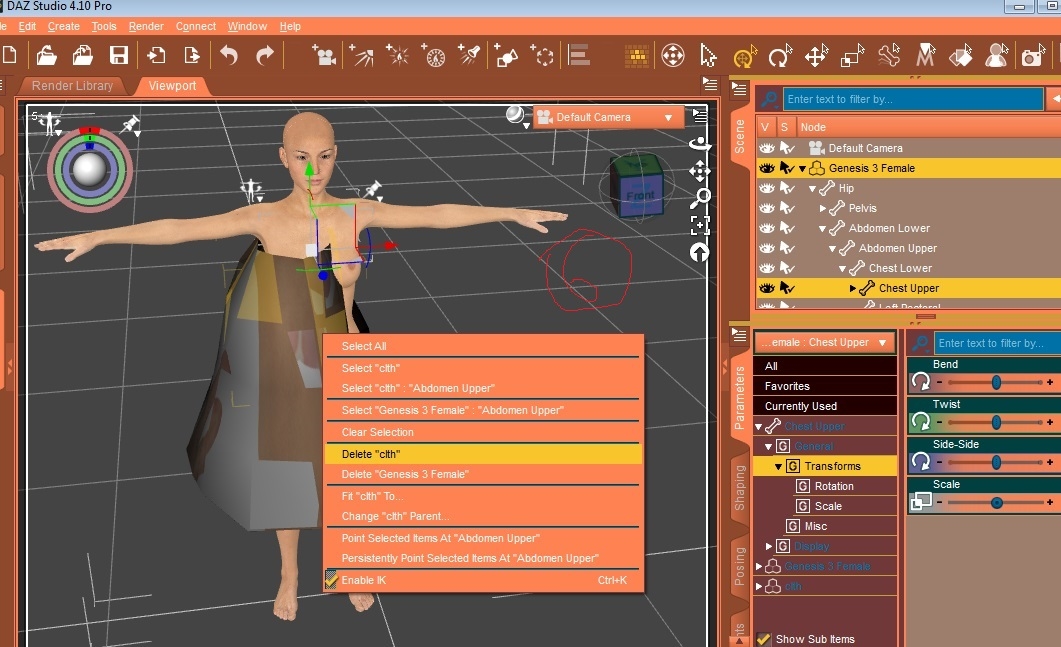
You should use the figure the cloth was made for, and if it was modelled around a shape you should set Source Shape to that morph, or to Current. All the ways of launching the Transfer Utility give the same tool and starting settings. By default clothing is parented to the figure, so if you delete the figure it takes the clothing with it. To avoid this, change the clothing's parent to None (Uniiverse).

Privacy Notice
This site uses cookies to deliver the best experience. Our own cookies make user accounts and other features possible. Third-party cookies are used to display relevant ads and to analyze how Renderosity is used. By using our site, you acknowledge that you have read and understood our Terms of Service, including our Cookie Policy and our Privacy Policy.
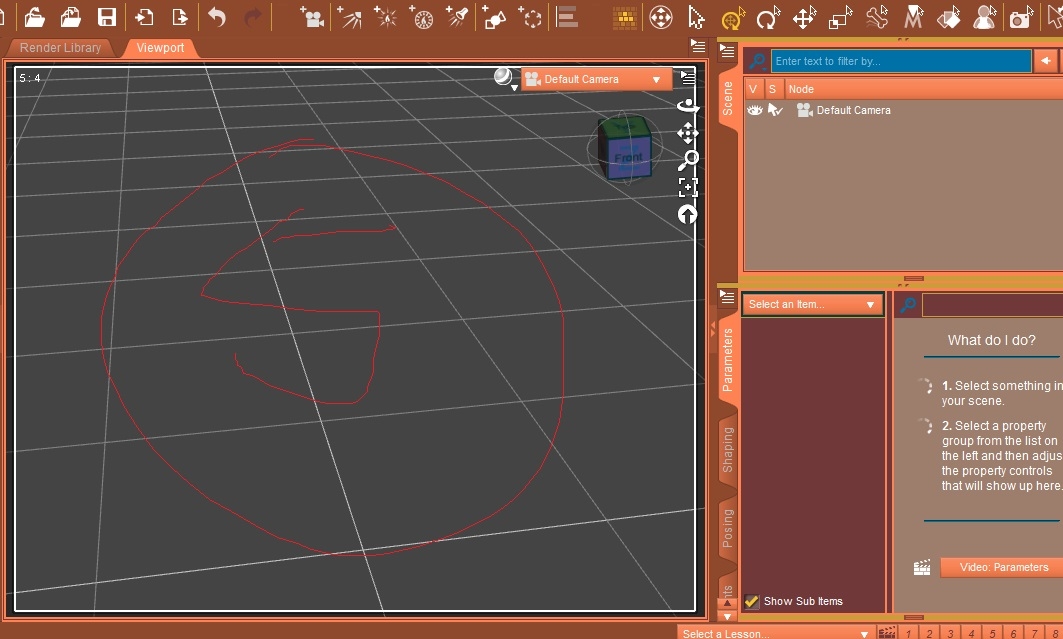
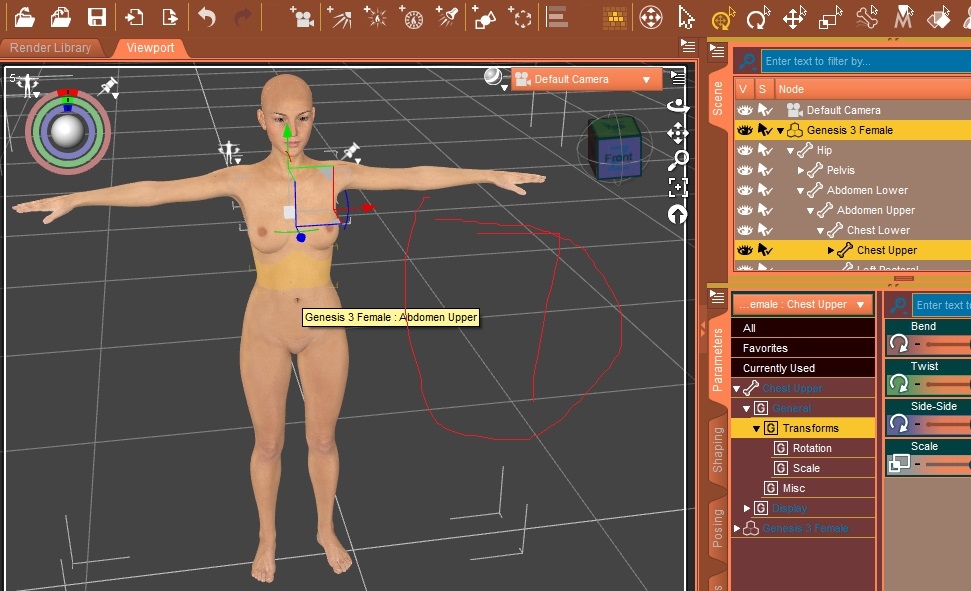
I try again but error.Please see by ordered number one by one. 1:delete g3f then cloth deleted 2:delete cloth then g3f not deleted 3:use obj or figure of transfer utility on earth?Because DAZ has obj or figure of transfer utility tools.Which should be chosen? 4:g3f ,in item shape need b changed? Thanks.