
Renderosity Forums / Carrara
Welcome to the Carrara Forum
Forum Coordinators: Kalypso, Anim8dtoon
Carrara F.A.Q (Last Updated: 2026 Sep 09 4:39 am)
Visit the Carrara Gallery here.

Subject: Help with tree size!


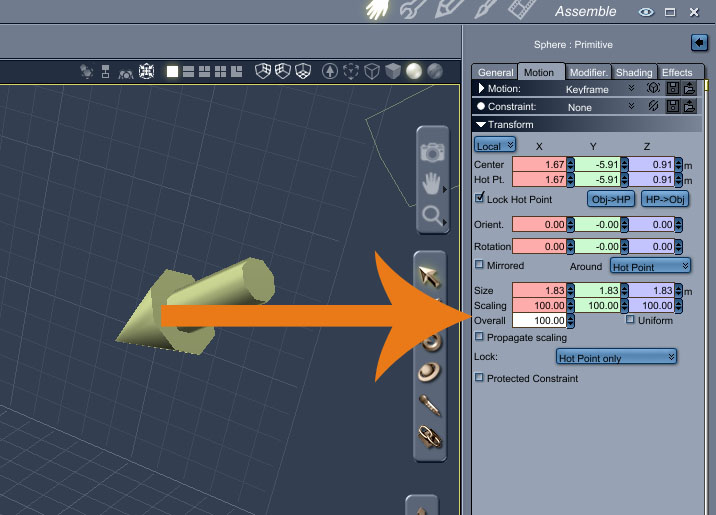
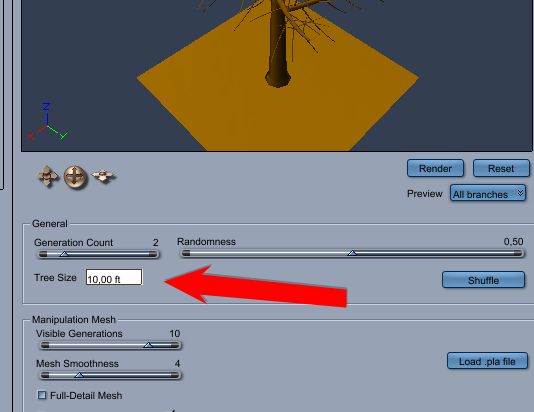
Actually, it should be kinda small. Your terrain has a surface area of 16,900,000,000 square feet (606.2 square miles) and a mid size tree, when looked at from above as a leafy circle of radius, oh, say, ten feet, is going to make a shadow about 314 square feet. The tree, from above, is going to occupy 0.000001859% of the surface area of your terrain, which is tiny indeed.
Try starting with a medium size scene instead of a large one, and add a terrain to that. The default scale is much closer to the size of a tree (that is, a tree fills the camera view much more completely) and you may get closer to what you're wanting.


Follow me at euQfiz Digital

Privacy Notice
This site uses cookies to deliver the best experience. Our own cookies make user accounts and other features possible. Third-party cookies are used to display relevant ads and to analyze how Renderosity is used. By using our site, you acknowledge that you have read and understood our Terms of Service, including our Cookie Policy and our Privacy Policy.
It's simple, I create a terrain 130,000 ft by 130,000 ft,and place a tree in the middle,but my tree is so small I can barely see it,am I supposed to size up the tree to 1,000 ft ?