
Renderosity Forums / AI Generated Art
Welcome to the AI Generated Art Forum
Forum Moderators: wheatpenny, RedPhantom, Deenamic
AI Generated Art F.A.Q (Last Updated: 2024 Aug 27 11:07 am)
Dream, by Wombo https://dream.ai/create

Subject: Figament's AI Corner

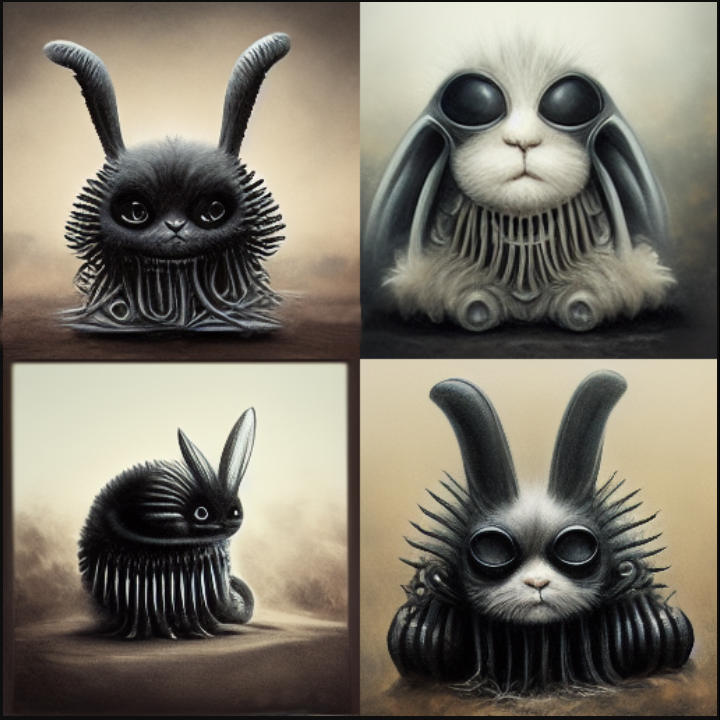

:sigh: SD is barfing crud that may or may not be real logos & sigs all over several batches of renders that had absolutely no mention of any particular artist, living or dead, in my prompts. I could probably clean it up in Photoshop because it's bloody distracting, not to mention ugly, but should I? Because if they're genuine tags that'd be cheating. Here's some specimens, anybody recognize 'em?
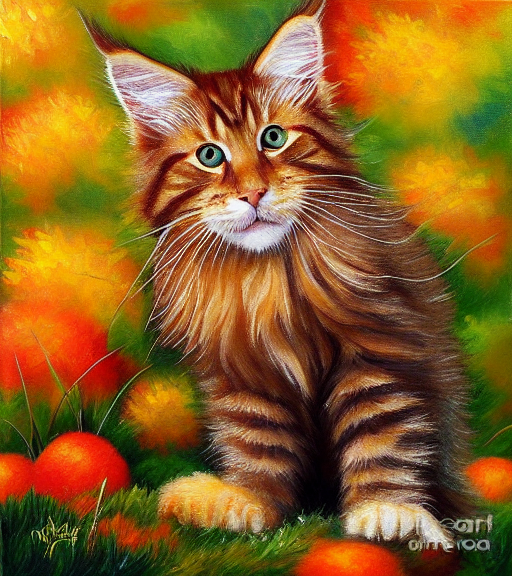
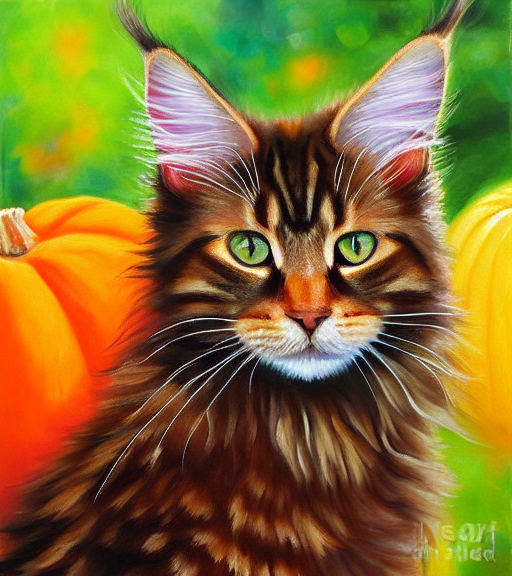
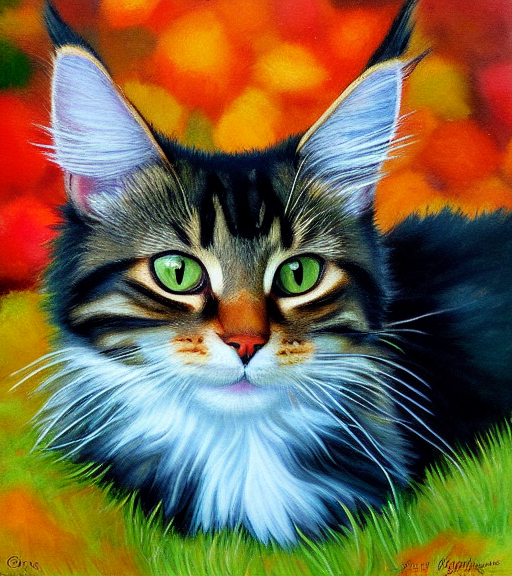

Bydrie - SD seems to do that more than other ai apps. My guess is that the people who helped train it were just lazy and included a buch of stuff that also contained signatures. You see it very rarely in midjourney and almost never in Wombo. I haven't used Night Cafe enough to see any there. Not sure if there is a prompt for 'no signatures stupid ai', lol. The ai is just adding it in as part of the image, so go ahead and photoshop to you hearts content, your furry kitties will thank you... ;)
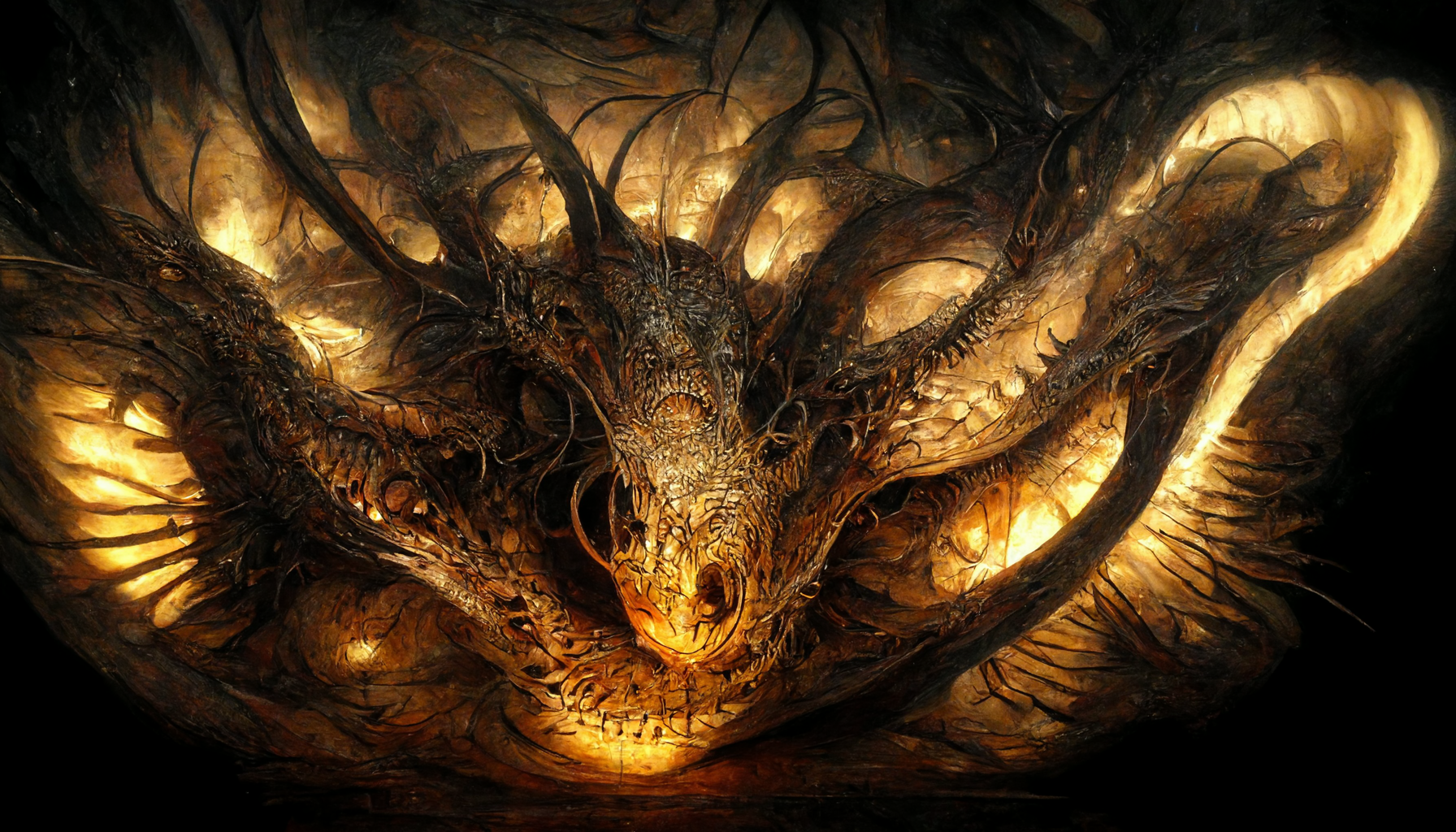


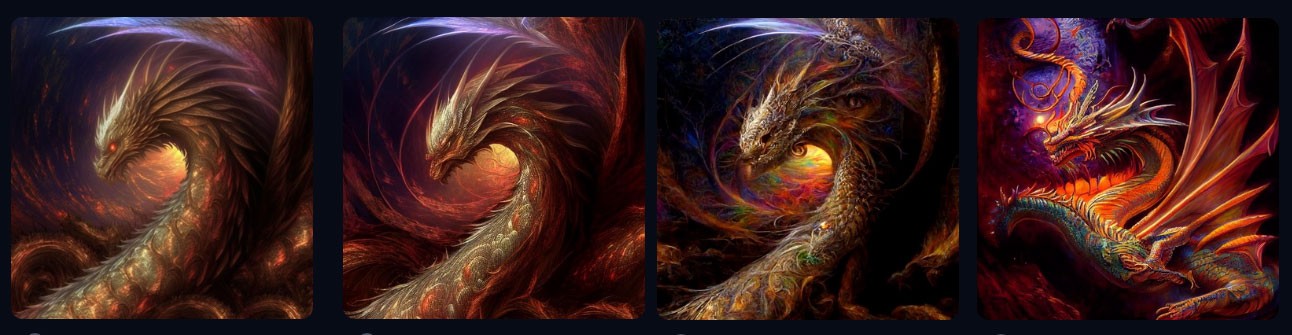
That Dragon reminded me I had been working on one earlier today but I couldn't get what I wanted. This is one of the attempts.
Just happened to flash on this today on YT looking for something else and really liked the tune
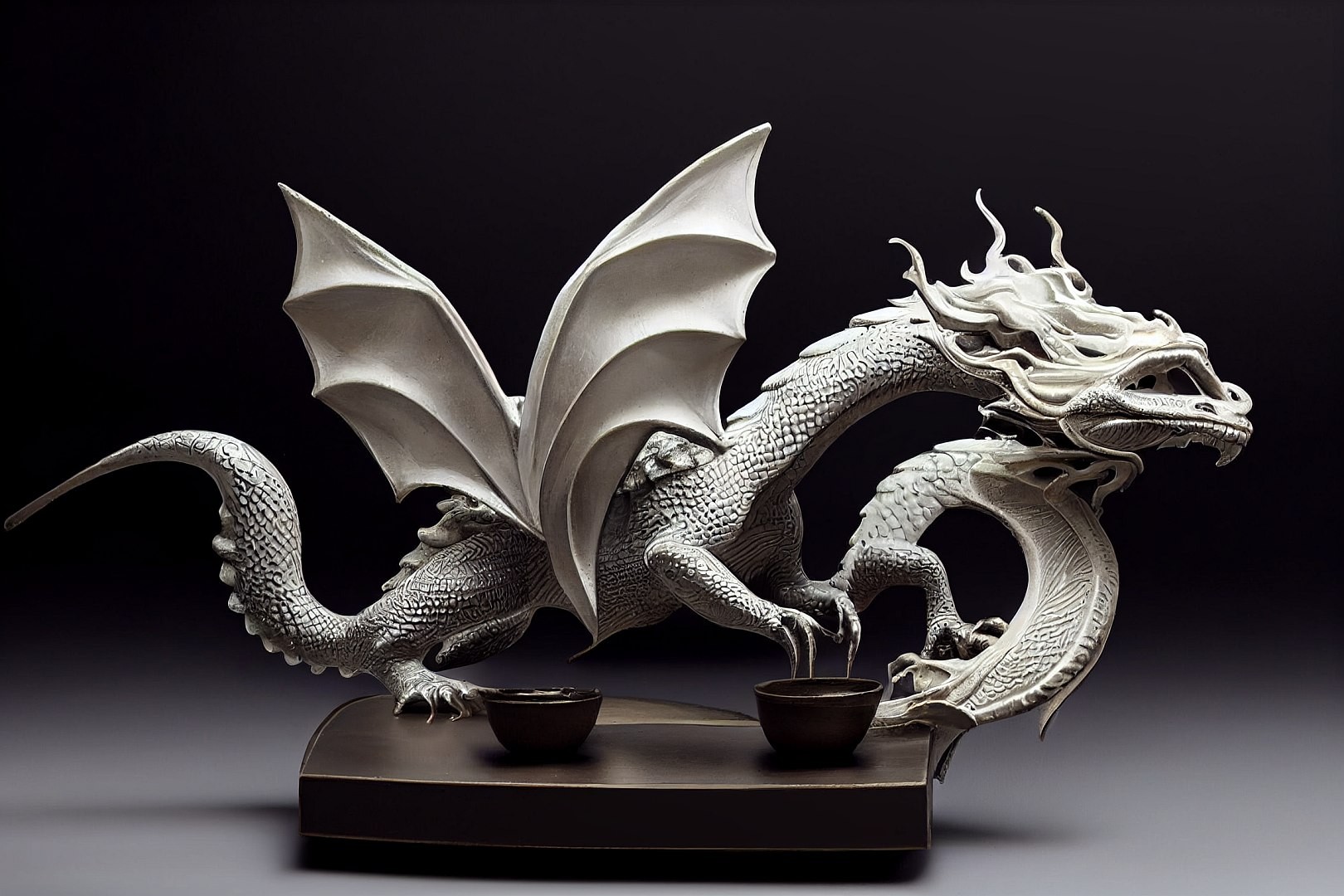
Remember...No matter where you go there you are
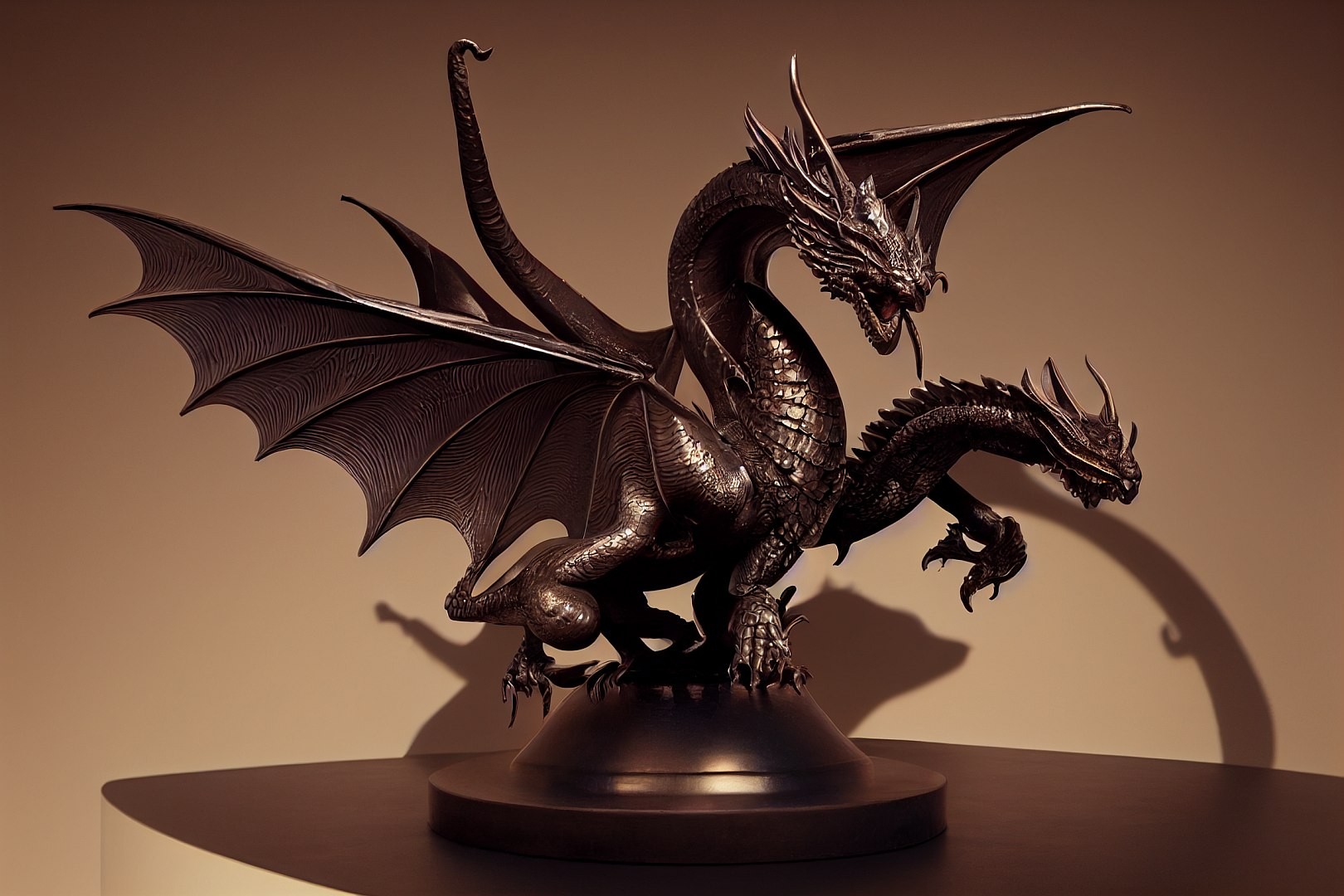
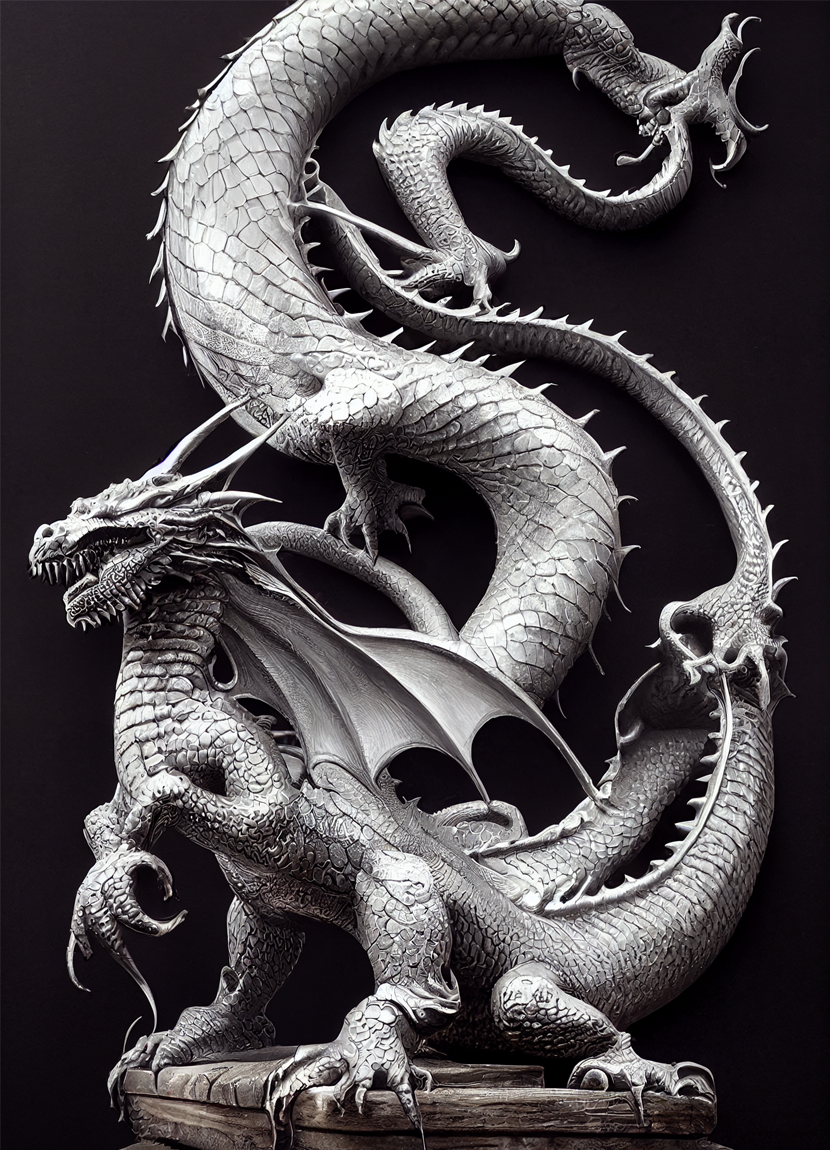
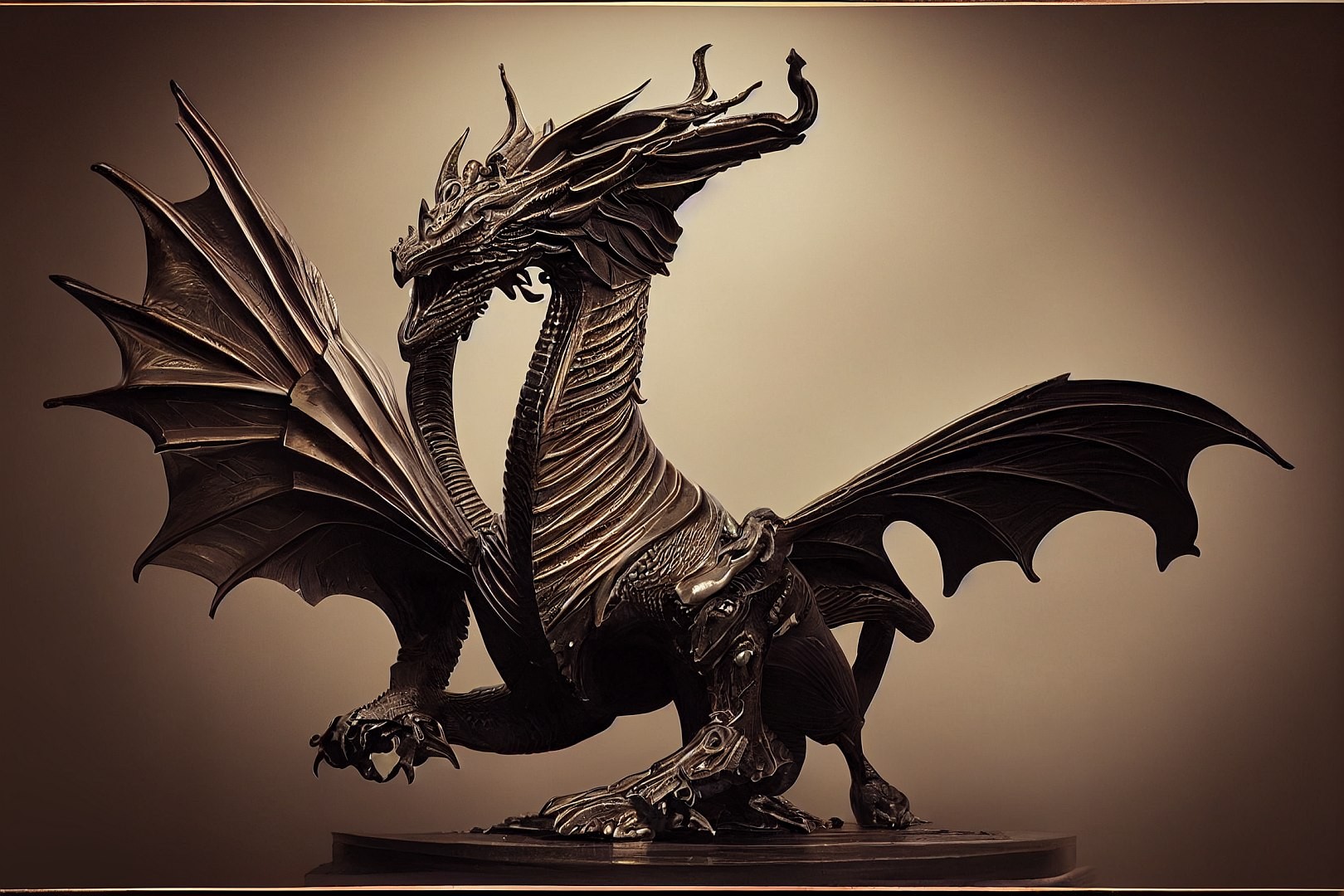
Ha ha, I was looking for a cool giger dragon figure too, steel is a fun material. Still tweaking to find the best one, will post when I do... ;)
https://www.youtube.com/watch?v=8QvChwfThZo&t=377s
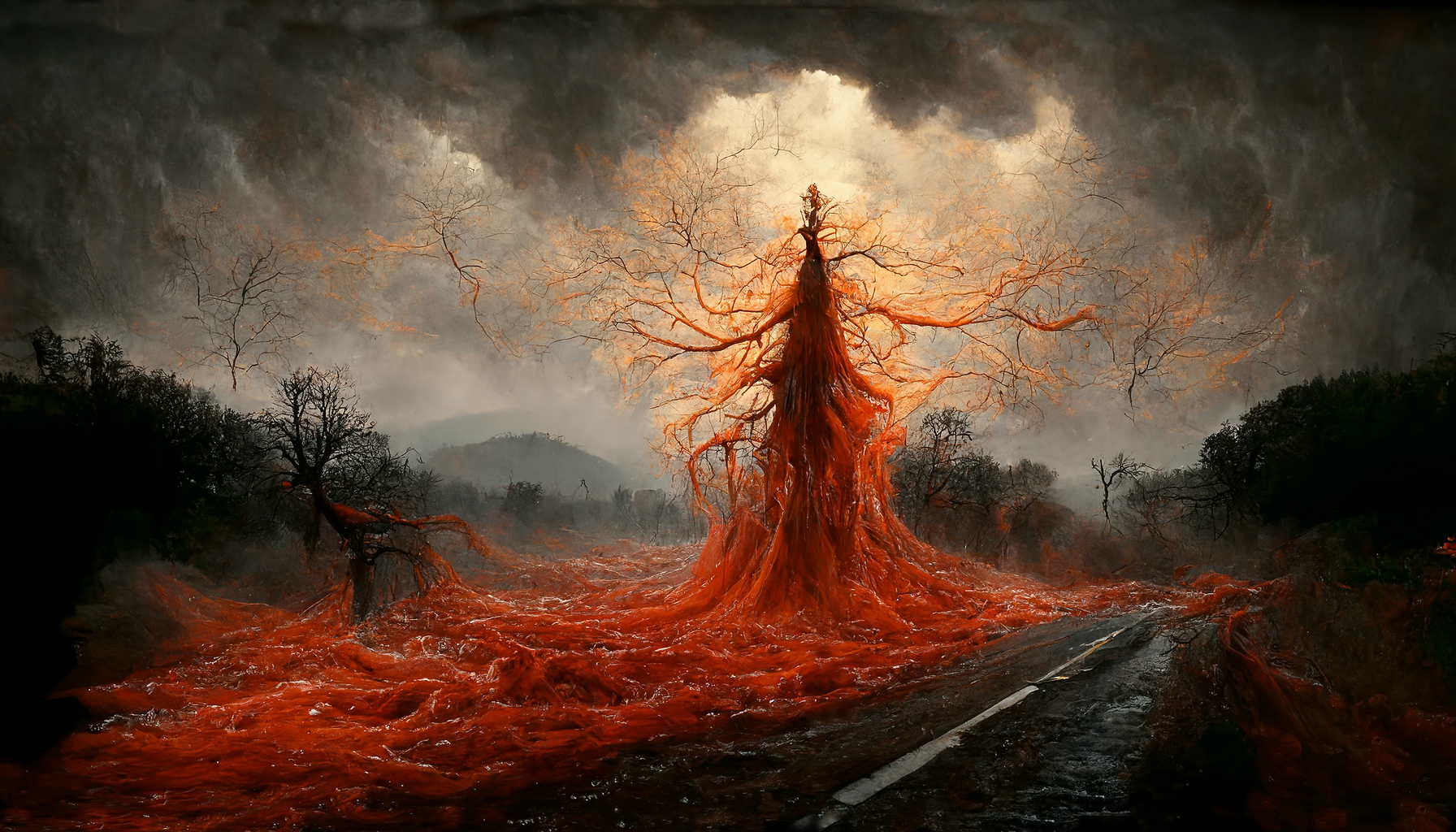
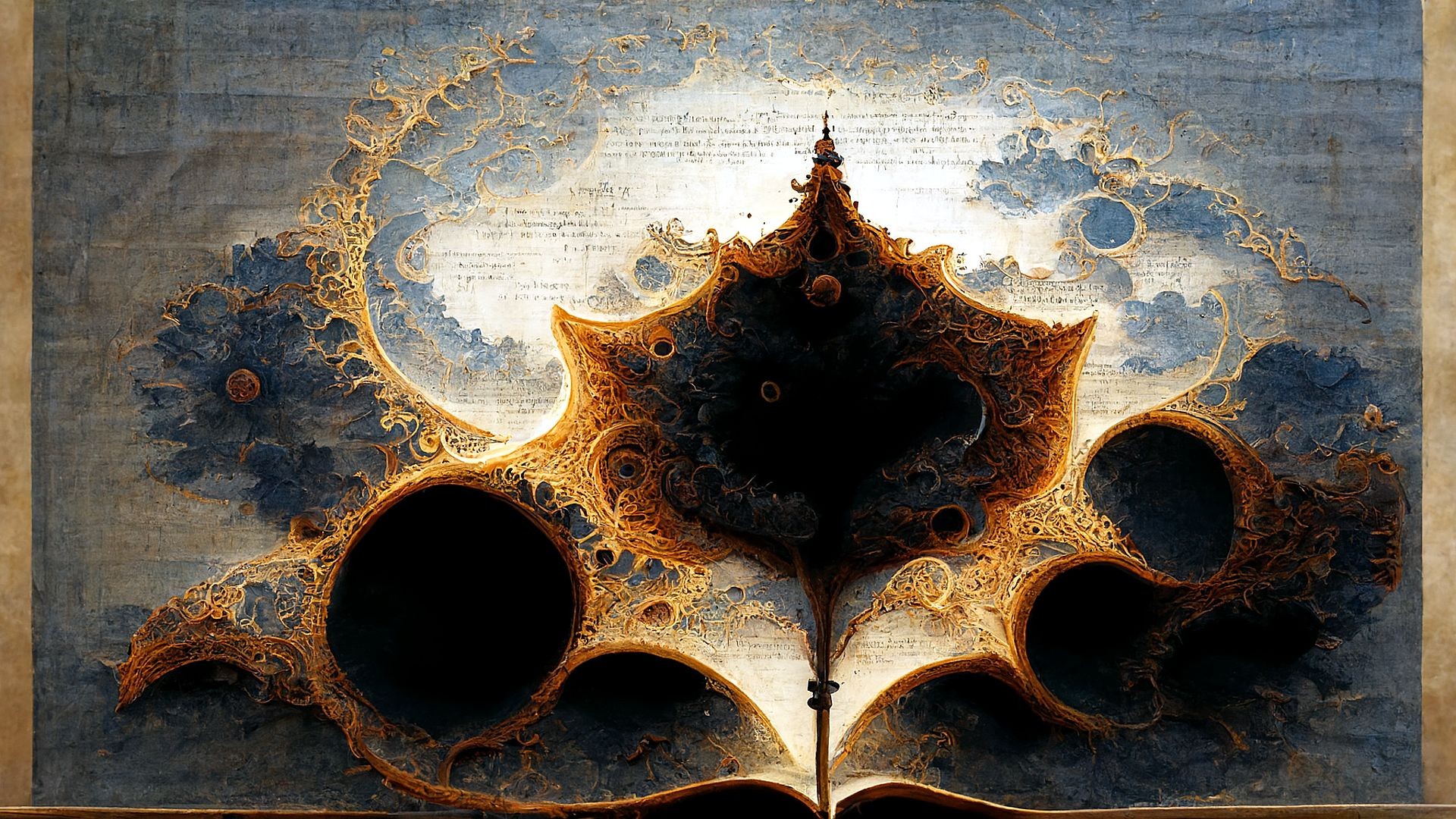
A lyric to image with midjourney, well one variation that is... U2 - Bullet The Blue Sky
In the howling wind comes a stinging rain,
See it driving nails,
Into the souls on the tree of pain.
From the firefly, a red orange glow,
See the face of fear,
Running scared in the valley below.
https://www.youtube.com/watch?v=x6ifY1UV3CM

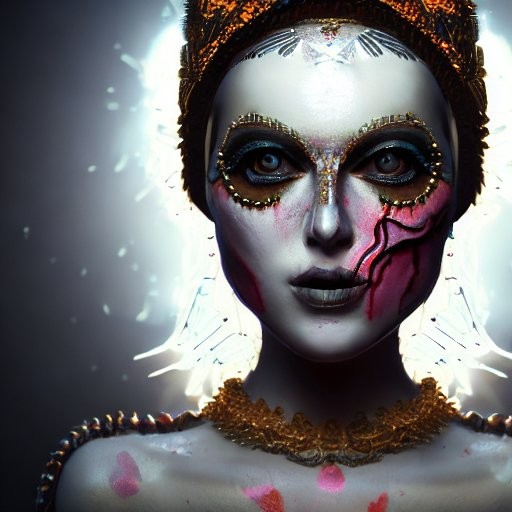
Yeah, I think we're gonna need to call Ghostbusters on that one. Love the dragons, they'd make terrific sculptures if you could only 3D print them; maybe there'll be an AI program for that too some day soon, who knows? Thanks for the advice on the kitties, I did indeed use the correct negative prompts to tell SD "don't do that signature/logo/watermark nonsense" but this time it merrily ignored them.
I know a couple of Fractalists that have full lines of stuff, 3d printed fractal rings, bracelets, D&D Dice really cool stuff. But to get Full Mesh for any fractal to be a 3D mesh you have to jump through all kinds other apps to produce a viable mesh, too much for me. Been waiting for a one click add-on to MB3D and Bulber for years...Budhi say's he has one for Bulber but it's not, J-Wild fire guy say's he has one for Jwild but since it's a flame fractal (2.5D) it's hard to make a 3D mesh out of a 2D render,
Remember...No matter where you go there you are
Byrdie posted at 10:22 AM Sat, 5 November 2022 - #4448441
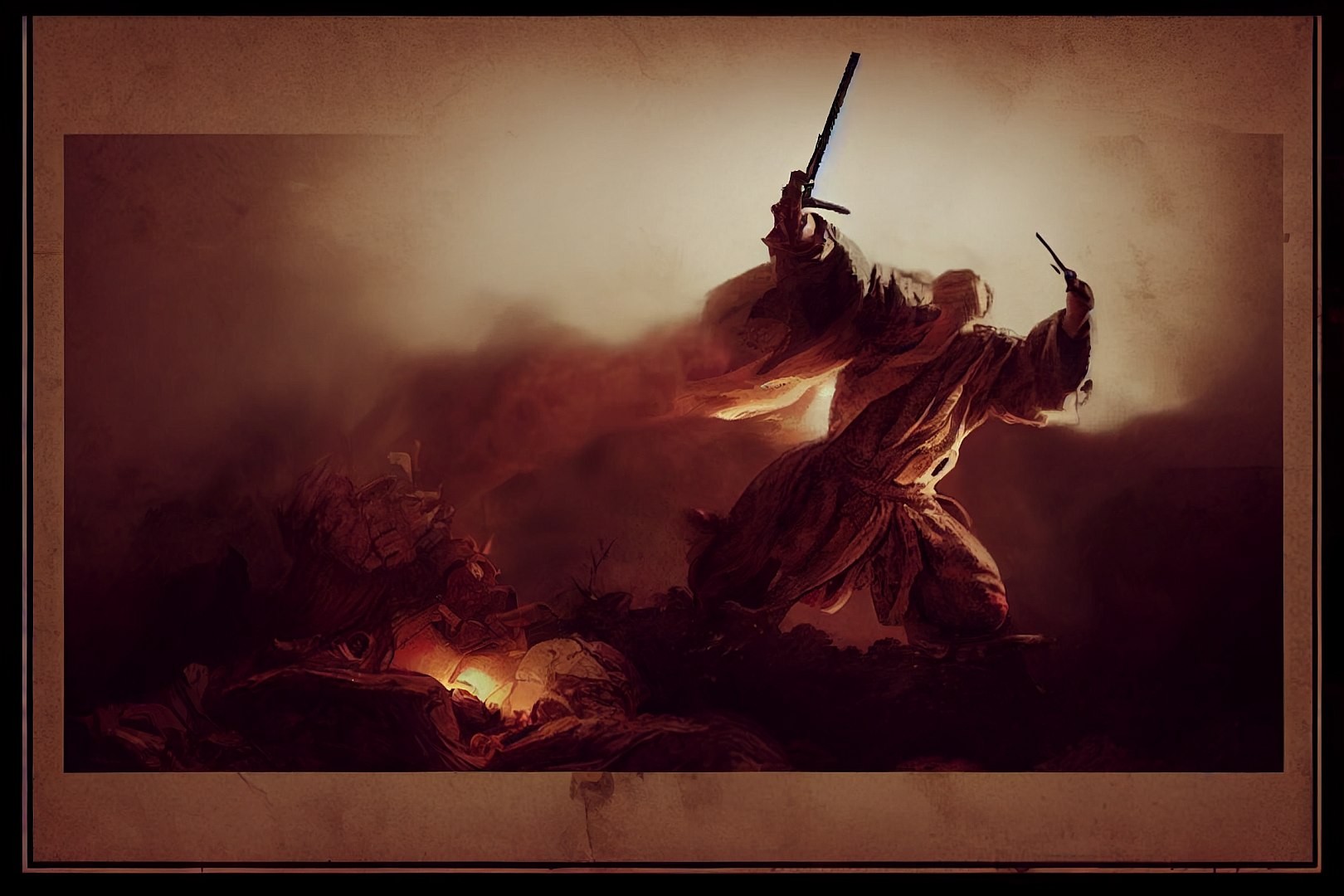
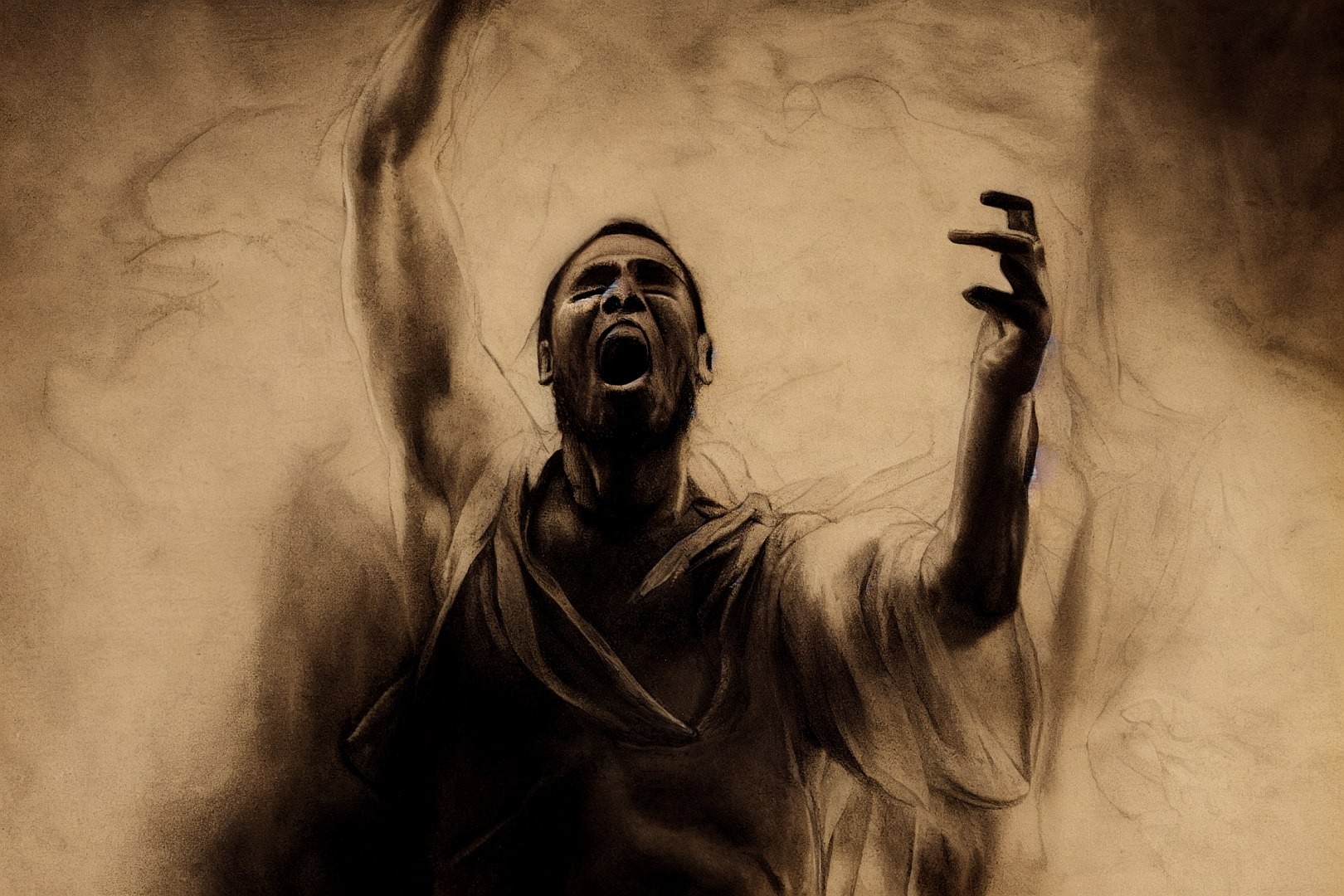
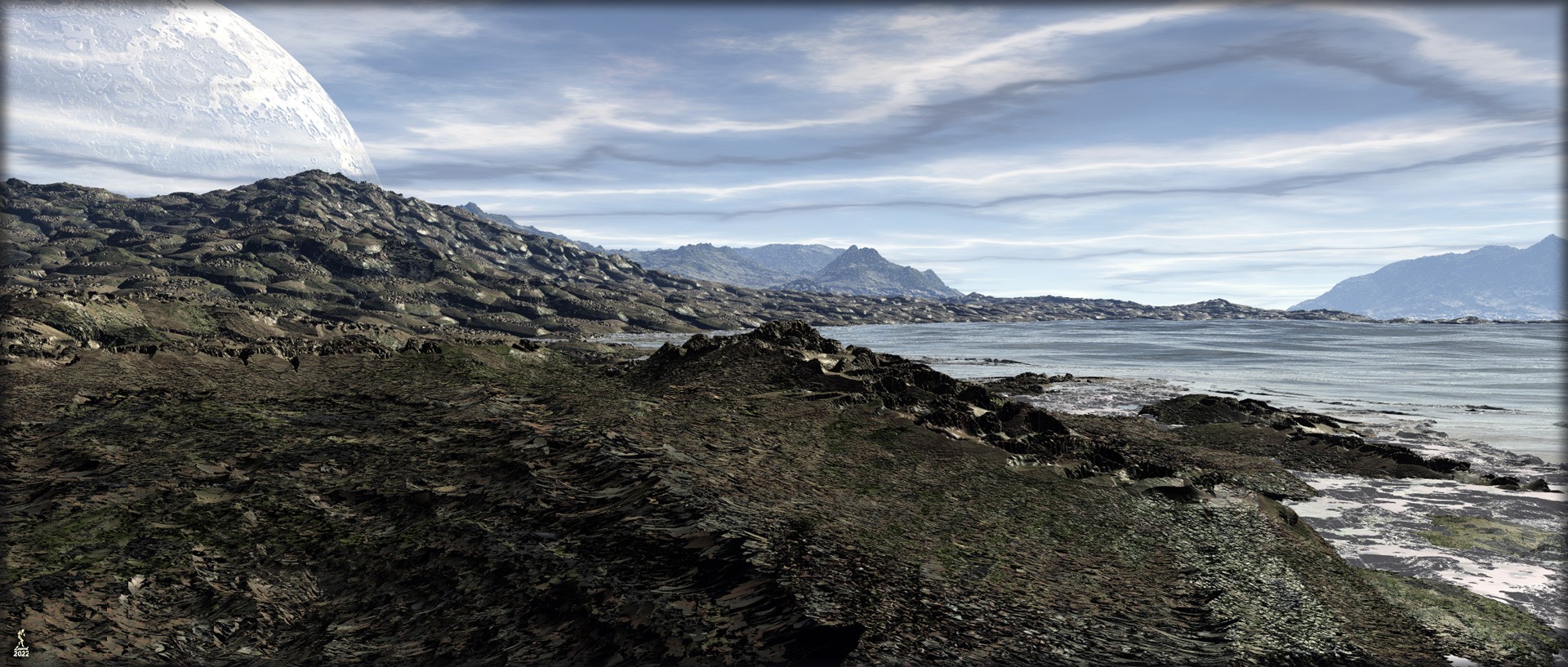
No they are just Give me a Dragon Statue on a Table and I'll give stylize points later...but actually everything is fractals. Mojoworld and Terragen landscapes are built on fractal bases.Those dragons are fractals? Wow!
Remember...No matter where you go there you are

Lenord posted at 10:15 AM Sat, 5 November 2022 - #4448440
the 1000x1000x1000 Mandelbulber3D PLY exports load vertex coloured into Zbrush but they are a billion polys and almost impossible to UV map,I know a couple of Fractalists that have full lines of stuff, 3d printed fractal rings, bracelets, D&D Dice really cool stuff. But to get Full Mesh for any fractal to be a 3D mesh you have to jump through all kinds other apps to produce a viable mesh, too much for me. Been waiting for a one click add-on to MB3D and Bulber for years...Budhi say's he has one for Bulber but it's not, J-Wild fire guy say's he has one for Jwild but since it's a flame fractal (2.5D) it's hard to make a 3D mesh out of a 2D render,
only solution and its crashy and can take a whole day, is to Zremesh and UV that then use Zprojection from the original to transfer the vertex colours
Meshlab loads them vertex coloured too, the real problem is neither program converts vertex colours to Ptex which is the format DAZ studio needs for textured meshes without UVs, 3Dcoat uses Ptex but the free print version at least cannot import those big ply files, DAZ studio easily loads the huge exported obj from all just has no UV or textures

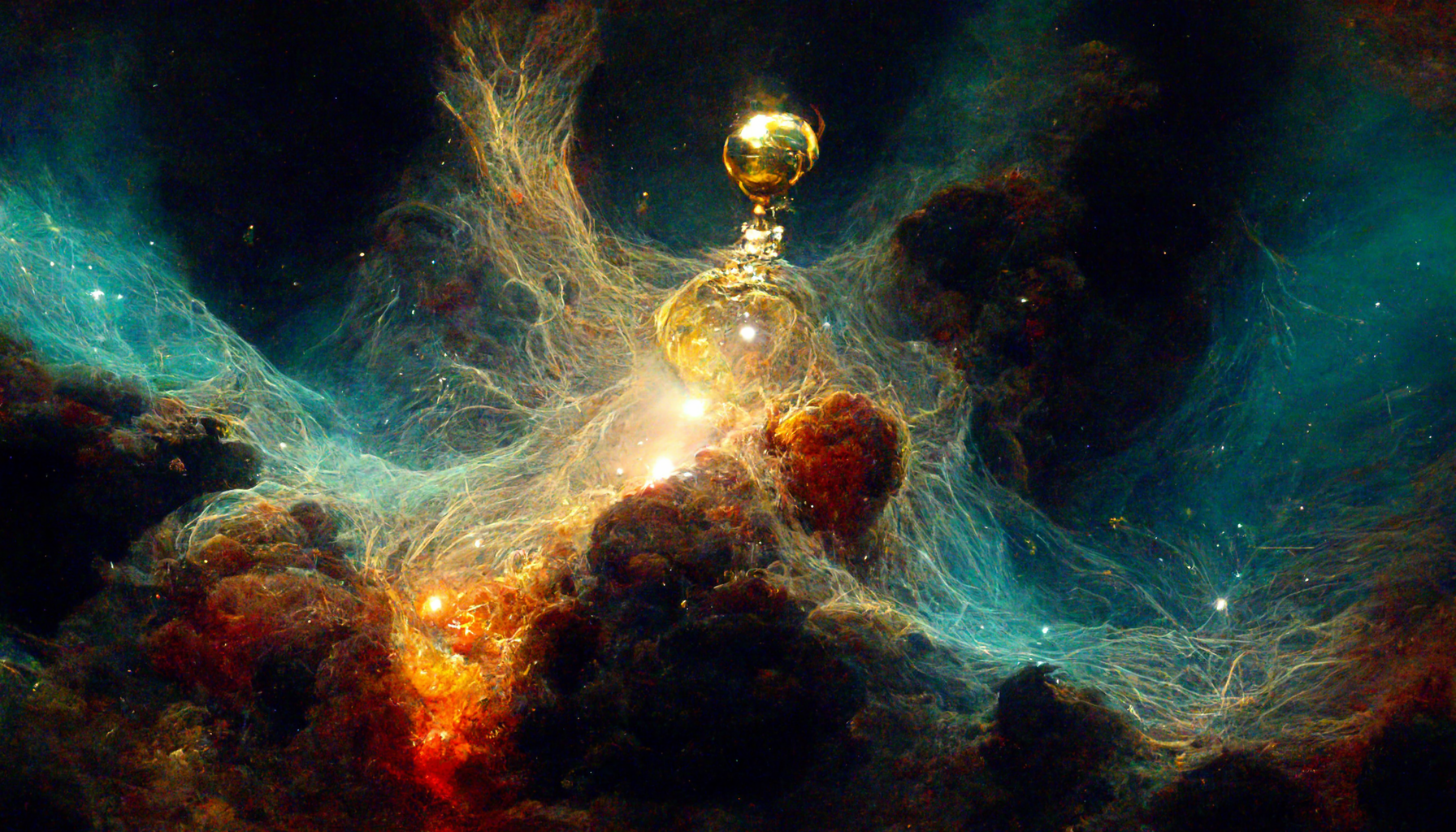
Like I said too much for me, I can handle the formulas in Fractals, I know the Maths, but I can't handle the apps needed to produce a mesh. It took me several years to get used to Mandelbulber and that didn't happen until Buddhi revamped the UI.Lenord posted at 10:15 AM Sat, 5 November 2022 - #4448440
the 1000x1000x1000 Mandelbulber3D PLY exports load vertex coloured into Zbrush but they are a billion polys and almost impossible to UV map,I know a couple of Fractalists that have full lines of stuff, 3d printed fractal rings, bracelets, D&D Dice really cool stuff. But to get Full Mesh for any fractal to be a 3D mesh you have to jump through all kinds other apps to produce a viable mesh, too much for me. Been waiting for a one click add-on to MB3D and Bulber for years...Budhi say's he has one for Bulber but it's not, J-Wild fire guy say's he has one for Jwild but since it's a flame fractal (2.5D) it's hard to make a 3D mesh out of a 2D render,
only solution and its crashy and can take a whole day, is to Zremesh and UV that then use Zprojection from the original to transfer the vertex colours
Meshlab loads them vertex coloured too, the real problem is neither program converts vertex colours to Ptex which is the format DAZ studio needs for textured meshes without UVs, 3Dcoat uses Ptex but the free print version at least cannot import those big ply files, DAZ studio easily loads the huge exported obj from all just has no UV or textures
Remember...No matter where you go there you are
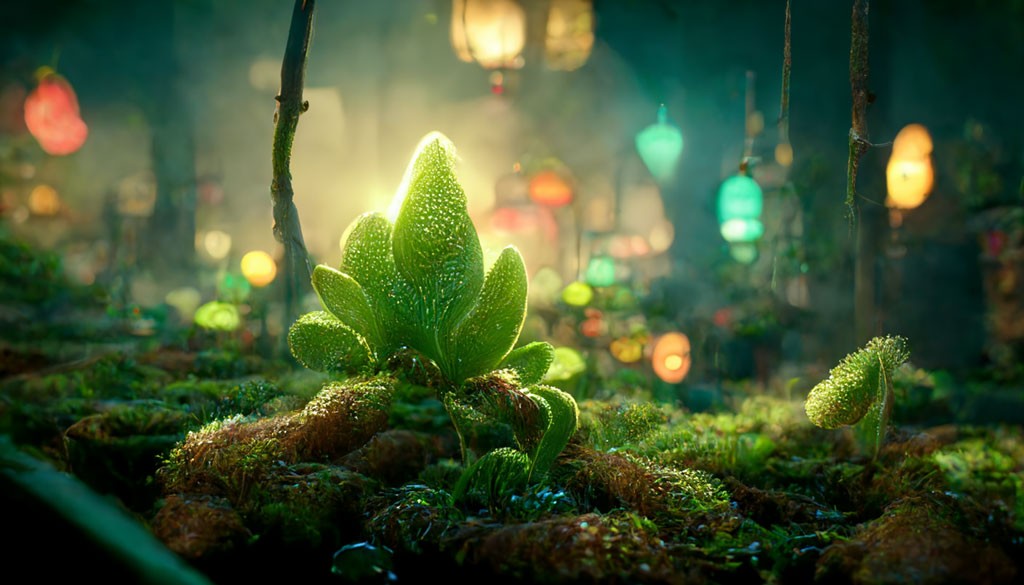
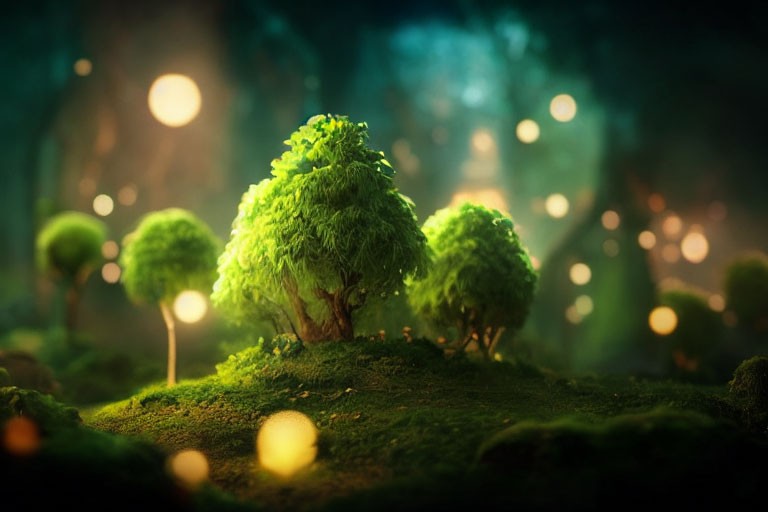
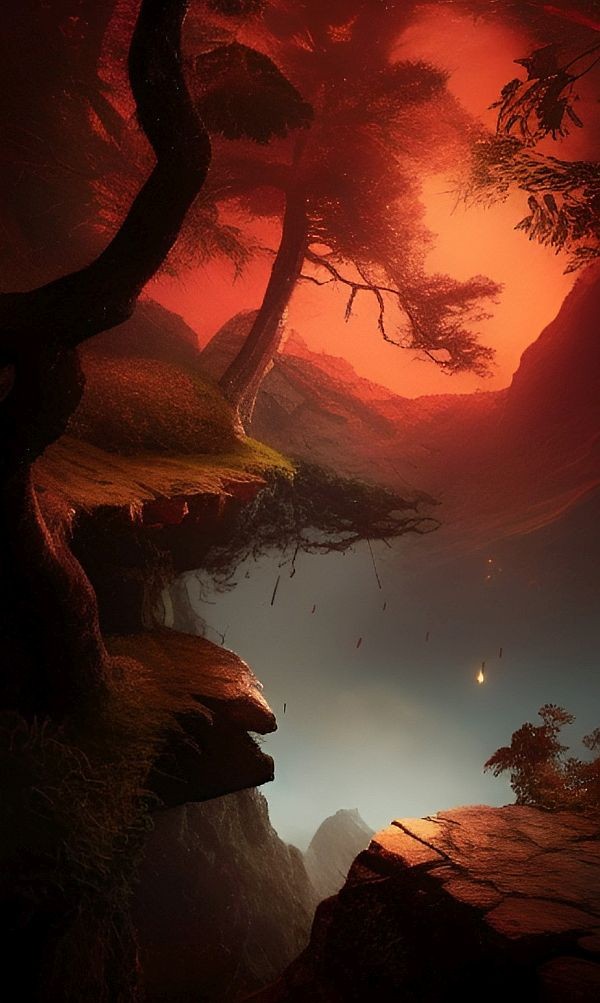
Cool I didn't recognize the title at first, geeze one of my fav songs off my fav U2 album
Remember...No matter where you go there you are
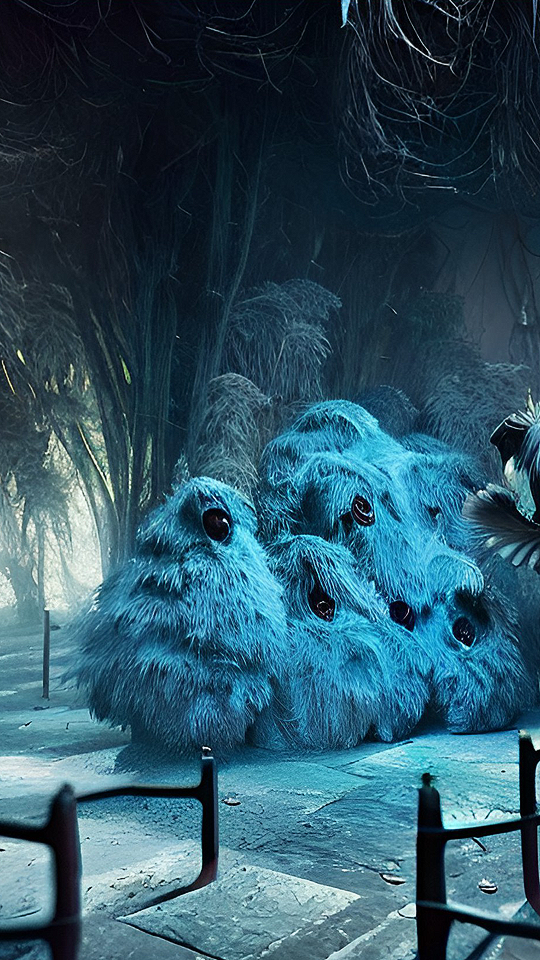
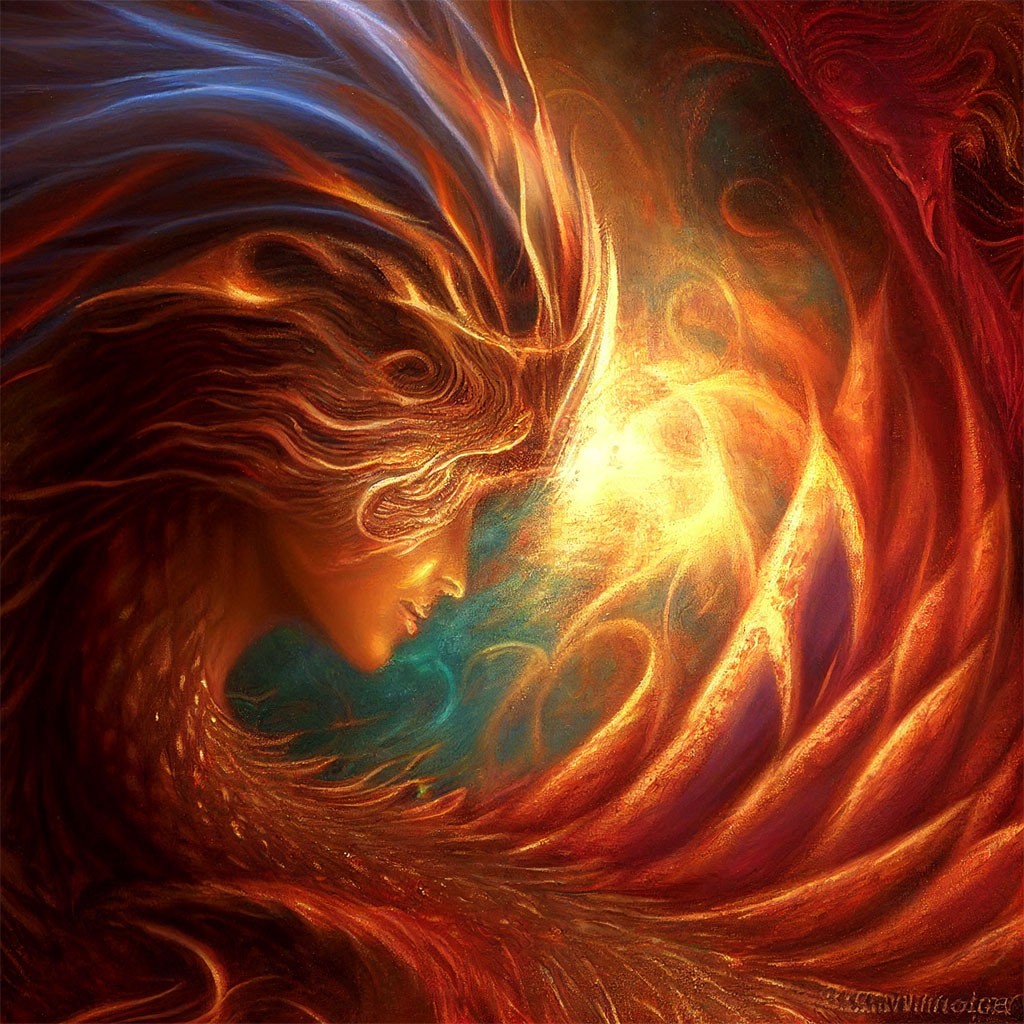
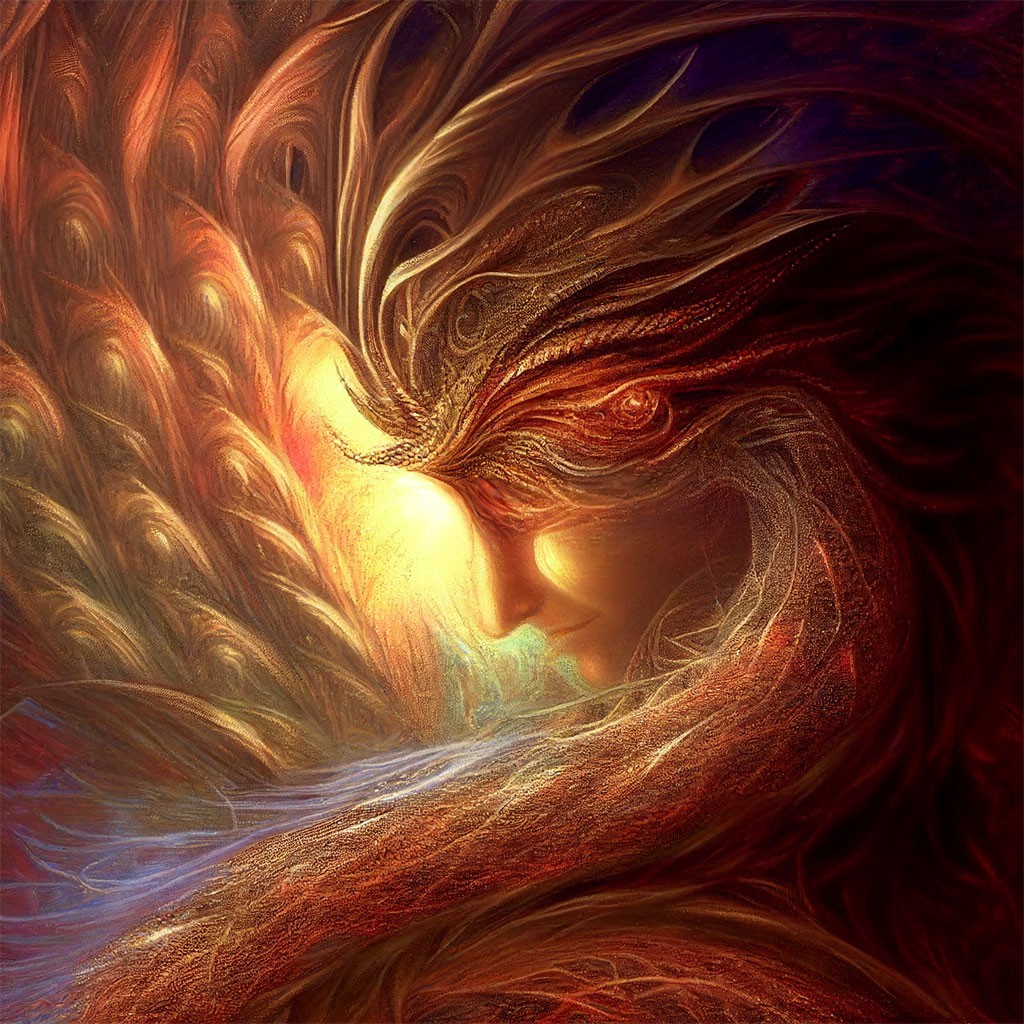

They are indeed. :sigh: Midjourney is sooo tempting. Alas, not in my budget right now. Maybe someday. Right now I am trying to fix Maple Kitty's eye. The original ain't bad, but it's also not quite right. Then again, I am blind and got the evidence to prove it. Which one looks best to all you sighted folks around here?


This one if you just widen the right eye (as we're looking at it ) a little bitThey are indeed. :sigh: Midjourney is sooo tempting. Alas, not in my budget right now. Maybe someday. Right now I am trying to fix Maple Kitty's eye. The original ain't bad, but it's also not quite right. Then again, I am blind and got the evidence to prove it. Which one looks best to all you sighted folks around here?
Gill

Liquify, huh? Hadn't thought of that, must see if I can find it and if it works the same for me. My Photoshop is good ol' CS2, did not buy into the subscription racket. It ain't supposed to run on any Windows past XP, afaik, but on Win 11 it's running even better than my old 7 box. :fingers crossed:
Well, I found Liquify, now to figure it out. It's insanely tiny and there's no undo. If I screw it up, gotta start all over again. Have to use a LOT of magnifier to see what's going on, a whole bunch of settings I'm not sure of. Last and only time I used it was maybe 20 years ago, in Photoshop 7 if I recall, and that was a trial copy I had. So I'm very not sure what the heck I'm doing. What settings did you use?

Remember...No matter where you go there you are
Byrdie posted at 7:41 PM Sat, 5 November 2022 - #4448486
Brush size 18, density 53, pressure 75, rate 100, jitter 50Well, I found Liquify, now to figure it out. It's insanely tiny and there's no undo. If I screw it up, gotta start all over again. Have to use a LOT of magnifier to see what's going on, a whole bunch of settings I'm not sure of. Last and only time I used it was maybe 20 years ago, in Photoshop 7 if I recall, and that was a trial copy I had. So I'm very not sure what the heck I'm doing. What settings did you use?
Oh, and I use CS3. I have CS6 but prefer 3. No interest in the new subscription stuff
Gill
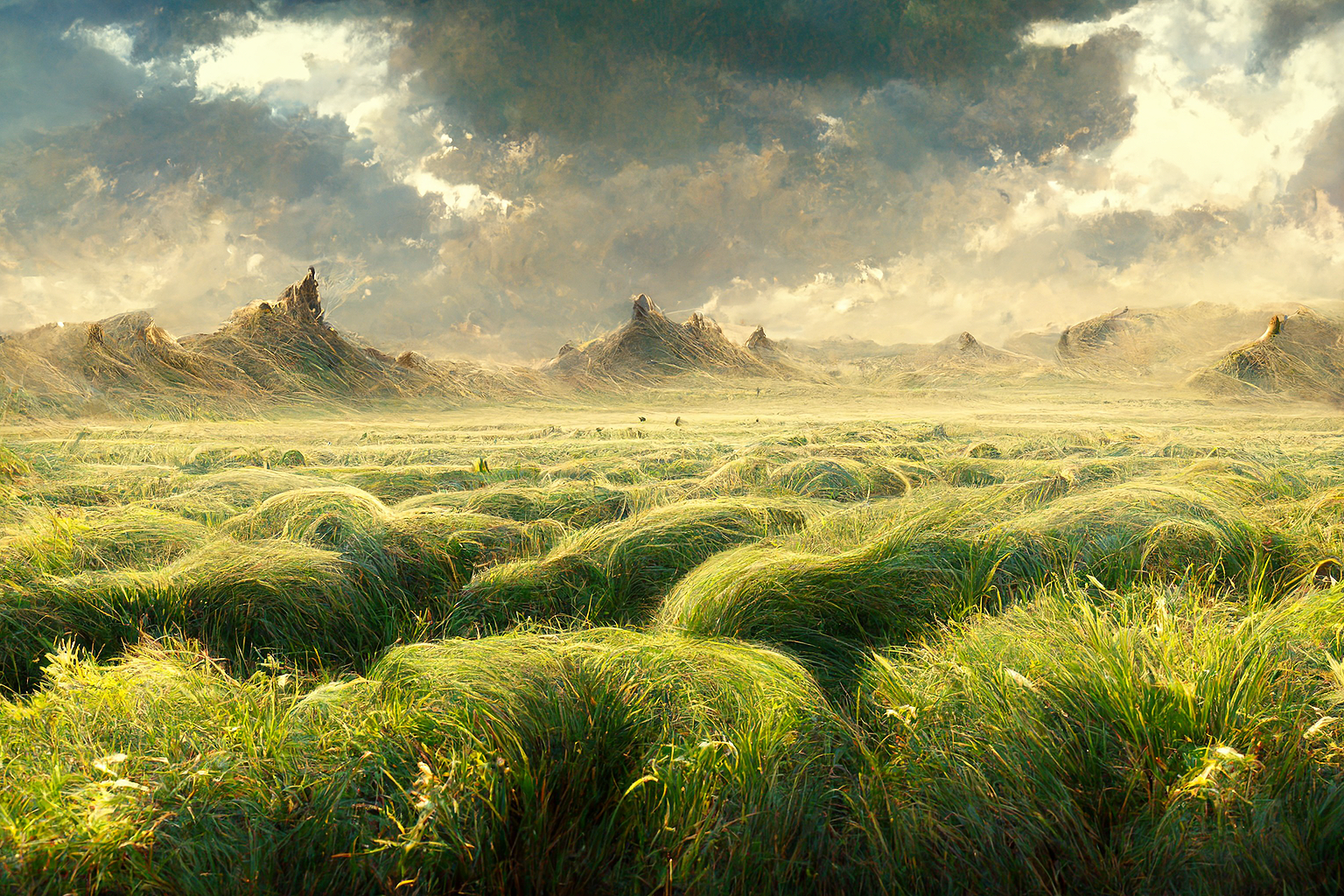
The King called up his jet fighters
He said you better earn your pay
Drop your bombs between the Minarets
Down the Casbah way
used these lyrics from
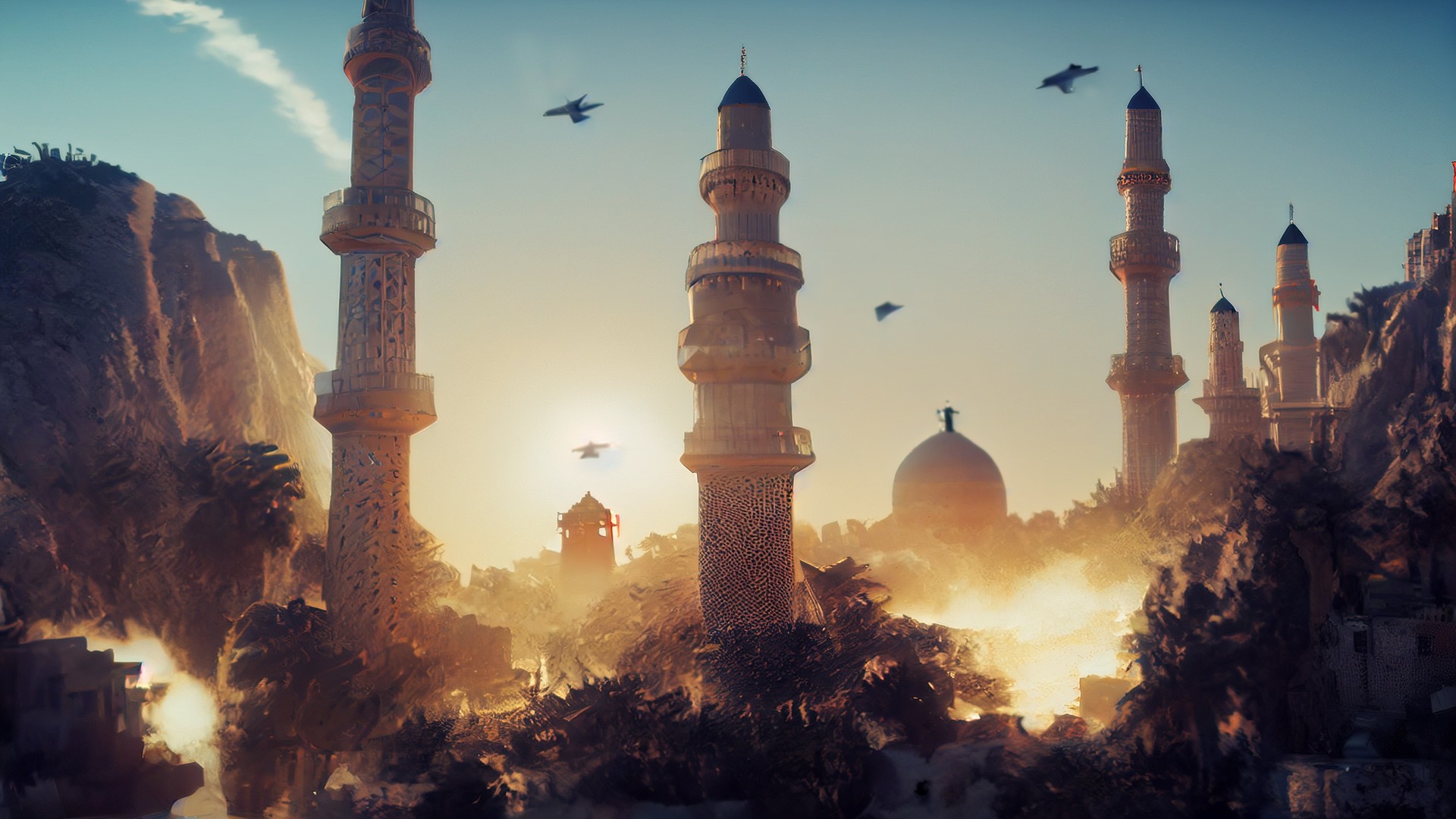
Tried all kinds of variations of this but for some reason MidJ don't like doing Jet fighters or I don't know how to describe them (I was in the Army not the Air Force) so I Shoped up some Bird Brushes touched some to make them look like Jets...Oh well it is what it is
Remember...No matter where you go there you are

Privacy Notice
This site uses cookies to deliver the best experience. Our own cookies make user accounts and other features possible. Third-party cookies are used to display relevant ads and to analyze how Renderosity is used. By using our site, you acknowledge that you have read and understood our Terms of Service, including our Cookie Policy and our Privacy Policy.
Bakapo - That is great! I don't want to move a finger in fear of stirring it up, lol. Taking dust to another level, ahh choooo... ;)