
Renderosity Forums / AI Generated Art
Welcome to the AI Generated Art Forum
Forum Moderators: wheatpenny, RedPhantom, Deenamic
AI Generated Art F.A.Q (Last Updated: 2024 Aug 27 11:07 am)
Dream, by Wombo https://dream.ai/create

Subject: Figament's AI Corner


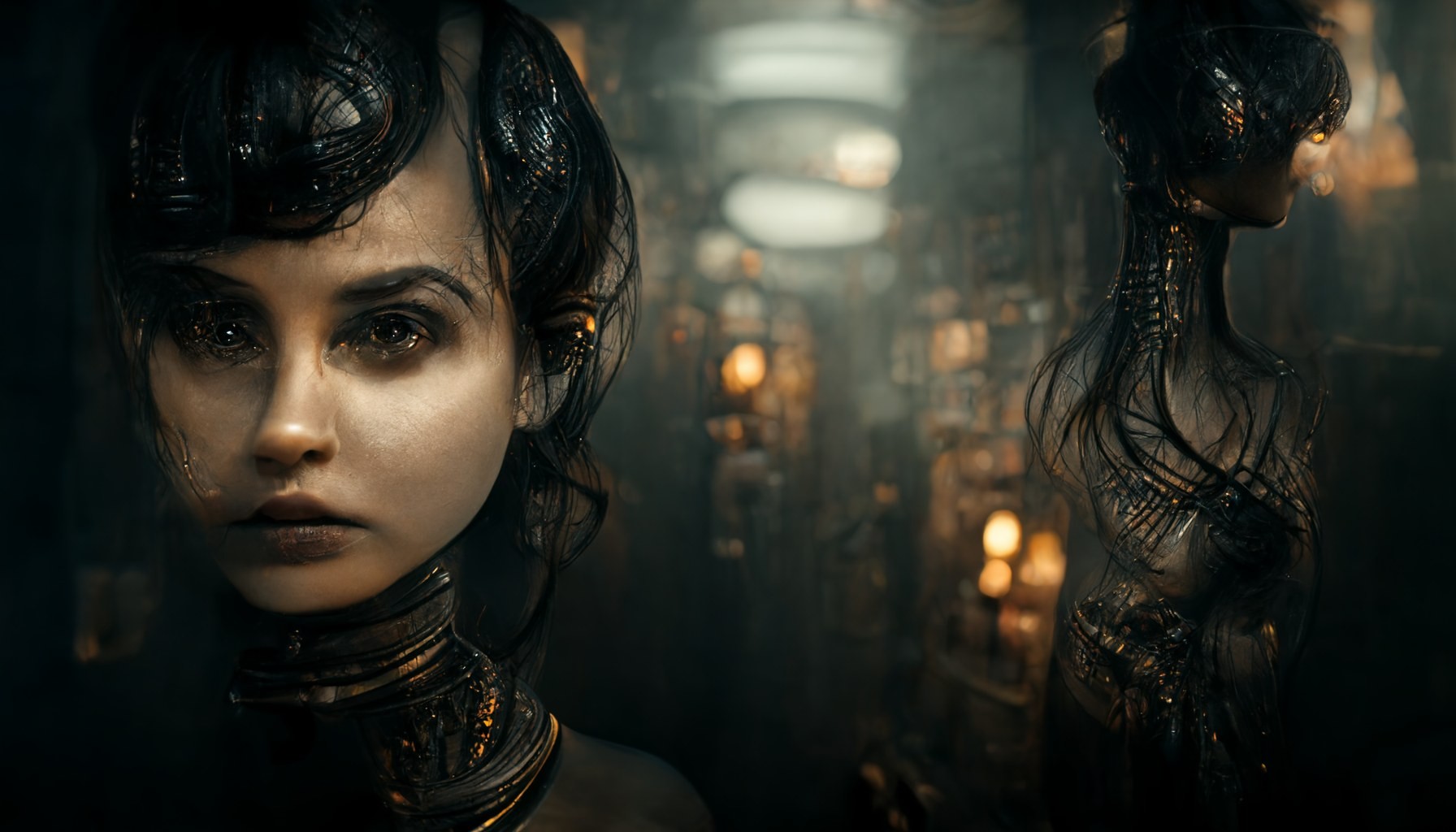
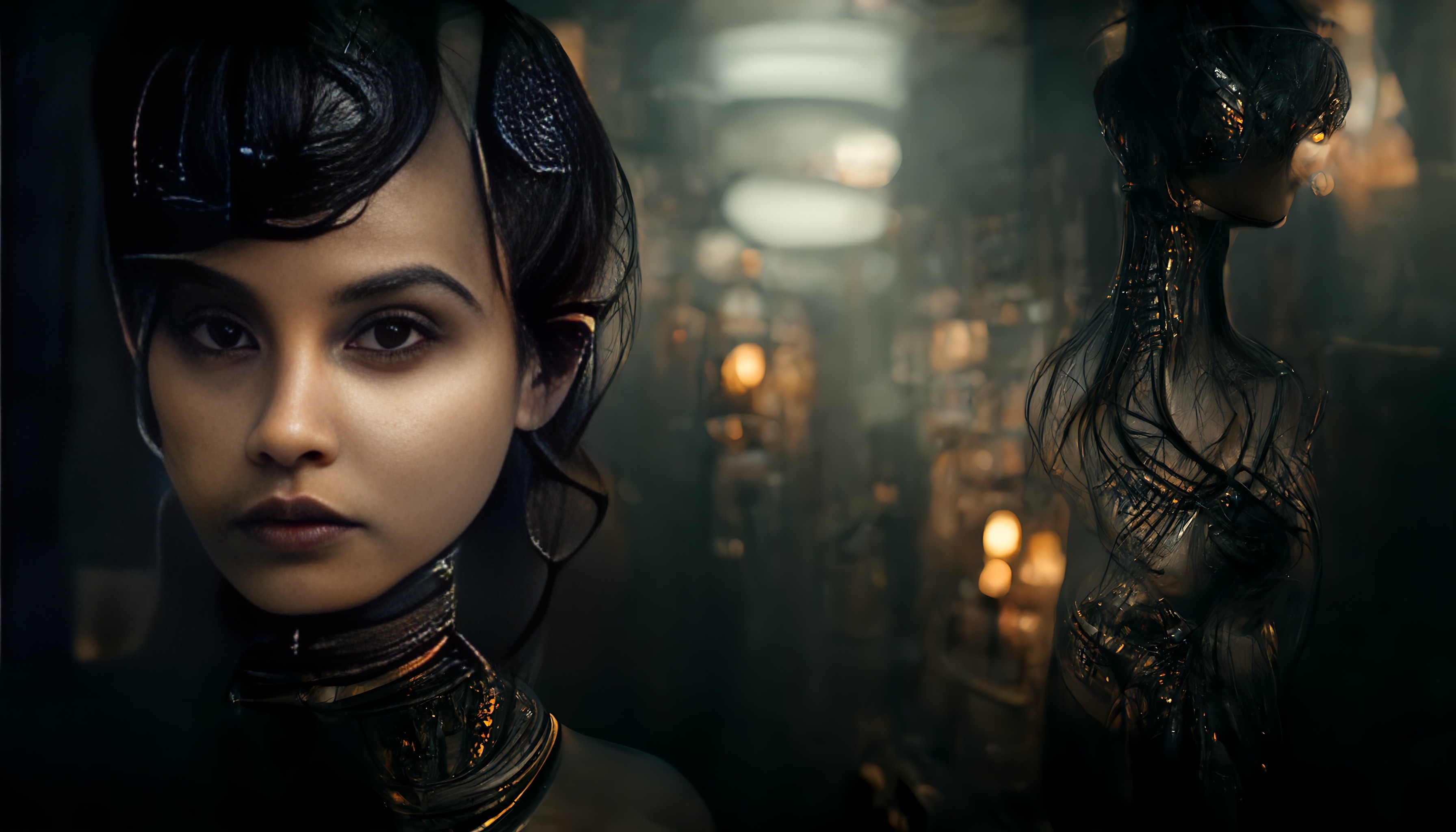



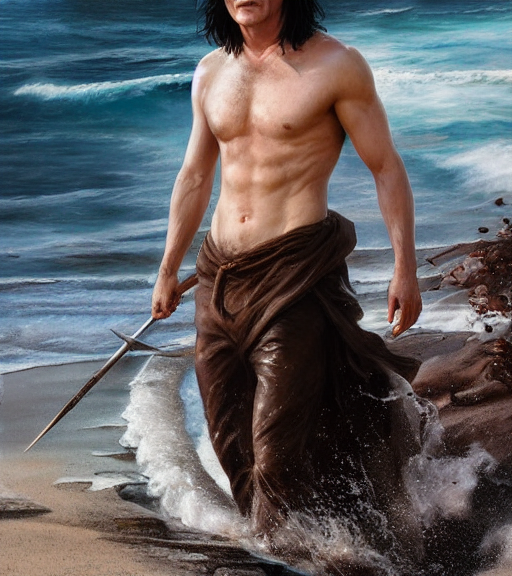
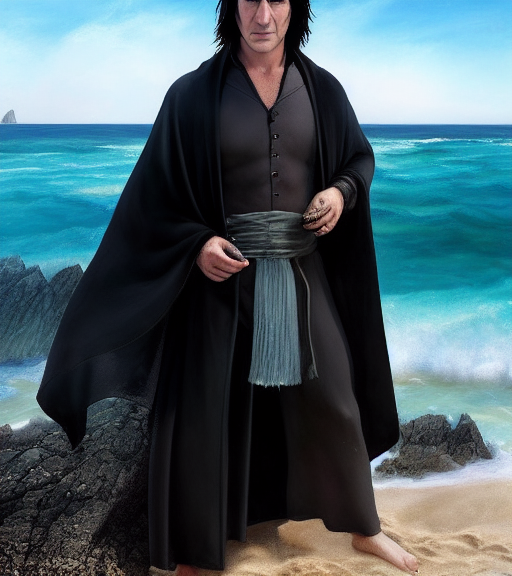
Feet can be hidden, it's the heads that are a problem. I tried the usual positive prompt like "full body" and on the negative side "out of frame" but not a whole lot of help. Wouldn't mind so much if it were completely messed up renders getting spoiled this way but it's often the good ones that get borked. I'll try "head to toe" next and see what happens.
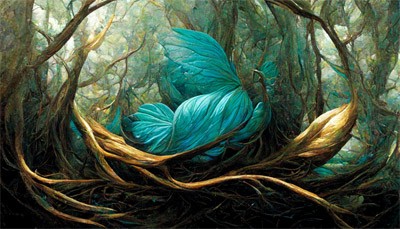
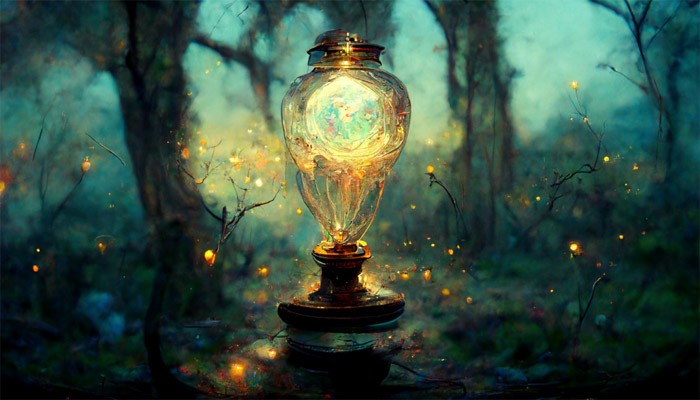
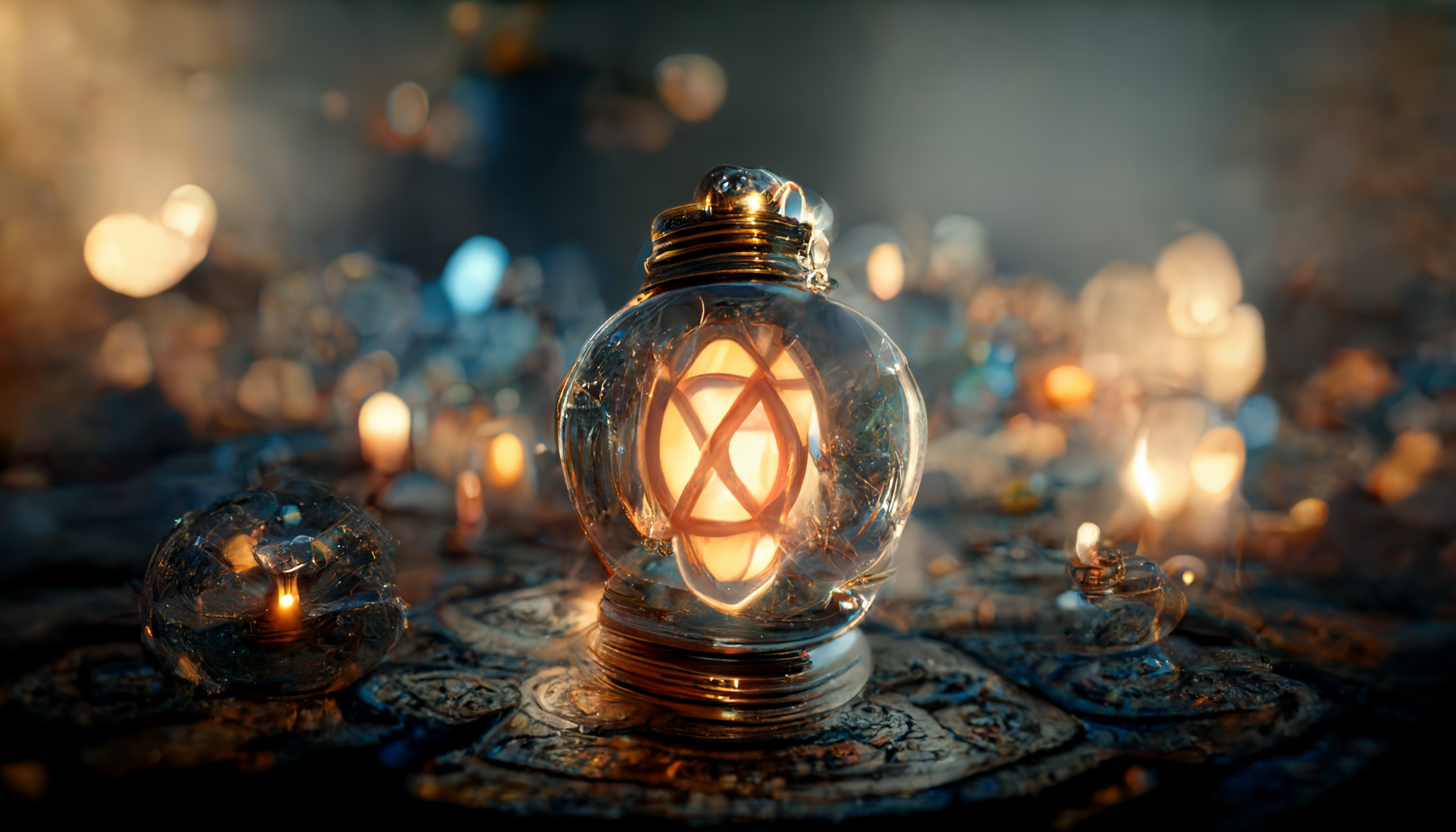
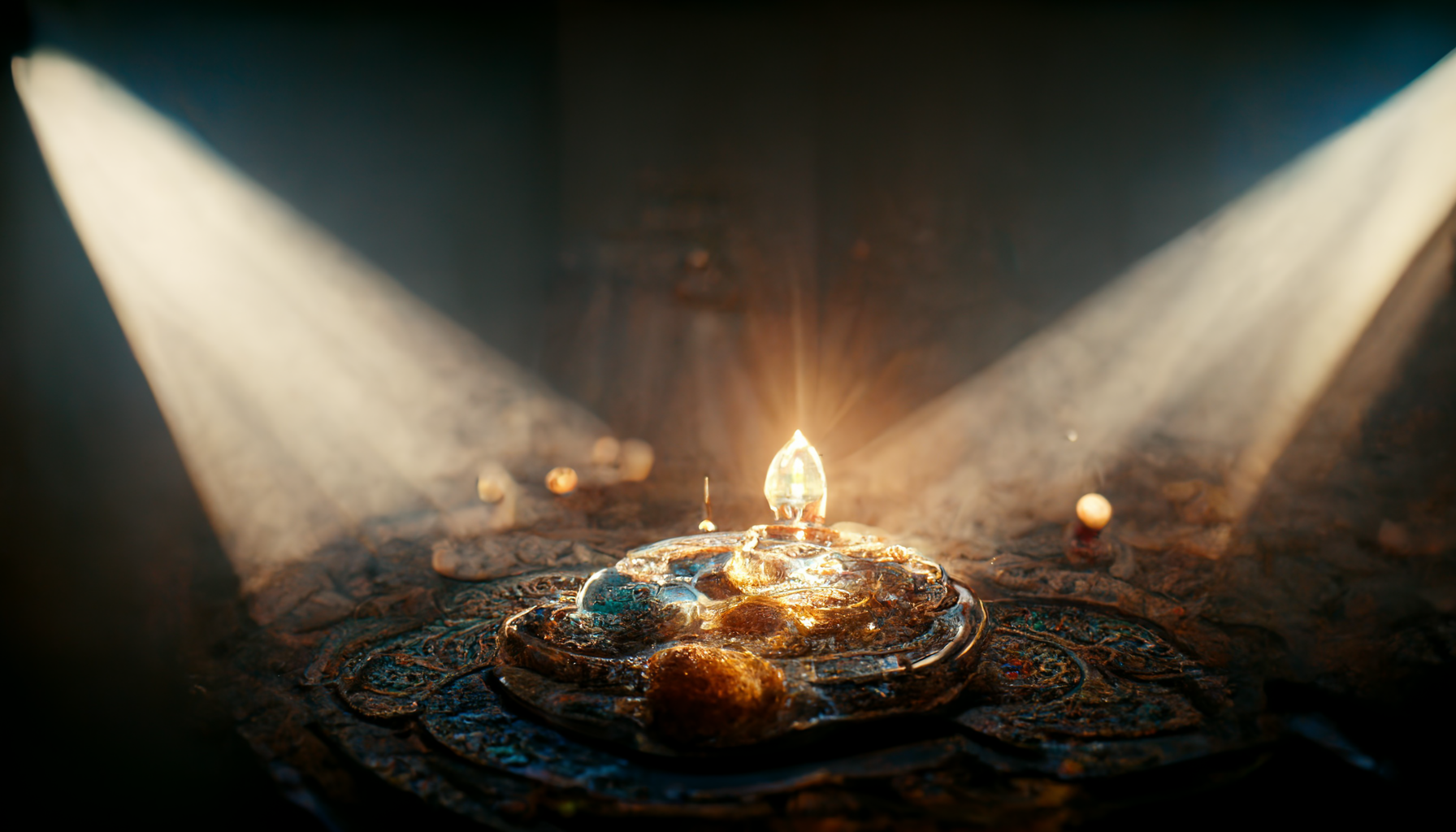
Fireflys circling a magic lamp that's just killer GillSeeing Lenord's lanterns a couple of days ago, I used an image that was done in MJ and just added "magic lantern" to the promptl Love what it did. Here's one of them....
Reference image....
Remember...No matter where you go there you are
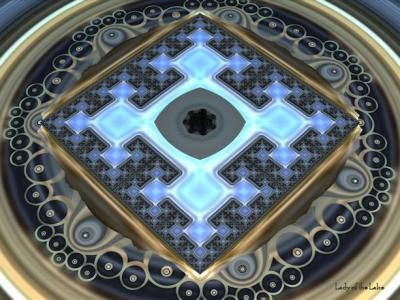
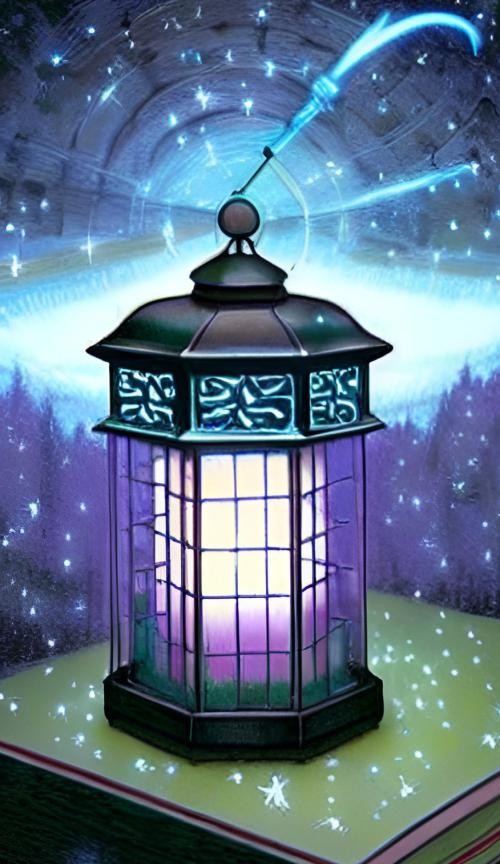
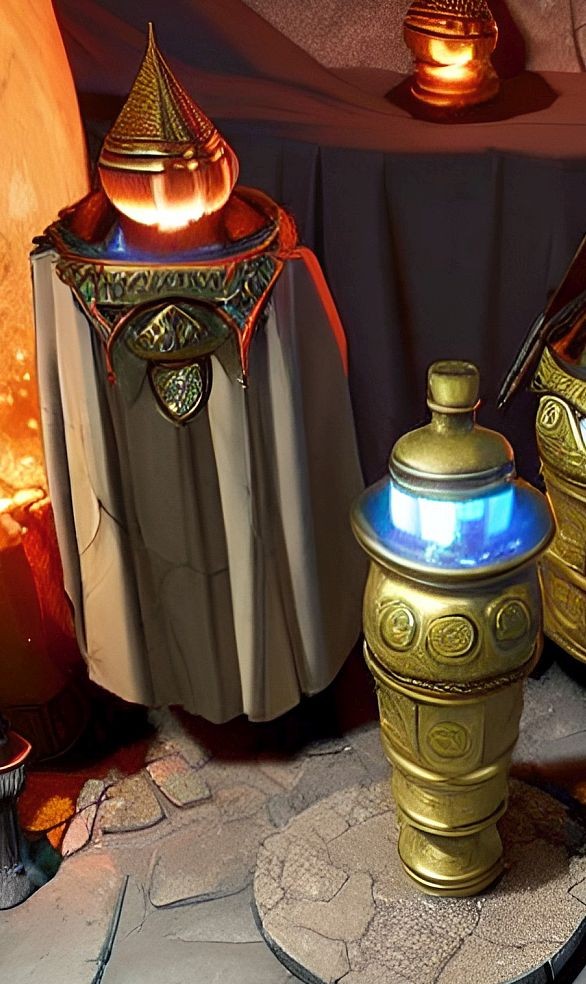
Gill: Thought I would try your magic lantern idea on a fractal of mine and I got this. Using Wombo the only words in the prompt were, "magic lantern". Not as pretty as yours but kind of the same result. I am sure I could have refined it to make it better but just wanted to see what I could get with just those words.
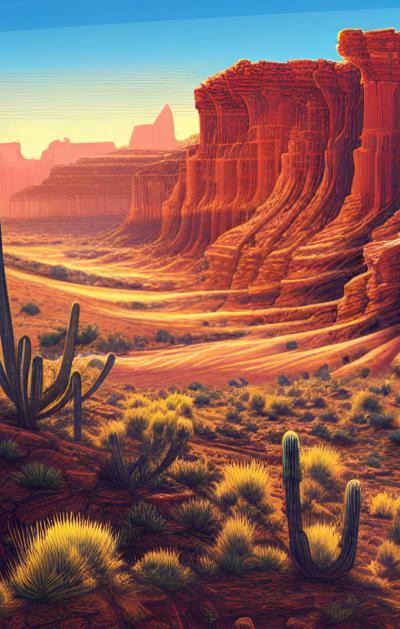
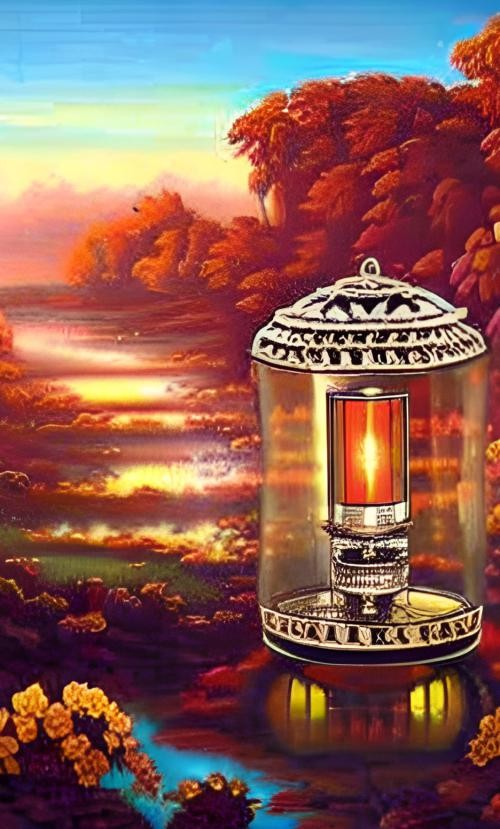
Got this lantern from an image of mine in Wombo. Not the same effect but I liked it better. Only words in prompt were "magic lantern".

Lenord posted at 2:43 PM Sat, 22 October 2022 - #4447290
WOW! Nice find, Leo. Thank you so much!https://arc.tencent.com/en/ai-demos/faceRestoration
I was using this before: https://app.remini.ai the app version where you had to watch a 15 or 30s ad, 5 images per day, no watermark. It would not fix the mutant faces though lol
Thanks again! 
No biggie but don't call me Leo call me Len I hate Leo 😁Lenord posted at 2:43 PM Sat, 22 October 2022 - #4447290
WOW! Nice find, Leo. Thank you so much!https://arc.tencent.com/en/ai-demos/faceRestoration
I was using this before: https://app.remini.ai the app version where you had to watch a 15 or 30s ad, 5 images per day, no watermark. It would not fix the mutant faces though lol
Thanks again!
Remember...No matter where you go there you are
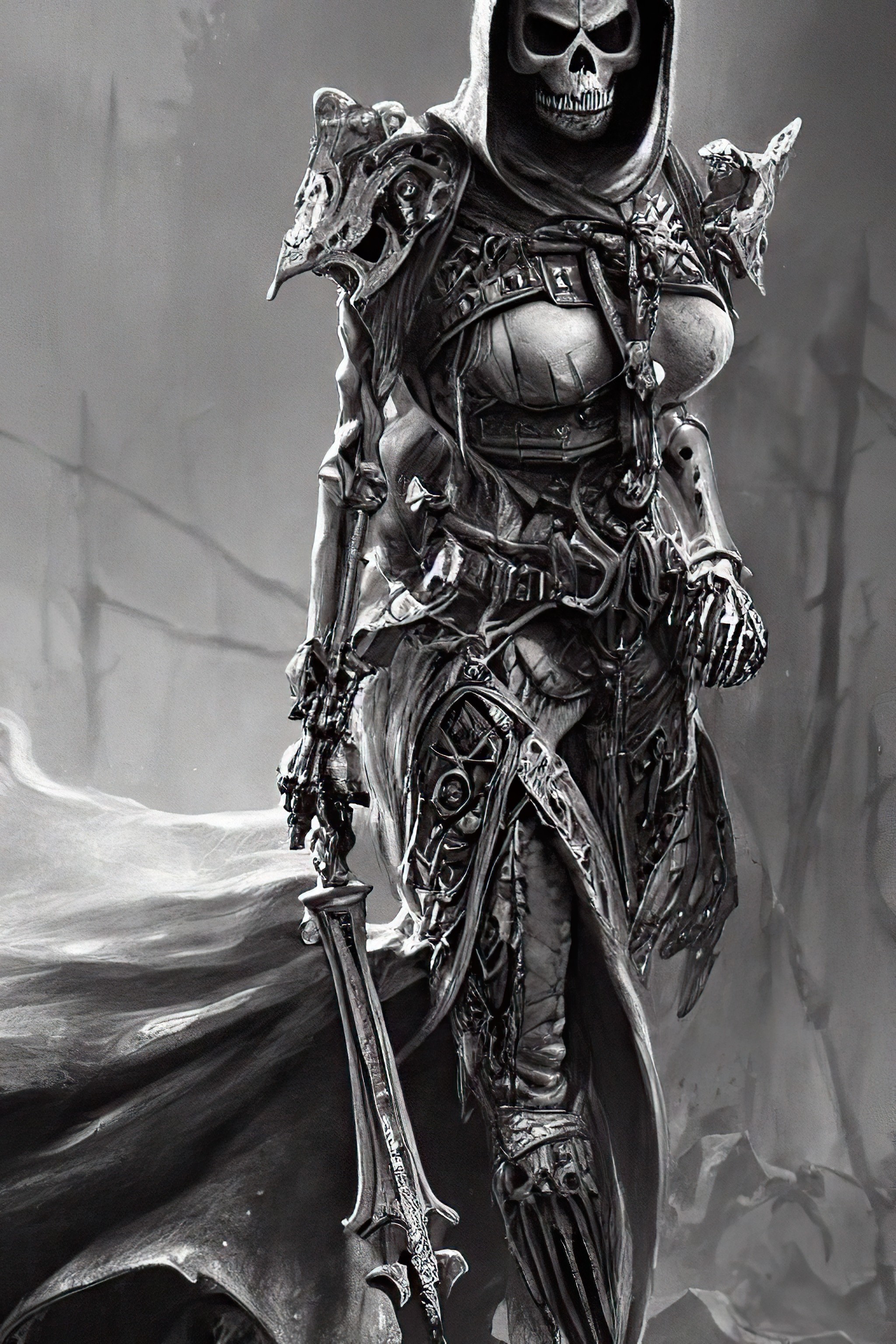
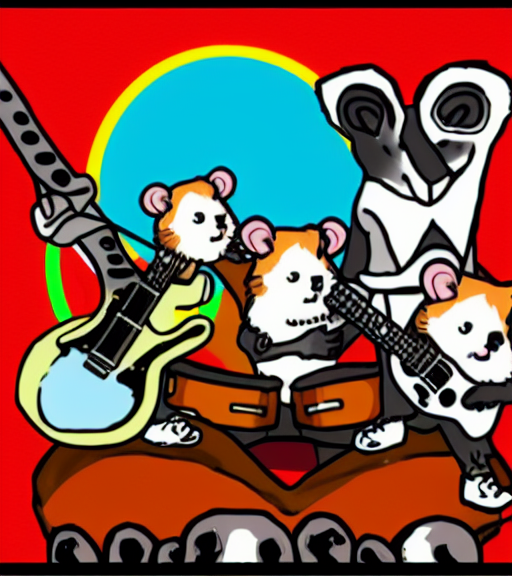


I was joking about the rock band groopies, but you found a cutie Gill, lol. Thanks for the smile... :)
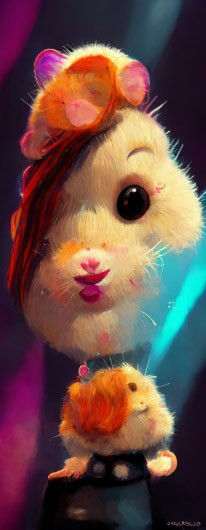
Kickstart My Heart - Motley Crew
https://www.youtube.com/watch?v=ybcxIpb-R_0
By the Power of Grey Skull-etteCopy that!
https://neural.love/ai-art-generator
Remember...No matter where you go there you are
Len - Thanks for sharing that eye fix vid, I don't do figures often but good to know how to fix thoes wonky ai eyes. Also thanks for helping out on the thread with some tech stuff, the board has voted to give you that corner office with the good view... ;}
Gill - You get the prompt of the week with magic lantern. I also have a few to share soon, looks fun!
Byrdie - Good idea for the poster! I thought of the heavy metal hamster band name, Trauma, and the album, Living The Dream, but I didn't think of the promotion poster for the tour, lol. Now you have me going down another rabiit hole, but at least we have the bus driver thanks to Bakapo... :)
Twiz - There is a challenge for you to create one of your bikini babes in an ai app floating about the web i hear, can't wait to see where that goes...
magic lantern, paranormal --ar 3:4
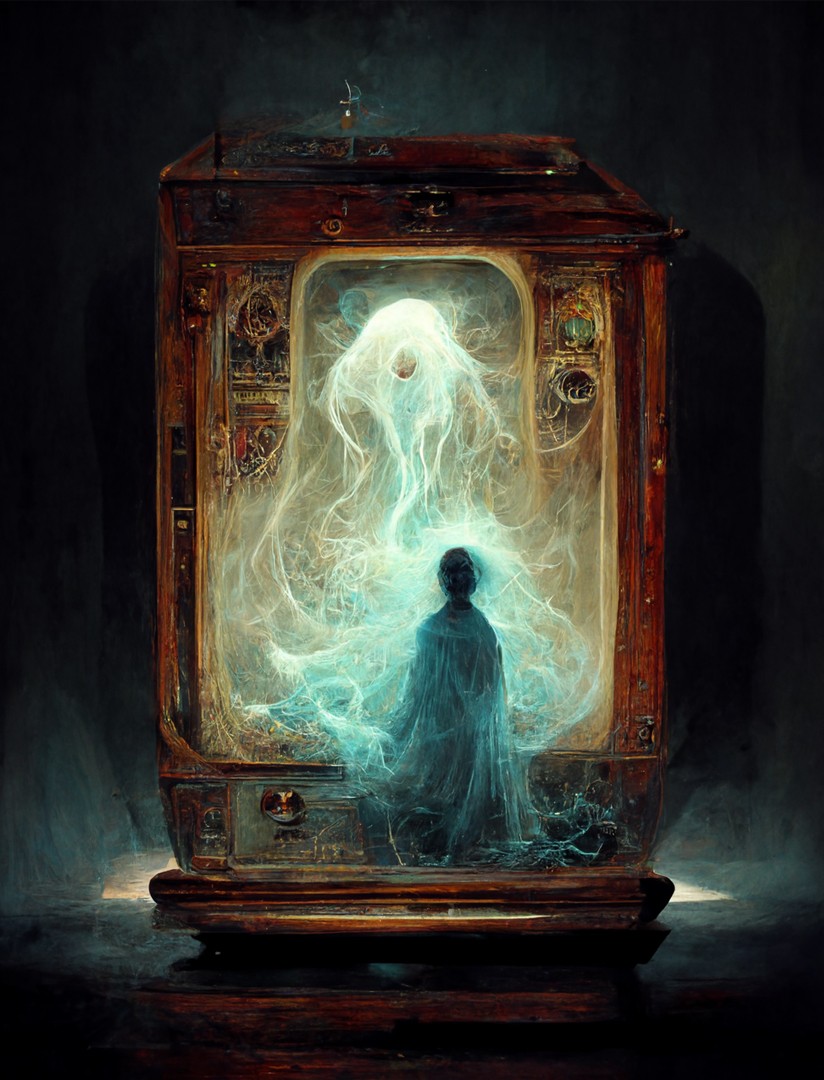
Added a lttle midjourney lantern twist... ;)
Steppen Wolf - Magic Carpet Ride
https://www.youtube.com/watch?v=eGkGNCUQtWY
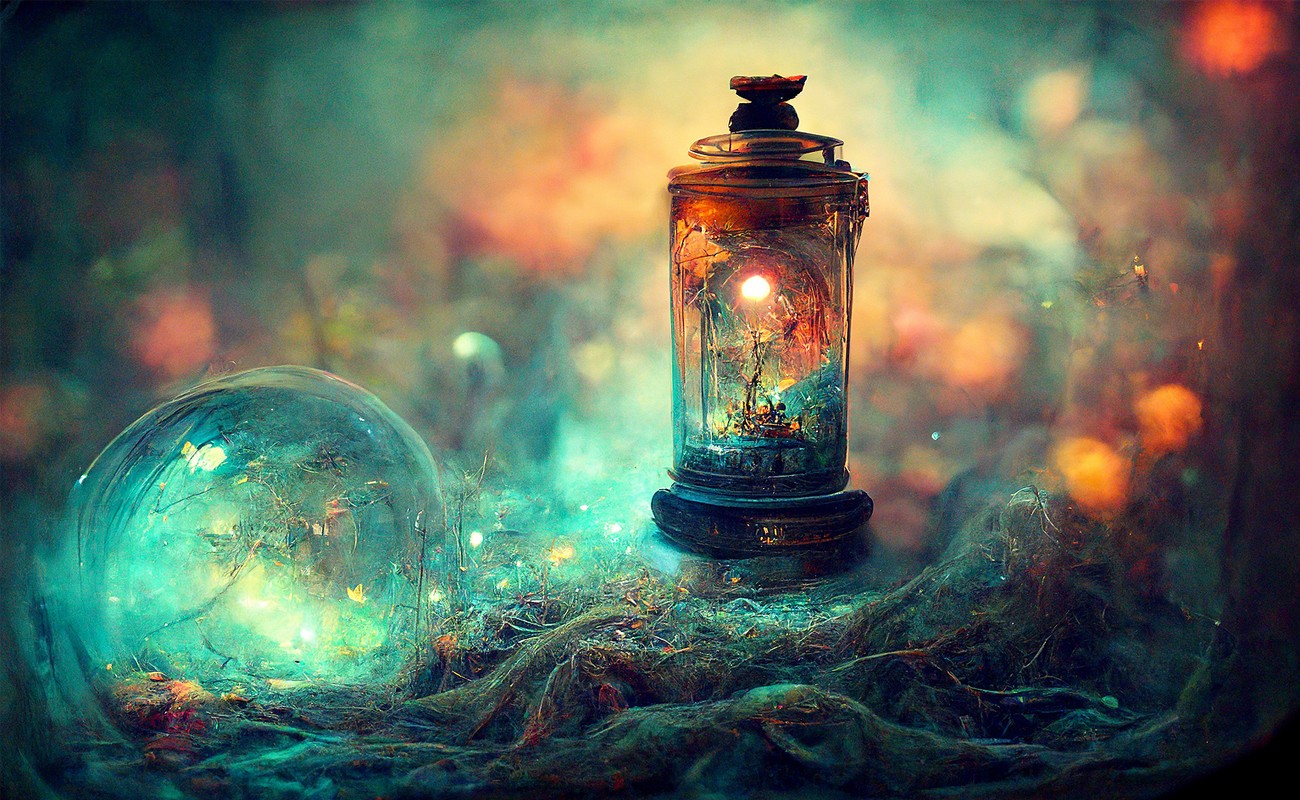
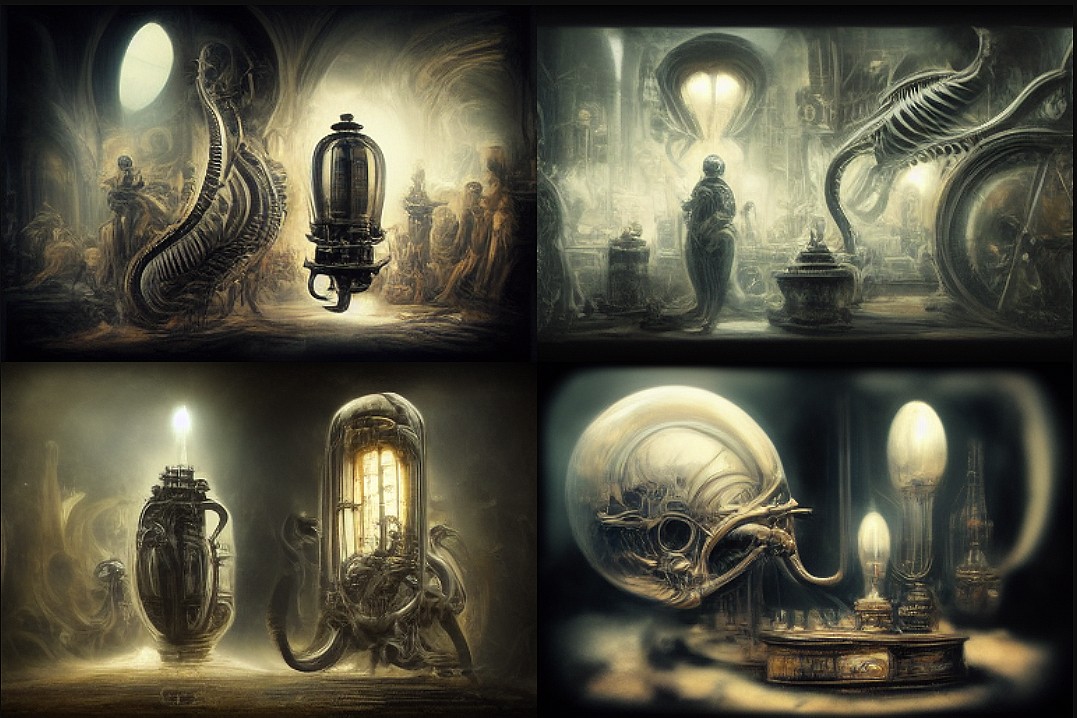
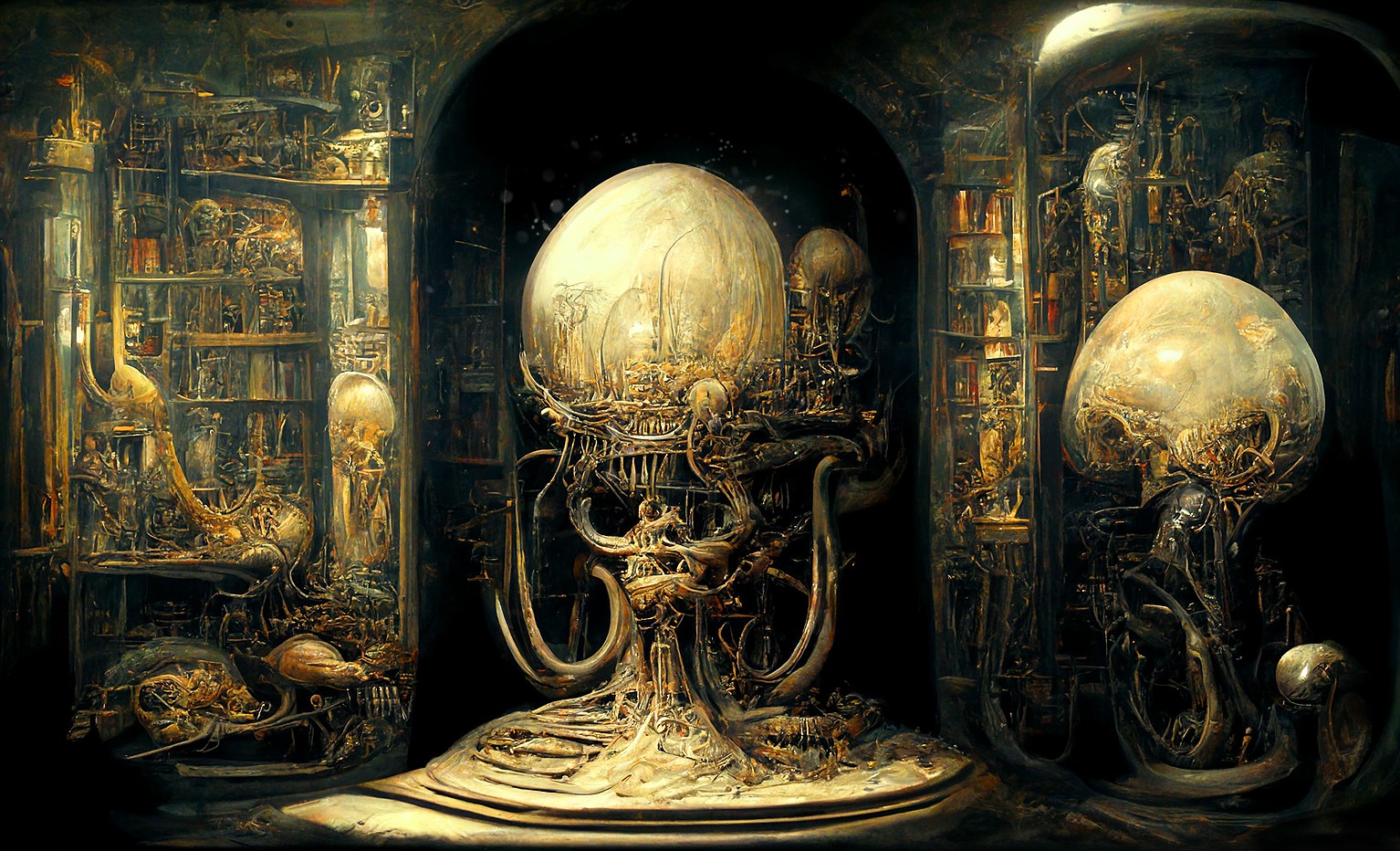
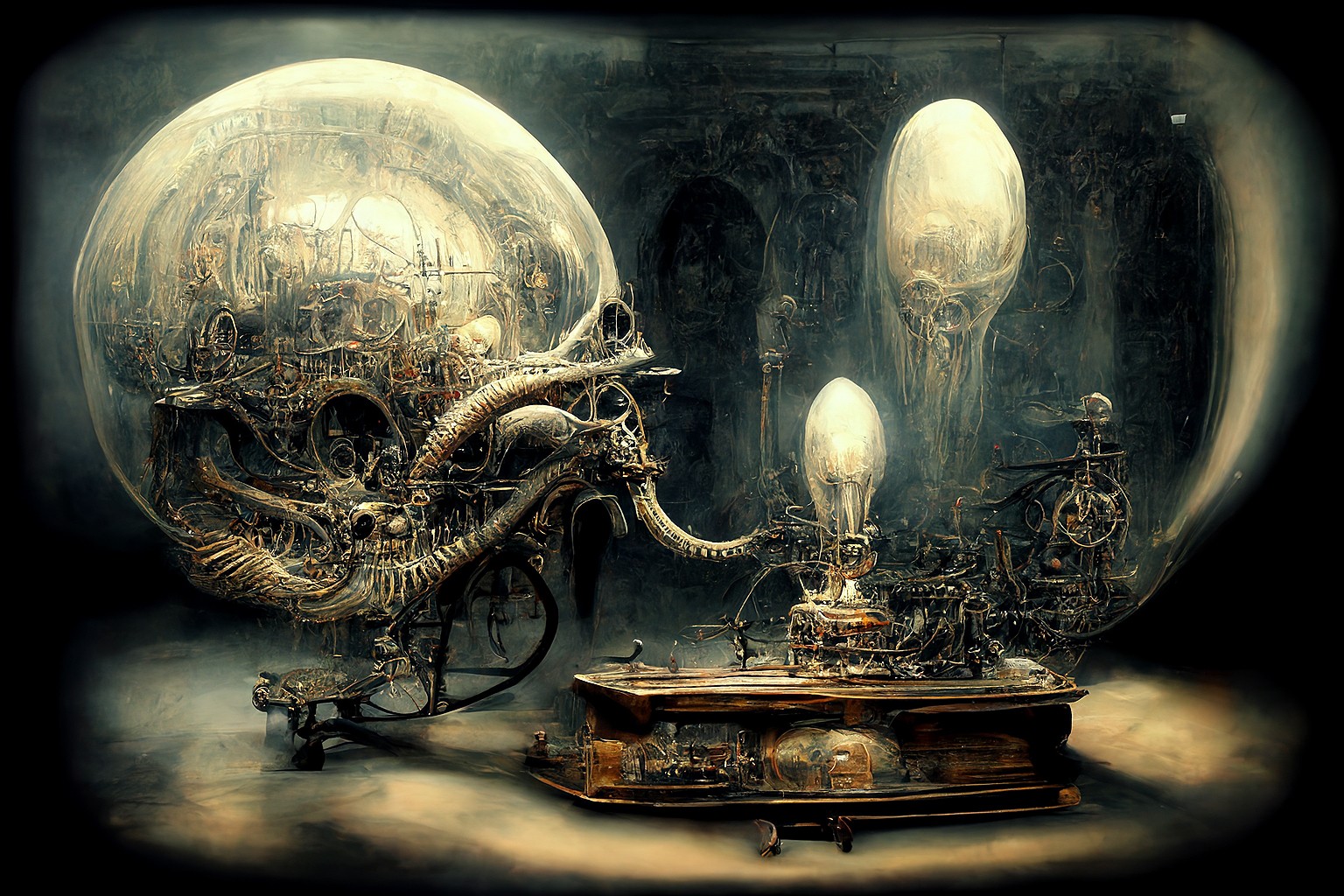
gillbrooks posted at 6:42 PM Sat, 22 October 2022 - #4447313The unpredictability is brilliant. The originals are far better than the remasters in terms of magicality (if magicality isn't a word, then it is now in my world!!)Fireflys circling a magic lamp that's just killer GillSeeing Lenord's lanterns a couple of days ago, I used an image that was done in MJ and just added "magic lantern" to the promptl Love what it did. Here's one of them....
Reference image....
Gill

ladylake posted at 8:00 PM Sat, 22 October 2022 - #4447320
These are still lovely in their own way. They're more like the ones I got from mine on "remaster"
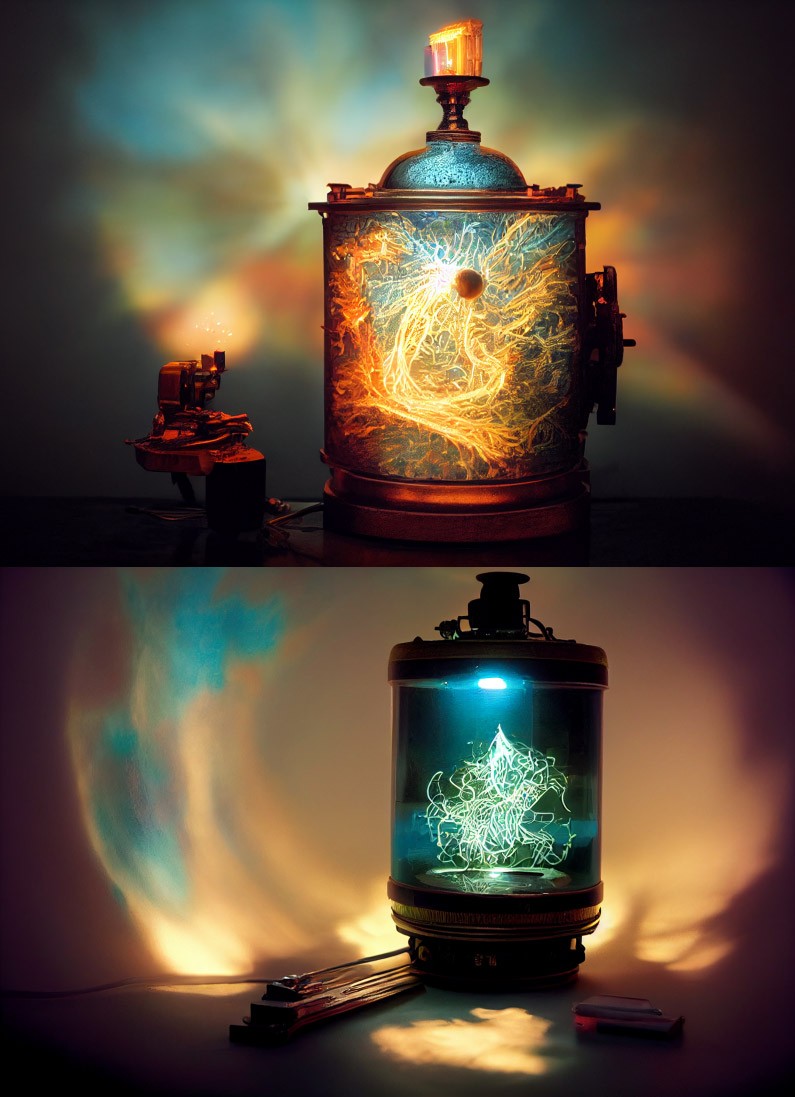
Gill: Thought I would try your magic lantern idea on a fractal of mine and I got this. Using Wombo the only words in the prompt were, "magic lantern". Not as pretty as yours but kind of the same result. I am sure I could have refined it to make it better but just wanted to see what I could get with just those words.
Got this lantern from an image of mine in Wombo. Not the same effect but I liked it better. Only words in prompt were "magic lantern".
Gill
They're Heeeeere!magic lantern, paranormal --ar 3:4
Added a lttle midjourney lantern twist... ;)
Steppen Wolf - Magic Carpet Ride
https://www.youtube.com/watch?v=eGkGNCUQtWY
Remember...No matter where you go there you are
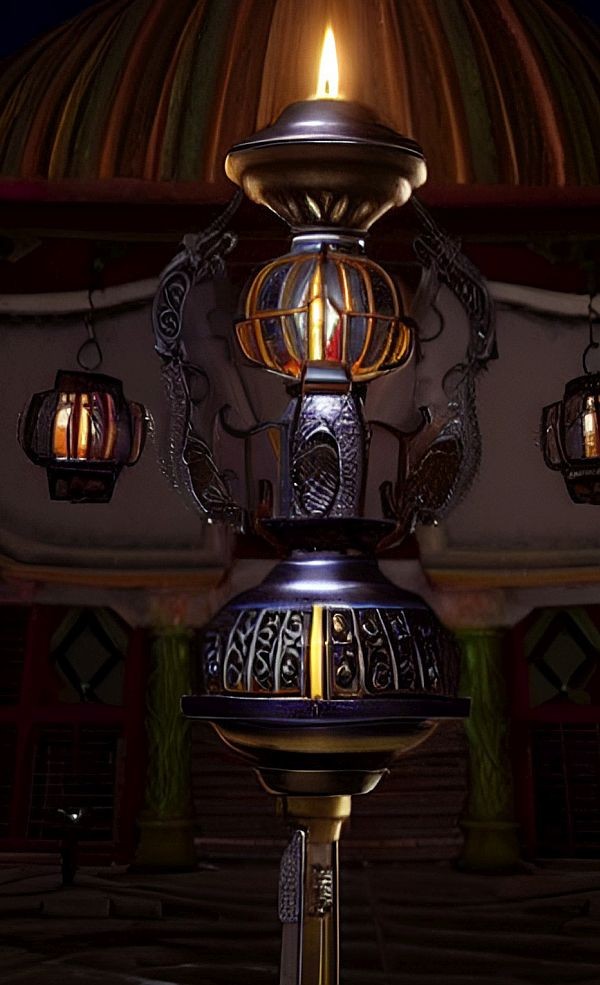
3rd one looks like a COB LED lanternmagic lantern, photorealistic, atmospheric, science fiction, giger, baroque --ar 3:2
Had to try it... ;)
Remember...No matter where you go there you are

I feel like a fool for asking, but where are the fractals coming from? I don't thing Daz Studio or Poser does that. Of course, I could be wrong. Last time I encountered fractal anything, it was some kind of Photoshop filter, and that was well more than a decade ago. At the time I didn't have much use for it, but if it makes images like these when used with AI ...

Just thought I'd let everybody know about this new (to me) website I found called mage space:
With this website you get to use the Stable Diffusion engine for free. No credits to buy and you can make as many images as you want to. It has some pretty cool features like being able to upsize your initial image from 512 by 512 to 2048 by 2048 (if you're using the "square" option, it'll be different for other aspect ratios of course). If you look on the front page of the website you'll see underneath the prompt bar in orange text, "View Options". When you click that you'll see options that allow you to change the aspect ratio, quality, as well as a guidance scale, but that's not all, when you clicked on the "View Options" text you'll notice along with those choices there's now a checkbox for Advanced Mode, check that and you have even more options. You now get a Quality and Guidance Scale slider along with a Seed and Negative Prompt box. The only thing is if you want to use this website, you have to log in with either a google or twitter account but you can also login with your e-mail address which is what I did.
Once you do your renders you'll get the choice of downloading them, enhancing (upscaling them), re-running the prompt, remix or copying the prompt. You'll notice an icon in the upper right corner of the website that looks like a head in a circle, click on that and you'll see this is where your pictures are saved, even if you decide to download them. Of course if you're not satisfied with the results you can right click on them and delete them. The only real drawback I can see so far, is it doesn't give you the chance to name your pictures, it assigns random letters and numbers to them. But once you download them of course you can name them whatever you like. BTW some advice regarding the quality settings, the default is set to high which should be good for most things but I've found that when you're doing human faces it's better to set it somewhere between high and extreme. Check it out and have fun!
Whoops, I forgot to mention regarding signing up, make sure if you do want to join so that you can save your A.I. images on the website that you click on the head in the circle in the right hand corner. This will give you signup options using google, twitter or your e-mail address. Of course you can still create images without signing up but I find it more convenient for saving images on the website in case I want to re-do or remix them.
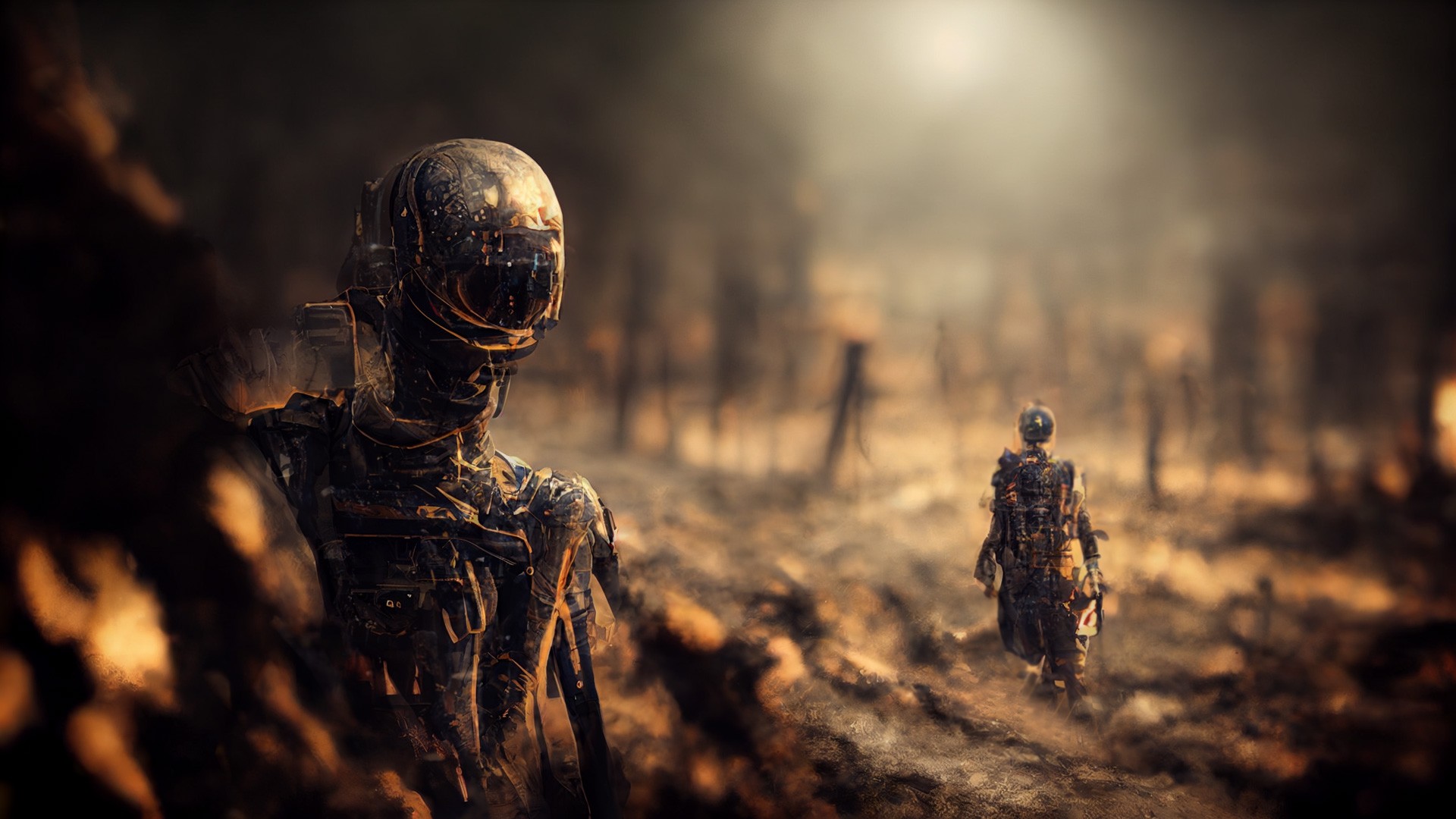
I produce my Fractals used as a prompts here using either Mandelbulb3D or Mandelbulber 2 different 3D Apps. Been using MB3D about 12 years or so Mandelbulber for 2-3 yearsI feel like a fool for asking, but where are the fractals coming from? I don't thing Daz Studio or Poser does that. Of course, I could be wrong. Last time I encountered fractal anything, it was some kind of Photoshop filter, and that was well more than a decade ago. At the time I didn't have much use for it, but if it makes images like these when used with AI ...
Remember...No matter where you go there you are

Remember...No matter where you go there you are
Might check those programs out when I get the chance. I also just took a look at Mage.space. Sounds pretty cool and I don't mind having to sign in with google. But. Have you read their terms and conditions? https://www.mage.space/terms-and-conditions
Pay special attention to the parts relating to copyright and what you give up FOREVER by using their service.

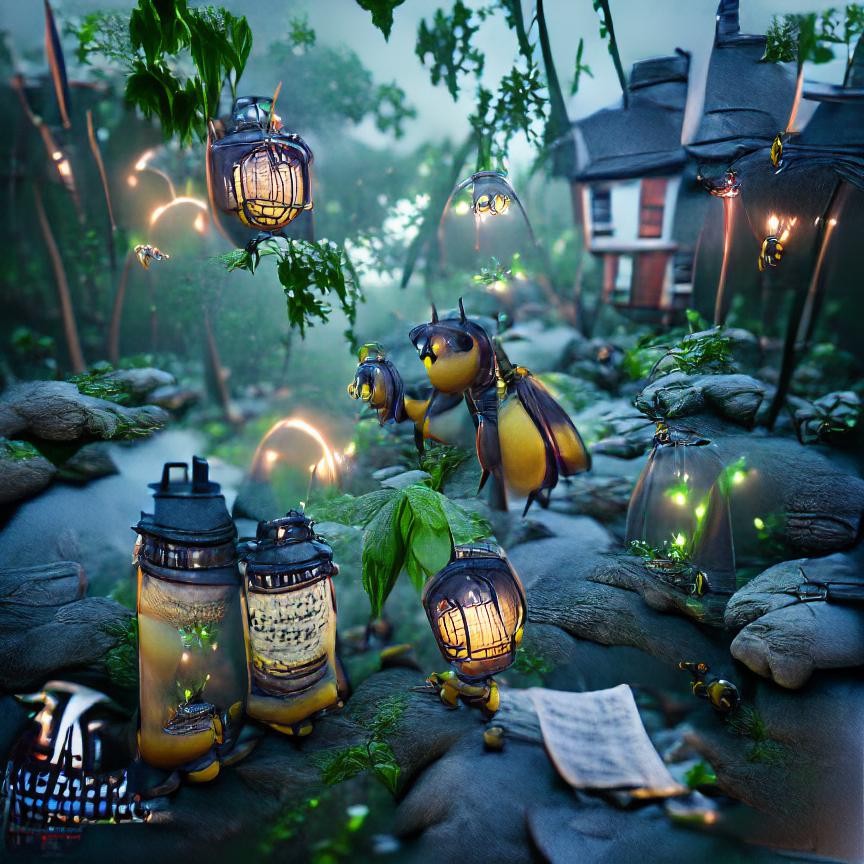
Here's my whimsical take on Magical Fireflies with Lanterns
===========================================================
OS: Windows 11 64-bit
Poser: Poser 11.3 ...... Units: inches or meters depends on mood
Bryce: Bryce Pro 7.1.074
Image Editing: Corel Paintshop Pro
Renderer: Superfly, Firefly
9/11/2001: Never forget...
Smiles are contagious... Pass it on!
Today is the tomorrow you worried about yesterday
Getting my Jam on today music in my headphones and Football on TV only way to go
Remember...No matter where you go there you are
Byrdie posted at 12:12 PM Sun, 23 October 2022 - #4447384
Never heard of that one but I put a prompt in that I've been using in MJ - 1st result was off but the 2nd was good....Might check those programs out when I get the chance. I also just took a look at Mage.space. Sounds pretty cool and I don't mind having to sign in with google. But. Have you read their terms and conditions? https://www.mage.space/terms-and-conditions
Pay special attention to the parts relating to copyright and what you give up FOREVER by using their service.
Gill
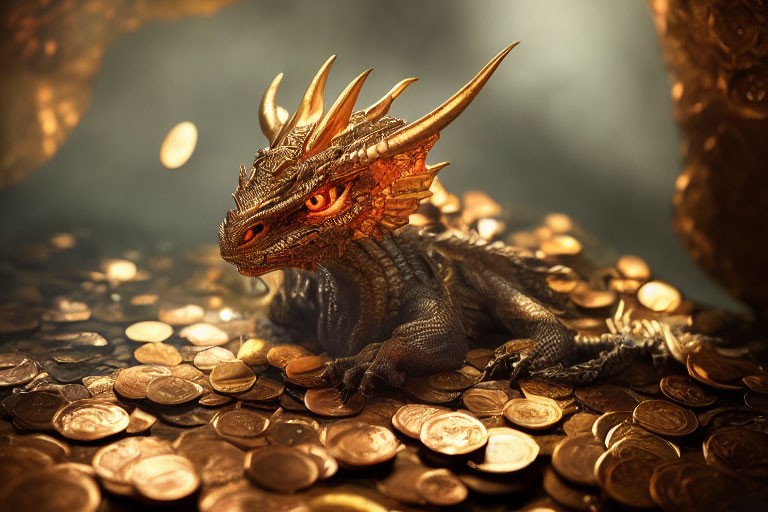
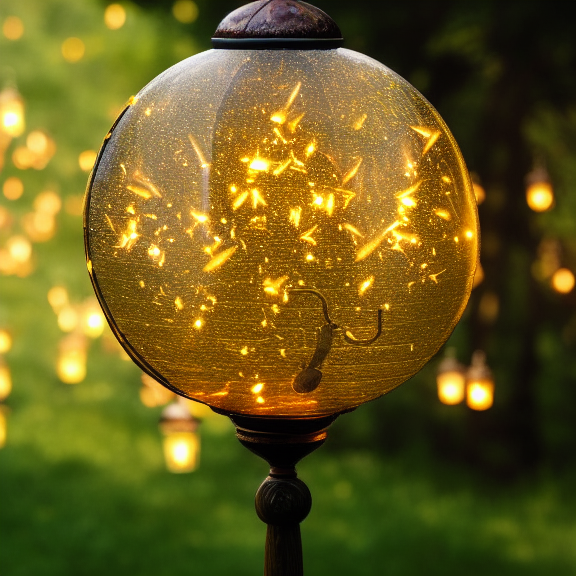
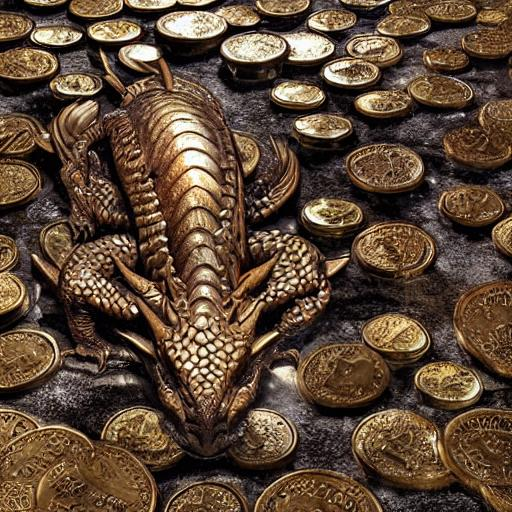
This is oen from the same prompt in MJ
That's just way too cool 😎
Remember...No matter where you go there you are


Privacy Notice
This site uses cookies to deliver the best experience. Our own cookies make user accounts and other features possible. Third-party cookies are used to display relevant ads and to analyze how Renderosity is used. By using our site, you acknowledge that you have read and understood our Terms of Service, including our Cookie Policy and our Privacy Policy.
Hey ya'll I stumbled across this demo that will fix those wonky eyes and faces you sometimes get in Ai go here you may have to change the language I think it's Japanese?
https://arc.tencent.com/en/ai-demos/faceRestoration
Just upload the image you want to fix after it loads (may take a minute) there is a slider just slide across what you want fixed and voila download it...fixed
only one drawback is it smooths most texturing on the face makes it more photorealistic...but it does fix those wonky eyes and slightly off faces, doesn't do a hell of a lot on Fractals but then their not faces are they.
Remember...No matter where you go there you are