
Renderosity Forums / Carrara
Welcome to the Carrara Forum
Forum Coordinators: Kalypso, Anim8dtoon
Carrara F.A.Q (Last Updated: 2026 Jul 11 2:50 am)
Visit the Carrara Gallery here.

Subject: having trouble with soft mountain/water


Adjust the terrain size in the terrain editor to match the scale your looking for. There is a button to turn off that automatically sizes the terrain to your 'Working box.' Then set the size... in miles! :o But after you set it to, say .01 miles, you can then scale it in the properties tray to fit your scene best. Hope this helps!
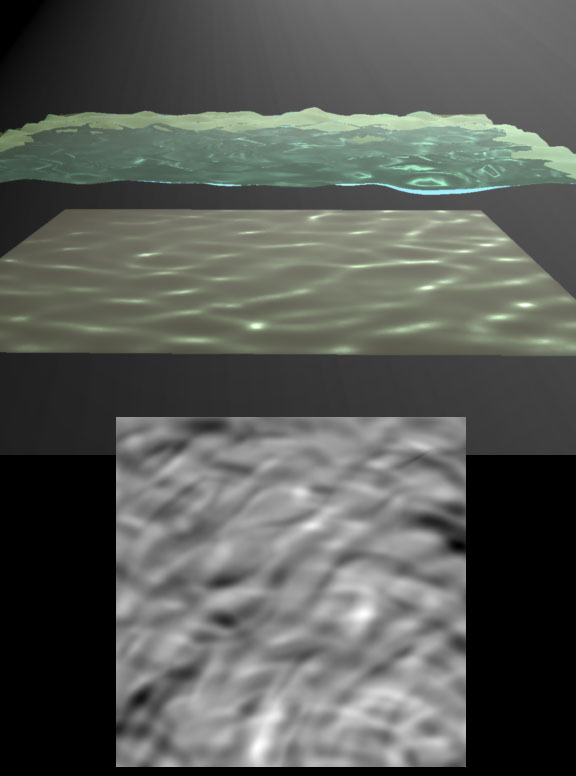
Yes, Me likee. That's what I'll do. Very nice, that way I can set up a wave coming from the raft as the fly guy reefs back on the pike, his wake can cause a circular wave to form and roll out away from the raft. Thanks. Falconperigot, do you mind posting your texture map above? I can play around with it for starters. Robert
Never Give Up!
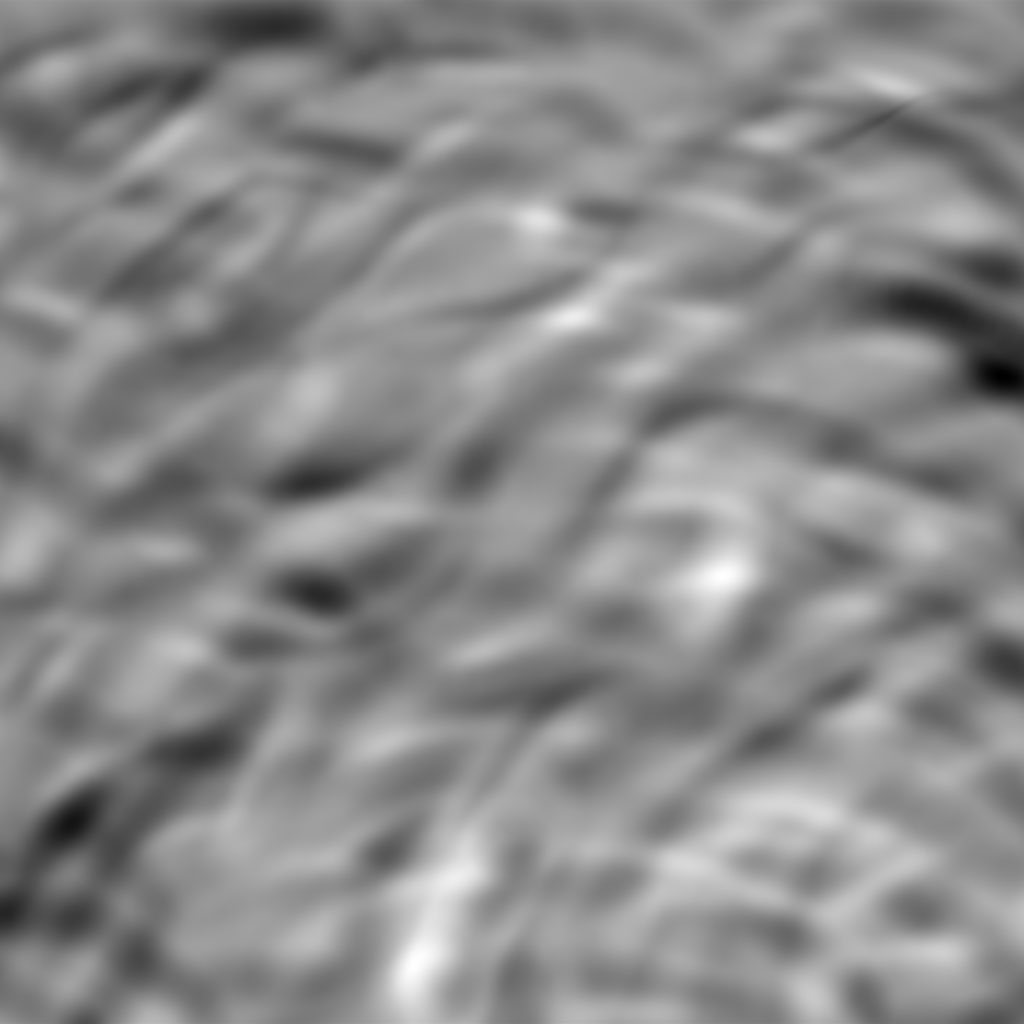
Hi Ed, Yes, I did it in ZBrush, though it wouldn't be difficult in Photoshop; just start with a black background and then airbrush on the grey lines. The displacement options in Carrara make it easy to adjust from dead calm to uncomfortable. ;-) I suppose you could paint a map in the terrain editor in Carrara but I don't find that particularly easy to work with.


Privacy Notice
This site uses cookies to deliver the best experience. Our own cookies make user accounts and other features possible. Third-party cookies are used to display relevant ads and to analyze how Renderosity is used. By using our site, you acknowledge that you have read and understood our Terms of Service, including our Cookie Policy and our Privacy Policy.
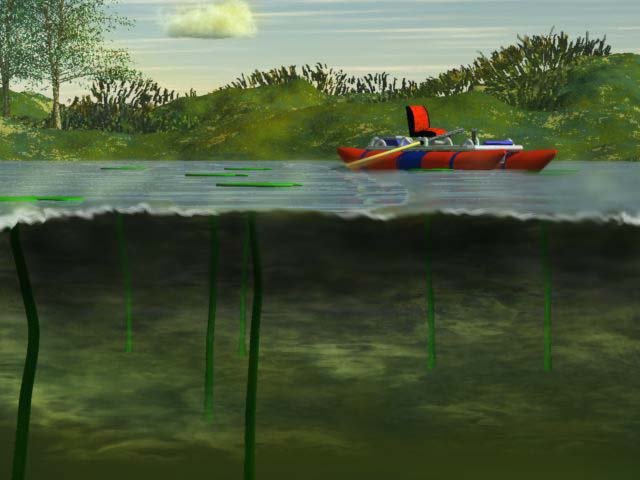
I need to make a water plain that has waves... so when I set this scene up, the lake is not calm. It needs little waves. There will be a pike under the water being reeled in by a fly fisherman in the raft. The waves I've tried to make out of a terrain have been large! Any ideas? RobertNever Give Up!