
Renderosity Forums / Genesis 3 to Poser-FREE Utility Help
Welcome to the Genesis 3 to Poser-FREE Utility Help Forum
Genesis 3 to Poser-FREE Utility Help F.A.Q (Last Updated: 2024 Aug 27 11:03 am)

Subject: Welcome to the Genesis 3 to Poser-FREE utility help and support forum


Was ebenfalls nicht funktioniert sind die "Genesis 3 Male Genitalia". Sobald ich sie zu TriaxWeights konvertiere knicken sie bei der Errection schon in DAZ. Beim Import in Poser sehen sie zwar wieder besser aus, allerdings auch nicht gut. Die Biegung des Schaft ist nicht mehr glatt rund sondert hat auch leichte Knicke drin, als ob die WeightMap nicht mehr richtig funktioniert.
Was ich ebenfalls nicht ganz hinbekommen habe sind die fertig ladbaren Expressions. Zumindest nicht mit der Methode die ich beim G2 angewandt habe, in dem ich einfach das .py und das .pz2 file mit den entsprechenden Namen des .duf files erstellt habe. Die Expresions werden zwar geladen, aber mir scheint zu stark, wenn man überall manuell die Werte der Morpphs halbiert könnte es dann etwa stimmen. Kann man die Intensität der Morphs irgendwie generel konfigurieren? Müsste mal da evtl diesen MultiplyFactor value=0,30 auf 0,15 statt auf 0,3 einstellen bevor man die die G3 figur updatet??
Bei den ladbaren Poses scheint das aber zu klappen, auch wenn nicht ganz perfect. Vor allem bei den Schuhen scheint ebenfalls ein überproportionale Biegung der Zehen zu sein, die Zehen selber sind aber richtig. Sonst stimmts bei den Kleidern.
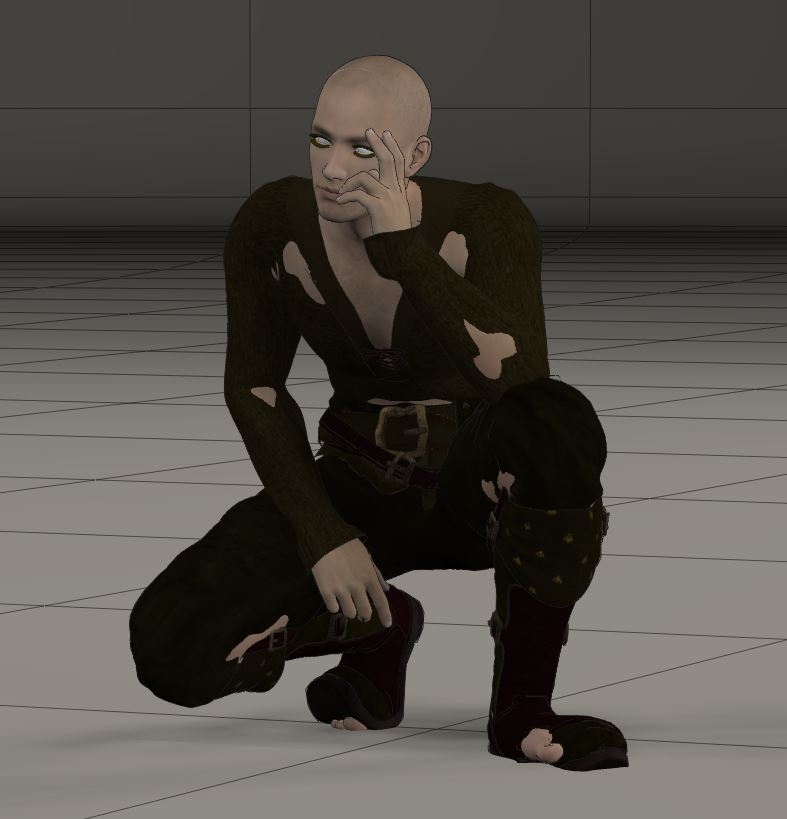
I could solve the issue with the to strong loaded expressions. Indeed you must set the multiplyfactor value from 0,3 to 0,15 in the configuration file of the G3 Updater before you update the G3M figure. Then the loaded expressions are not disproportionately strong anymore, I don't now if 0,15 is the perfect value but it looks much better for me.
But why the shoe bends disproportionately strong at the toes I could not solve. Does anybody also has this issue or a solution for this? All other cloth parts are working correctly, exept the toes part of the shoe bends disproportionately strong
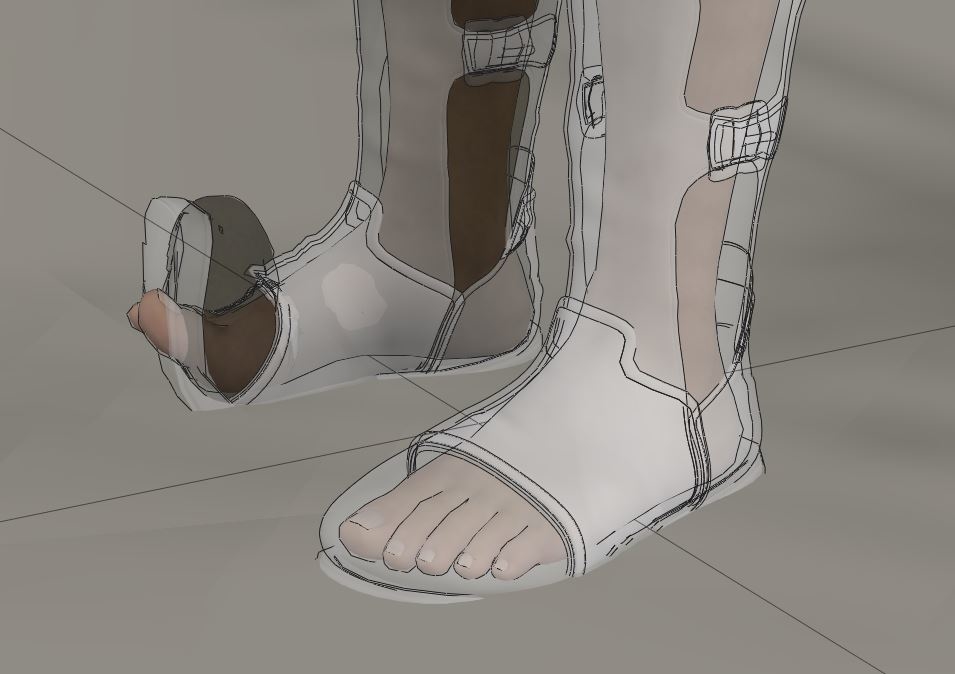

The poke aways works so halfway only push in the flesh but not pull out the cloth is working. But the shoes and boots realy have an issue with bending feet or legs. I did not realy find a solution and it's not clear why and in with situtaton I get this error. this is also a loaded pose with DSON importer .
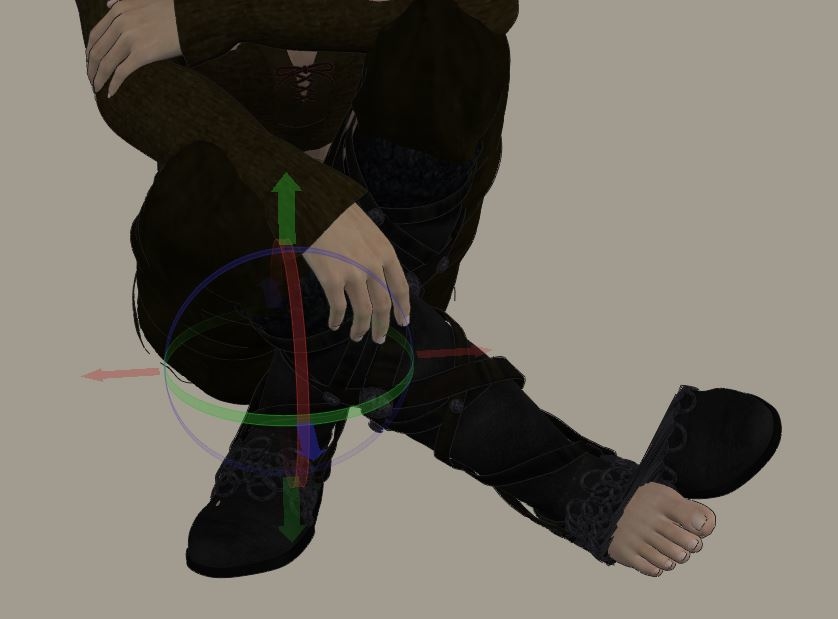
I found a work around of this boots problem . When I load the pose, I must set the shin bending zu 0. Then I select the boots-shin part and bend this instead of the figure shin. So I can bend the shin back to the position I want without the boot get demaged again. But if you select the shin part of the boot, I must use the bend circles with the mouse to bend. If I use the bend parameters only the boot bends without the shin of the figure.(It's possible that you must use this workaround for other parts of the boot also if the boot does not fit the feet correctly)
Tthe solution of the issue with the toes part of the boots. Is the toes part of the boot bended to much I can correct this with changing the parameters of the toes part of the boot. So I can bring them into the right pose fitted to the toes.
some of this issues are only if I load poses, not if I bend the poses manualy.. it's strange. Does anybody else has this issue with loaded poses with the boots? is there a better solution or workaround?
But what I realy don't understand is why the DSON's "Transfer activ morphs" works sometimes and sometimes not. now it shows no reaction again when I start the script. yesterday it works. today not. And I played the same procedure with the same cloth on the same figure. The thing is very unstable. Poser also crashes by loading some cloth.
It's also not possible to use the "copy morphs from..." instead. This option is greyed out. But also this was working sometimes. I can't figure out any logic or work around. I tried many things.
Only the basic morphs are working on cloth if the DSON's "Transfer activ morphs" doesn't work.
But the more I work in DAZ I also see things I like there. What I realy don't like in DAZ is the Matarial editor, but maybe I don't understand it realy good.
NobbyC posted at 2:03AM Thu, 21 November 2019 - #4370845
Hi joker2000, you can try to set the "Mesh Resolution" on the "Parameters" Tab to 0 or -1. Sometimes helps.
Probier mal die "Mesh Resolution" im "Parameters" Tab auf 0 oder -1 zu setzen. Bei mir hat das manchmal geholfen.
Vielen dank für den Tip, habe ich aber alles schon ausprobiert. Vor allem hat es gestern abend dann funktioniert auch bei Mesh resolution 2. Ich habe auch DSON schon x mal resinstalliert. das hatte gestern geholfen, allerdings auch nicht gleich nach der Resinstalltion sondern eher aus unersichtlichen Gründen erst 1 Stunde später. Heute gehts wieder nicht mehr.
Ein paar Kleider konnte ich fertig in den Poser bringen, Die funktionieren heute auch noch mit den Morphs. Ich kann jetzt mal mit der Figur zumindest etwas arbeiten. Ich habe jetzt viel Geld und Zeit investiert, da ich fast alle Body und facemorphs brauche. Habe auch noch den Texture Converter für G2M to G3M gekauft damit ich meine Transparenz maps für die Körperbehaarung nicht nochmal neu machen muss.
Das Konvertieren der Kleider von G2 zu G3 funktioniert in DAZ reibungslos, aber in Poser gar nicht, auch vor allem weil das transferieren der Morphs nur sehr selten funktioniert.
Ich habe nicht den Eindruck, dass Renderosity wirklich daran interessiert ist Poser kompatibel für für G3+ zu machen. Sie reagieren in den Disksussionforen eher fast schon genervt auf diese Fragestellung. Leider sind die Figuren von Poser völlig unbrauchbar für mich. Die Morphs der Köperbewegungen sind schon bei G2 wesentlich besser.
Ein Workaround zu den Bodymorphs habe ich gefunden. Es ist zwar nicht möglich auf das gesamte Cloth die Morphs über das "Copy morphs.." zu kopieren, aber auf die einzelnen Cloth-parts. Wenn ich sie direkt auf der Figur anklicke, z.B. bei den pants den shin-part, dann kann ich die shin-part morphs der Figur überragen. Muss den ensprechend Morph dann aber manuel einstellen, damit es passt.. mehr als eine Notlösung ist das nicht, aber zumindest machbar
I will change to DAZ in long term. I've invested now many hundrest of dollars in This G3M content. I see no future for me in Poser if this Genesis figures don't work. Or will poser bring figures in this quality? All new content is G3 or G8. If you need realistic bodies and body posing only G2+ figures are useful.
What not works with G3 is working perfectly with G8. After weeks I tried it again, but now with G8M.. and to my surprise everthing works well with G8!
I could also convert the most cloths and also the bodyhair is still working after saving and reloading. The eyelashes and the tranfer all activ morphs is also working. I am happy now with poser again.
In between I learned many things about DAZ Studio also. Many things are realy better then in Poser. Not everthing. It's not possible to make modulated volume scatter and absorbtion. That's a big disadvantage in DAZ studio. Also the shader mixer for Iray is intratransparent and I could not find any tutorial.
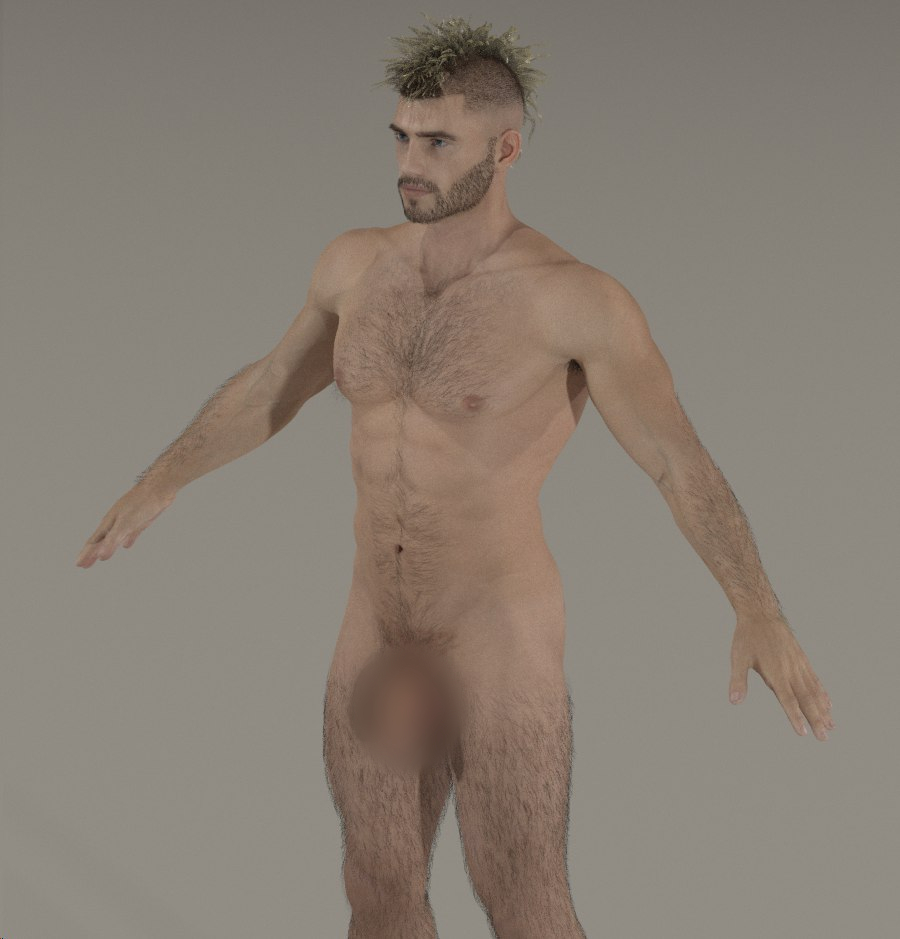
Here is my G8M figure with body hair in poser. I am happy I can integrate G8M in my poser world now.


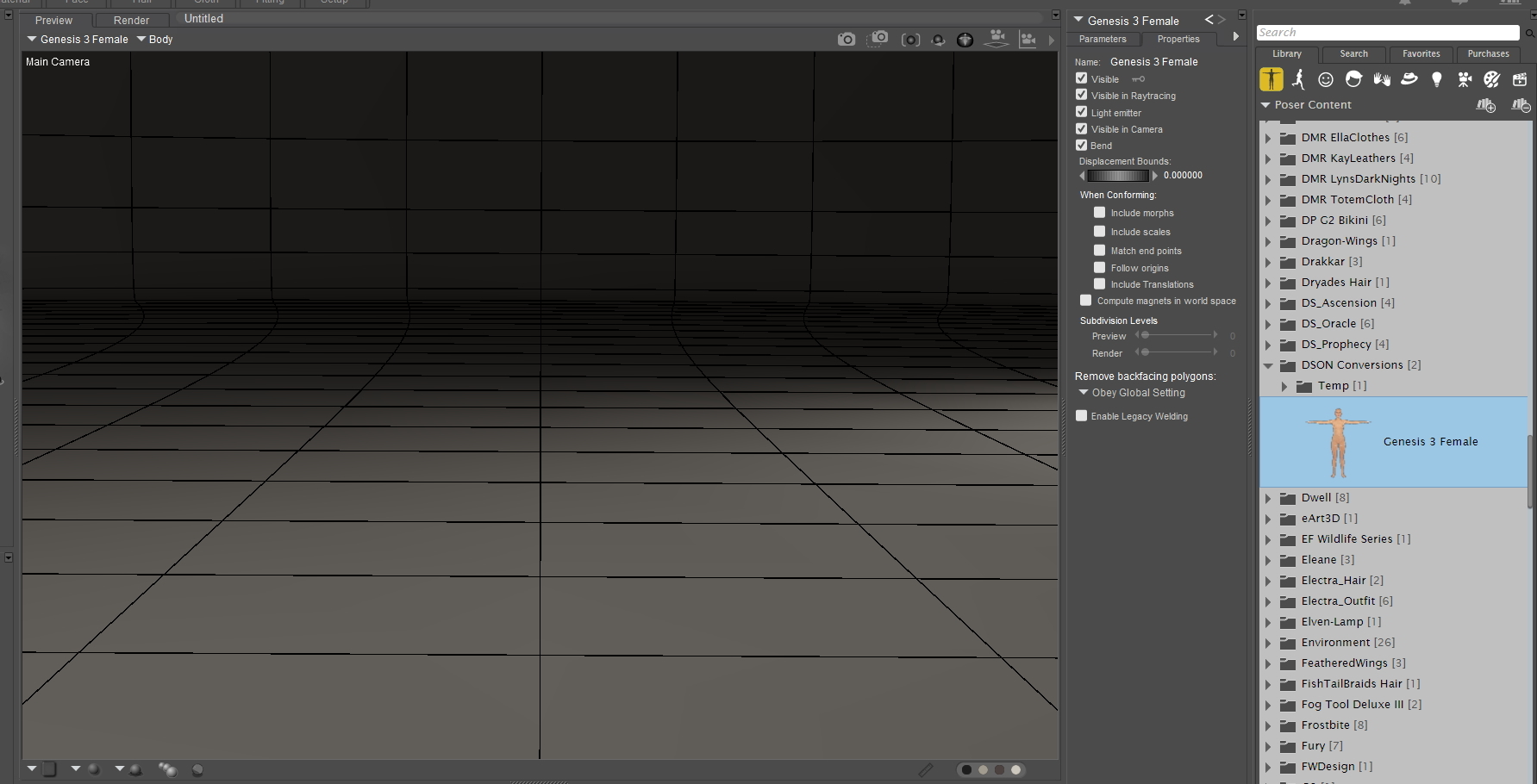
Ok, got tired of looking for the link (hopefully didn't overlook it, many entries) so here it is: Genesis 3 Poser Updater

Using Mac... No! The wine solution is only possible on mac's before Catalina. There seems to be a lot of problems with wine and 64bits only. So i tried Codeweavers Crossover. U can get a 14 day trial to test. But i can not get it to function. I successfully installed the program. But it asks for .NET 4.0 and after updating it asks for 4.5. When installing with 3.5 sp1 u get an error "turn windows features on or off" in the control panel to install or configure microsoft .net framwork 3.5 sp1 And as far as I can gather, that control panel isn't installed in a bottle version. At least I haven't found it. Maybe this needs a separate thread?
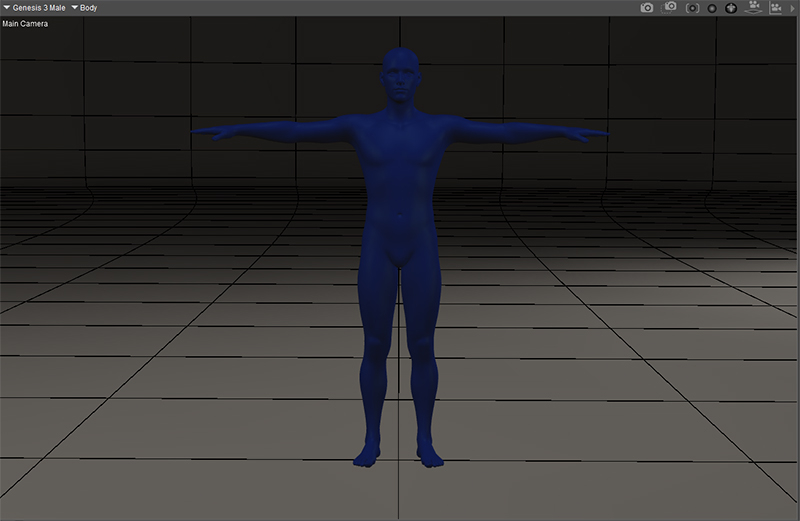
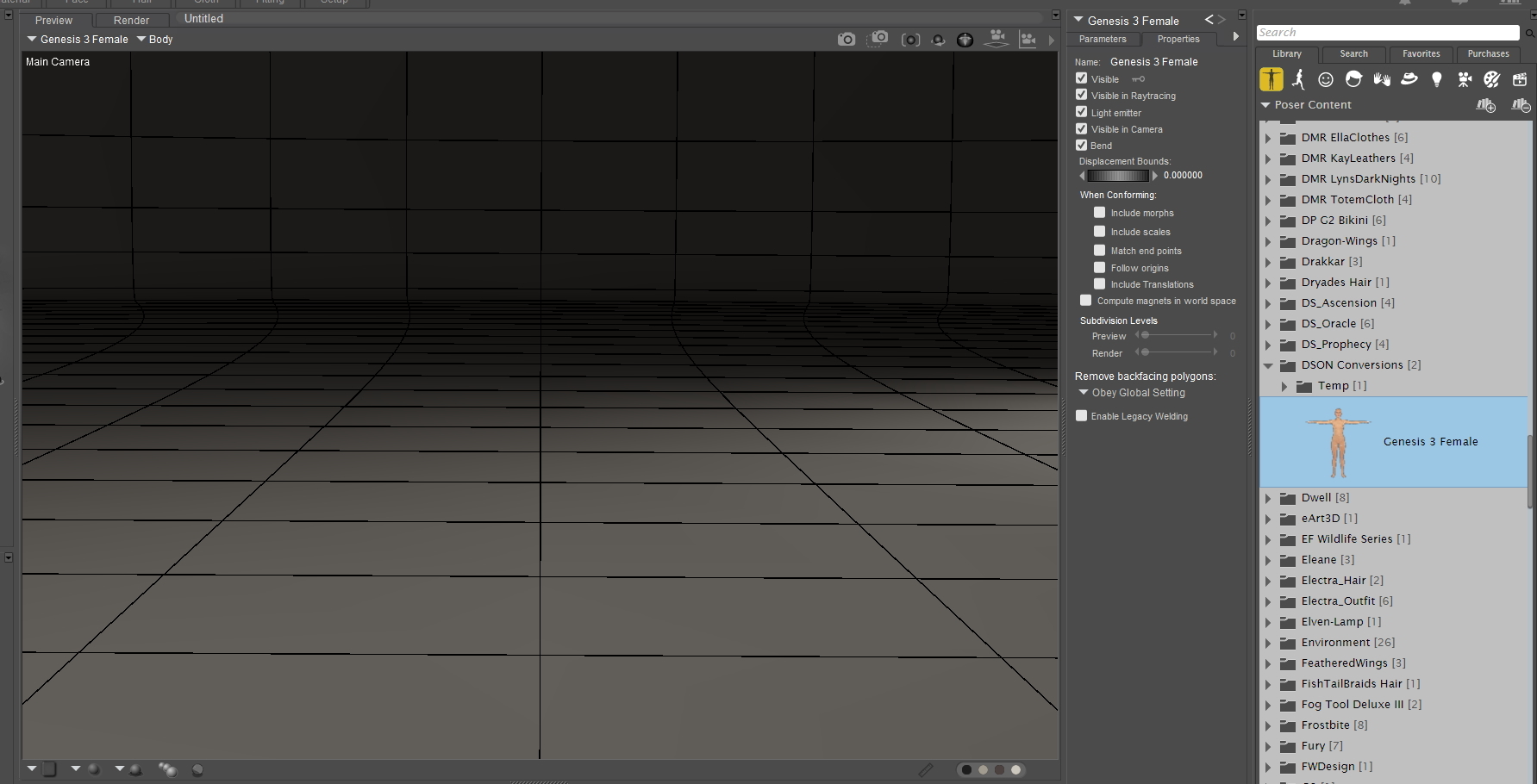


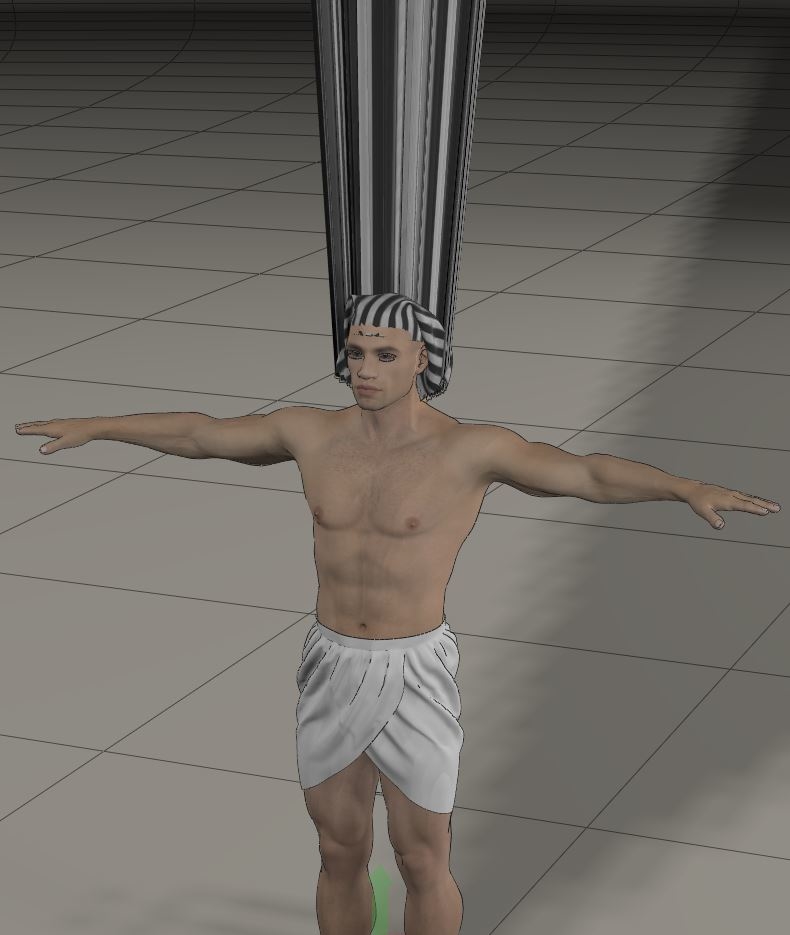
Also, with things that explode into the ceiling, I learned that in DS if you go to the joint editor and check the groups, say upper neck or chest, sometimes they are set to 'none'
and IF the original groups are still there, just assign them to that. So upper neck becomes attached to the 'neck' group. The biggest thing I don't know how to do is readd oither groups that are missing. Like some hair has no other groups to select for head/chest/ect. I don't know how to readd the 'special bones' that somethings have.
This also works on exploding clothing sometimes, too. I've fixed shoes this way, too. Some pants don't have the pelvis/shins/feet boned. It's... weird. I don't know how to fix that.
I'm working on a tutorial for something I've been doing that works for me. It gets the hair into Poser, but if it has special bones, the bones are removed, but the hair works the way I want and SHOWS UP in Poser :D
BTW I use Poser 11.3 AND Poser 12. Poser 12. The scripts for DSON doesn't work in 12 tho :(
Poser Pro 11 (always updated to current version available) . Laptop Specs: Intel Core i7-7700 CPU @ 3.60GHz 3.60 GHz :: 16 GB Ram :: Windows 10 Pro
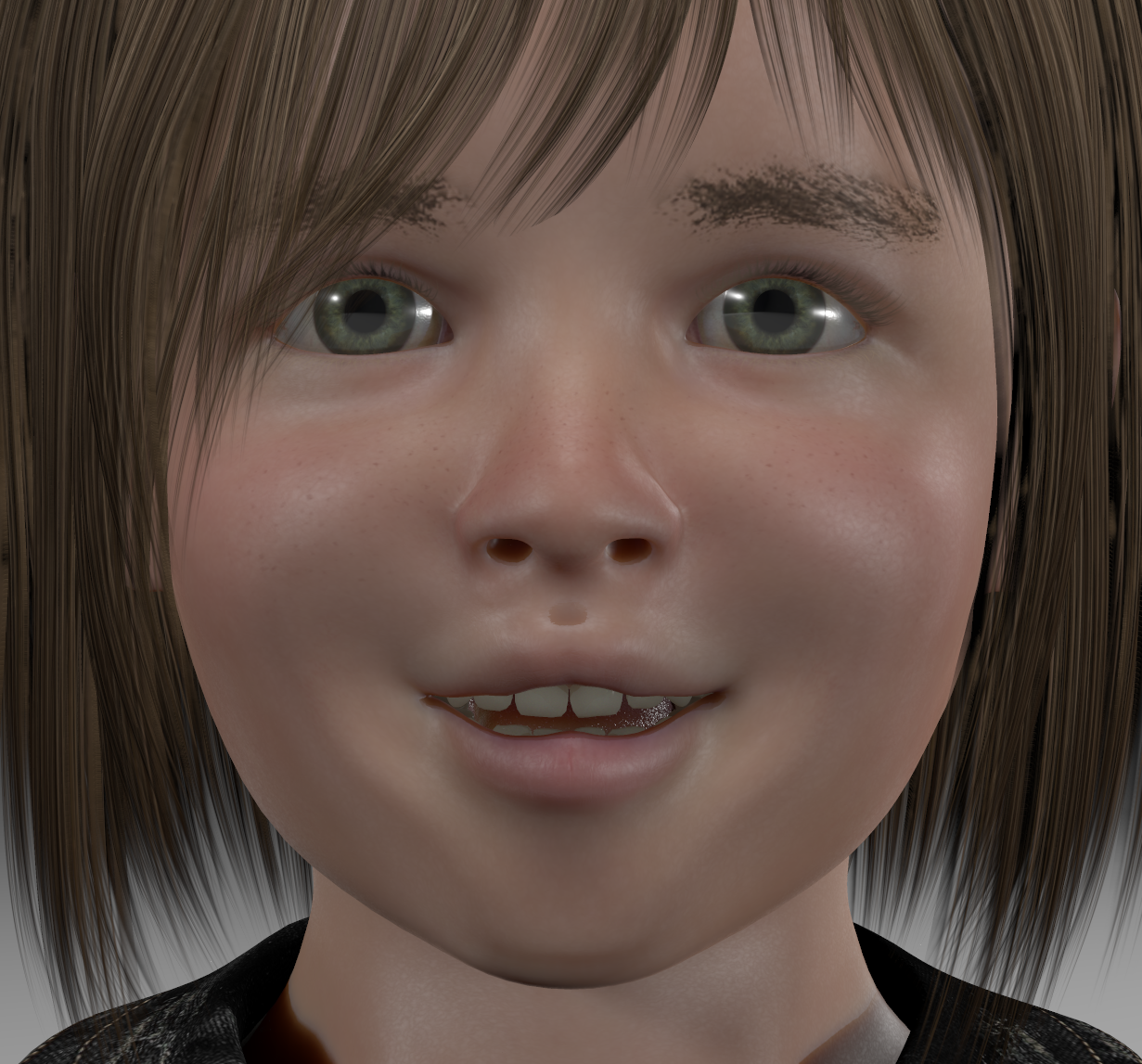
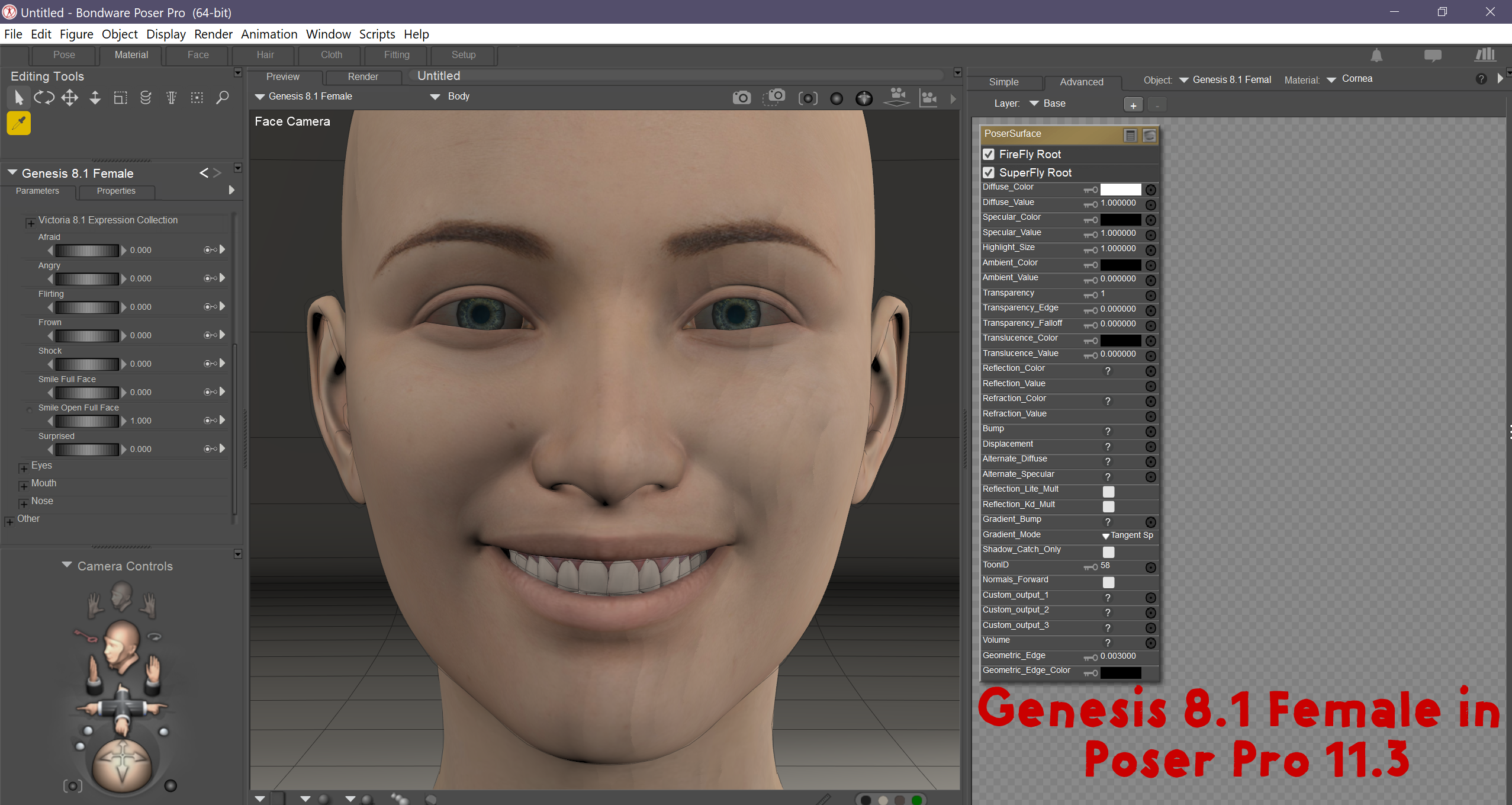

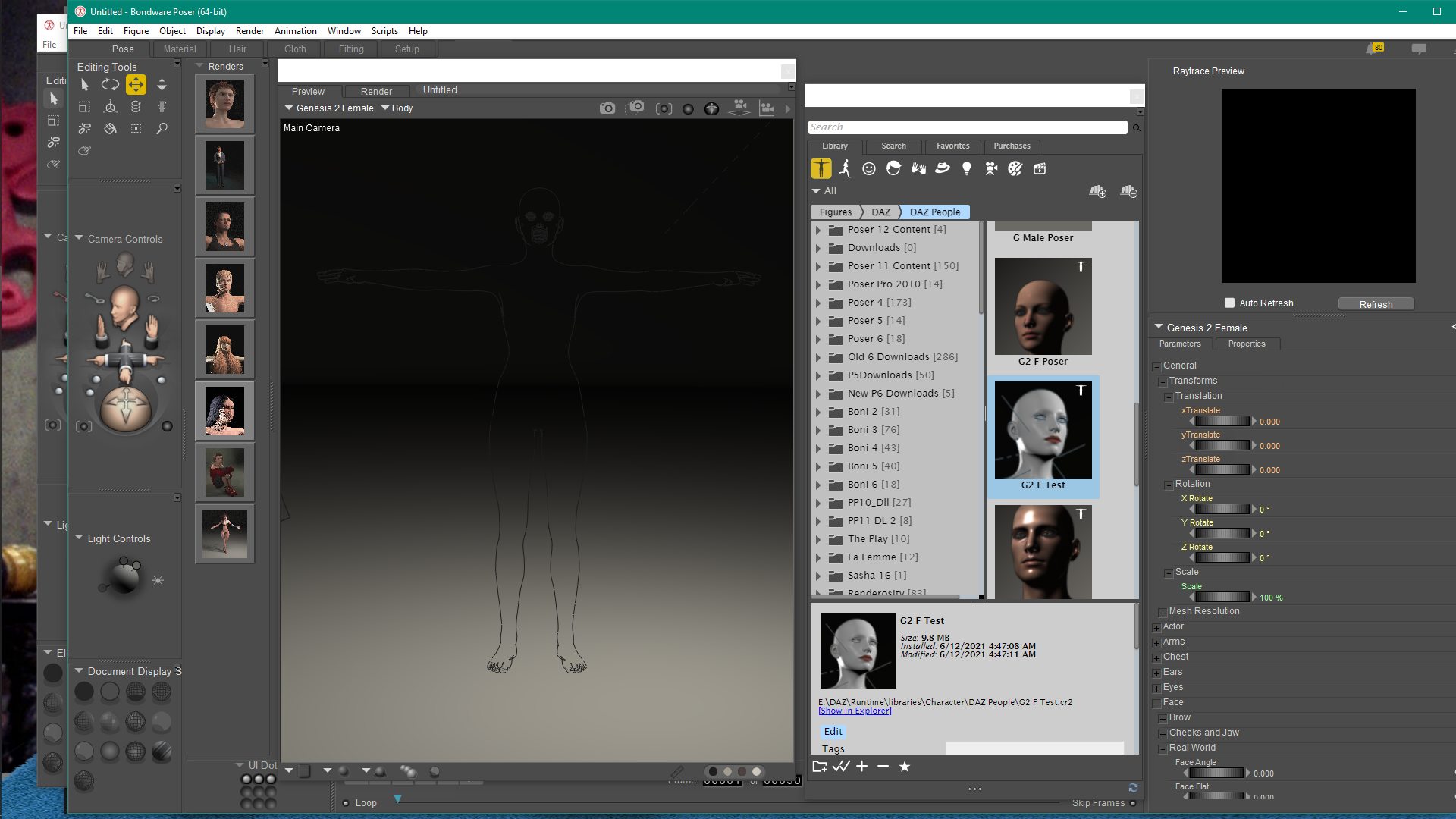
I resaved in P11 ... in hopes that it was because this was done on a previous computer ... but alas, it asked for the same file and that obj does not exist. All I get is a request for the file ... then an outline of the figure and no substance. I hope someone comes up with a work around. I would really like to work with Genesis figures.
Boni
"Be Hero to Yourself" -- Peter Tork

Privacy Notice
This site uses cookies to deliver the best experience. Our own cookies make user accounts and other features possible. Third-party cookies are used to display relevant ads and to analyze how Renderosity is used. By using our site, you acknowledge that you have read and understood our Terms of Service, including our Cookie Policy and our Privacy Policy.
Das hatte ich auch schon einmal, gib mir ein paar Tage bis mir wieder einfällt wie ich das gelöst habe. LG Nobby