
Renderosity Forums / Cinema 4D
Welcome to the Cinema 4D Forum
Forum Moderators: CHMedia Forum Coordinators: Kalypso
Cinema 4D F.A.Q (Last Updated: 2024 Aug 27 11:07 am)

| C4D Gallery | Speed Modeling Sessions | C4D Freestuff |

Subject: Modeling a Nautilus Shell


Well, a Nautilus shell can probably be quite challenging but I would start with a Sweep Extrusion using an oval profile spline (according to the section cut image on http://en.wikipedia.org/wiki/Nautilus the Nautilus shell has an oval shape). I would keep this Sweep as low poly as possible by adjusting for example the Angle values of the splines. As I'm writing this I don't have C4D in front of me but I might also use a Rail Spline in the Sweep to get a better approximation of the overall shape.
Once satisfied I would convert the Sweep to polygons and drop the mesh in a Subdivision Surfaces and start manipulate the mesh on point, vertex and polygon level. The pattern extrusion you are talking about is either a Displacement map or selected polygons on the shell mesh slightly extruded. The mesh you get from Converting the Sweep into polygons will already have rudimentary UV-layout so you should be able to work with that in BodyPaint if you want to paint the pattern.
Good luck!
/Anders
(The attached images are from TurboSquid.)
Links:
http://en.wikipedia.org/wiki/Nautilus
http://en.wikipedia.org/wiki/Logarithmic_spiral
http://www.turbosquid.com/search/index.cfm?keyword=nautilus+shell&sort_column=a5&sort_order=asc&media_typeid=2
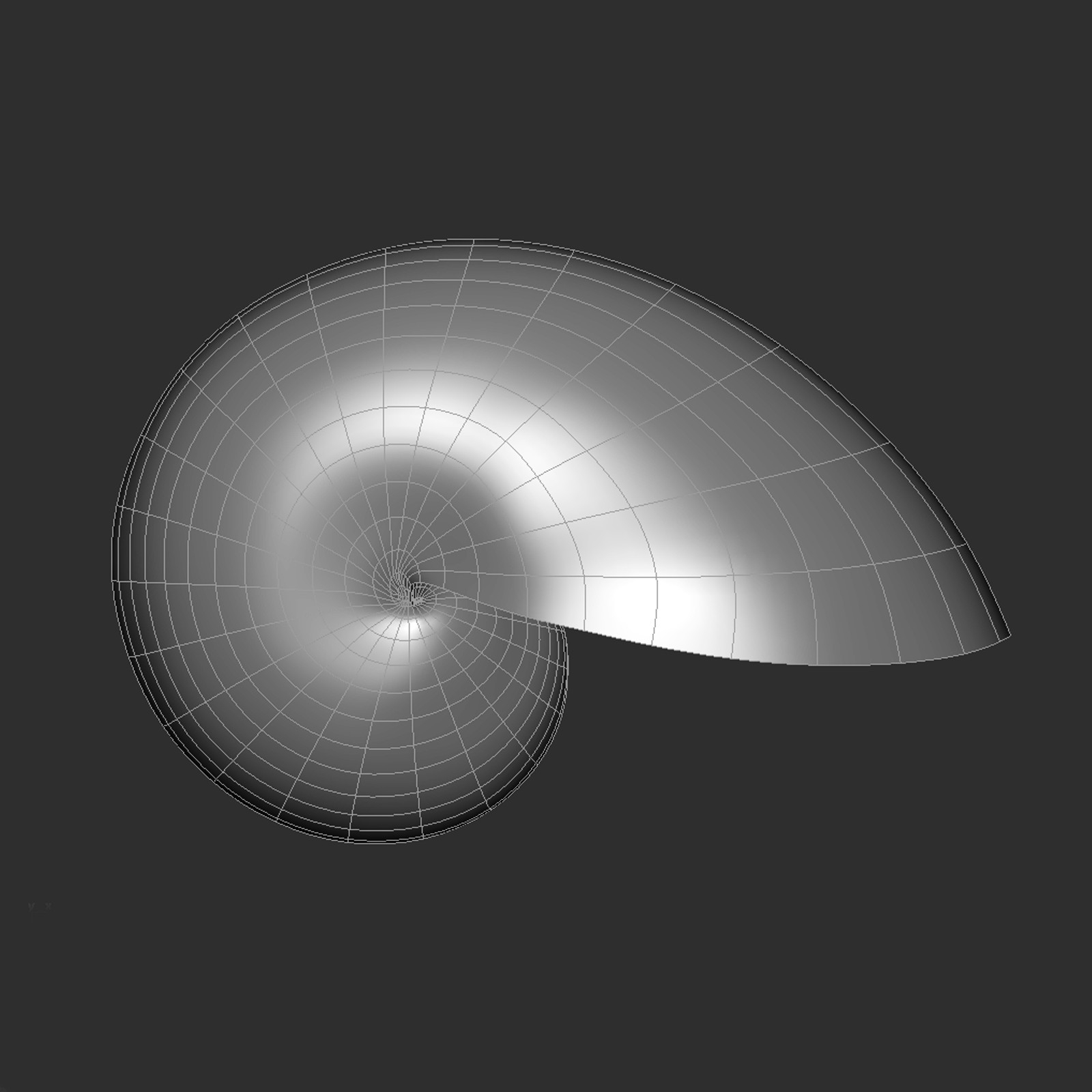
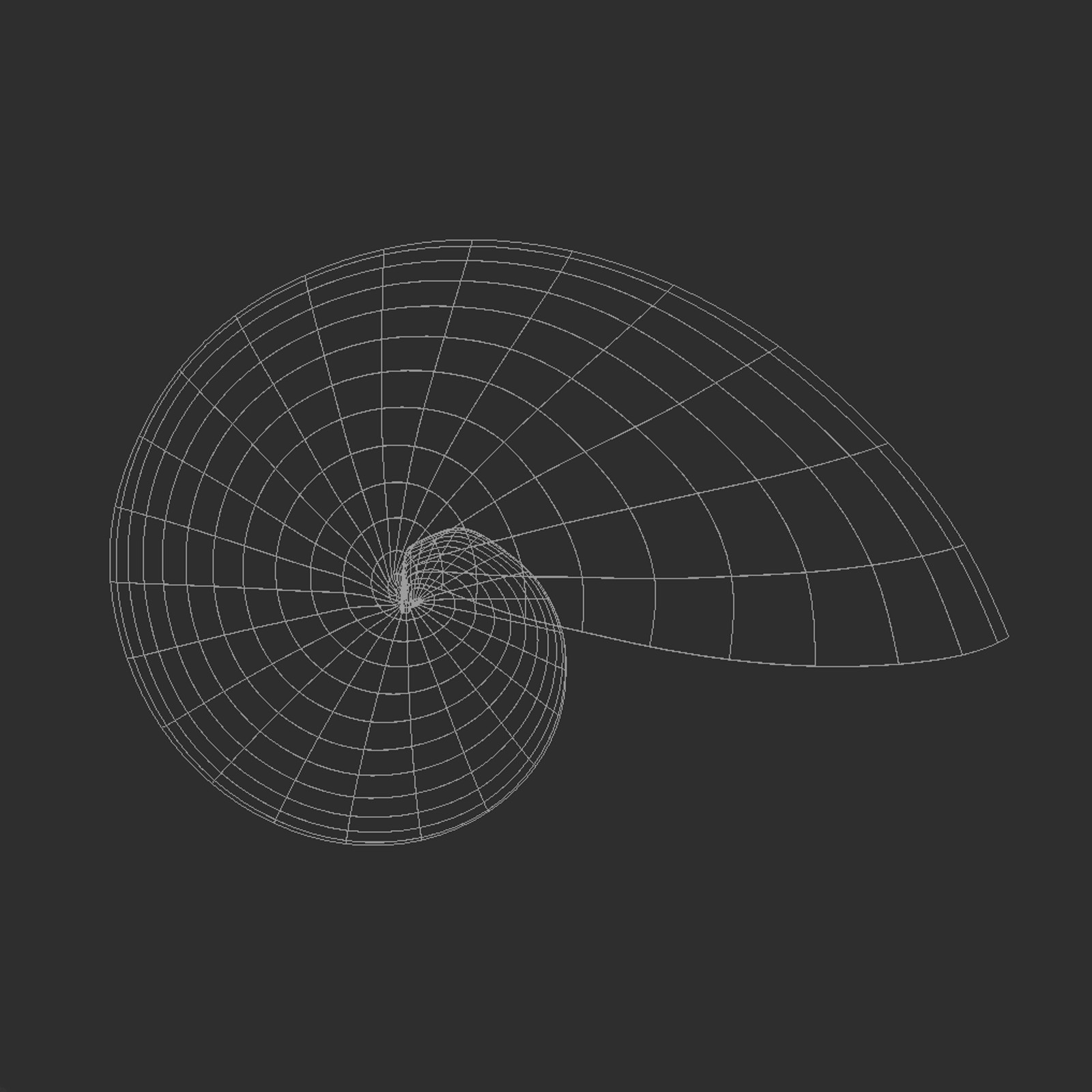
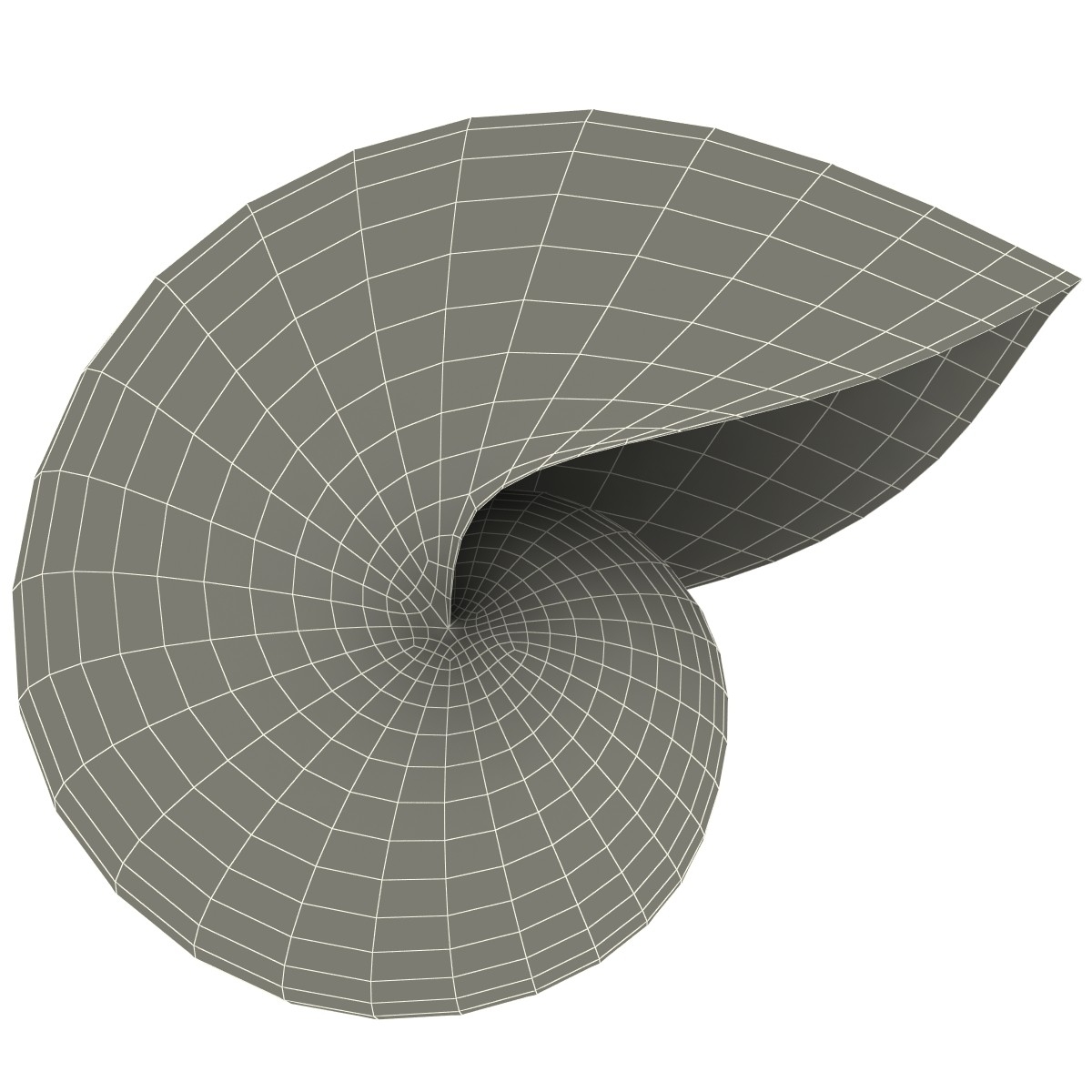
Gallery | Store | dogday-design.se
Thanks to your help cartesius I'm learning a lot, really apreciated!
What about rail spline sugestion? In the sweep nurbs object pannel I have 2 setting:
"Use rail direction" and " 2rail" both on by default. I try to tick, untick them but nothing happen, did you refer to these setting or something else?
About the Fibonacci cell, here I find the real problem, I already try to extrude it and move points around but I dont like the result, it look unatural, to much symmetrical, I'm not able to achive that nice look shown in Photo- 2.
I would like to give a try with a displacement map and sub polygons displacement but I dont know how to draw the main displacement map.
I suppose that first I need proper uv and that is not a problem, I'm able to cut proper one. Once the uv are done what I have to do to draw the displacement map? Import the uv template to BP or Photoshop and draw the dispacement. Could you please give me some general sugestion?
Thanks a lot!!!!!
Dive for me into a Deep Blue Ocean of Extreme Breathless Emotions...
EXTREMESPEARFISHING-WORLDTRAVEL.COM
I suggest you read up on Rail Spline in the manual, it's very well explained in there. Basically you use 3 splines to define the sweep instead of only 2.
Same with BP, the manual explains it but in short: yes, you can export the UV-map to Photoshop and paint your maps there, no problem. That's usually what I do :)
/Anders
Gallery | Store | dogday-design.se
Thanks,
I'm going to read the manual as you suggested. Cause I'm a rookie I asked about "rail" to know that we where referring to the same satting.
Really thanks again for your help, very apreciated!
Dive for me into a Deep Blue Ocean of Extreme Breathless Emotions...
EXTREMESPEARFISHING-WORLDTRAVEL.COM

Privacy Notice
This site uses cookies to deliver the best experience. Our own cookies make user accounts and other features possible. Third-party cookies are used to display relevant ads and to analyze how Renderosity is used. By using our site, you acknowledge that you have read and understood our Terms of Service, including our Cookie Policy and our Privacy Policy.
How to model a Nautilus Shell with that "Fibonacci cell look" shown in "Photo- 2"?
The main Shell shape is achived with an extrusion of a circle and a spiral spline through a sweep nurbs as you can see below in "photo-1"
"Photo- 1"
2 questions:
1- Look please at "photo- 2" below
"Photo- 2"
How to achieve the mouth shape shell stroked in red "red arrow 1"?
To do that, as shown in "Photo-3" below
"Photo- 3"
in the sweep extrusion, instead of using a circle spline, I used an oval shape spline but I'm not happy with the result. A real Nautilus shell, as shown in "photo-2", has a circle shape, only the mouth has the oval shape. So I made the sweep extrusion shown in "Photo-1" editable and I tried to achieve the mouth shape trough deformers but I was not able to get a proper one result. Could you please suggest some solution?
2- Back again at "Photo- 2", this is the real problem that I'm encountering and I dont know how to deal with.
Look please at that Fibonacci cell look stroked in blue "blue arrow 2", how to achieve that extrusion?
Select the proper polygons, extrude them and shape then point by point? I tried and I dont like the result at all.
Any suggestion?
Use a sub polygon displacement map may it can work fine but I dont know how to procede, how to draw the map?
May you have some other solution that you can bring to my atention?
Thanks a lot for your help!
Dive for me into a Deep Blue Ocean of Extreme Breathless Emotions...
EXTREMESPEARFISHING-WORLDTRAVEL.COM