
Renderosity Forums / Carrara
Welcome to the Carrara Forum
Forum Coordinators: Kalypso, Anim8dtoon
Carrara F.A.Q (Last Updated: 2026 Sep 09 4:39 am)
Visit the Carrara Gallery here.

Subject: new toonpro thing I discovered

Hey, David --
Yep, Toon has been built into Carrara for a couple versions, at least. (I think it came in with C4, but don't quote me on that.)
The version of Toon incorporated into Carrara is really quite good -- unless I'm mistaken, Eric at Digital Carvers' Guild sold it before Eovia acquired it from him.
That said, Toon!Pro is MUCH better. I've been developing an animation that's to look like it's cell drawn. Using the Toon!Pro renderer along with the Toon!Pro shader function gives a really remarkable cel animation look to Carrara animations. It doesn't quiver from frame to frame, and you have a lot of control over lines that the integral Toon doesn't quite give you.
But Carrara has so many features, you're always going to be finding new things. It's such a blast!
Good luck!
Dex

One of the things that really attracted me to buying Carrara 5, besides the great $94 price from DAZ, was Toon Pro...
However, the built-in NPR-Toon renderer in Carrara is absolutely AMAZING! I am extremely happy with the art-illustration effects I am getting with it. Totally worth getting Carrara- just for these EFX!
I would like to know how to contact the developers for the Carrara NPR renderer for some further ideas I have- is this Digital Carver's Guild -- or does Eovia now own all the code?
There are several different things here.
Toon! is a post-render effect that filters your raytraced render to look traditional cell animation.
Toon!Pro is an after-market plug-in available from Digital Carvers' Guild (who also developed Toon! originally that was acquired by Eovia and incorporated into Carrara). Toon!Pro has much greater flexibility and control over how it creates cartoon-like images.
Non Photo-reallistic Renderer (NPR) is a different render engine included in Carrara. It can create images that do not look photo-real -- they're rendered with "brush strokes" and "sketch" lines and such.
Unless I'm mistaken, Eovia acquired the code for Toon! from DCG (much like the code for Anything Glows, which is now incorporated into Carrara). Toon!Pro is still a property of DCG. As far as I know, the NPR was created for Carrara 4 and was not acquired from any other company. So, if you're looking to make suggestions for the NPR, you should contact the friendly folks at DAZ (who bought Eovia). If you're looking to make suggestions for Toon!Pro, you should contact Eric Winemiller at Digital Carvers' Guild.
Hope that's helpful!
- Dex
Thanks a lot for clearing that up! ... I haven't even discovered the TOON efx that is built into Carrara- didn't even know it was there. I'' try it tonight- and will probably wind up getting Toon Pro as well.
As a longtime Vue user- who has been whinning, begging, griping, etc for a couple of years to get E-on to add these EFX (like NPR) into Vue- I am really stunned to find that Carrara already has what I've been wanting!
I don't see hardly ANY NPR renders being made here- point out any artists or galleries if you know of some--but I've spent two nights playing with the Carrara 5 NPR settings and i'm completely overjoyed with the artistic-illustration efx. Whoever wrote these NPR EFX was very clever and the settings are very powerful once you really get into them... Now- I would like the ability to add other brushes- or paper styles- like other PhotoShop filters have- like Virtual Painter.
Of course- rendering these EFX in 3D is the very best way- rather than using just a 2D filter set from Photoshop...

Well I'm a Carrara newbie but having experimented (a tiny bit) with NPR, I'm looking forward to figuring out how to get some cool effects out of it. It appears to have more potential than Poser's Sketch Room, which unfortunately doesn't hide hidden surfaces or deal with transparency well. ToonPro! is a gem. To state the obvious, I've found that it works especially well with less-organic sorts of meshes and textures. It's fantastic for robot models for example.
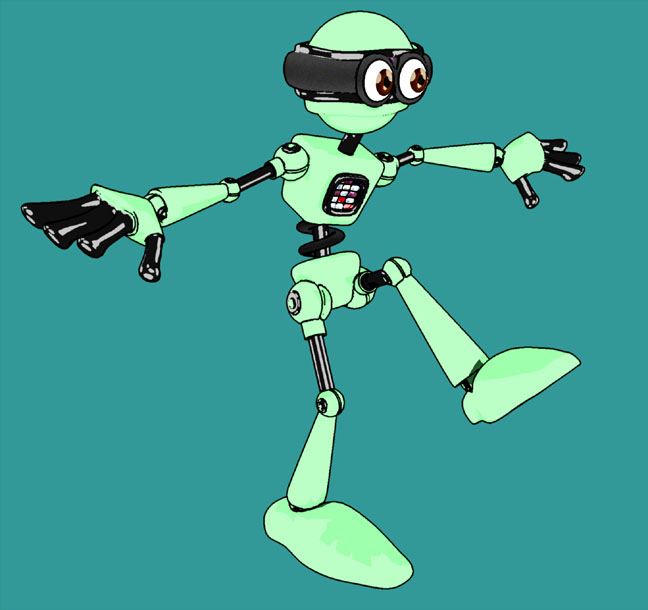
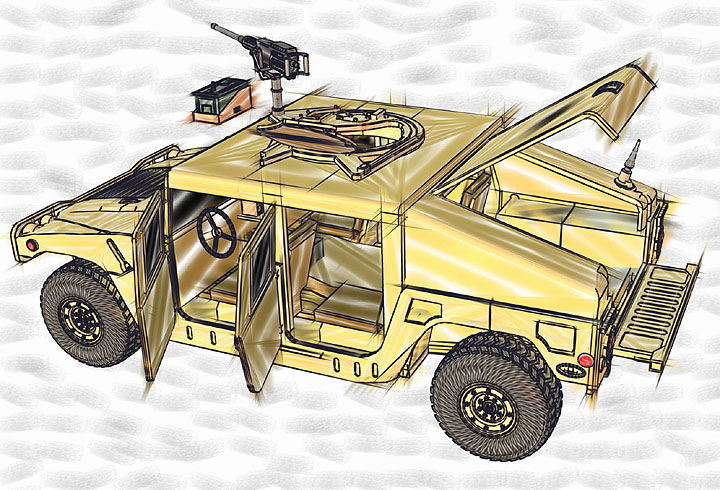
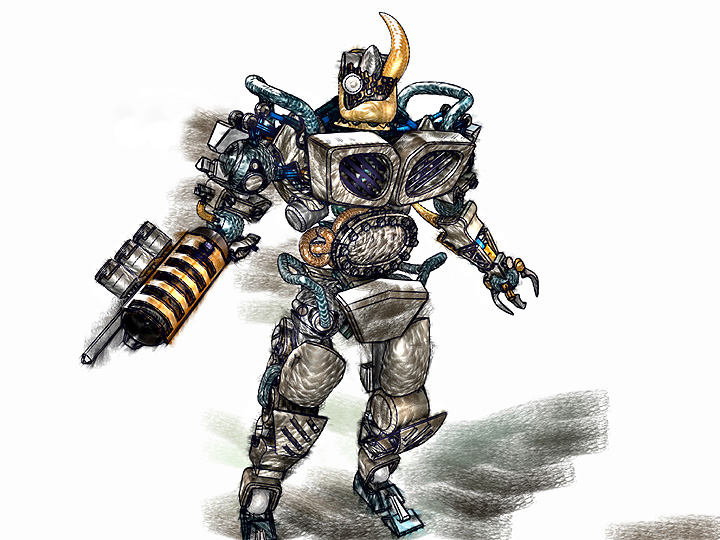

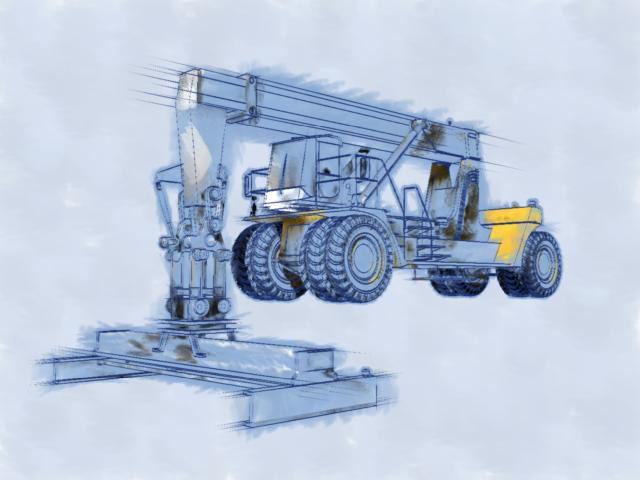


Parchment is a nice Carrara plugin for combining two render types.
www.youtube.com/user/ShawnDriscollCG
I found those tutes also at DCG. Had forgotten about Parchment. Now however, I think I could do the same things in Photoshop quite easily--and may cut down on some of the rendering times dificulties suggested.
Saving up for other things from DCG.
More things to learn and try out with this Pshop approach now.
bwtr
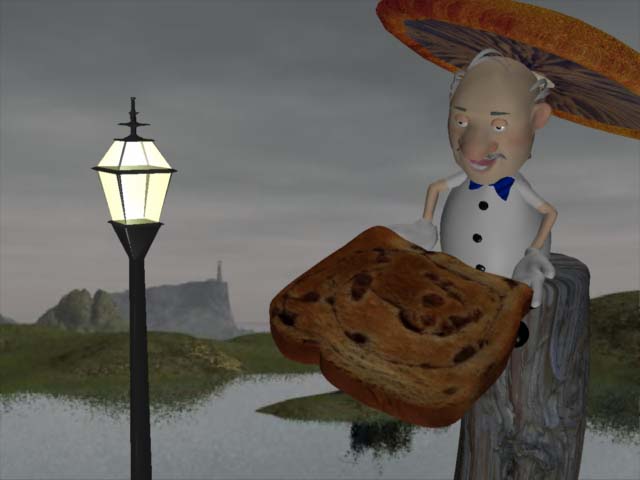
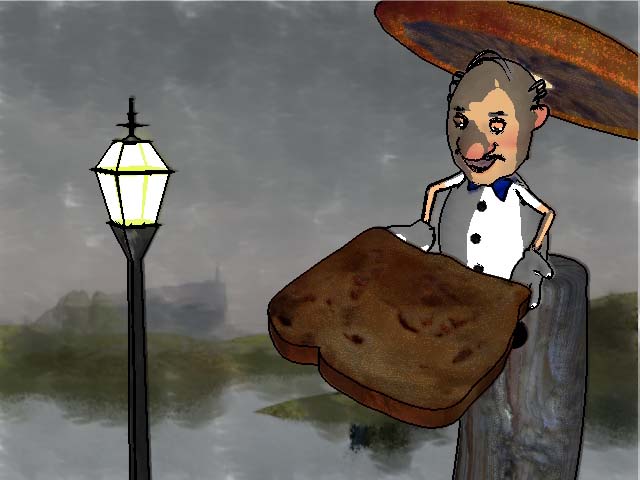
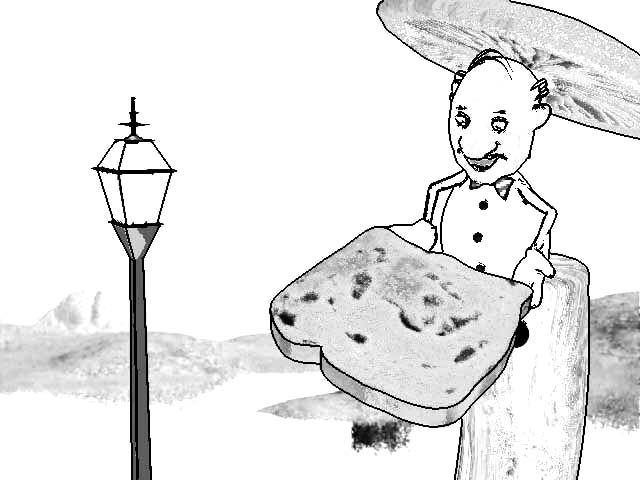
Anyone know how do you make your own NPR brushes?
Can you add you own NPR paper backgrounds (other than the Parchment plug-in?
I'm very interested in NPR EFX in Carrara!
My advice for getting good NPR scene's is loading a single mode without any background and use a single light. This seems to create the best starting point. The rest is just playing around with the four levels of control (diffuse, shadows, etc.) and trying different brushes.
Sometimes I run through 5-7 different brushes, colors, widths, etc until I see something I like. Then I also save the setting. However-- the settings rarely create the exact same effect twice- unless you load (and replace) a new model into the exact same scene and lighting condition.

To find the built in Toon EFX in Carrara 5 you need to click on the SCENE tab, click on FILTERS, Click on the "+"-- then you should see a dialog box for TOON EFX for "Toon III." ...
Make sure you are in Realistic rendering mode as if NPR is on it won't work. The Toon EFX are a POST effect that happens after Carrara completes the ray-traced render. The Toon III dialog gives you a small render box to get an idea of what the toon efx will look like...
bwtr- thanks for all your efforts!
I have found out how to create additional brushes for NPR effects by stealing them from some of my other paint-filter programs and loading them into the Carrara NPR brush trays as JPG files.
You still have to spend a lot of time playing around with them to get some good effects- when I do I SAVE these settings so that I can call them up again later. I give them EFX names so that I will know what to select when I want a certain kind of look...

Privacy Notice
This site uses cookies to deliver the best experience. Our own cookies make user accounts and other features possible. Third-party cookies are used to display relevant ads and to analyze how Renderosity is used. By using our site, you acknowledge that you have read and understood our Terms of Service, including our Cookie Policy and our Privacy Policy.
I'm new to Cararra so some of you might have heard of this before. I discovered that if you click on scene, it will bring up taps named effects and another named filters. If you click on fliters, there won't be any there, but if you click on the plus sign you can add some. I added one called toon part III, which gives me access different toon settings. They are cool. David