
Renderosity Forums / AI Generated Art
Welcome to the AI Generated Art Forum
Forum Moderators: wheatpenny, RedPhantom, Deenamic
AI Generated Art F.A.Q (Last Updated: 2024 Aug 27 11:07 am)
Dream, by Wombo https://dream.ai/create

Subject: Figament's AI Corner


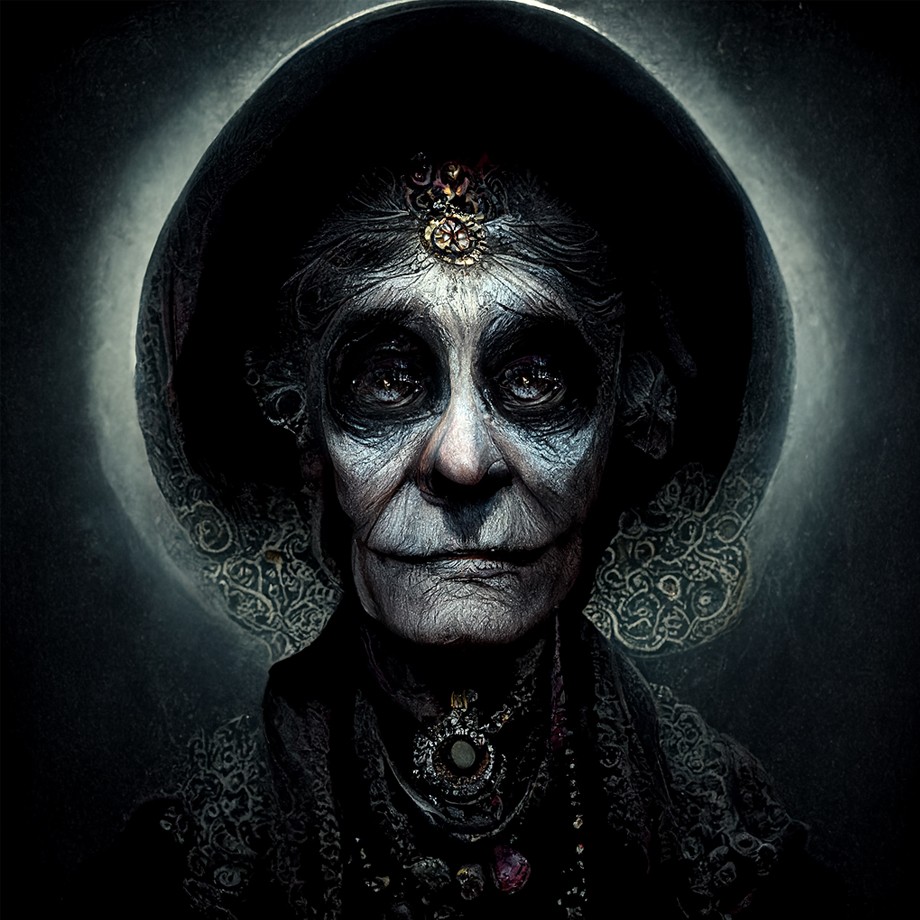
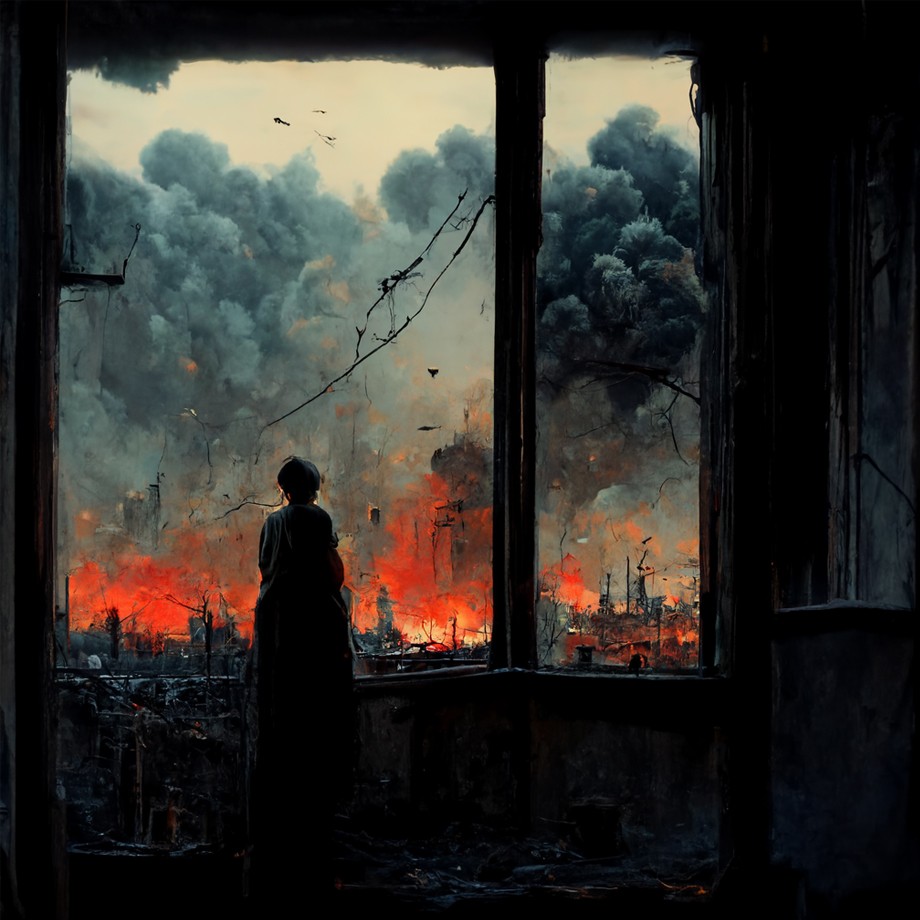
old fortune teller
Thanks to Goldie for some fortune teller inspiration, thanks G! Other variations are likely to follow, lol, I still need to add her magic crystal ball.. ;)
This image is 920 x 920 jpg, for anyone who is wondering what a good size image is to upload here and how it looks. You can upload bigger files to the galleries.
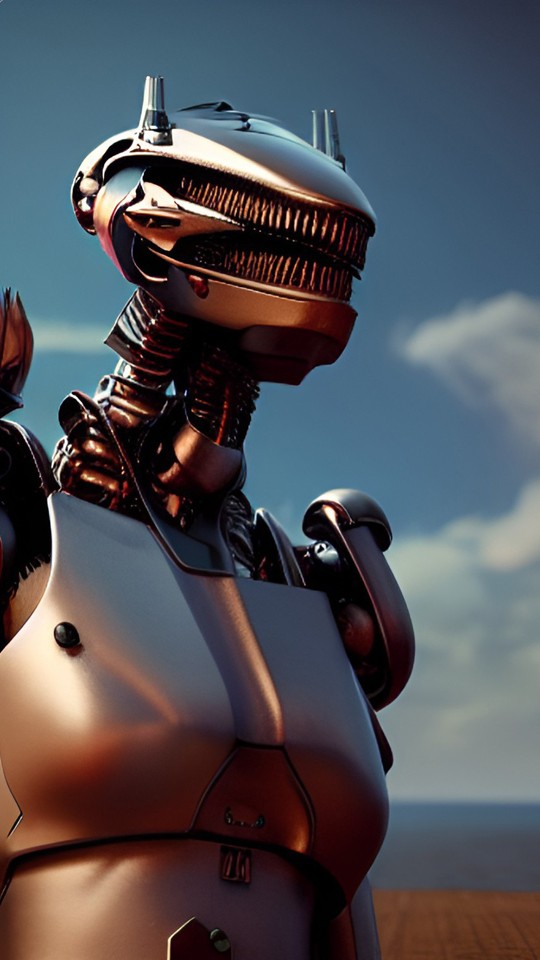
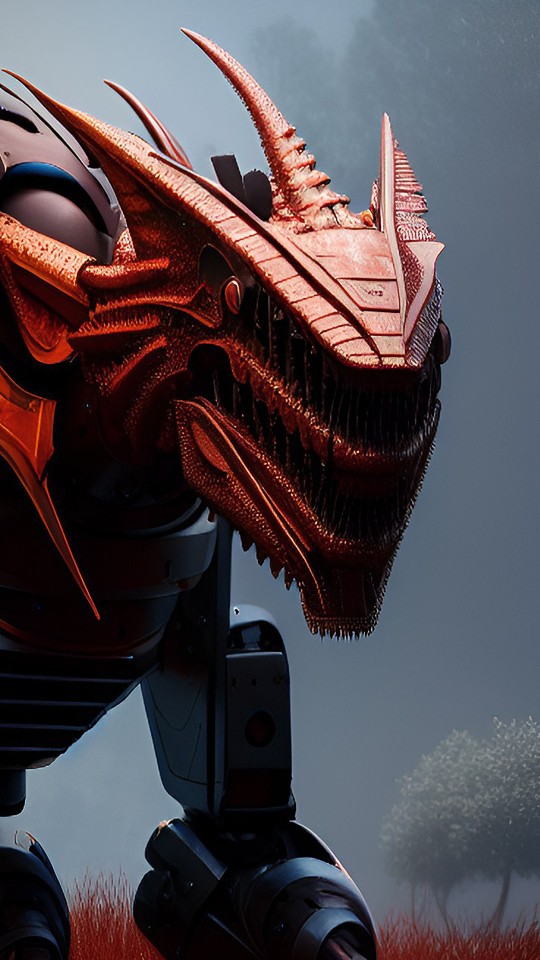

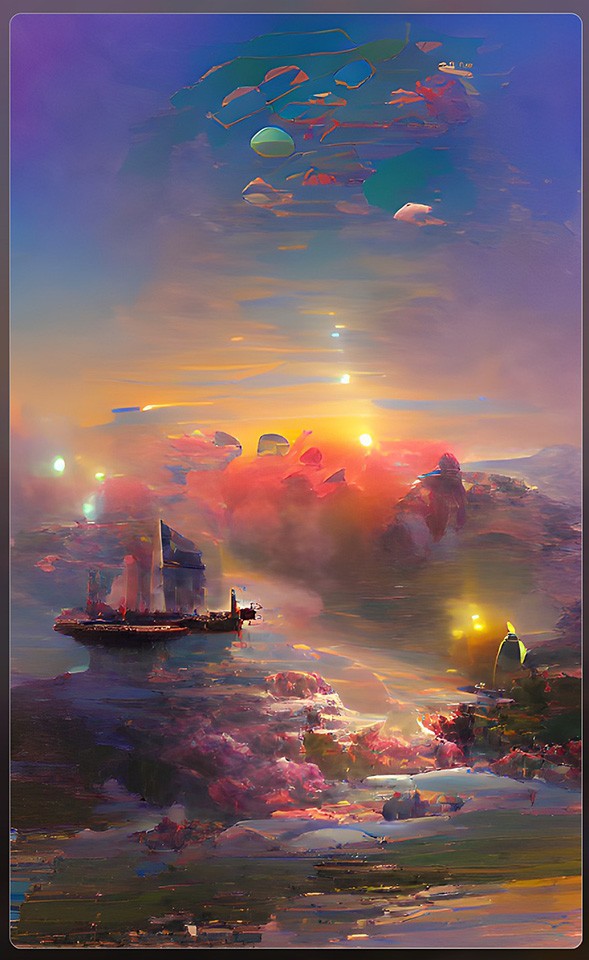

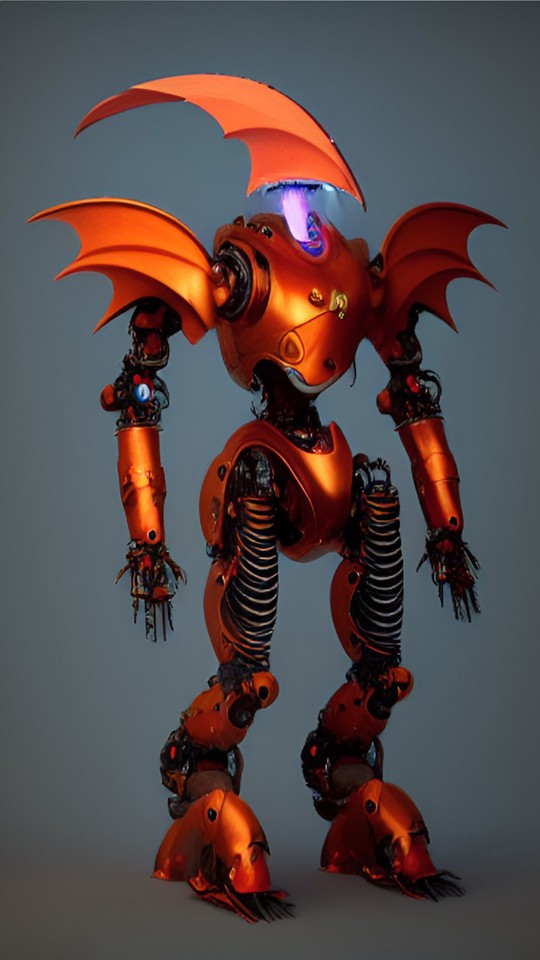
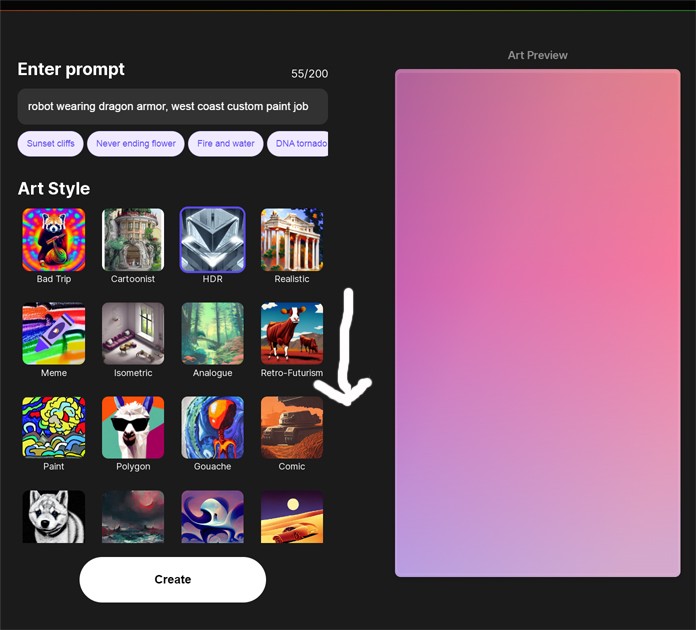
Took me a while before I found that as well ;)Okay, call me stupid but I just found out that if you page down on the Wombo filters you get a bunch of them. I had been using the same 12 or so that show. I saw that the order changed sometimes and one would be deleted or added, but sure didn't know about the others. Maybe someone will benefit from me telling you about my find (my stupidity).
Gill
On the subject of prompts - is everyone aware of this site? If nothing more, it helps with prompt construction - PromptMANIA
Anything that's not listed just click on Generic
Gill
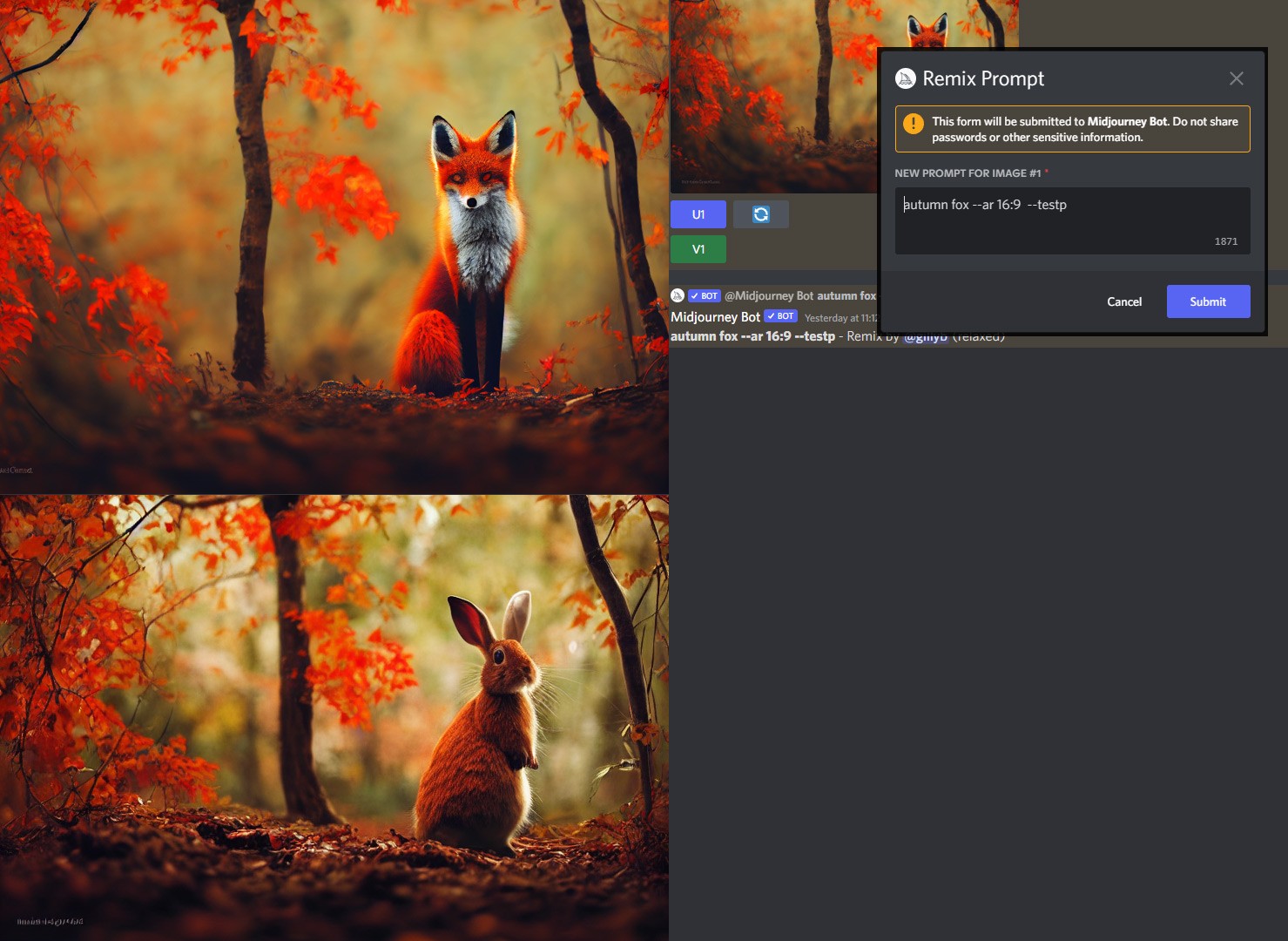
On the subject of "are we aware" - there's a new option on Midjourney - when you click on the "V" button now, instead of it just giviing a variant of that image, you can now change the parameters to literally anything. Not just the parameters at the end, but even the subject matter. For this post, I changed fox to rabbit
Gill
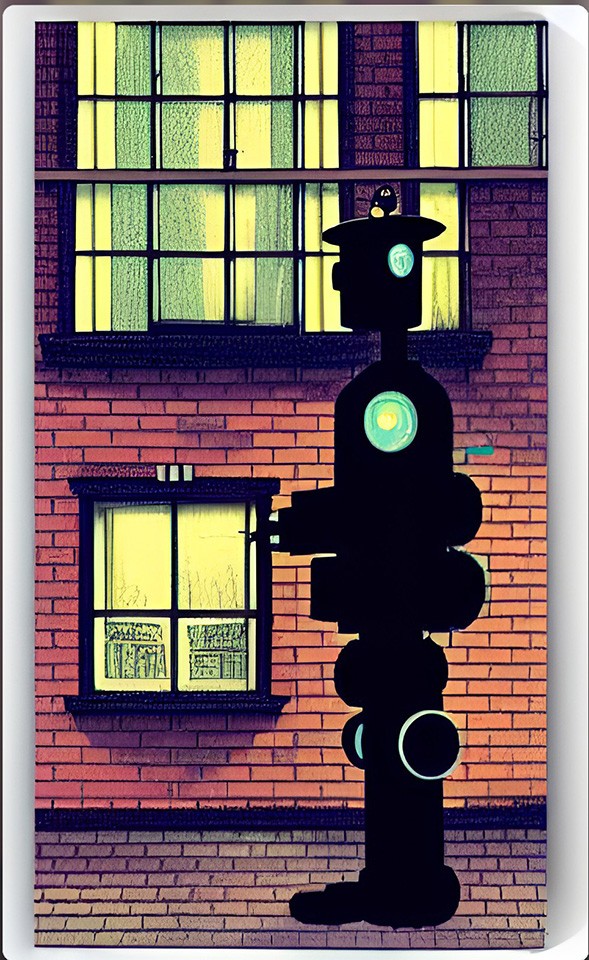

I think it's nice man, I like this style a little view into what's probably to come, gets 3 woofs from ZoCool depth on that first contact image Len, I guess it did't go so well for the humans. I found a similar dreary dystopian view in a variation of Metalica's One lyrics... ;)
Remember...No matter where you go there you are
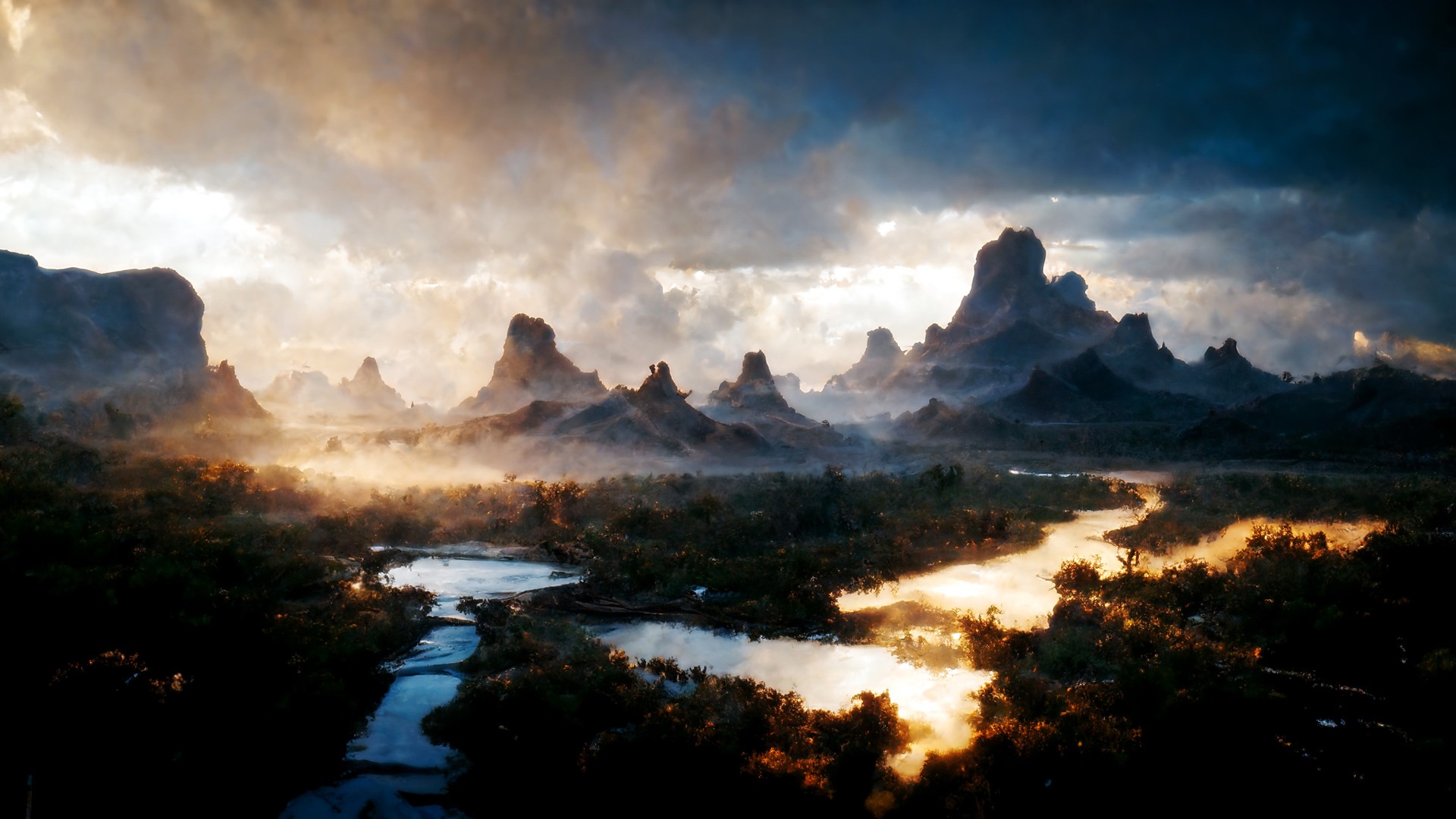
The mist in those mountains is super cool! A landscape ready for a hundred fantasy or sci fi stories.
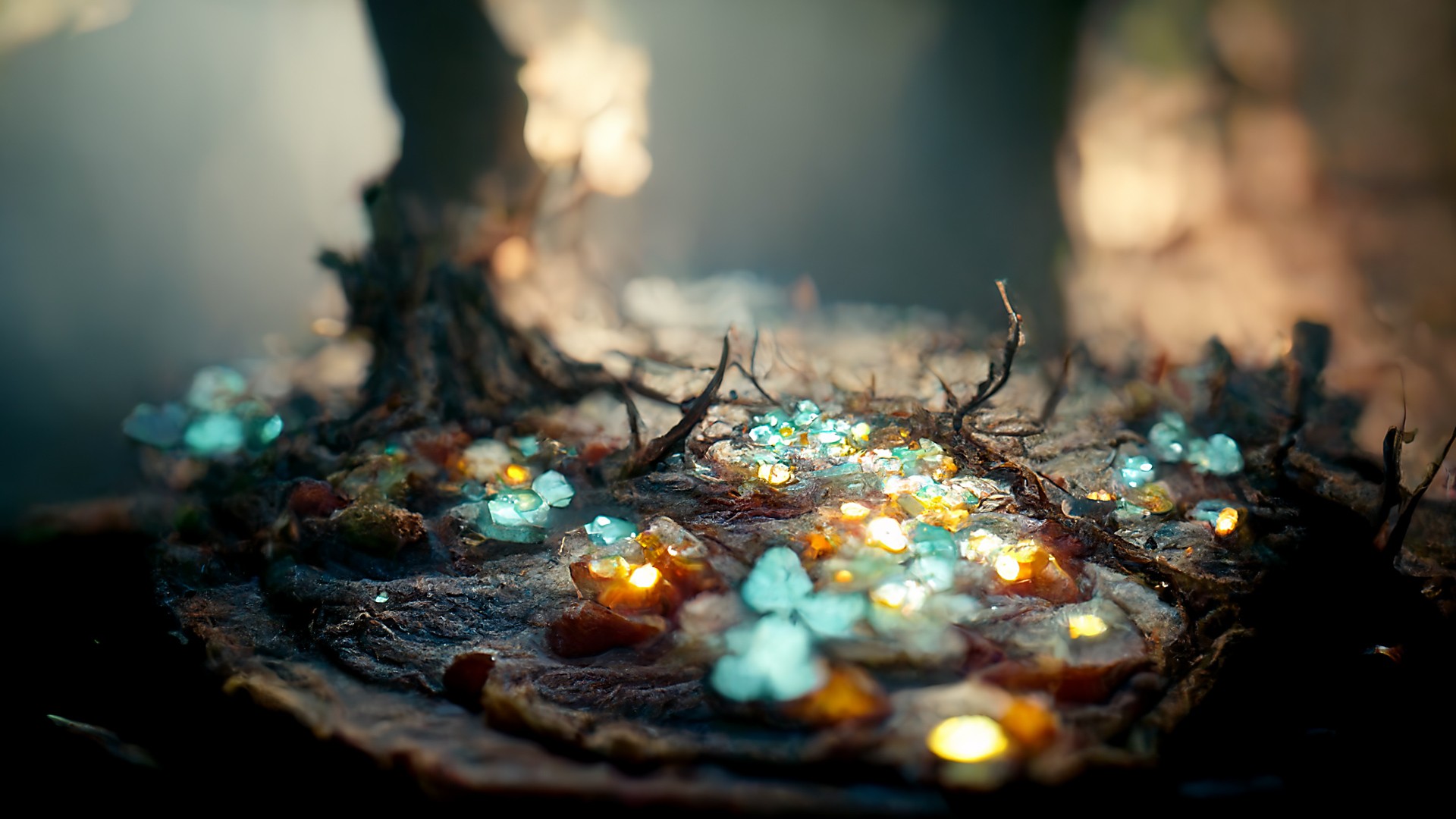
Looks like someone dumped a bag of gems out to count, watch out for bandits. Uploading my own stuff to mess with is next on the list, opens another world of possibilites, I can't imagine how many fractal params you must have on file... ;)
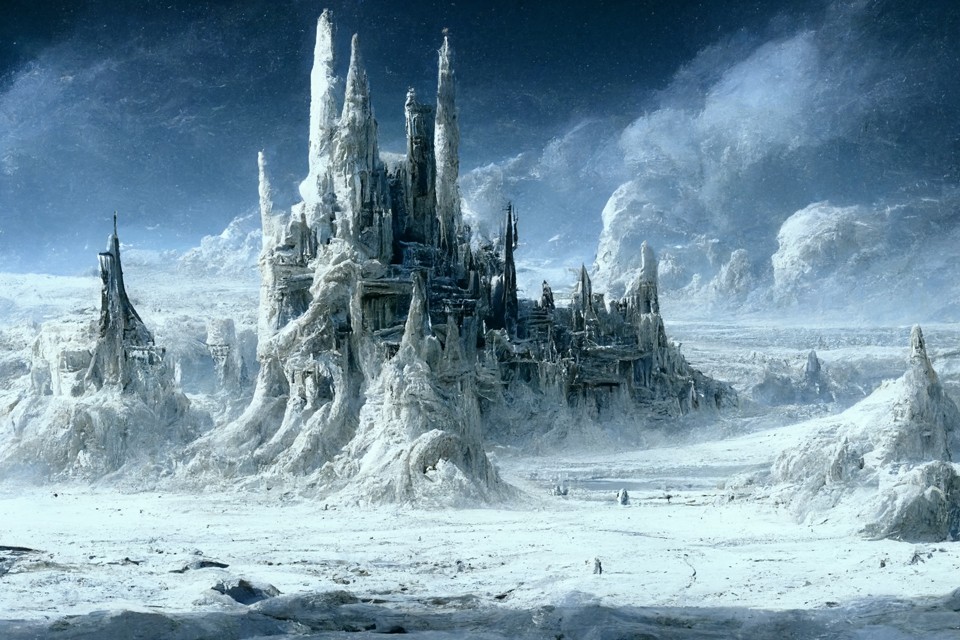
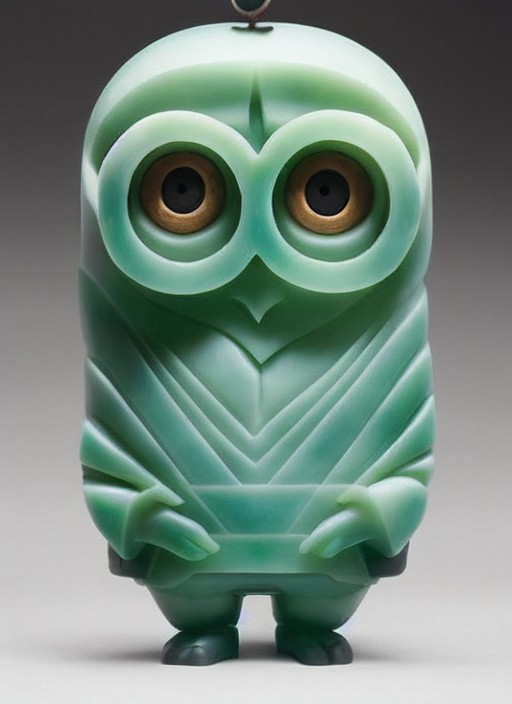
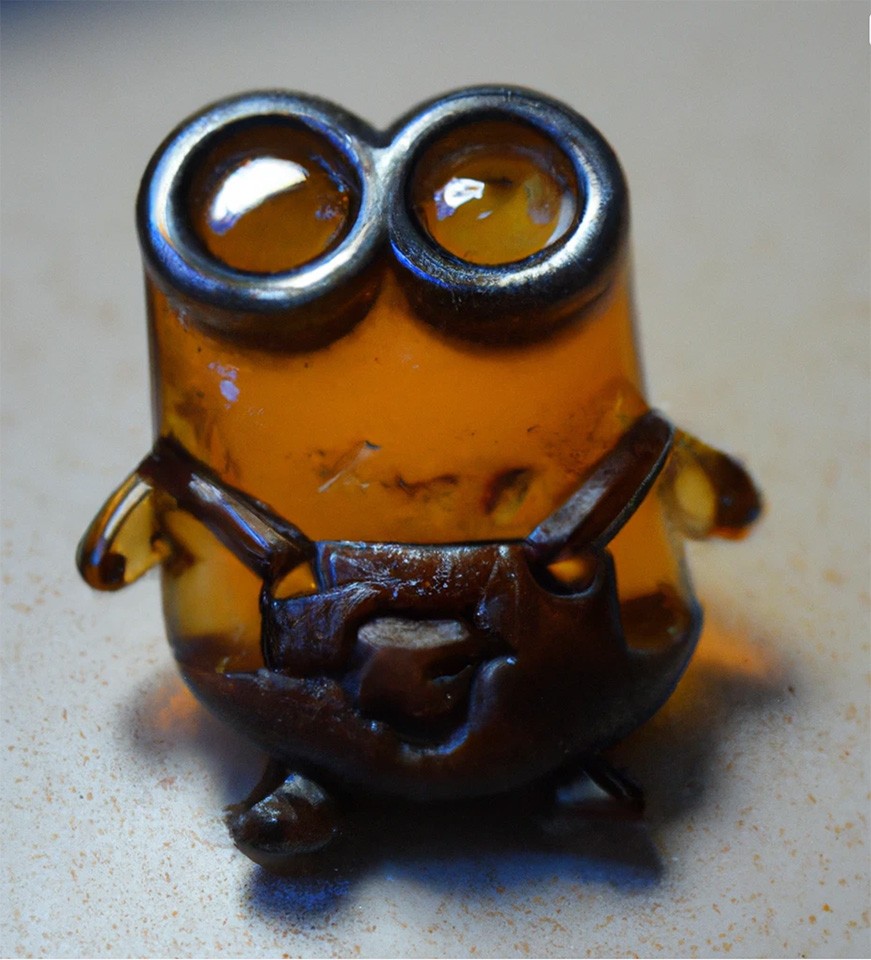
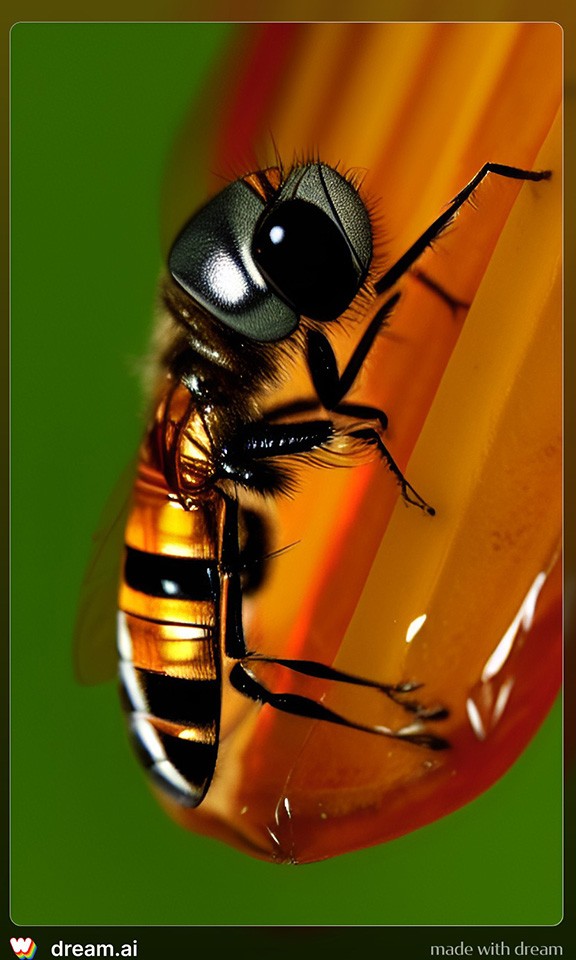
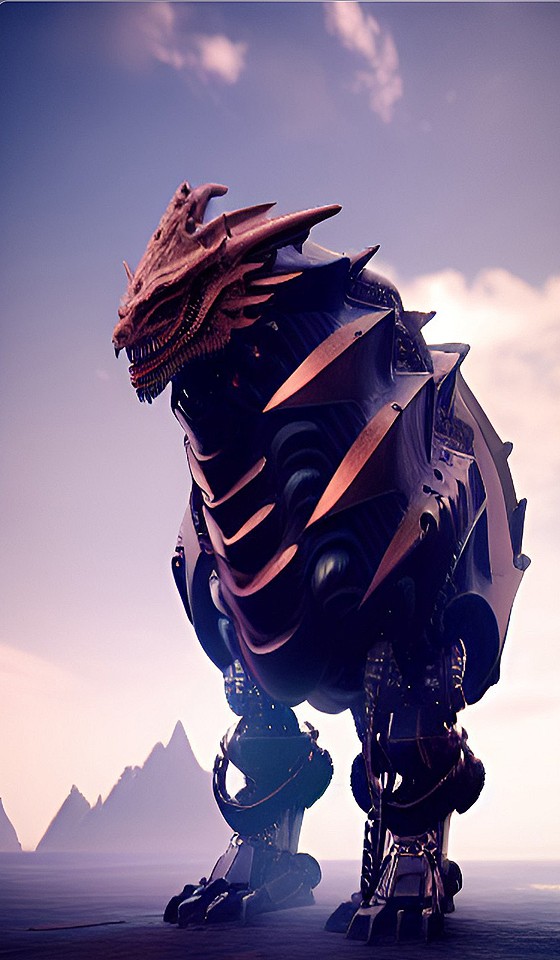
How did you "Upoad" it or do you mean you just put a link to it in the Prompt string, that's what I've done if there's an "upload image" I'm missing out. Midjourney's UI that Discord is not a user friendly Ui, never used any other Ai generator seems Midjourney is the one causing all the Hub Bub at dA. You'er either for experimenting with it or absolutely hate it and anybody that usesAi, took me quite a while for me to come around. My viewership at dA has taken quite a hit there too since I started using Mid-J Probably because there are less Ai groups than Fractal groups. I should start one but I really don't have the time or temperament to oversee one, I quit as Moderator of Fractals here at Rendo years ago simply because I couldn't deal with the Administration.One of my own images that I uploaded to midjourney, it kept the winter landscape but the rest was a cool twist... ;)
Remember...No matter where you go there you are
Lenord, if you double click on the little + by where you add the prompt, a window opens up for you to upload your image. Once it's uploaded, hit ENTER then click on the image to open it as you would an upscale. Right click and COPY IMAGE ADDRESS then paste that into the prompt. Sounds longwinded but it's really quick and easy
Gill
TBH, I've never had great results using my own work as an image prompt. To prove a point....top with my sig is the original that I uploaded. The 2nd attempt with added image weight really only gave the colours and the 4th that kind of looked like a unicorn. I also left out Anne Stokes on the 2nd try
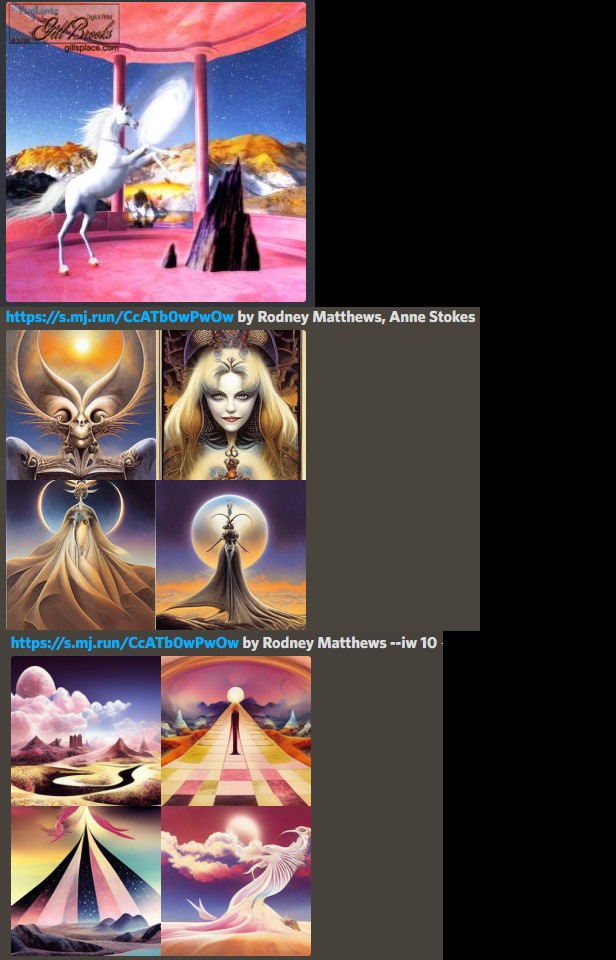
Gill
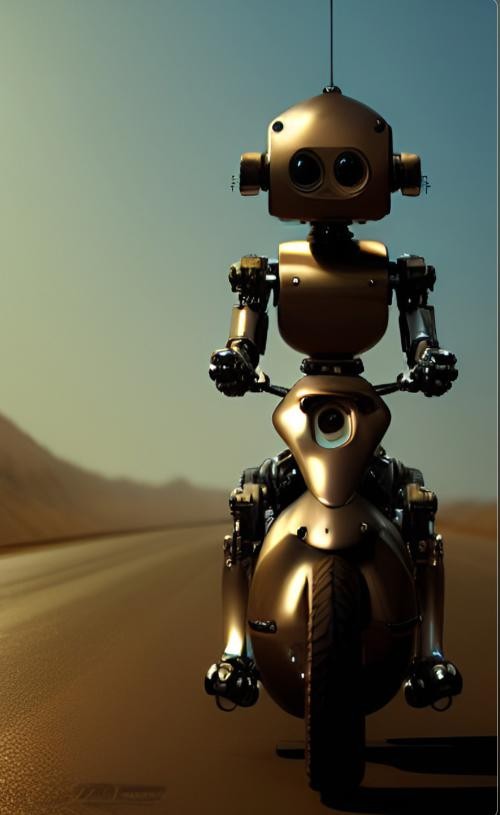
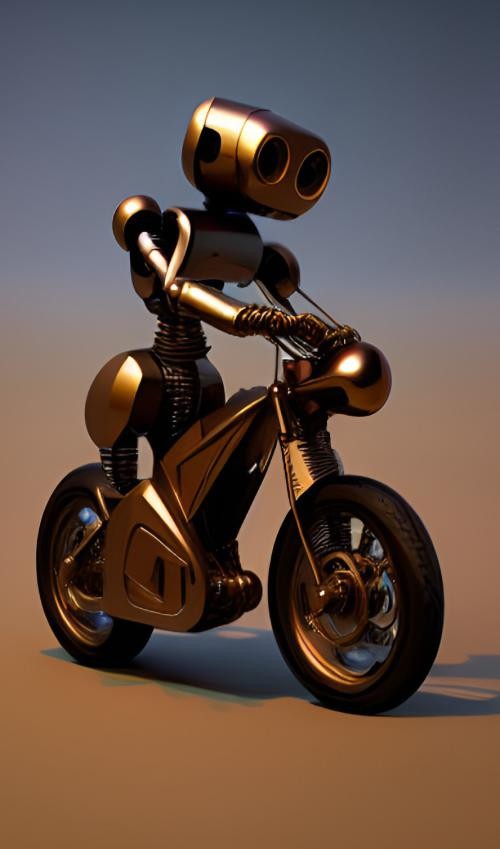
OK chores are done now it's playtime...What + I'm missing something...I've been wondering if I have some weird version because this YouTube vid I watchedthe UI didn't look the same I just kinda chalked it up to dif Browsers. I use an off the wall browser (Vivaldi) it's Chrome based I just like the way it works and is faster than FF or any other. Maybe I need to update the App on my Desktop.Lenord, if you double click on the little + by where you add the prompt, a window opens up for you to upload your image. Once it's uploaded, hit ENTER then click on the image to open it as you would an upscale. Right click and COPY IMAGE ADDRESS then paste that into the prompt. Sounds longwinded but it's really quick and easy
Remember...No matter where you go there you are
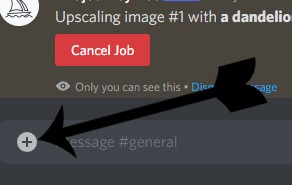
I see I was just taking the long way around typing the upload in the way I was, I learned also add :: a weight number after the link gives the Fractal more prominance in The Ai generated image...2 quickii using a Frac of mine it seems to use the bas fractal formula but does what it wants with it the preview gave me 2 Fracs and 2 Landscapes made fracs
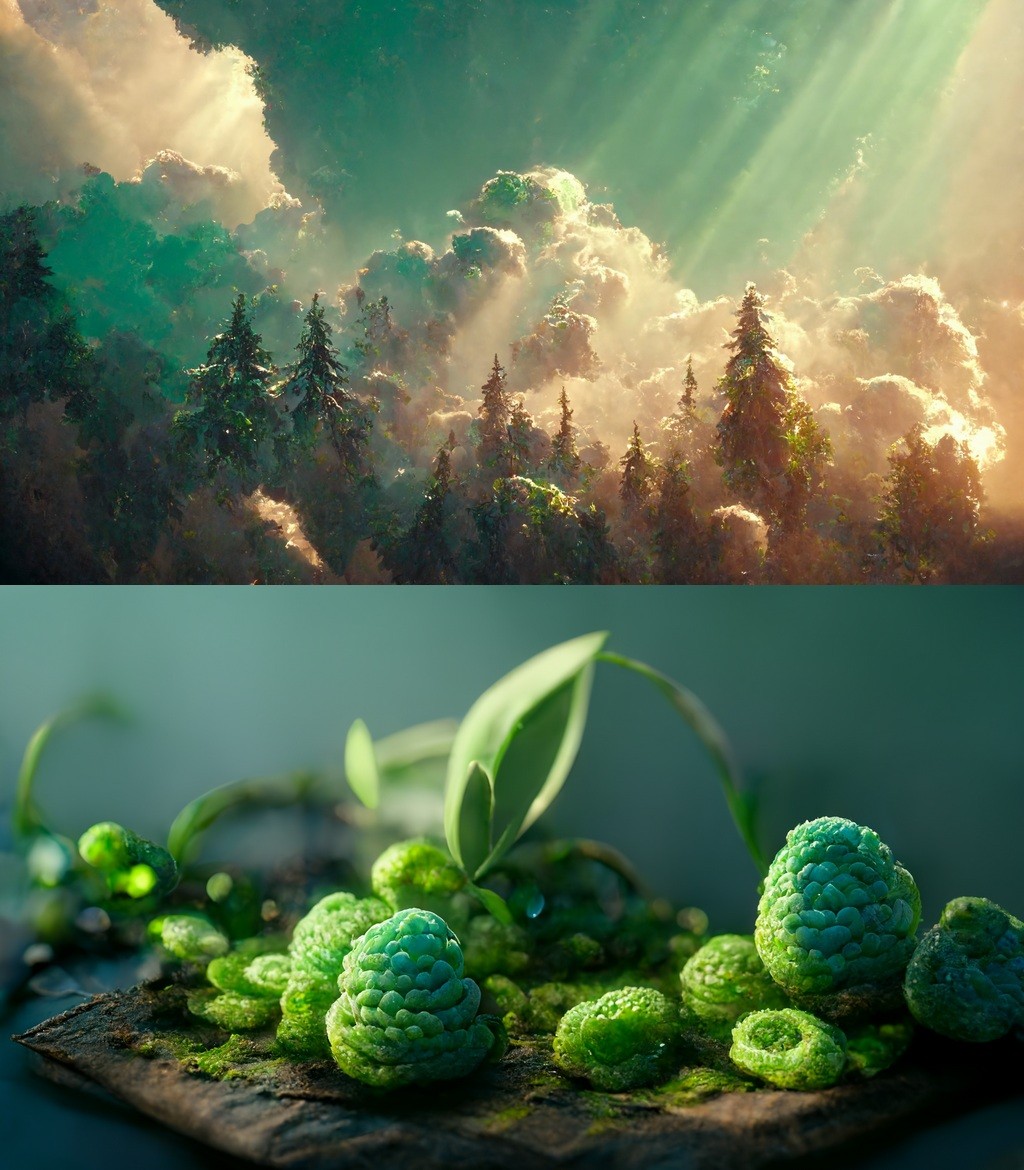
Remember...No matter where you go there you are

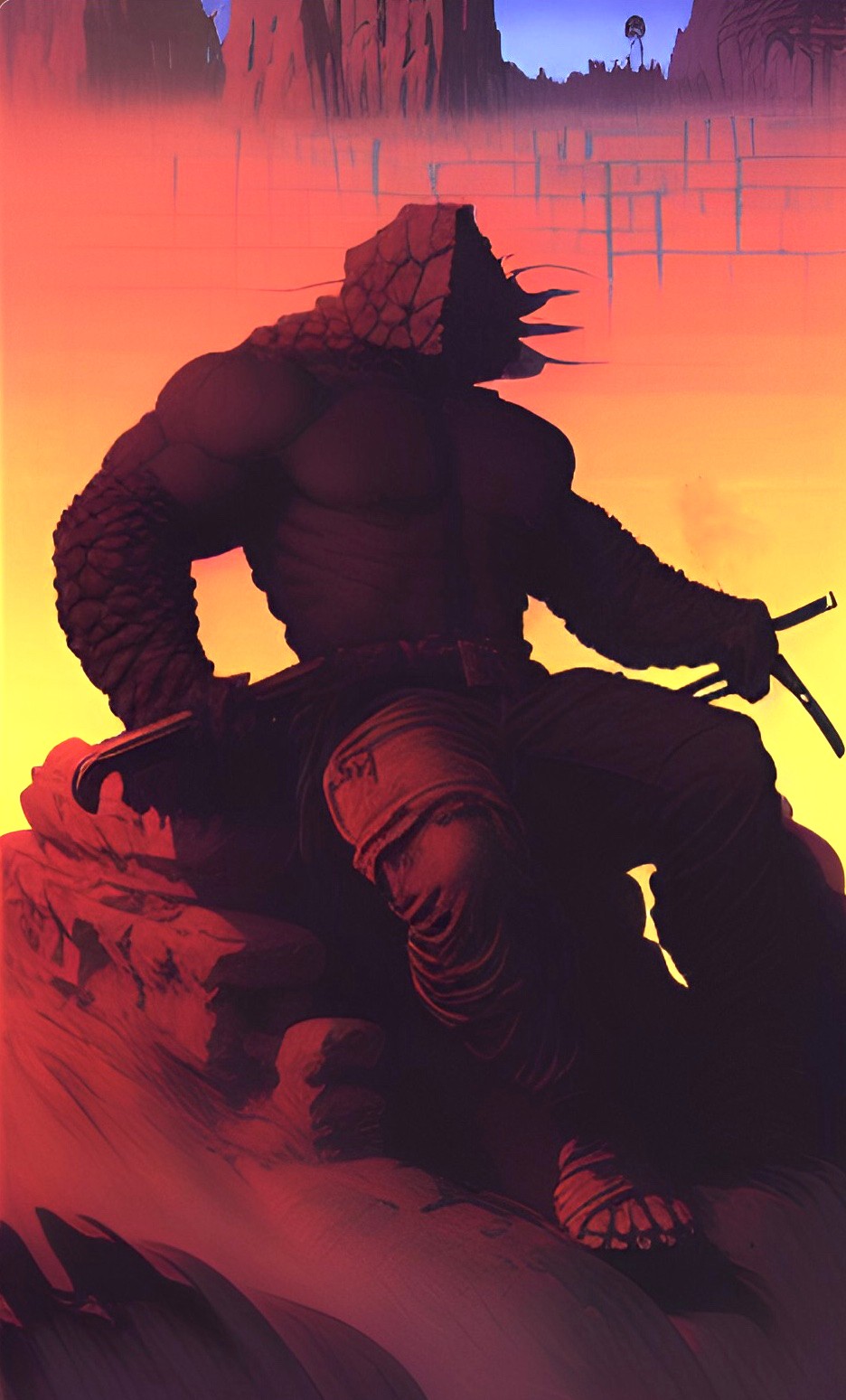
gillbrooks posted at 11:41 AM Sat, 15 October 2022 - #4446702
I only used a weight of 2 and --q 5000 I used Anesthesia https://www.renderosity.com/gallery/items/3066264/anesthesia a hybrib made in MB3DLove those, especially the 2nd that almost looks like hop flowers. What kind of fractal images are you using? I have tons from years back somewhere
If you scroll up to my pic earlier today, I added an image weight of 10 but still nothing like my original.
Remember...No matter where you go there you are
Lenord posted at 11:54 AM Sat, 15 October 2022 - #4446704
I've just been having a fiddle with an old apophysis fractal. iw of 5 and when I did the beta upscale, the results were pretty impressive. It worked better when I added "epic landscape" instead of image prompt only. Here's a little sneaky peek.....with postwork,of course :)gillbrooks posted at 11:41 AM Sat, 15 October 2022 - #4446702
I only used a weight of 2 and --q 5000 I used Anesthesia https://www.renderosity.com/gallery/items/3066264/anesthesia a hybrib made in MB3DLove those, especially the 2nd that almost looks like hop flowers. What kind of fractal images are you using? I have tons from years back somewhere
If you scroll up to my pic earlier today, I added an image weight of 10 but still nothing like my original.
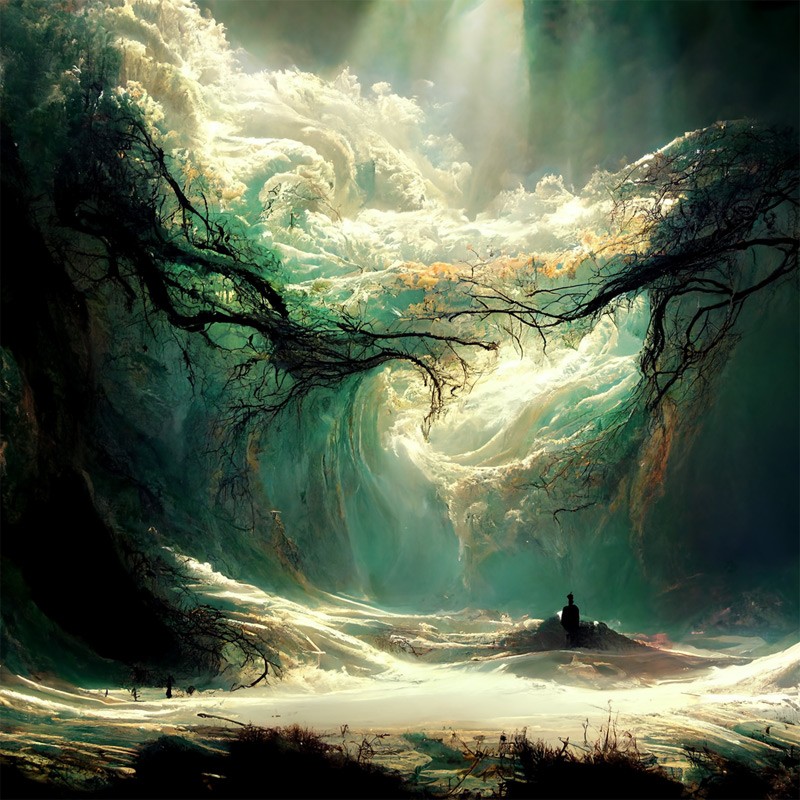
Gill
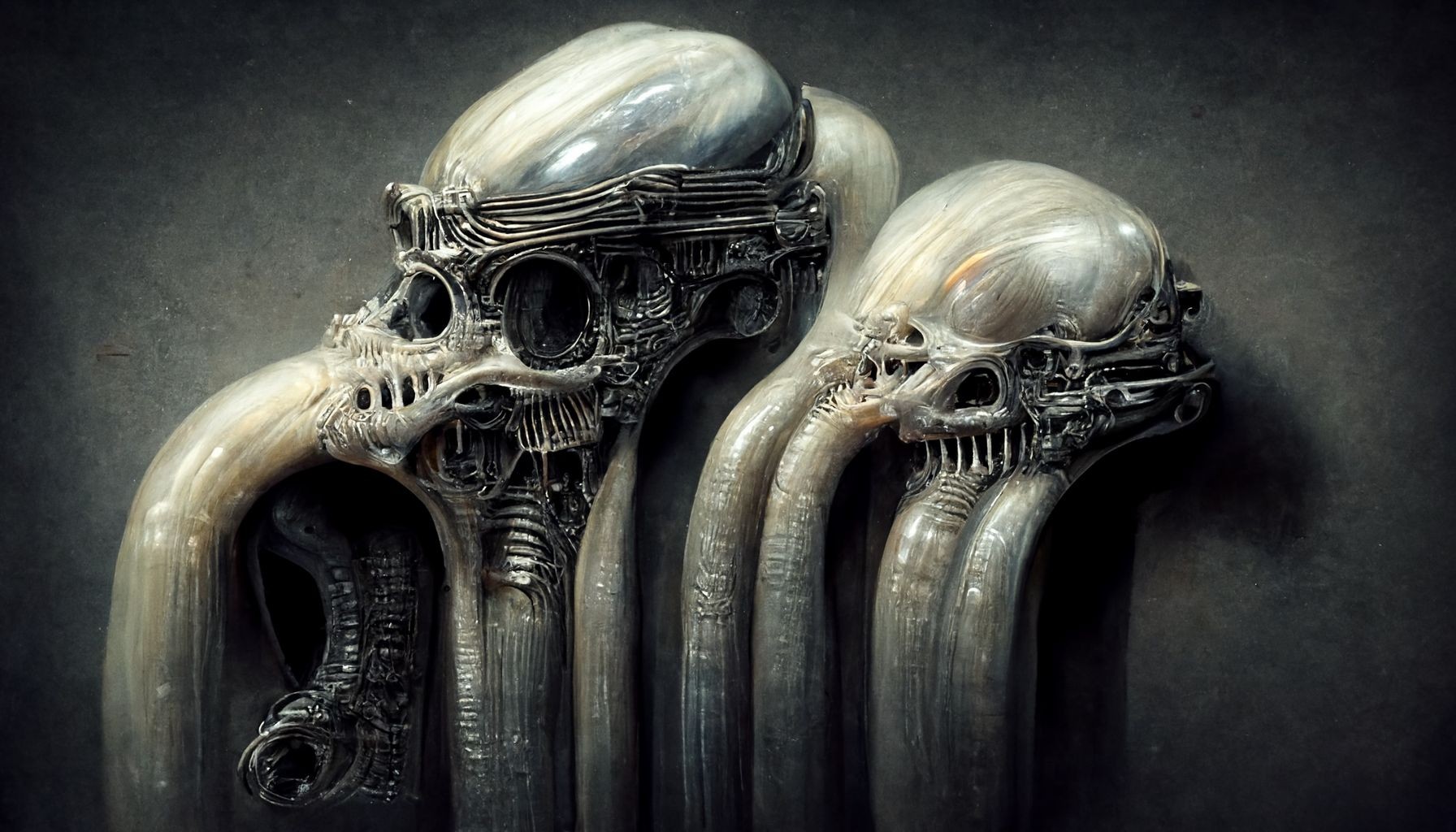
I agree adding details gives maybe not better,but more accurate results, but you also have to be careful you don't overload and confuse AII like it...yeah you know a YT tut I watched said it's best to keep prompt strings short but I think the more you can add in details yields better results
Gill
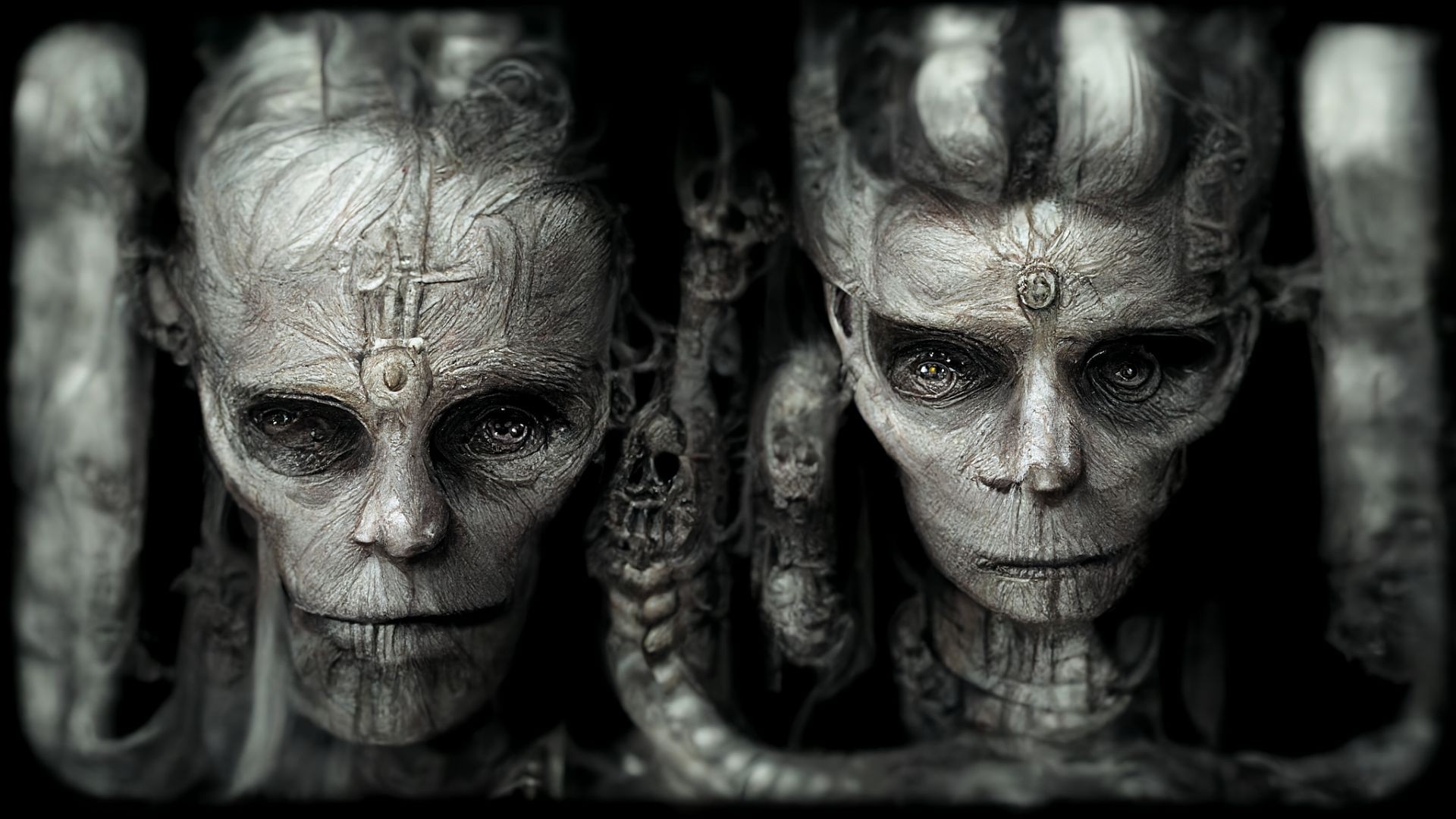
Thanks Gill, you are sharing some good tips! Here is a recent Youtube tutorial on adding your own image to midjourney, explains it better that I could, lol... ;)
https://www.youtube.com/watch?v=BVai4eT3xXQ&t=175s
I can't afford more than 1 Ai I'm on a limited fixed income, but can see how 2 diff Ai's would interpret things different. I think I like Mid-J's textures better, have an Idea to try a DaVinci style pen on parchment schematic of a BioMech suit see how that goes.
Remember...No matter where you go there you are

Privacy Notice
This site uses cookies to deliver the best experience. Our own cookies make user accounts and other features possible. Third-party cookies are used to display relevant ads and to analyze how Renderosity is used. By using our site, you acknowledge that you have read and understood our Terms of Service, including our Cookie Policy and our Privacy Policy.
I just had a horrible thought, hamster rock bad groupies, lol, oh no...