Renderosity Forums / Maya
Welcome to the Maya Forum
Forum Moderators: Lobo3433
Maya F.A.Q (Last Updated: 2024 Aug 27 11:07 am)
|
|
|
| Maya Gallery |
Checkout the Renderosity MarketPlace - Your source for digital art content!

Subject: Boolean /Union - Model Disappears


OK I found this article on the Autodesk site seems there is mention about using the Legacy boolean that this si something specific to Maya 2015 here is the link hope it helps
Lobo3433
Blender Maya & 3D Forum Moderator
Hi.
Thanks, Lobo. Apparently, for 2015, the Legacy Boolean Algorithm must be 'turned on' and I can't find a way to tell whether it's on-or-off or how to switch it.
Also, you see what I'm trying to do: make a water-tight file of this 3D Braille Label for 3D Printing.
Can you suggest a better way to do this?
Thanks!
~T.~
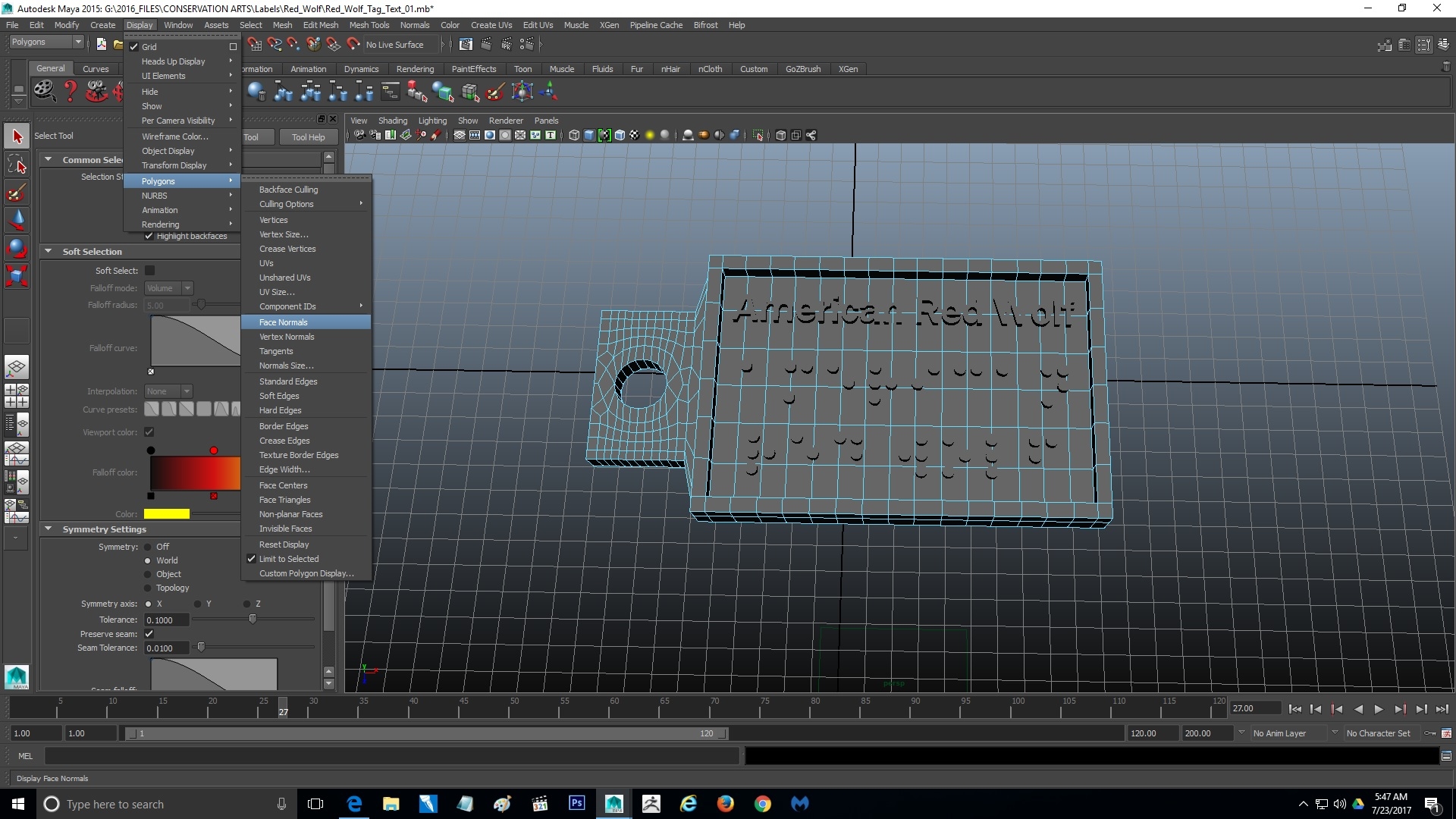
OK to turn on the Legacy boolean algorithm To use the legacy boolean algorithm, select Mesh > Booleans > Union/Difference/Intersection > click on the little option box, and then enable Use legacy Boolean algorithm before performing a boolean operation. See Legacy boolean algorithm. Another option that I saw in searching for more info on this is this short tutorial that recreates what you have described with a work around you can see here https://youtu.be/hm3uwoOzwcI As to making it water tight for 3D printing I have no experience in that area but I am going to forward this thread to LuxXeon who does allot of 3D printing with 3Ds Max and Blender and maybe he will have a suggestion that can help I do not want to give you bad info on something I have zero experience with but if anyone would know I trust he would just give him a day or so to respond
Lobo3433
Blender Maya & 3D Forum Moderator
I sent LuxXeon a site mail already I am sure he will add some useful information and do keep me informed on your progress
Lobo3433
Blender Maya & 3D Forum Moderator

Just out of curiosity, what type of 3d printing method will be involved in the creation of this piece once it's finished? Will you be printing the model using FDM, SLA, SLS? The reason I'm asking is that some methods may not require you to boolean the separate pieces. Shapeways uses SLS technology and two intersecting bodies are be treated as a single manifold object as long as they are exported as a single unit or instance. The empty space inside the intersections would be considered solid, as long as there are no gaps between the individual meshes or shells. They must overlap. They will be merged (unioned) together into one single piece by the software on the other end before it goes to print anyway.
You might also try Mesh Mixer ( a free Autodesk product), which has the functionality to handle booleans like this. Perhaps it will be easier just to import the mesh there, and let it handle the rest.
______________________________________
My Store
My Free Models
My Video Tutorials
My CG Animations
Instagram: @luxxeon3d
Facebook: https://www.facebook.com/luxxeon
Just in case you were interested, here's a link to Mesh Mixer. Very handy for preparing models for printing. It can automatically add things like support structures for FDM, and a number of other features not found in standard modeling packages.
______________________________________
My Store
My Free Models
My Video Tutorials
My CG Animations
Instagram: @luxxeon3d
Facebook: https://www.facebook.com/luxxeon
Thank you for chiming in LuxXeon 3D printing is something I have no knowledge of so do appreciate you sharing your knowledge
Lobo3433
Blender Maya & 3D Forum Moderator
3dprinting is a hot subject right now obviously, but also a very complex and sometimes confusing subject too. There are so many different types of 3d printers out there and so many services that use many different types of standards. Sometimes one way of doing something will work fine for a particular type of service or machine, but not another. I think it's always best to have a supporting software in your toolbox which sole purpose is to eval or test models before printing. Something like Netfabb Cloud is great, but MeshMixer is also quite handy and is of course free. These specialized apps can do things specifically for 3d printing that Maya, 3dsmax or Blender alone wouldn't really be capable of without scripting or add-on functionality.
______________________________________
My Store
My Free Models
My Video Tutorials
My CG Animations
Instagram: @luxxeon3d
Facebook: https://www.facebook.com/luxxeon
I heard of MeshMixer and well free is always a plus but how it is used and such out of my depth especially since one I do not have access to a 3D printer and to many other things on my plate that I am still learning think this might be one of those threads that might be worth making a sticky in the end since has allot of info that might be worth while for others
Lobo3433
Blender Maya & 3D Forum Moderator
I think it might be worth it to give 3dprinting its own forum category, this way no matter which software you use to model, you can ask questions and get answers about the 3d printing stuff in one place. Maybe we should consider proposing this to admin? Maybe it could be a subcategory or sticky in the 3d Modeling forum actually. The two subjects do tie in together, independent of software use.
______________________________________
My Store
My Free Models
My Video Tutorials
My CG Animations
Instagram: @luxxeon3d
Facebook: https://www.facebook.com/luxxeon
it might be worth having as it's own forum perhaps taking a poll with in the modeling software forums and determine how many would be interested in a 3D printing forum get some idea of a demand for such a forum and go from there
Lobo3433
Blender Maya & 3D Forum Moderator

Privacy Notice
This site uses cookies to deliver the best experience. Our own cookies make user accounts and other features possible. Third-party cookies are used to display relevant ads and to analyze how Renderosity is used. By using our site, you acknowledge that you have read and understood our Terms of Service, including our Cookie Policy and our Privacy Policy.
Hi.
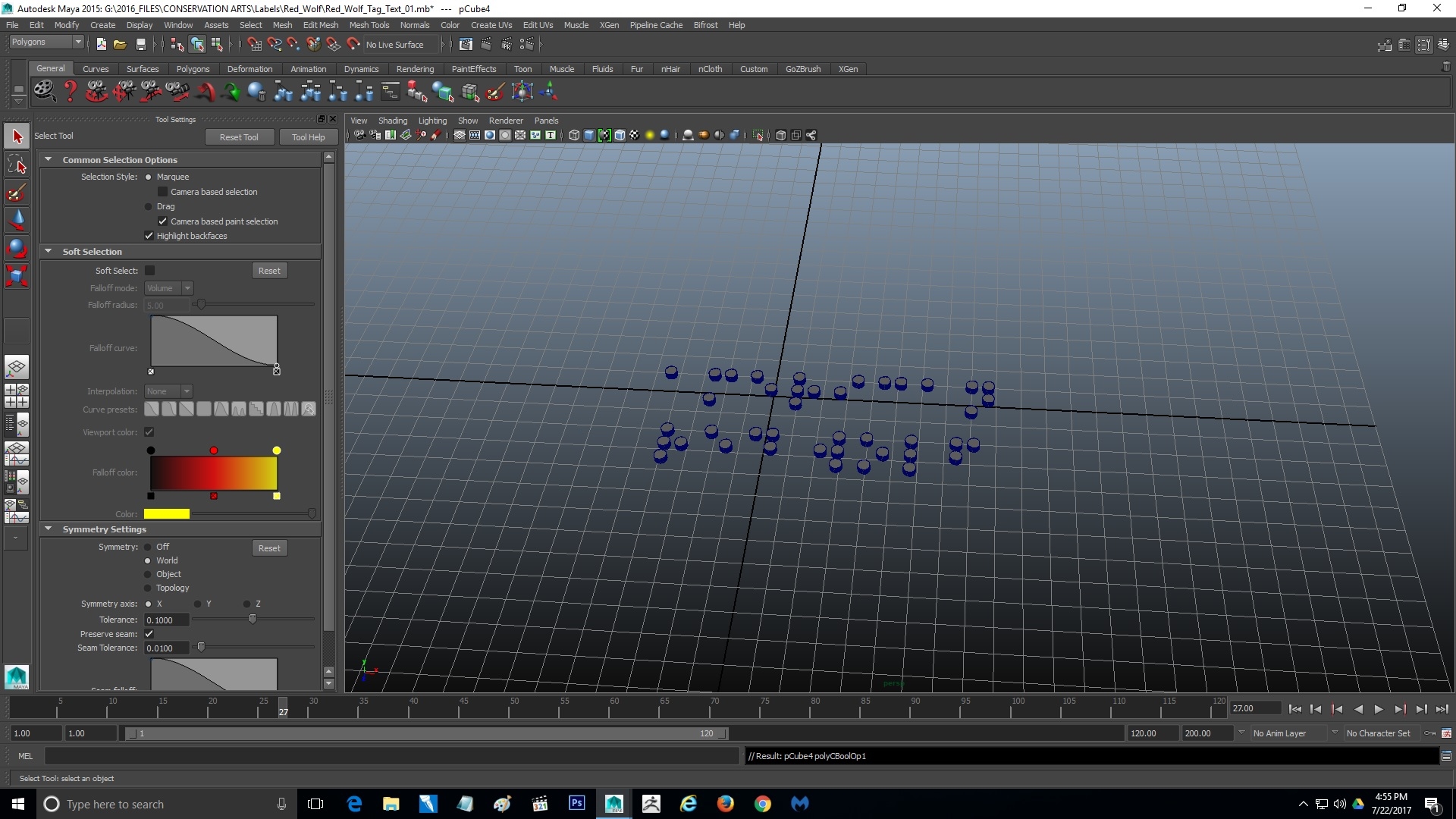
I want to join some 3D text 'flat' to a 3D label and I'm using Boolean>Union for that. I've gotten it to work but for some reason the tool behavior has changed. Now, after I shift/select the text and the label, then press the boolean function, both models just disappear. What's happening and how can I get this Boolean Union to work? Thanks!
~T.~