
Renderosity Forums / Carrara
Welcome to the Carrara Forum
Forum Coordinators: Kalypso, Anim8dtoon
Carrara F.A.Q (Last Updated: 2026 Jul 11 2:50 am)
Visit the Carrara Gallery here.

Subject: C5 displacement mapping question


It is "real" displacement. The embedded C5 displacement allows for animated textures, too. The more polygons you add, the more your computer has to "think" about it. ;) There are options with both to turn-off real time displacement in the 3D view to make the assebmly room not slow to a crawl if you've got something really detailed. It is like AGrooves but a little more robust in some areas. However, DCG's products has some great optimization when used with primitives. DCG has released a beta update for it's plugs to try with C5. Give it a whirl if you already own AGroove.

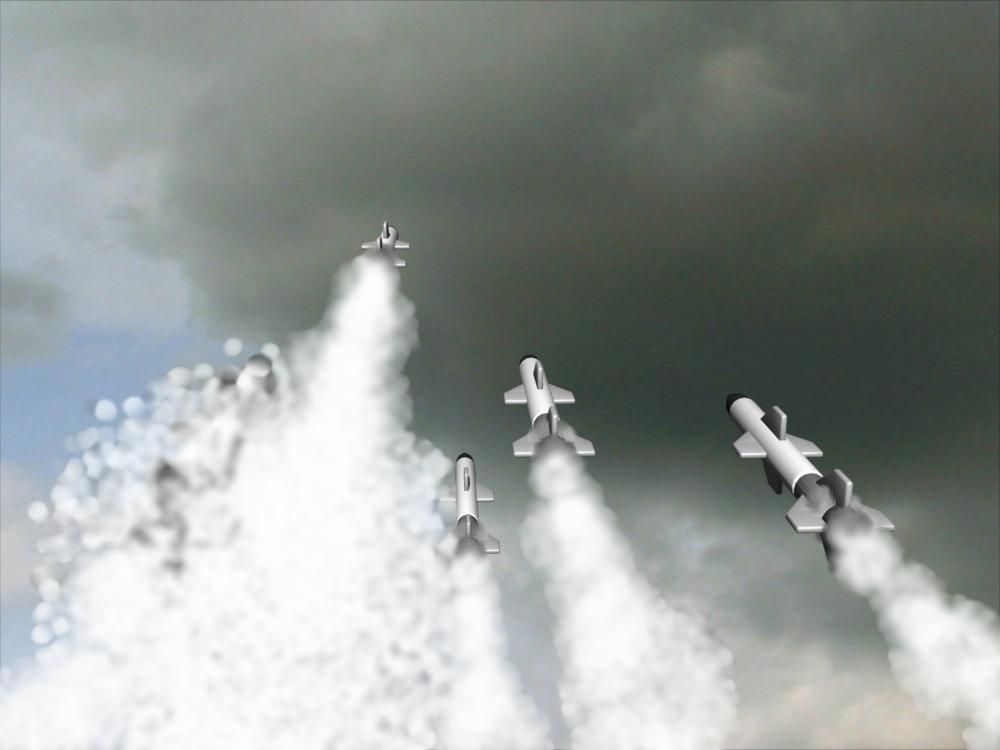
the displacement is real displacement and it opens entirely new worlds because, as of yet..unlike DCG's version, I have not crashed c5 with the its native displacement mapping. Thats not to say DCG's version isnt as good, I just think they work differently...and the native method is more stable for me. You can create some really great smoke with this displacement and "blur". Im personally very pleased with this "new" feature. :) BT

One thing about the C5Pro displacement maps, they do not really do true mesh forming as DCG's version. When I tried exporting a displacement map from Carrara (with Carrara's) the mesh (an obj sphere) was not distorted after I imported into Vue 5I. DCG's will.
Aha! Thanks Mark! At any rate, it would not be a big deal for me, as I rarely worry about exporting the deformed meshes -- still, nice to know. So far, C5Pro is really working out well. Obviously Eovia did a lot of testing, as I have not had one crash! If Eovia would just make the spotlight light cone a "real" raytraced feature. -Lou
Thanks Charles, I had tried that, and doing so understand the clever reason for the default view! A lot of heavy resources, likely Open GL, are saved for more important things. BTW, your team has done an excellent job with this release of C5Pro. I think Eovia will be racking up some very well deserved accolades, and a lot of respect in the 3D community. I hope it doesnt seem like Im gushing over this, but I tend to call them as I see them. Aside from the lack (still) of true raytraced visible vol lighting (light cones), you folks seem to have hit a home run!

Brycetech -- I don't know if this is your problem with the particle fountain, but in C4, you have to adjust the Maximum number of particles and the Frequency to make a continuous stream. Since it 'recycles' the particles, if they are emitted with higher frequency than they die, you'll 'run out' until enough die to start emmitting again, resulting in spurts. This can be a useful for some effects, but not for exhaust and contrails. Try setting the Frequency or Lifetime lower, or the Maximum higher and see if they work. Or maybe it's different in C5 and I'm completely wrong ;-). Good luck!
SF to LA: From June 1 to June 7 2007 I will be riding my bicycle 545 miles to help support people living with HIV/AIDS. Please visit my homepage: http://www.aidslifecycle.org/6010

Privacy Notice
This site uses cookies to deliver the best experience. Our own cookies make user accounts and other features possible. Third-party cookies are used to display relevant ads and to analyze how Renderosity is used. By using our site, you acknowledge that you have read and understood our Terms of Service, including our Cookie Policy and our Privacy Policy.
I haven't really used displacement mapping before and had a quick question. In the various discussions on this topic, I noticed mention of Zbrush support. Do I need a 3rd party product like that to use displacement mapping?
Thanks.