
Renderosity Forums / Blacksmith3D & Texture Transformer
Welcome to the Blacksmith3D & Texture Transformer Forum
Forum Moderators: tim, msansing
Blacksmith3D & Texture Transformer F.A.Q (Last Updated: 2026 Apr 16 2:12 am)
BLACKSMITH3D Version 8 for Windows (FREE Distribution)
https://www.posersoftware.com/blacksmith3d

Subject: Save the settings and modify the view hotkeys


Hello ImagoPictures,
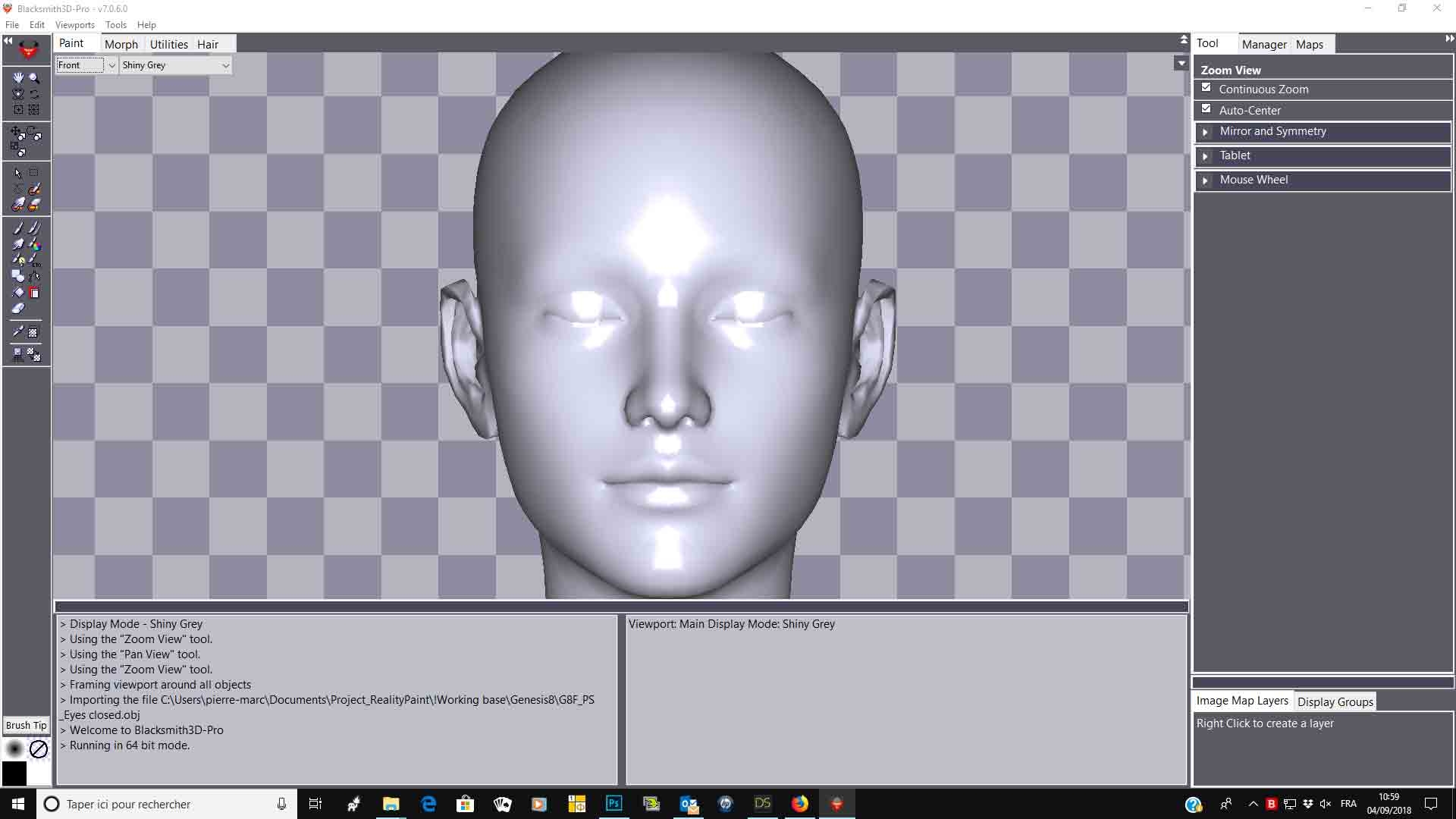
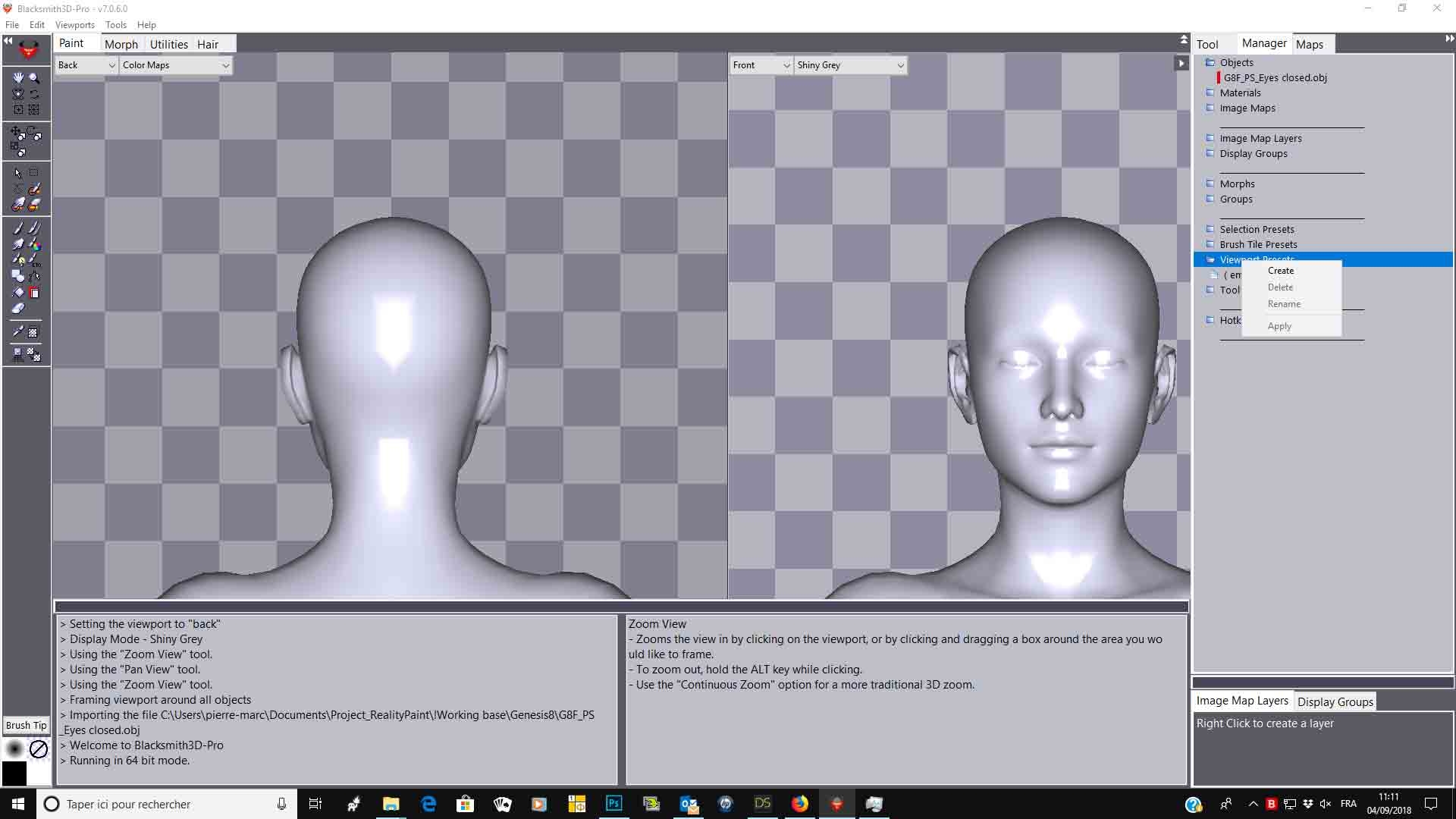
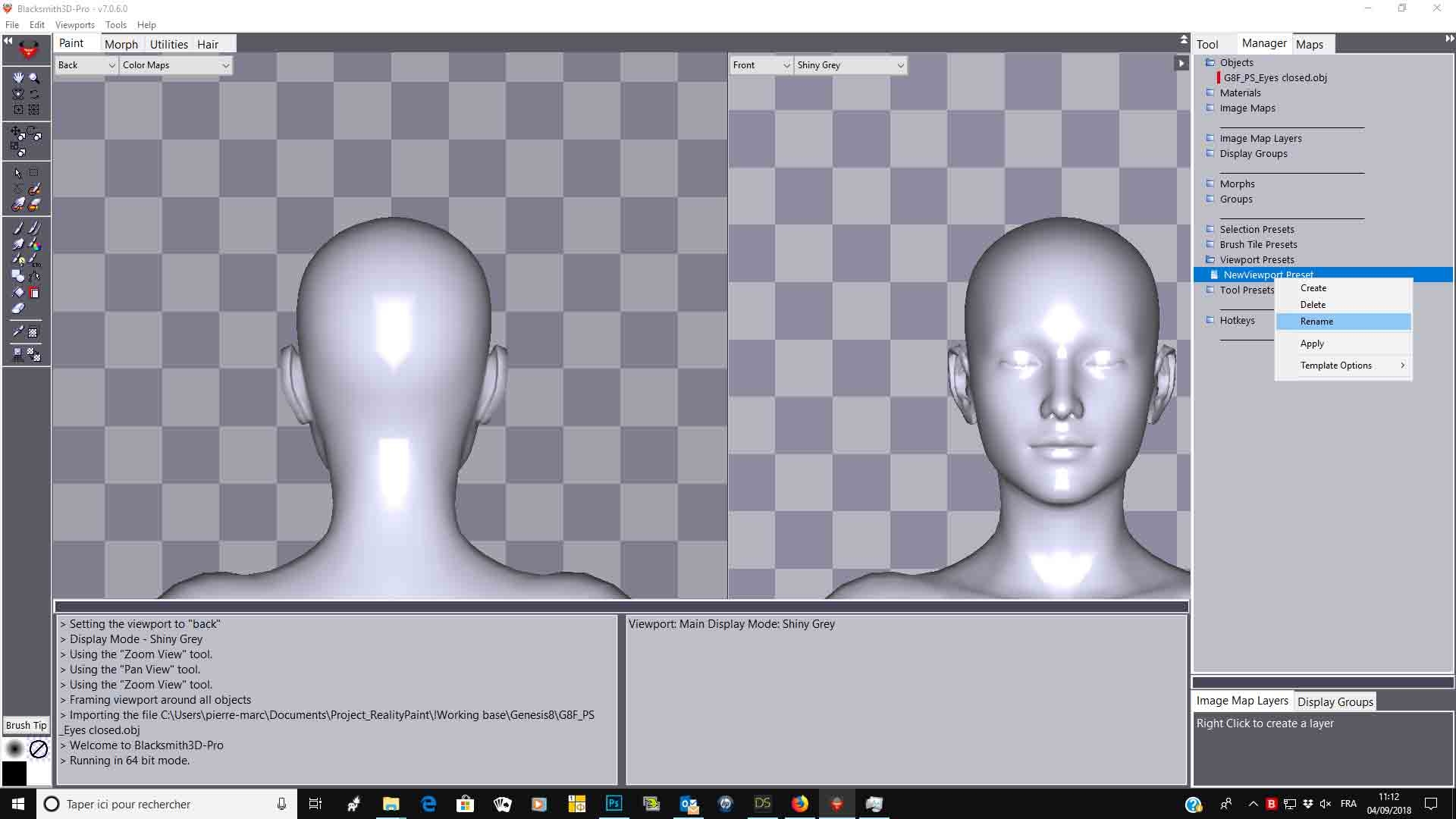
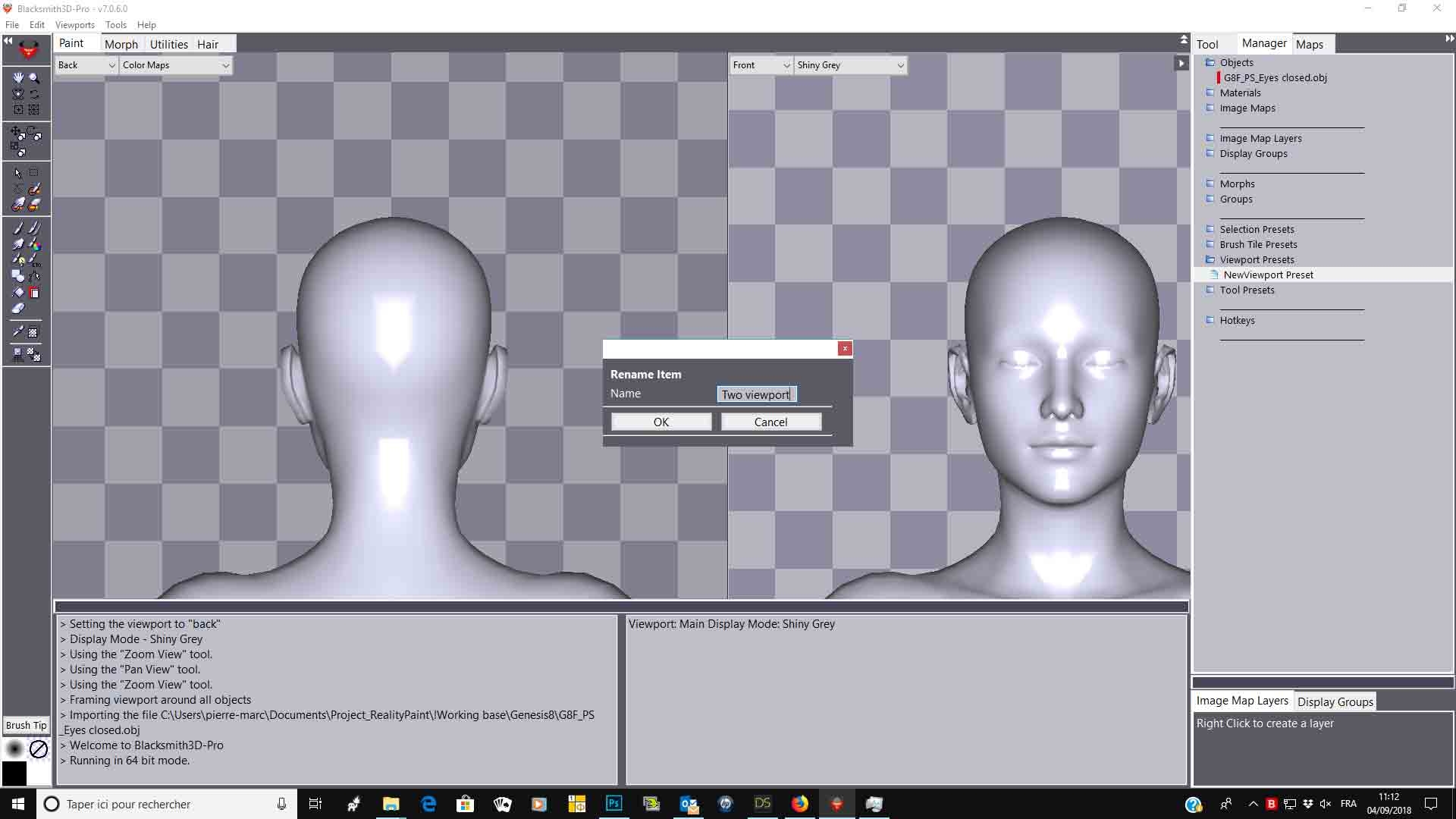
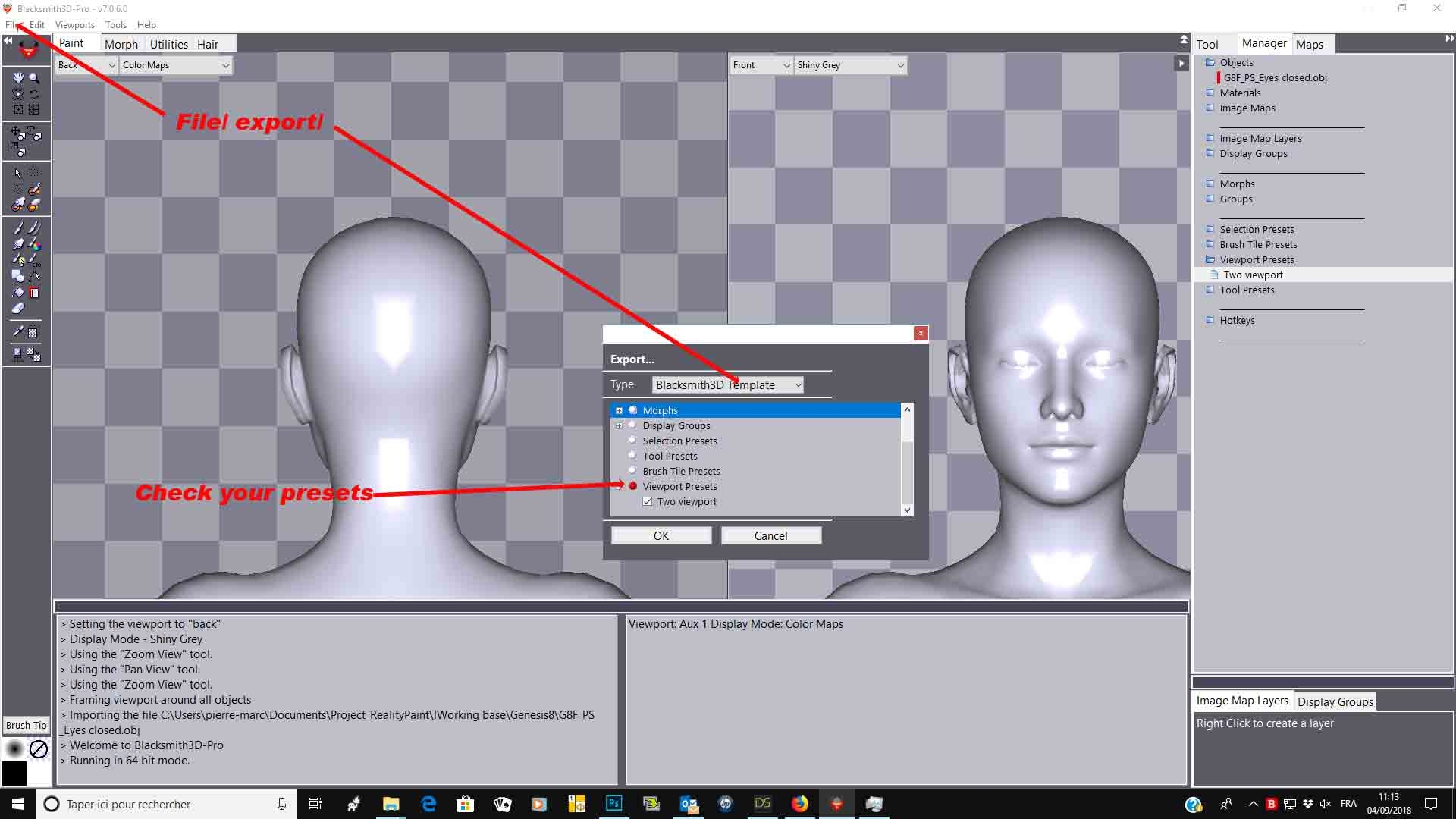
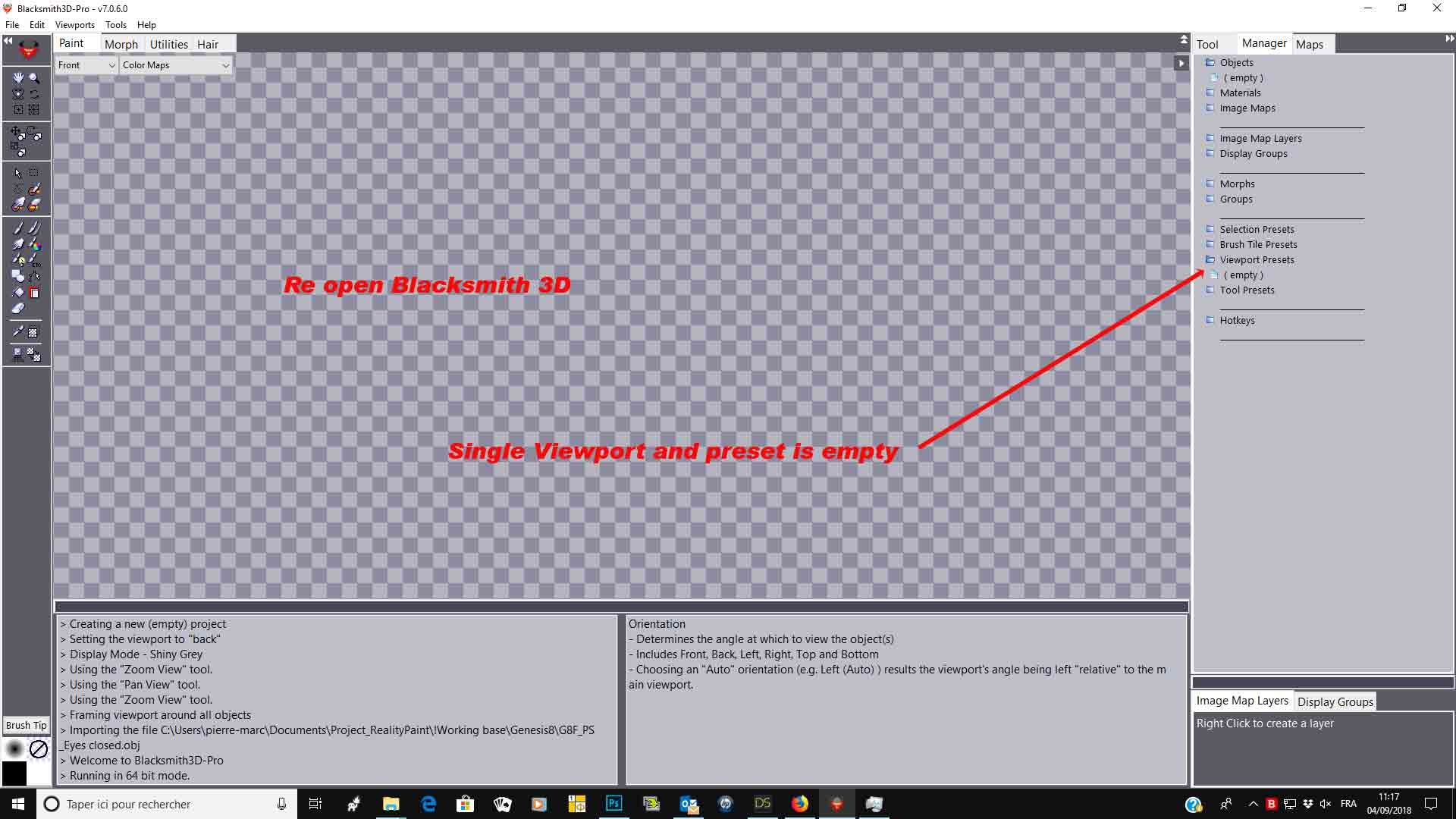
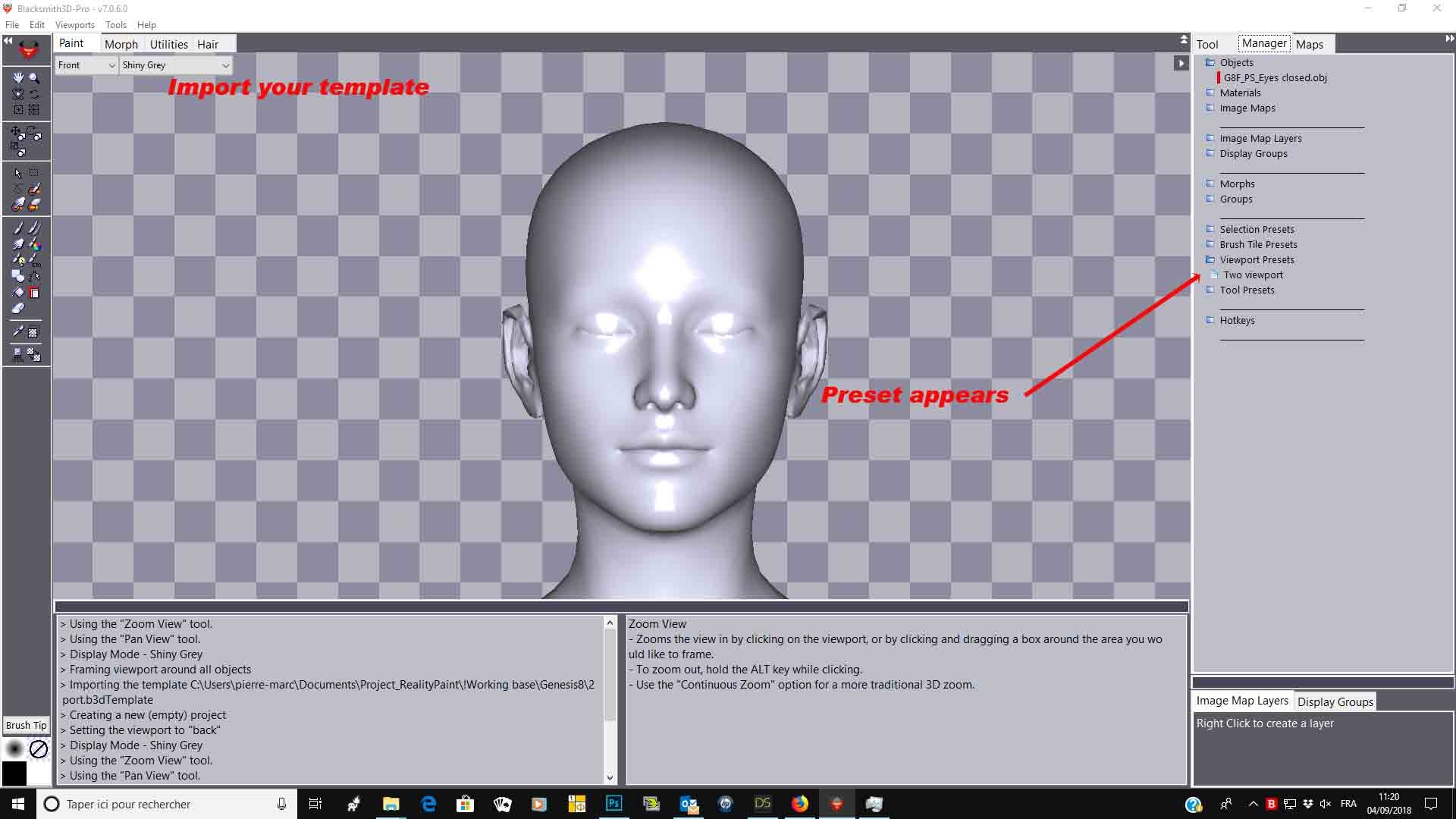
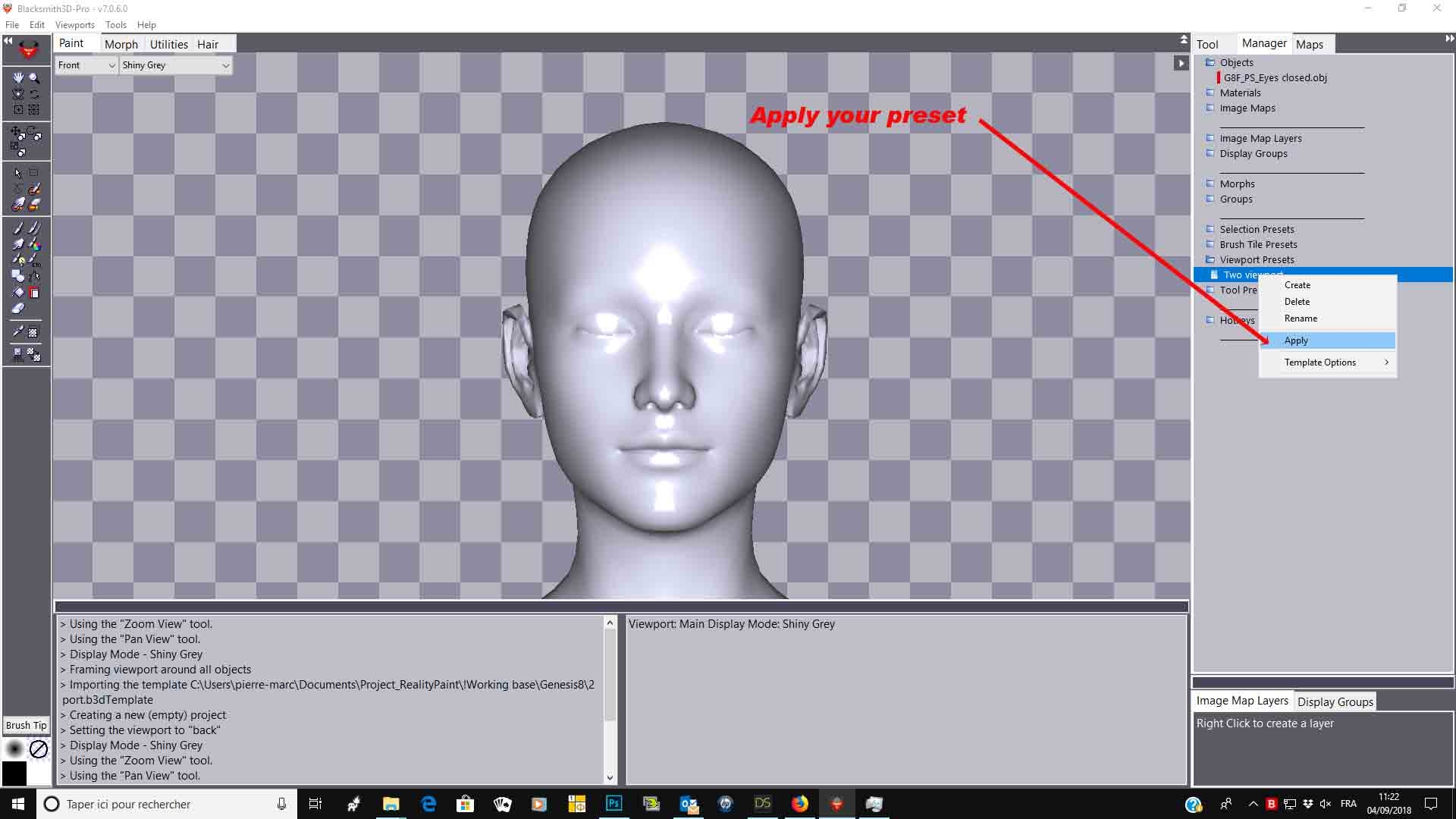
You can set hotkeys to activate/deactivate functions. You can also, in the manager tab, create presets for viewport, brush tile or selection. Set your viewport for example, go in the manager/viewport/right click and create/rename your setting Next time, open BS3D and cklick on your preset and everything will appears as you set it
Hope it helps,
Best regards,
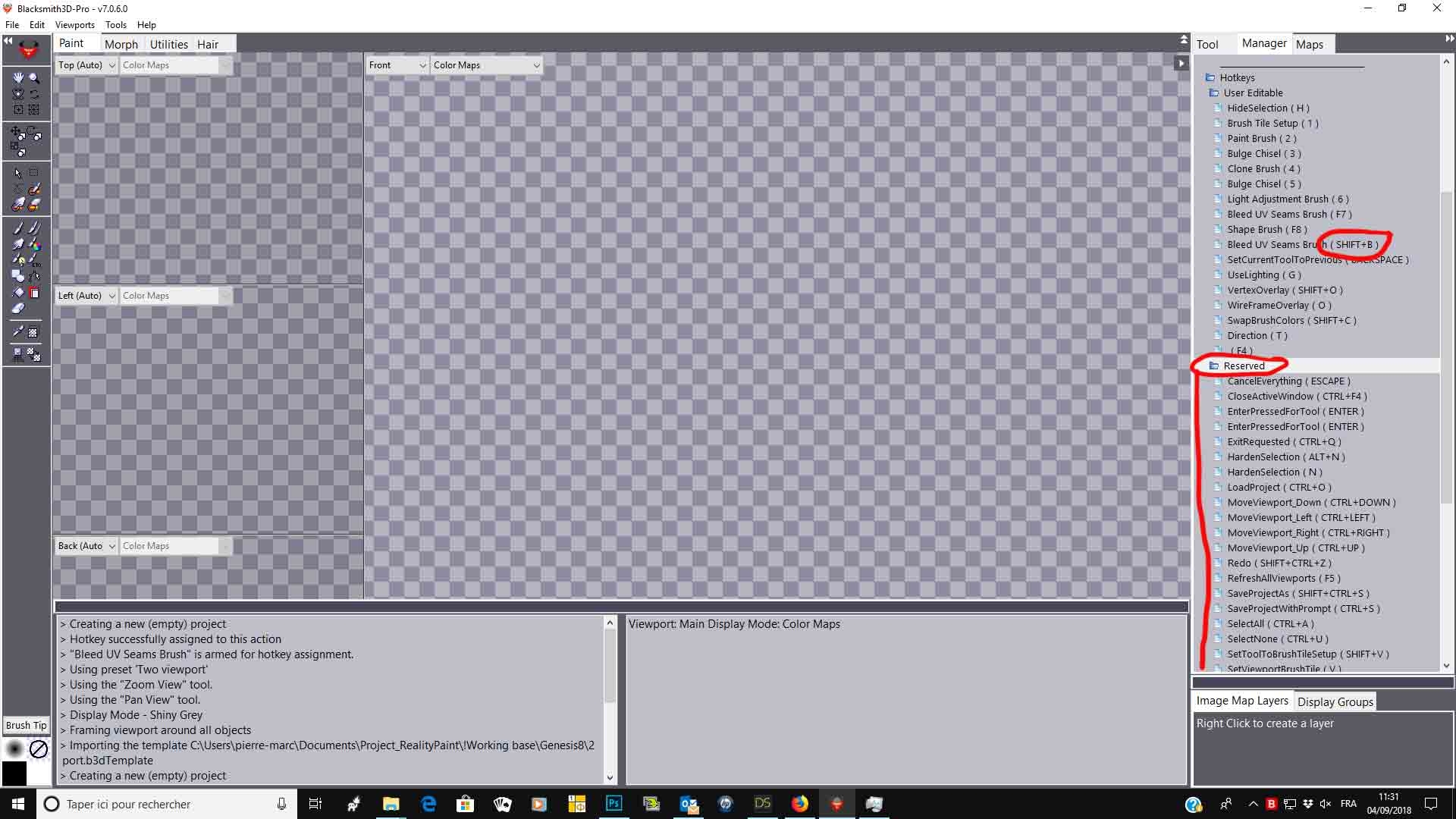

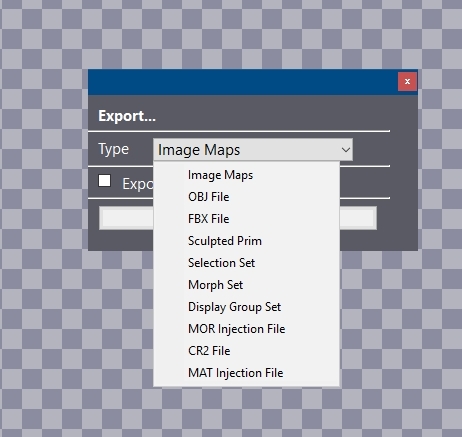 There's no option for that. Also I can't assign ALT+Mouse buttons.

Privacy Notice
This site uses cookies to deliver the best experience. Our own cookies make user accounts and other features possible. Third-party cookies are used to display relevant ads and to analyze how Renderosity is used. By using our site, you acknowledge that you have read and understood our Terms of Service, including our Cookie Policy and our Privacy Policy.
There's a way to save the software's settings, like the wheel zoom, panes sizes and viewport display otpions. It's truly annoying set everything every time I start the software! Also it's possible to control the view with ALT+LMB for rotating and ALT+MMB for panning? Thanks!