
Renderosity Forums / Freestuff
Welcome to the Freestuff Forum
Forum Moderators: wheatpenny, RedPhantom Forum Coordinators: Anim8dtoon
Freestuff F.A.Q (Last Updated: 2026 May 11 11:38 am)
Welcome to the Freestuff Forum. The Freestuff Forum is intended for all freestuff related postings within our community. This is a highlight area where our membership is invited to review, announce and give feedback in greater detail on various freestuff items offered. Members can also post wishes of freestuff items they would like to see.
Notice: Links to offsite 'For Sale' items will be removed
Renderosity Free Stuff Area
Free Stuff Gallery


Subject: Kirwyn's Korner
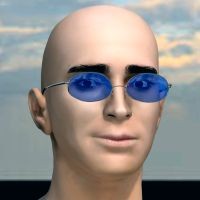
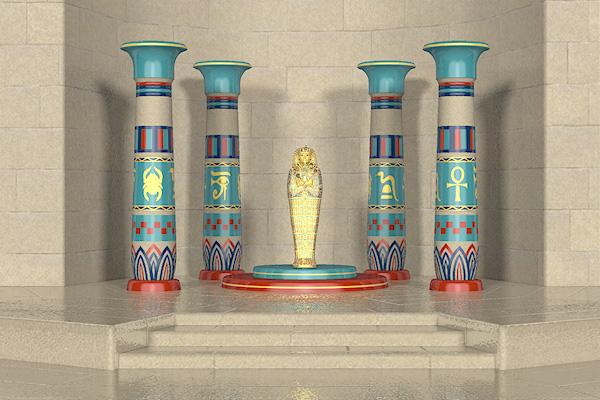





 .
.


Quote - You're all very welcome, of course. Show us yer renders!
OK here's one of mine,
http://www.renderosity.com/mod/gallery/index.php?image_id=2377308&user_id=205820&member&np
Improvement means change. Change need not mean improvement.
I use Poser 12.0.757, 11.3 and or 2014, on Win10 64bit.

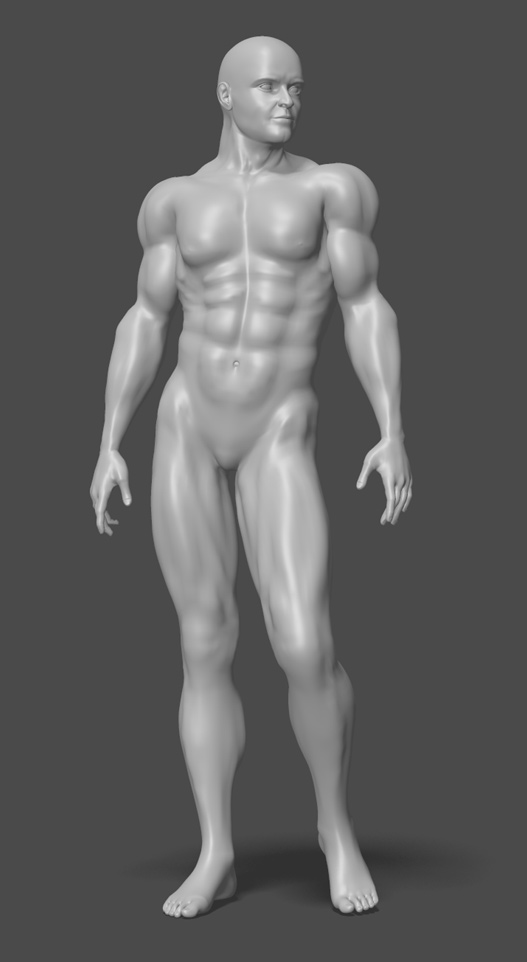

Thanks guys. Yeah Bob, I had to spend hours in front of a mirror trying to get everything just right. No seriously, I'm using the anatomy book by Arthur Thomson that was first published in 1929, and it's one of those books guaranteed to put you to sleep. The morphing tool within Poser is indeed very powerful, but I have to save often to avoid crashes. I use the original obj file to work from because it enables me to mirror the morphs. Maybe I'm missing something, but I could never mirror a morph using the cr2. Anyway, thanks again everyone.
Quote - I could never mirror a morph using the cr2.
I don't believe this can be done (unless I'm missing something too...) In the past I've made symmetrical body parts (such as a pair of boots) by modelling one side and mirroring it. Then any morphs you make can also be mirrored and they will apply equally well to the other side. Unfortunately that isn't any help on body parts which fall across the Y axis, i.e. the body itself.
Is there no symmetry facility in the morph tool itself?
Ockham made Morph Mirror. I used to use it all the time. I'm not sure if it works in 9/2012 tho, but it worked great in Poser 8, although I'm am sure I was working with obj morphs and not those made by the morph brush. Worth a shot tho. ;). If it doesn't work, I suppose you could still work on one side of the figure, export an obj out, reimport and mirror. I guess. LOL.
Laurie
Quote - You can mirror morphs on it using the morphing brush.
Great news. Remember I'm still soldiering on with Poser 7 so I'm never quite sure what the later versions can or can't do. ;)
Quote - I was working with obj morphs and not those made by the morph brush.
That wouldn't matter if you exported the 'brushed' morphs as OBJ, although a bit fiddly I grant you. Not a great workflow if you have a bucketload of morphs to do.
I did have some success in the distant past using The Tailor (remember that? :) - create a morph on one side, mirror the mesh then transfer it to the other side. It occurs to me that Morphing Clothes ought to make a better job of it, but it would still be a fiddly process.

Quote - Though I'd show my WIP on a new weight-mapped male figure derived from the KEZ mesh. I have no idea when this free item will be completed, but hopefully it won't take too long. All the muscles were created using the morphing brush in Poser Pro 2012. It took me a while to get the hang of it, but once I did, I found it to be an extremely useful tool.
Wow!! Amazing work with the morphing tool! Fantastic work!

Privacy Notice
This site uses cookies to deliver the best experience. Our own cookies make user accounts and other features possible. Third-party cookies are used to display relevant ads and to analyze how Renderosity is used. By using our site, you acknowledge that you have read and understood our Terms of Service, including our Cookie Policy and our Privacy Policy.
Attached Link: http://www.morphography.uk.vu/dlkirwyn.html
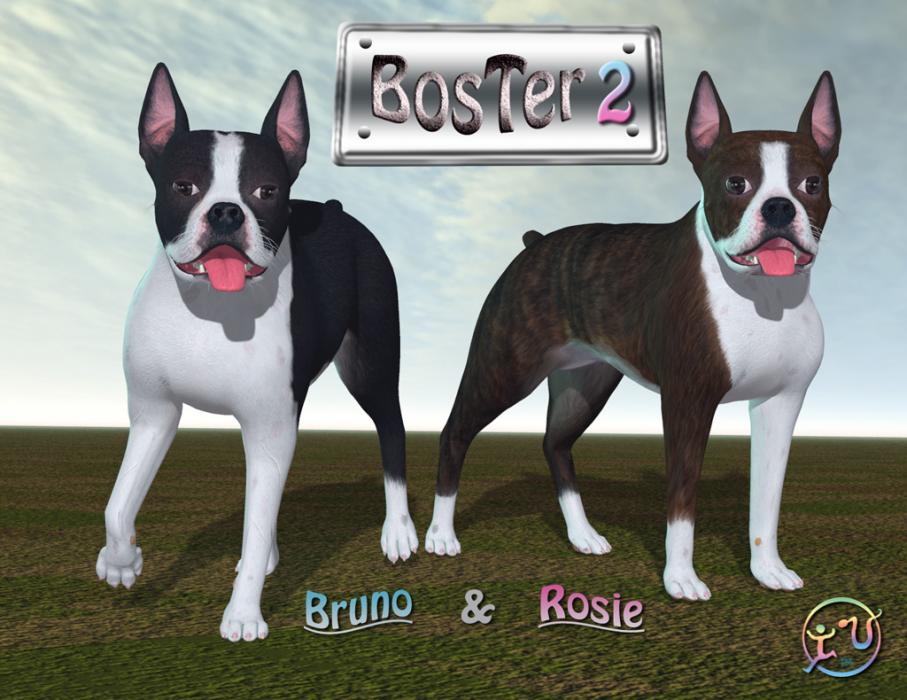
As you may know, I'm pleased to host KEZ and her add-ons at Morphography. At my suggestion, Kirwyn has given permission for me to host the rest of his freebies, including BosTer2 and my personal favourite, the V4 Hair Proxy. These were previously hosted at ShareCG.Sadly, I've chosen to reward his generosity by naming the page Kirwyn's Korner. :)
This page is currently only linked from here. I'll connect it to the rest of the site next time I feel like wrestling some HTML.