EnglishBob opened this issue on Sep 14, 2012 · 27 posts
EnglishBob posted Fri, 14 September 2012 at 5:44 PM
Attached Link: http://www.morphography.uk.vu/dlkirwyn.html
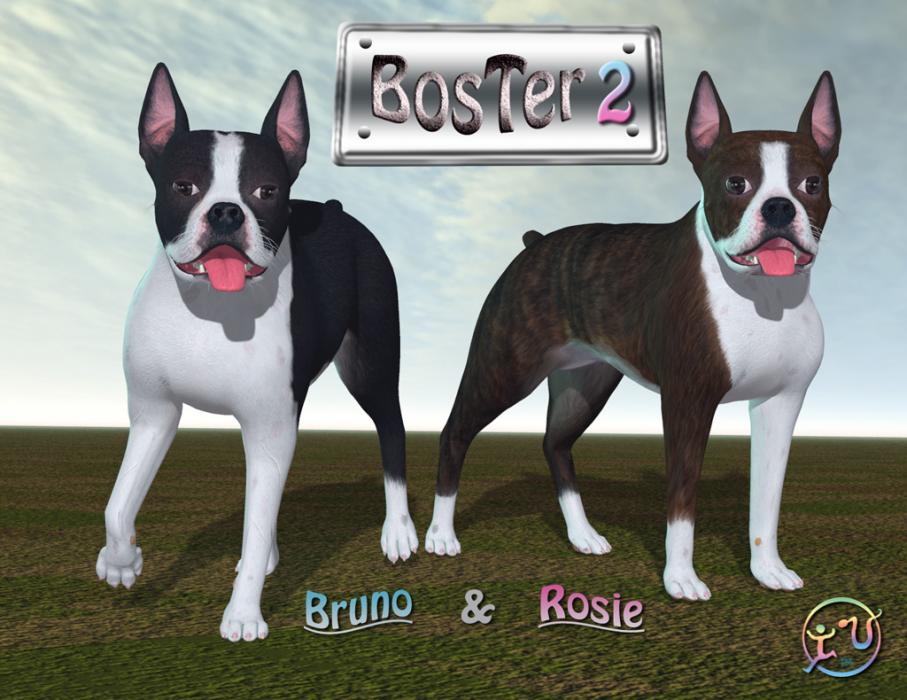
Sadly, I've chosen to reward his generosity by naming the page Kirwyn's Korner. :)
This page is currently only linked from here. I'll connect it to the rest of the site next time I feel like wrestling some HTML.
EnglishBob posted Fri, 14 September 2012 at 5:47 PM

LaurieA posted Fri, 14 September 2012 at 9:51 PM
Thank you kirwyn and EnglishBob!! :)
Laurie

infinity10 posted Sat, 15 September 2012 at 6:18 AM
good stuff, thanks
Eternal Hobbyist

nobodyinparticular posted Wed, 26 September 2012 at 7:40 AM
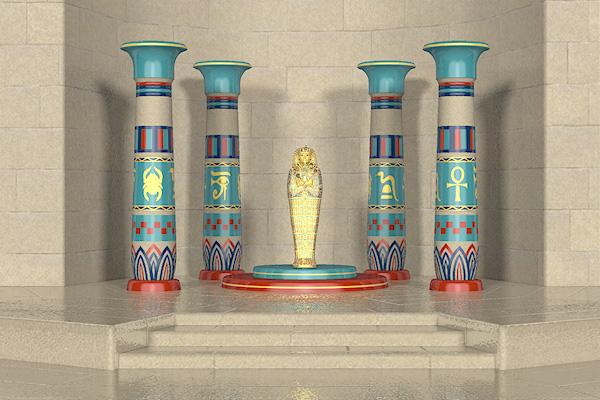
I see there is a country and western outfit for Kez WM. Don't remember seeing that before. Thank you both. Kez is a really nice figure.
EnglishBob posted Wed, 26 September 2012 at 7:53 AM
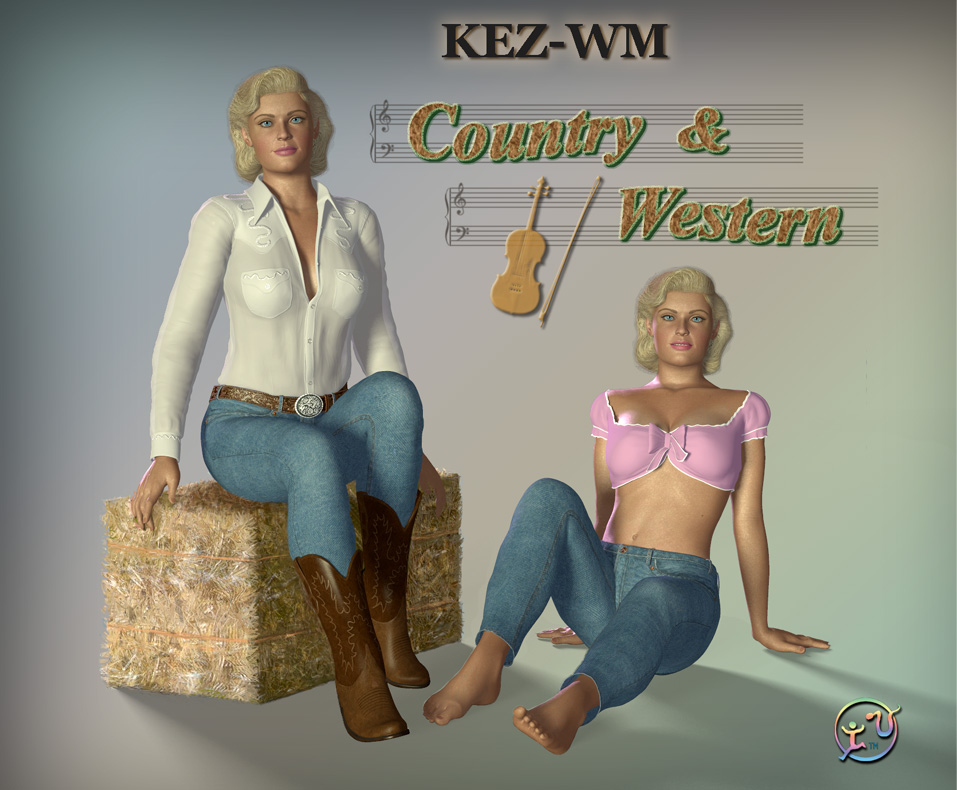
I've also added a chess set.
LaurieA posted Wed, 26 September 2012 at 12:12 PM
Very nice! Thanks guys!!!
Laurie

Coleman posted Thu, 04 October 2012 at 6:04 PM
Lots of great stuff! Thanks as lot!!

Redfern posted Mon, 08 October 2012 at 9:20 AM
Quote - ...but beware the mummy's curse. :D
I doubt it curses as much as one of my co-workers! :blushing:
Sincerely,
Bill
*** *** ***
Tempt the Hand of Fate and it'll give you the "finger"!
nobodyinparticular posted Mon, 08 October 2012 at 9:27 AM
Quote - ...And a prop that's on the new page - the Pharaoh's Tomb. Pay a visit and check it out, but beware the mummy's curse. :D
I think I was my mummy's curse  .
.

monkeycloud posted Tue, 09 October 2012 at 9:46 AM
Fantastic 
Thanks Kirwyn and English Bob!
EnglishBob posted Tue, 09 October 2012 at 11:38 AM
You're all very welcome, of course. Show us yer renders!

RoseHawk posted Thu, 18 October 2012 at 8:24 PM
Quote - You're all very welcome, of course. Show us yer renders!
OK here's one of mine,
http://www.renderosity.com/mod/gallery/index.php?image_id=2377308&user_id=205820&member&np
Improvement means change. Change need not mean improvement.
I use Poser 12.0.757, 11.3 and or 2014, on Win10 64bit.
EnglishBob posted Tue, 23 October 2012 at 4:54 PM
Cool! Three generations of K/EZ. Thanks for sharing!

kirwyn posted Mon, 29 October 2012 at 11:44 PM
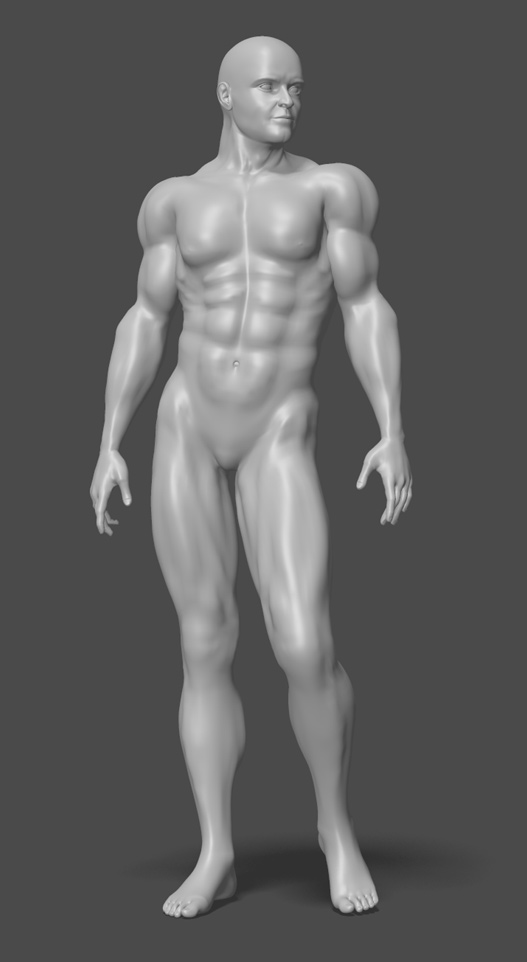
LaurieA posted Tue, 30 October 2012 at 12:55 AM
Morph brush? Hehe...cool. Looks good :).
Laurie
kirwyn posted Tue, 30 October 2012 at 1:20 AM
Thanks Laurie. I should have said morphing tool, but it seems more like using brush-strokes to me.
monkeycloud posted Tue, 30 October 2012 at 3:17 AM
Fantastic use of the Poser Morph Brush tool there! Wow!
Looking very good 
EnglishBob posted Tue, 30 October 2012 at 5:28 AM
Hello Mister K! This figure is based on your own physique, Kirwyn, no? Remember this is the Internet and nobody need know the truth. ;)
nobodyinparticular posted Tue, 30 October 2012 at 6:45 AM
Excellent!!!! Another weight mapped male. Much needed. And looking very good, also. Must look again at the morph brush. I hear there have been a number of improvements.
LaurieA posted Tue, 30 October 2012 at 8:14 AM
Quote - Thanks Laurie. I should have said morphing tool, but it seems more like using brush-strokes to me.
No, no...I knew what you meant. I just don't recall someone doing so much with it before :D....lol.
Laurie
kirwyn posted Tue, 30 October 2012 at 1:20 PM
Thanks guys. Yeah Bob, I had to spend hours in front of a mirror trying to get everything just right. No seriously, I'm using the anatomy book by Arthur Thomson that was first published in 1929, and it's one of those books guaranteed to put you to sleep. The morphing tool within Poser is indeed very powerful, but I have to save often to avoid crashes. I use the original obj file to work from because it enables me to mirror the morphs. Maybe I'm missing something, but I could never mirror a morph using the cr2. Anyway, thanks again everyone.
EnglishBob posted Tue, 30 October 2012 at 6:34 PM
Quote - I could never mirror a morph using the cr2.
I don't believe this can be done (unless I'm missing something too...) In the past I've made symmetrical body parts (such as a pair of boots) by modelling one side and mirroring it. Then any morphs you make can also be mirrored and they will apply equally well to the other side. Unfortunately that isn't any help on body parts which fall across the Y axis, i.e. the body itself.
Is there no symmetry facility in the morph tool itself?
kirwyn posted Tue, 30 October 2012 at 8:03 PM
Well, son of a gun, your reply Bob made me go back in and play around with the cr2 file again. I was wrong. You can mirror morphs on it using the morphing brush. It's a little trickier but it can definitely be done. This should help simplify the process.
LaurieA posted Wed, 31 October 2012 at 12:04 AM
Ockham made Morph Mirror. I used to use it all the time. I'm not sure if it works in 9/2012 tho, but it worked great in Poser 8, although I'm am sure I was working with obj morphs and not those made by the morph brush. Worth a shot tho. ;). If it doesn't work, I suppose you could still work on one side of the figure, export an obj out, reimport and mirror. I guess. LOL.
Laurie
EnglishBob posted Wed, 31 October 2012 at 5:30 AM
Quote - You can mirror morphs on it using the morphing brush.
Great news. Remember I'm still soldiering on with Poser 7 so I'm never quite sure what the later versions can or can't do. ;)
Quote - I was working with obj morphs and not those made by the morph brush.
That wouldn't matter if you exported the 'brushed' morphs as OBJ, although a bit fiddly I grant you. Not a great workflow if you have a bucketload of morphs to do.
I did have some success in the distant past using The Tailor (remember that? :) - create a morph on one side, mirror the mesh then transfer it to the other side. It occurs to me that Morphing Clothes ought to make a better job of it, but it would still be a fiddly process.

Janl posted Wed, 31 October 2012 at 11:24 PM
Quote - Though I'd show my WIP on a new weight-mapped male figure derived from the KEZ mesh. I have no idea when this free item will be completed, but hopefully it won't take too long. All the muscles were created using the morphing brush in Poser Pro 2012. It took me a while to get the hang of it, but once I did, I found it to be an extremely useful tool.
Wow!! Amazing work with the morphing tool! Fantastic work!