
Renderosity Forums / Carrara
Welcome to the Carrara Forum
Forum Coordinators: Kalypso, Anim8dtoon
Carrara F.A.Q (Last Updated: 2026 Sep 09 4:39 am)
Visit the Carrara Gallery here.

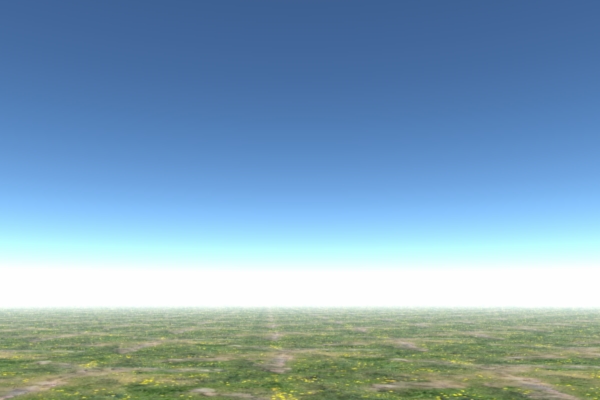
Subject: Why does my sky all the sudden have these bands?


dlk30341,
Do you have an nvidia card? Some people were commenting their drivers got set to 16bit when they updated them...That is odd. I don't see any bands, just the haze and color strip near the horizon. That isn't what you mean, right? Check your driver settings make sure vertical sync is not on and other settings are app preference.
P.S. If you have an LCD make sure refresh isn't set higher than 60hz, 75 is usually highest for lcd, but often not necessary, especially with digital.
No need to think outside the box....
Just make it
invisible.

I also have a GeForce 6800 and I found that the Hexagon settings really helped my OpenGL performance in Carrara. I was able to see lighting and texture previews of a much higher resolution than before. You should just create a new profile in your video card settings that you canjust click and change when you want to work in Hex or Carrara.

Privacy Notice
This site uses cookies to deliver the best experience. Our own cookies make user accounts and other features possible. Third-party cookies are used to display relevant ads and to analyze how Renderosity is used. By using our site, you acknowledge that you have read and understood our Terms of Service, including our Cookie Policy and our Privacy Policy.
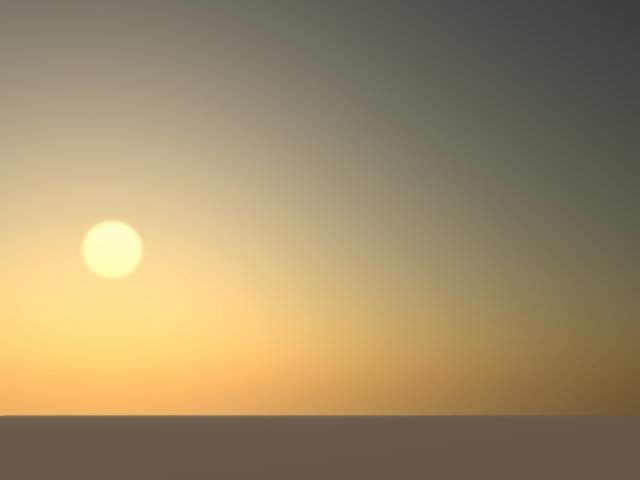
As stated above. This is a recent occurence. And it's happening with all my skies :(Thanks :)