
dlk30341 opened this issue on May 07, 2006 · 7 posts
dlk30341 posted Sun, 07 May 2006 at 2:42 PM
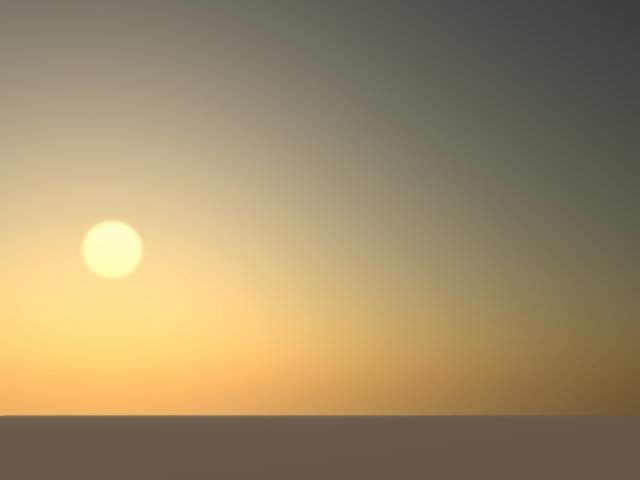
Thanks :)
dlk30341 posted Sun, 07 May 2006 at 2:48 PM
Nevermind....figured it out. Sometimes the light bulb goes off a little too late LOL.
Somehow my screen resolution settings got 16b instead of 32 bit.
DOH
dlk30341 posted Sun, 07 May 2006 at 3:07 PM

ren_mem posted Sun, 07 May 2006 at 11:54 PM
dlk30341,
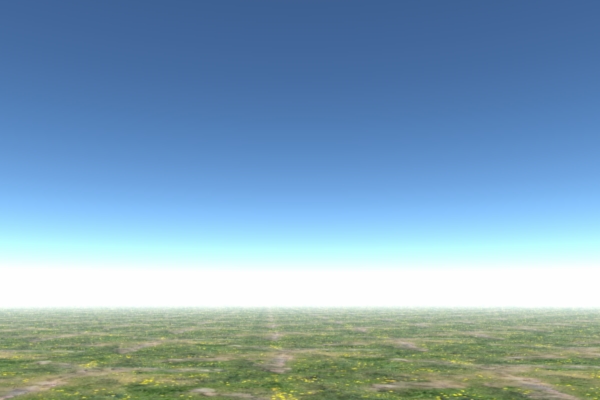
Do you have an nvidia card? Some people were commenting their drivers got set to 16bit when they updated them...That is odd. I don't see any bands, just the haze and color strip near the horizon. That isn't what you mean, right? Check your driver settings make sure vertical sync is not on and other settings are app preference.
P.S. If you have an LCD make sure refresh isn't set higher than 60hz, 75 is usually highest for lcd, but often not necessary, especially with digital.
No need to think outside the box....
Just make it
invisible.
dlk30341 posted Mon, 08 May 2006 at 9:11 AM
Yes, it's NVidia 6800.....I had changed settings so Hex wouldn't crash...but it was causing adverse effects in other programs, so I just switched them back & will wait for 2.1 :) All is well now :)
Sorry, I should have made the last pic bigger, but they are there LOL.

Patrick_210 posted Mon, 08 May 2006 at 11:30 AM
I also have a GeForce 6800 and I found that the Hexagon settings really helped my OpenGL performance in Carrara. I was able to see lighting and texture previews of a much higher resolution than before. You should just create a new profile in your video card settings that you canjust click and change when you want to work in Hex or Carrara.
Patrick_210 posted Mon, 08 May 2006 at 11:37 AM
Just a note about the bands, that's just the way the realistic sky atmosphere works. Try changing the settings. You have to balance the distance setting with the haze altitude and density.