
Renderosity Forums / Carrara
Welcome to the Carrara Forum
Forum Coordinators: Kalypso, Anim8dtoon
Carrara F.A.Q (Last Updated: 2026 Jul 11 2:50 am)
Visit the Carrara Gallery here.

Subject: Drop to floor


Follow me at euQfiz Digital
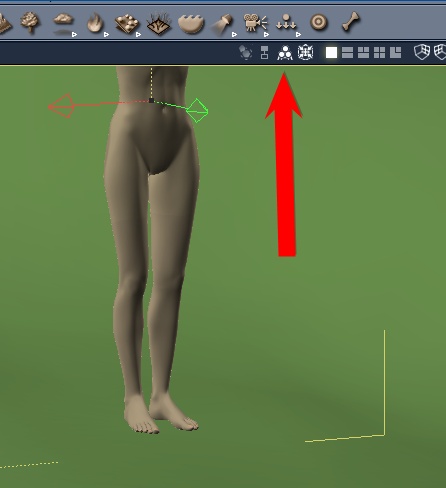
Every object has a center and a hot point, often they are in the same location. You can find them in the properties pallete, under the MOTION tab. In the "transform" section you will find the x, y, z coordinates of the hotpoint and the center.
If you unclick "lock hotpoint" you can move the hotpoint.

Attached Link: http://www.sparrowhawke3d.com/Sparrowhawke3DPlugins.html
I was just going to say what the guy above me said.In addition to the terrain follower, I think the transforms package also has a way of dropping things to the ground.
Your friendly neighborhood Wings3D nut.
Also feel free to browse my freebies at ShareCG.
There might be something worth downloading.

Quote - sparrowhawke has a great terrain following plugin could help
...in Plugin/The Laboratory
---------------------------------------
Holyforest,
Hundreds of shaders for
Carrara

Privacy Notice
This site uses cookies to deliver the best experience. Our own cookies make user accounts and other features possible. Third-party cookies are used to display relevant ads and to analyze how Renderosity is used. By using our site, you acknowledge that you have read and understood our Terms of Service, including our Cookie Policy and our Privacy Policy.
How do I drop an Obj on the terrain,sometime I it seem like the obj is on the ground but it's actually floating in the air.