
Renderosity Forums / Carrara
Welcome to the Carrara Forum
Forum Coordinators: Kalypso, Anim8dtoon
Carrara F.A.Q (Last Updated: 2026 Jul 11 2:50 am)
Visit the Carrara Gallery here.

Subject: Problem, Creating Animation clips de-morphs character...

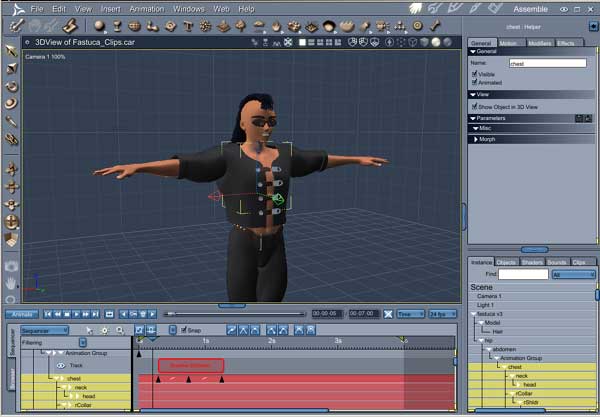
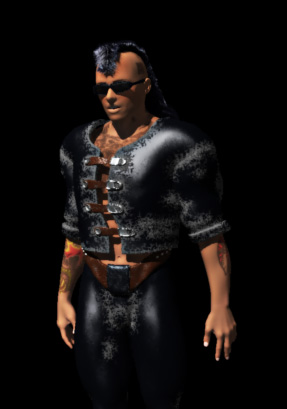

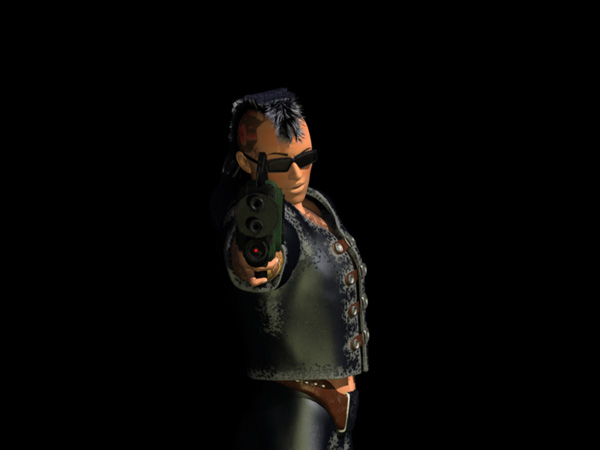
The Daz thread is here if anyone else has this problem
Yeah, talk about crazy deadlines, this one will pay off if I can get it completed by next Thursday.
I'll post a time/date for the broadcast of this one on TV. "IF" I get this finished in time.
And I'll post a few movies on how I created this, it will get finished, late or not.
I would definitely want an extra 2 weeks just to tweak out the FX. The animation will use Carrara 7pro for all the renderings, Project Dogwaffle Pro for a bunch of effects, and Anime Studio Pro 5.6 for the composing (Carrara rendered alpha mov files) and extra particle effects that Anime Studio can do (avoiding extra 3D rendering downtimes)
This has been 3 weeks so far of modeling day and night... now its assembling and overnight batch renderings, all for 30 some odd seconds, lol....
Carrara 7 Pro, Anime Studio Pro 8, Hexagon 2.5, Zbrush 4.6, trueSpace 7.6, and Corel Draw X3. Manga Studio 4EX, Open Canvas 5, WACOM Cintiq 12WX User

Privacy Notice
This site uses cookies to deliver the best experience. Our own cookies make user accounts and other features possible. Third-party cookies are used to display relevant ads and to analyze how Renderosity is used. By using our site, you acknowledge that you have read and understood our Terms of Service, including our Cookie Policy and our Privacy Policy.
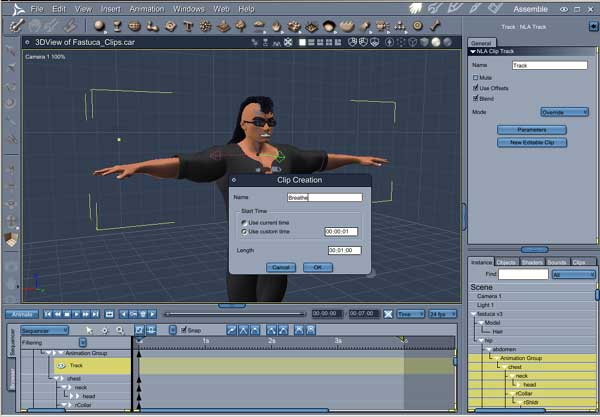
I posted this on the Daz forums, I'm in a bit of a deadline situation, so I'm asking here too,Ok here is my problem,
I'm doing some clips for some repetitive animation. Breathing.
I have A DAZ Hiro figure loaded with morphs, and displacements.
I select the chest and create my first clip, naming it Breathe.
Place my 3 keyframes and no probs, I then adjust the time to match the middle keyframe to expand his chest... but as soon as I move the scrubber, My kool dood, pops back into original "Hiro" in the selected region only. (Notice his legs dont change)
I'm stumped, is this supposed to happen? Don't tell me I'll have to go animating without clips if I want to use my morphed character!!!???
Carrara 7 pro
Carrara 7 Pro, Anime Studio Pro 8, Hexagon 2.5, Zbrush 4.6, trueSpace 7.6, and Corel Draw X3. Manga Studio 4EX, Open Canvas 5, WACOM Cintiq 12WX User