
Renderosity Forums / Carrara
Welcome to the Carrara Forum
Forum Coordinators: Kalypso, Anim8dtoon
Carrara F.A.Q (Last Updated: 2026 Jul 30 8:26 pm)
Visit the Carrara Gallery here.

Subject: Glowing Water...

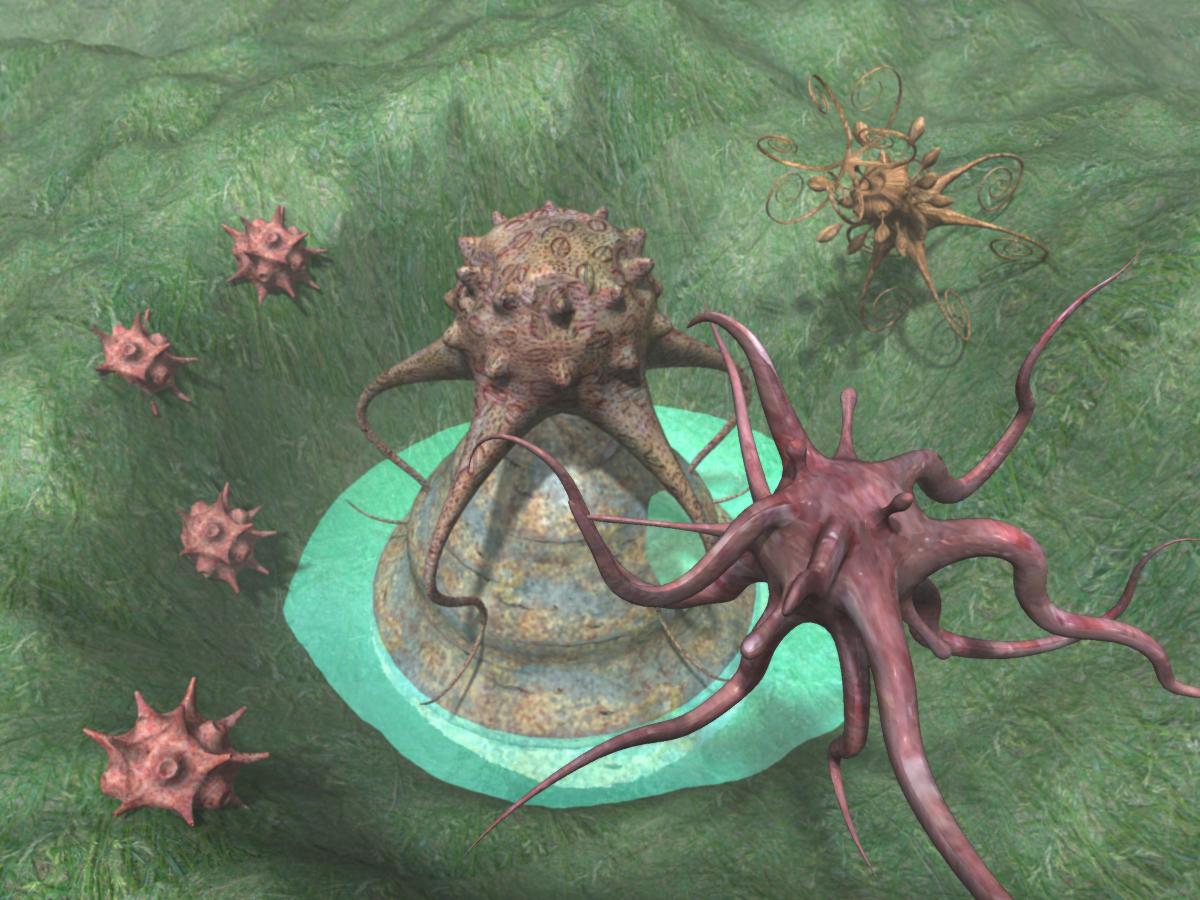



1st image has no lights. Its a simple global illumination render (sky and indirect lighting are checked off and are at 100%) where the atmosphere does all the "work"... And I did check, the shader settings on the 3rd were made even lower after seeing the glow show up from the default settings of the shader.
Actually, in the 1st image, I used the calm water for gi from the presets browser, and the 3rd is a slight variation of it. The 2nd uses turbulant water for gi, no adjustments...
There are 3 kinds of people in the
world. Those that can count, and those that can't..

Well...really hard to say w/o looking, but kill your ambient which by default is set for 20%. Also, you don't need indirect light at 100% often not even GI. You look to have way too much light in all of them. If u are using 100% caustics that is really way too much also...it can really go over the top.
No need to think outside the box....
Just make it
invisible.
Your welcome...I suspected that. w/ the glowy effect.  Will really add to render time also. An over saturation can also happen from caustics. I highly recommend starting w/o all the bells and whistles. Way too many people start out in Carrara using all the bells and can't figure out what's happening w/ lighting etc. Getting a mastery of what does what will really keep u from pullin your hair out.
No need to think outside the box....
Just make it
invisible.
There are so many options and possible combinations of settings w/i Carrara to use that it really can be overwhelming for newcomers. Admittedly, the transition from Bryce to Carrara is seriously tough (at least for me it is)... While I have an understanding of 3d in general, getting used to how things operate w/i Carrara is, as in any program, a long and daunting process of trial and error.
Good that places like this exist, the "manual" that came w/ the -download- isnt much help w/ the intricacies of Carrara...
Thanks again :)
There are 3 kinds of people in the
world. Those that can count, and those that can't..
Yeah the good news is that Carrara principles will apply better to other program's also. The bigger 3d programs, that is. The manual is helpful, but certainly can leave out stuff. Many people don't read the manual tho. I do recommend a scroll thru or reference to certain features because it usually will explain the concept behind the feature. This may not solve a specific problem, but will let you understand what is going on much better.
No need to think outside the box....
Just make it
invisible.

Privacy Notice
This site uses cookies to deliver the best experience. Our own cookies make user accounts and other features possible. Third-party cookies are used to display relevant ads and to analyze how Renderosity is used. By using our site, you acknowledge that you have read and understood our Terms of Service, including our Cookie Policy and our Privacy Policy.
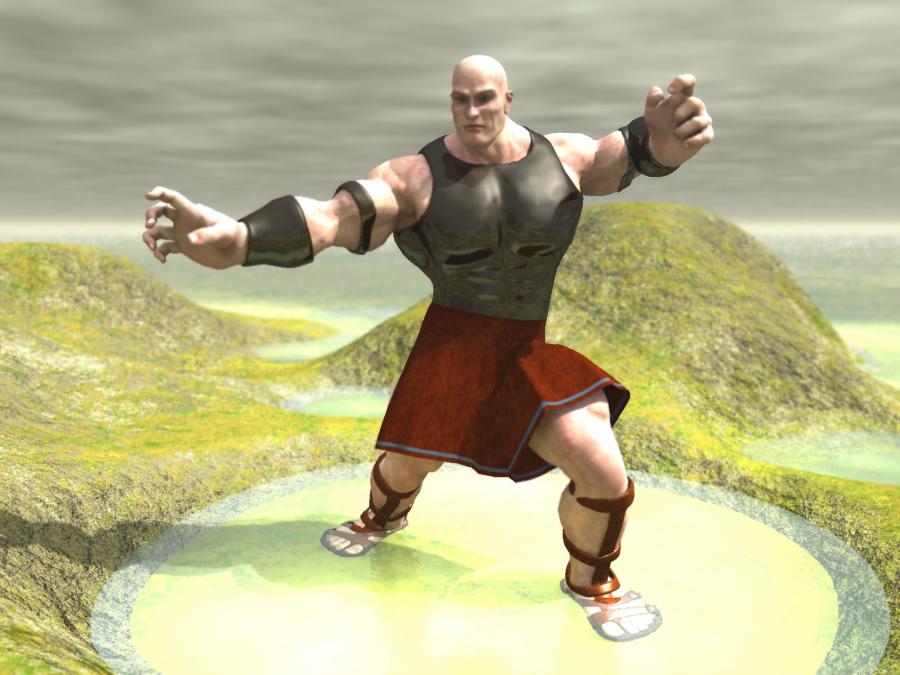
For some reason, I find that renders using water will sometimes have a curiously strong "glow" to them (the water plane, not the render)... Ive checked the shader, adjusting highlights, shininess, reflection, and glow and such, but will still get the glow and cant account for it...I ususally remove the water, not saving the image, so I dont have (much) to show for example...
On one, I even set the lights to exclude the infinite plane, and STILL the water "glew" (new word folks :P)
Anyone else get this in their renders?
There are 3 kinds of people in the world. Those that can count, and those that can't..