
The newest update to the VCR (Vendor Control Room) introduces significant enhancements for private promotional images, which will enhance functionality and improve your overall Renderosity vendor experience. These improvements will empower you to create more impactful promotional content and will allow more flexibility and control over your product’s promotional imagery.
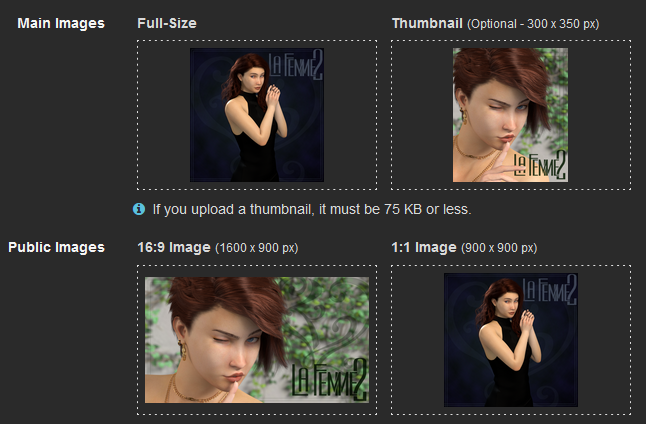
1) Changes to Public Images
- Removal of Automatic Resizing of Main Image:
- Main images will no longer be automatically resized to fit the ratios of public images.
- This change ensures a more accurate and visually appealing representation of products.
- Elimination of the 4:5 Public Image:
- The fixed 4:5 aspect ratio requirement for public images has been removed as we found it was no longer needed for product promotions.
2) Addition of Private Promotional Images
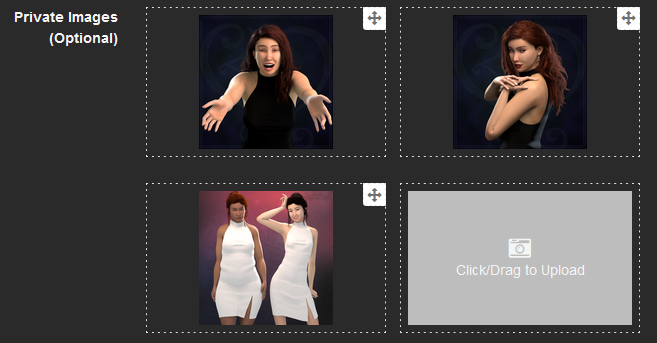
- Additional Optional Private Promo Images:
- Vendors can now include supplementary promotional images to highlight different aspects or details of their products.
- Private images will only be visible to staff for use in promotional media.
- High-resolution images can now be uploaded without worrying about file size constraints, ensuring the highest quality visuals for promotional use.
- Images with dimensions between 800x800 and 1600x1600 can be uploaded, accommodating a wide range of image types and formats.
- See below instructions on quality standards for these new Private Promotional Images.
Quality Standards for Private Promotional Images
The Private Promotional Images are an optional set of images that are only for staff-use to create enhanced promotional media for products in sales events, bundle events, and other promotional events geared at putting your product in front of customers. These images differ from Lightbox Images in that they aren't immediately viewable by customers and will be utilized by our marketing staff to create more custom promotional media. Because of this distinction, they come with some special standards to ensure the highest of quality. Our marketing staff has indicated that these images must meet the below qualifications to be used.
Examples of Poor vs Good Quality Private Promotional Images:

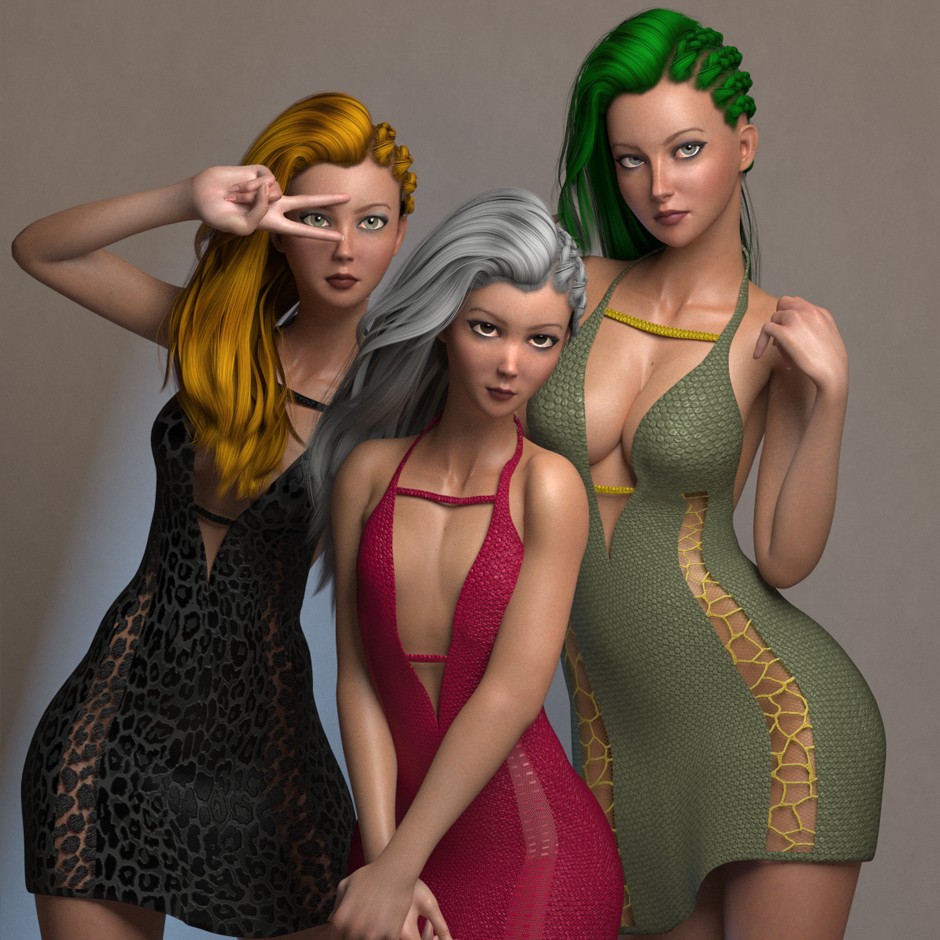
The above image has overlaid text and a busy background that prevents staff from isolating the product for inclusion in promotional media. Compare that to the below image with a solid background and the full view of the focal point is unobstructed by text.
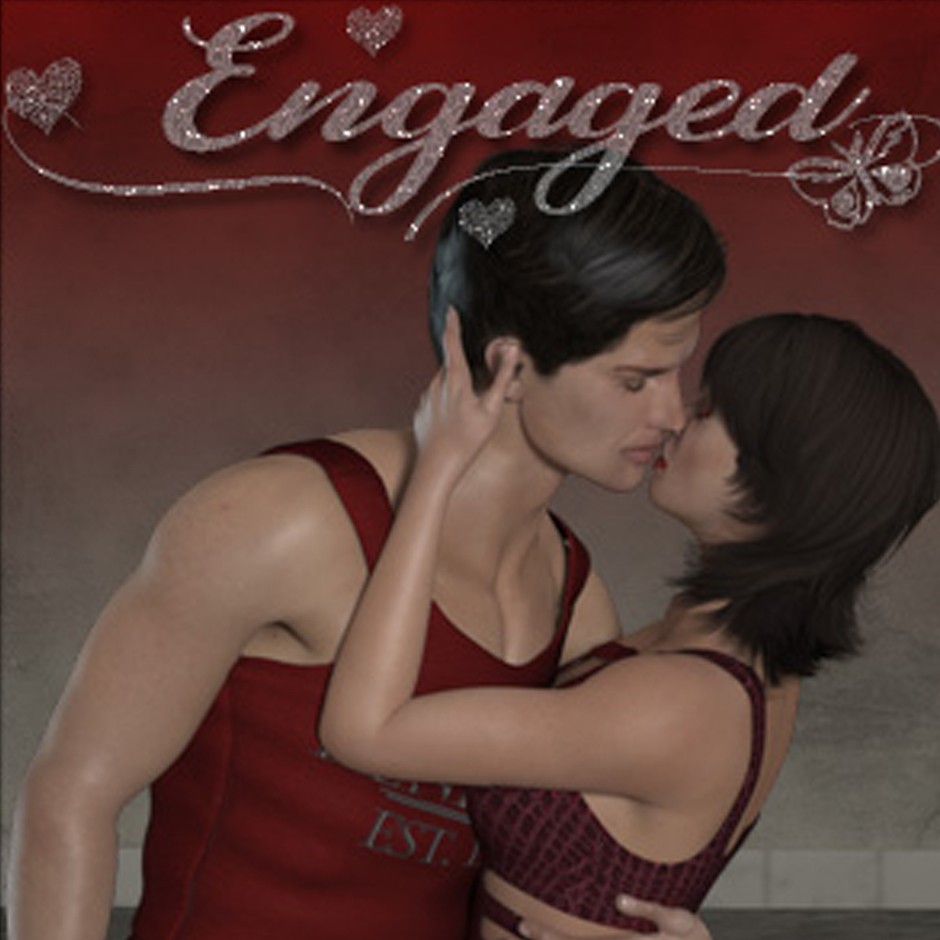
The above image also has overlaid text and it is blurry because of a poor quality render. This is not convincing customers of the product's quality. Compare that to the below image where the render quality is much better and whole group is in focus with no pixelation.
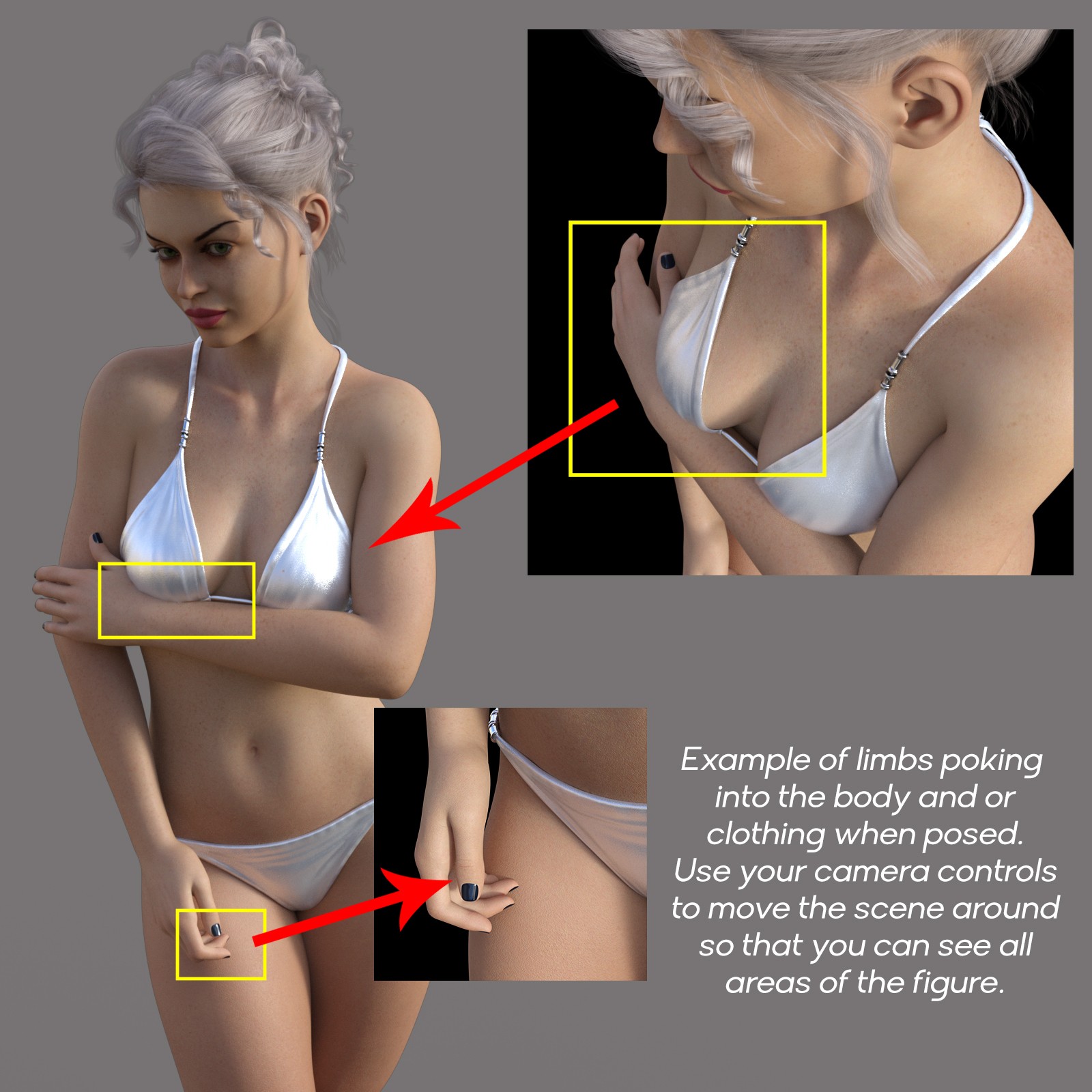
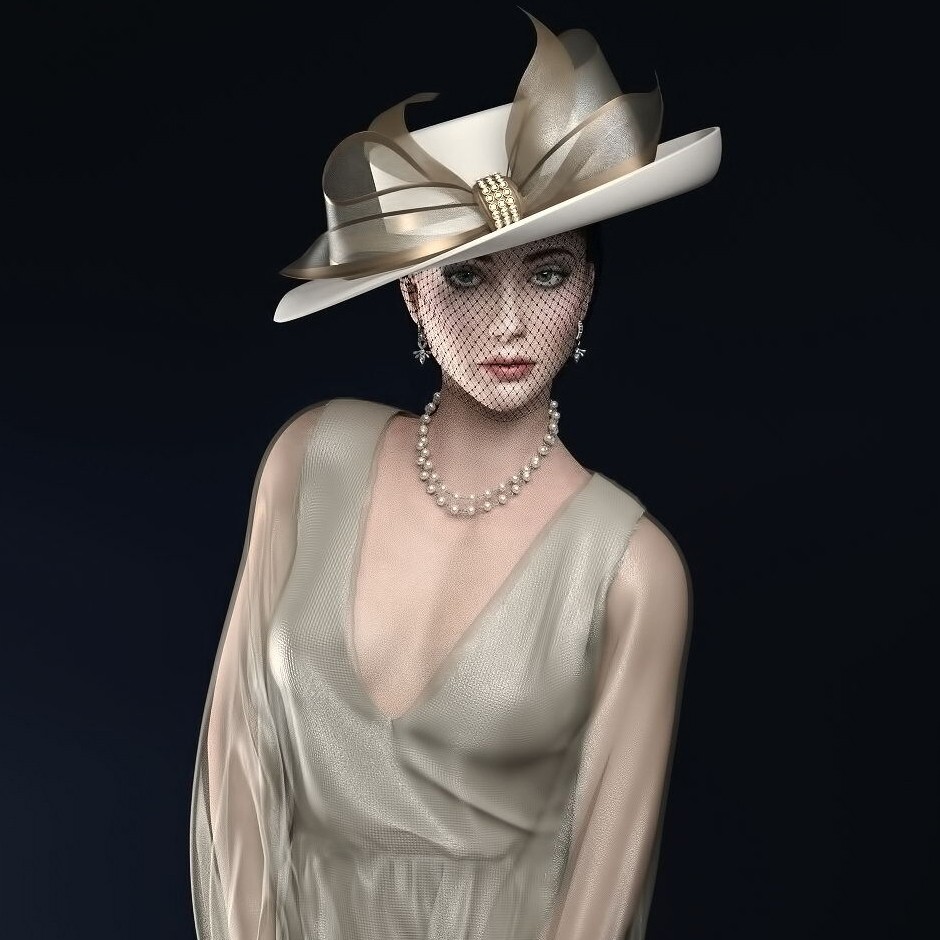
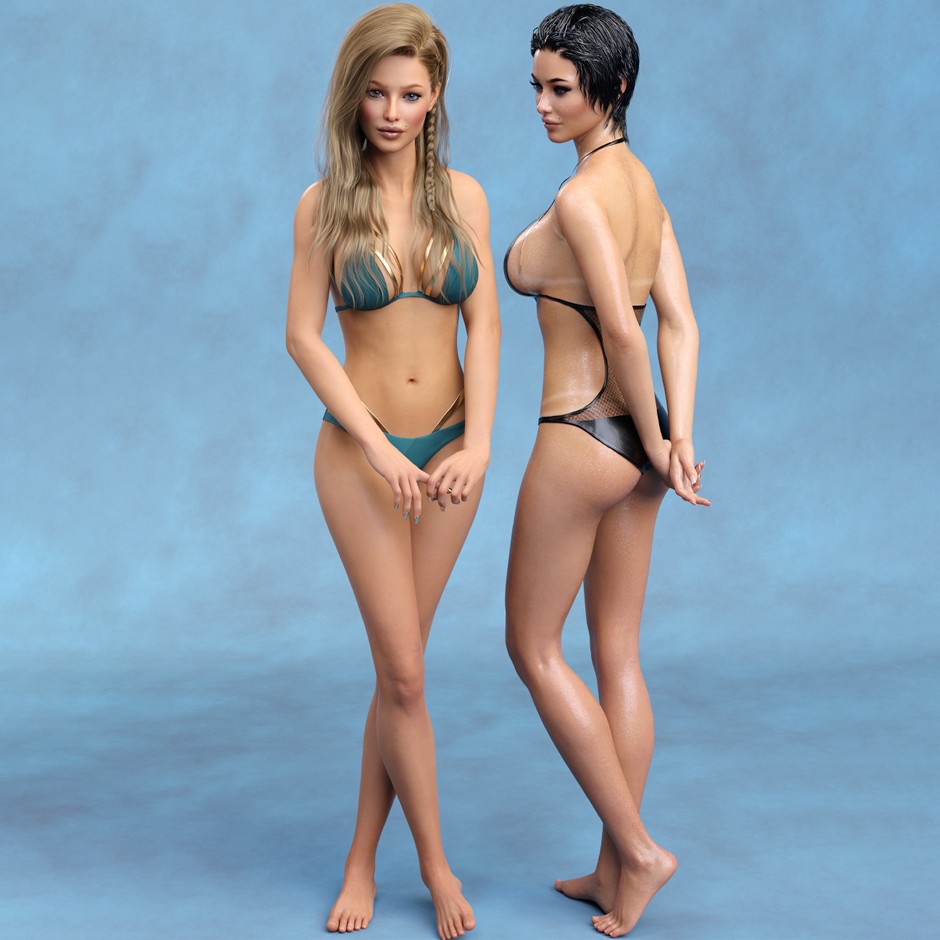
The above image has subtle unnatural body positioning with body parts protruding through the clothing and skin. Compare that to the below image where the product is presented in a natural pose. Also note that the image is not cropping body parts either.
Standards for Private Promotional Images:
- Must contain no nudity. These images must be suitable for all ages.
- Must contain no text. These images are not visible by customers and do not need text details.
- Must not have a busy background. The product may be extracted from the image, and a busy background complicates that.
- Must be a high quality render. Blurry images do not present a product's quality.
- Must not be cropped in a way that causes the product to not be the focal point (figures are an exception).
- Must not include clipping, protruding, floating, or unnatural poses (even in areas that aren't the product itself).
Questions to Ask During the Rendering/Uploading Process:
- Are there elements in the image that distract from the product?
- Does my image contain any text?
- Is the product rendered clearly and in high resolution to show details?
- Is my image blurry or pixelated?
- Is the lighting balanced or is it too strong and washes out details or is it too weak and obscures parts of the product?
- Is the composition and/or cropping flattering to the product?
- Does the background stand out more than the product?
- Does the background need blurring to create depth and avoid distraction?
- Are there realistic shadows or drop shadows if the figures were rendered separately and composited onto the background?
- Are there any perceivable flaws in the product itself or in the elements used to showcase it?

Comments