











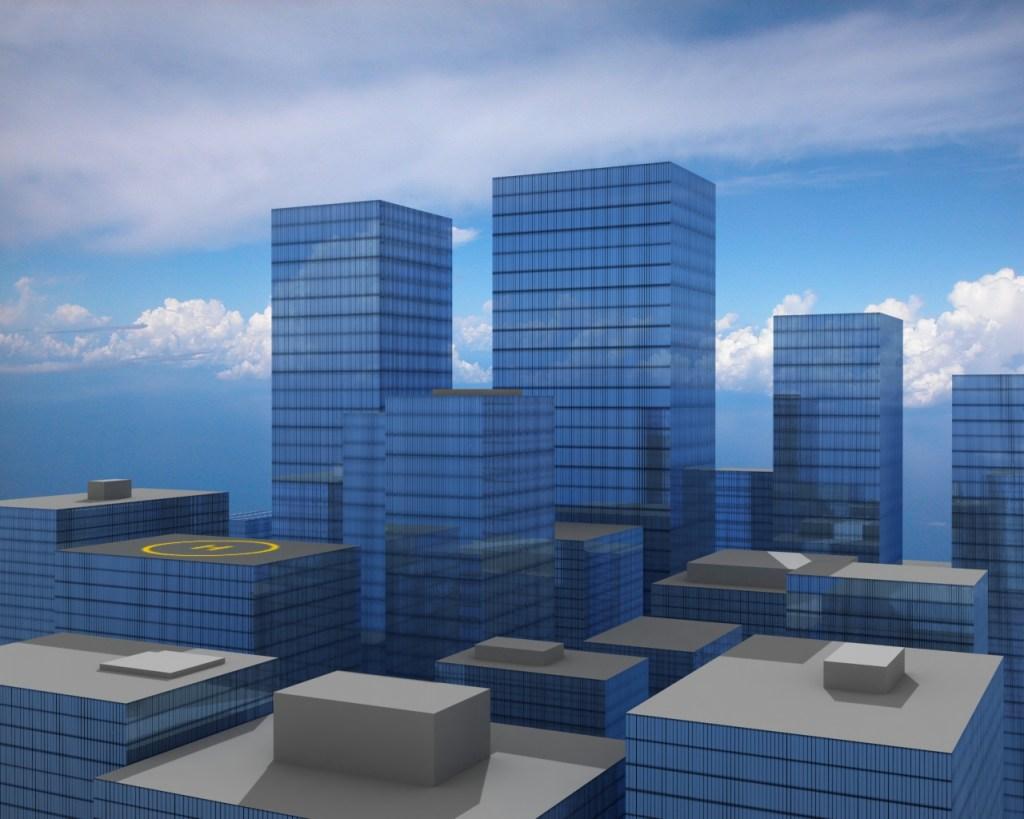
City by IceVamp
Close
Hover over top left image to zoom.
Click anywhere to exit.
Members remain the original copyright holder in all their materials here at Renderosity. Use of any of their material inconsistent with the terms and conditions set forth is prohibited and is considered an infringement of the copyrights of the respective holders unless specially stated otherwise.
No AI - This artwork was created entirely by hand or with traditional digital tools.
Description
This is a hand-in for my 3d study. The point was Light Tracing, and textures was optional, so I just finished up after I mad the reflective surfaces.





Comments (6)
I love it. 5+.
Great work!
Thanks! :)
This is nice, I like the lighting so your light tracing worked. Two little issues however. The first is just a detail thing: There doesn't seem to be an entrance to the building from the heliport on the roof. A small block like on the nearer buildings would be enough. The second is a technical issue: Did you 'Screen Map' the background? The reason I ask that is that it appears that the background image is layered over the objects rather than it reflecting other sections of it. Whereas spherical, cubic and cylindrical environment maps exist physically a screen doesn't and that's why reflections don't work with it. A way around this is to map the image to a plane, align it as closely to the view as possible and then in it's properties(right click, bottom right quad) uncheck visible to camera. You don't need to get it's position absolutly perfect as it's only for reflections.
Thanks Tom. Yes, I'm fully aware of the lack of detail on the rooftops. This is just laziness on my part. This was an assignment on LT, and there didn't have to be any textures at all. So when I finished the reflective surfaces I just called it finished. Yes, I've actually tried that. The map wasn't set to screen, but I might recheck. Also tried a lot of different things to get it right, nothing has worked so far. (http://www.renderosity.com/mod/forumpro/showthread.php?thread_id=2752467) I might try that trick with the plane though, thanks! And thank you for an insightful and helpfull comment. :)
nice and simple withe a few details.... it can be an awesome scene :)