
Renderosity Forums / Poser - OFFICIAL
Welcome to the Poser - OFFICIAL Forum
Forum Moderators: RedPhantom Forum Coordinators: Anim8dtoon
Poser - OFFICIAL F.A.Q (Last Updated: 2026 May 21 1:31 pm)

Subject: Firefly 3d Motion Blur


Works in Superfly too. It's really good for depicting movement of all kinds, and pretty easy to tweak.
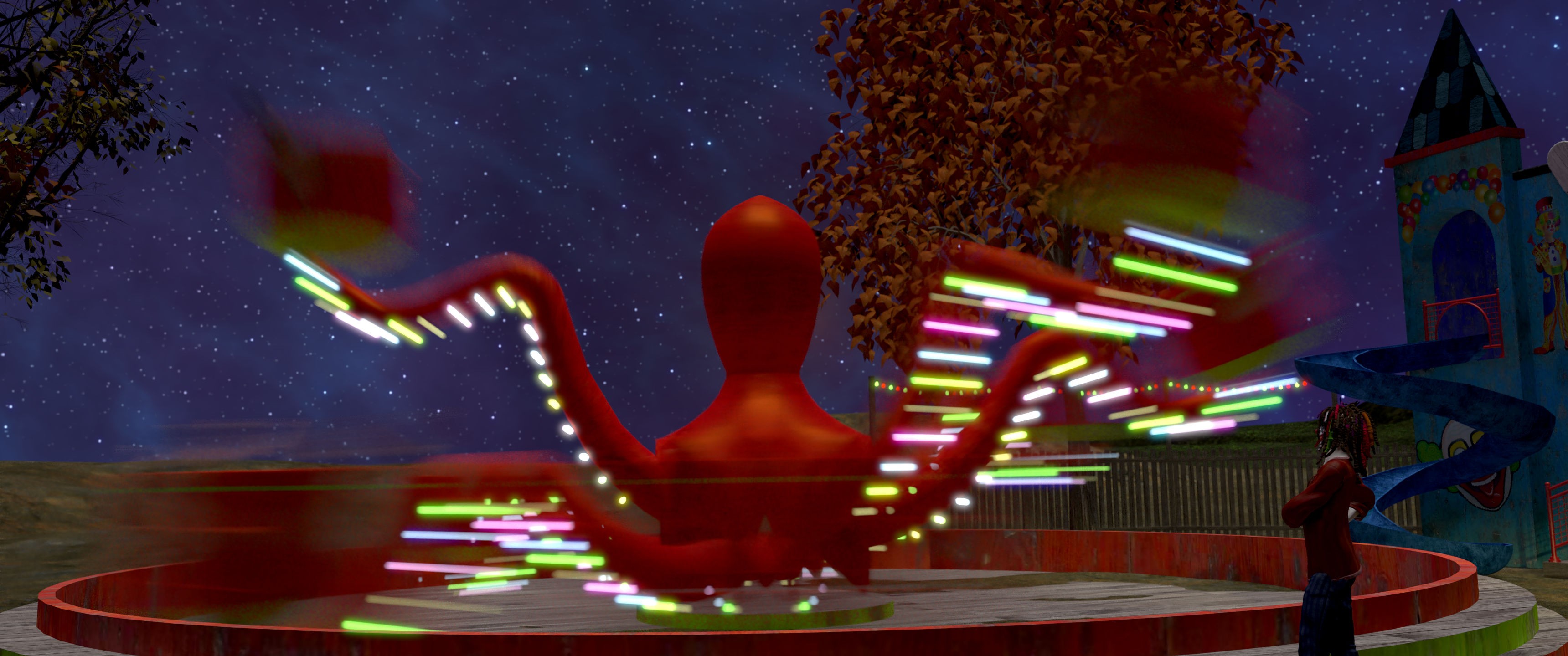
Of course you can overdo it.
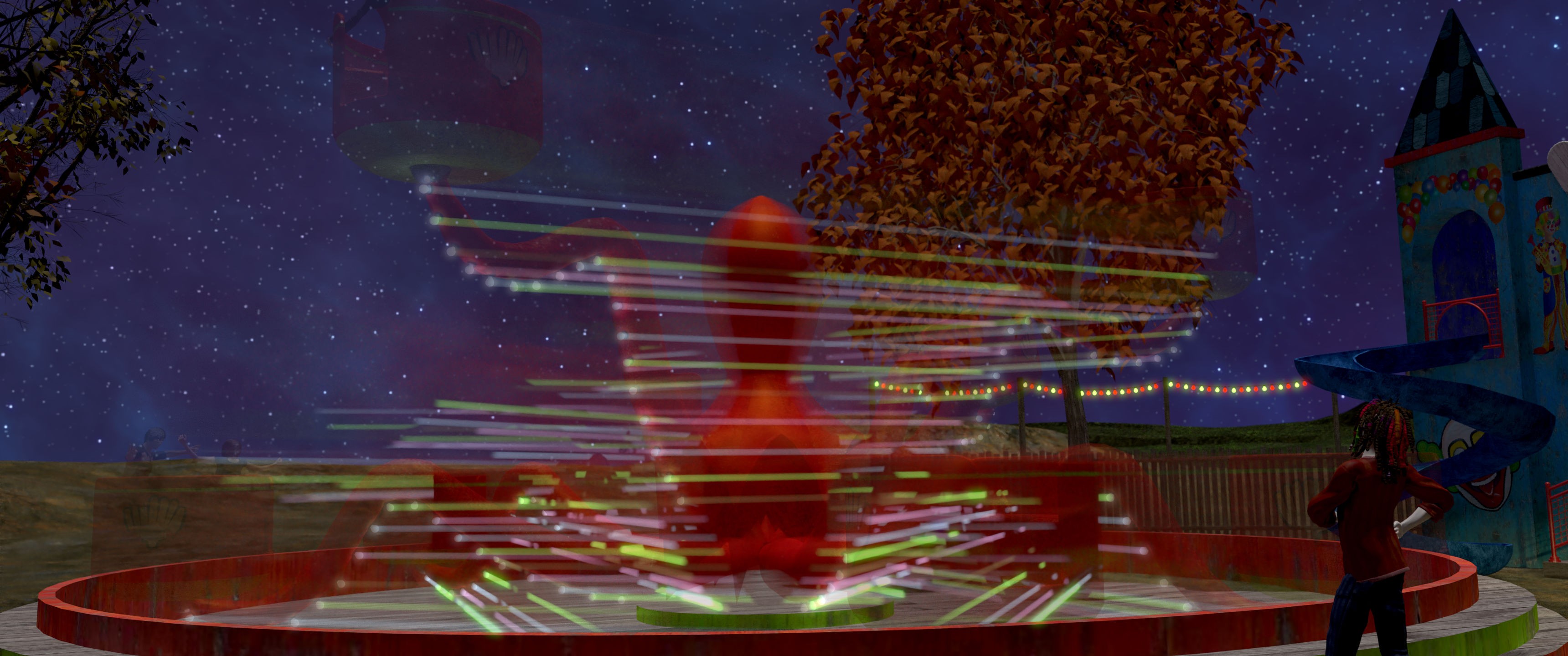
It doesn't seem to work if what's moving is the camera itself, though. Keep the camera still and move the scene.
You can adjust the amount of blur either by changing how much your figures move from one frame to the next, or in your camera settings adjust the shutter_Open and shutter_Close parameters. A smaller value for shutter_Close will reduce the amount of blur.

Privacy Notice
This site uses cookies to deliver the best experience. Our own cookies make user accounts and other features possible. Third-party cookies are used to display relevant ads and to analyze how Renderosity is used. By using our site, you acknowledge that you have read and understood our Terms of Service, including our Cookie Policy and our Privacy Policy.
Content Advisory! This message contains nudity
Well, 40 years I've been on Poser in streaks. Never once tried the Firefly render feature "3D Motion Blur." I clicked it on for curiosity. I didn't spend a lot of time learning to control it. I'll just say the frames in this vid come from sequential keys.
Pretty nice.
::::: Opera :::::