
Renderosity Forums / Poser 11
Welcome to the Poser 11 Forum
Forum Moderators: nerd Forum Coordinators: Anim8dtoon, Digitell
Poser 11 F.A.Q (Last Updated: 2026 May 27 4:45 pm)

Welcome to the Poser Forums! Need help with these versions, advice on upgrading? Etc...you've arrived at the right place!
Looking for Poser Tutorials? Find those HERE

Subject: Transferring custom body morphs from L'H 1 to L'H 2 possible?


>>> Knowing the maps are fine except for things like eyes, lashes and brows makes this idea ideal.
Textures transfer fine because they rely on UVs. Morphs are a different story, they rely on vertex count and order. And L'Homme 2 geometry is different than L'Homme 1, so you're going to have to use projection to transfer the morph.
I can't remember if you have ZBrush or not, but there is a GREAT plugin for ZBrush that I use for morph projection, called ZWrap. I use it with ZBrush 2022. It's pricey but the hours it saves in doing retopo make it totally worth it.
Here's a video showing it in use on a head, but you can do the full body as well.
Thanks honey. I saw an earlier post from you and the account was closed. I'm happy you are still around and gave me some hints and a possible plugin. I still do use ZBrush and I think the last update was indeed around 2022.
What I've been doing is painstakingly using the morph brush and set L'H 1 to the shape I want and then used the built in tools for L'H 2 to get an approximation of L'H 1's shape and size and have been using the "tighten fit" brush on L'H2 to draw out the shape of my L'H 1 Jon full body morph. Eyes are a bit tricky and I have no idea how mangled the interior of L'H 2's mouth is as of yet but it can be done.
I'll watch the vid and if the plugin is still for sale and it's something I can use I'll spend the money as long as it doesn't break the bank! LOL
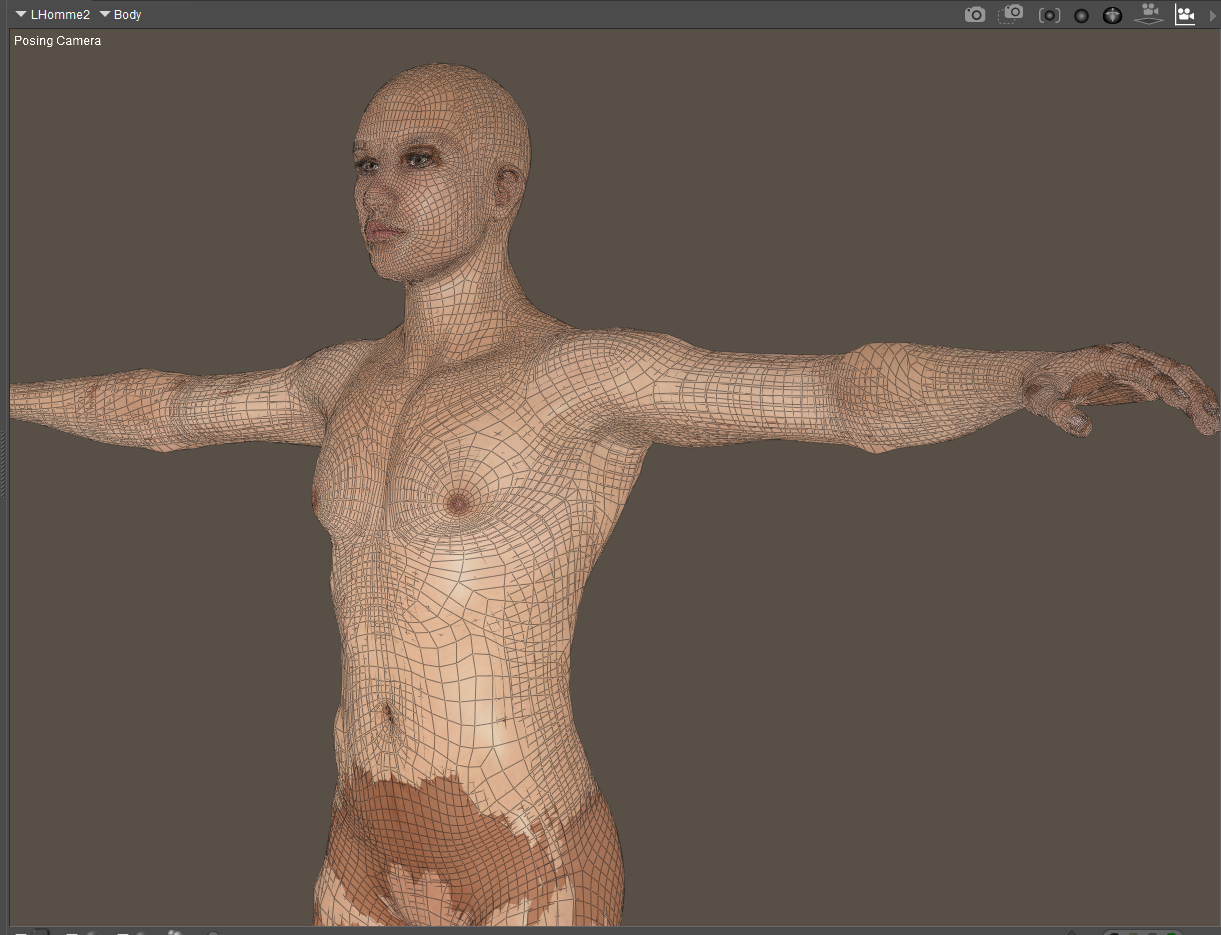
---Wolff On The Prowl---
Just make sure you use the default LH obj files, since they are welded at the seams. ZBrush automatically welds any duplicate vertices and changes the vertex order so you should always start with a "solid" object vs one broken into body parts (which happens whenever you export an OBJ from Poser).
And yes, it's still for sale. ZWrap 2024.6.2 is for older versions of ZBrush and it's the version I use. Still for sale at faceform.com
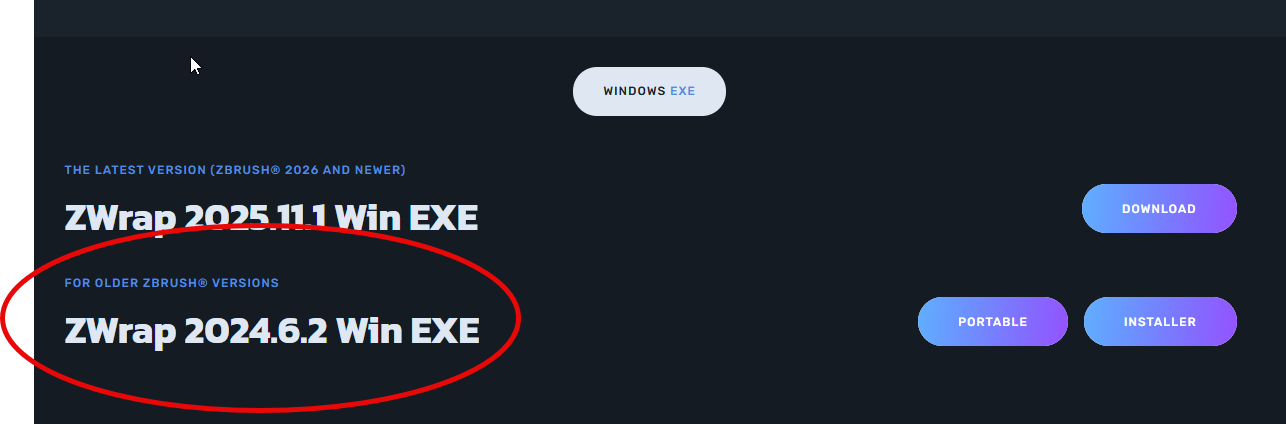
For the record, that's what I've been using to make Texture Transformer packs to convert textures from/to G1, G2F, G2M, G3F, G3M, G8F, G8M, G81F, G81M, V4, M4, LH1, LH2, LF1 and LF2. Been giving it a lot of use lately. LOL
Yea, the other idea I had using the morphing brush did NOT work out! LOL He looked like a dough boy as a result so that was a miss. I'll have to see if I can get the money together as this tool would be useful. I keep forgetting to use the obj from the geometries folder for stuff like this as using the bridge makes my mind lazy between Poser and ZBrush. LOL
---Wolff On The Prowl---
Hi Dennis. So you instructed me to use the base OBJ but are you referring to L'H 1 or L'H2? If L'H 1 just doesn't make any sense to me since the base OBJ doesn't have any of my morph information therein. If I need to export from Poser with the morph info, I already have all those shapes exported and they do apply fine to L'H 1 and work as expected. So would I load up those shapes to L'H 2's OBJ from within the program? I did write the company to ask. I have the trial installed and am awaiting their reply and maybe you can add what worked for you.
Thanks so much
Richard
---Wolff On The Prowl---

Privacy Notice
This site uses cookies to deliver the best experience. Our own cookies make user accounts and other features possible. Third-party cookies are used to display relevant ads and to analyze how Renderosity is used. By using our site, you acknowledge that you have read and understood our Terms of Service, including our Cookie Policy and our Privacy Policy.
Anyone know if there is a technique or even a script that can transfer custom morphs from L'Homme 1 to L'Homme 2?
My idea is to create 2nd generation characters for my character packs. Knowing the maps are fine except for things like eyes, lashes and brows makes this idea ideal.
Thank you!
Richard
---Wolff On The Prowl---
My Store is HERE
My Freebies are HERE