
Renderosity Forums / La Femme 2
Welcome to the La Femme 2 Forum
Forum Moderators: Kalypso, msansing Forum Coordinators: Anim8dtoon, Digitell
(Last Updated: 2026 May 21 9:27 am)

Subject: Show us your La Femme 2 renders featuring elleque's Petite and Mini morphs!

- 1
- 2

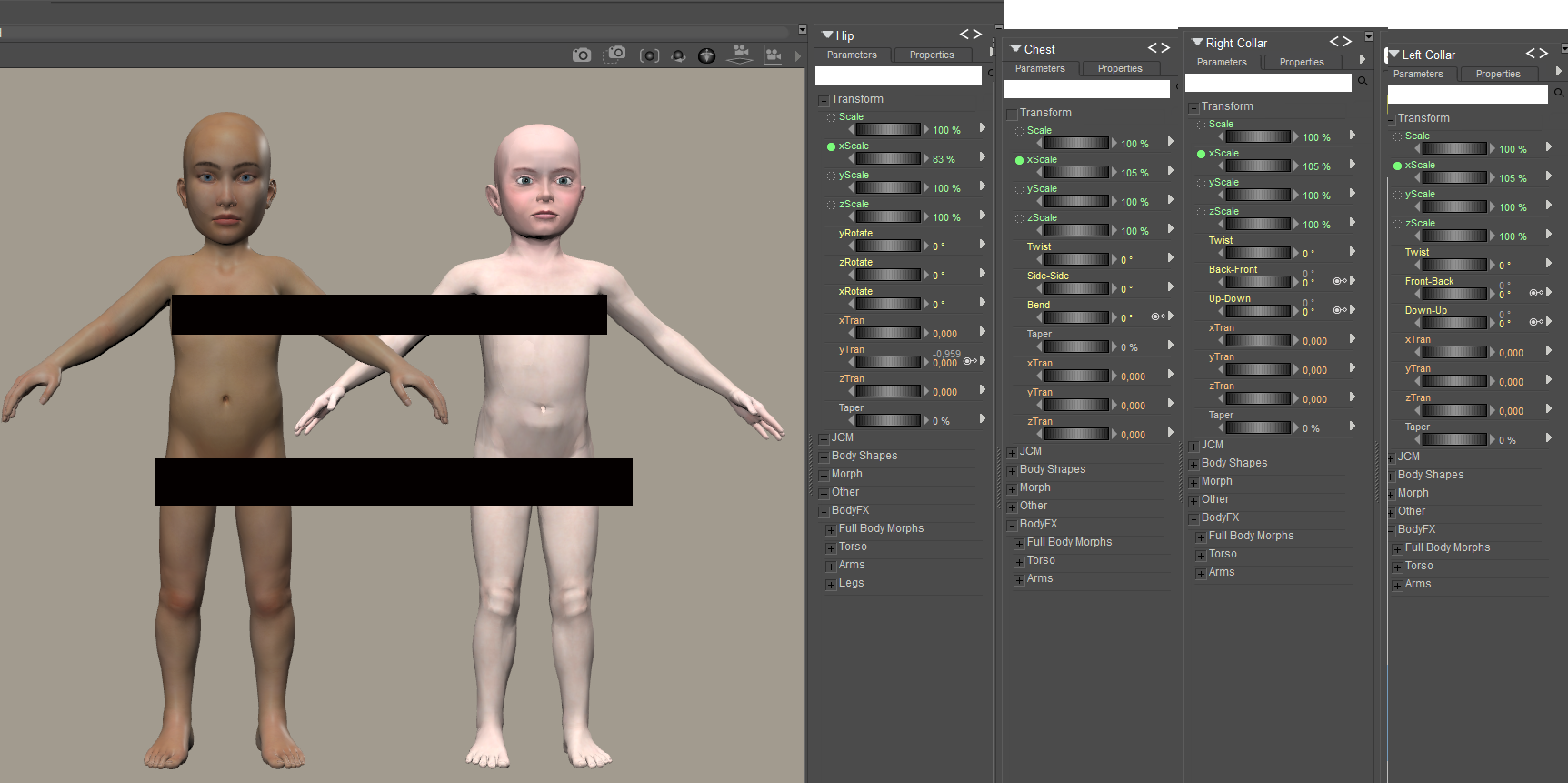
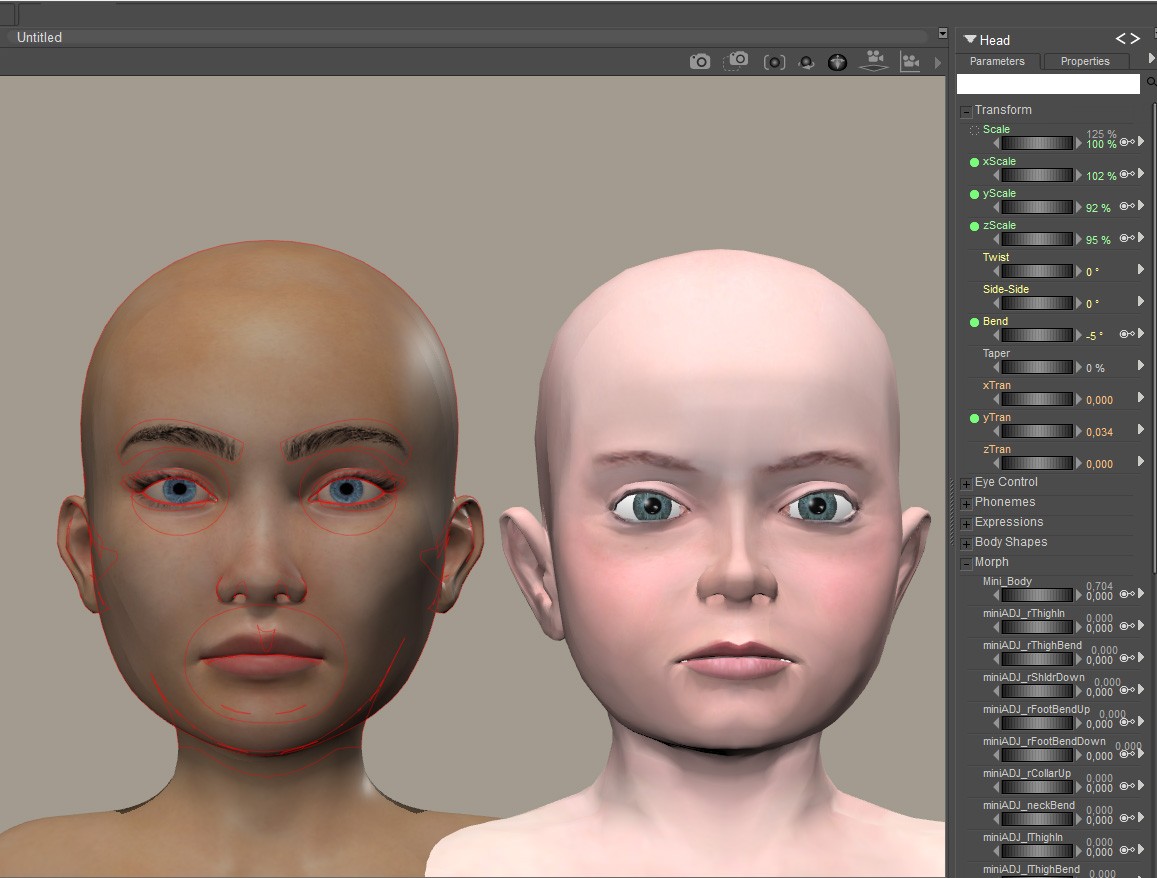

hborre, at a glance, it looks like a shader needs to be set for each material groups and not applied to the whole scene. In that case, wouldn't it be better to exclude small elements like eyebrows from the settings? In the first place, hair doesn't completely block lights, so it doesn't cast a pitch-black shadow, right? Maybe if the eyebrows had a more realistic shader the results would have been different.
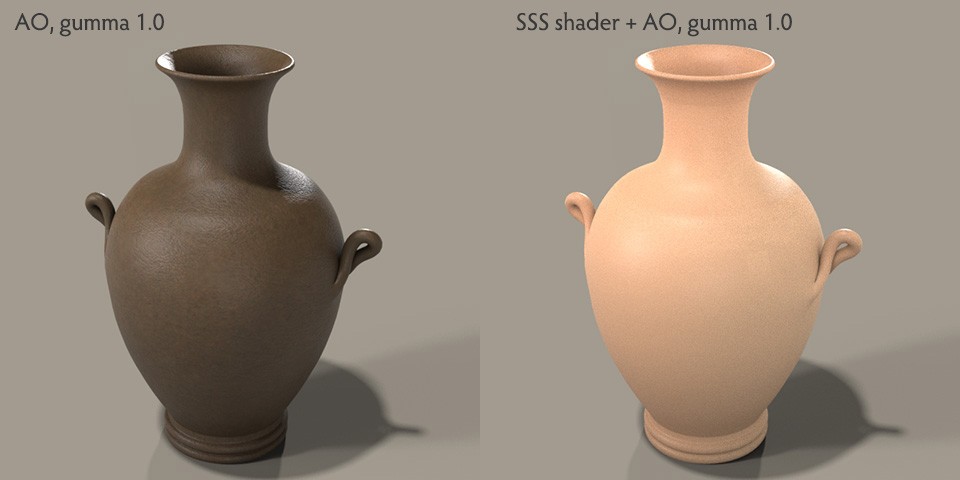
There's something wrong about my SSS settings, but the darkness of the bottom shadow seems different.
But isn't this shader a texturing technique that quickly expresses the presence of objects in 3D games? Since RGBRump was not available in Poser12, I searched the internet and found an example that uses Gamma in Blender. This shader can be used to enhance the shadows of objects and add color to recessed areas without using Photoshop.
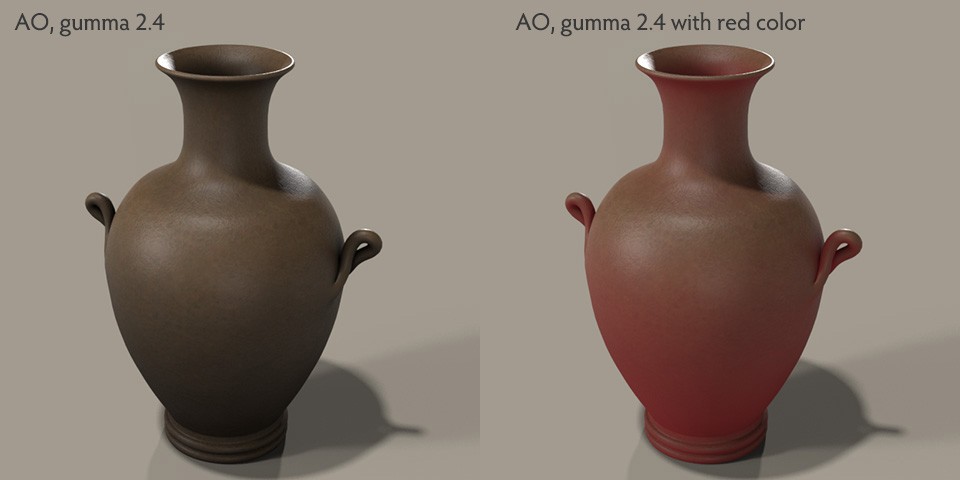
The red one seems good for expressing the vase being hot.
vince5, yes, I did not create child's shapes. Children's body and limbs shape is more straight, like a cylinder. I tried to make a copy of a famous painting in Poser, but I realized that the body shape of LaFemme2 is too super and it was impossible. I did not create any of the morphs found in BodyFX or FaceFX. I created a complement to the existing packages for my own purposes. It is up to users to combine those packages with these free morphs or add their own morphs. Having more characters as well as clothing options makes it more fun :)

There is no need to apply AO to everything; this is a judgement call and personal taste. However, on LaFemme and L'Homme, if you exclude the face and eyebrows, the rest of the body will become mismatched. Clothing and hair can hide the prominent issues, but you will see a difference upon bright lighting and closeups.
The gamma technique is something that can be applied; I do have a set up for Poser 13 using the gamma node. I haven't used it much, but I do need to refine it better.
You can apply AO to hair, just decrease the distance on the Ambient Occlusion Node to reduce its effect. Closeup portraits may present some issues, but it should be fine distant images.
The colorramp node is a new feature in Poser 13, so, unfortunately, you have to hack your settings in Poser 12. However, the RGBramp node is very buggy ATM. Extreme settings causes color shifts within the node negating its effect.
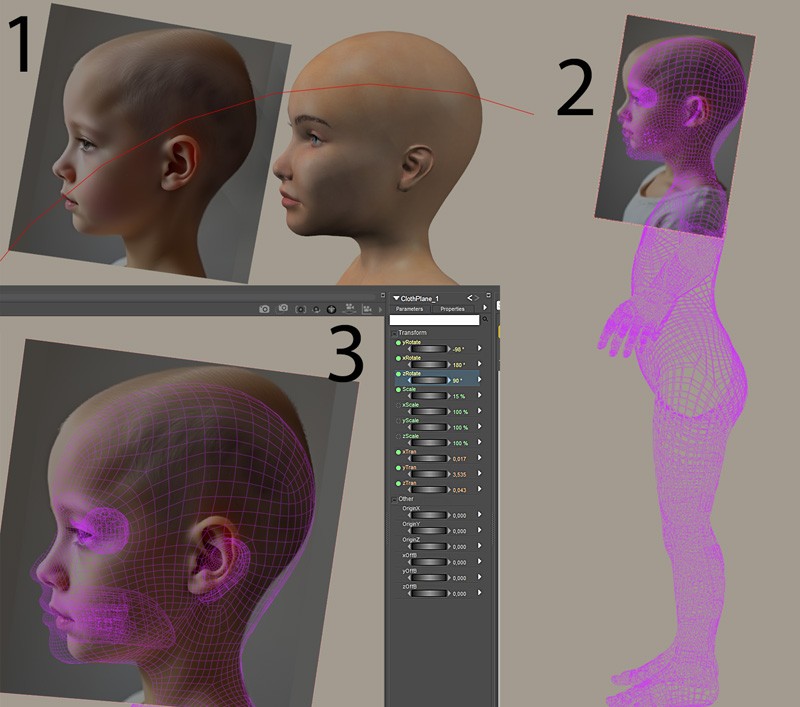
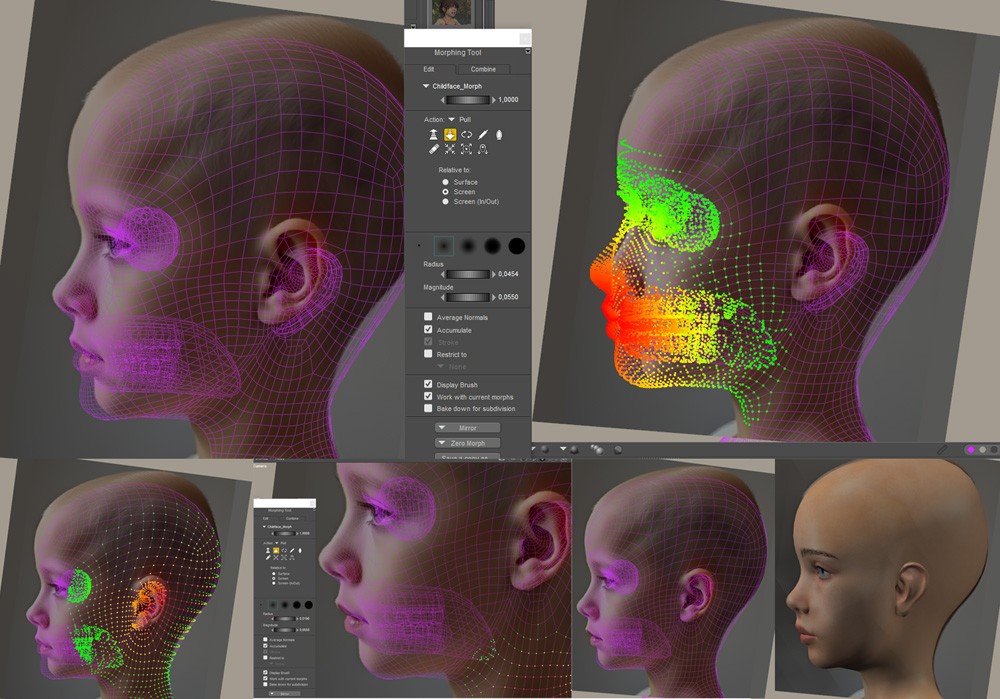
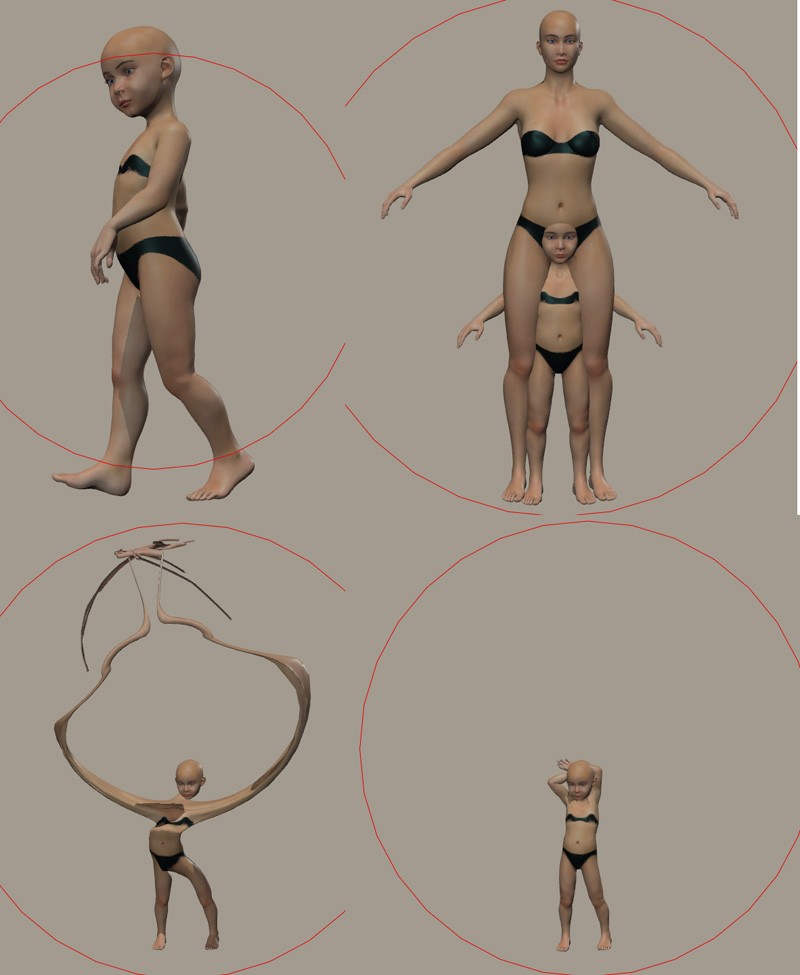
Tutorial (continued) Choose a contrasting color for your wireframe. The easiest way is to perfectly position the eye. Open the Morphing Tool palette, first Pull in screen mode, with a large radius and medium magnitude to create the large areas (forehead, mouth, ear, neck); then slowly reduce the radius and magnitude for greater precision until you're satisfied. In our case, you'll need to Mirror Left to Right to duplicate the morph.
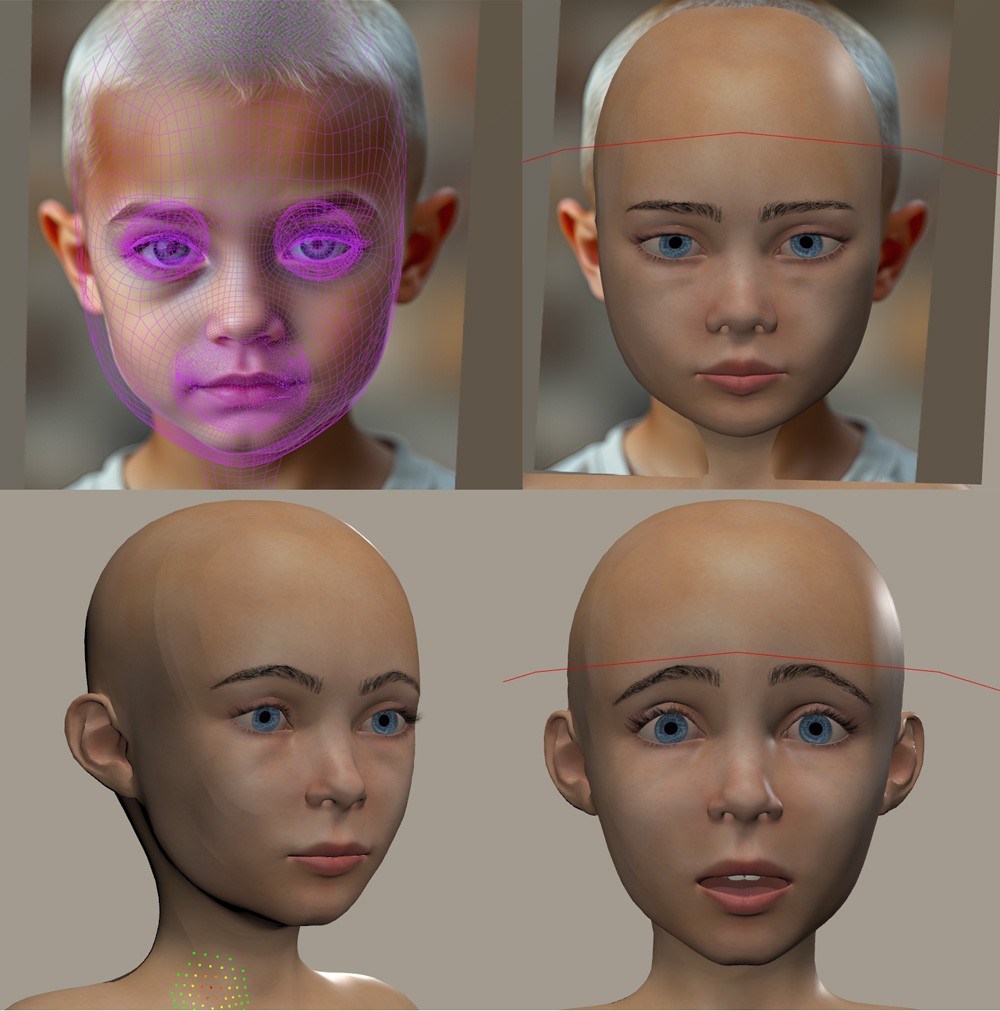
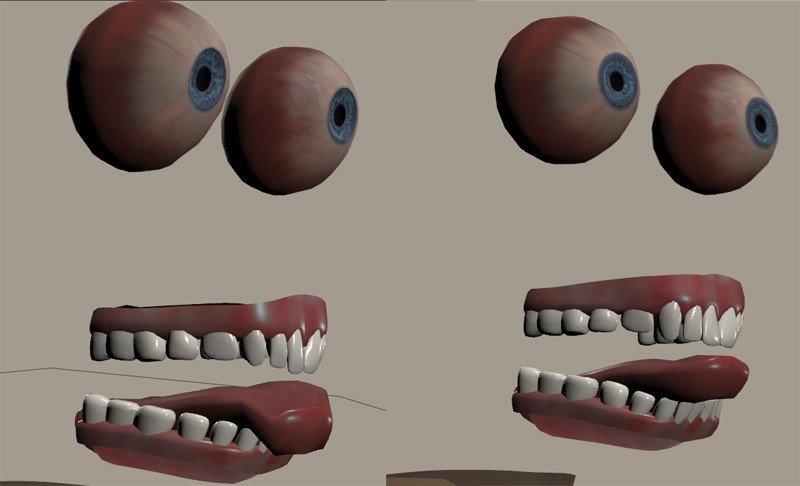
Tutorial (continued)
We can then test the character's poses and characterize them.
We'll do File Import Wavefront OBj and choose a name.
Then Add a new LF2 to scene. On this new LF2, we'll do Figure Load Full Body Morph.
When testing a pose, the morph will go in all directions, and to return to normal, we'll use Match Center to Morph.
Content Advisory! This message contains nudity
J'ai oublié les photos
Content Advisory! This message contains nudity
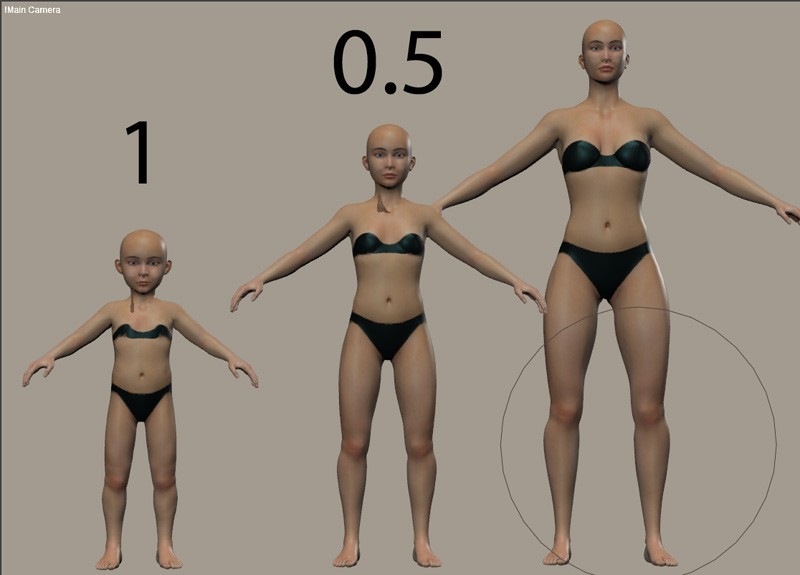
We obtain a base that can be scaled from child to adult.
Very few gallery images were uploaded. Apparently there was a child shape character for Dawn(1), but very few related items were made. It seems that users are not interested in morphs like this. This is a very unfortunate fact.
I have some inflammation in the nerves in my neck so I have to take enough rest. But, when I see this thread, I feel like trying out various things. Don't concern if I stop responding, please.

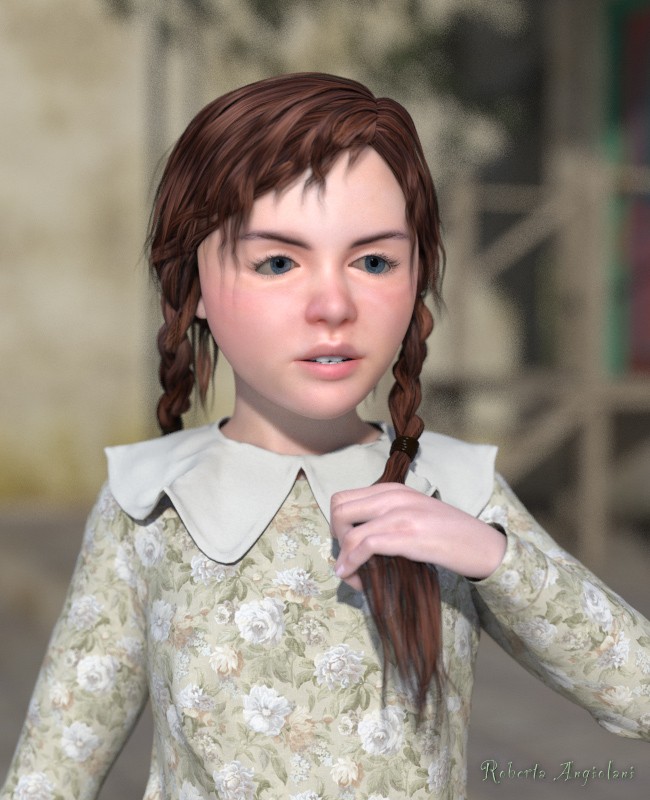
I had a LaFemme2 ready with a slightly modified morph that I had used for some promotional images. I applied the Elleque morphs to that one.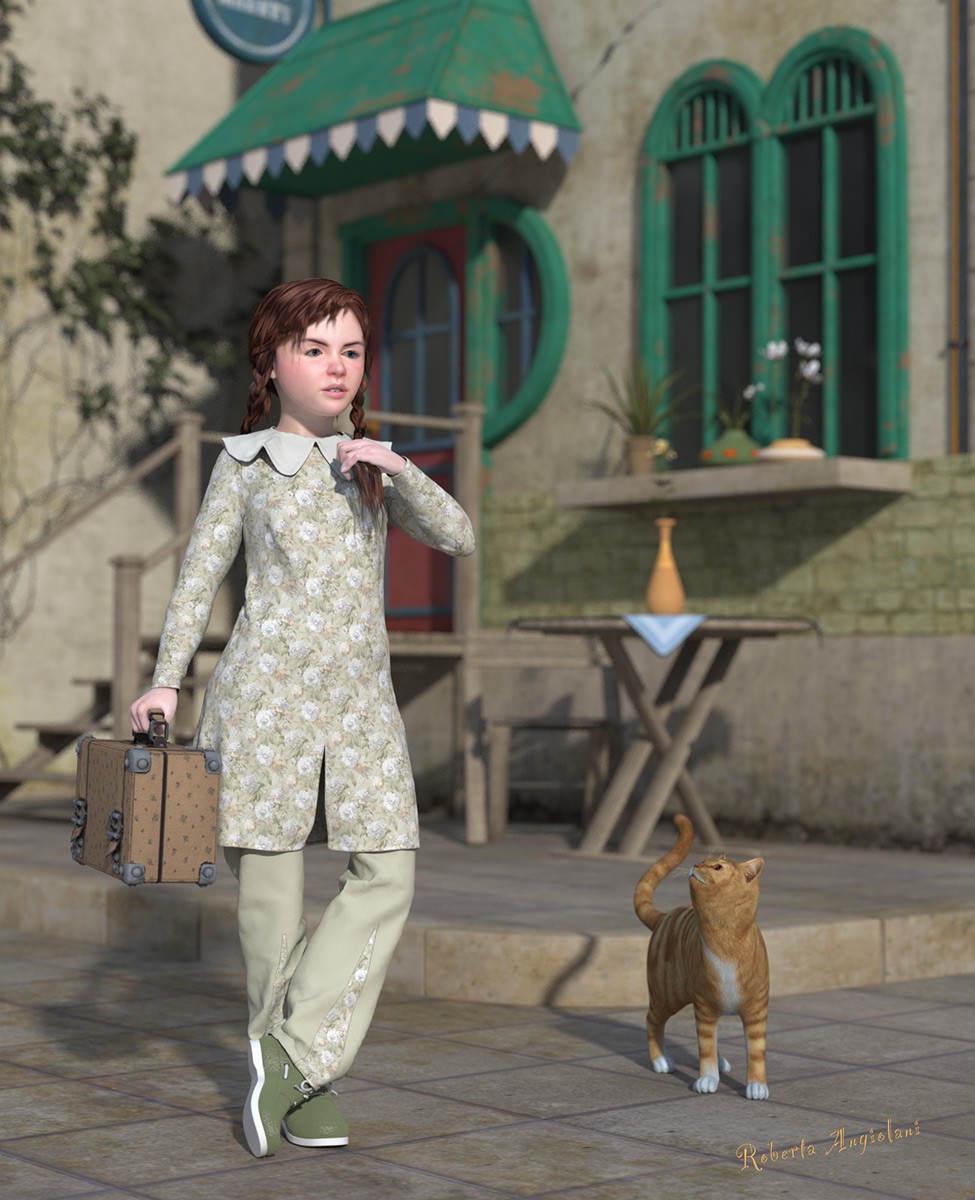
- 1
- 2

Privacy Notice
This site uses cookies to deliver the best experience. Our own cookies make user accounts and other features possible. Third-party cookies are used to display relevant ads and to analyze how Renderosity is used. By using our site, you acknowledge that you have read and understood our Terms of Service, including our Cookie Policy and our Privacy Policy.
Content Advisory! This message contains nudity
Today, thanks to ellequee, creating a child character for LF2 is very easy; I based my creation on the dimensions of Penny from Poser 5.