
Renderosity Forums / Cinema 4D
Welcome to the Cinema 4D Forum
Forum Moderators: CHMedia Forum Coordinators: Kalypso
Cinema 4D F.A.Q (Last Updated: 2024 Aug 27 11:07 am)

| C4D Gallery | Speed Modeling Sessions | C4D Freestuff |

Subject: Soft Selection?



www.c4dcafe.com is probably the best place to start for tutorials, along with maxon's own site. Also worth downloading the free 3dAttack mags and having a go at some of their tutes - see Anders' link from a few days ago

I second The Café as an excellent place for tutorials. Also check out Cineversity, some tuts are free and some are not.
/Anders
Gallery | Store | dogday-design.se


Soft Selection is useful for many purposes but I probably use it most for sculpting. Try it out:
- Create a standard Plane and make it editable
- Switch to Points Mode and select just one point on the Plane
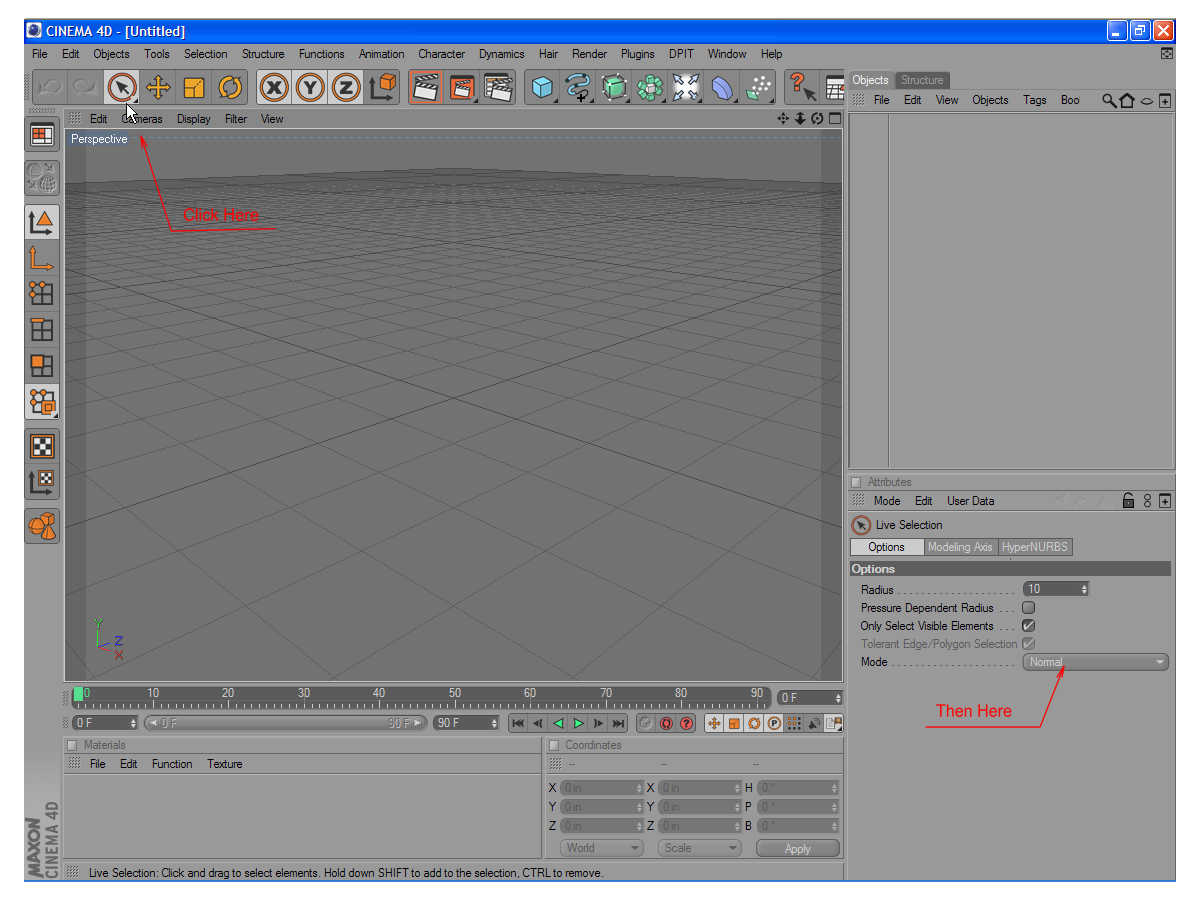
- Select the Move Tool and enable Soft Selection (make sure Preview is activated)
- Around the selected point there is now a yellow circular area defining the falloff radius of the selection so grab the green Y-axis and pull it up -- you'll see how by manipulating just one point you can affect a larger area in a very smooth way. Strength, radius and falloff type can all be tweaked to suit your specific need.
I use SS when doing organic modeling as it's a very quick and easy way to modify the shape of the object.
/Anders
Gallery | Store | dogday-design.se

Privacy Notice
This site uses cookies to deliver the best experience. Our own cookies make user accounts and other features possible. Third-party cookies are used to display relevant ads and to analyze how Renderosity is used. By using our site, you acknowledge that you have read and understood our Terms of Service, including our Cookie Policy and our Privacy Policy.
My husband just bought C4D for me for my birthday, and while I'm liking playing with it, I'm finding it not very useful for what I need at moment. Is there a way to soft select? I thought I saw it for a moment, but now can't find it again.........and it's driving me batty. Also, any good c4d tutorials would be nice:)
Thanks,
Renee
My Stuff:) You might hate it, but you never know...
Here
CP