
Renderosity Forums / Poser - OFFICIAL
Welcome to the Poser - OFFICIAL Forum
Forum Moderators: RedPhantom Forum Coordinators: Anim8dtoon
Poser - OFFICIAL F.A.Q (Last Updated: 2026 Jun 04 5:51 pm)

Subject: IDL and single faced architecture

- 1
- 2

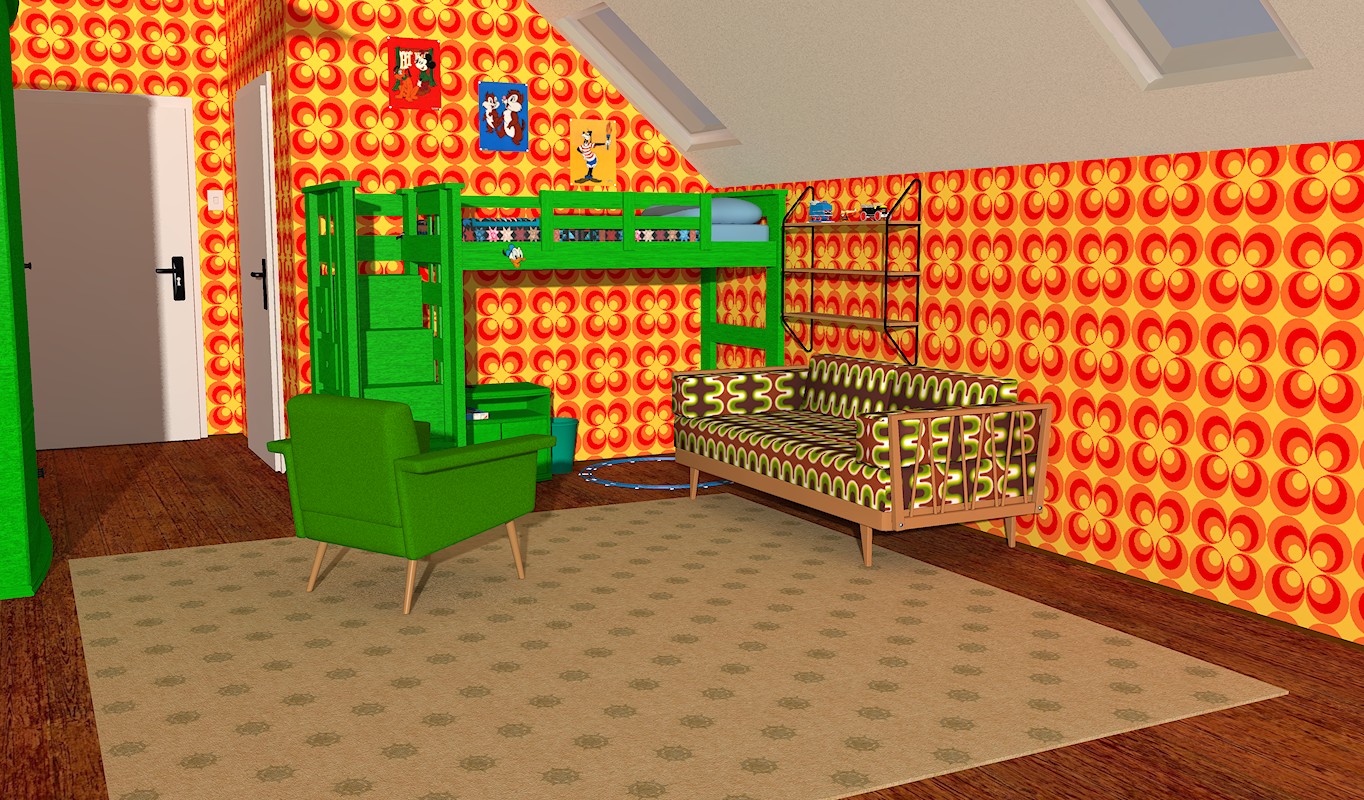
Thanks for the reply, not sure what you mean (and probably means I haven't explained myself)...
A room made of single faced planes (presumably like yours), single infinite light, with or without IBL. Daylight scene, light through windows. External (infinite) light leaks through the seams where the planes intersect. Your room must be open at the camera side judging from the shadows; an enclosed room with an infinite light and no other lights would not have a shadow pattern like yours.

I know what you mean, and those sets annoy me because I know if I use them then it's going to be extra work to stop that light leakage issue.
What I do is construct a 'frame' around the set out of primitives to enclose everything in a box. Windows, doors, etc, that I want light to enter through need to be included in this frame so the primitives have to be sized and placed to accommodate any of those light-entrances. All of the frame is then set to pure black.
It works, but it's such a nuisance.
I closed the room and set the infinitive light so that it only shines through the windows.
Can't really see any leakage.
To be frank, hardly anything commercially available is truly PP-2012 or PP-2014 compatible.
Most Poser users still rather clinge to older versions and that's the clientel the majority of merchants still cater for.
I think the only solution will be to add primitives in Poser to stop the leakage or make the seams overlap in a modelling app.
I guess you've answered my initial question on whether anyone has made it work, and that would be a 'no'. I've tried primitives as masks and had some success, but that's with more conventional geometry (insides and outsides). With stuff like East Park it's almost impossible to know where the seams are, even in wireframe view, as they're only visible if you're facing them. Frankly, if I could be bothered to fix the geometry in a 3D app, I may as well build something new and be done with it.
I had read that light leakage at right angle intersections is a problem with firefly in Poser, but had wondered (hoped) that someone might have figured a work around. Seems not.
Cheers

Hate to say it, but Poser modellers are going to need to reevaluate the way they design stuff, if they intend to keep up with rendering and subdivision technology. Gone are the days where you can just paint detailed textures on a singl sided plane, and think it's going to render well in all these physically accurate render engines. You need volume.
People's computers these days can handle high polygon counts. We don't need to worry about choking the renderer. This is the 64bit age. We use 4000px textures, but we worry about using too many polys on a wall?
Tools : 3dsmax 2015, Daz Studio 4.6, PoserPro 2012, Blender
v2.74
System: Pentium QuadCore i7, under Win 8, GeForce GTX 780 / 2GB
GPU.

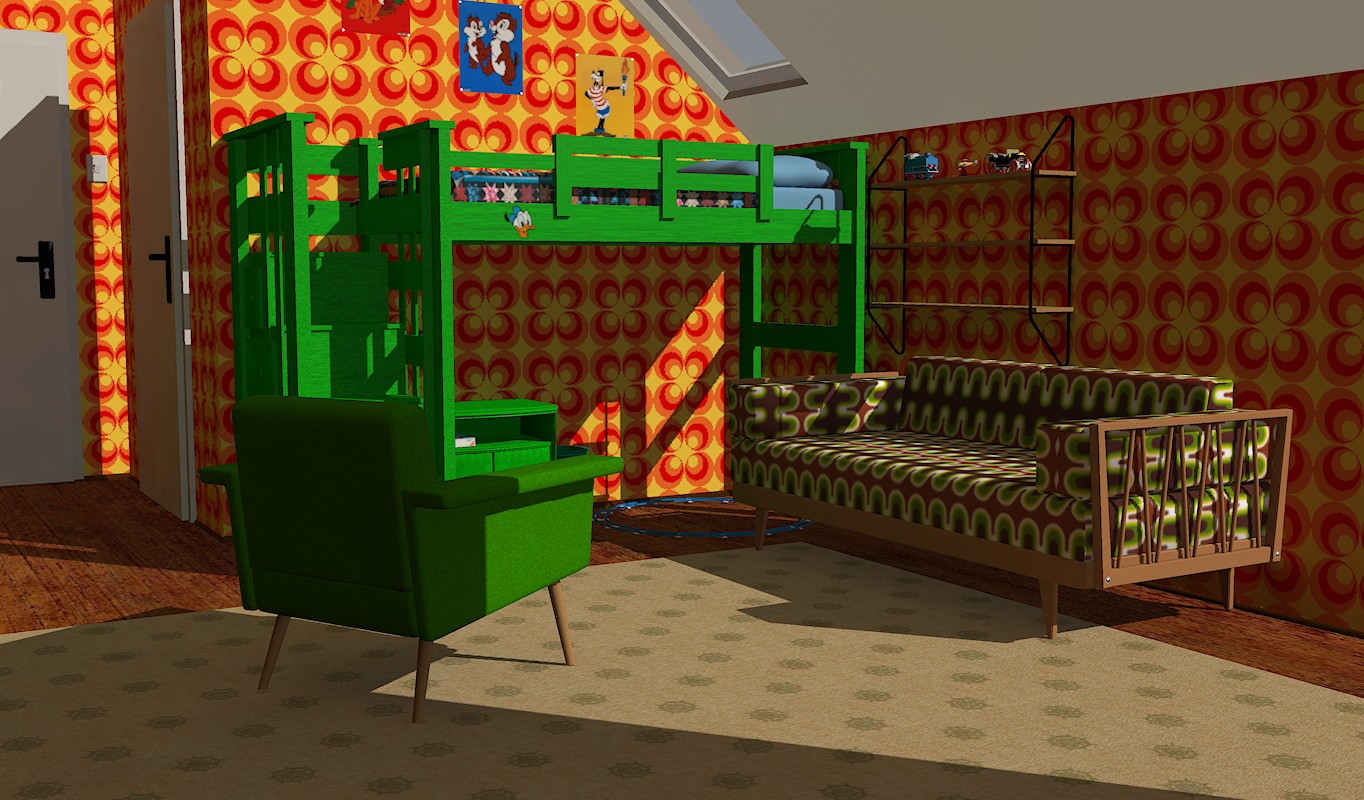
First image is the basic scene, West Park ward, 50% IBL, no IDL, single infinite as a sun at 100%. (BTW, sorry about the size of the images. I tried embedding them, but it only lets me put in one at a time. There doesn't seem to be a sticky on how to post pics to this forum)

Second image is the same scene, IBL reduced to 10%, no IDL, single infinite. What you might notice (and I only just figured out) is the bump map picking up light from the infinite through the wall!

Third image, to confirm above suspicion, IBL at 25% but bump greatly reduced in intensity.

Next, IDL turned on. 4 bounces. Obviously IBL has no effect unless I mess with the opacity of the sky dome. This still has the bump map reduced. Notice along the base of the walls (the skirting board and the wall under the desk especially) the faint glowing patches. They should not be that bright with this light set up. At first I thought it was light at the seams (as in my first post), but having looked at the basic mat image it looks more like light passing through the wall and lighting up the texture from behind.
Actually, this is a pretty useable image.

Last 2 images are a closeup of the corner with bump map on and almost off. You can also see the wall being unnaturally bright compared to the floor.


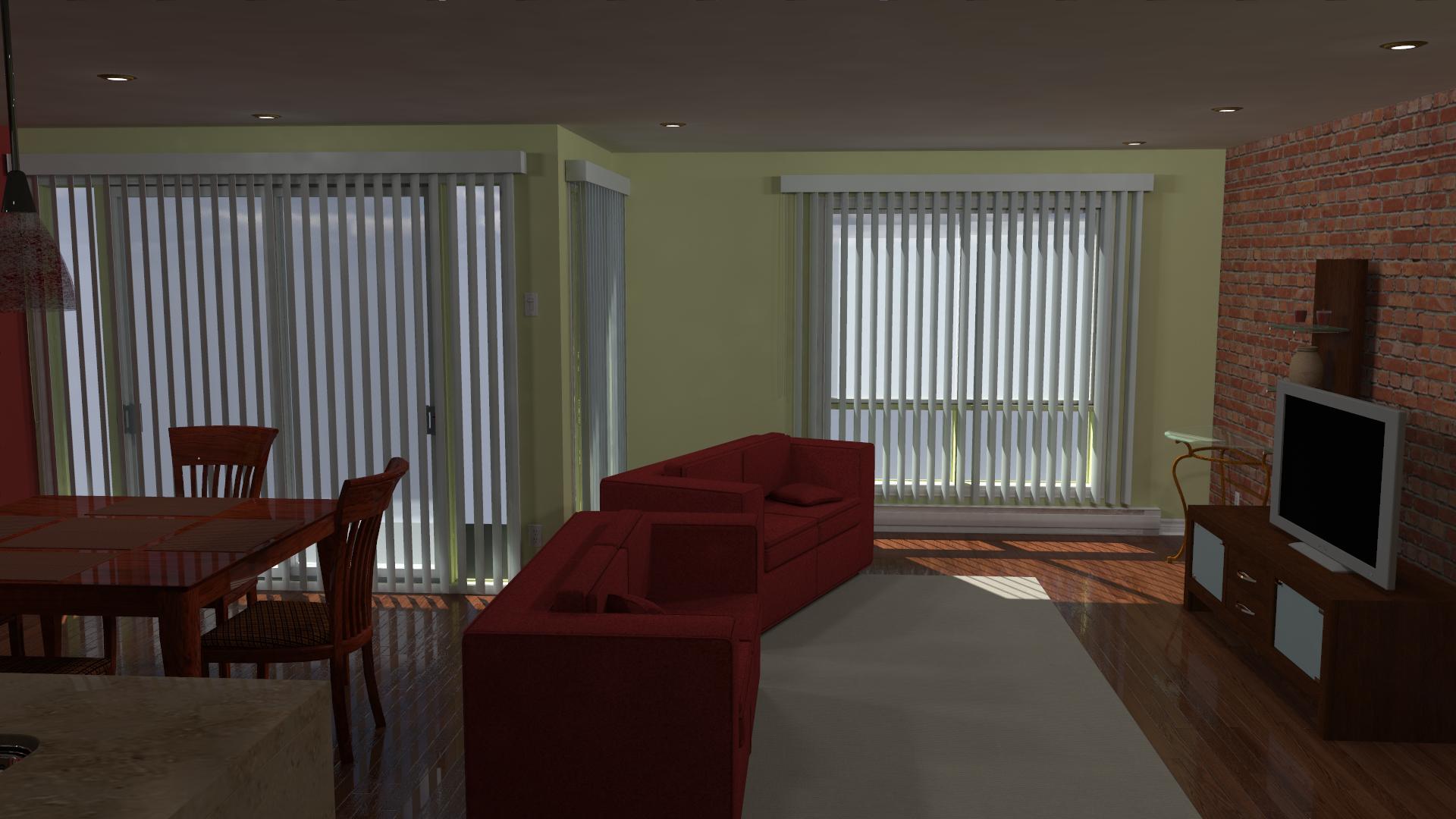
As a comparison, a model called Downtown Apartment. Single face geometry again. First is no IDL, IBL at 50% (some light leakage at the ceiling on the right hand side). Second is with IDL on, one point light inside to replace the IBL. See the light leakage around the curtain pelmets; again, it looks like light is coming through the wall, reflecting off the pelmet back onto the wall!


I could be wrong about the cause, but I am curious about the effect (and maybe how to avoid it).

Good question. I don't remember. I usually use snarlygribbly's scene fixer as an almost automatic process prior to rendering in IDL, but I don't think I did with the images of West Park ward. As to the last 2 images (the downtown apartment) I definitely did because there are a lot of down lights in the scene as 'mesh lights' that I wanted turned off. In any case, the downtown apartment doesn't have a bump map on the far wall where the blinds are but it still seems like the light is passing through the wall, lighting the texture from behind as well as reflecting back from the pelmets.
I just did a quick test on the gamma settings; what I've posted has the gamma for the bump set at "same as render". If I change it to custom and set to 1, the effect is reduced quite a bit, but not eliminated. And yes, GC is set at 2.2. There are no displacement or specular maps. I tried plugging the bump map into displacement (just into dis, not into bump and dis) but the result was the same.

Single-planes are lit from the other side - you have to block them - planes should be 3D slabs. If there is bump, then it's worse.
Renderosity forum reply notifications are wonky. If I read a follow-up in a thread, but I don't myself reply, then notifications no longer happen AT ALL on that thread. So if I seem to be ignoring a question, that's why. (Updated September 23, 2019)
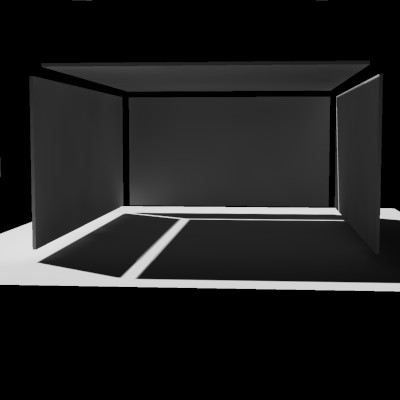
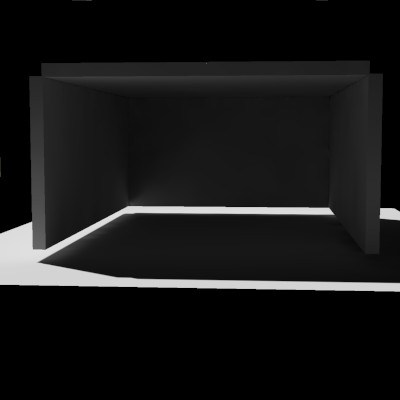
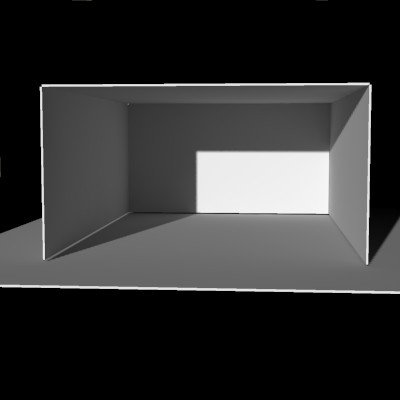
This is the prop, in its exploded morph form, showing the 5 slabs it is made of. Each slab is a welded cube topology - 8 vertices, 6 faces.
The slabs have morphs to change the width, height, and depth of the "room", the extra space outside the room covered by "floor", and the thickness of all the slabs. (And, of course, a morph to explode like this so you can see the parts.)
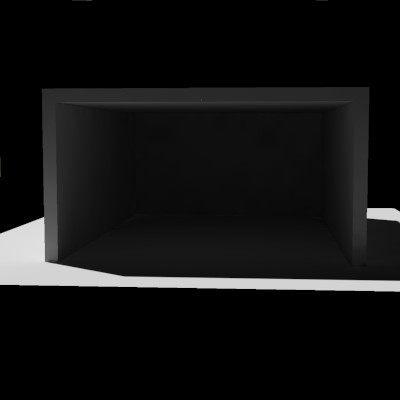
I have lit it from behind, so that the interior should be black or nearly so (when closed up).
Renderosity forum reply notifications are wonky. If I read a follow-up in a thread, but I don't myself reply, then notifications no longer happen AT ALL on that thread. So if I seem to be ignoring a question, that's why. (Updated September 23, 2019)
Renderosity forum reply notifications are wonky. If I read a follow-up in a thread, but I don't myself reply, then notifications no longer happen AT ALL on that thread. So if I seem to be ignoring a question, that's why. (Updated September 23, 2019)
Renderosity forum reply notifications are wonky. If I read a follow-up in a thread, but I don't myself reply, then notifications no longer happen AT ALL on that thread. So if I seem to be ignoring a question, that's why. (Updated September 23, 2019)
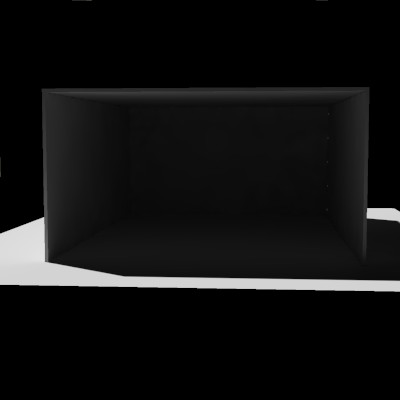
So anyway I figured we'd start here and see if thin slabs will leak, not just single poly planes. Here I'm at .5 inch thickness. No leak.
Renderosity forum reply notifications are wonky. If I read a follow-up in a thread, but I don't myself reply, then notifications no longer happen AT ALL on that thread. So if I seem to be ignoring a question, that's why. (Updated September 23, 2019)
Renderosity forum reply notifications are wonky. If I read a follow-up in a thread, but I don't myself reply, then notifications no longer happen AT ALL on that thread. So if I seem to be ignoring a question, that's why. (Updated September 23, 2019)
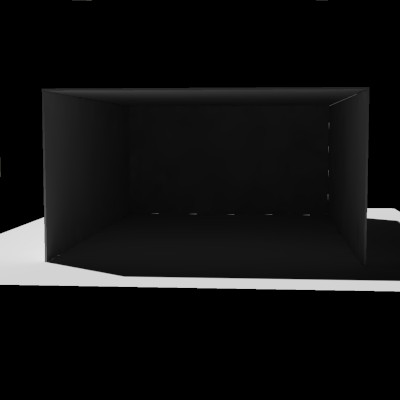
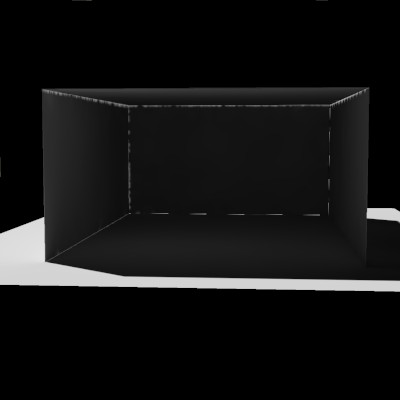
Three leaking edges remain - these three have a "hidden" face element that is facing the light source, not in shadow, and facing the camera.
Renderosity forum reply notifications are wonky. If I read a follow-up in a thread, but I don't myself reply, then notifications no longer happen AT ALL on that thread. So if I seem to be ignoring a question, that's why. (Updated September 23, 2019)
Renderosity forum reply notifications are wonky. If I read a follow-up in a thread, but I don't myself reply, then notifications no longer happen AT ALL on that thread. So if I seem to be ignoring a question, that's why. (Updated September 23, 2019)
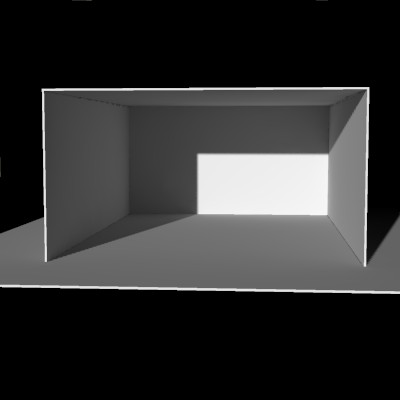
Renderosity forum reply notifications are wonky. If I read a follow-up in a thread, but I don't myself reply, then notifications no longer happen AT ALL on that thread. So if I seem to be ignoring a question, that's why. (Updated September 23, 2019)
Renderosity forum reply notifications are wonky. If I read a follow-up in a thread, but I don't myself reply, then notifications no longer happen AT ALL on that thread. So if I seem to be ignoring a question, that's why. (Updated September 23, 2019)
If you would like to play with this prop and try various experiments, you may have it. However, you must REPORT what you see.
Thanks.
I am calling it the ICLeakTester (IC = Irradiance Cache)
https://sites.google.com/site/bagginsbill/file-cabinet/ICLeakTester.zip?attredirects=0&d=1
Renderosity forum reply notifications are wonky. If I read a follow-up in a thread, but I don't myself reply, then notifications no longer happen AT ALL on that thread. So if I seem to be ignoring a question, that's why. (Updated September 23, 2019)
In Vray, scene scale plays a big role in light cache "leaks". It might be interesting to test if the same applies to Poser's IDL here. Using "arbitrary" units of measure can cause light leaks galore, while using "real world" scale greatly reduces the leakage, because sampling is calculated more uniformly.
Tools : 3dsmax 2015, Daz Studio 4.6, PoserPro 2012, Blender
v2.74
System: Pentium QuadCore i7, under Win 8, GeForce GTX 780 / 2GB
GPU.



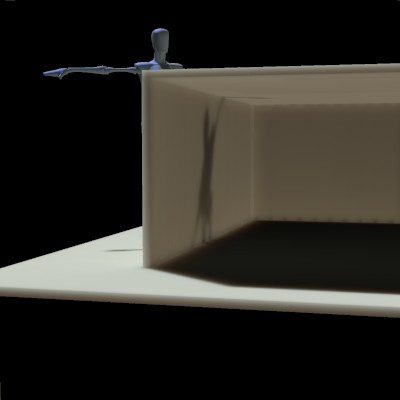
There are shadow artifacts at the back wall-floor joint. Weird.
Renderosity forum reply notifications are wonky. If I read a follow-up in a thread, but I don't myself reply, then notifications no longer happen AT ALL on that thread. So if I seem to be ignoring a question, that's why. (Updated September 23, 2019)
I'm going to make an absolutely uninformed observation here, because math isn't my strong suite; the leakage/interference patterns on Miss Nancy's post above and most of the light leakage on BB's first experiment are what I would call random, or the visual equivalent of 'white noise' (it won't be random, it's calculated by an algorithm, but if math is not my strong suite, chaos theory is worse). However, BB's last image on scatter shows a very regular pattern of shadow artifacts along the floor/back wall seam (and it looks like a lesser version along the back wall/ceiling seam). I went back and had a look at BB's earlier images, and some of those are regular as well. As BB's geometry is 6 single faces (no subdivision) then it can only be caused by the render algorithm...right? I have no idea if that is useful or not, but just posting an observation.
yes, is caused by FFRender allowing error when IC used. in list below, set (**maxError, **giMaxError, **useIrradianceCache) **= 0 using D3D's script, when possible.
giOnlyRender 0
useP5renderer 1
motionBlur 0
useDOF 0
useSumAreaTables 0
minDisplacementBounds 2.000000
useTextureCache 1
zipTextureCache 0
rayAccelerator 0
occlusionCulling 1
maxError 0.500000
maxICSampleSize 10.000000
giIntensity 1.000000
giNumSamples 691
giBounces 4
giMaxError 0.400000
giPassScale 1.000000
useGI 1
useIrradianceCache 1
hdriOutput 0
gamma 2.200000
useGamma 1
toneMapper 0
toneGain 1.000000
toneExposure 1.600000

so, walls should be scaled with minimum .5 inch thickness?
♥ My Gallery Albums ♥ My YT ♥ Party in the CarrarArtists Forum ♪♪♪ 10 years of Carrara forum ♥ My FreeStuff
Looks that way. I didn't do any more experiments beyond what you see here.
Renderosity forum reply notifications are wonky. If I read a follow-up in a thread, but I don't myself reply, then notifications no longer happen AT ALL on that thread. So if I seem to be ignoring a question, that's why. (Updated September 23, 2019)
i measured the thickness of my office walls from the doorframe. it's 5 inches.
♥ My Gallery Albums ♥ My YT ♥ Party in the CarrarArtists Forum ♪♪♪ 10 years of Carrara forum ♥ My FreeStuff
Models need volume. Imagine that. GI (global illumination), IDL, whatever you want to call it these days, never really worked well with single-sided faces in any software application, without some material workaround. In fact, refractions often require tweaking if there's no actual object thickness too, because IOR values depend on volume. Some physically based light scattering algorythms are the same way. It's the fact that we're trying to make real world calculations of light and physics on "single-sided" impossible objects. Give them volume, and the results will work better. Modelling objects for Poser has always been virtual. People depended heavily on just textures. Now we're starting to incorporate physics into the process more than ever, in our lighting and materials, so models will need to accomidate.
Tools : 3dsmax 2015, Daz Studio 4.6, PoserPro 2012, Blender
v2.74
System: Pentium QuadCore i7, under Win 8, GeForce GTX 780 / 2GB
GPU.
windows should be slabs, also? double paned window?
so, what are the specs for modelling a well behaved room for Poser Firefly?
i would like to make any thing i model for poser to be also ready for luxus. :)
♥ My Gallery Albums ♥ My YT ♥ Party in the CarrarArtists Forum ♪♪♪ 10 years of Carrara forum ♥ My FreeStuff
Quote - windows should be slabs, also? double paned window?
so, what are the specs for modelling a well behaved room for Poser Firefly?
i would like to make any thing i model for poser to be also ready for luxus. :)
No, windows can be single-sided because render engines take into account double sided materials for glass by default, or use tricks to fake volume for glass. Even luxrender, one of the most physically accurate engines out there, does this.
Luxrender does require volume meshes for subsurface scattering. Check the documentation,.
Tools : 3dsmax 2015, Daz Studio 4.6, PoserPro 2012, Blender
v2.74
System: Pentium QuadCore i7, under Win 8, GeForce GTX 780 / 2GB
GPU.
i don't understand this then ?
"In fact, refractions often require tweaking if there's no actual object thickness too, because IOR values depend on volume"
it applies for something like a fishtank? the walls of the fishtank would need to be slabs?
Thanks. :)
♥ My Gallery Albums ♥ My YT ♥ Party in the CarrarArtists Forum ♪♪♪ 10 years of Carrara forum ♥ My FreeStuff
Don't worry about refractions. Render engines already have internal algorythms to account for single-sided polys in regard to refractive materials. You're you're confusing dual manifold objects for volume. Just build walls with thickness.
Tools : 3dsmax 2015, Daz Studio 4.6, PoserPro 2012, Blender
v2.74
System: Pentium QuadCore i7, under Win 8, GeForce GTX 780 / 2GB
GPU.
Quote - yeah, my vote would be to make fishtank walls thick, e.g. 0.375 inch for 100-gallon tank. there was issue with FFRender and transparency vs. refraction in re: shadows, but maybe they fixed it.
If we're going for physical accuracy, then I agree. However, unless the rest of the scene is also modelled to real world scale, and consistant, all that would do is extend render time for little to no visual gain. Unless there's a bug with refraction as you suggest.
All objects should have some thickness for realistic results in physical render engines like Luxrender or Octane. Often the appearance of depth can be faked, by creating just a "rim" of polys around a border edge, but when rendering in a physically accurate engine, it's best to create real geometry for it to calculate.
A fishtank doesn't need to be constructed of seperate slabs. You can build it as one single rectangular manifold object, and just add thickness to the object. In most modelling applications, you can control the depth of the thickness in real world units as well.
Tools : 3dsmax 2015, Daz Studio 4.6, PoserPro 2012, Blender
v2.74
System: Pentium QuadCore i7, under Win 8, GeForce GTX 780 / 2GB
GPU.
i was reading something that in luxrender, you can't turn off cast-shadows?
like on a skydome?
♥ My Gallery Albums ♥ My YT ♥ Party in the CarrarArtists Forum ♪♪♪ 10 years of Carrara forum ♥ My FreeStuff
Quote - i was reading something that in luxrender, you can't turn off cast-shadows?
like on a skydome?
Luxrender doesn't need any geometry to create a sky. It has a physical sky, or you can use an HDR image as an environment map, which would also cast light. Skydomes are mostly a workaround for the lack of such features in non-physical render engines.
Tools : 3dsmax 2015, Daz Studio 4.6, PoserPro 2012, Blender
v2.74
System: Pentium QuadCore i7, under Win 8, GeForce GTX 780 / 2GB
GPU.
grumpysneezydoc - inches in wings3d?
♥ My Gallery Albums ♥ My YT ♥ Party in the CarrarArtists Forum ♪♪♪ 10 years of Carrara forum ♥ My FreeStuff
Quote - > Quote - i was reading something that in luxrender, you can't turn off cast-shadows?
like on a skydome?
Luxrender doesn't need any geometry to create a sky. It has a physical sky, or you can use an HDR image as an environment map, which would also cast light. Skydomes are mostly a workaround for the lack of such features in non-physical render engines.
pp12 can render an hdri image?
could render an hdri image and then use that image as a sky 
would be much cleaner, imagines.
♥ My Gallery Albums ♥ My YT ♥ Party in the CarrarArtists Forum ♪♪♪ 10 years of Carrara forum ♥ My FreeStuff
if i set my poser to inches, is the scale value 100% equal to 1 inch?
trying to figure out how BB knew how many inches was his slab.
.< icleaker doesn't have a slab obj in it. was hoping to measure the verts distance as a guide in wings. poser is on my home pc.
twiddle until tonight. sigh
♥ My Gallery Albums ♥ My YT ♥ Party in the CarrarArtists Forum ♪♪♪ 10 years of Carrara forum ♥ My FreeStuff
- 1
- 2

Privacy Notice
This site uses cookies to deliver the best experience. Our own cookies make user accounts and other features possible. Third-party cookies are used to display relevant ads and to analyze how Renderosity is used. By using our site, you acknowledge that you have read and understood our Terms of Service, including our Cookie Policy and our Privacy Policy.
Not hopeful here, but asking anyway; has anybody figured a way to do IDL rendered scenes with single faced environments? By single faced, I mean rooms and such that are made of one faced planes (can be seen from the front, invisible from behind). Examples would be products like the East Park/West Park stuff over on DAZ. No matter what I do or try to set up, I get MASSIVE light leakage at the seams.There are many products made this way, and I think it's a shame that they aren't usable with IDL, given that SM are promoting it (and hopefully developing it).
I'm using PP 2014, but this isn't a new issue.