
















alphaTest02 by jimmysparks
Members remain the original copyright holder in all their materials here at Renderosity. Use of any of their material inconsistent with the terms and conditions set forth is prohibited and is considered an infringement of the copyrights of the respective holders unless specially stated otherwise.

Luma Uni-1-max > Kling 3.0 Omni > ComfyUI > After Effects > Media Encoder > PS
Text to Image > Image to Video > Video to RGBA PNG > PNG to Quicktime > QT to .mp4 > PNG to JPEG
Description
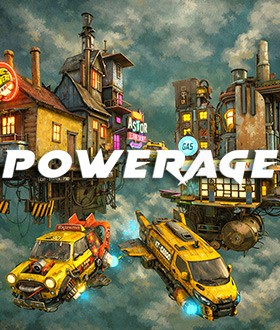
A quick test of a workflow that I am developing in Comfy Cloud.
Comfy .mp4 animation converted to an RGBA PNG sequence, imported into After Effects and rendered in Media Encoder in Quicktime format using Apple ProRes 4444 Alpha codec. That file is then re-imported back into AE and exported to ME, then rendered as .mp4.
Temp file to be removed in a few days. Thanks for viewing!

Comments (3)
Please view full-screen - thanks!
Very nice effects.....I like the lighting. I don't know though how much is AI....as I haven't a clue really how you made it ...
( ...Despite the explananation ! :))
Thanks, Al 💐 - One of the main problems with AI image generation is getting it to do what you want it to do - it tends towards 'creativity' (or hallucination, depending on how you look at it). Diffusion models can not produce an alpha channel - you can't de-noise past 0,0,0 (i.e. black). I wrote a Comfy workflow that takes the background out of a .mp4 video and replaces it with an alpha channel. You can't use that file in AI image generation but you can use it to composite a new .mp4 in an app like After Effects, Premier or Da Vinci. That way you can create the background and the characters independently.