
Renderosity Forums / Blender
Welcome to the Blender Forum
Forum Moderators: Lobo3433 Forum Coordinators: bwsupport
(Last Updated: 2026 Oct 02 8:45 am)
Welcome to the Blender Forum!
Your place to learn about Blender, ask questions,
exchange ideas, and interact with the other Blender users!
Gallery | Freestuff | Tutorials
Visit the Renderosity MarketPlace. Your source for digital art content!


Subject: Toni's adventures in Blenderland

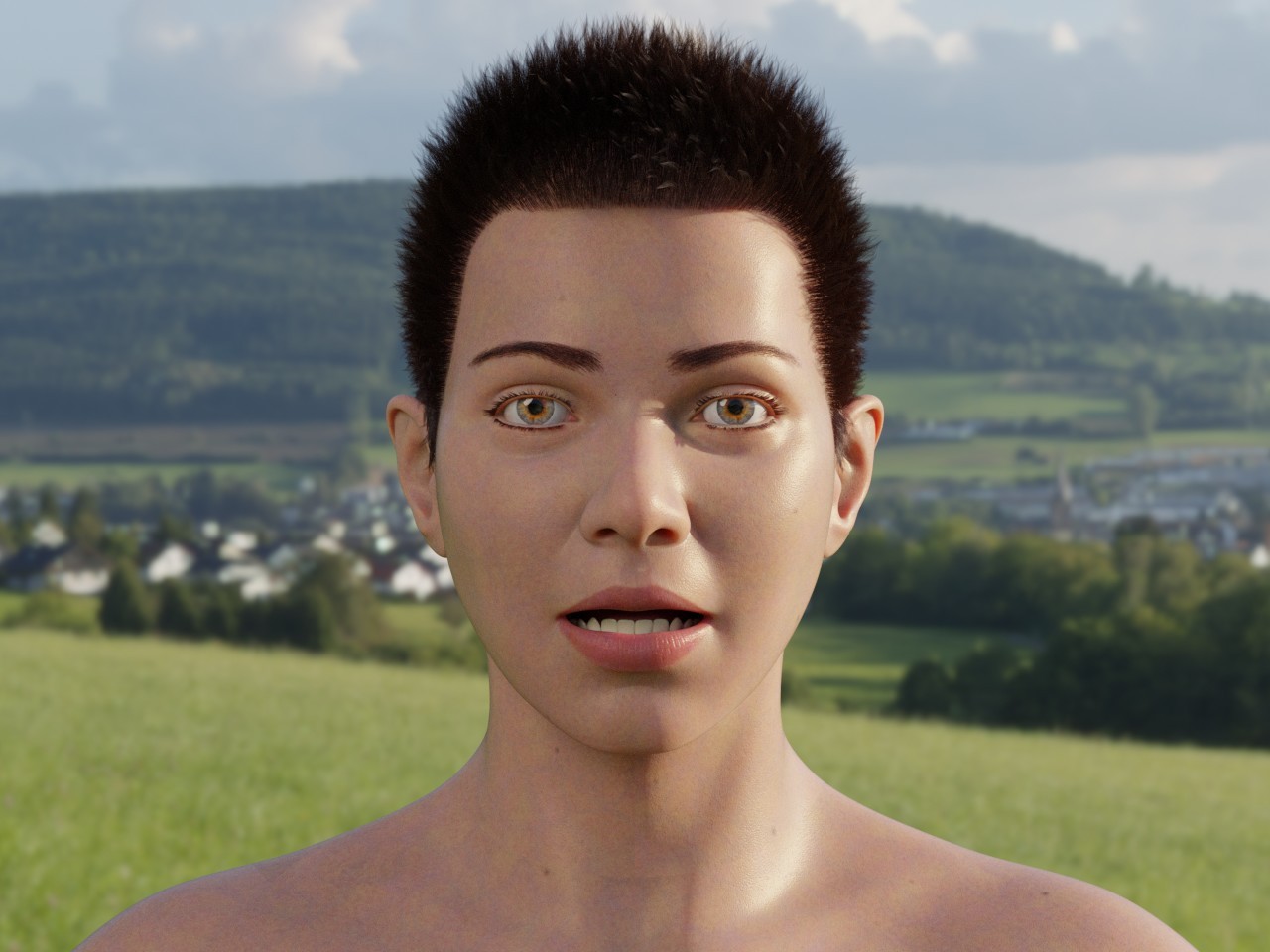
Content Advisory! This message contains nudity
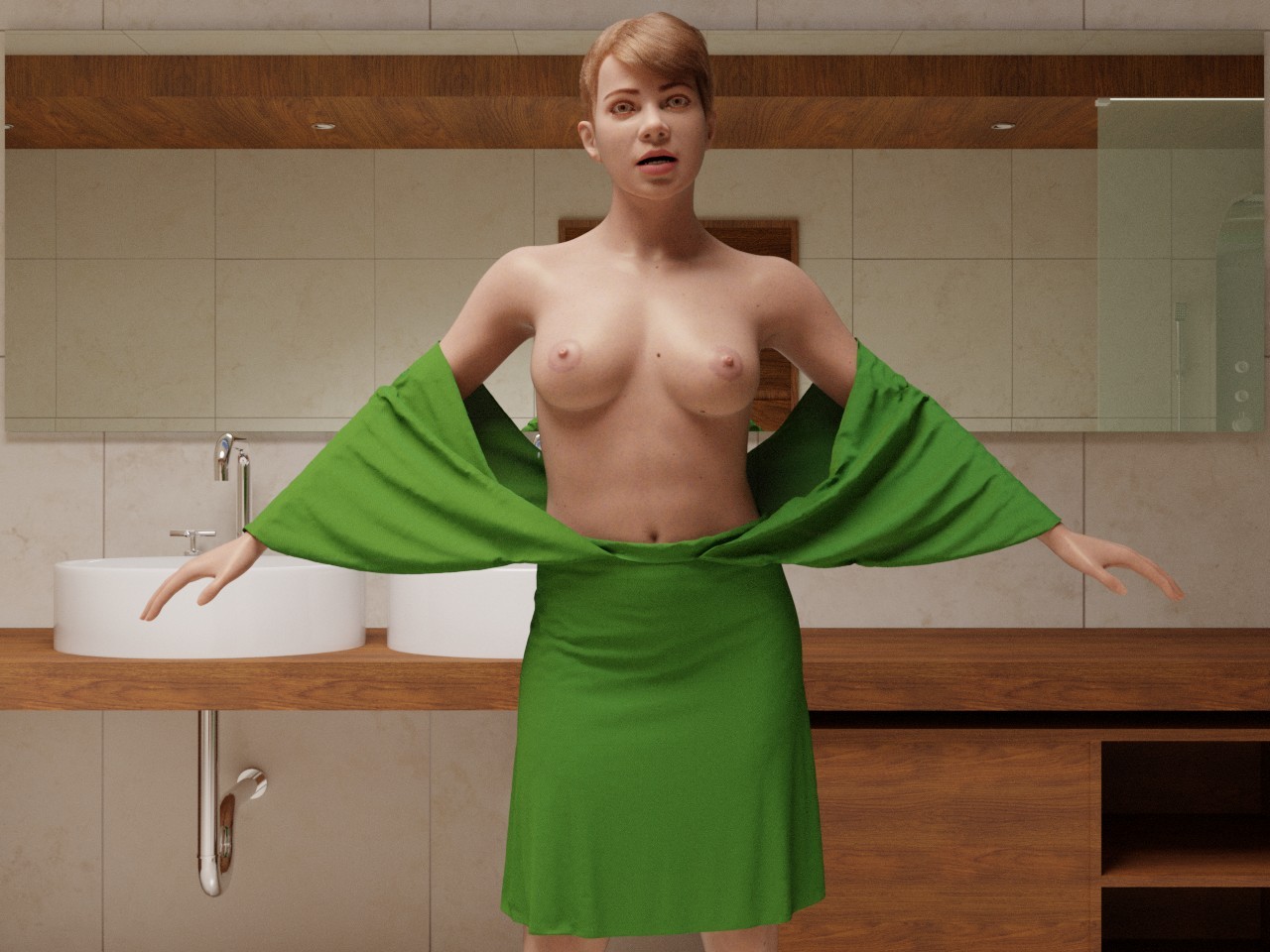
Now I got her to stand in an actual scene and wear clothes - sort of. She's also posing just a little bit. For more I'd have to do some weight painting.
-- I'm not mad at you, just Westphalian.

TheRook posted at 1:37 PM Tue, 21 July 2026 - #4508523
Thanks, glad you like it. Yes, it's my procedural shader plus a bit of hand-painting on her lips, nipples/areolae and genitals (not shown, lol). I plan to add more hand-painting over time for details and masks.Looking good in both! Liking the way the skin is looking each of these, especially the inside scene. I'm guessing it's the procedural shader you've been fine tuning? Also, is that just a standard Blender cloth sim with her outfit?
The dress was made in MarvelousDesigner, exported as .obj, and simulated via standard Blender cloth sim. I haven't looked at the new cloth simulation in 5.2 yet.
Incidentally, I haven't been updated this thread much lately and instead added brief "production notes" to my gallery posts. Happy to go into more detail here if there are any questions.
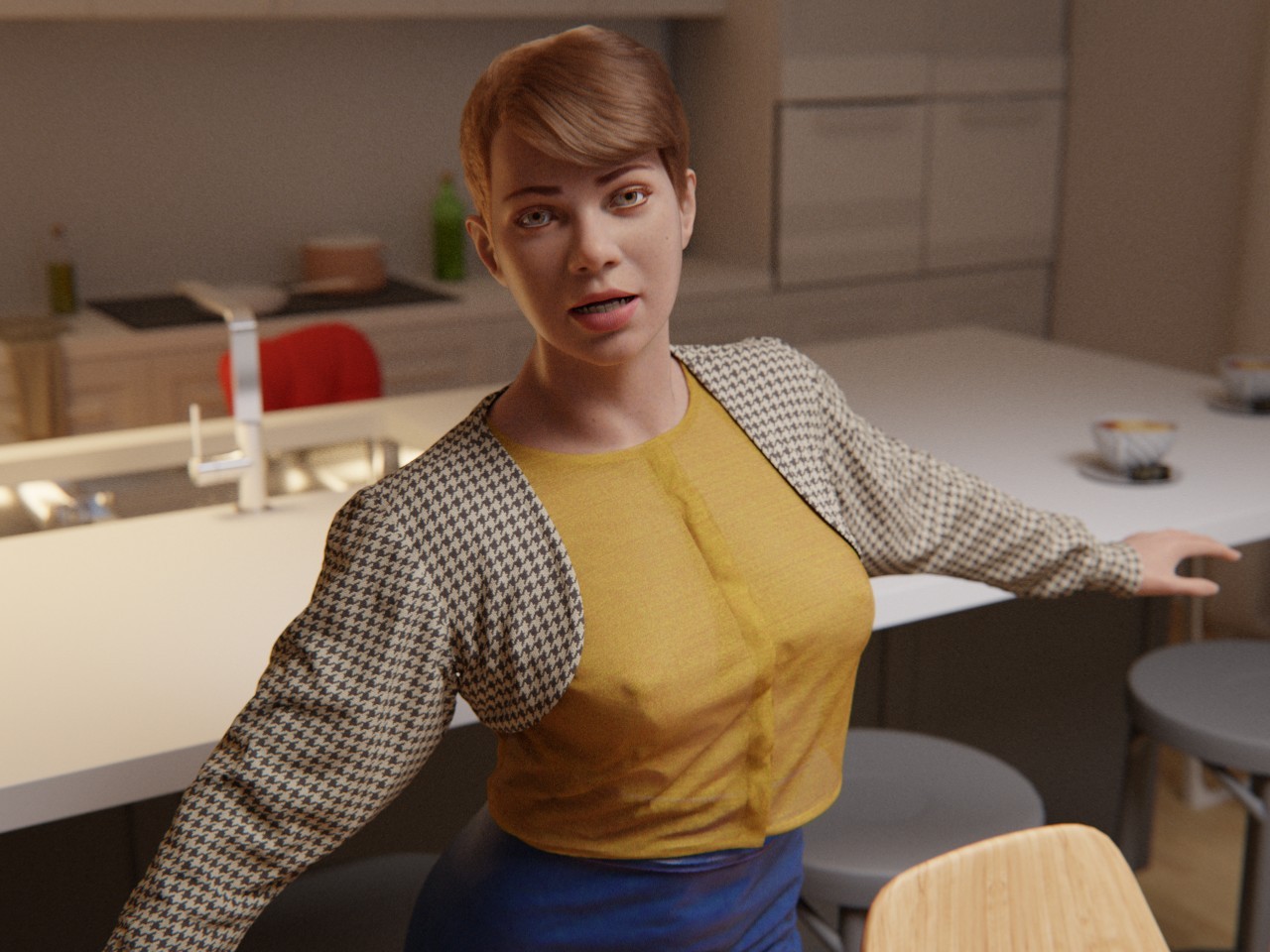
Here's my latest gallery post again:
-- I'm not mad at you, just Westphalian.
Content Advisory! This message contains nudity
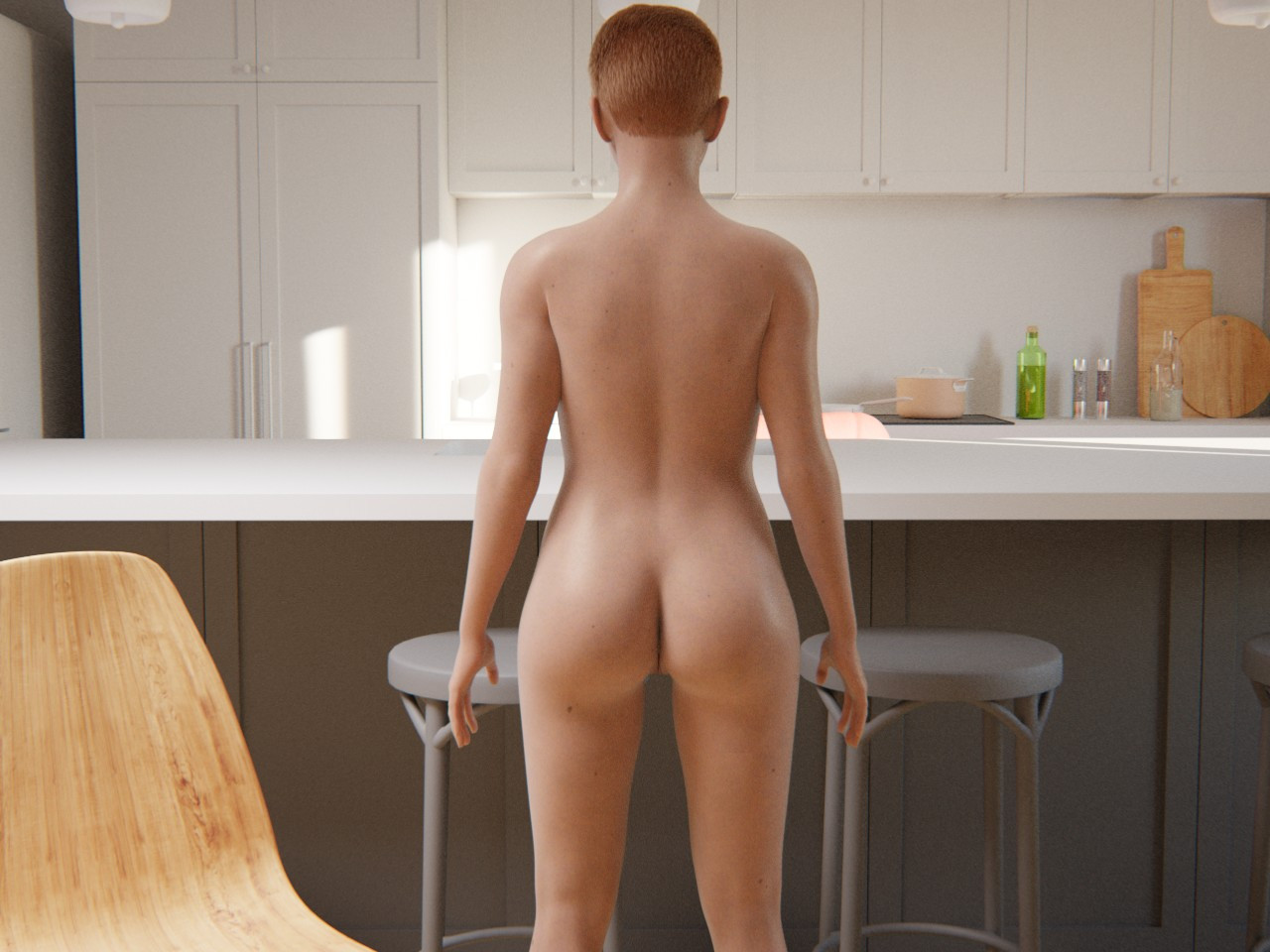
I heard rumors that this forum was dying, so I'm doing my part to keep its blood pressure up, so to speak. Please note that this is not just a gratuitous lady butt in that I have in fact been spending quite a bit of time lately to refine the shapes of her back side, from the base of the skull down to the knees. Also, since I find weight painting extremely tiring, I've decided to adopt a "just in time weight painting" strategy, wherein I just paint enough weights at a time to make the pose I'm currently intending to render work.
-- I'm not mad at you, just Westphalian.

It's looking very nice. What can you tell us about the hair we're seeing? And what are Blender's joint tools like, after working so long with Poser's?
===========================sigline======================================================
Cage can be an opinionated jerk who posts without thinking. He apologizes for this. He's honestly not trying to be a turkeyhead.
Cage had some freebies, compatible with Poser 11 and below. His Python scripts were saved at archive.org, along with the rest of the Morphography site, where they were hosted.
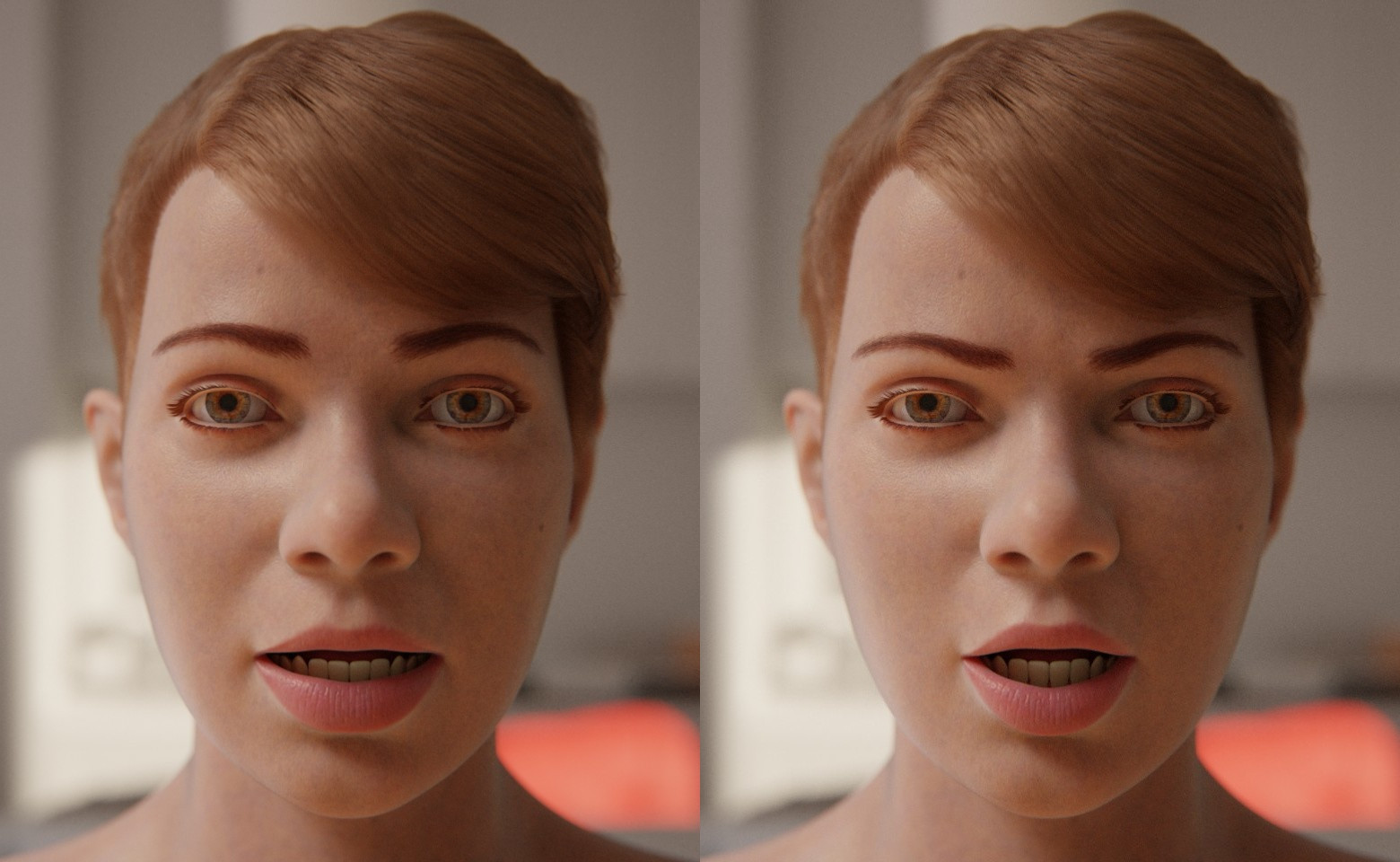
"Did you all just look at my butt? How rude!"
Since there was a question about the hair, I thought I'd post a couple of renders that show it off better. I made her hair, as well as the brows, lashes and pubes (not shown) as what some people call fiber meshes. I think in Blender they are just called curve objects?
The basics are quite similar to what one would do in Poser. Create a mesh object (such as a skull cap) to grow the hair on and make it follow the deformations of the main mesh (as demonstrated here with the brows). Start with a small number of guide hairs to style, then generate the rest of the hairs based on those. In Blender, like most things, this is done using the modifier stack or, if one needs even more control, with geometry nodes. I found that multiple levels of hair generation and clumping, frizzing etc work best for a realistic look. I also looked up common values for the density and radius of human hair, which helps a lot. But I'm far from being an expert on hair. I'm going with this style for now because it's the first one that I think came out nice, but at some point I'd like to try my hand on more elaborate coiffure.
-- I'm not mad at you, just Westphalian.
Content Advisory! This message contains nudity
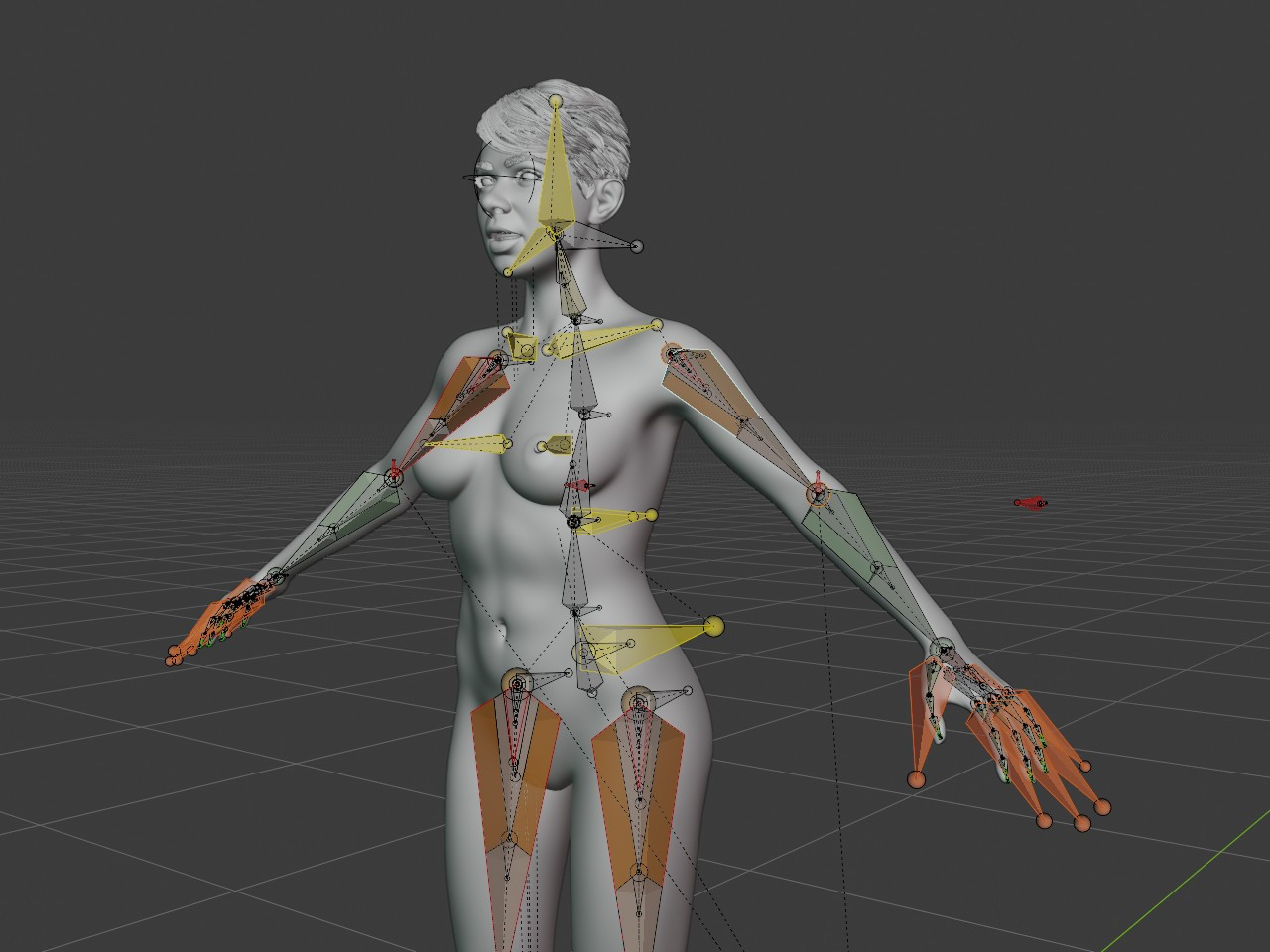
Rigging in Blender is terrifying. One can get a lot more control than in Poser and do really cool and useful things with a rig, but that requires secondary and tertiary bones that don't directly deform the mesh, but instead control other bones. I've watched some videos on this, but then decided to mostly go with Rigify, which comes with Blender and generates the full rig based on a template that one adds into the scene and then adjusts to the joint positions of the actual figure.
Of course for actual posing, one does not interact with the full rig, but with a nice interface that looks something like this:
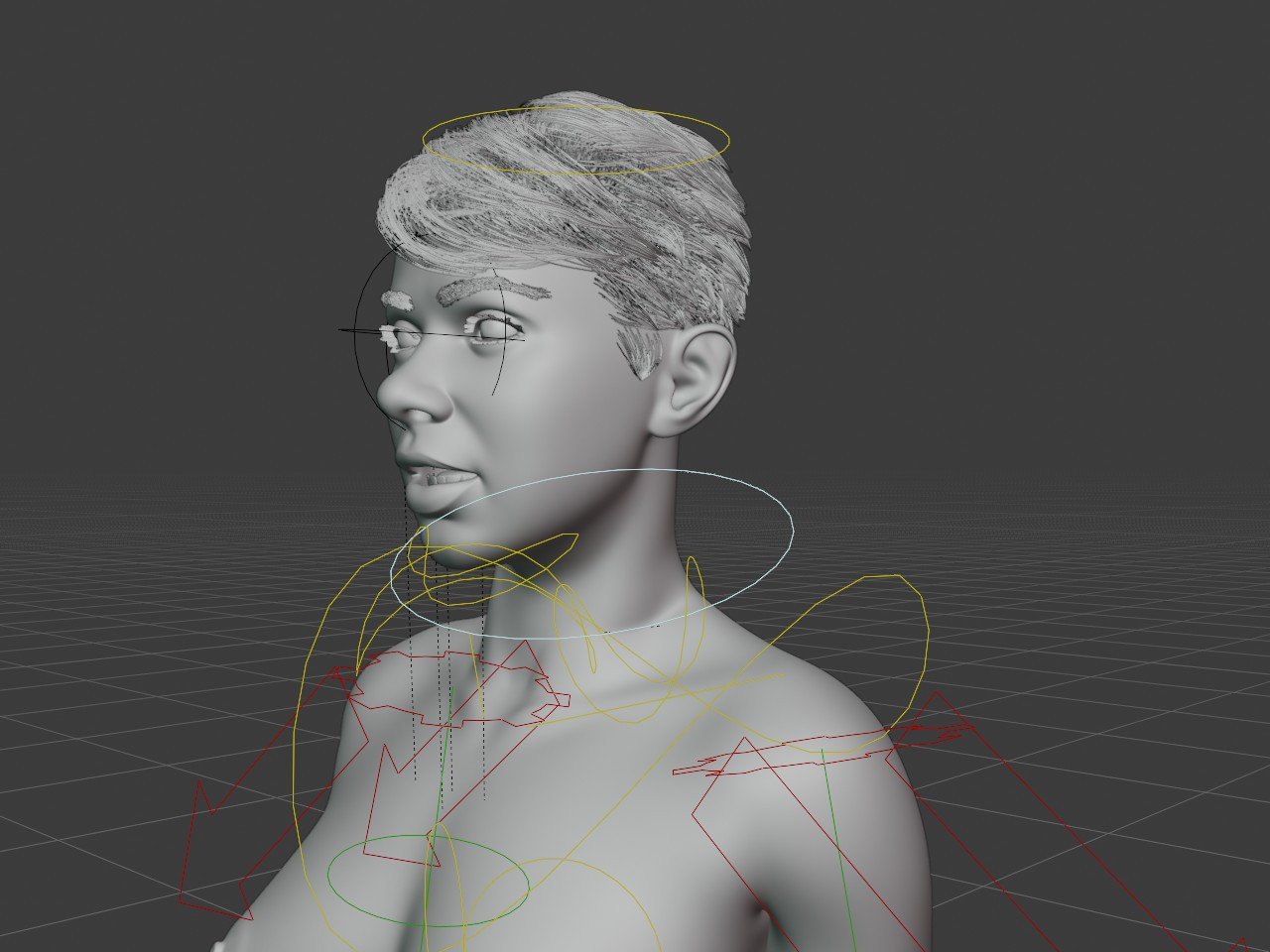
-- I'm not mad at you, just Westphalian.
Obviously, the workflow for fine-tuning the bend shapes is orders of magnitudes more pleasant than having to jump back and forth between Poser and a modeling software or wrestling with Poser's built in editing tools. I can quickly switch between weight painting, adjusting the base mesh and editing shape keys attached to a joint (JCMs in Poser) and also between posed and unposed, which gives me so much more control and immediate feedback.
-- I'm not mad at you, just Westphalian.
Can you make structural changes to the mesh, after the joint-weighting and shape key morphing have been started, without losing those joints and morphs? Does Blender adapt to and accept such changes, or does it just drop them and make you start over? I think the last time I did rigging in Blender was 2008, and the version I was using was already a couple of years old at that point. So I'm way behind, but interested.
===========================sigline======================================================
Cage can be an opinionated jerk who posts without thinking. He apologizes for this. He's honestly not trying to be a turkeyhead.
Cage had some freebies, compatible with Poser 11 and below. His Python scripts were saved at archive.org, along with the rest of the Morphography site, where they were hosted.
In general, Blender is pretty good at keeping things like weights, UVs and shape keys alive and well when the mesh topology is changed, but of course there must be limits. My facial shape keys survived mesh surgery on the body, but I haven't tried to have the mesh change and the shape key affect the same area. I have more experience with UVs, which happily adapt to the new mesh as long as the seams aren't affected.
-- I'm not mad at you, just Westphalian.
Content Advisory! This message contains nudity
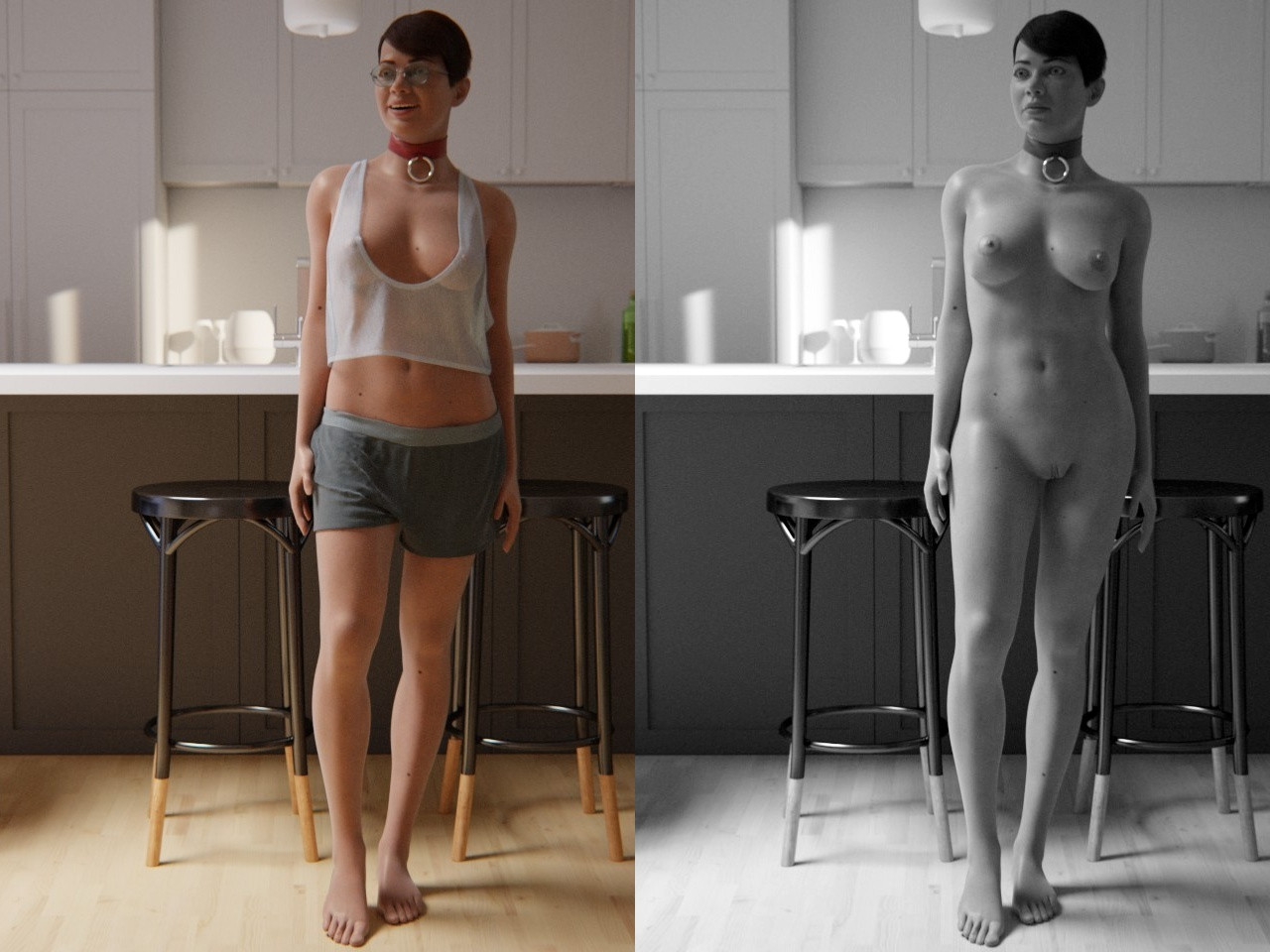
In the interest of keeping this forum lively, here's my latest Toni render, or pair of renders, rather. She's borrowing clothes I made for LF2 some time ago and glasses by Afrodite-Ohki, also originally for LF2.
-- I'm not mad at you, just Westphalian.

Privacy Notice
This site uses cookies to deliver the best experience. Our own cookies make user accounts and other features possible. Third-party cookies are used to display relevant ads and to analyze how Renderosity is used. By using our site, you acknowledge that you have read and understood our Terms of Service, including our Cookie Policy and our Privacy Policy.
Hard to tell, but it does look a little better. Have you tried applying ambient occlusion yet to the skin texture?