
Renderosity Forums / Poser 13
Welcome to the Poser 13 Forum
Forum Moderators: nerd, RedPhantom
(Last Updated: 2026 Aug 09 1:22 pm)

Subject: How to use Genesis 9 character in P13

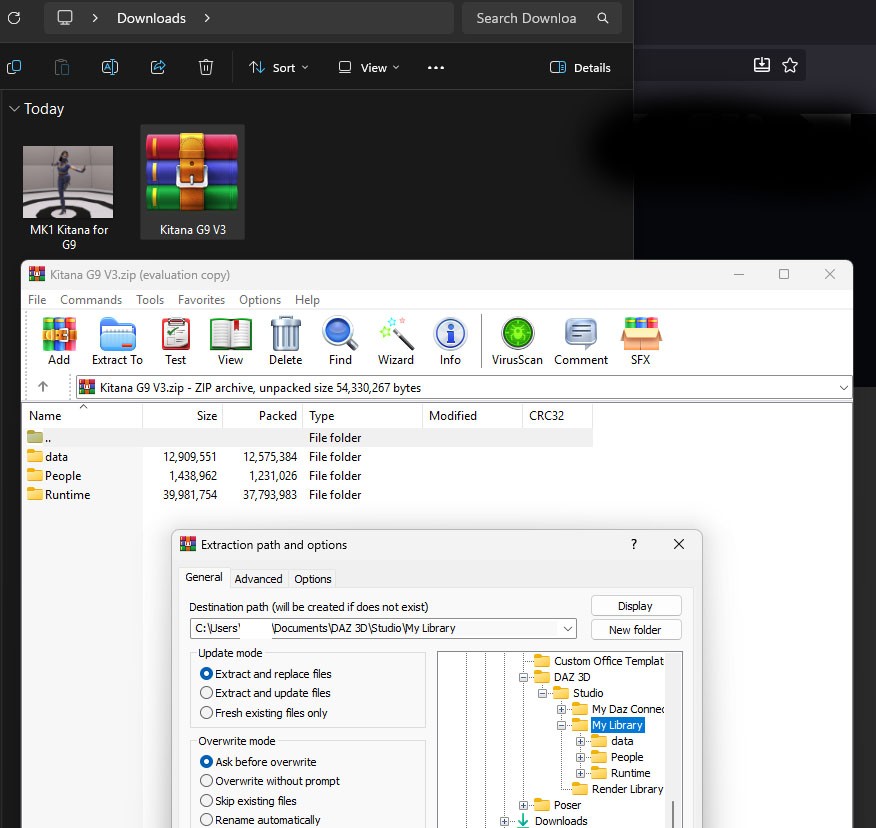
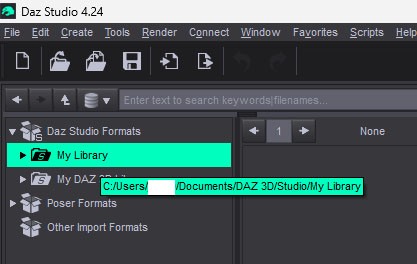
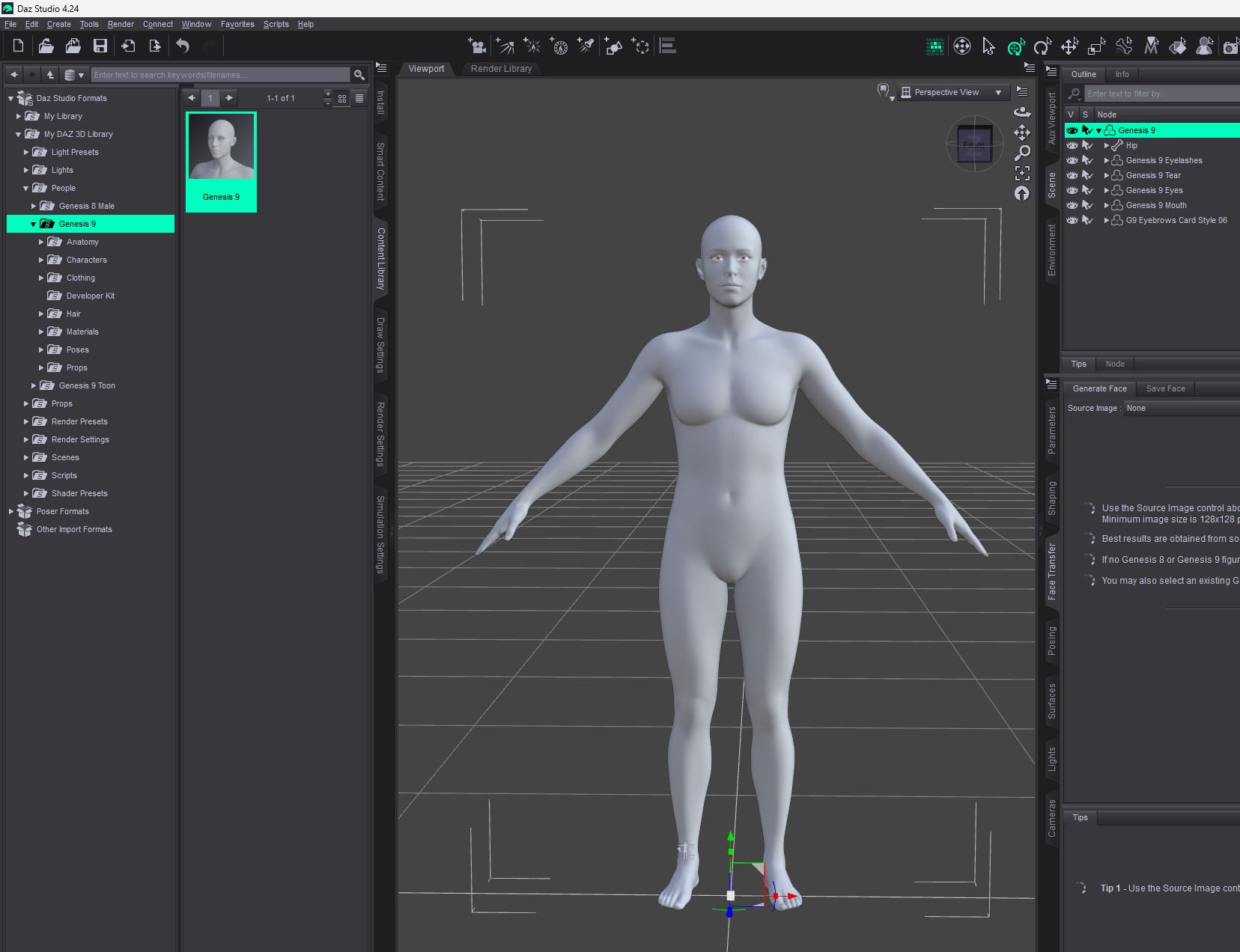
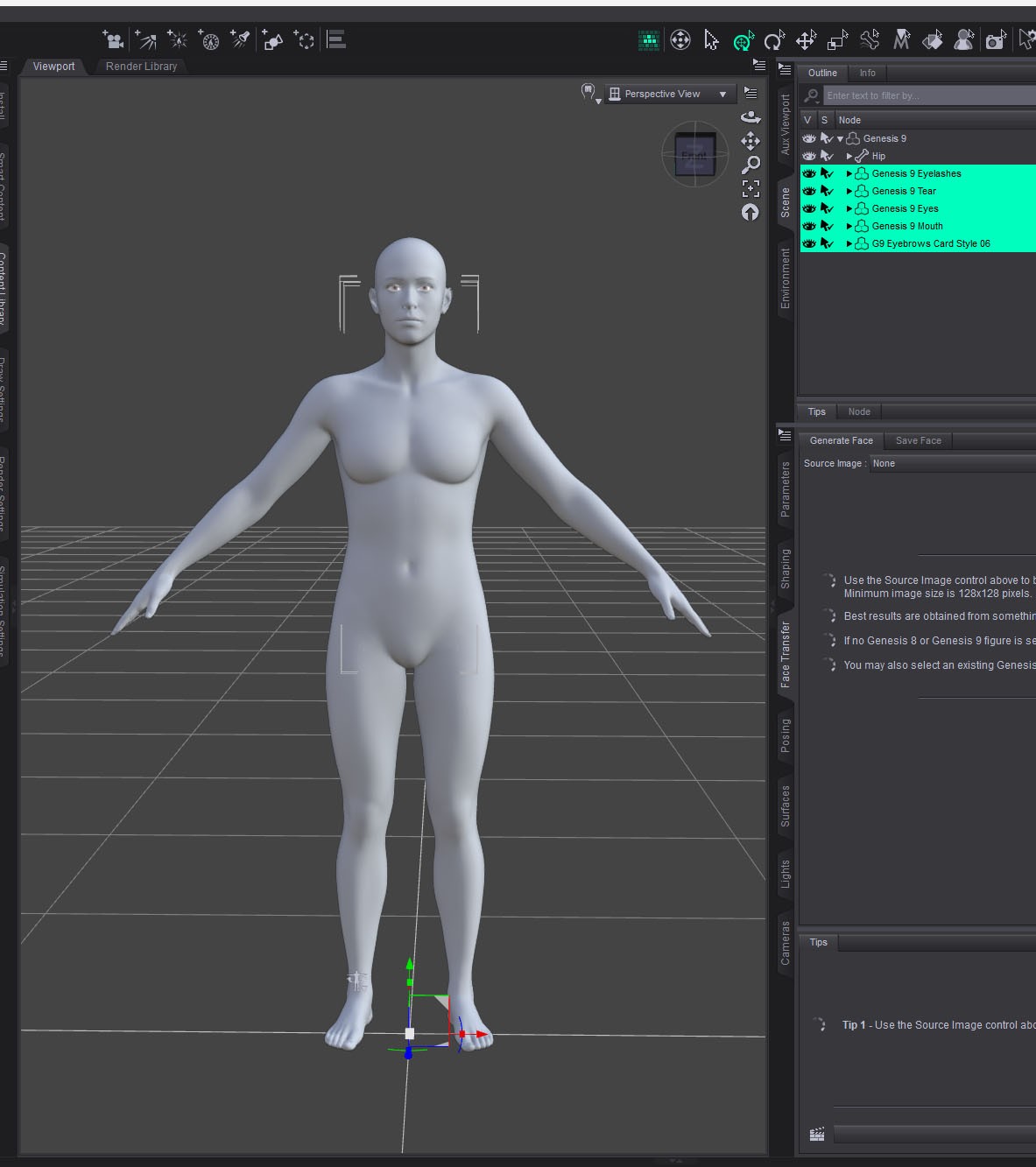
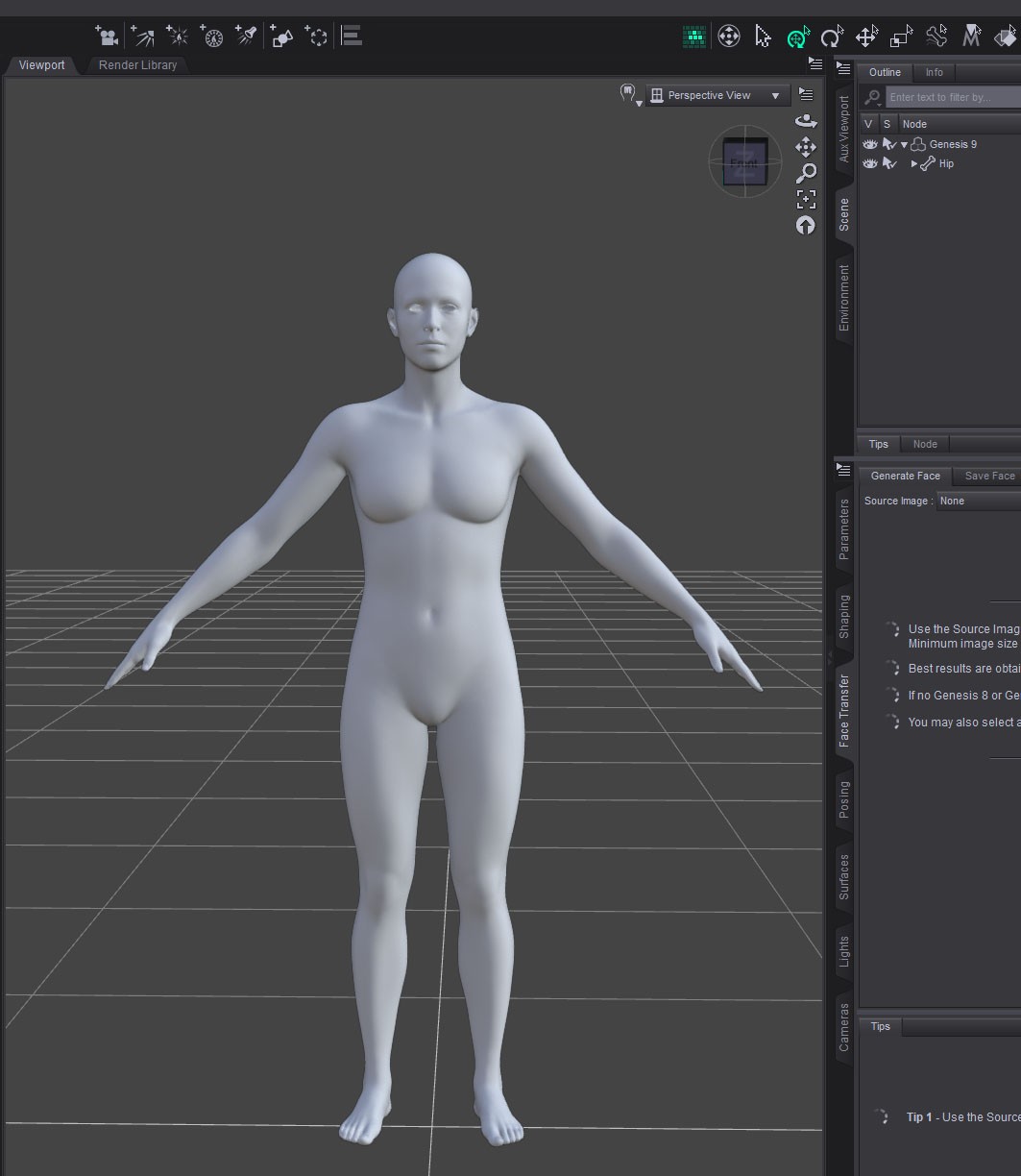
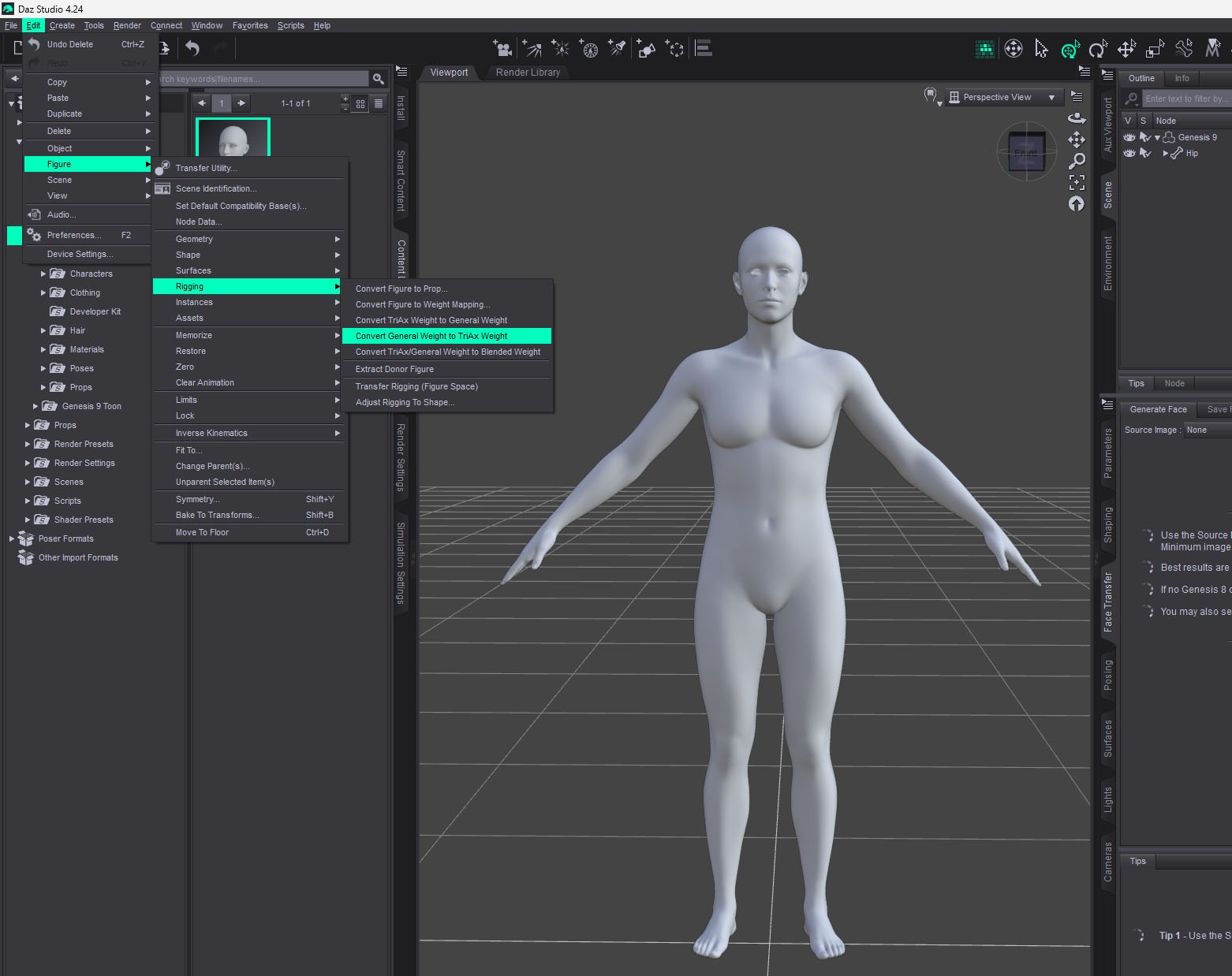
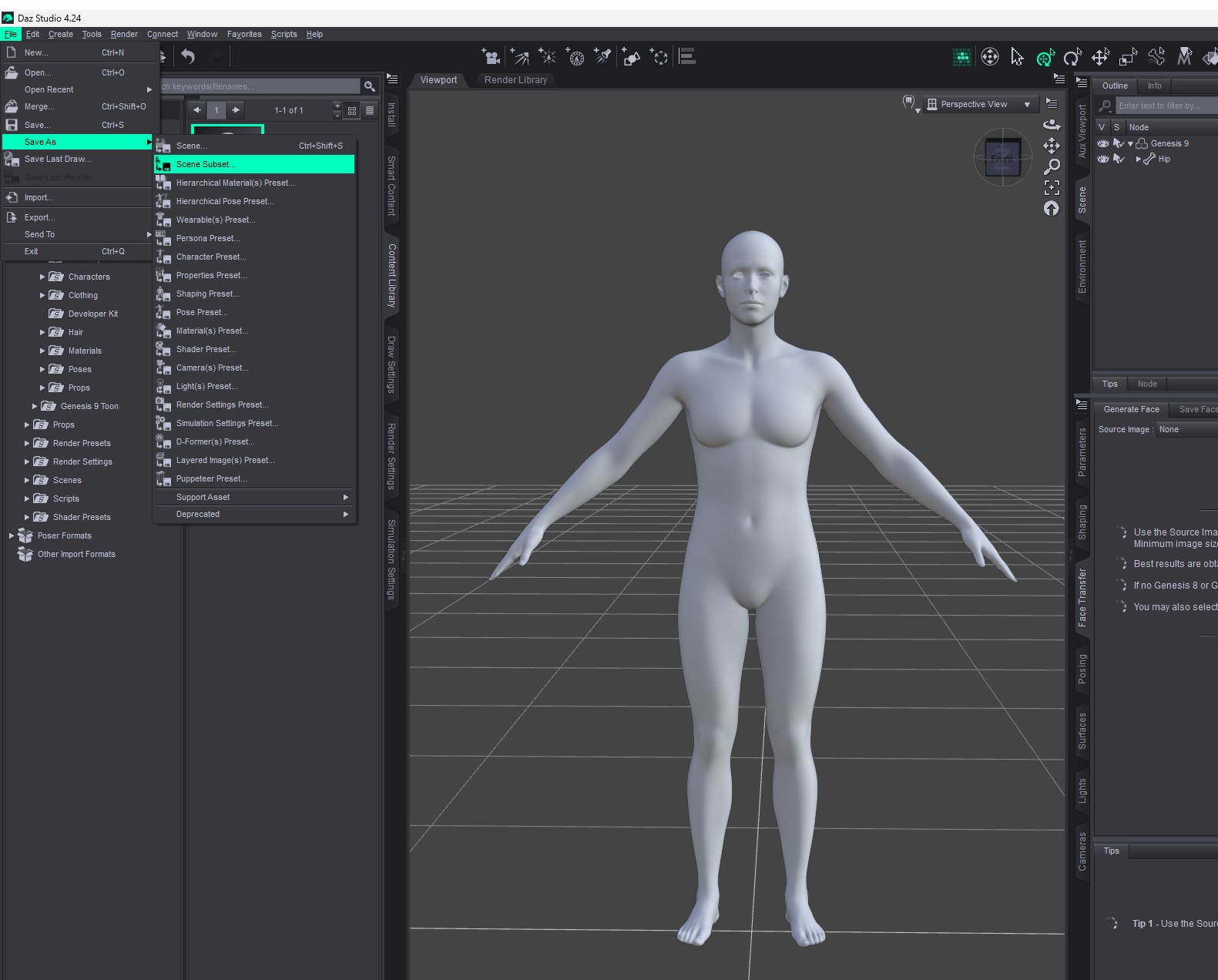
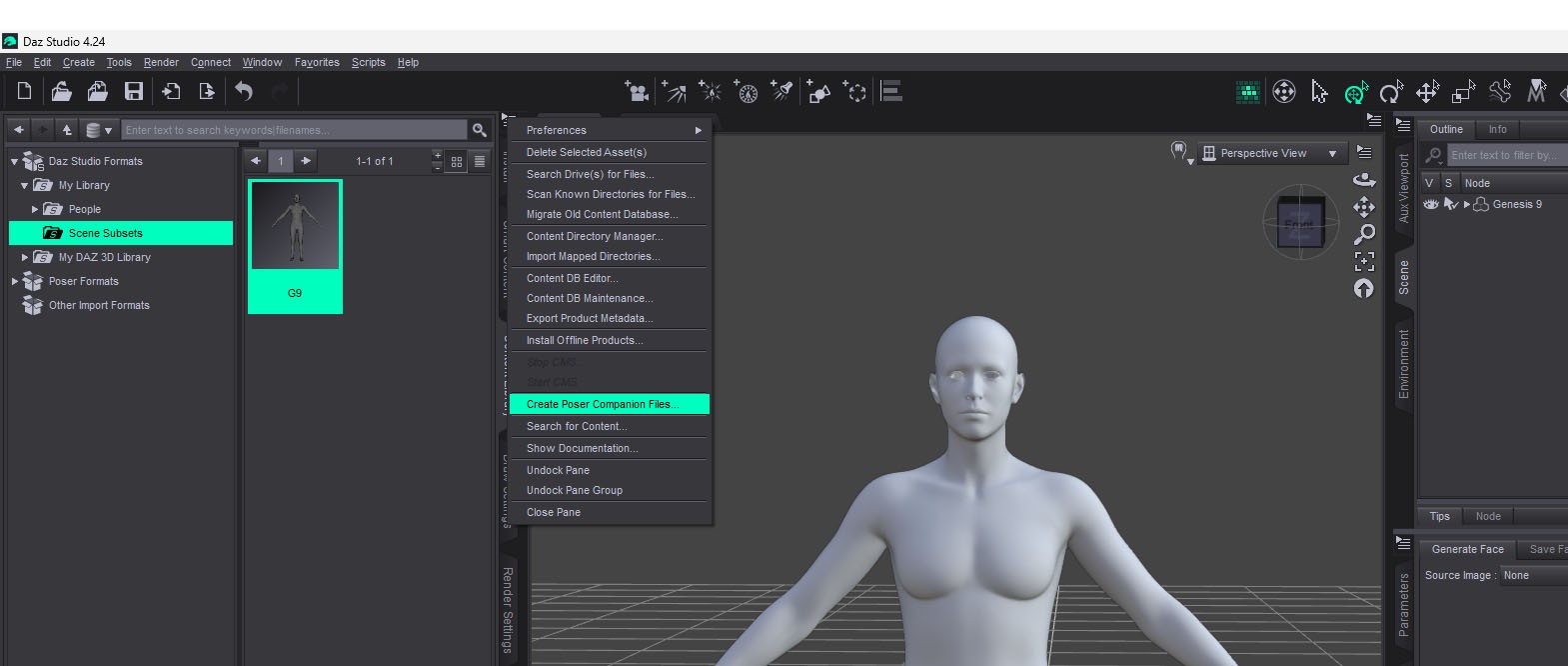
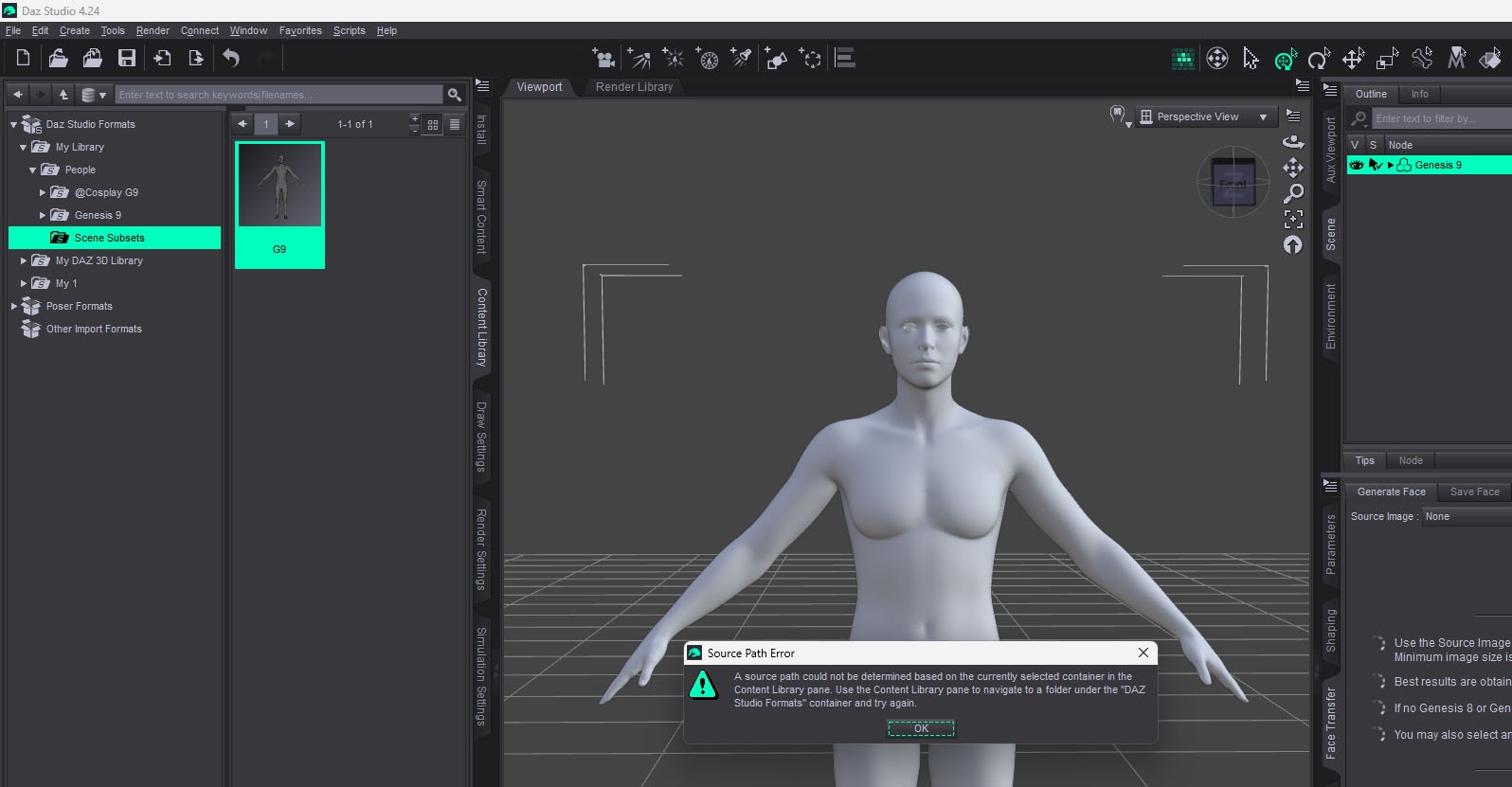
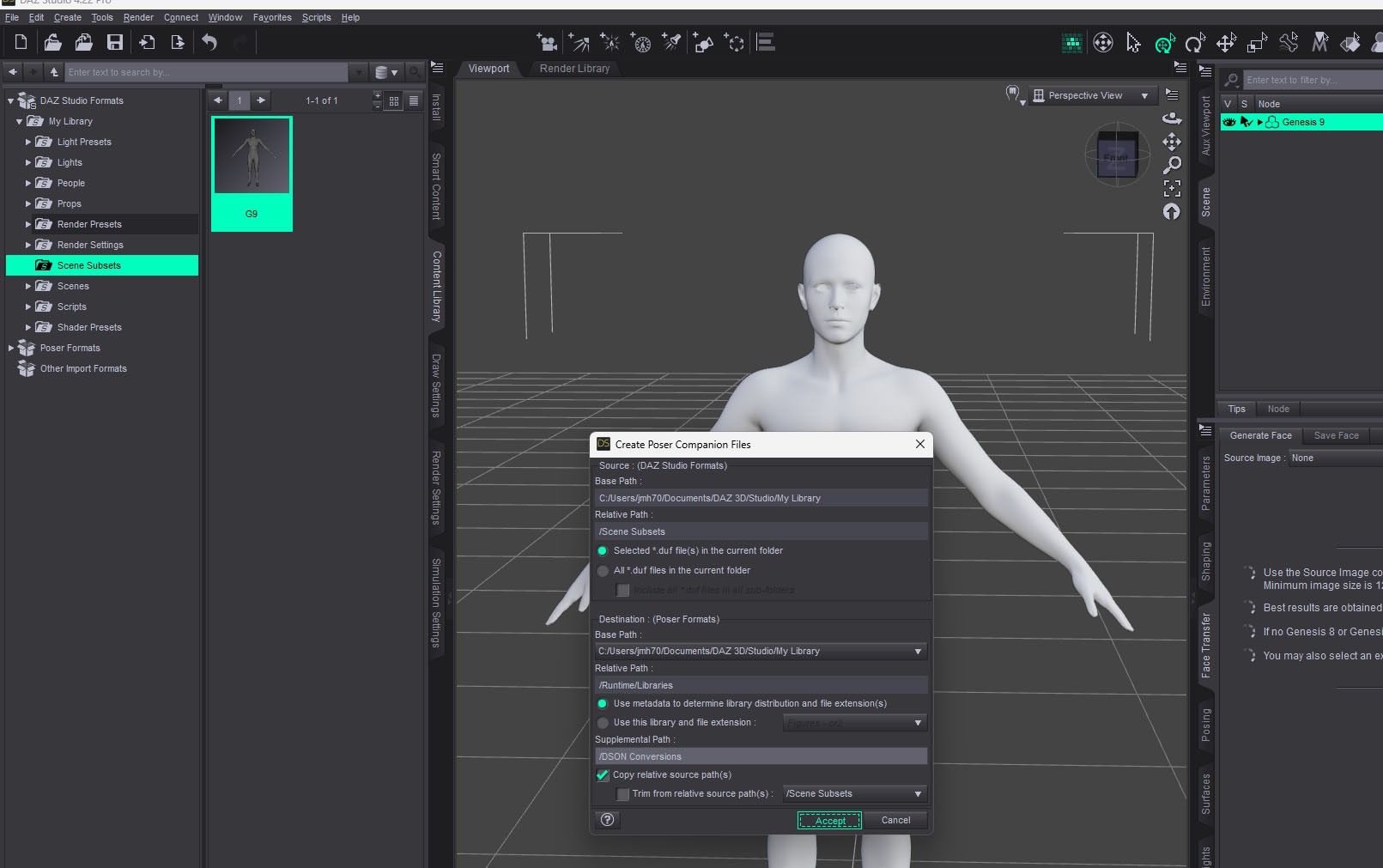
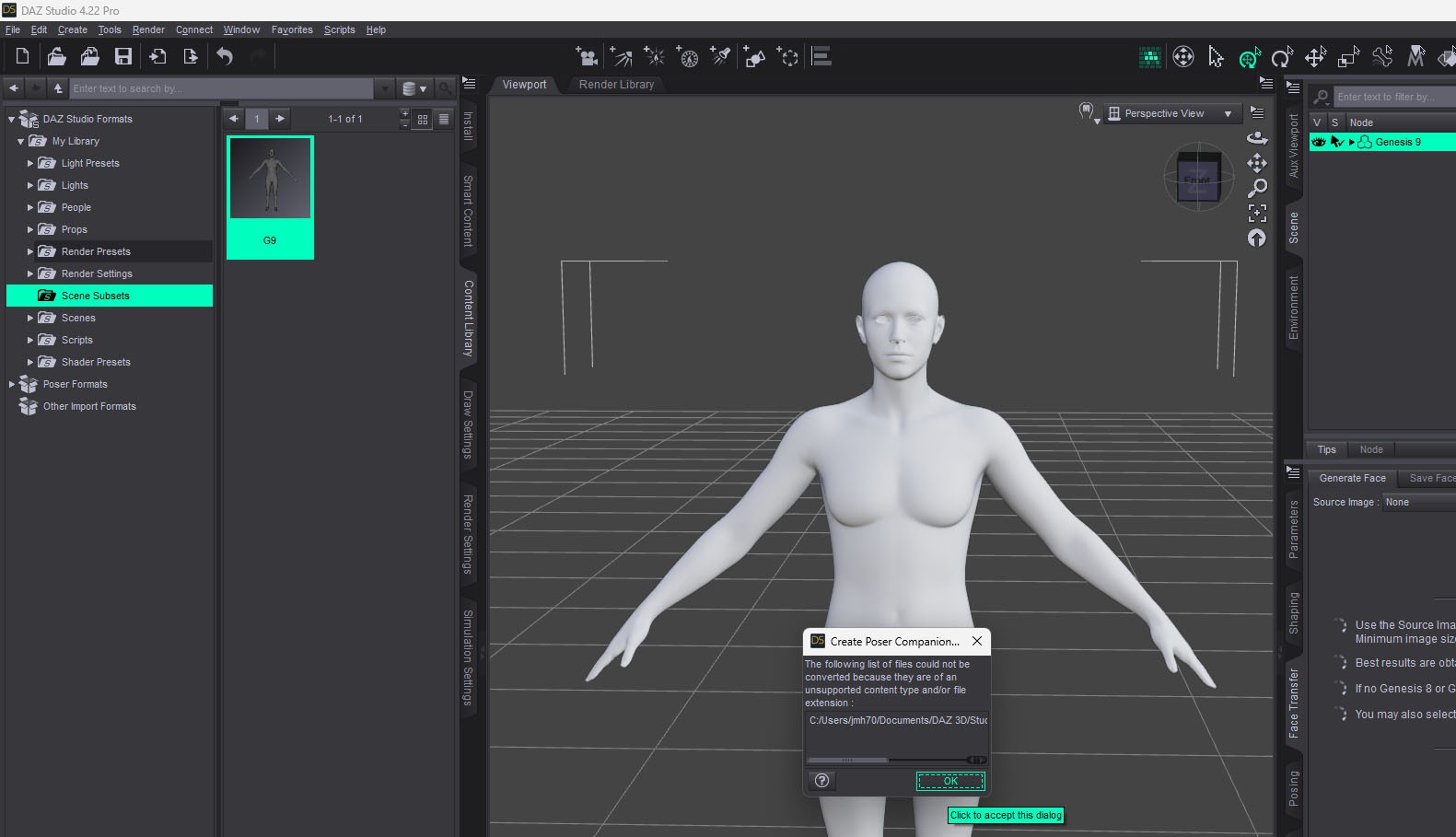
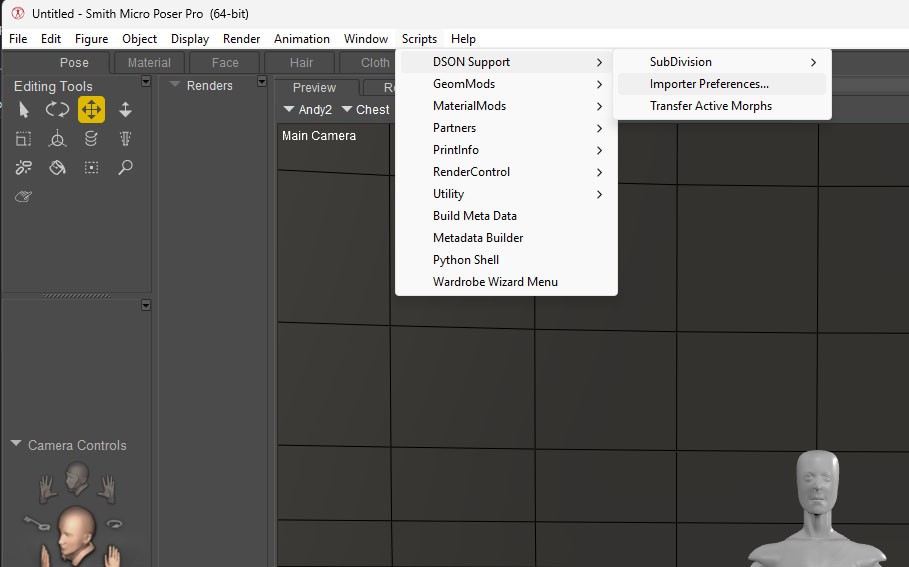
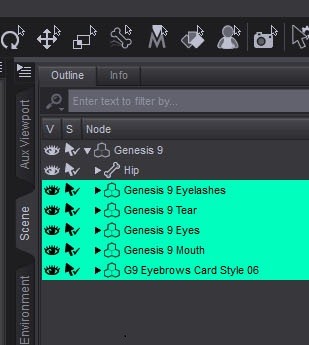
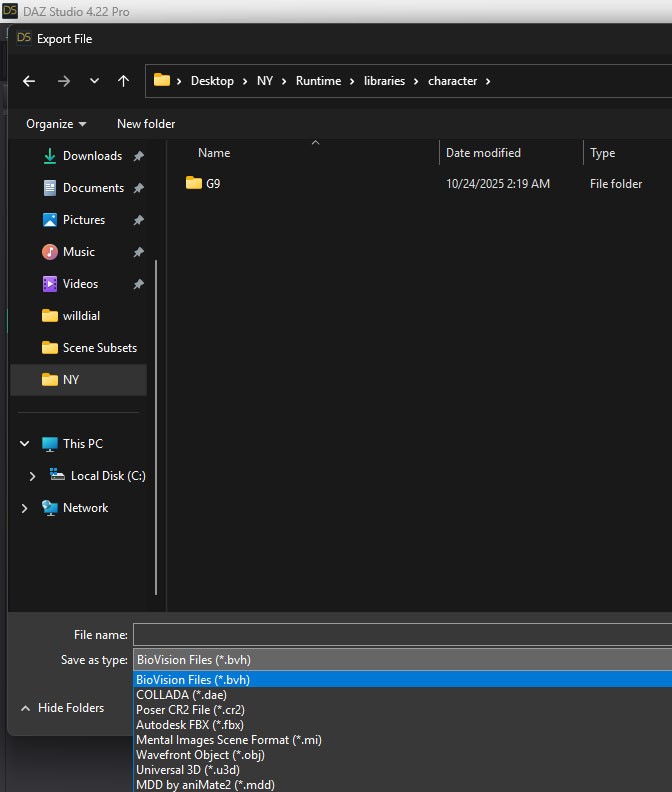
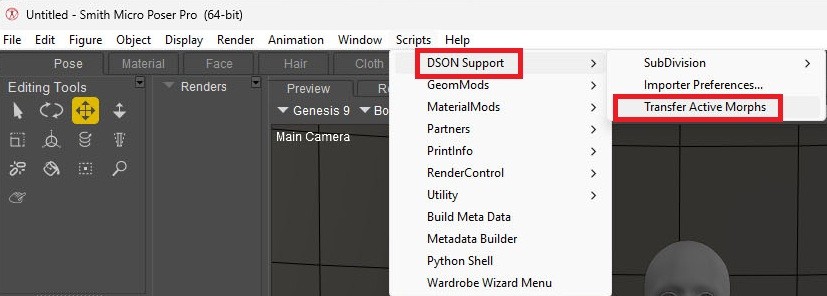
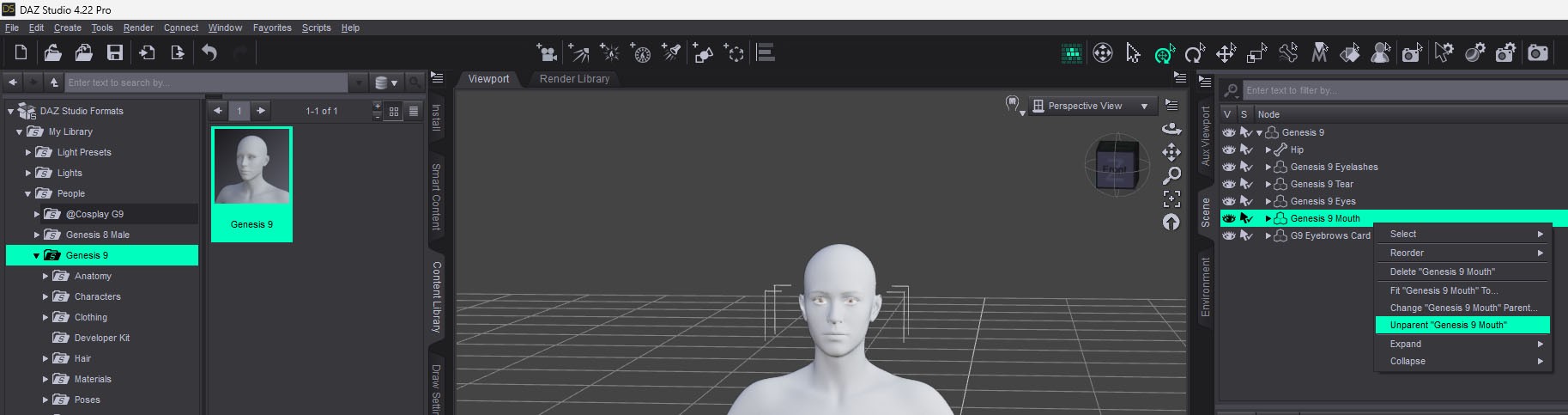
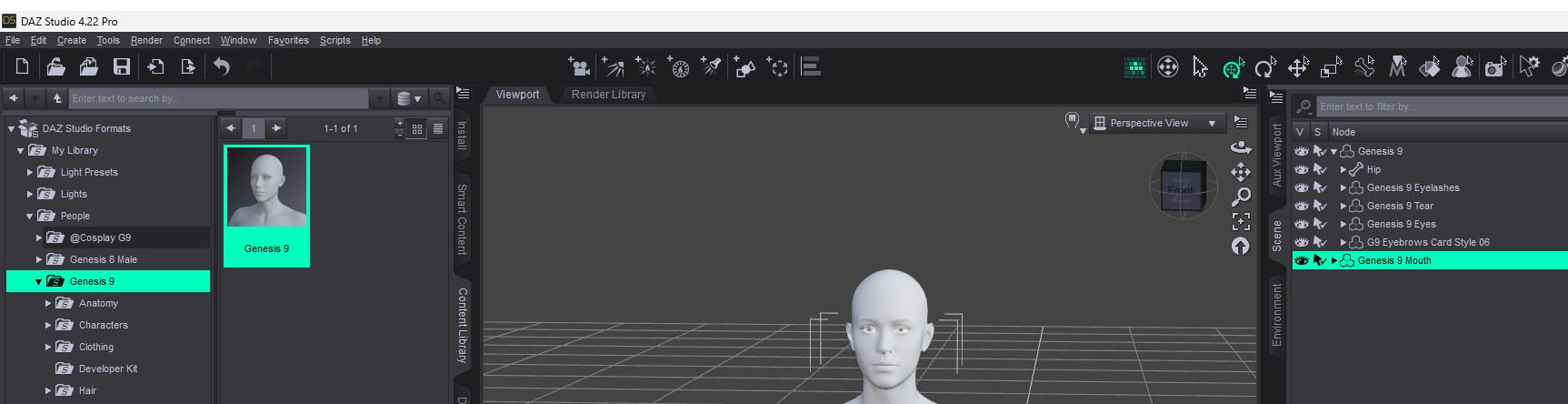
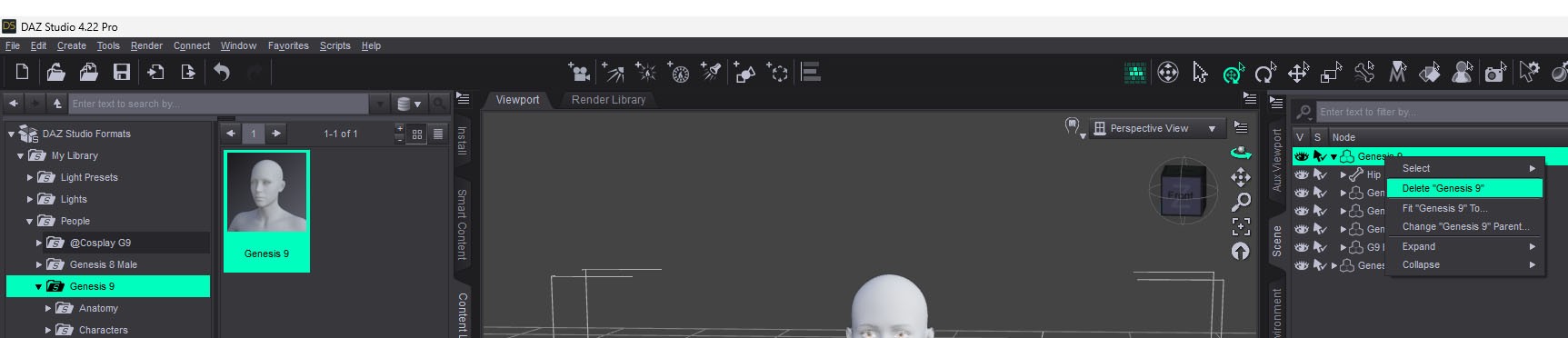
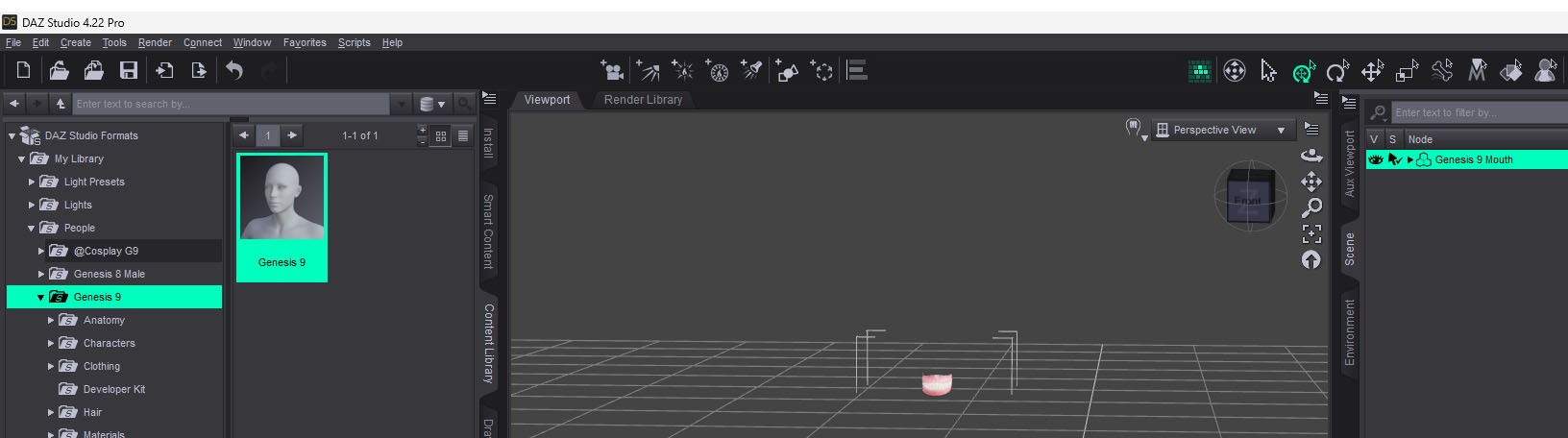
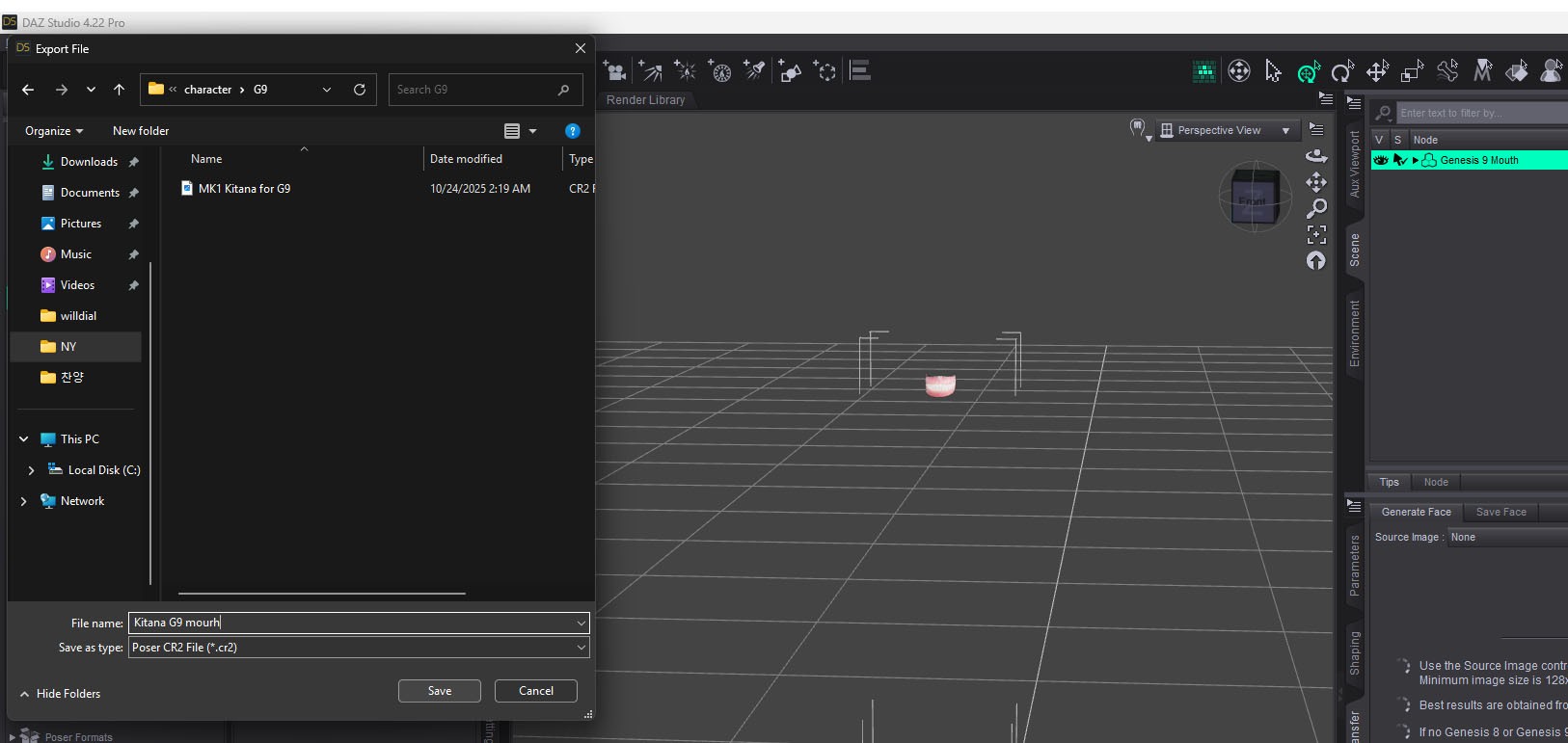
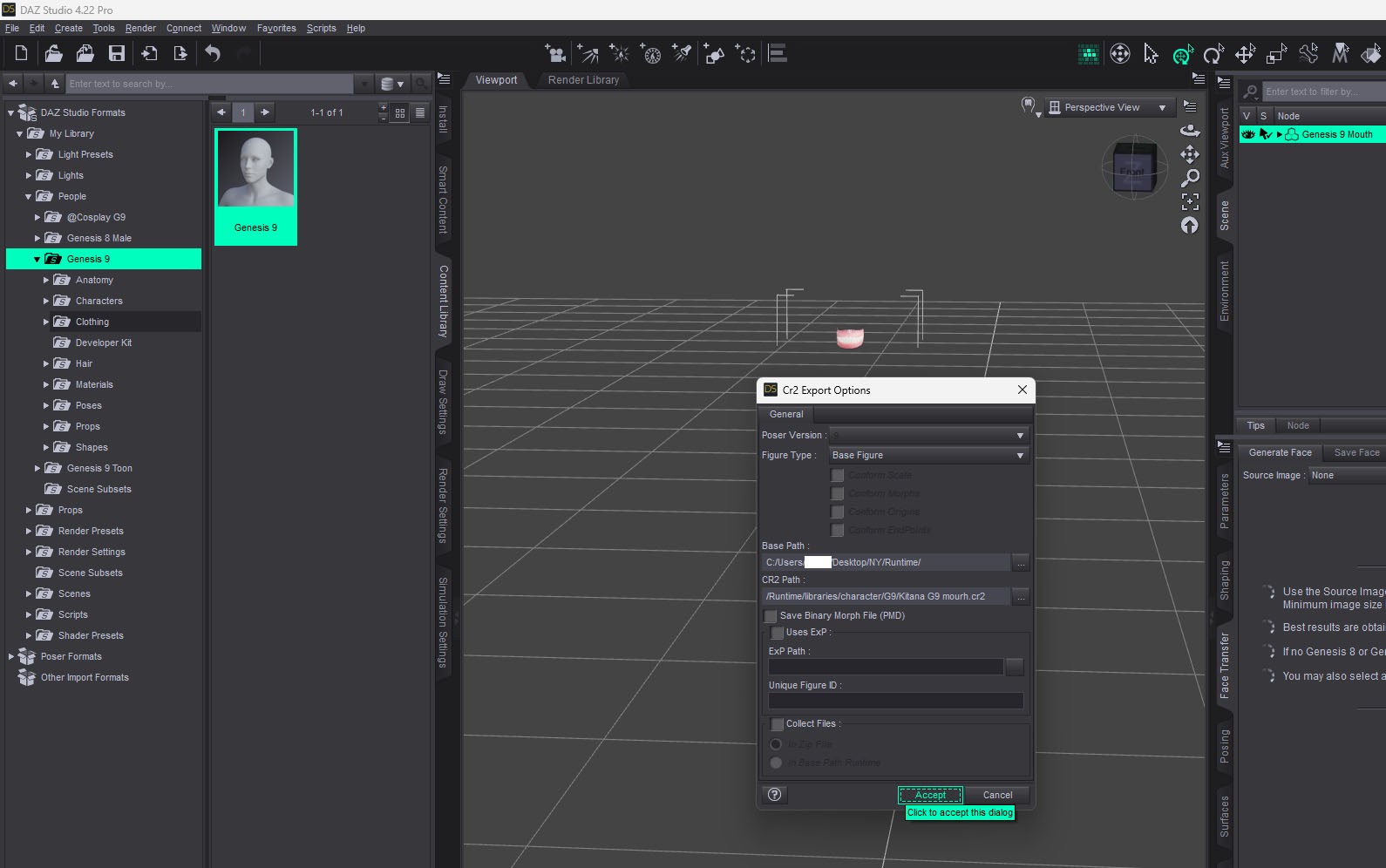
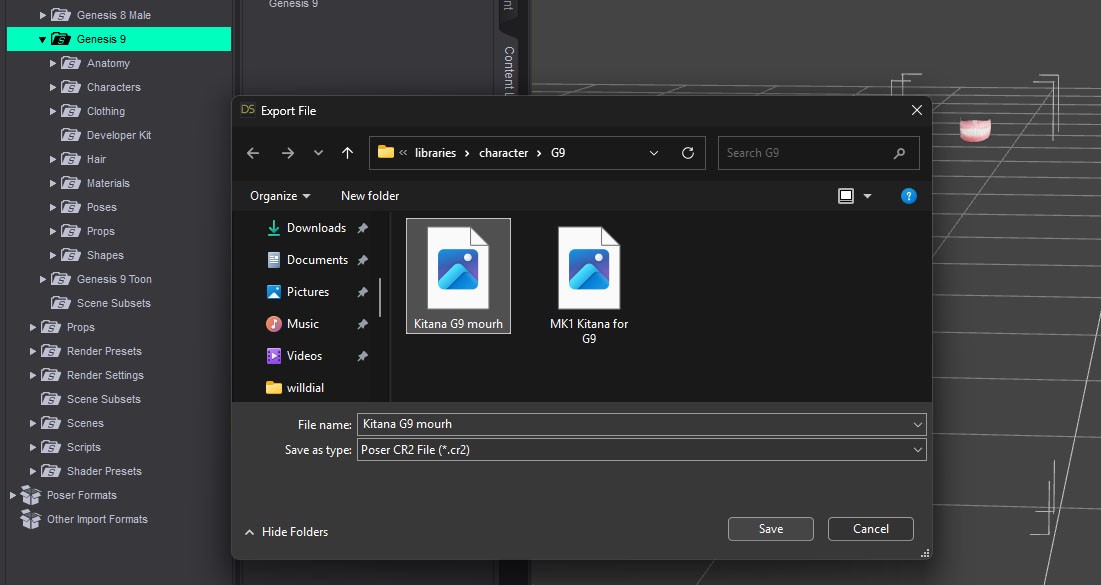
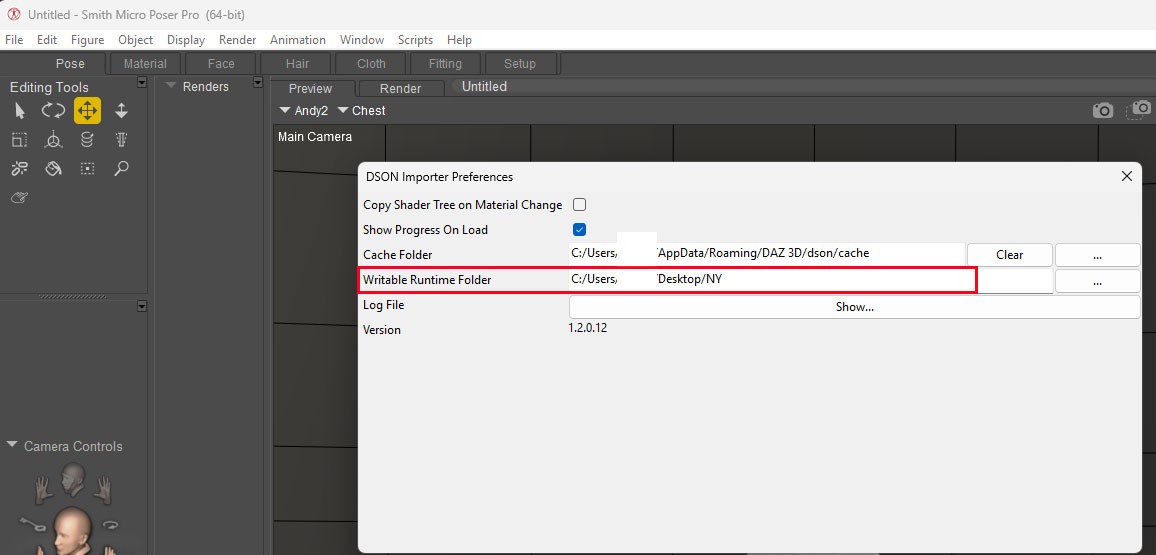 DSON will make files about G9 in that place.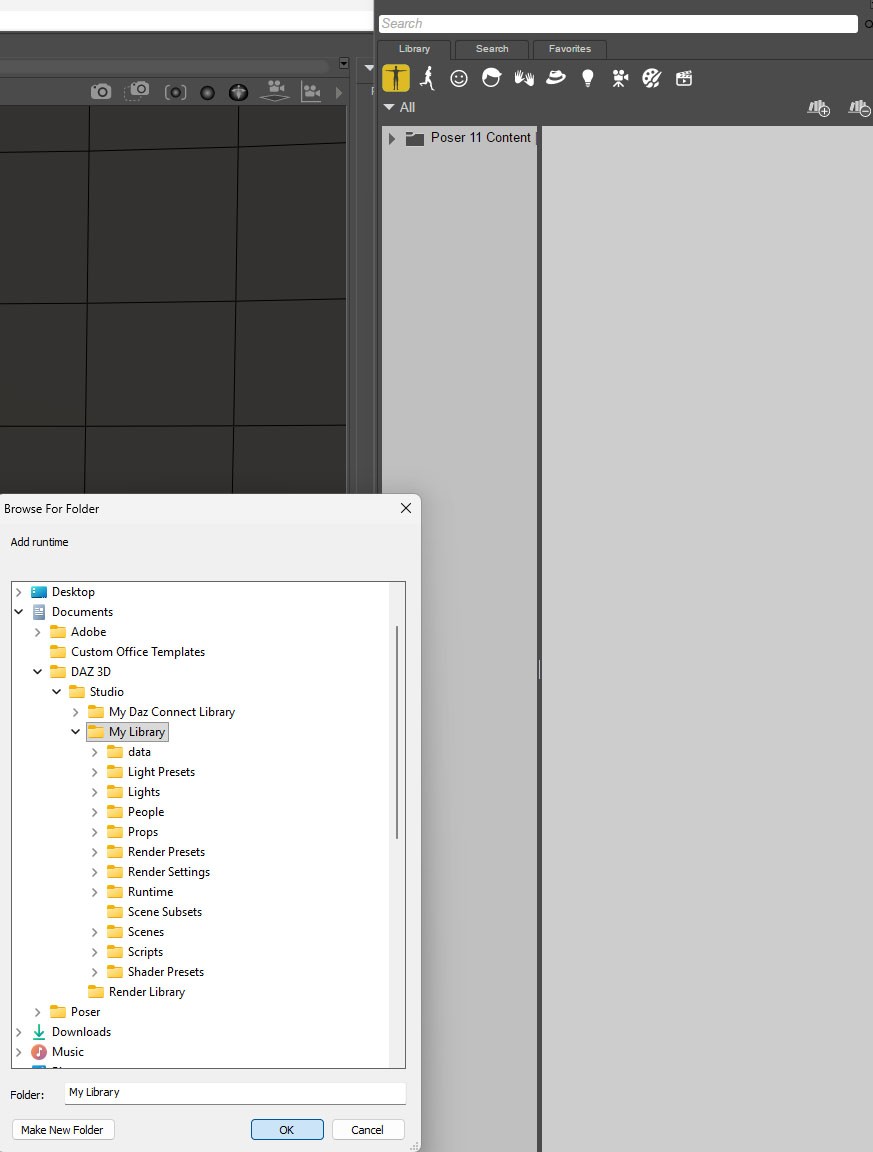
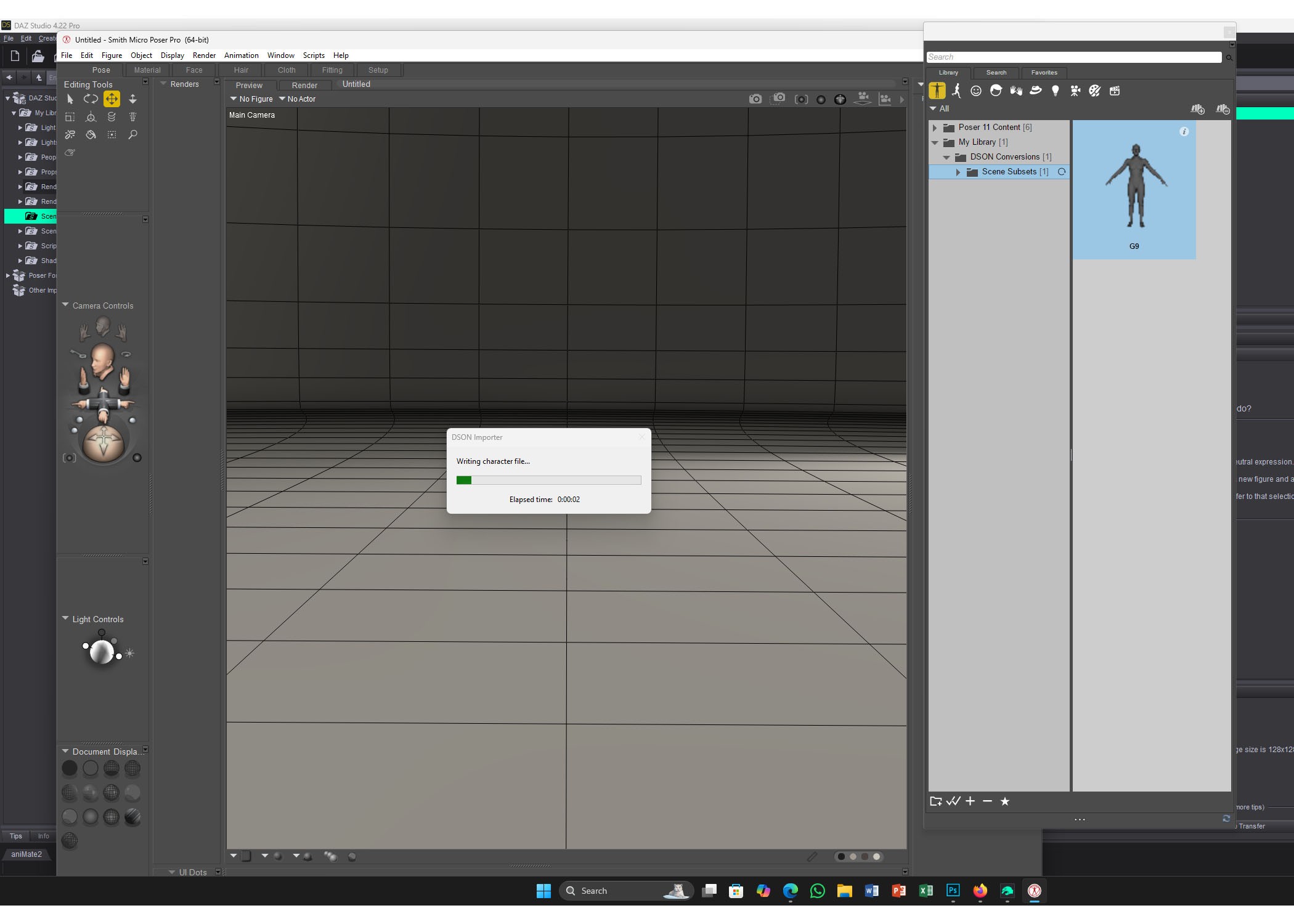
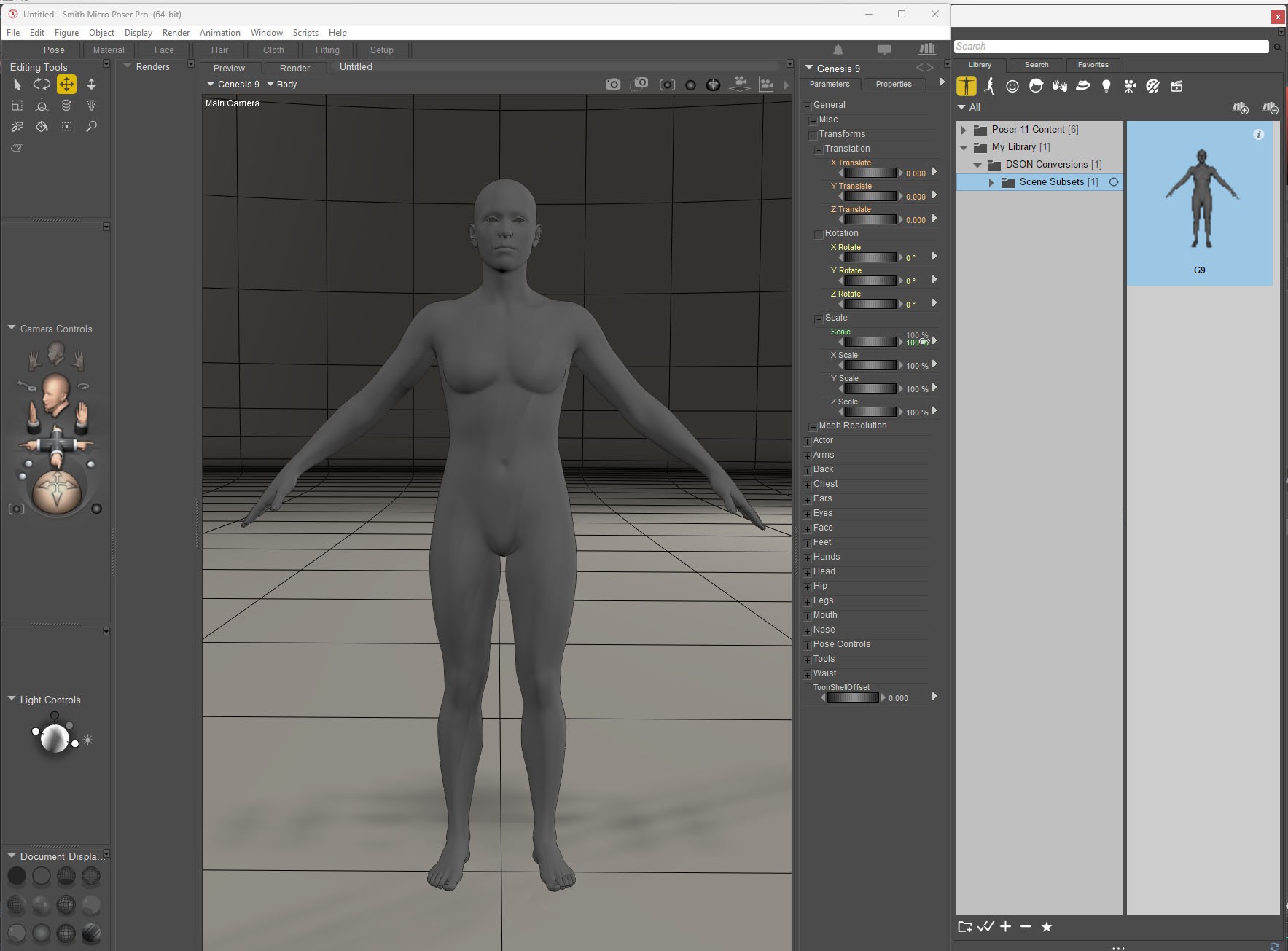
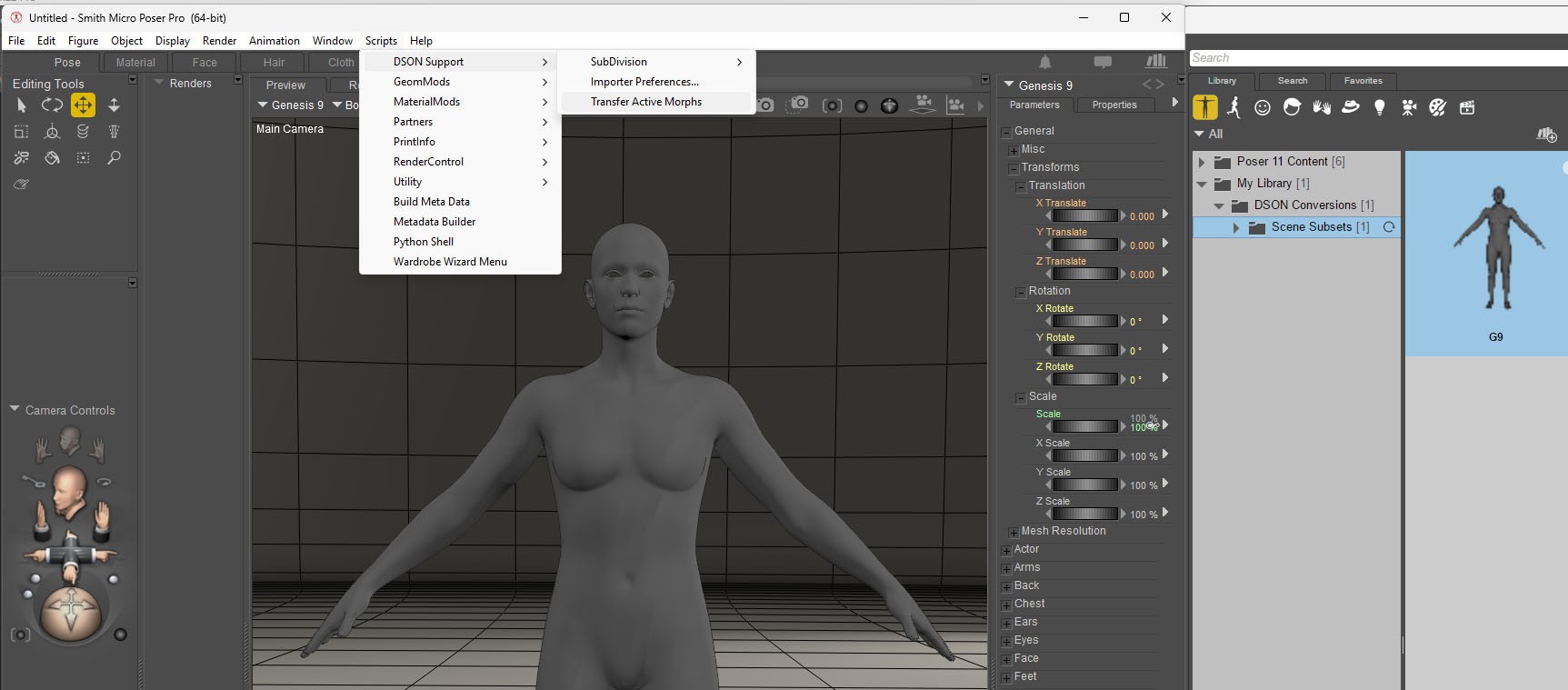
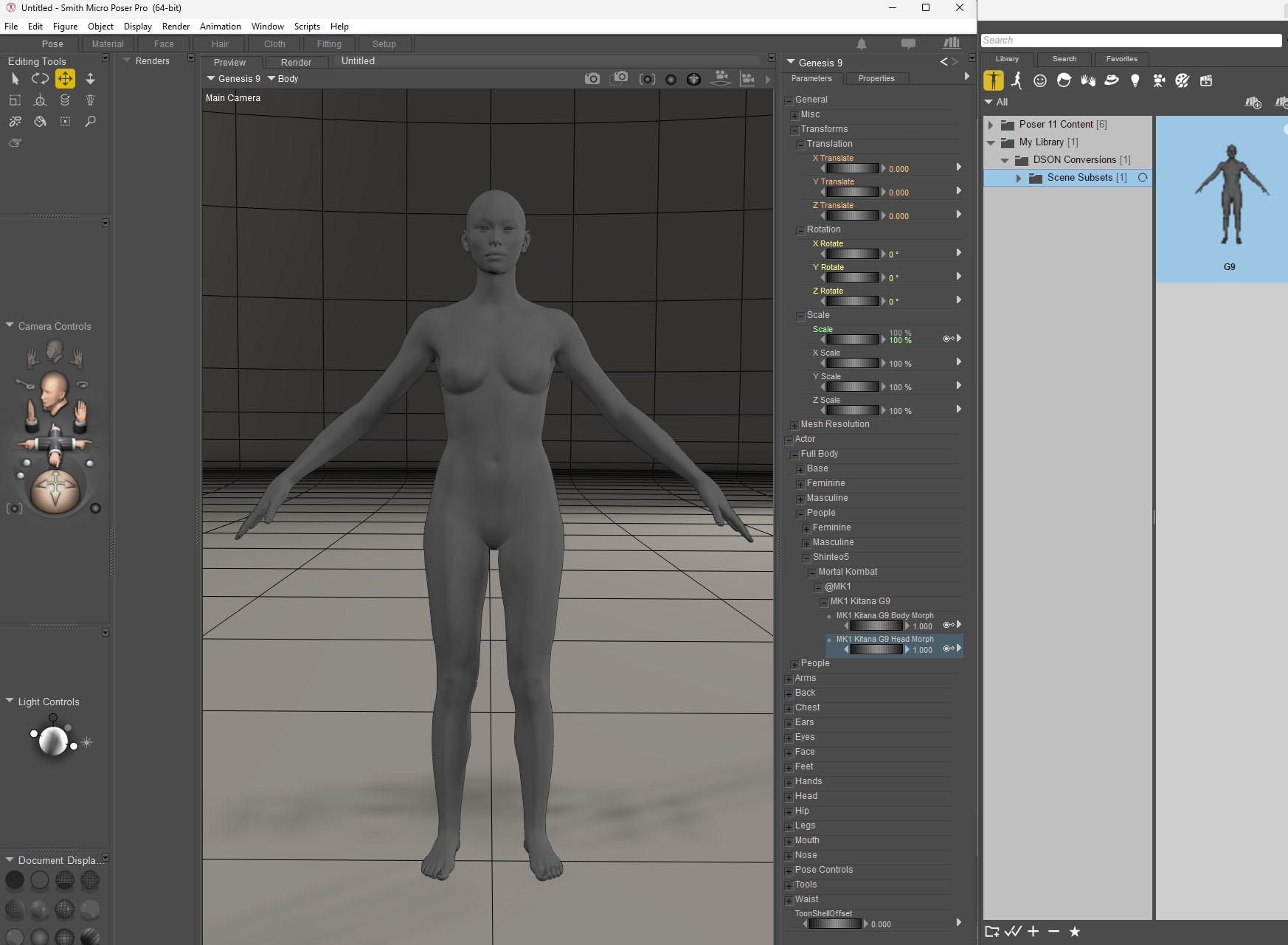
For use in P12/13, you need to save the G9 in poser folder.
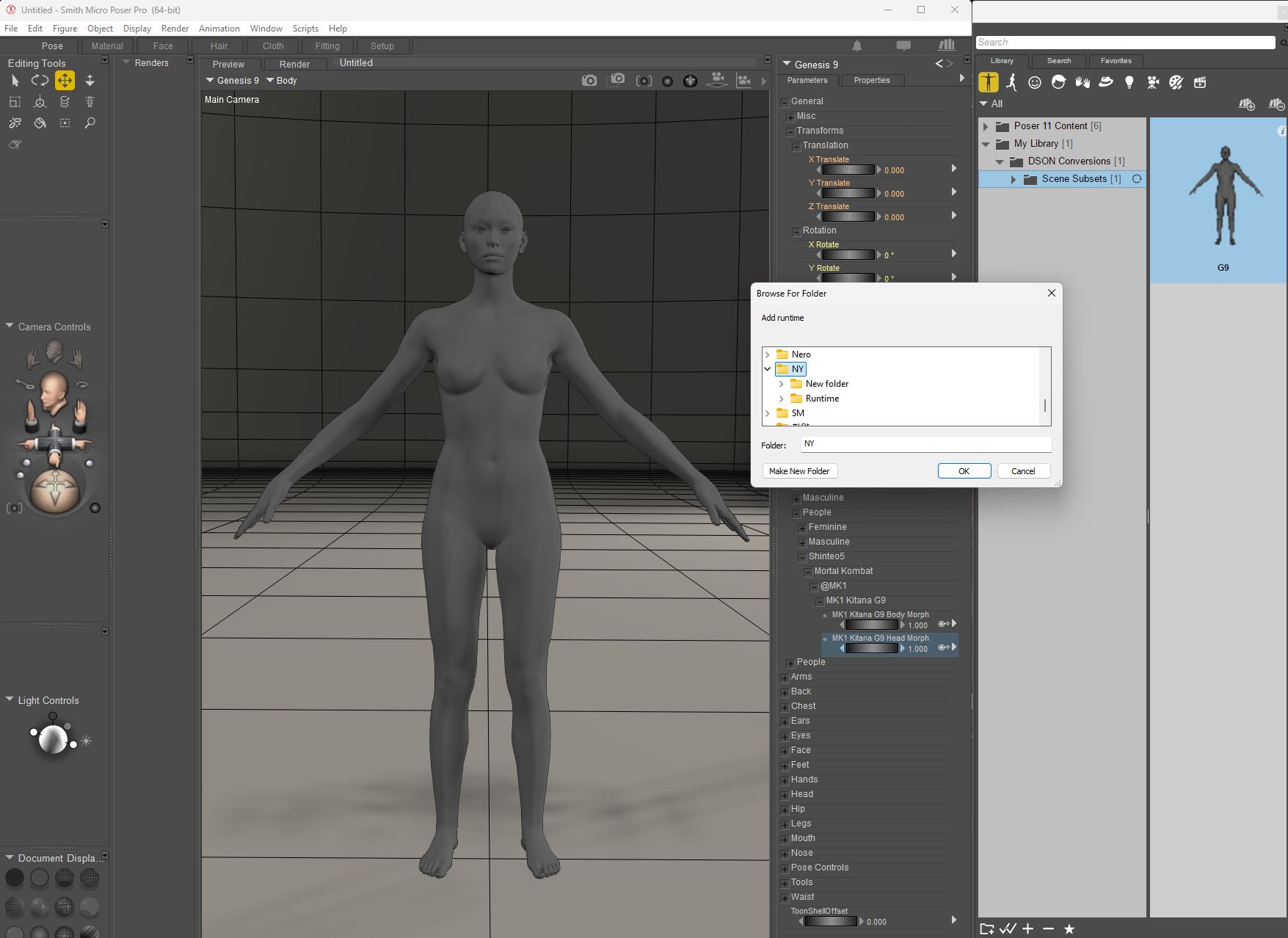
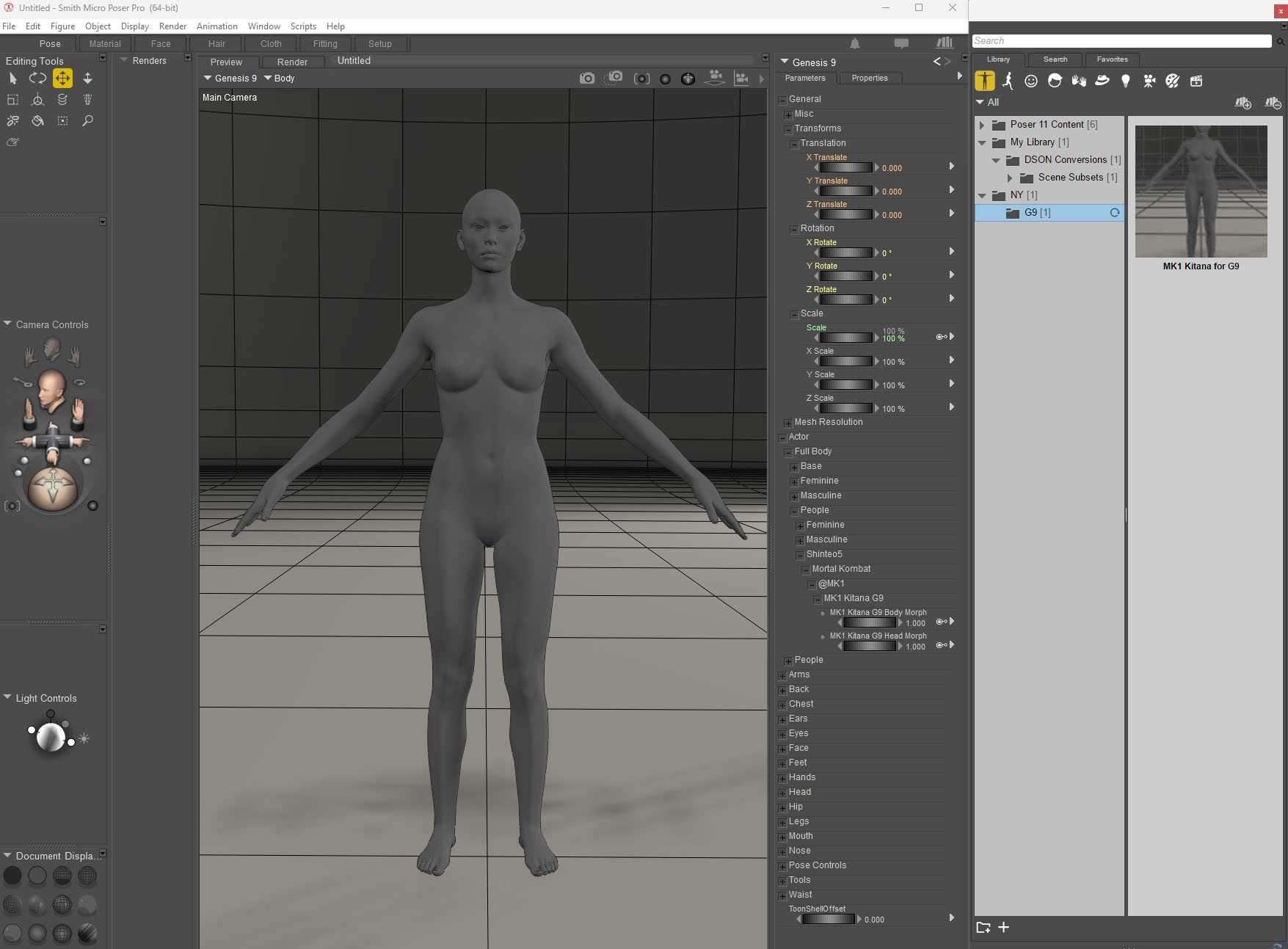
* Ref: https://www.renderosity.com/forums/comments/4405076/permalink
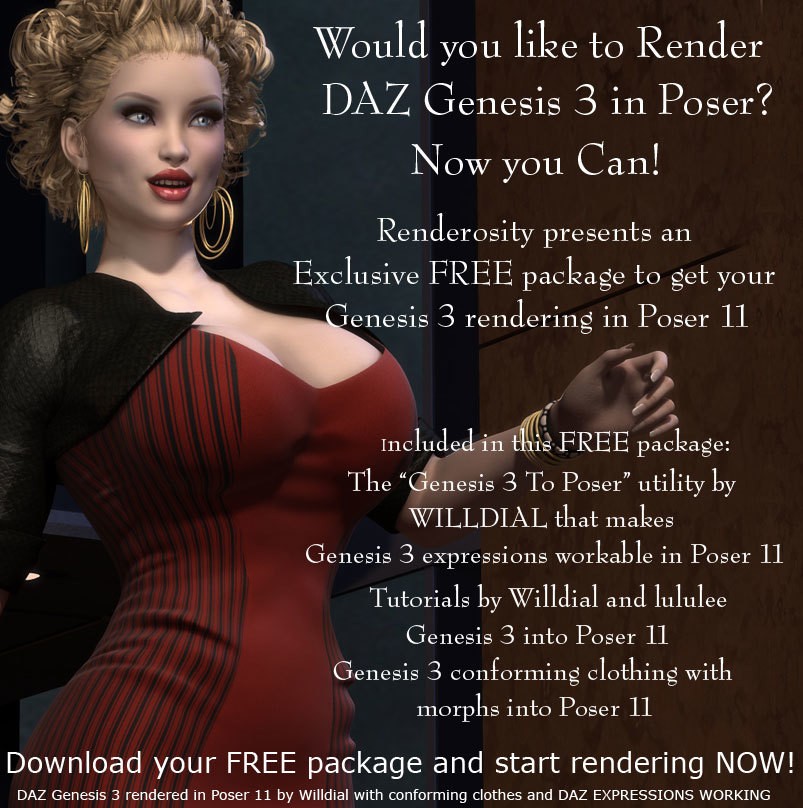
" Meanwhile, anything Genesis to be loaded into Poser 12 needs to be modified in P11 first and then resaved into the Library. That means material collections, poses, hair, and clothing. Otherwise, the files will call upon DSON and we know that the program is not reliable in P12."
https://www.renderosity.com/forums/comments/4405122/permalink
"Load the figure into the scene. You should not see any call for the DSON script and if everything goes correctly, you should see a fully textured G8 figure appear in the scene."

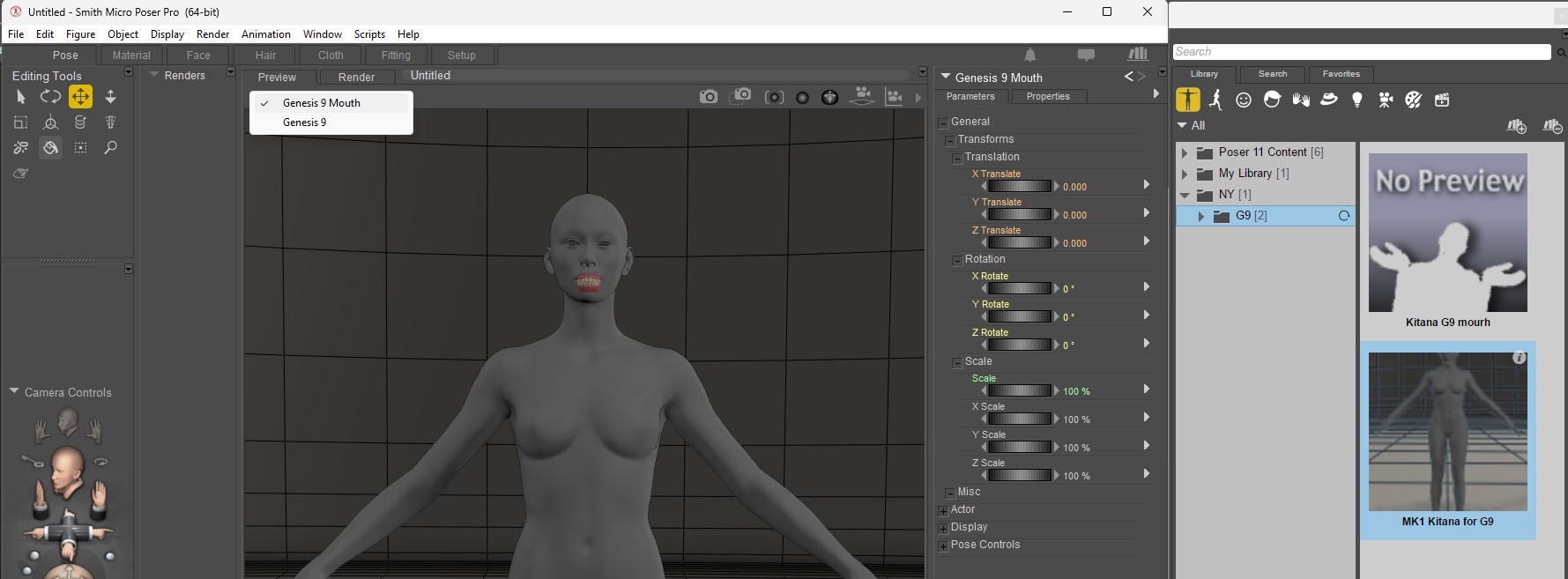
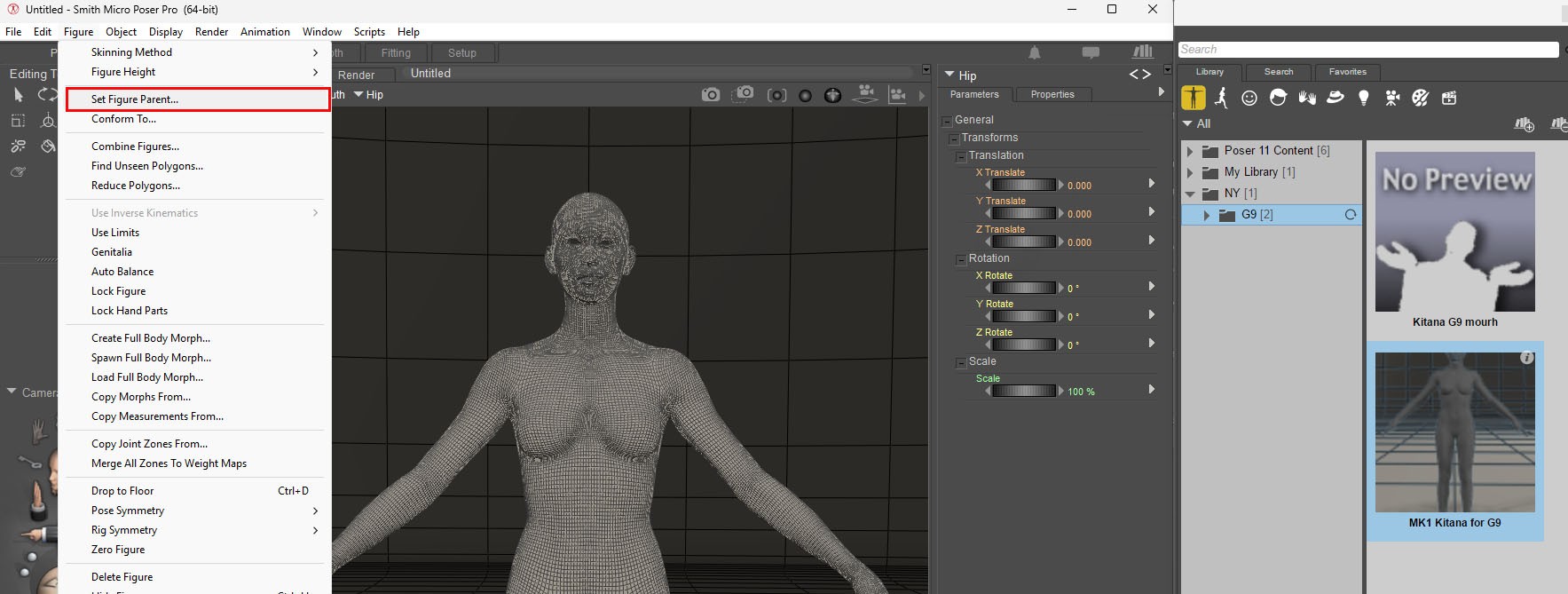
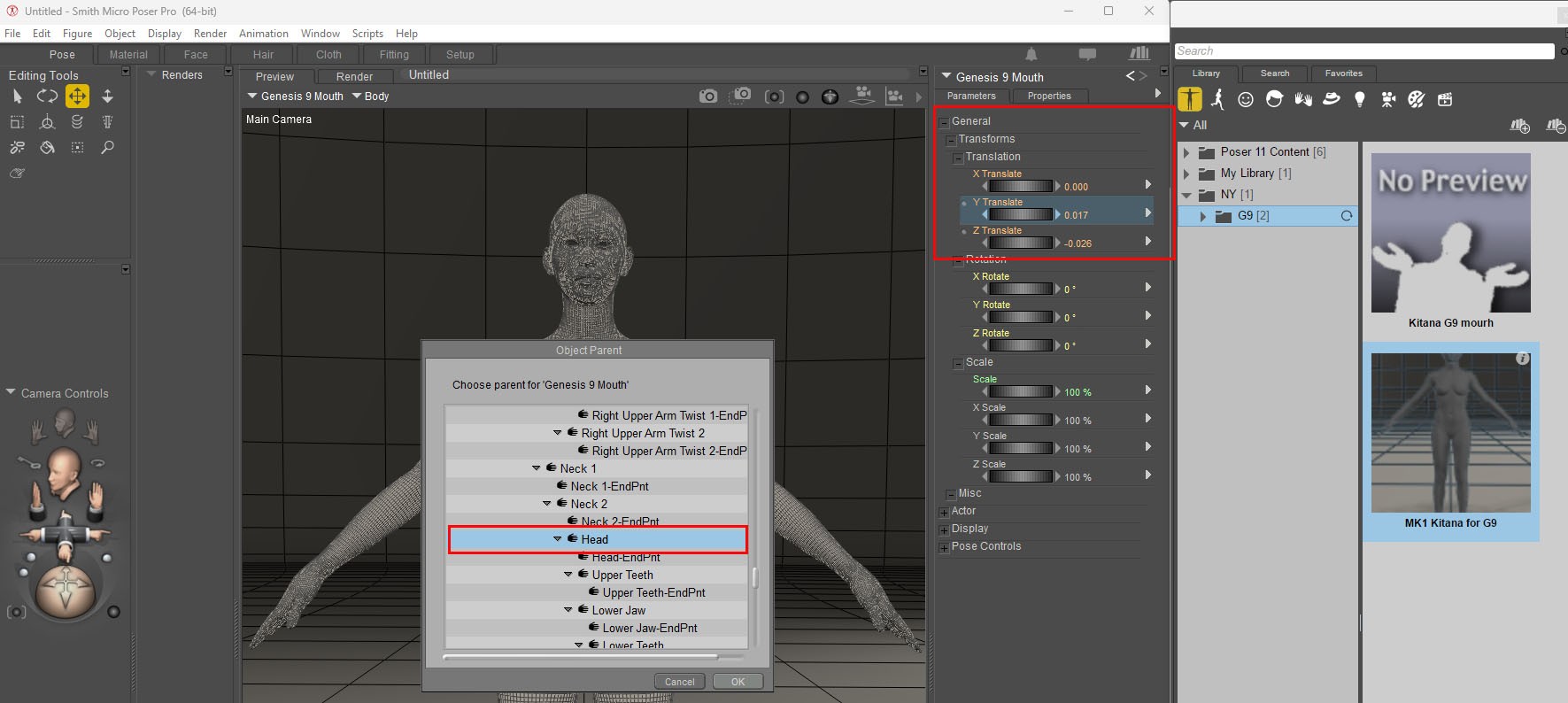
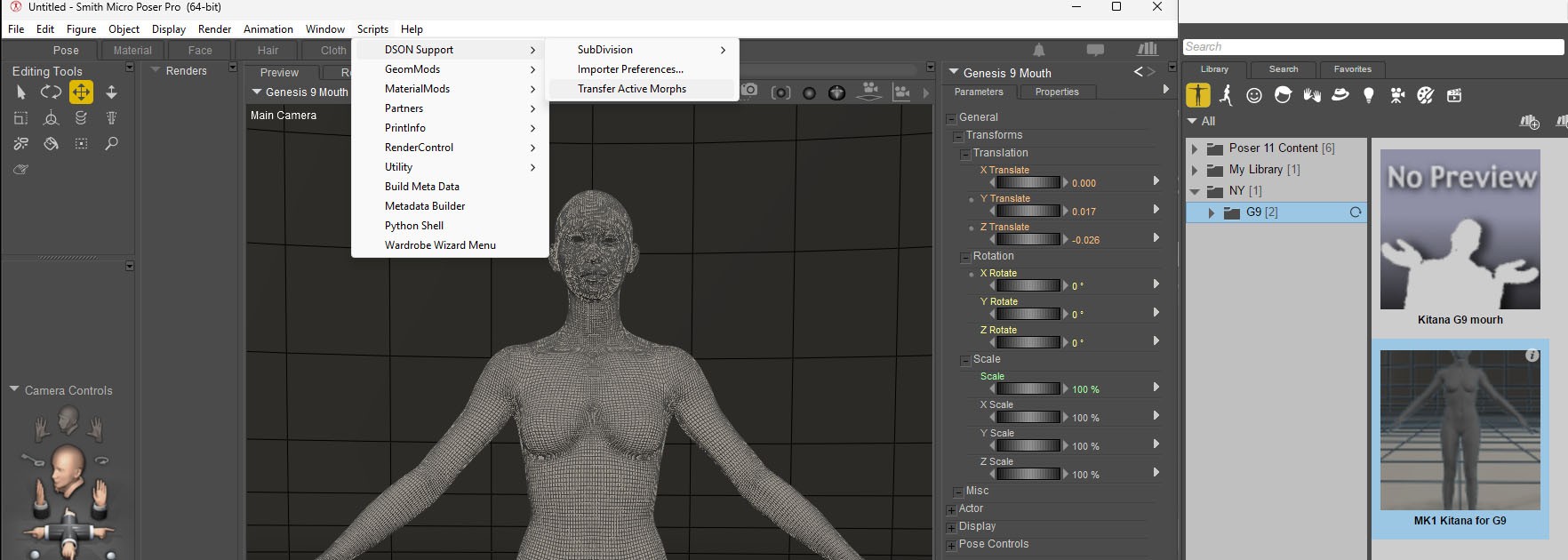

Content Advisory! This message contains nudity
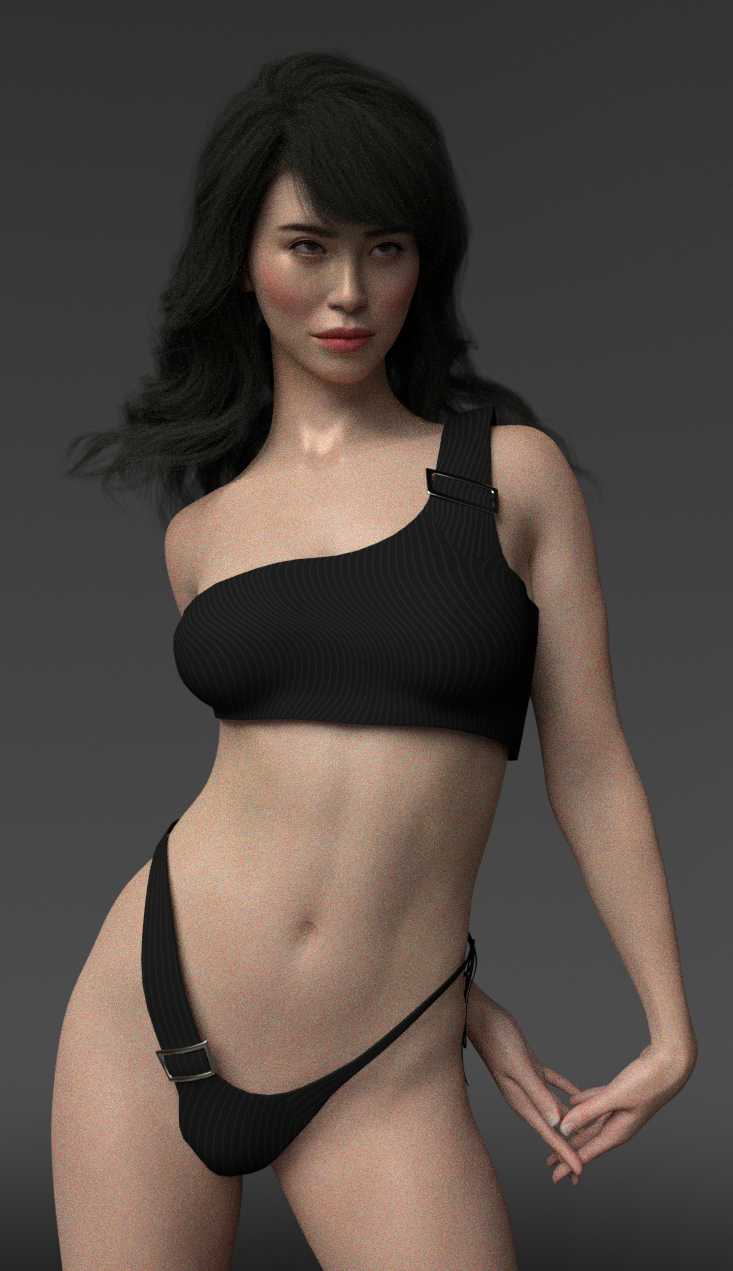
How about?

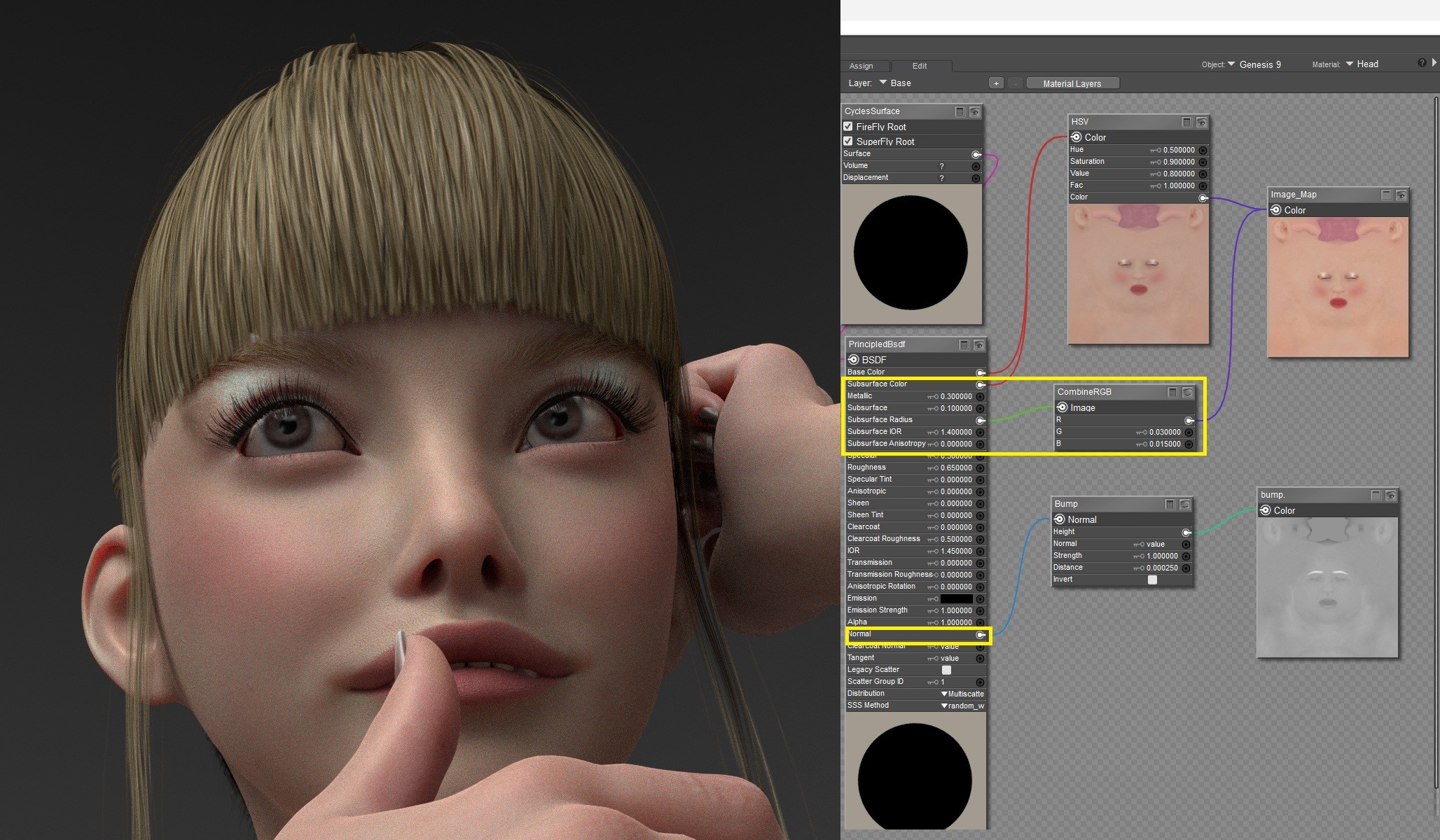
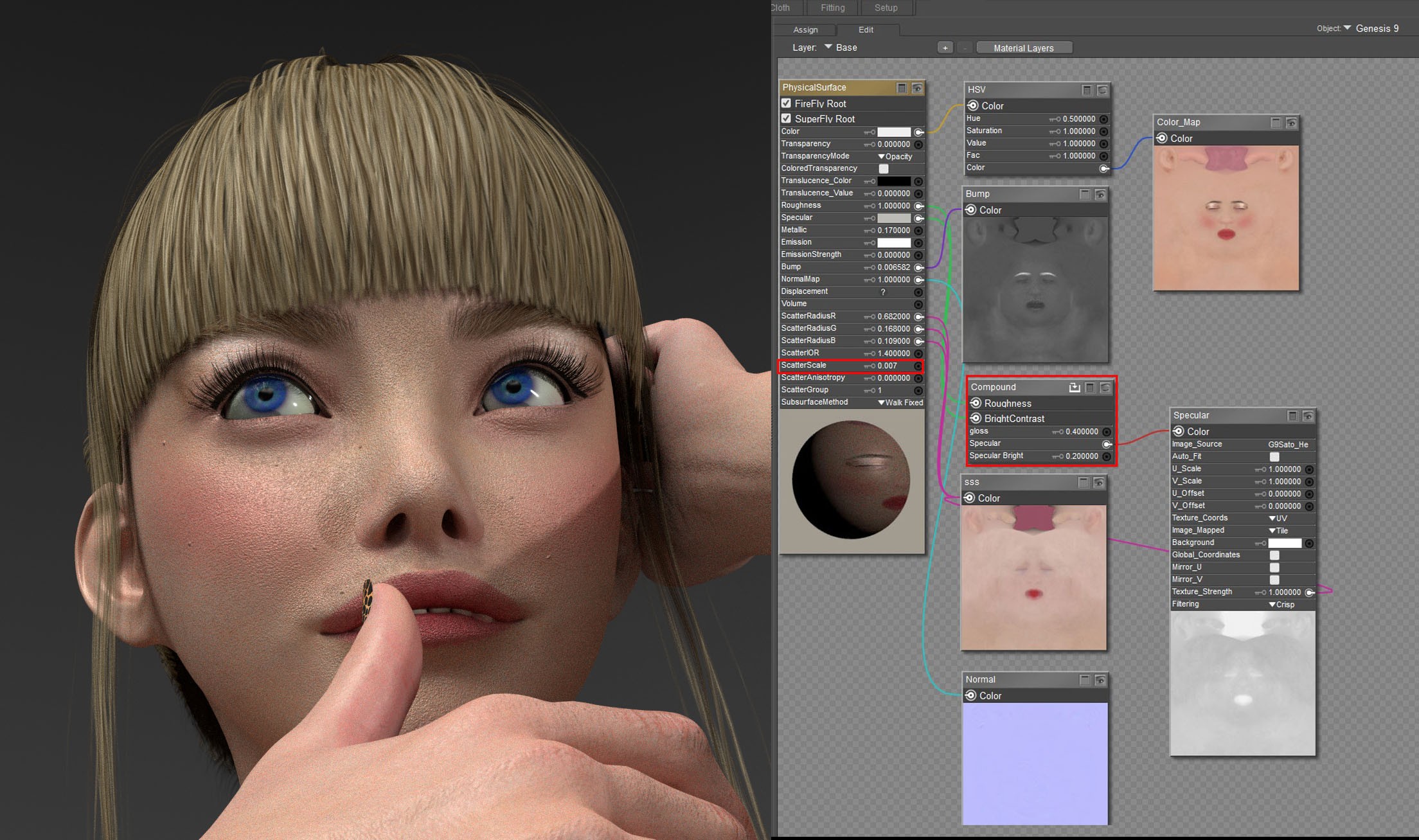
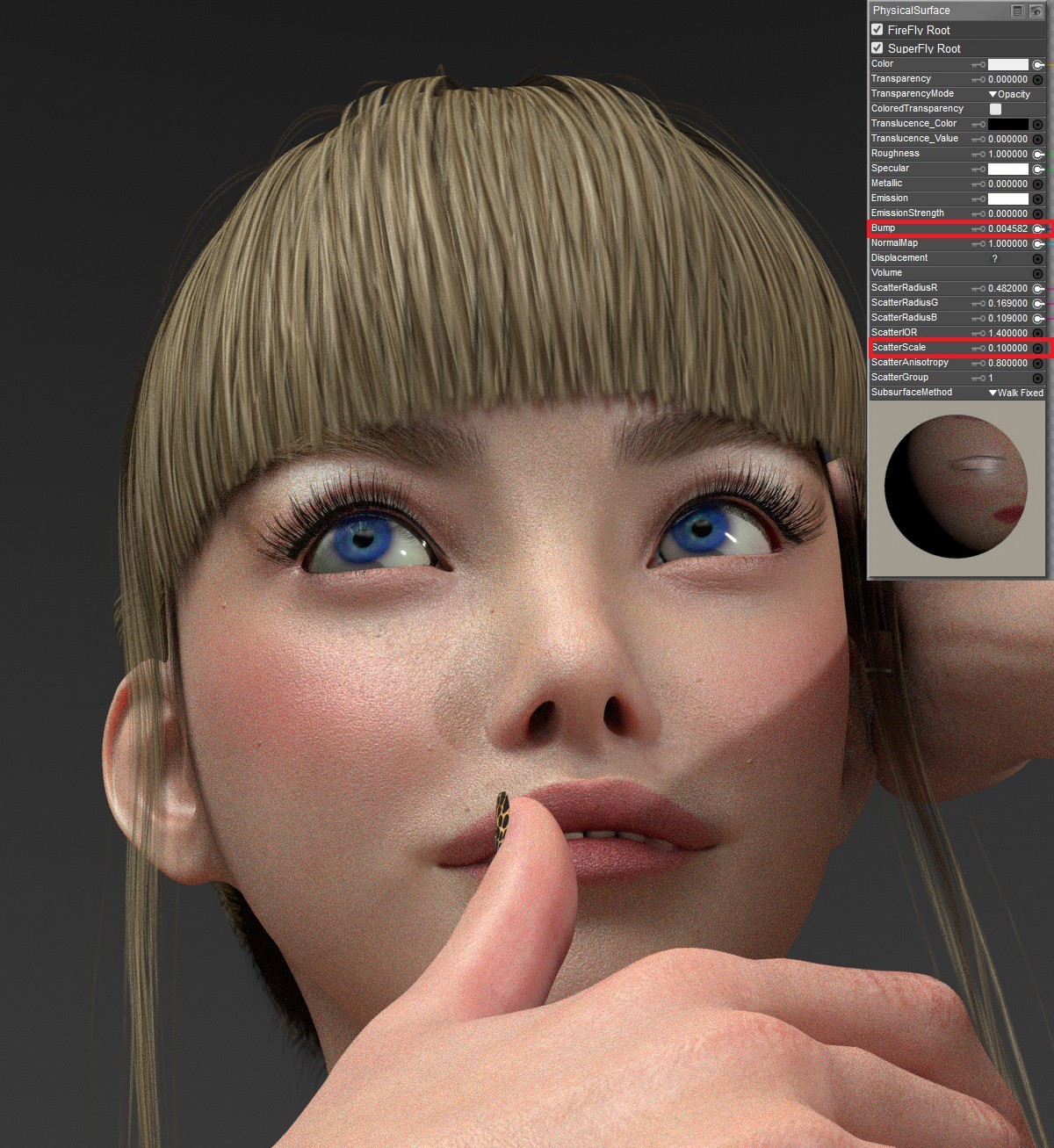
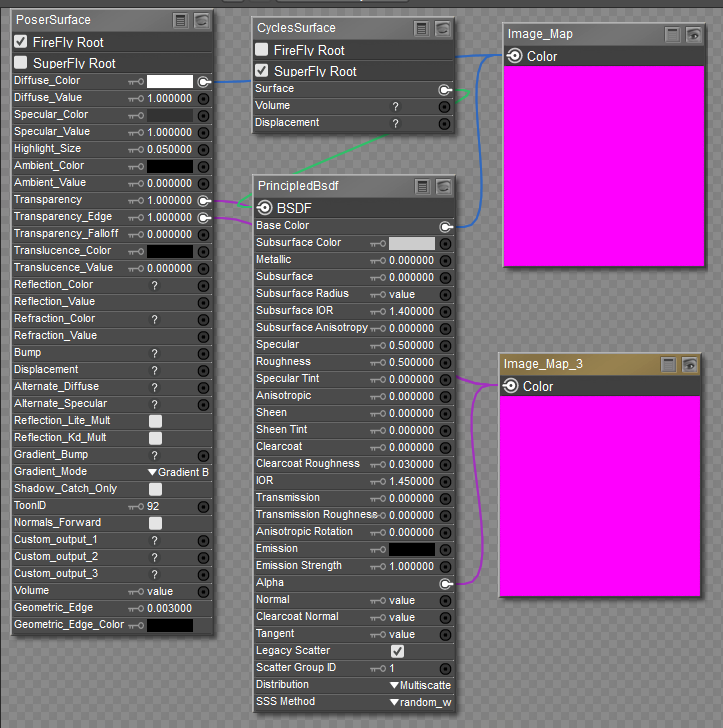
Your last post with a texture map plugged into each of the ScatterRadius RGB channels is something I am contemplating. According to Blender, you can plug a texture map into the same channel on the PrincipleBsdf Node in Cycles. I have yet to experiment with that option. I will let you know my results.

Privacy Notice
This site uses cookies to deliver the best experience. Our own cookies make user accounts and other features possible. Third-party cookies are used to display relevant ads and to analyze how Renderosity is used. By using our site, you acknowledge that you have read and understood our Terms of Service, including our Cookie Policy and our Privacy Policy.
I want to make this character.
source: Shinteo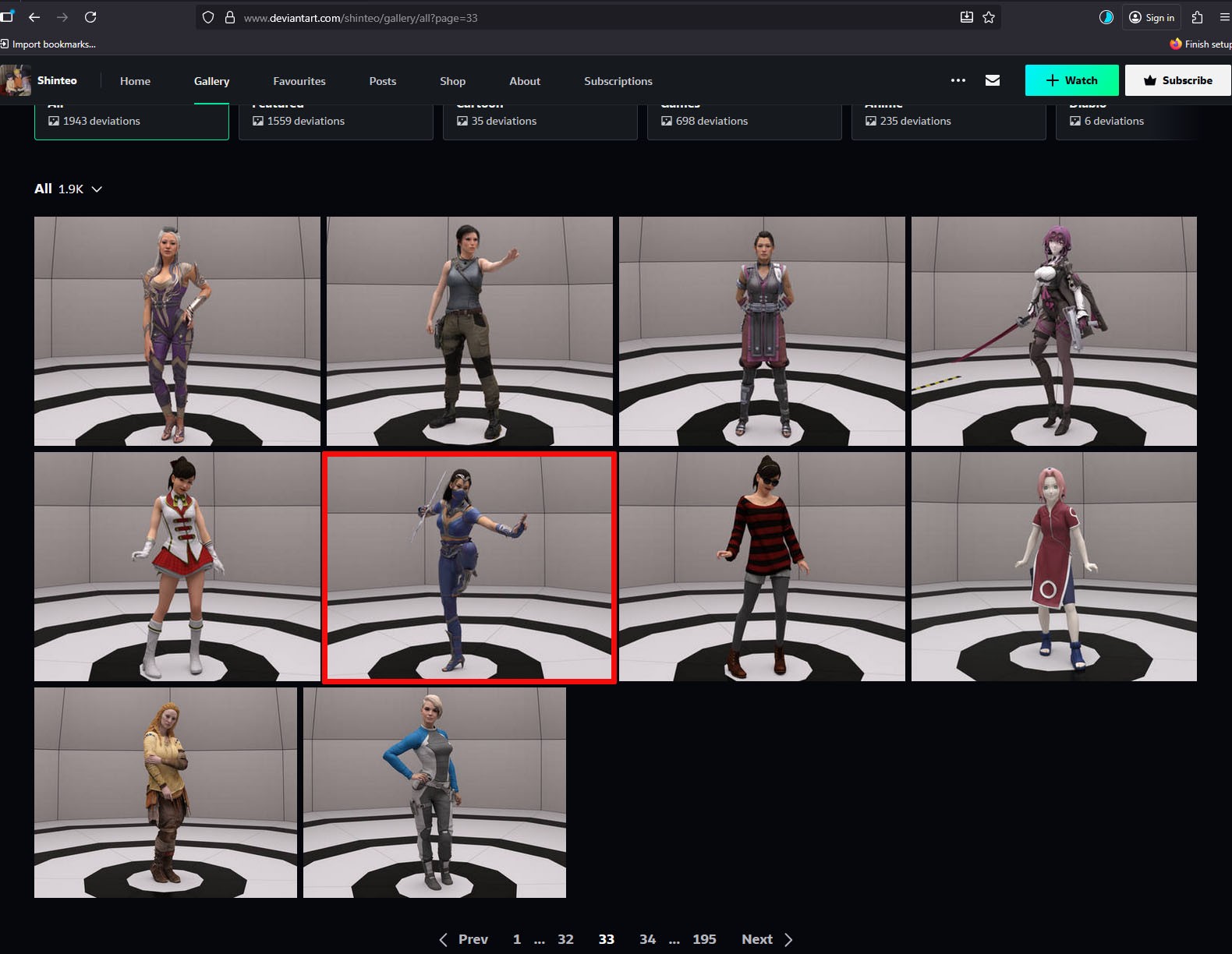
DL: MK1 Kitana for G9