mini70 opened this issue on Oct 23, 2025 · 28 posts
mini70 posted Thu, 23 October 2025 at 10:08 AM
mini70 posted Thu, 23 October 2025 at 10:33 AM
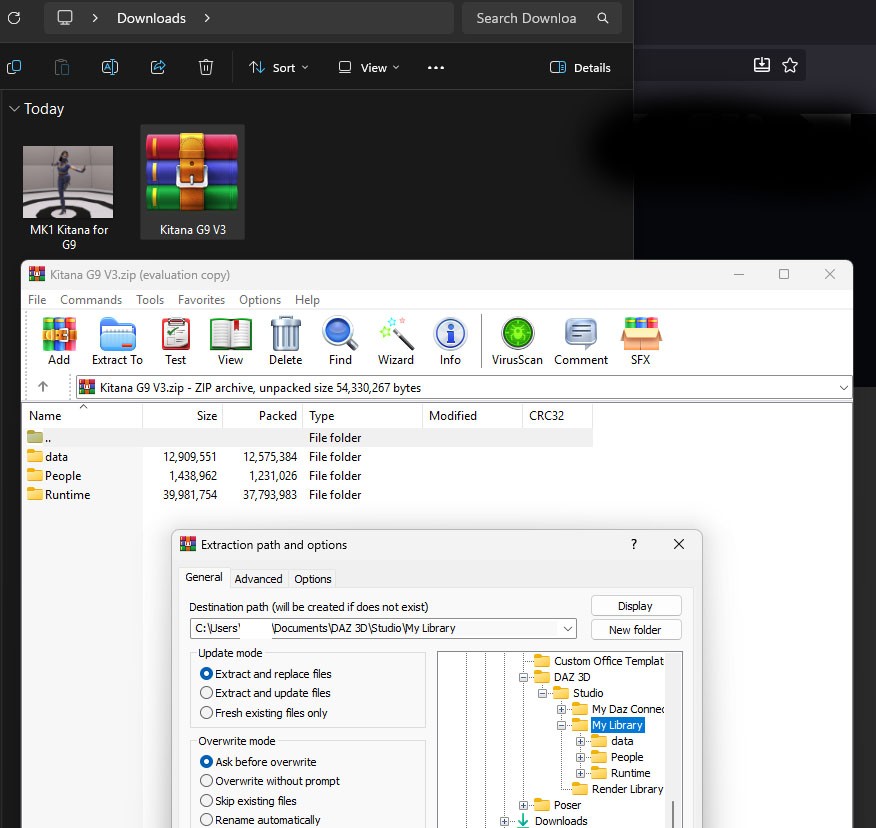
Download the data and decompress it.
mini70 posted Thu, 23 October 2025 at 10:51 AM
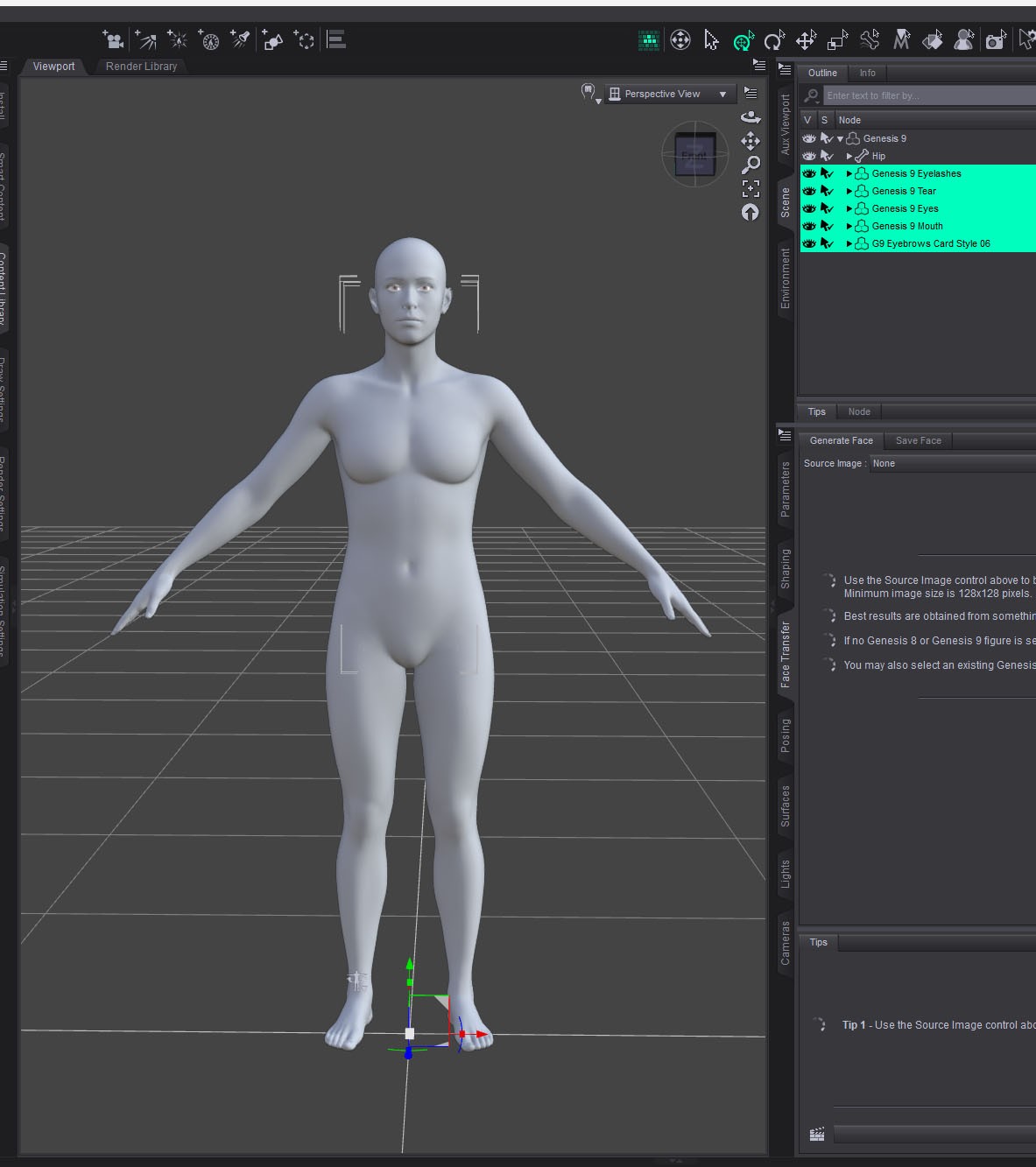
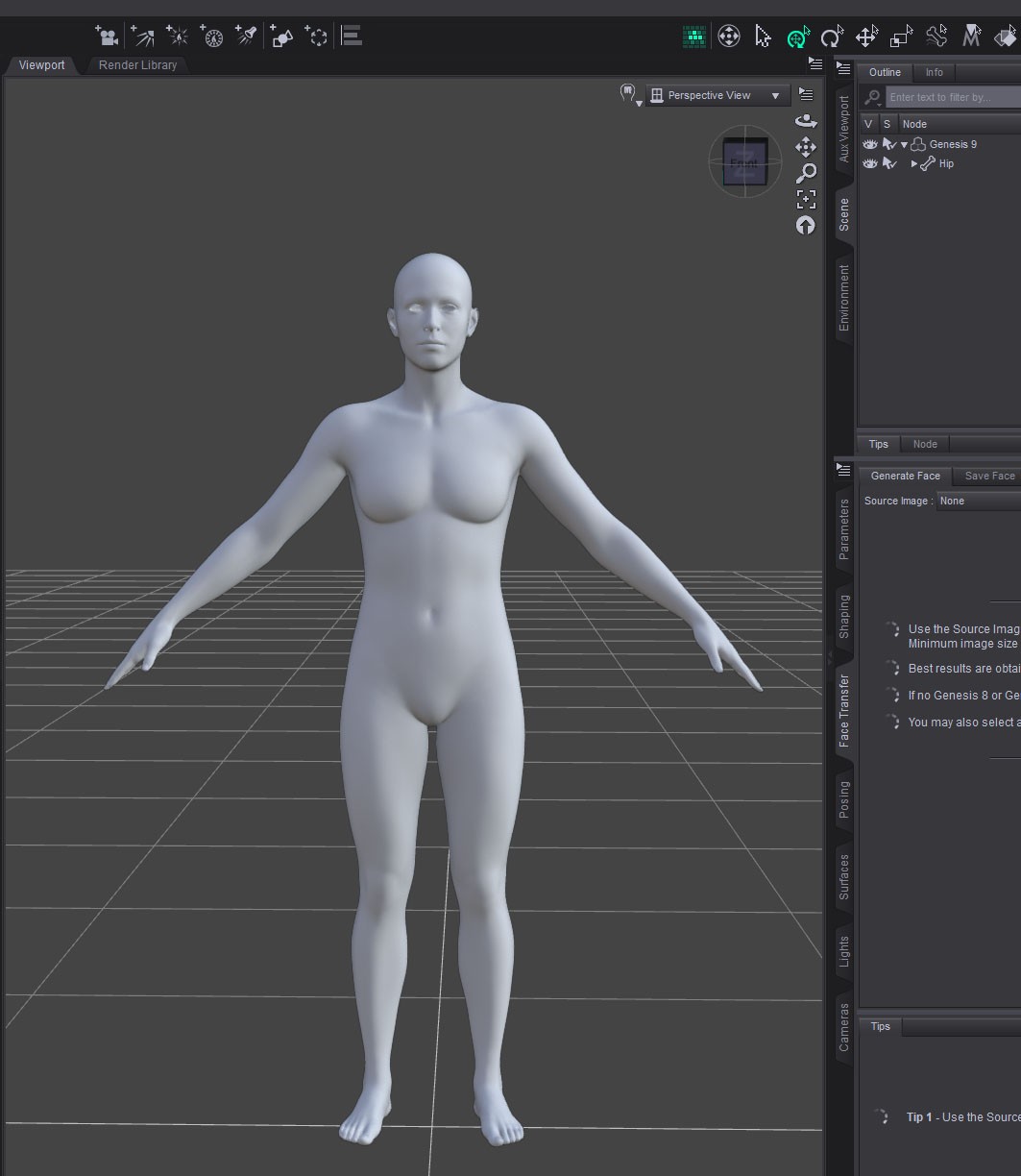
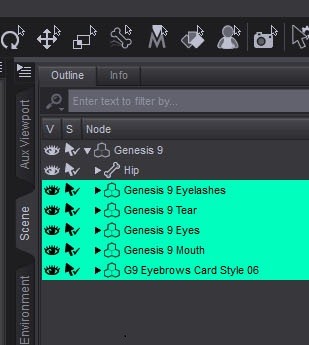
In daz load G9.
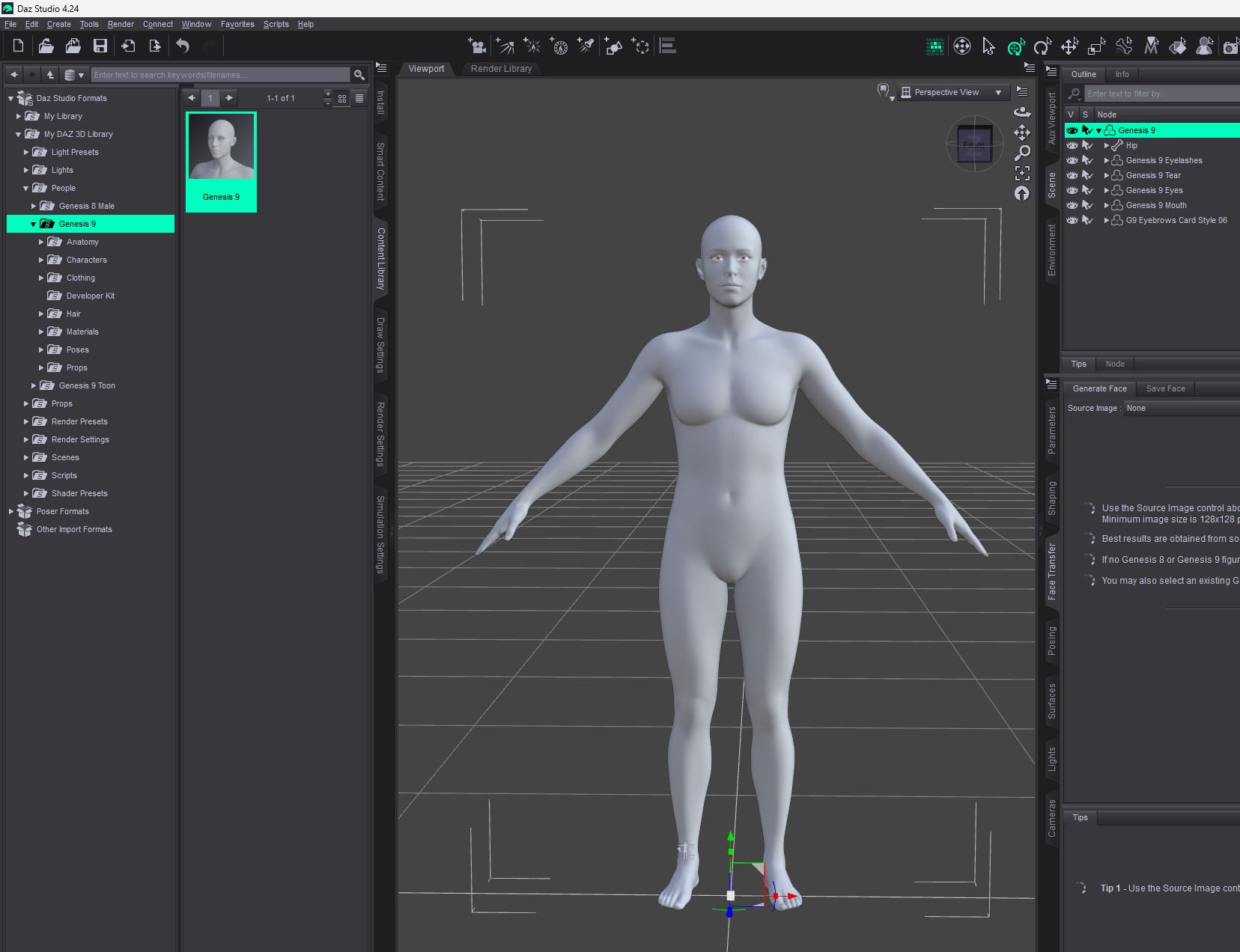
In the scene select the colored part and remove it.
mini70 posted Thu, 23 October 2025 at 11:05 AM
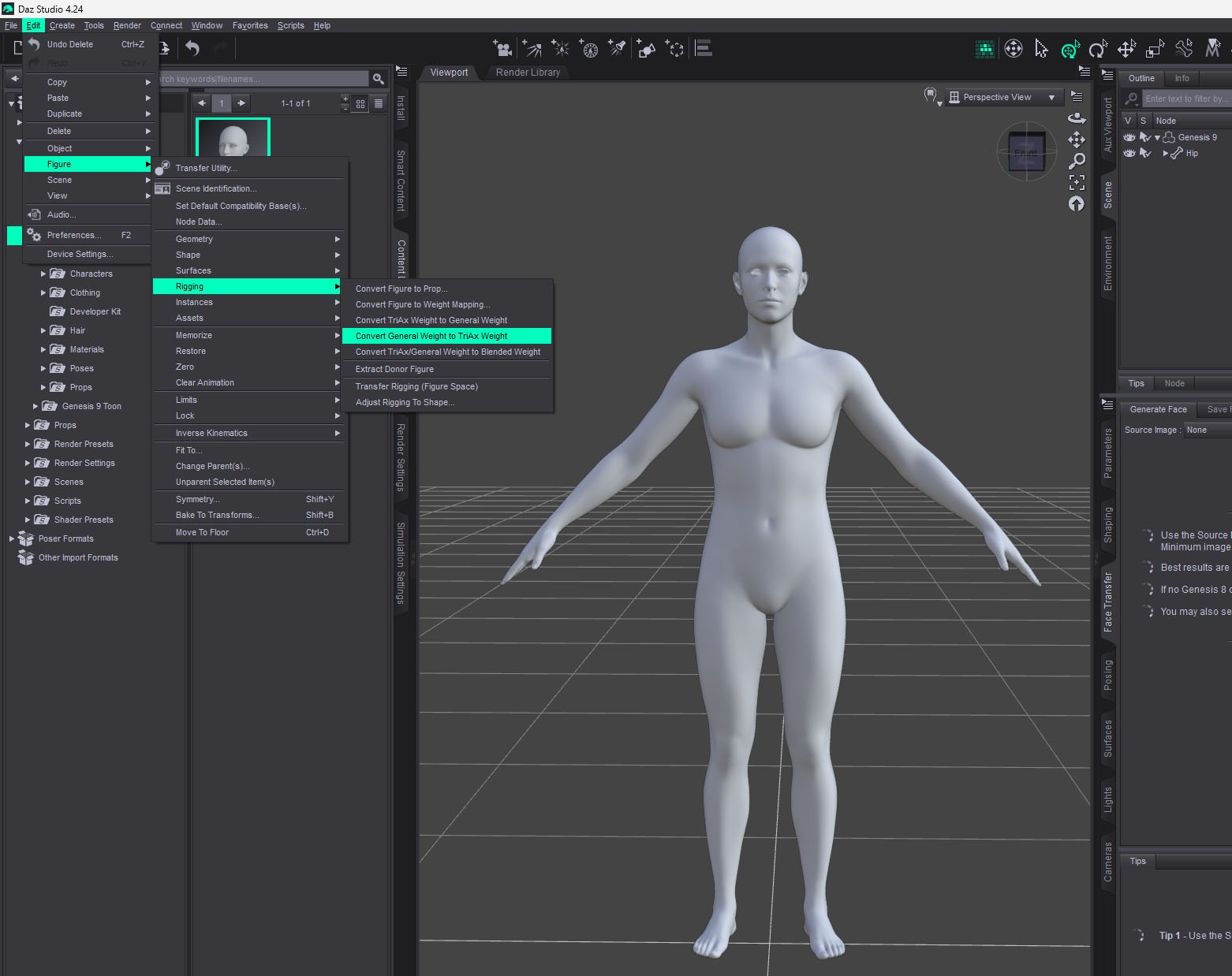
Select --> Edit> Figure> Riging > Convert General Weingt to TriAx Weight.
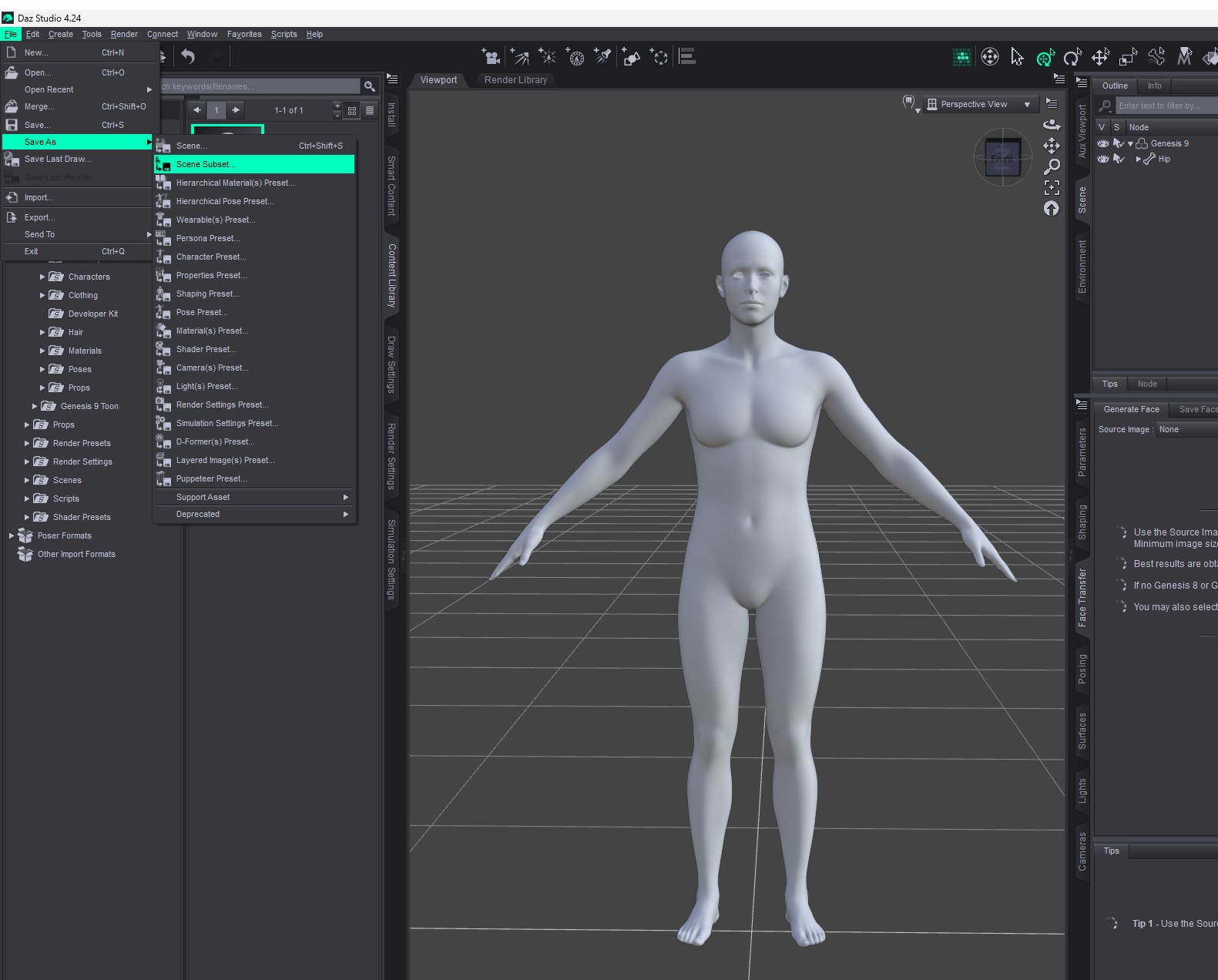
Save G9 in Scene Subset folder..
mini70 posted Thu, 23 October 2025 at 12:25 PM
My Library> Scene Subsets> G9> Create Poser Companion Files...
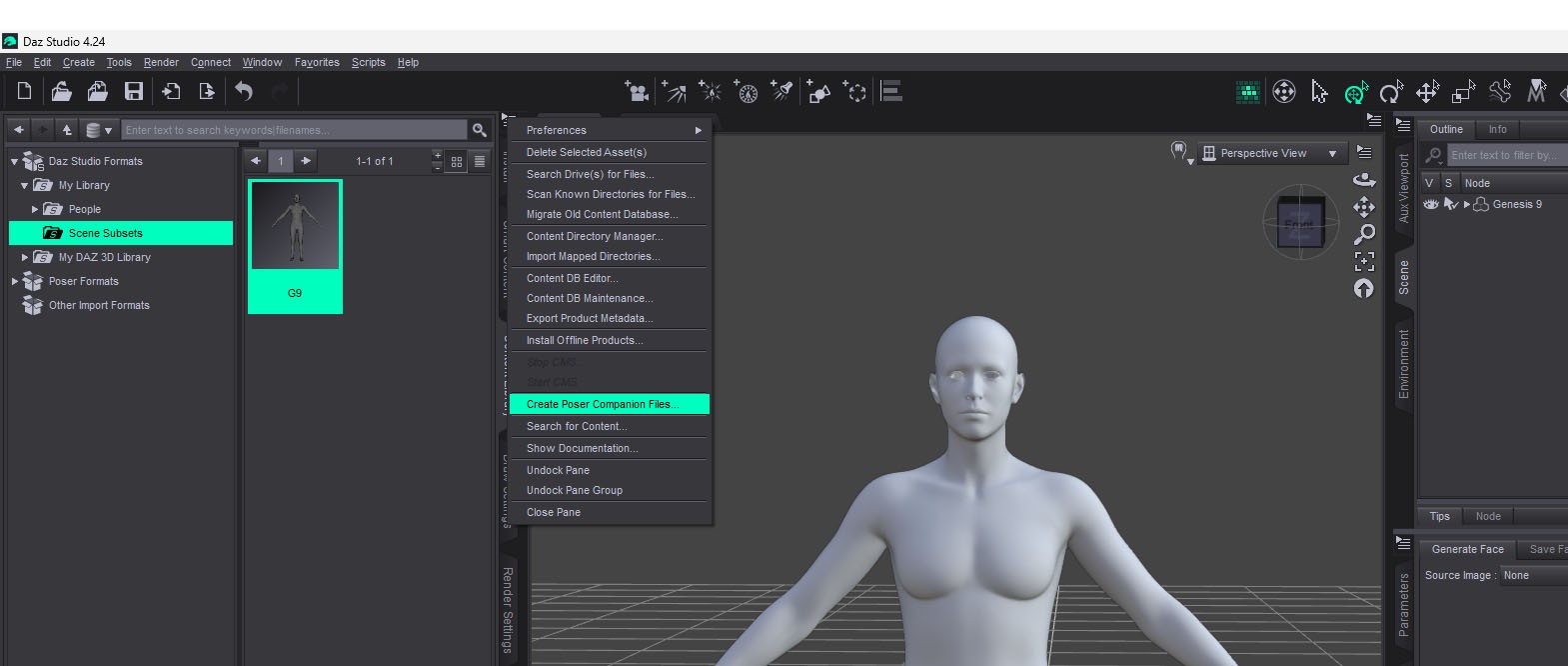
I am so sorry. In Daz3d 4.24, Scene Subsets folder is not working. That's weird.
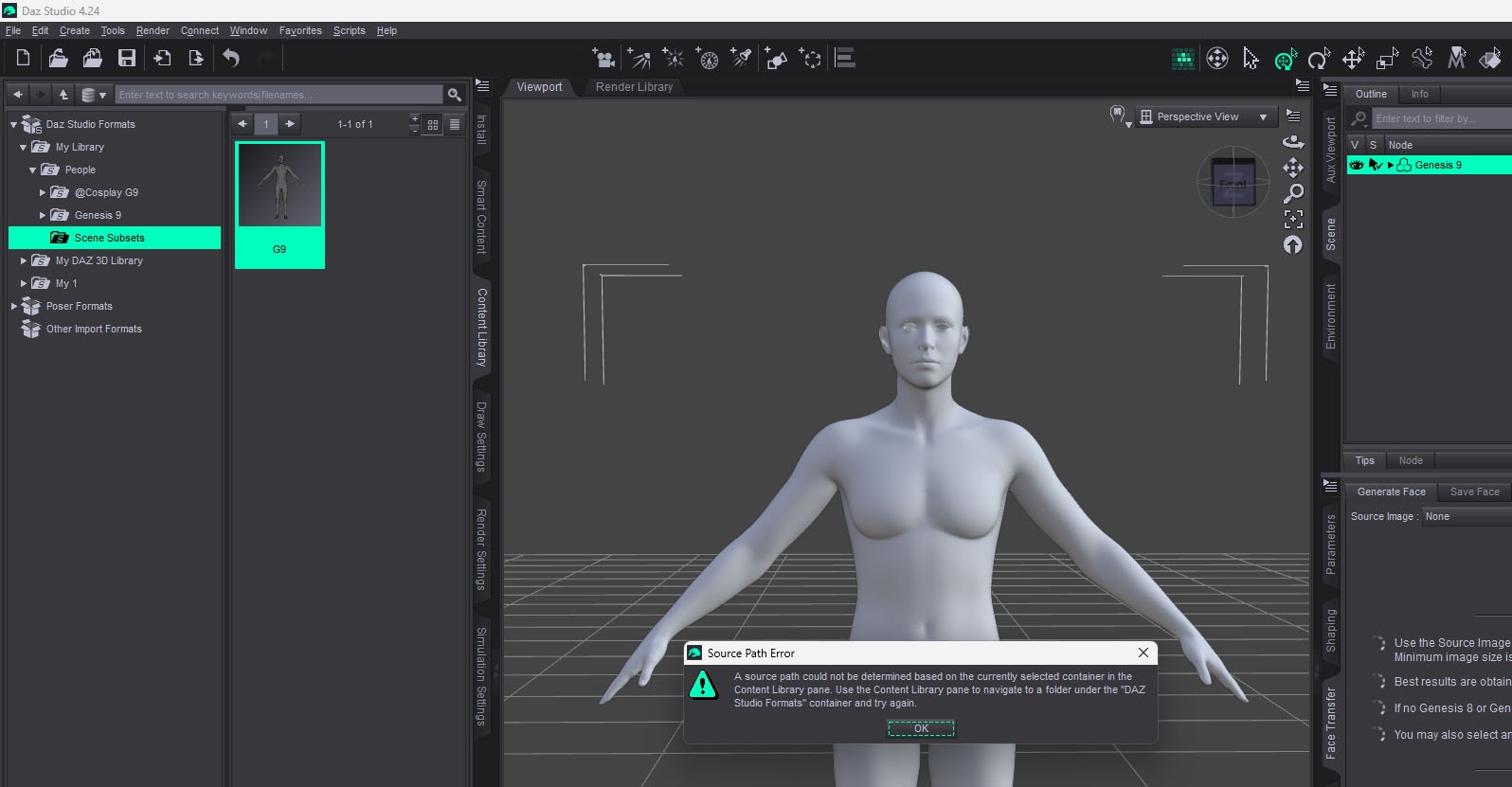
mini70 posted Thu, 23 October 2025 at 1:28 PM
I deleted 4.24 dan installed 4.22.
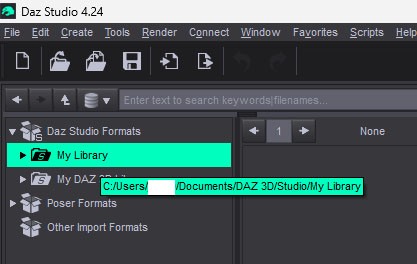
I moved all files from My Daz Connect Library in Desktop to My Library in C drive.
This way, I can save the data only then.
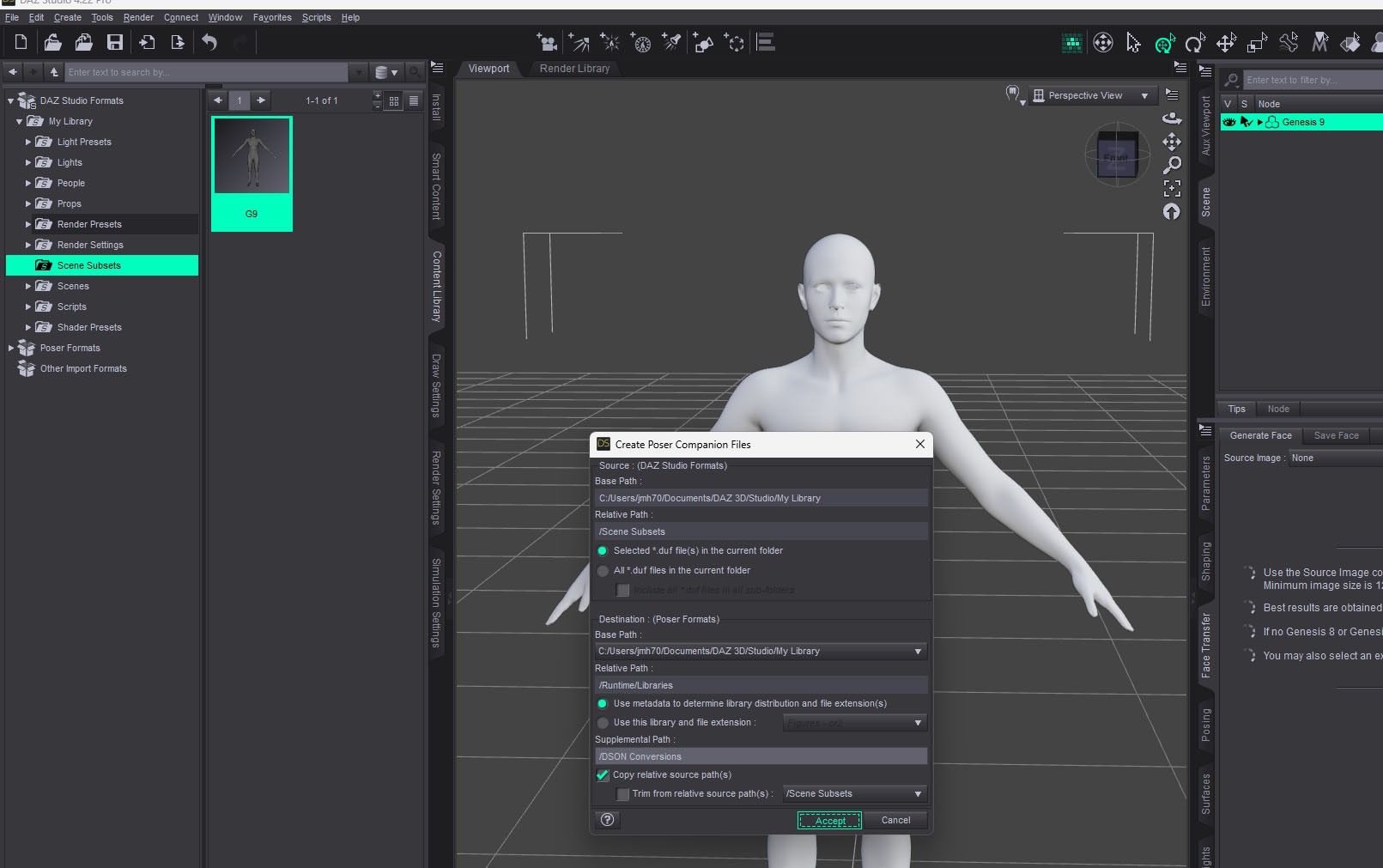
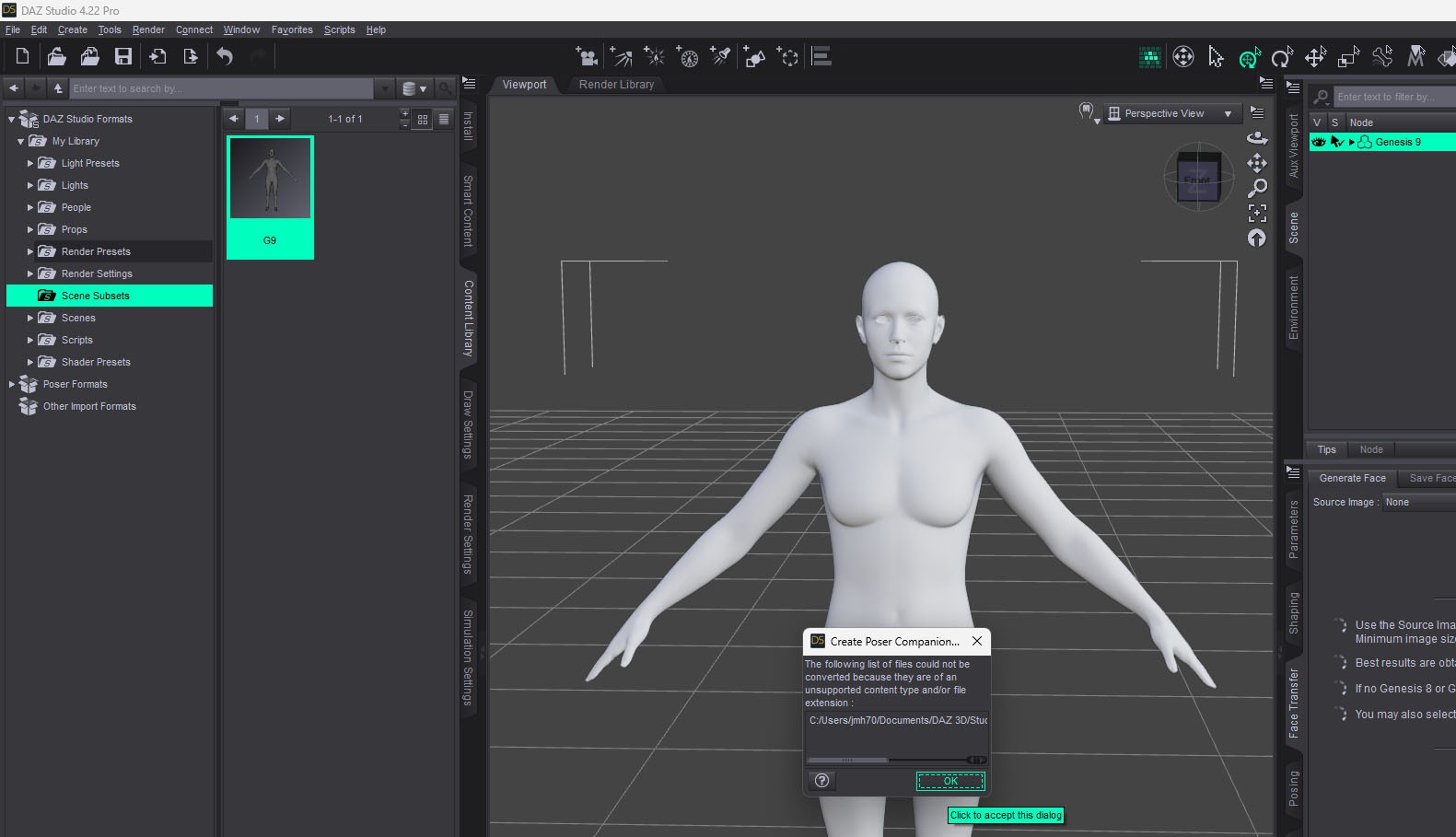
Now We need Poser 11 & DSON Importer.
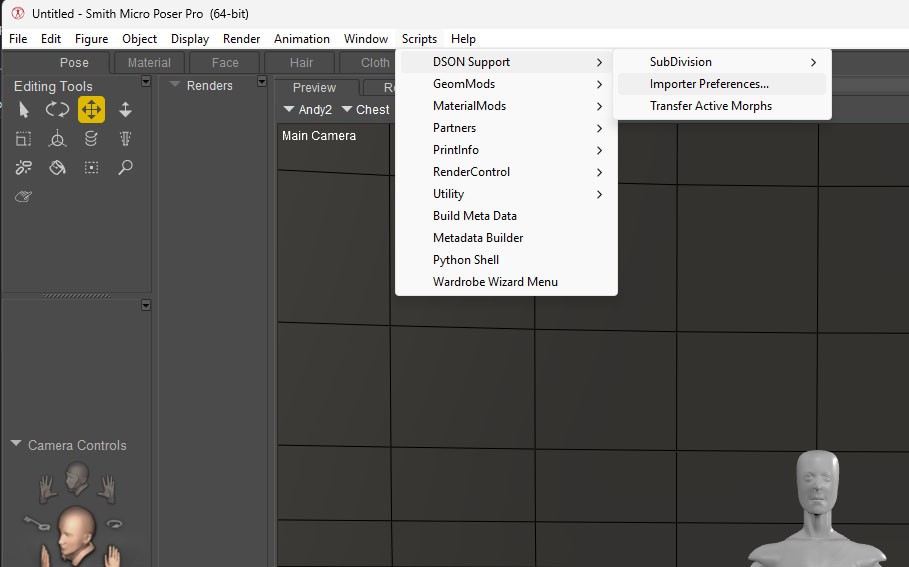
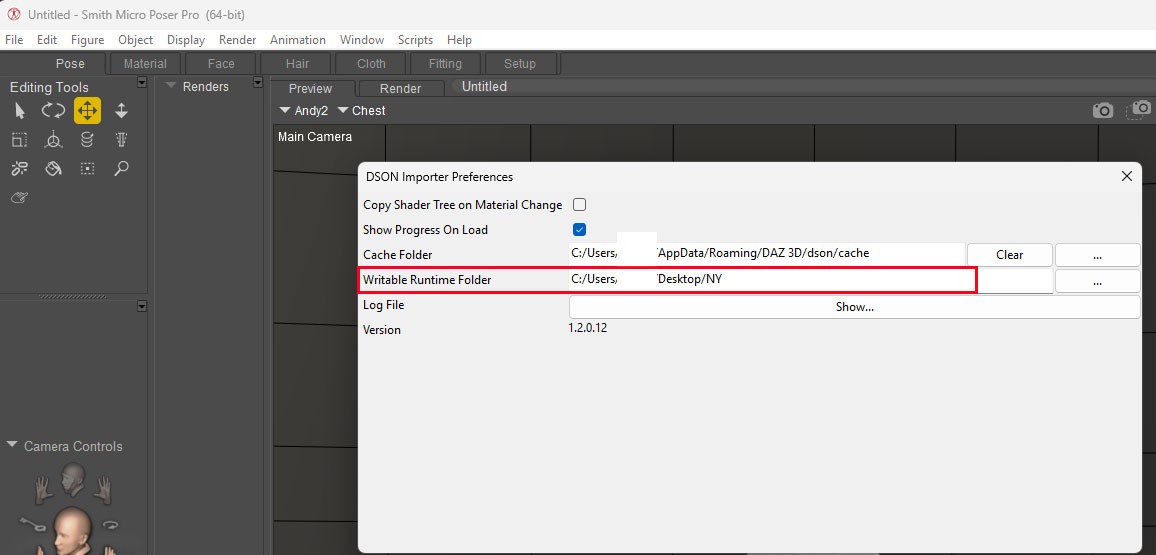 DSON will make files about G9 in that place.
mini70 posted Thu, 23 October 2025 at 2:08 PM
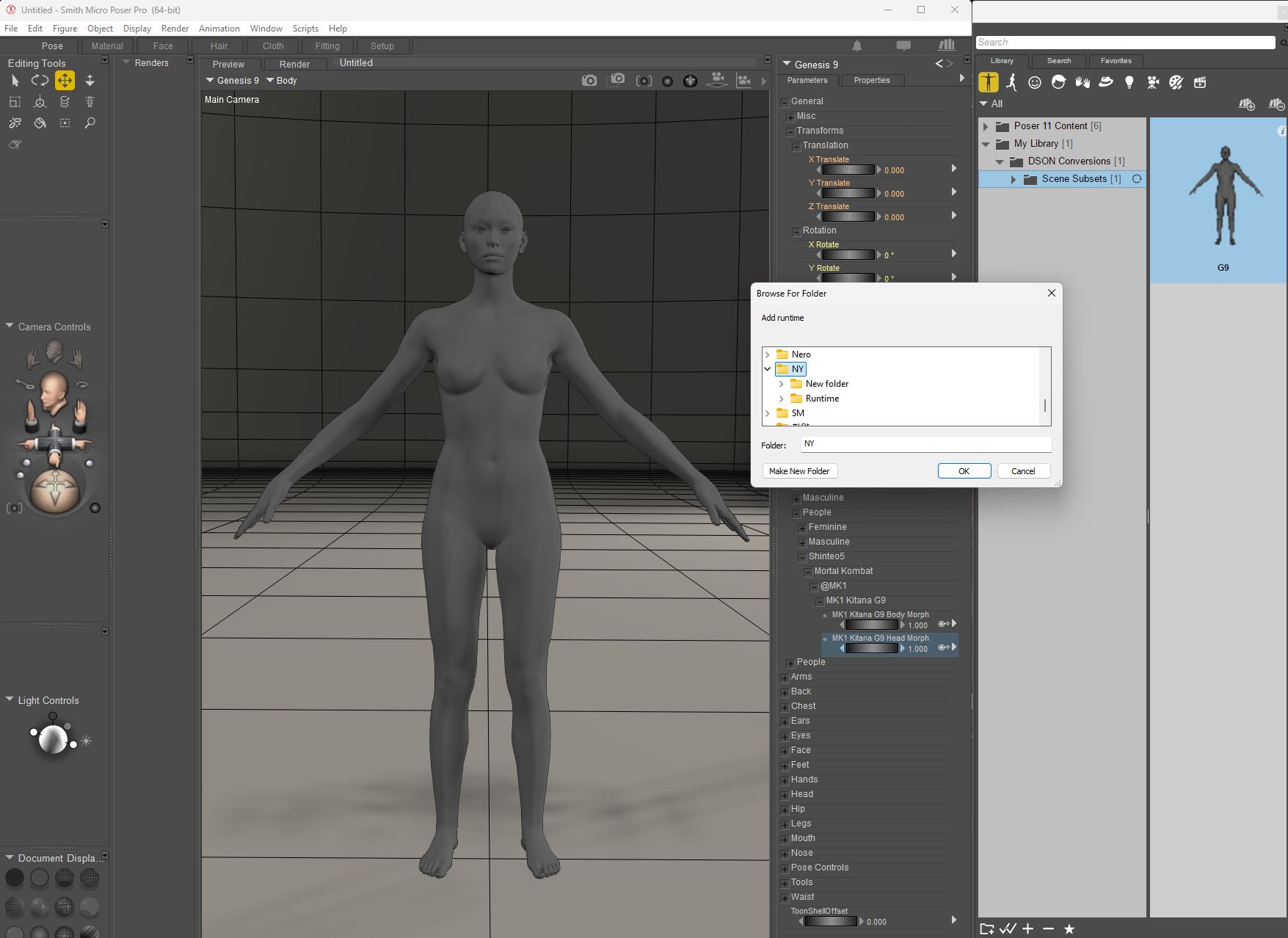
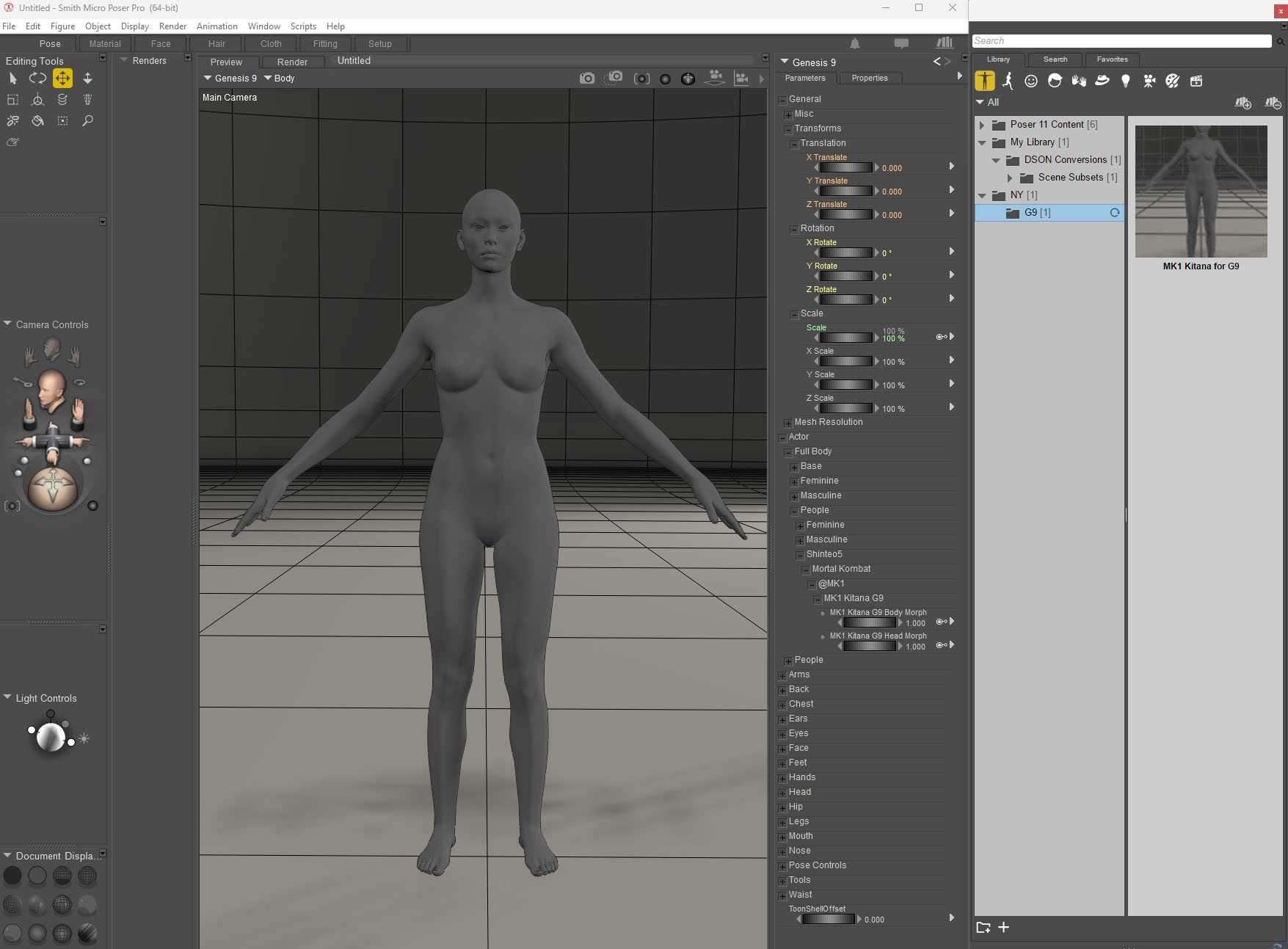
Register My Library(Daz3d) in Poser Library.
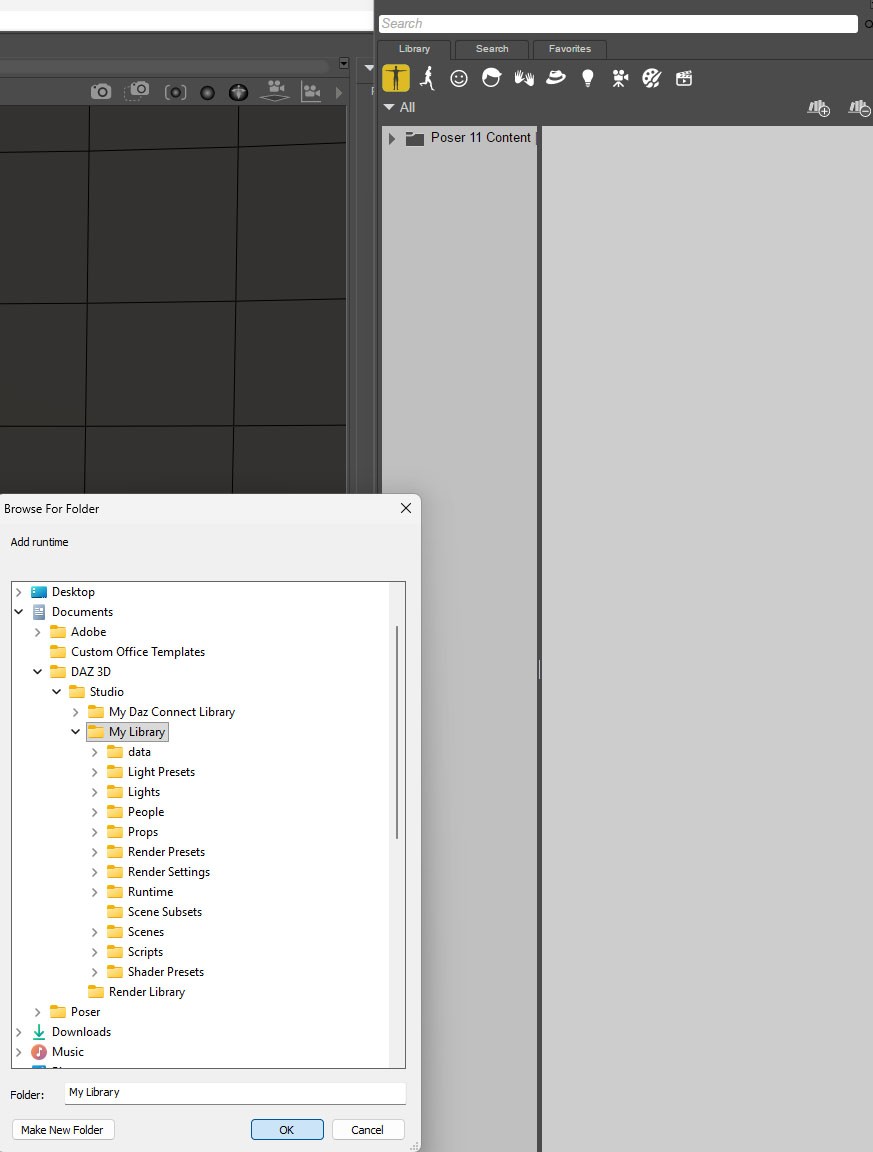
Load G9 from Daz3D's My Lybrary.
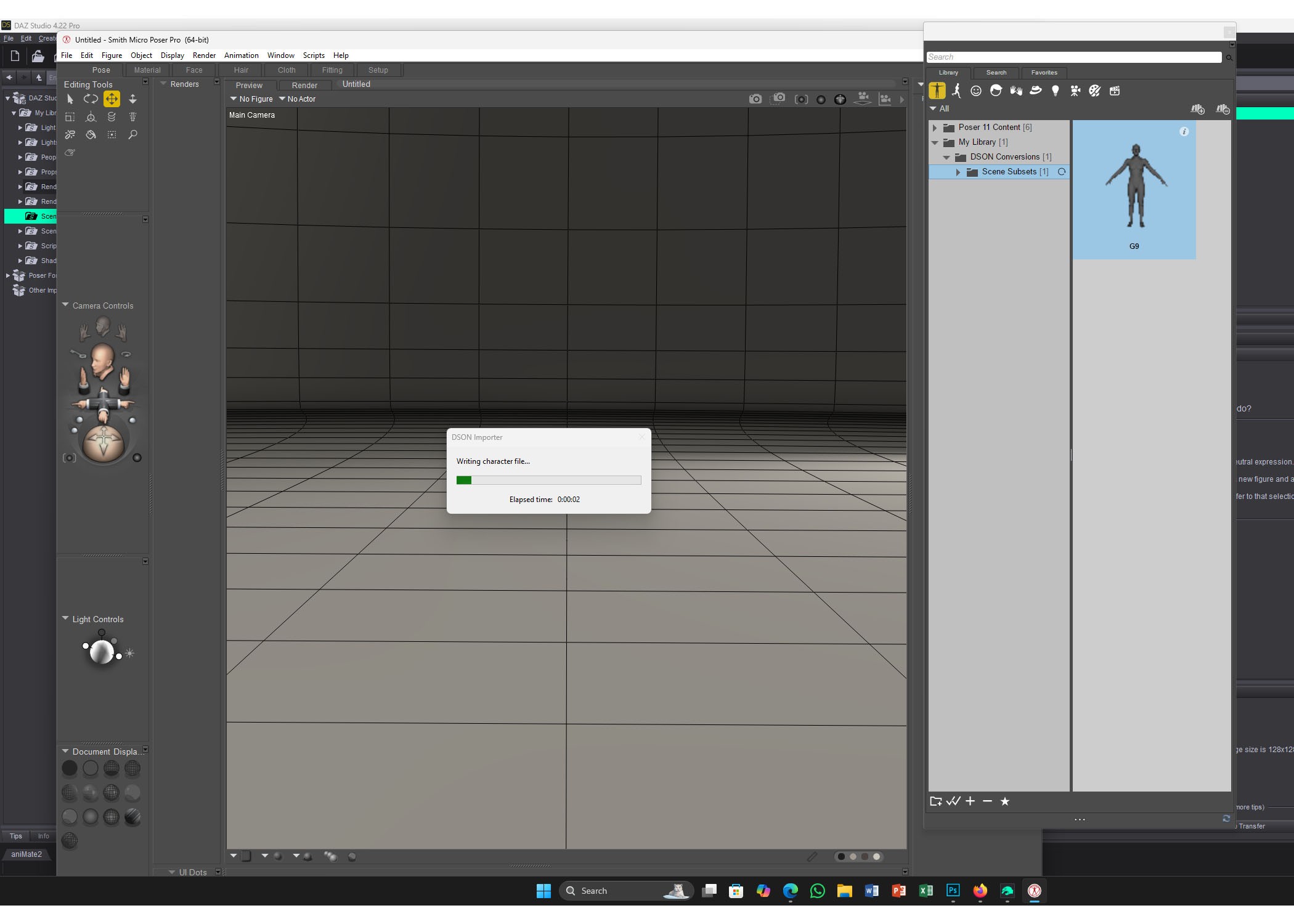
Noiw G9 appeared.
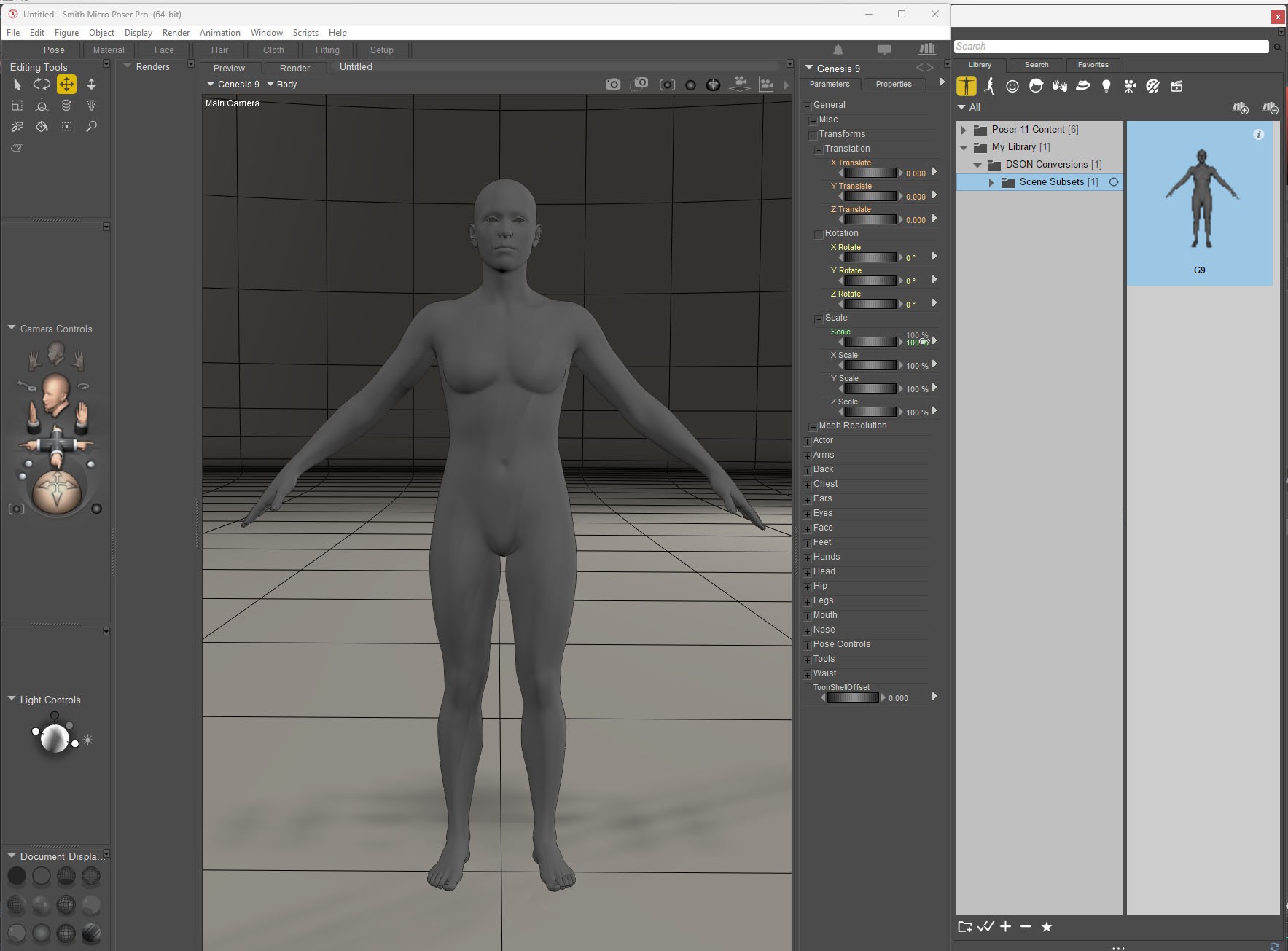
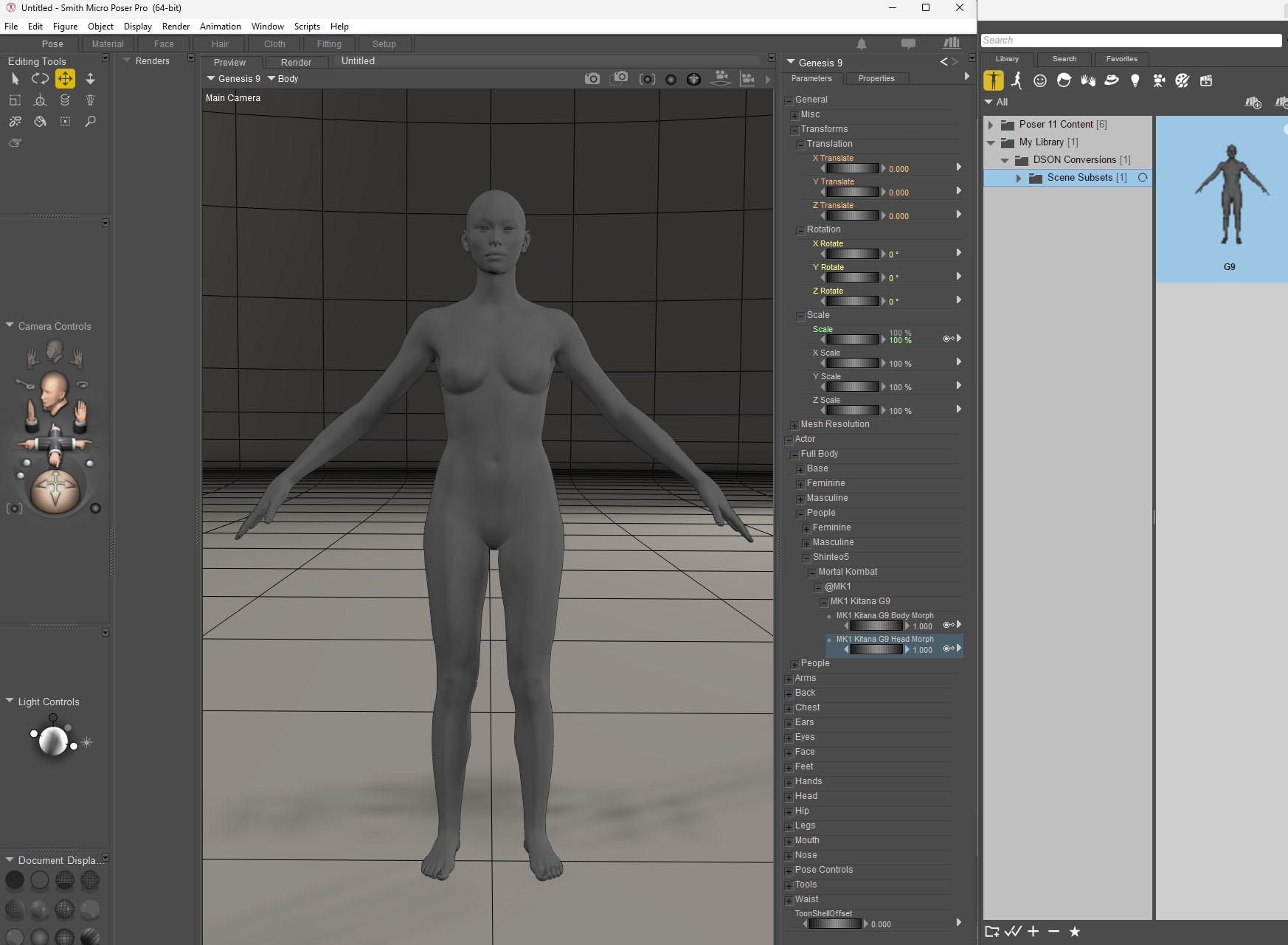
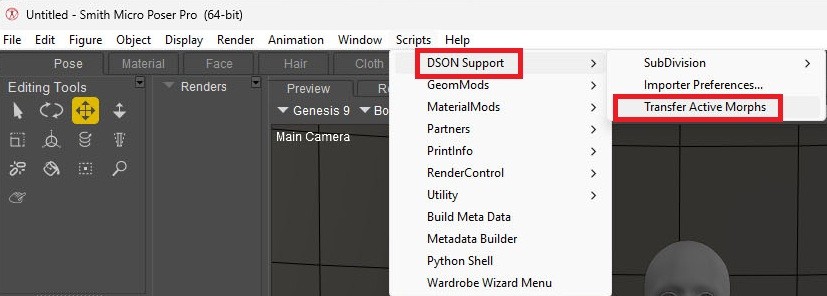
Let's activate the morph.
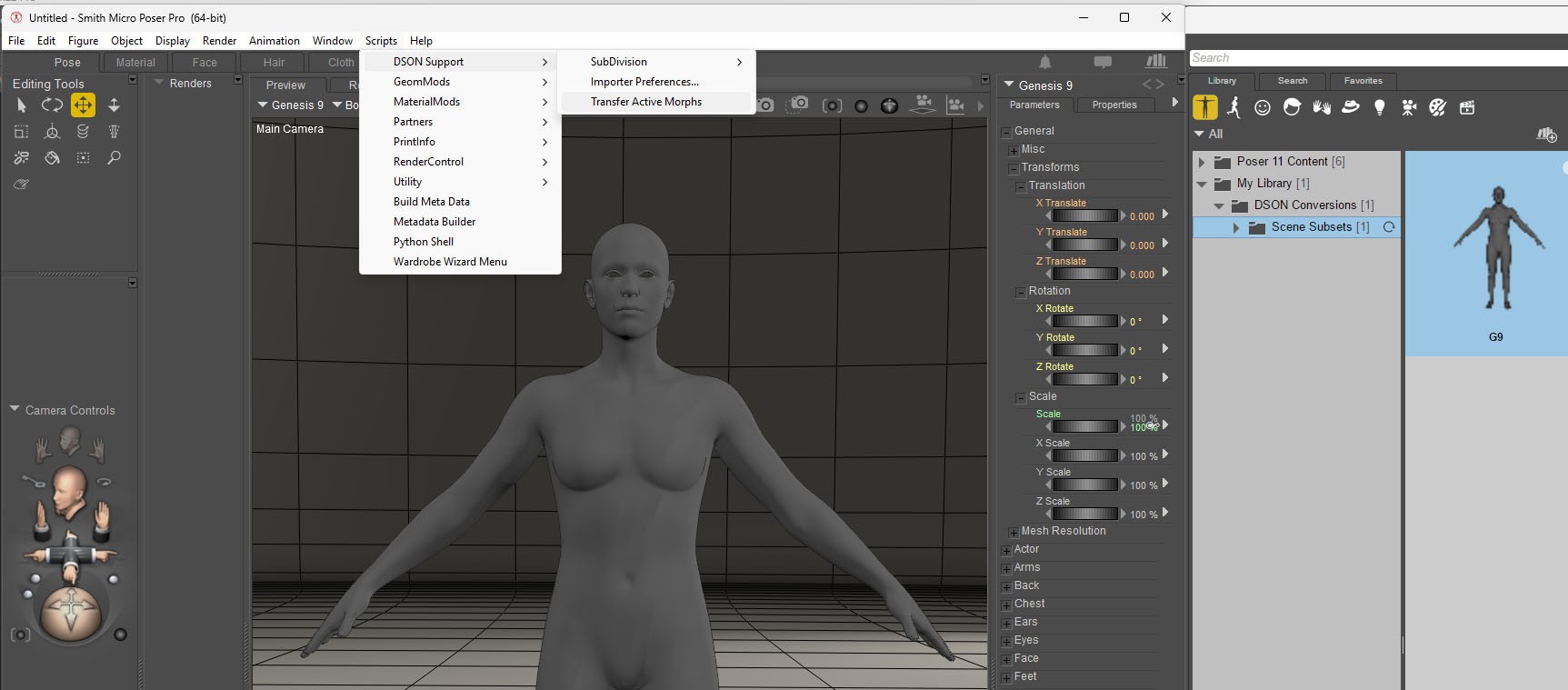
Let's apply the morph.
mini70 posted Thu, 23 October 2025 at 2:29 PM
For use in P12/13, you need to save the G9 in poser folder.
* Ref: https://www.renderosity.com/forums/comments/4405076/permalink
" Meanwhile, anything Genesis to be loaded into Poser 12 needs to be modified in P11 first and then resaved into the Library. That means material collections, poses, hair, and clothing. Otherwise, the files will call upon DSON and we know that the program is not reliable in P12."
https://www.renderosity.com/forums/comments/4405122/permalink
"Load the figure into the scene. You should not see any call for the DSON script and if everything goes correctly, you should see a fully textured G8 figure appear in the scene."
mini70 posted Thu, 23 October 2025 at 2:34 PM
mini70 posted Thu, 23 October 2025 at 2:43 PM
mini70 posted Thu, 23 October 2025 at 2:48 PM
Skin set
mini70 posted Thu, 23 October 2025 at 2:50 PM
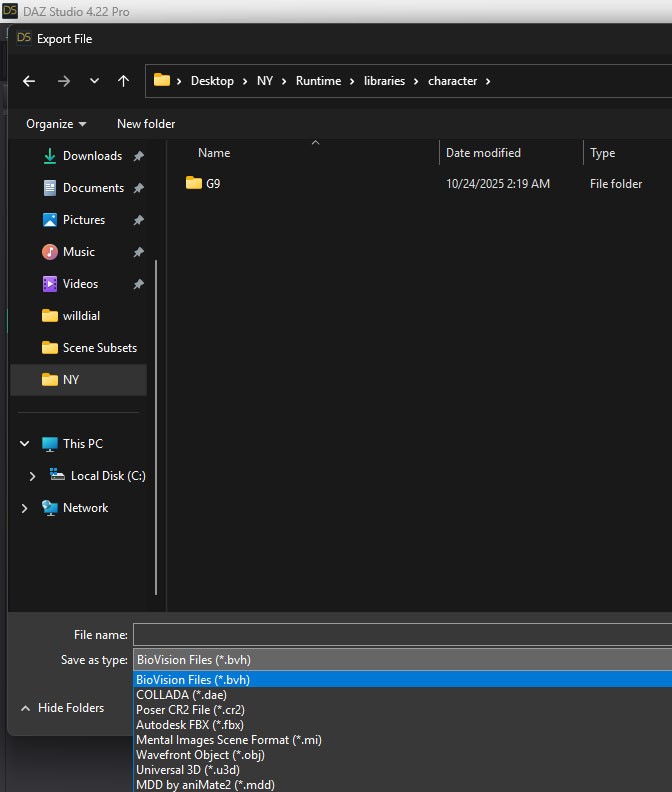
If hair. you can inport as Cr2 or FBX or Collada file.
mini70 posted Thu, 23 October 2025 at 3:04 PM
mini70 posted at 2:43 PM Thu, 23 October 2025 - #4500884
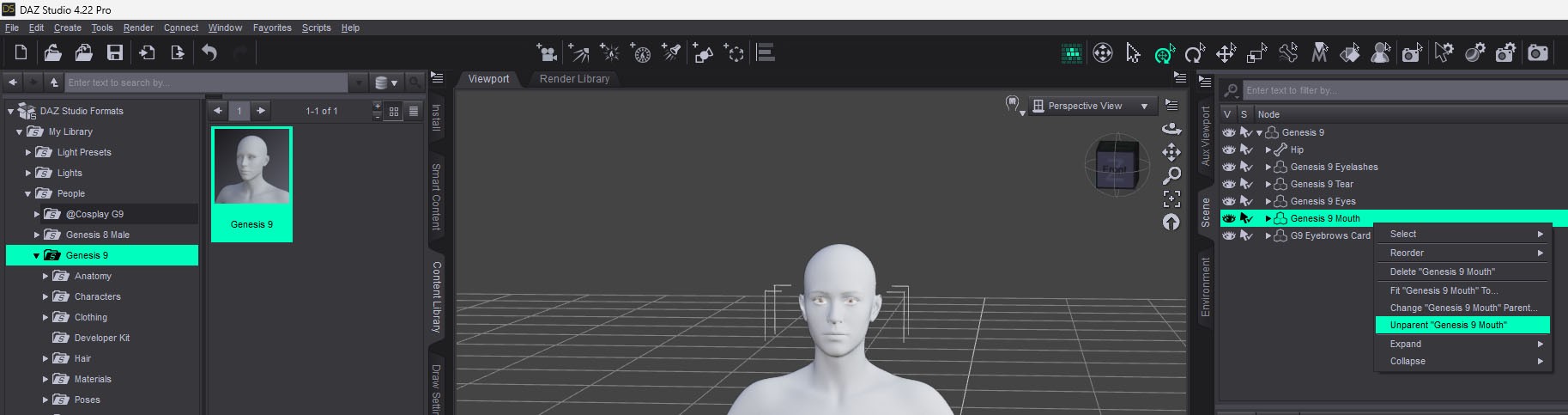
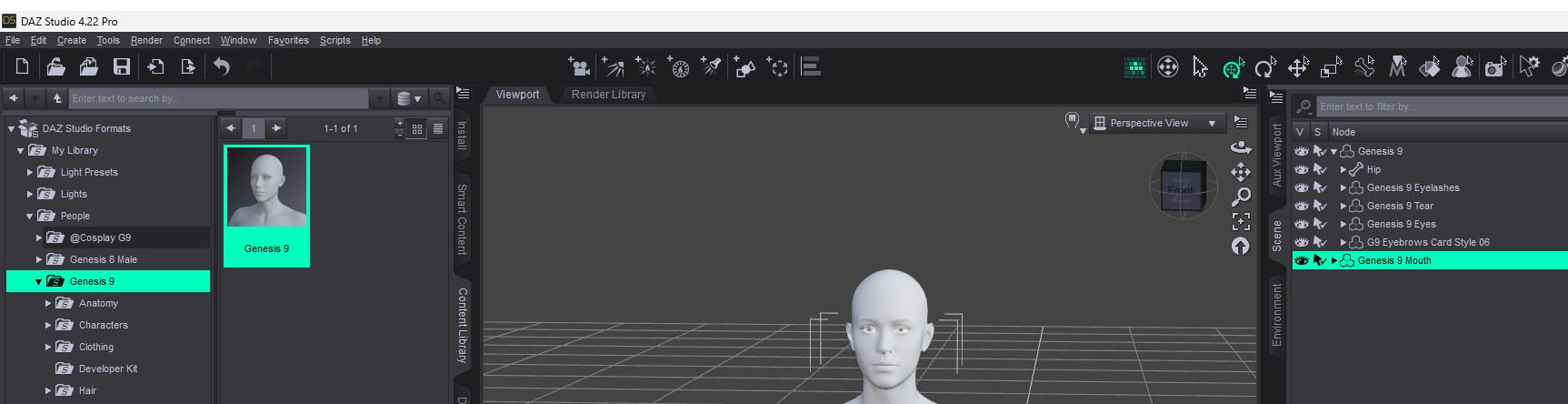
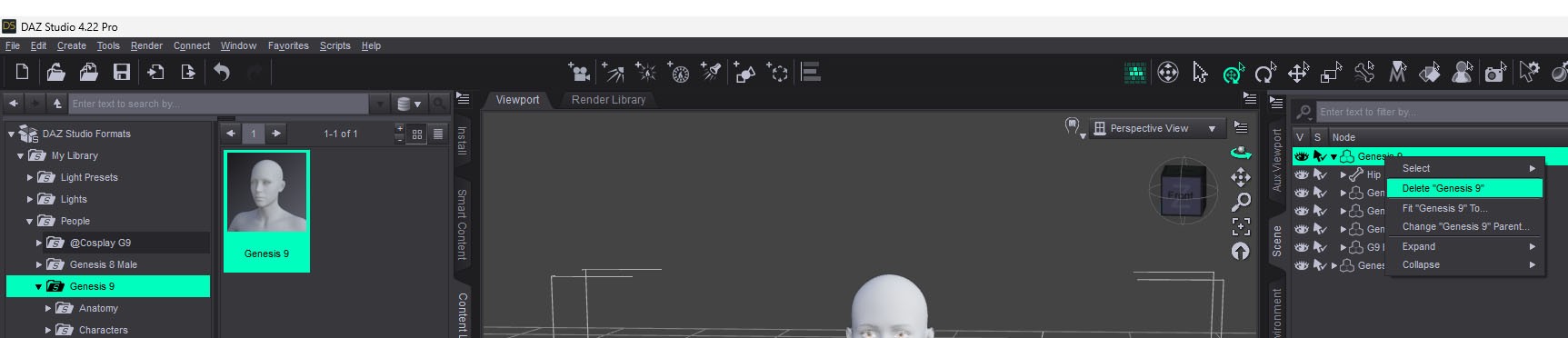
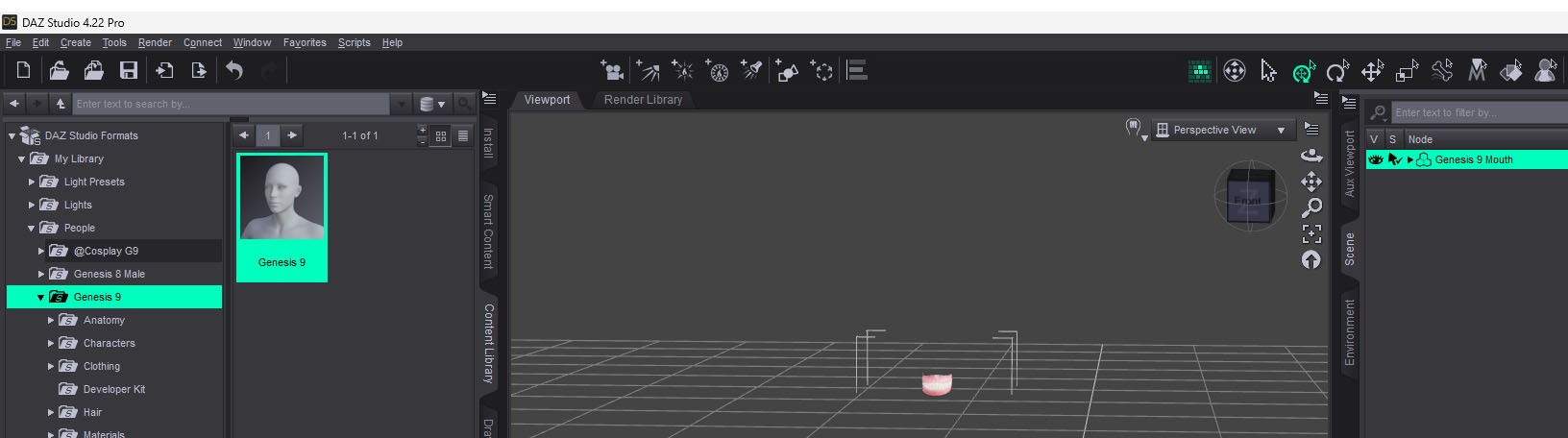
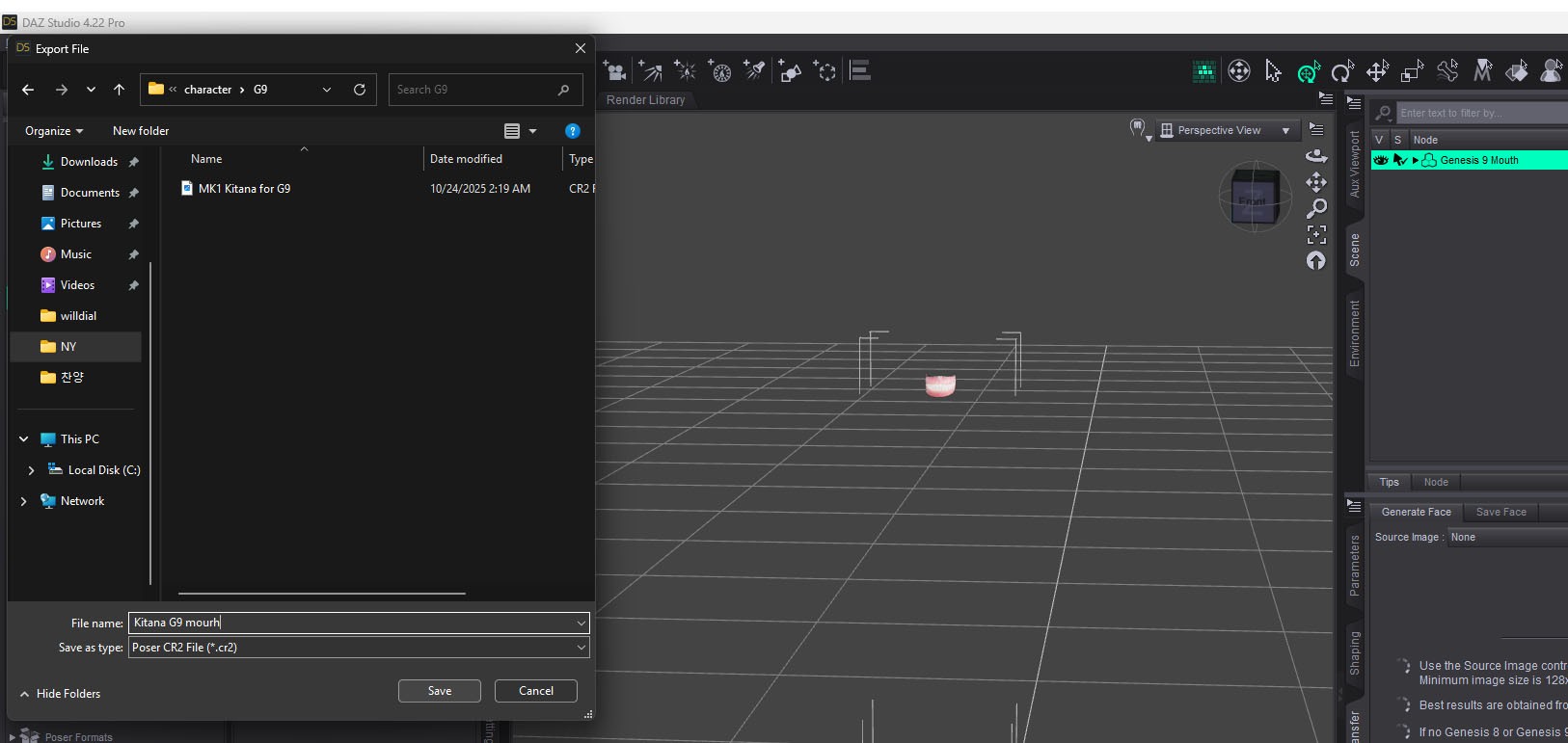
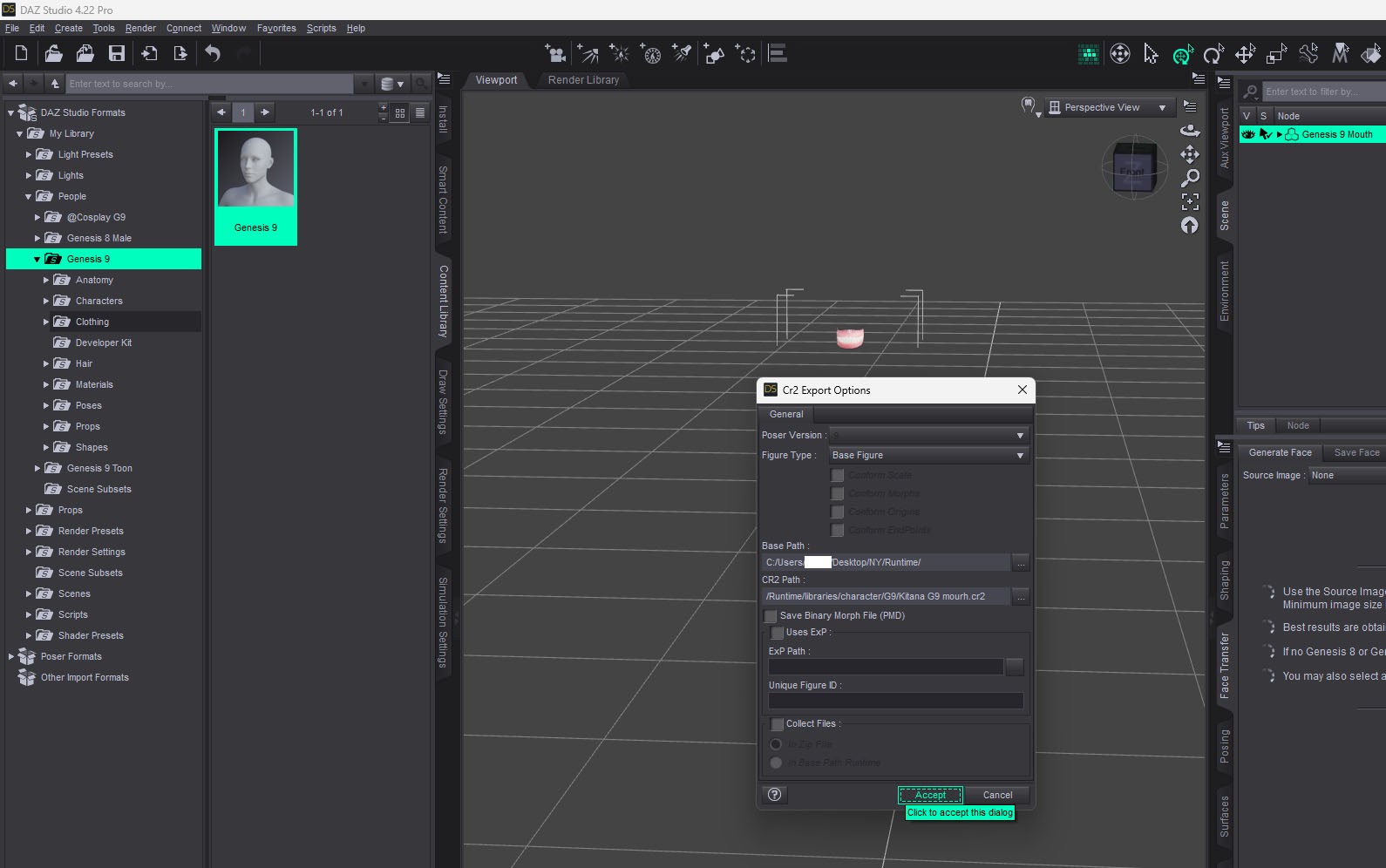
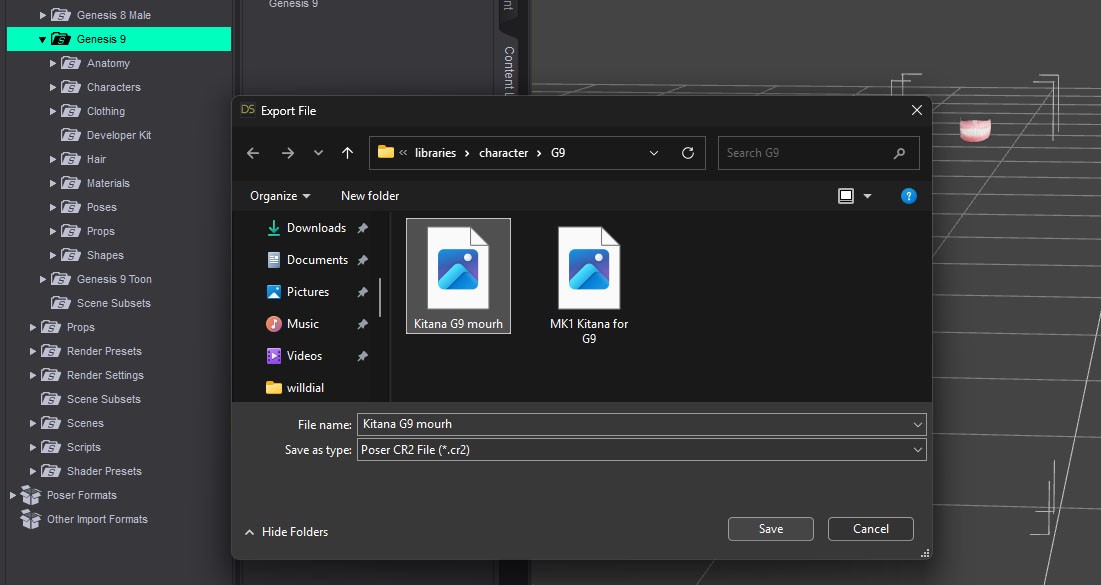
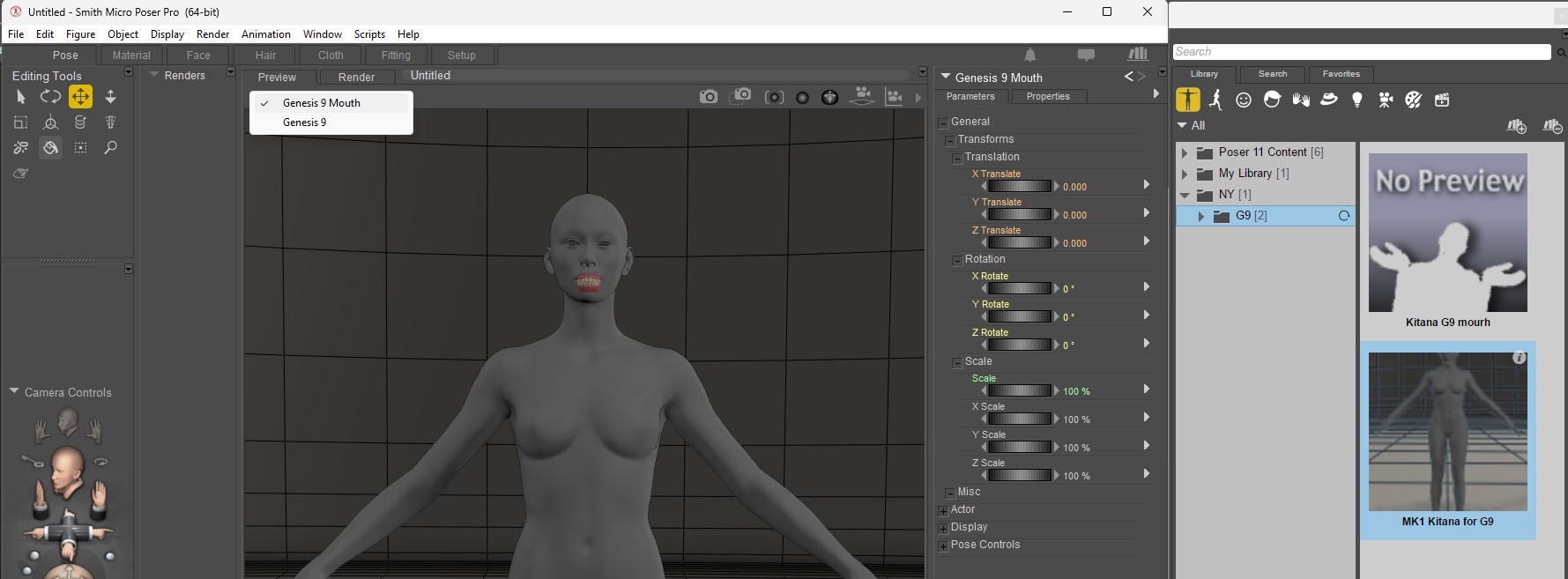
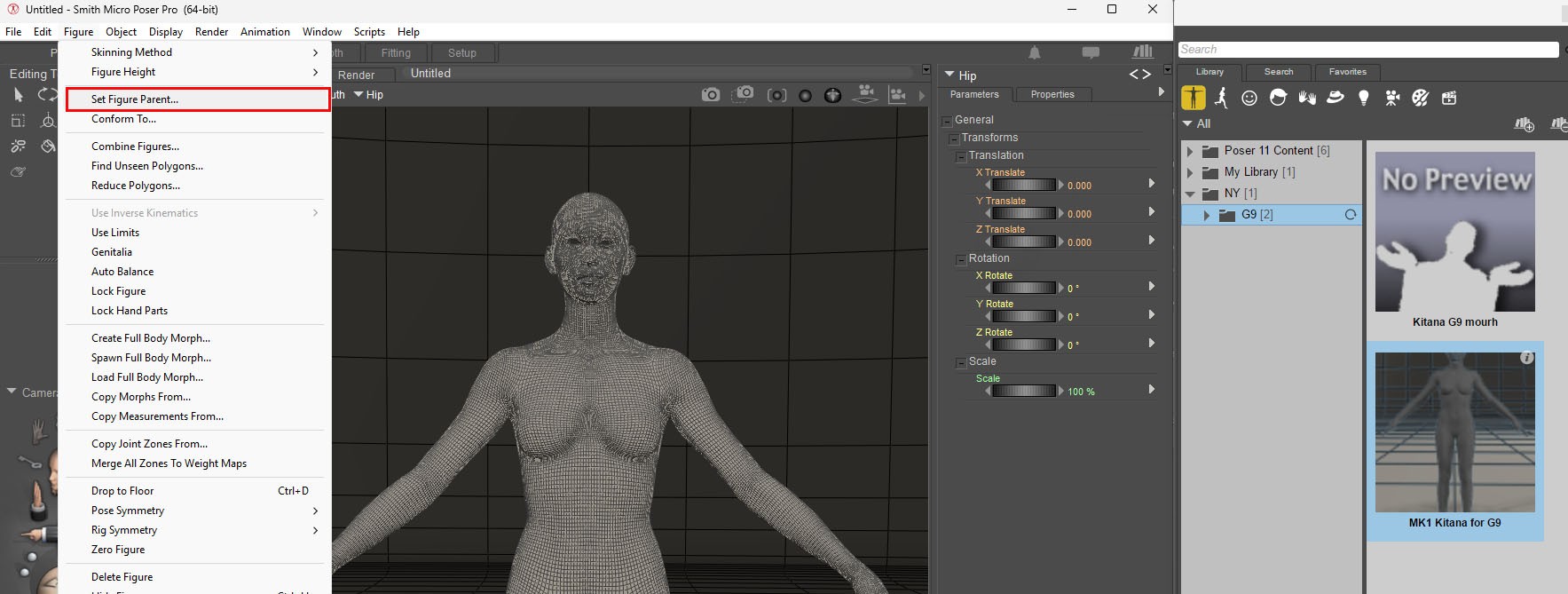
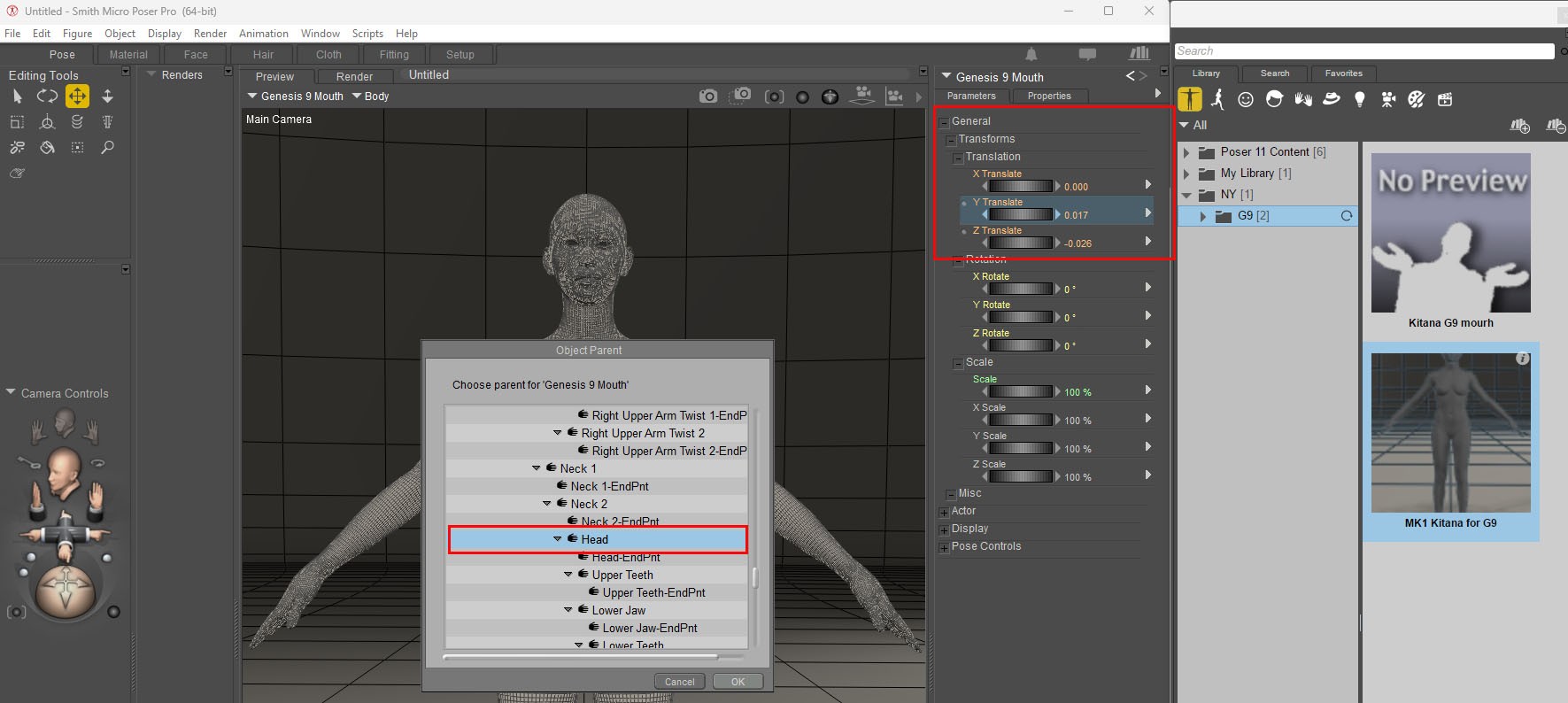
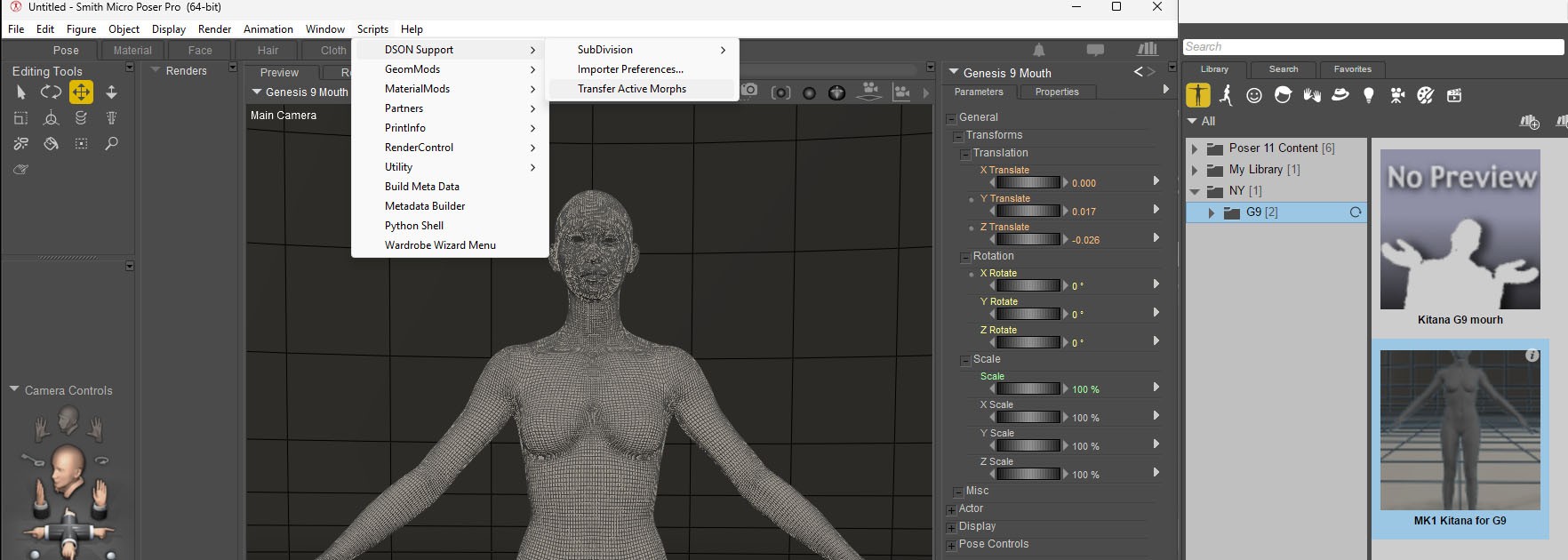
Now, use the same method as above to make a file for G9's eyelashes, tear, eyes, mouth, and eyesbrows.
mini70 posted Thu, 23 October 2025 at 3:18 PM
If hair. you can inport as Cr2 or FBX or Collada file.
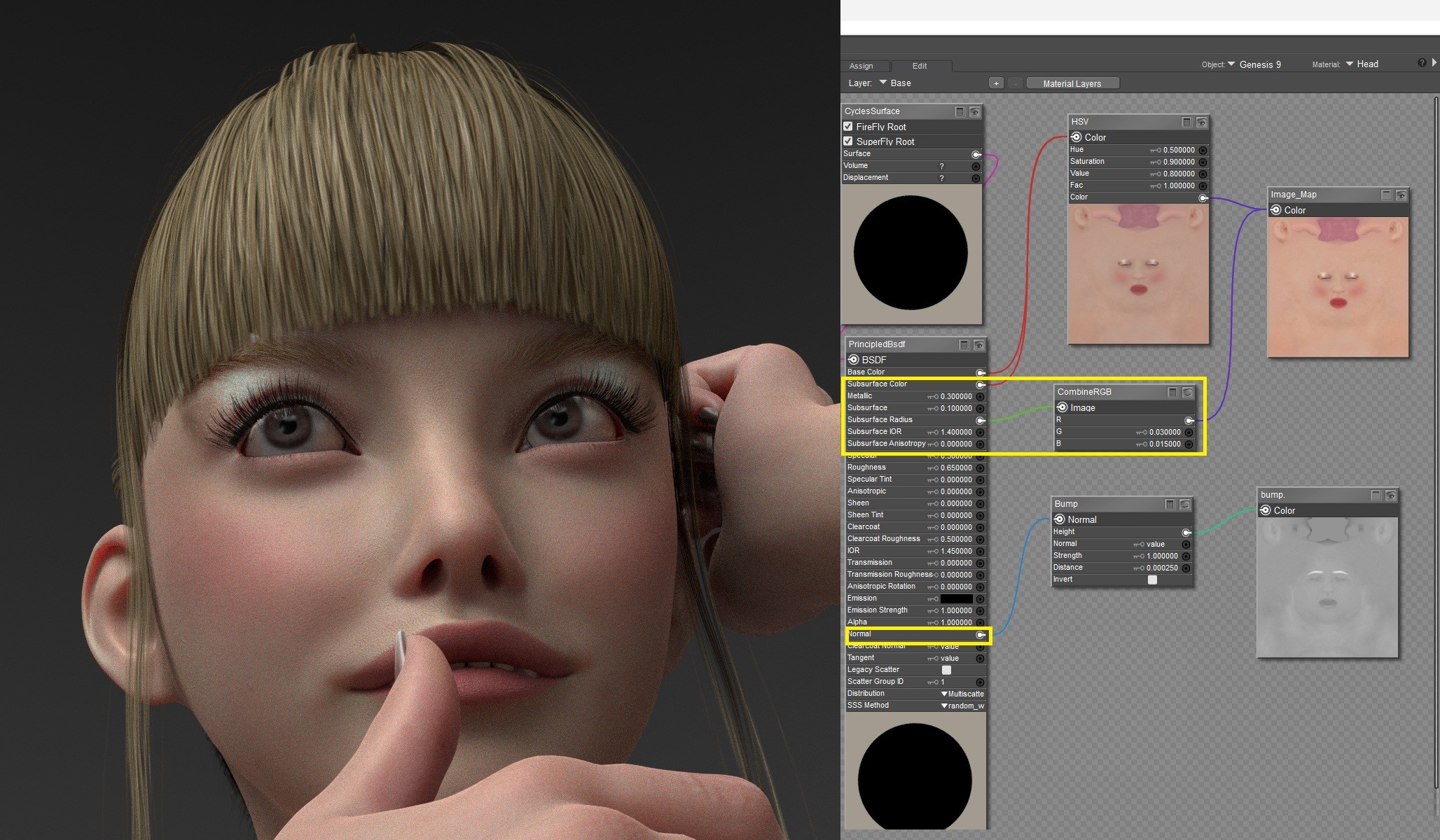
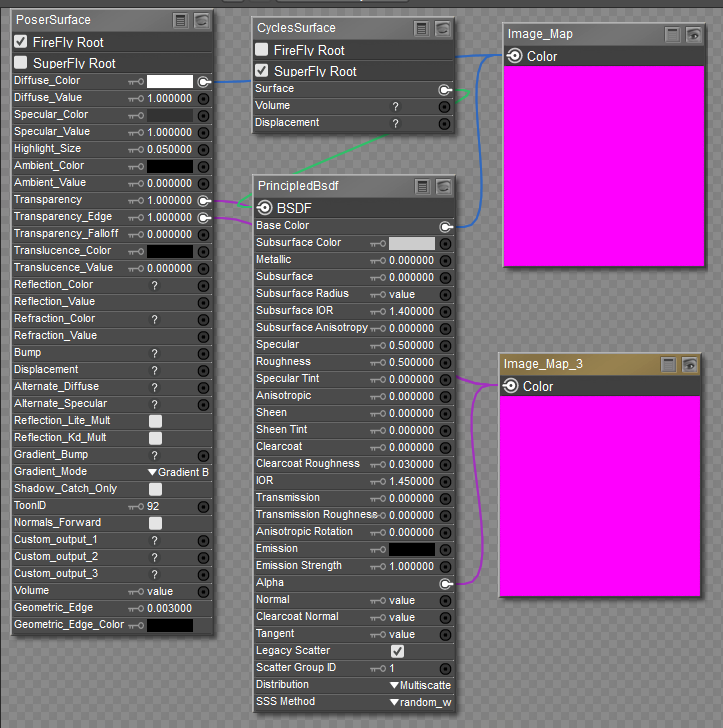
Cycle hair mat

hborre posted Thu, 23 October 2025 at 5:08 PM
Thank you very much. I will closely look through the tutorial.
mini70 posted Thu, 23 October 2025 at 10:36 PM
mini70 posted at 2:43 PM Thu, 23 October 2025 - #4500884
Now, use the same method as above to make a file for G9's eyelashes, tear, eyes, mouth, and eyesbrows.
mini70 posted Fri, 24 October 2025 at 12:01 AM
You're welcome!Thank you very much. I will closely look through the tutorial.
mini70 posted Fri, 24 October 2025 at 12:08 AM

vince5 posted Sat, 25 October 2025 at 5:04 AM
Merci pour ce TUTO
mini70 posted Mon, 27 October 2025 at 10:41 AM
mini70 posted Mon, 27 October 2025 at 10:44 AM
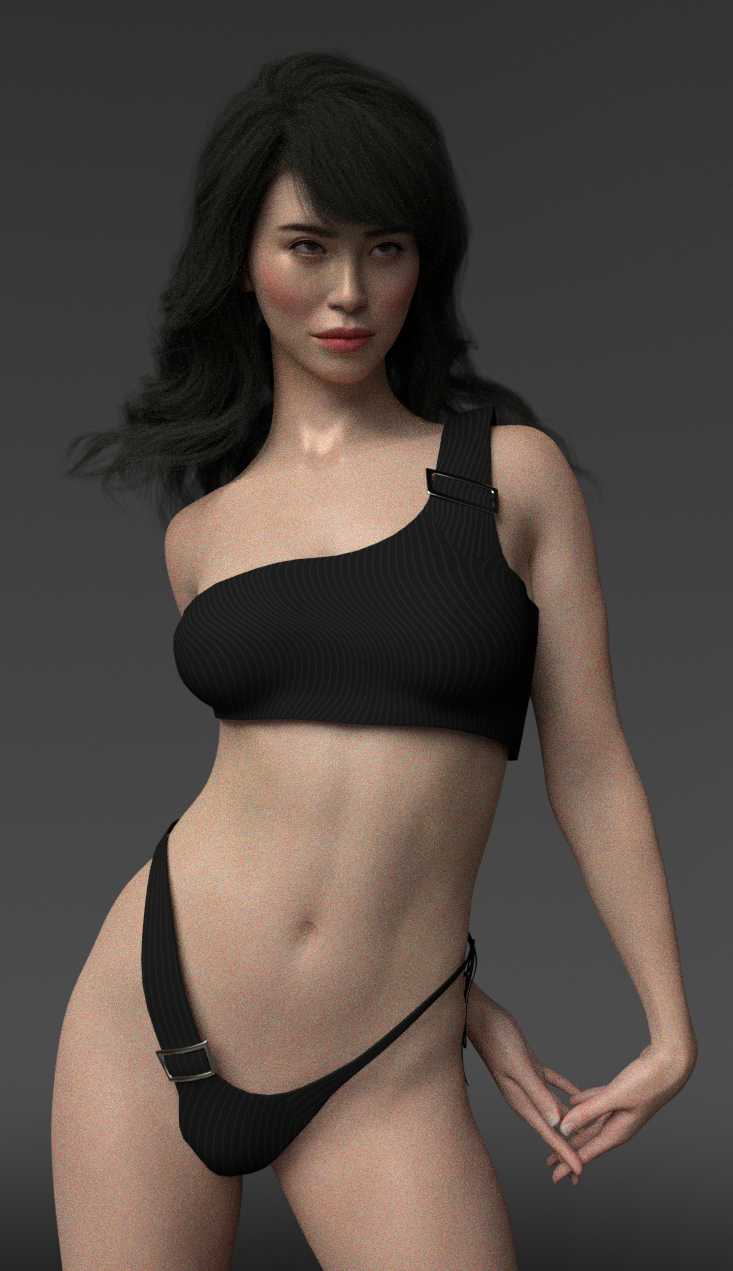
How about?

Gisela posted Mon, 27 October 2025 at 4:14 PM
Gracias.
mini70 posted Thu, 30 October 2025 at 12:40 AM
mini70 posted Fri, 31 October 2025 at 4:35 PM
mini70 posted Sun, 02 November 2025 at 5:59 AM
hborre posted Sun, 02 November 2025 at 12:04 PM
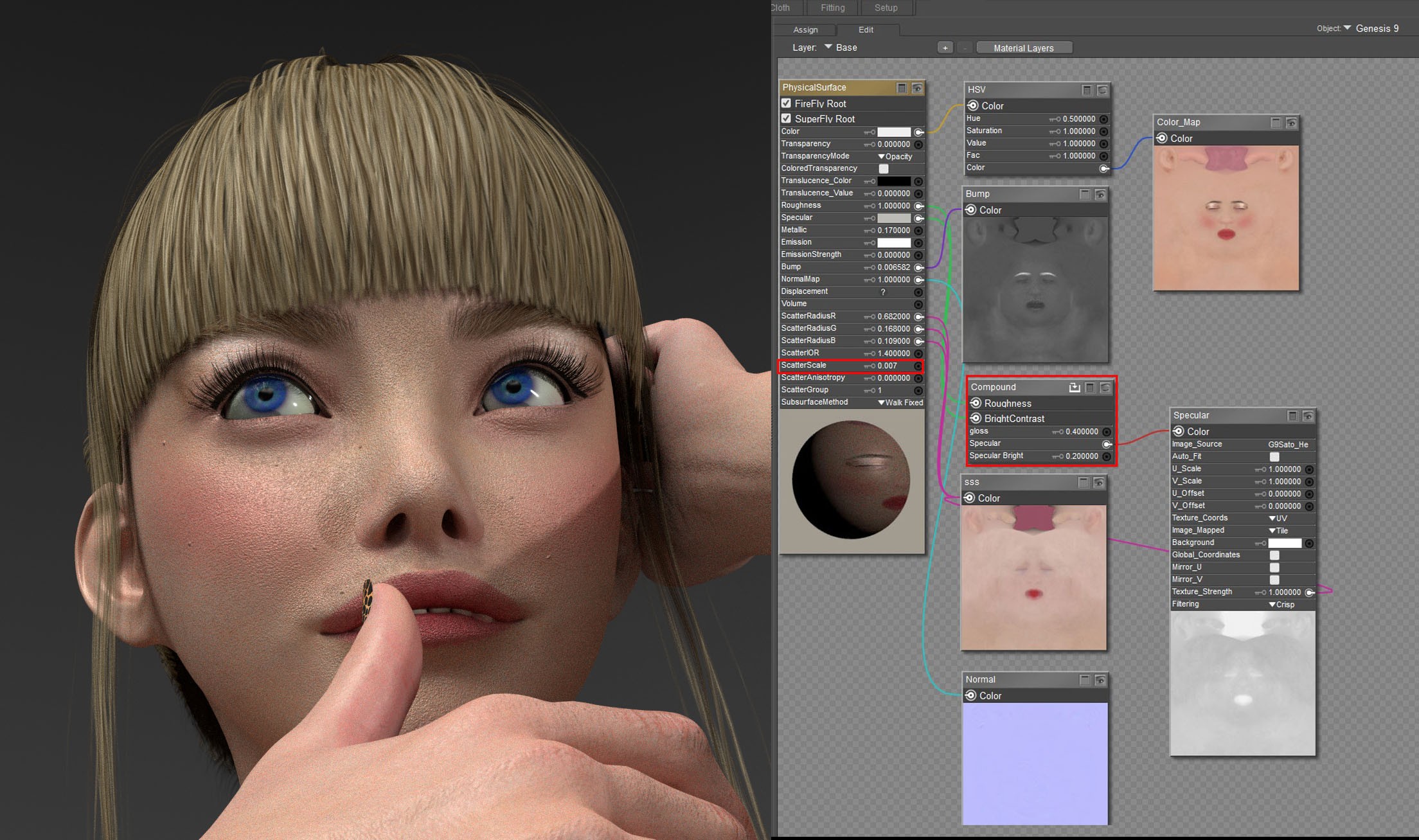
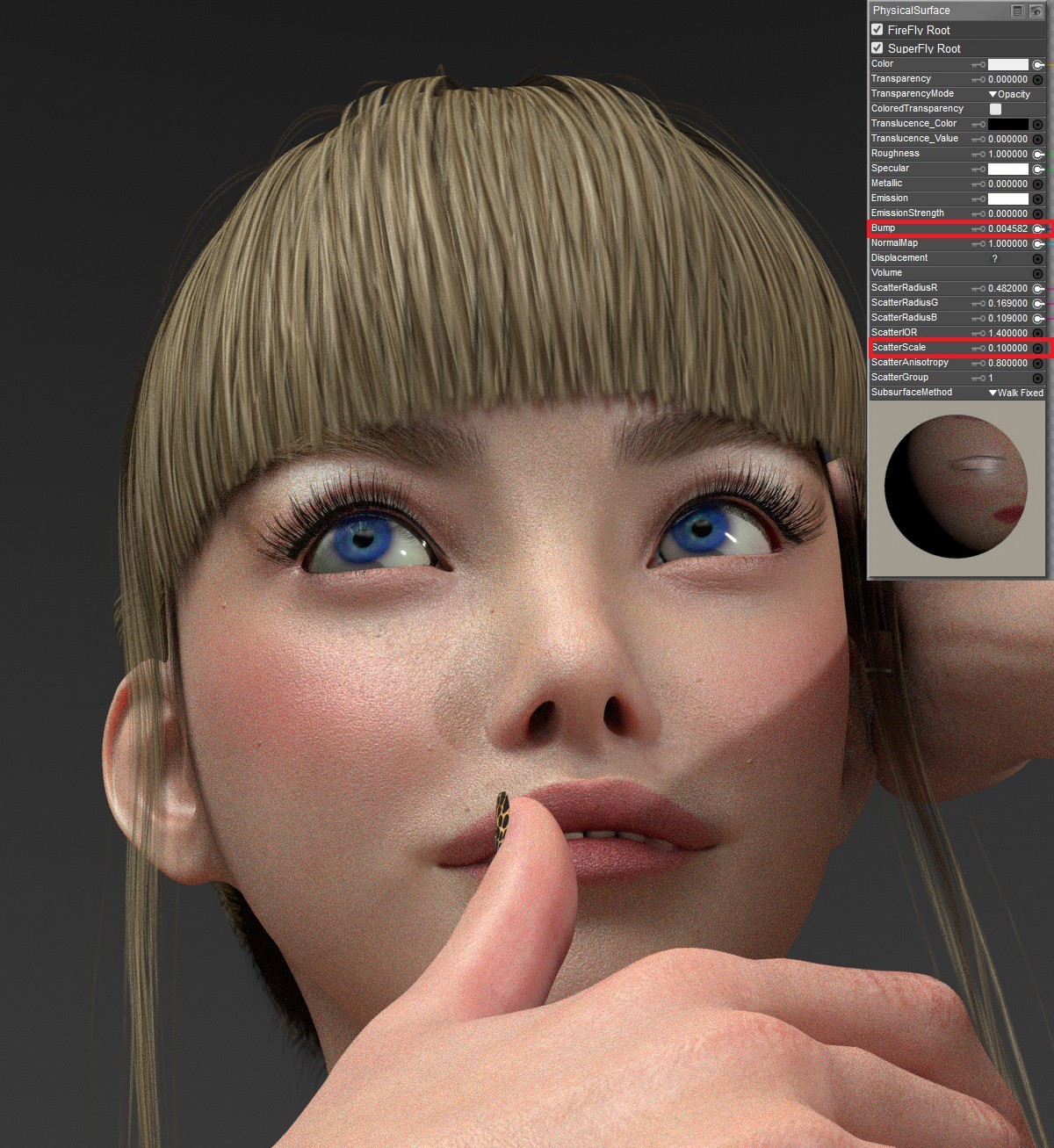
Your last post with a texture map plugged into each of the ScatterRadius RGB channels is something I am contemplating. According to Blender, you can plug a texture map into the same channel on the PrincipleBsdf Node in Cycles. I have yet to experiment with that option. I will let you know my results.
Kalypso posted Sat, 08 November 2025 at 2:50 PM Site Admin
Is DSON still available anywhere?
hborre posted Sat, 08 November 2025 at 3:19 PM
Unless you have an account with DAZ3D and downloaded it from there, there is no availability otherwise.