
Renderosity Forums / Carrara
Welcome to the Carrara Forum
Forum Coordinators: Kalypso, Anim8dtoon
Carrara F.A.Q (Last Updated: 2026 Jul 30 8:26 pm)
Visit the Carrara Gallery here.

Subject: Spline Modeling?

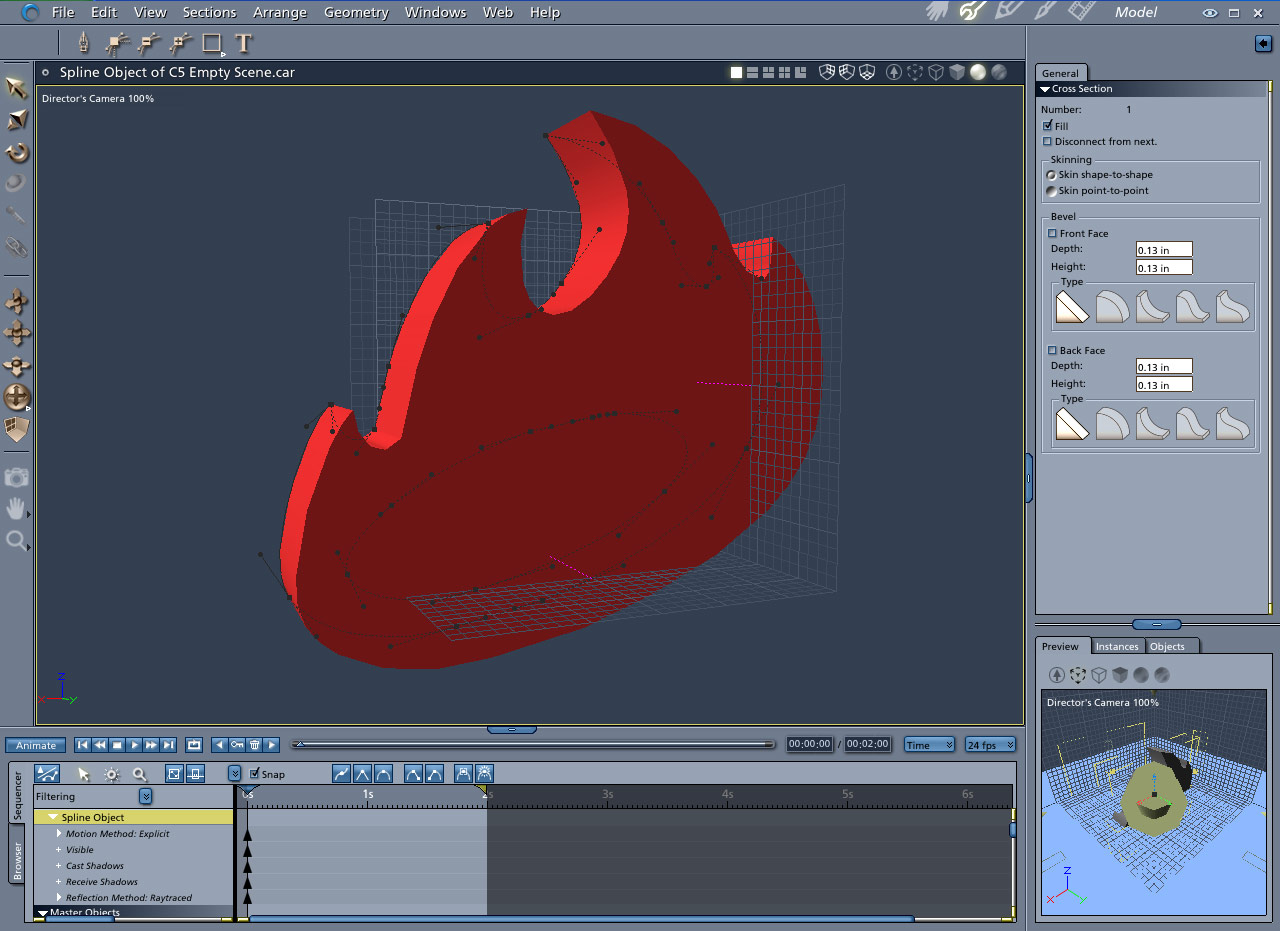
My first concern is that the hole in the middle of the logo is actually going to need to be treated as an other, Boolean like, object? If so, how can I keep applying the changes I make, from the first object, to the second object?
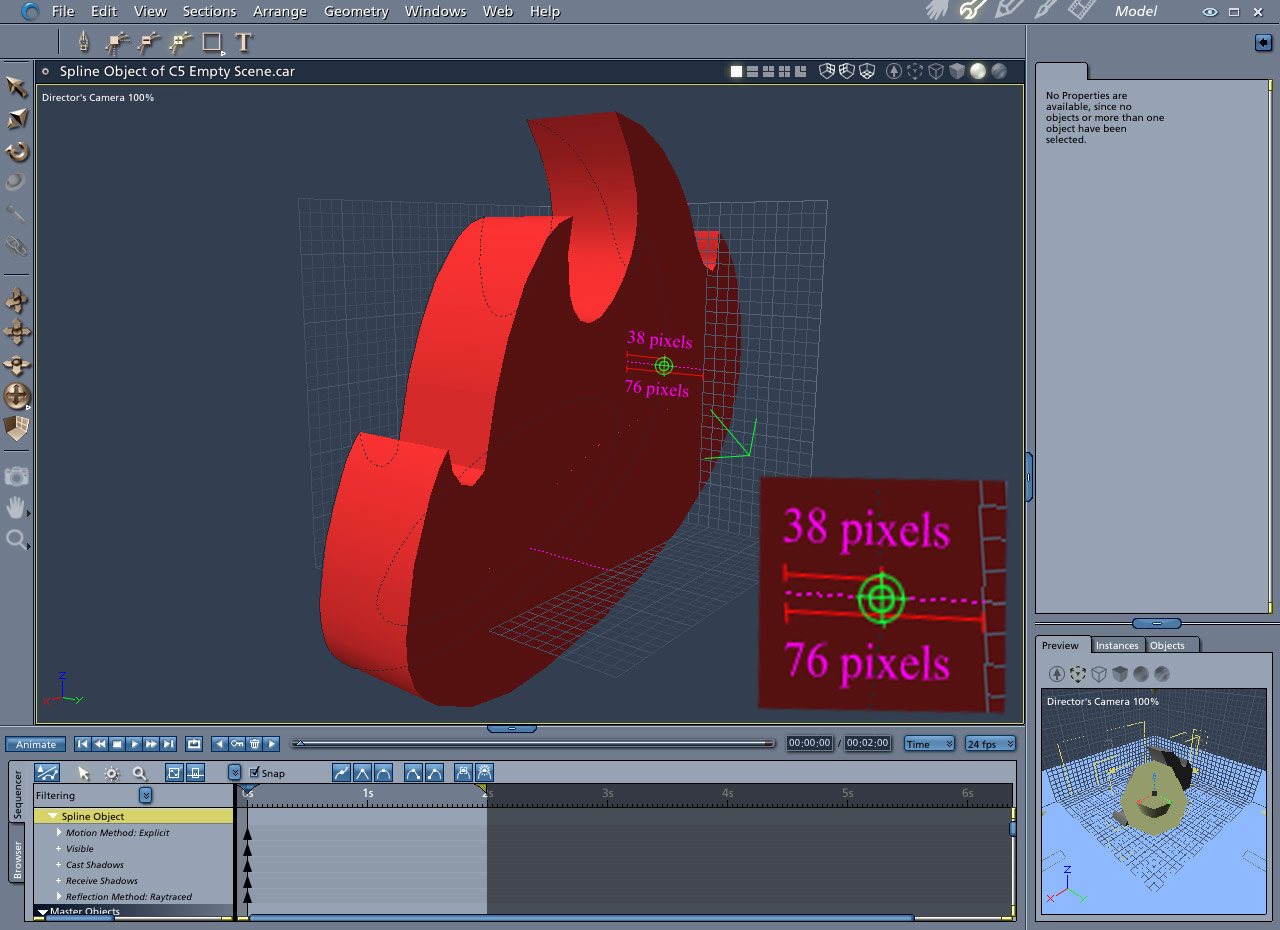
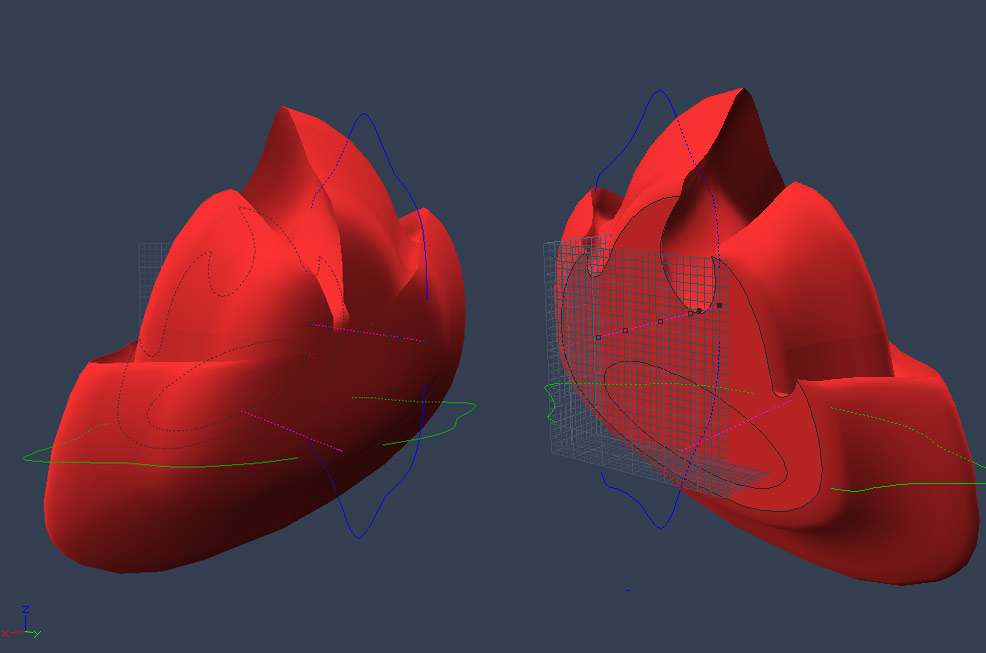
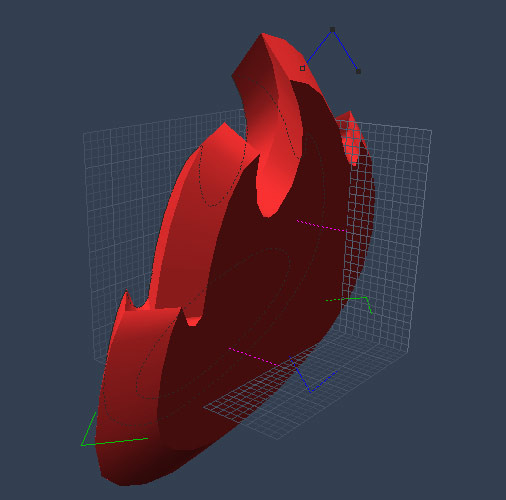

Well the hole should be the simplest to deal with. After you have all of it's points set the way you want them, just ctrl-a to select all and then use the combine as compound to cut it out of the fire. If you don't like the way it imported, use the remove point tool to remove it one point at a time and rebuild it manually before you combine it.
Quote - To get things started I used the Photoshop Magic Wand to select this Angelfire logo; then I created a path, and exported the path as an Logo.AI. Then, in Carrara, I Insert > Spline Object and clicked File > Import > Logo.AI.
My first concern is that the hole in the middle of the logo is actually going to need to be treated as an other, Boolean like, object? If so, how can I keep applying the changes I make, from the first object, to the second object?

Privacy Notice
This site uses cookies to deliver the best experience. Our own cookies make user accounts and other features possible. Third-party cookies are used to display relevant ads and to analyze how Renderosity is used. By using our site, you acknowledge that you have read and understood our Terms of Service, including our Cookie Policy and our Privacy Policy.

Spline modeling looks like a great way to create objects, because you can start with Photoshop Magic Wand Selections! Here at my first ever attempt to create an object.