
Renderosity Forums / Carrara
Welcome to the Carrara Forum
Forum Coordinators: Kalypso, Anim8dtoon
Carrara F.A.Q (Last Updated: 2026 Sep 09 4:39 am)
Visit the Carrara Gallery here.

Subject: manually copying thumbnail from .car file to cbr

method works for any shader file.
♥ My Gallery Albums ♥ My YT ♥ Party in the CarrarArtists Forum ♪♪♪ 10 years of Carrara forum ♥ My FreeStuff

Privacy Notice
This site uses cookies to deliver the best experience. Our own cookies make user accounts and other features possible. Third-party cookies are used to display relevant ads and to analyze how Renderosity is used. By using our site, you acknowledge that you have read and understood our Terms of Service, including our Cookie Policy and our Privacy Policy.
manually copying thumbnail from .car file to cbr.
i started saving my hdr presets.
on effects tab
under background
hdr save icon.
add a folder to misc tab,
when it asks for type, select background.
by default carrara tray shows a star for the file.
to generate the thumbnail,
save scene with preview, uncompressed.
open car file with notepad or wordpad. search for "PREV"
copy everything between:
Prev {
TVPr {
bunch of ascii
}
}
open the cbr file of the hdr preset you saved
under:
brow {
kind back
prvw 0
comm ""
}
paste in what you just copied from the .car file.
to apply a background preset, drag thumbnail on top of background in efffects tab.
i'm sure this is the hard way, theres prolly a song about the hard way.
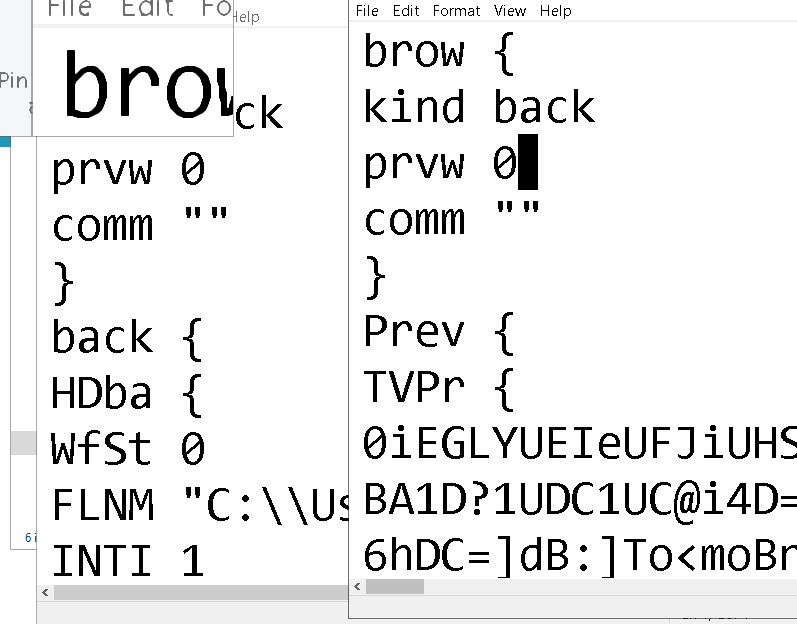
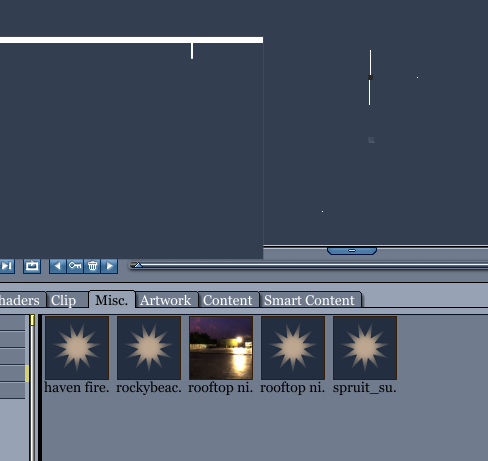
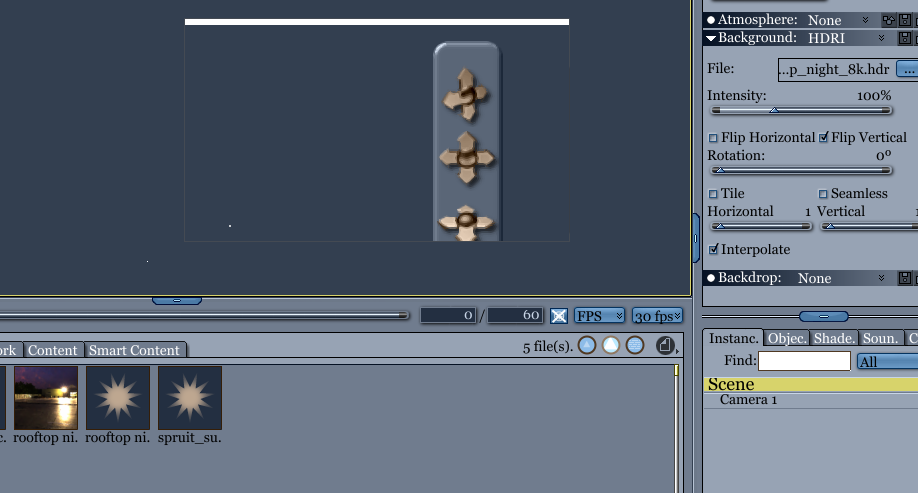
cbr file before and after
♥ My Gallery Albums ♥ My YT ♥ Party in the CarrarArtists Forum ♪♪♪ 10 years of Carrara forum ♥ My FreeStuff