
MistyLaraCarrara opened this issue on Apr 16, 2021 · 2 posts
MistyLaraCarrara posted Fri, 16 April 2021 at 5:50 AM
manually copying thumbnail from .car file to cbr.
i started saving my hdr presets.
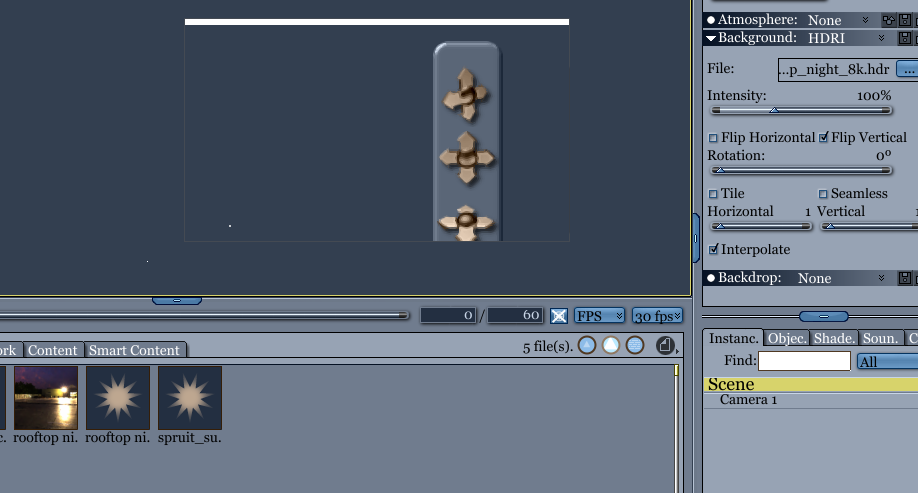
on effects tab
under background
hdr save icon.
add a folder to misc tab,
when it asks for type, select background.
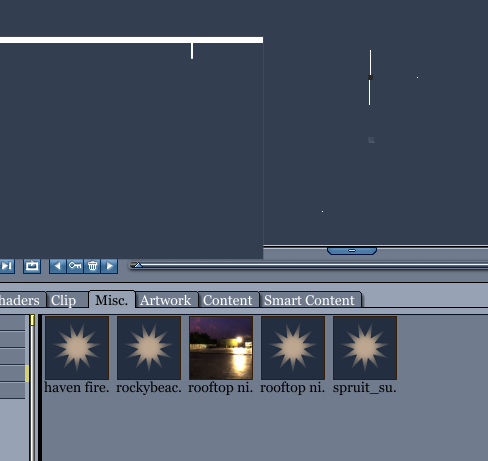
by default carrara tray shows a star for the file.
to generate the thumbnail,
save scene with preview, uncompressed.
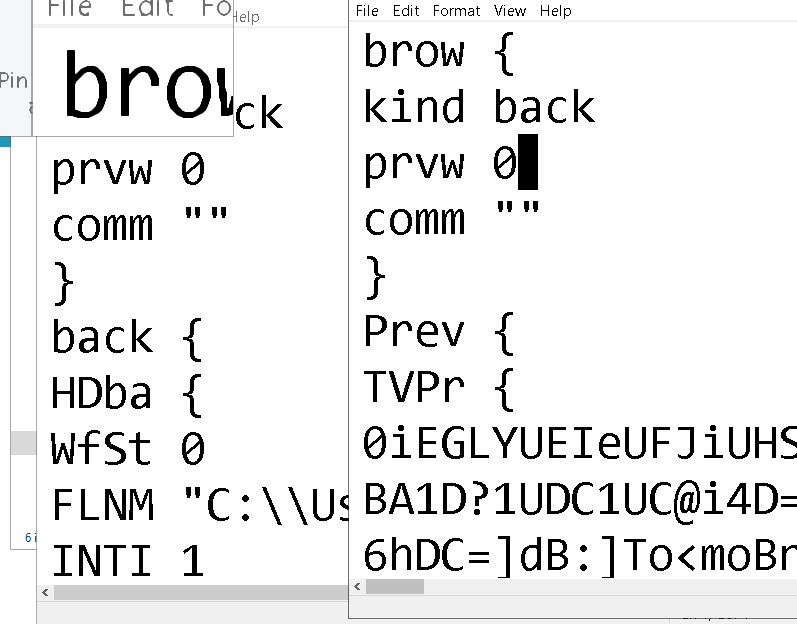
open car file with notepad or wordpad. search for "PREV"
copy everything between:
Prev {
TVPr {
bunch of ascii
}
}
open the cbr file of the hdr preset you saved
under:
brow {
kind back
prvw 0
comm ""
}
paste in what you just copied from the .car file.
to apply a background preset, drag thumbnail on top of background in efffects tab.
i'm sure this is the hard way, theres prolly a song about the hard way.
cbr file before and after
♥ My Gallery Albums ♥ My YT ♥ Party in the CarrarArtists Forum ♪♪♪ 10 years of Carrara forum ♥ My FreeStuff