
















DAZ3D to AI MOTION | From Rigid Keyframes to Seamless AI Motion by Sepiasiren
Close
Hover over top left image to zoom.
Click anywhere to exit.
Members remain the original copyright holder in all their materials here at Renderosity. Use of any of their material inconsistent with the terms and conditions set forth is prohibited and is considered an infringement of the copyrights of the respective holders unless specially stated otherwise.

GEMINI
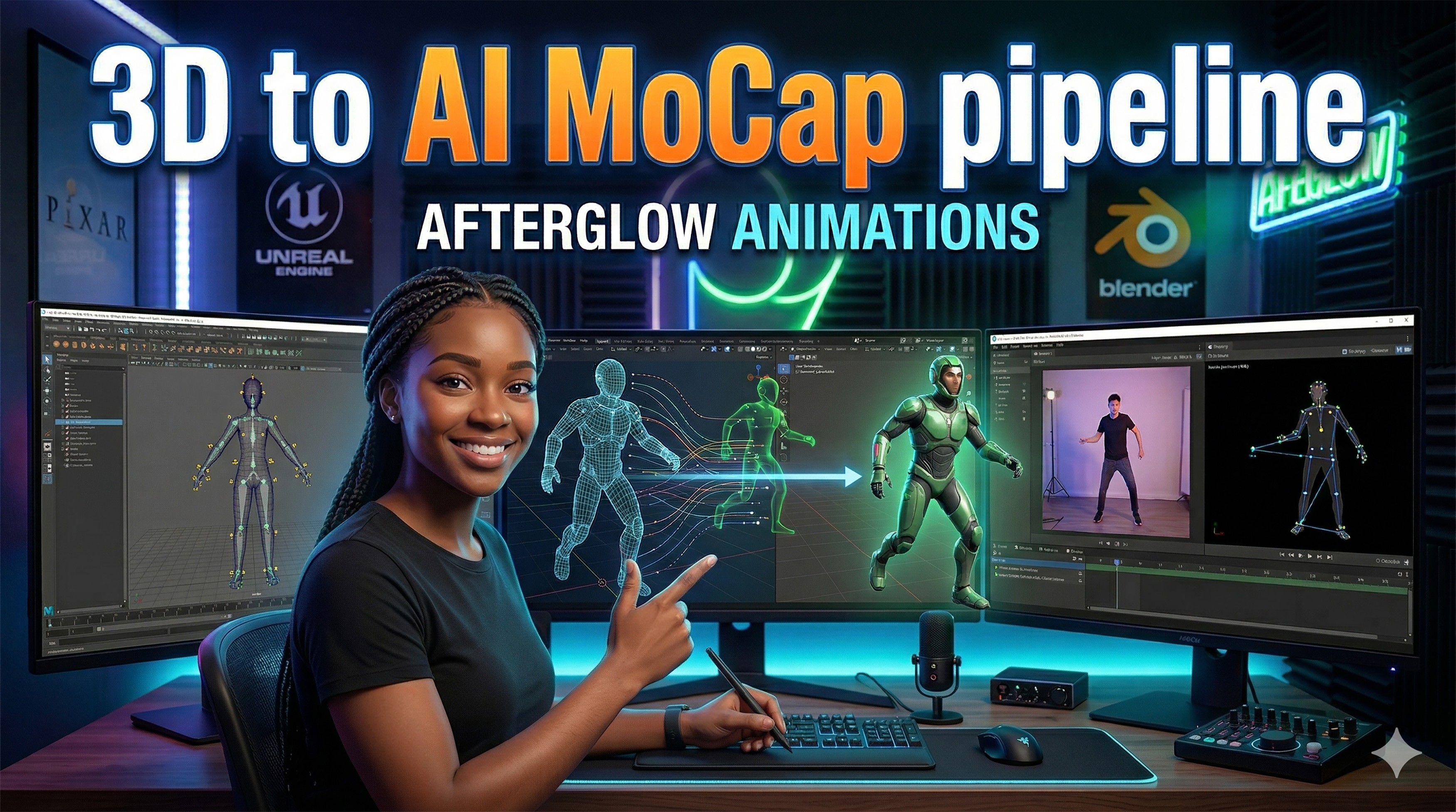
To create the thumbnail for the tutorial
Description
https://youtu.be/8-wIDWwYgo0?si=jtsfl-KEjwn4d8hn
So I am loving the flusidty of Ai on DAZ creations! If you’ve spent any time in DAZ Studio, you know that getting "human" movement usually feels like pulling teeth. I’m sharing how I moved away from manual posing and embraced a high-speed AI mocap workflow that has completely saved my production timeline.
What’s Inside:
The "Old Way": Why traditional manual posing was killing my creativity and slowing me down.
The AI Pivot: A look at the tools bridging the gap between AI motion capture and 3D rigs.
Step-by-Step: My process for importing, retargeting, and refining motion directly in DAZ.
The Result: A side-by-side comparison of the fluidity and "human" feel of this new workflow.
Resources Mentioned:
DAZ 3D / DAZ Studio
Gemini AI
Watch the full breakdown here: [https://youtu.be/8-wIDWwYgo0?si=LGMk7V4wlKwRnZpr] #daz3d #tutorial #mocap

Comments (1)
Very nice work, I find my self using AI more and more I still use the likes of DAZ , Poser a, Carrara and Blender to make start and end frames but my animations , AI makes them faster and better
Hey! It's been a while, my friend! And yes, AI is really fun to explore, especially for achieving that smooth movement I couldn't get with DFORCE. It feels very freeing, and it's great to see you!