















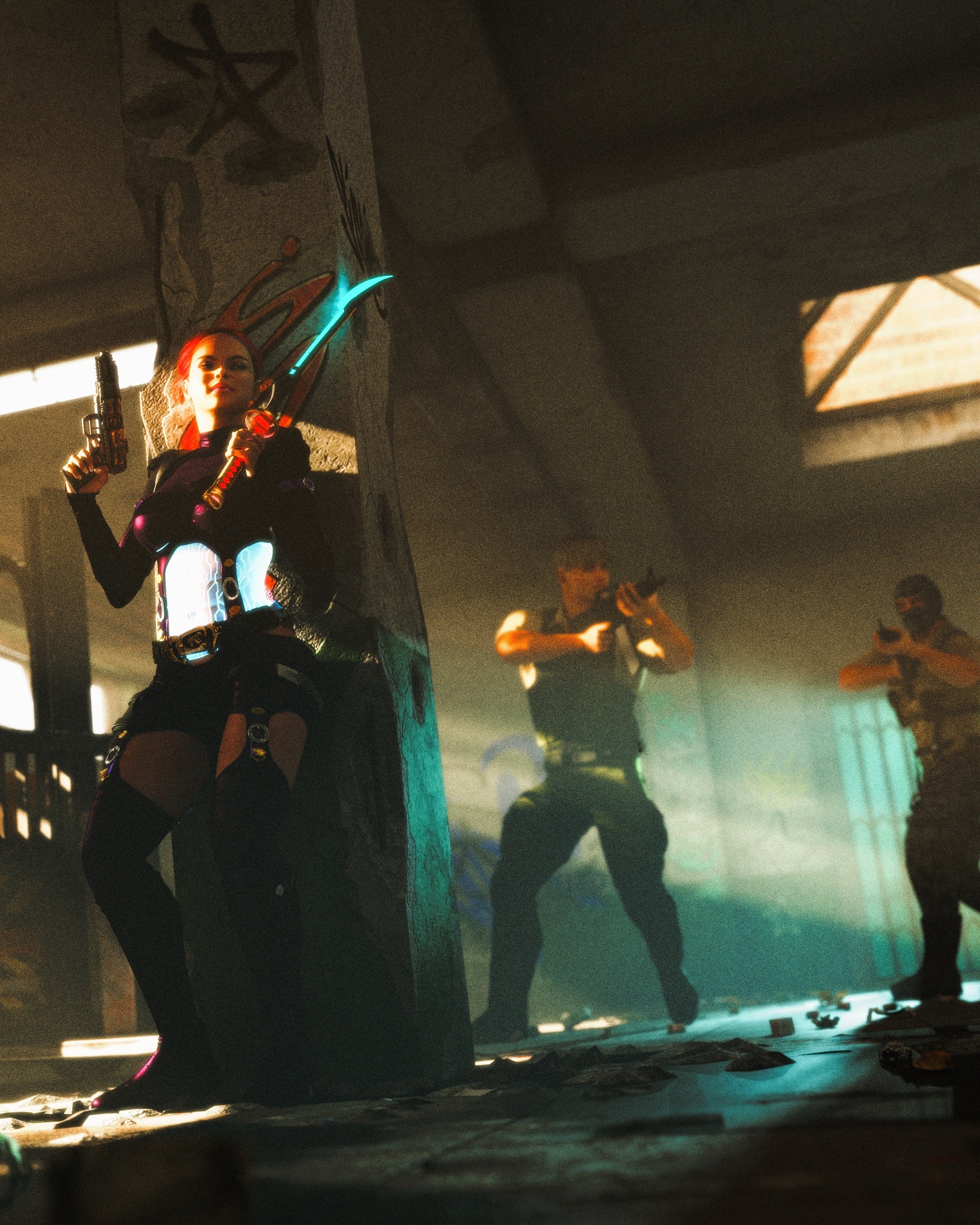
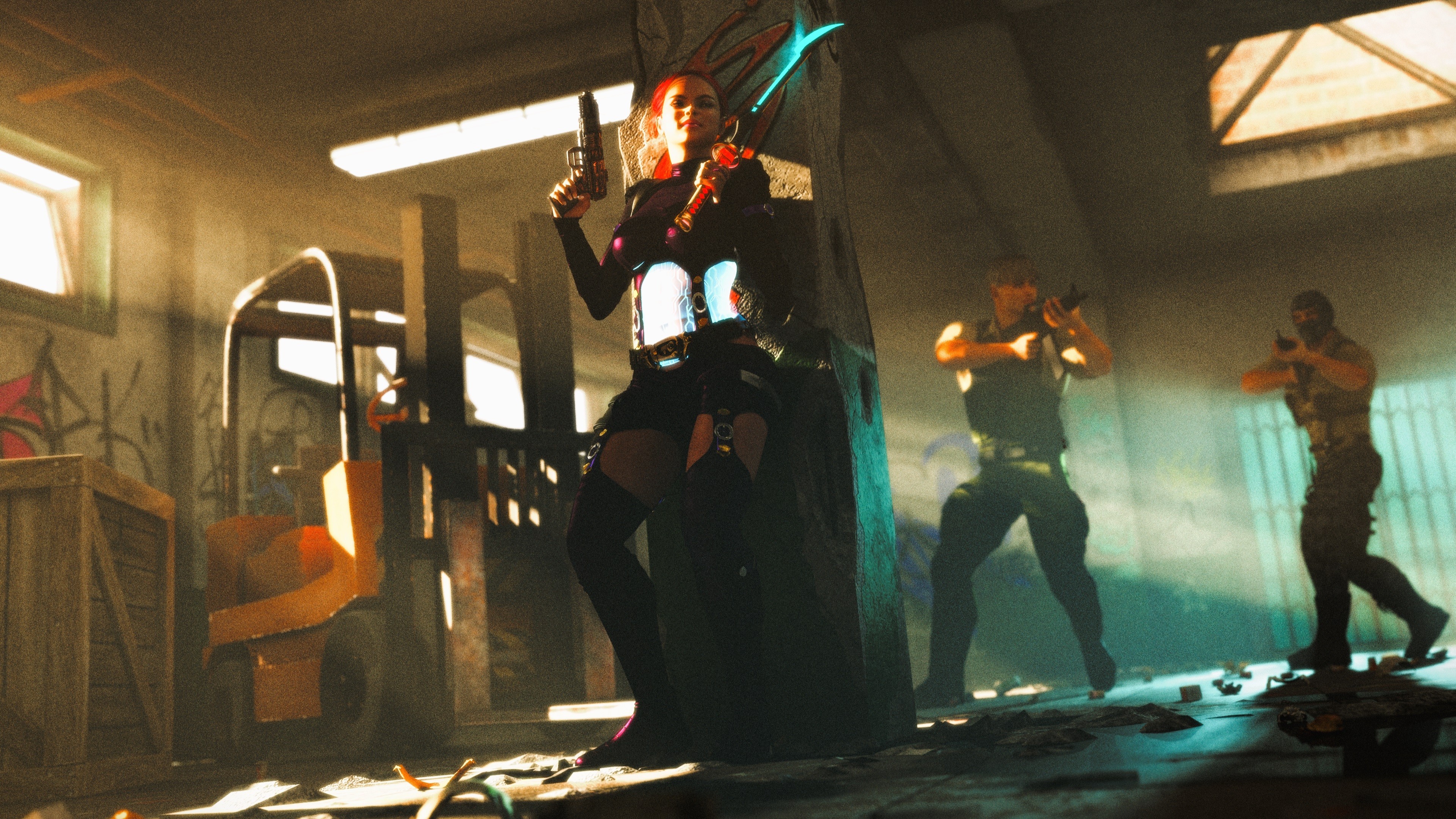
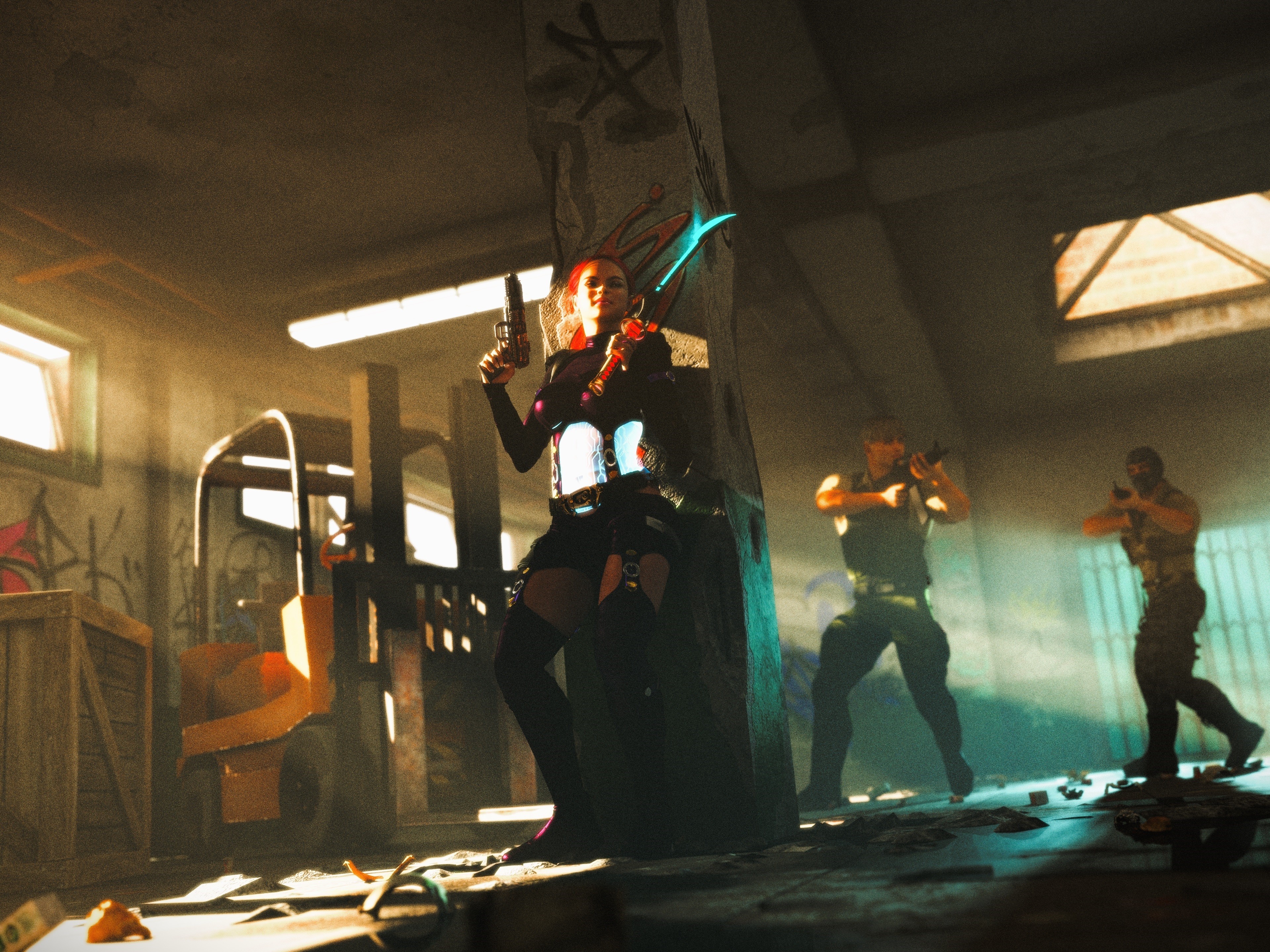
Find Her! by poser4me
Close
Hover over top left image to zoom.
Click anywhere to exit.
Members remain the original copyright holder in all their materials here at Renderosity. Use of any of their material inconsistent with the terms and conditions set forth is prohibited and is considered an infringement of the copyrights of the respective holders unless specially stated otherwise.
No AI - This artwork was created entirely by hand or with traditional digital tools.


Comments (10)
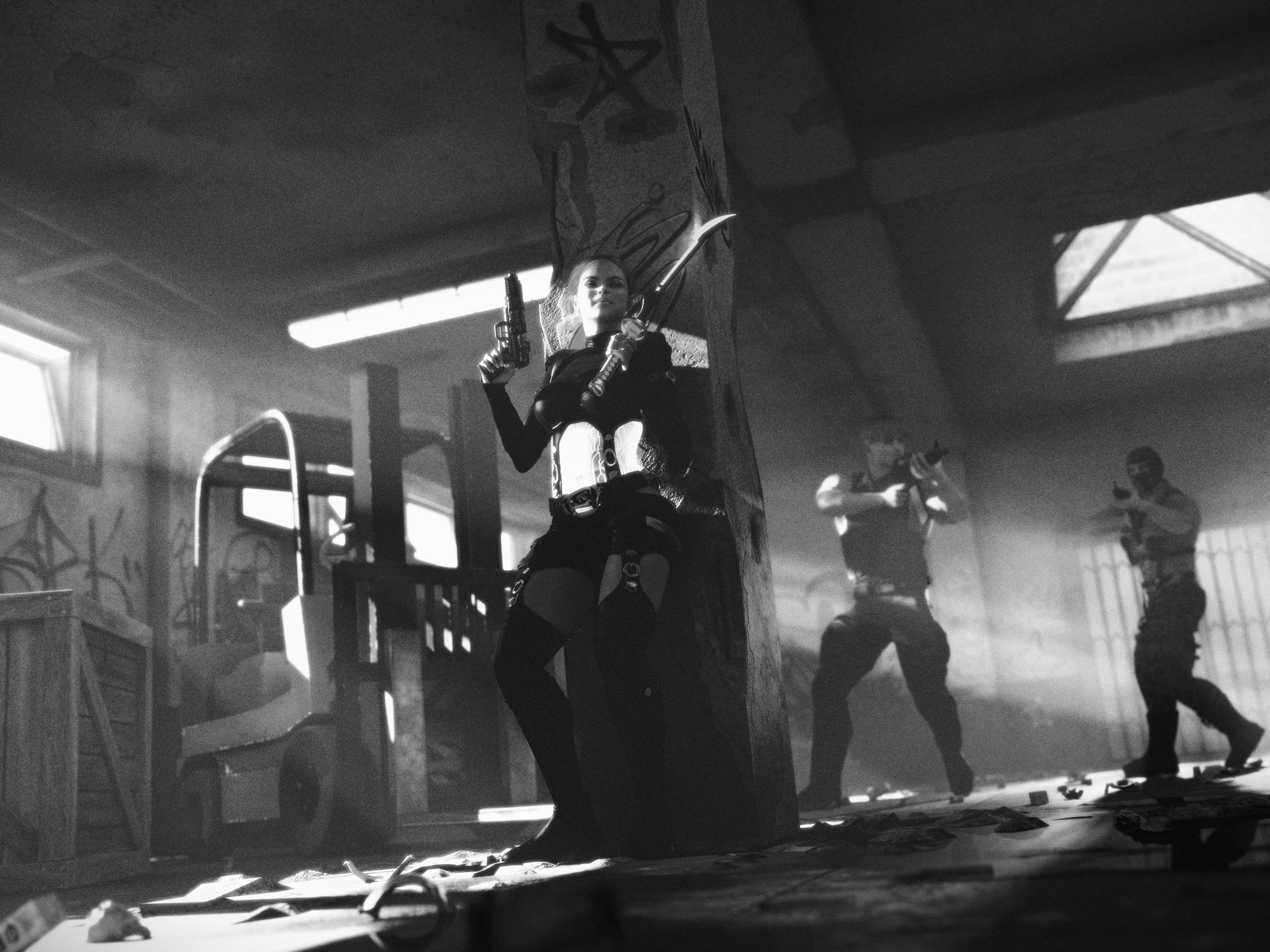
..great dramatic action scene
Thanks so much.
All those hide-and-seek games where you want to be discovered
Oh yeah.
Hit Girl! These guys are dead men walkin'! What camera and atmo! And her expression is like, oh, I am loving this. LOL. Super spectacular light through those windows, buddy. I used this set the other day. I always use a black background color to make it look like night outside. At first I accidentally changed it to purple and I was so pissed because I couldn't make it change from purple to black. LOL. But then it worked out. Super cool and dramatic scene, my friend!
Hey thanks, I'm still learning how to get those light rays just right. Gotta keep playing around until it's down to a science.
Cool image
Thanks!
Oh buddy. This lighting is brilliant. I just did a clicking tour of some of your recent light-through-window scenes and they're all spectacular. But what really set my mind on fire here is the atmosphere. Using this set from Gnorg, I actually always make the ceiling invisible to get the light I want because I just can't get it otherwise. That makes what you accomplished here with the atmosphere even more remarkable to me. So here's what I did ......
This is amazing and so exciting. I approached CoPilot / Chat GPT with questions about light rays in Poser as well as Unity and Unreal Engine. The most recent game I was hooked on, created in Unity, had amazing light rays back home in the palace and always used an atmosphere. I was especially curious about Unity and Unreal Engine and whether they, too, required an atmosphere for God Rays. And yup. Sure enough. They do.
I truly couldn't believe the lighting expertise CoPilot exhibited. I'm gonna' try to paste what it said about Unity and Unreal Engine in a different comment.
🌌 Unity: Atmospheric Scattering & Light Rays • Unity uses Volumetric Fog and Atmospheric Scattering primarily through the High Definition Render Pipeline (HDRP). • To simulate light rays (like god rays), you need: • Volumetric Fog enabled in your scene. • A Directional Light with Volumetric Shadows turned on. • Optionally, use Light Shafts or post-processing bloom for added drama. • HDRP simulates scattering using Rayleigh and Mie scattering models, which interact with fog density and light direction to produce realistic beams.
🌠 Unreal Engine: Sky Atmosphere & Volumetric Effects • Unreal Engine 5+ includes a Sky Atmosphere Component that’s physically based and incredibly powerful. • To get visible light rays: • Add a Sky Atmosphere and a Directional Light (set as “Atmosphere Sun Light”). • Enable Volumetric Fog and Light Shafts for cinematic beams. • Adjust Rayleigh and Mie scattering parameters to control how light interacts with particles in the air. • Unreal’s system simulates aerial perspective, time-of-day transitions, and even planetary curvature, making it ideal for immersive outdoor scenes.
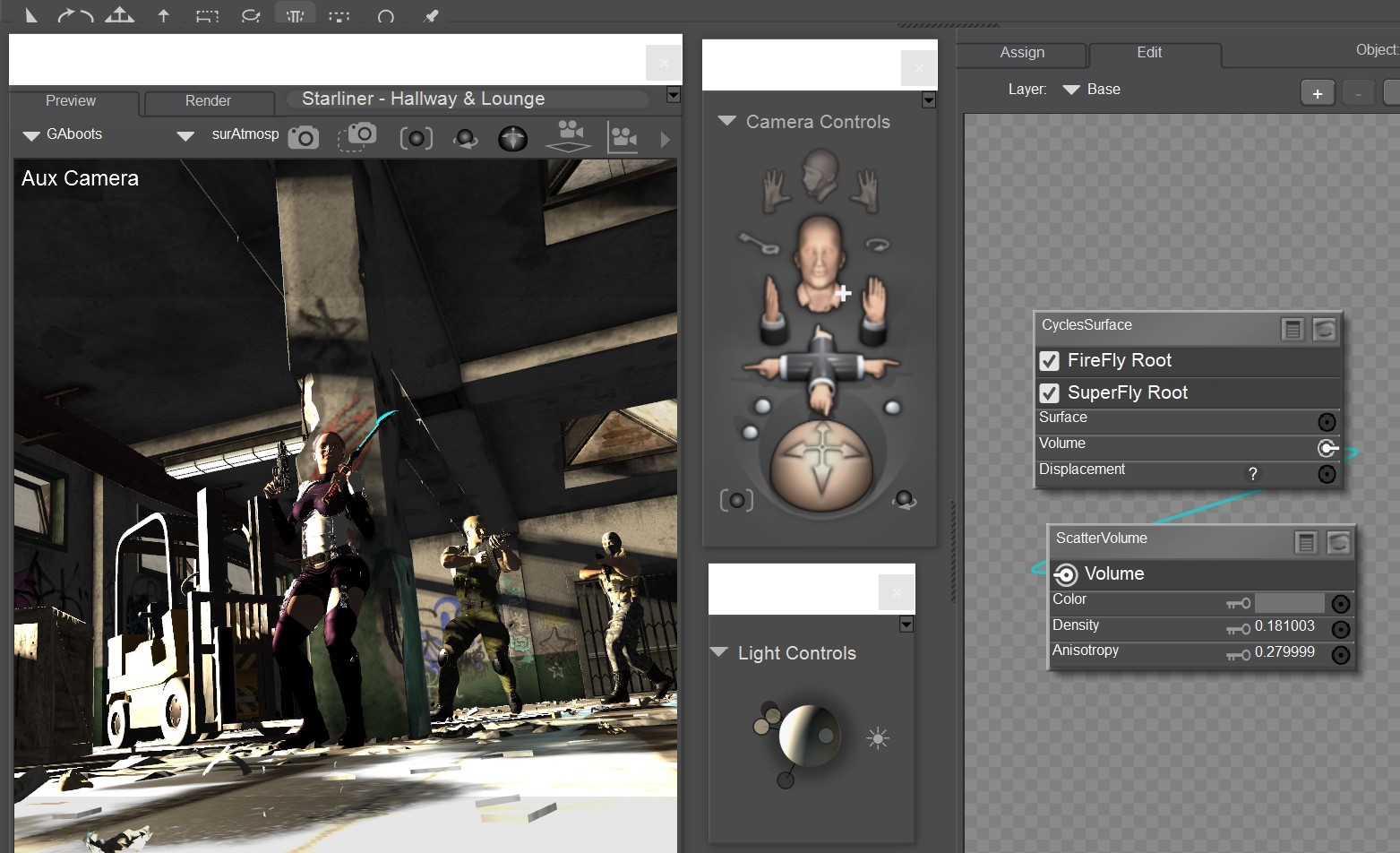
Hey thanks for all the info. For a long time I wanted to do volumetric lighting in Poser not knowing I could. I watched a lot of Blender tutorials on the subject and realize Poser could accomplished similar results. I included a screen grab of my volumetric settings using a primitive cube set in wire object style. You really have to experiment with the scatter settings and color but it is so worth the trouble.
Thank you, my friend! I remember playing with this a while back and it totally slaughtered my computer. I don't think my current machine would fare much better. This all really, really made me wonder whether Unity or Unreal Engine would have a working process that would be more sympathetic to one's computer, but I honestly have absolutely no idea. It totally blew my mind, too, that no matter what terminology the different programs use to produce the rays, the recipe is always the same. Truly makes me feel really good about Poser. And Poser 13 has felt especially nimble and smooth to me.
That's why I love Poser so much. It's easy to learn and move around in creating scenes quickly.
I think it might be safer to not find her!
Mess around and find out.
Super awesome sci fi images, amazing work my friend👍🙋♂️
Thank you thank you.
Tells a great story here but I think her blade may give her position away or maybe that is what she wants, either way they stand no chance I think against her :)