
Renderosity Forums / Poser - OFFICIAL
Welcome to the Poser - OFFICIAL Forum
Forum Moderators: RedPhantom Forum Coordinators: Anim8dtoon
Poser - OFFICIAL F.A.Q (Last Updated: 2026 Oct 03 7:44 am)

Subject: Walk Designer and Lego hands


You can use the animation palette to select the first frame of the hand or the first finger part listed, then hold the shift and select the last frame of the last finger part to select all of them and delete them all at once. You can then load a hand pose into the first frame and any frame you want after.
Available on Amazon for the Kindle E-Reader Monster of the North and The Shimmering Mage
Today I break my own personal record for the number of days for being alive.
Check out my store here or my free stuff here
I use Poser 14 and Windows 11

Privacy Notice
This site uses cookies to deliver the best experience. Our own cookies make user accounts and other features possible. Third-party cookies are used to display relevant ads and to analyze how Renderosity is used. By using our site, you acknowledge that you have read and understood our Terms of Service, including our Cookie Policy and our Privacy Policy.
Can anyone explain why the walk designer gives characters Lego hands? This is LaFemme in Poser 11. And it's not just her. Every figure I put in there does this. Other than painstakingly going through the animation graph and attempting to adjust each digit frame by frame, how can I fix this? I am trying to create a video, and I want the figures to look more natural. I still have to adjust things like the knees doing weird stuff, but that's relatively easy compared to trying to fix the hands. Advice?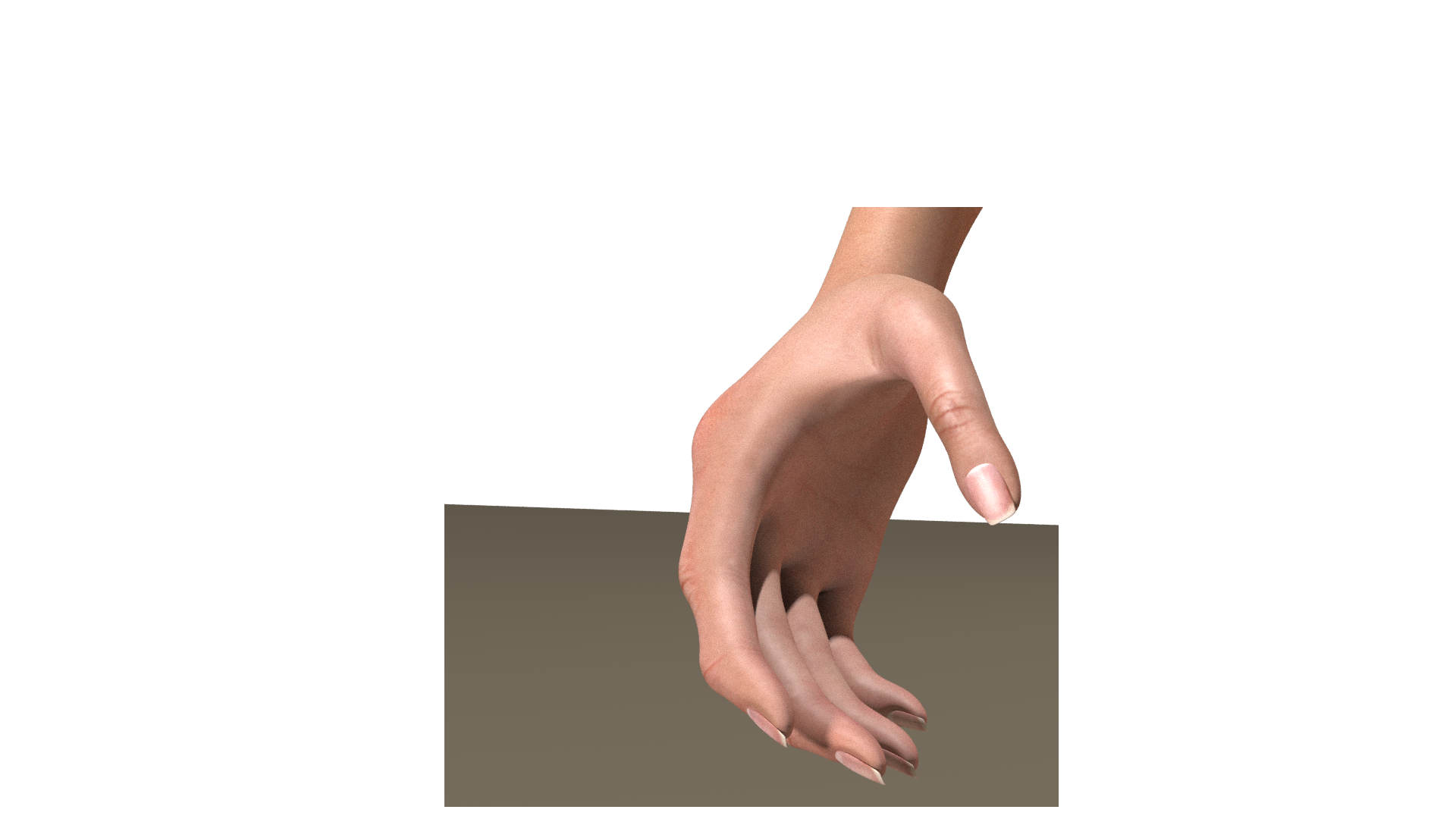
If I had a nickle for ever time a woman told me to get lost, I could buy Manhattan.