
Renderosity Forums / Poser 14

Subject: Problem with Rendering Motion Blur


Hey, I wrote that tutorial but at the time Poser 14 hadn't been released yet so I'm pretty sure I was using Poser 13. I'd be happy to take a look at it again in Poser 14. I'm assuming that you did make changes between the frames either in positioning or with morphs of all the elements you wanted to be affected by the motion blur. I'm not at my pc at this time but will look into it later in the day.
I'd appreciate that. I did make changes to everything, I believe. It's just odd that the headband, also a prop, did do the motion blur. I look forward to whatever insight you can share. :)Hey, I wrote that tutorial but at the time Poser 14 hadn't been released yet so I'm pretty sure I was using Poser 13. I'd be happy to take a look at it again in Poser 14. I'm assuming that you did make changes between the frames either in positioning or with morphs of all the elements you wanted to be affected by the motion blur. I'm not at my pc at this time but will look into it later in the day.
The OP makes no clarification about the outfit or the hair. If both are conforming items, then the motion blur should work. However, if the items are props, there is no Poser physics cloth applied, resulting in the figure leaving her clothing behind in the frame sequences. There is no more dynamic cloth room with P14.
hborre posted at 10:23 PM Tue, 11 August 2026 - #4509312
Yes, it does. Check the second sentence: "The figure renders correctly but the prop dress and hair ON the figure stay static."The OP makes no clarification about the outfit or the hair. If both are conforming items, then the motion blur should work. However, if the items are props, there is no Poser physics cloth applied, resulting in the figure leaving her clothing behind in the frame sequences. There is no more dynamic cloth room with P14.
Also, the hair is not dynamic cloth. It's just prop hair.
Also, looking at it closely now I see that the dress is a dynamic clothing prop so did you do the simulation in Poser 14 with Bullet Cloth or was this saved after being simulated in Poser 13? If the second, then I'm afraid that is why the dress is not getting any motion blur. Ideally since it's dynamic in the 2nd frame you would need to simulate again with the changes made to the figure's pose so there is a difference between frames or use a windforce. The hair should behave if you applied some kind of movement morph to it in the 2nd frame just like in the tutorial.
Of course I could be wrong on all counts so when I get to my pc I'll dig out that project file and take a look at it in P14 and get back to you.
Kalypso posted at 11:32 PM Tue, 11 August 2026 - #4509319
Yes, the hair and the dress moved with the figure when it was posed in frame 2. That's my problem, it doesn't appear to move at all when rendered and that makes no sense to me.I'm a bit confused. When the figure was posed did the clothing and hair not move with the figure or is that intended?
I did edit the morphs on frame 2 for the hair to make it spread out more. It didn't show the morph change in addition to staying in the exact same place when I rendered.
It's so odd, I'm beginning to think it is a program problem. I could be wrong though.

If the animation of the hair and dress worked and were saved in P13, the likely problem is that the dynamics were lost once the scene was saved in P14. P14 will open -and render- scenes with dynamics which were made in earlier versions of Poser, but if you save the scene in P14, the P13 dynamics are omitted.
The earlier versions of Poser use a different system of dynamics as compared to P14.
If you still have the P13 version of the scene, make whatever changes you can to that scene, and save it (with a new name) in P13. That scene should open and render properly in P14.
Poser 12, Poser 13, Poser 14, in feet.
OSes: Win7Prox64, Win7Ultx64, Win11
Silo Pro 2.5.6 64bit, Silo 2025.1, Vue Infinite 2014.7, Genetica 4.0 Studio, UV Mapper Pro, UV Layout Pro, PhotoImpact X3, GIF Animator 5
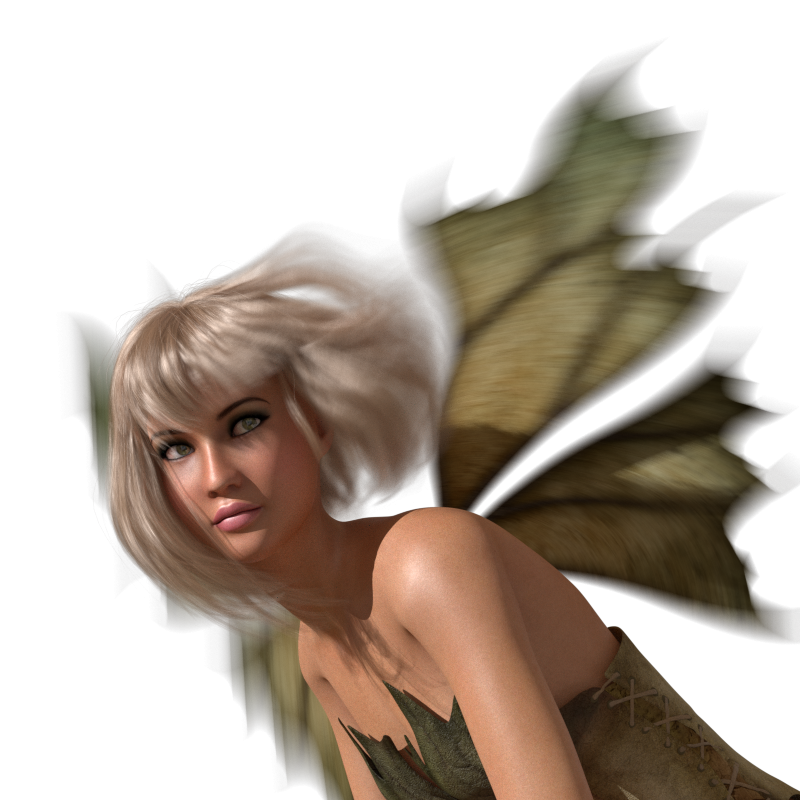
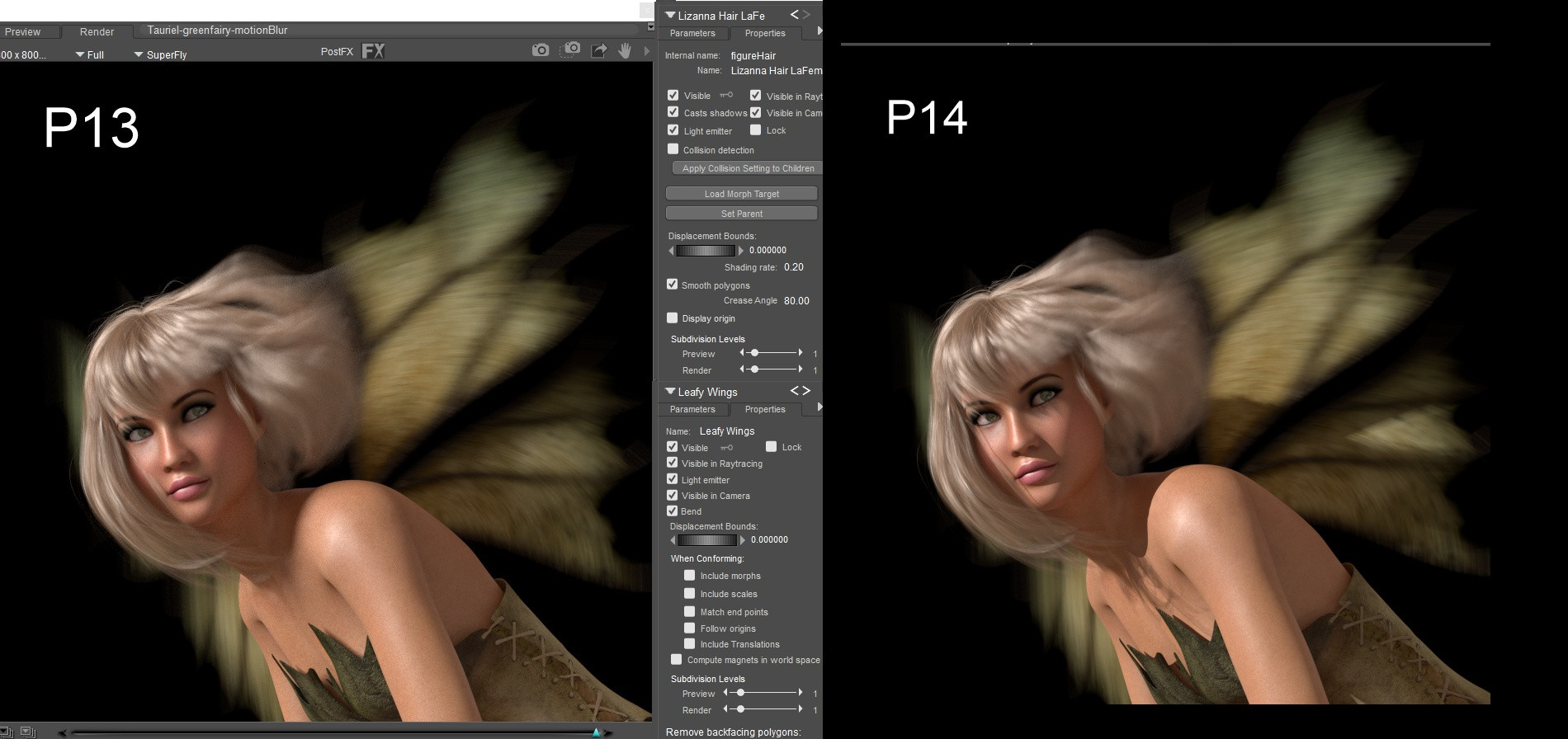
I opened my P13 saved file in P14 and rendered and sure enough the motion blur came out the same way. The hair in my example image is a prop and the wings are a .cr2 but parented, not conformed. I'm pretty sure it might have to do with the dynamic clothing simulation in your case so seachnasaigh is right. Just set up your frames and changes in P13, test render there and then save and bring in to P14, it should work.
The shutter close on the camera was left at the default 0.500

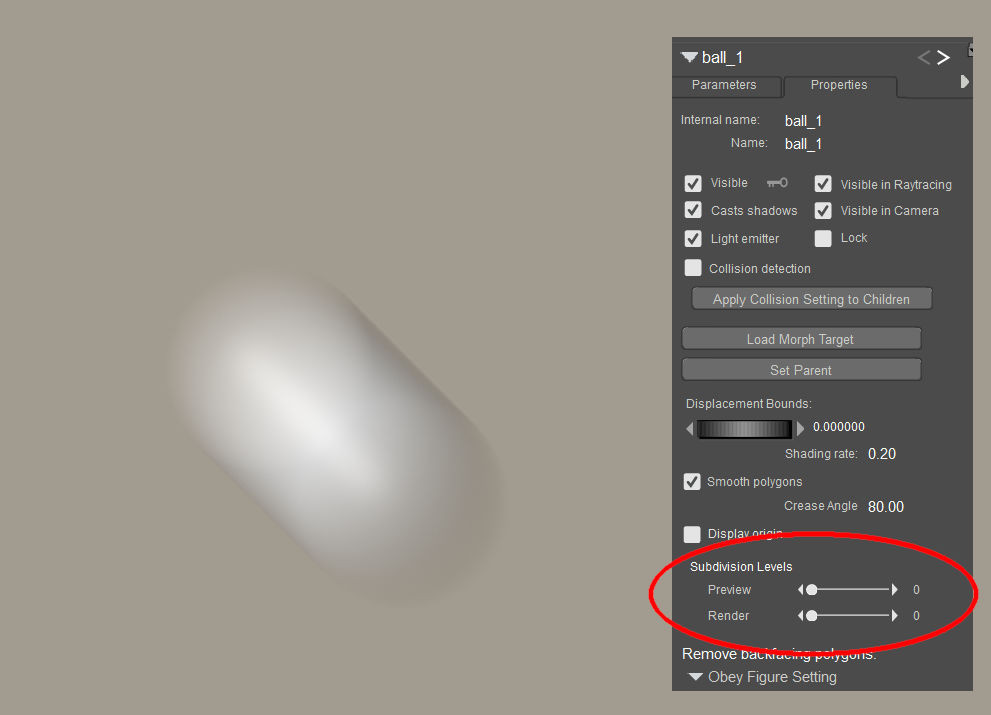
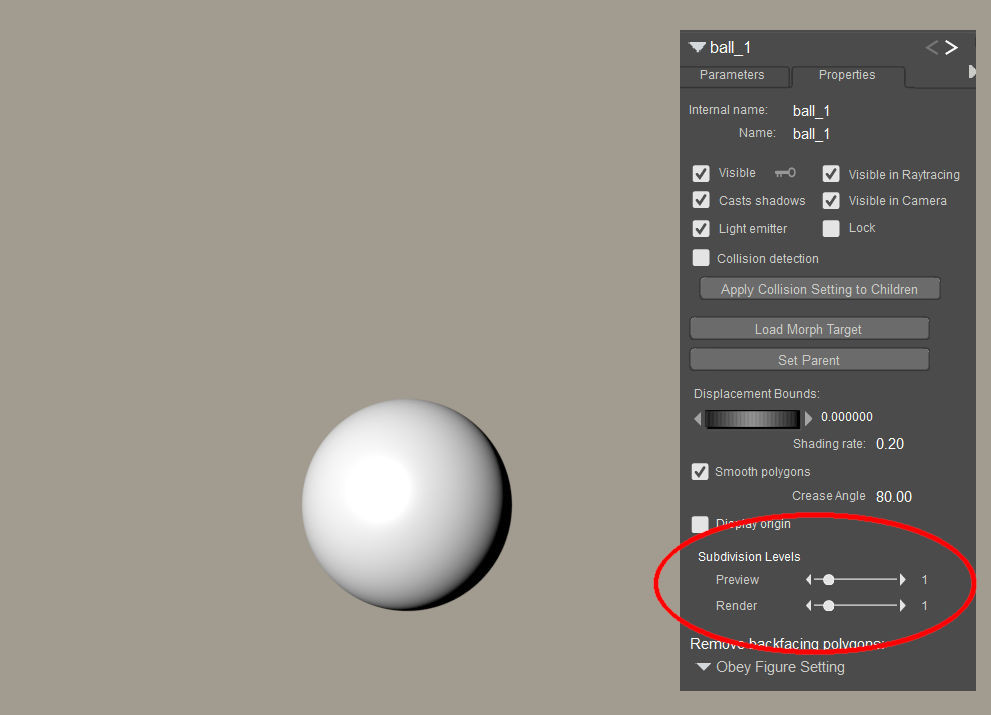
The closest thing I have seen to that, which I don't think always happens but happens enough to note:
* Item has subdivision > 1
* I set the subdivision to 0
* I add a morph using the morph brush
* I render without remembering to raise the subdivision back up
In that case it's very common that the item does not reflect the changes made. It's fixed as soon as I change the subdivision. Note that the preview looks fine, it only shows up in the render.
So maybe a similar mismatch between the subdivision level and the changes made to the item from frame to frame. Does changing the subdivision level fix it?
I haven't seen this sort of thing with motion blur, but I don't use it terribly often.
The OP image indicates a loss of parenting; regardless of whether they retained dynamics or posing, they should have stayed with the doll.
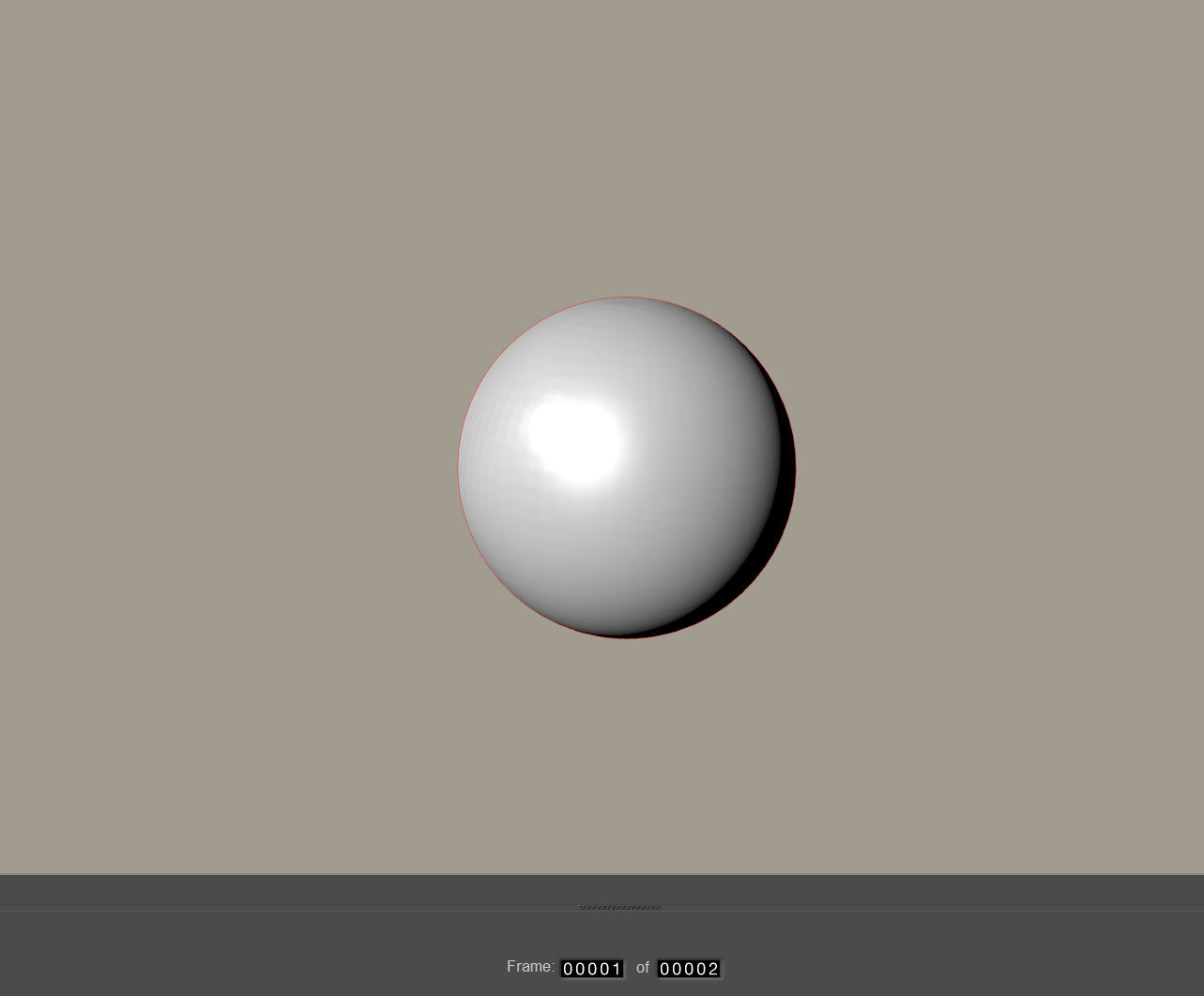
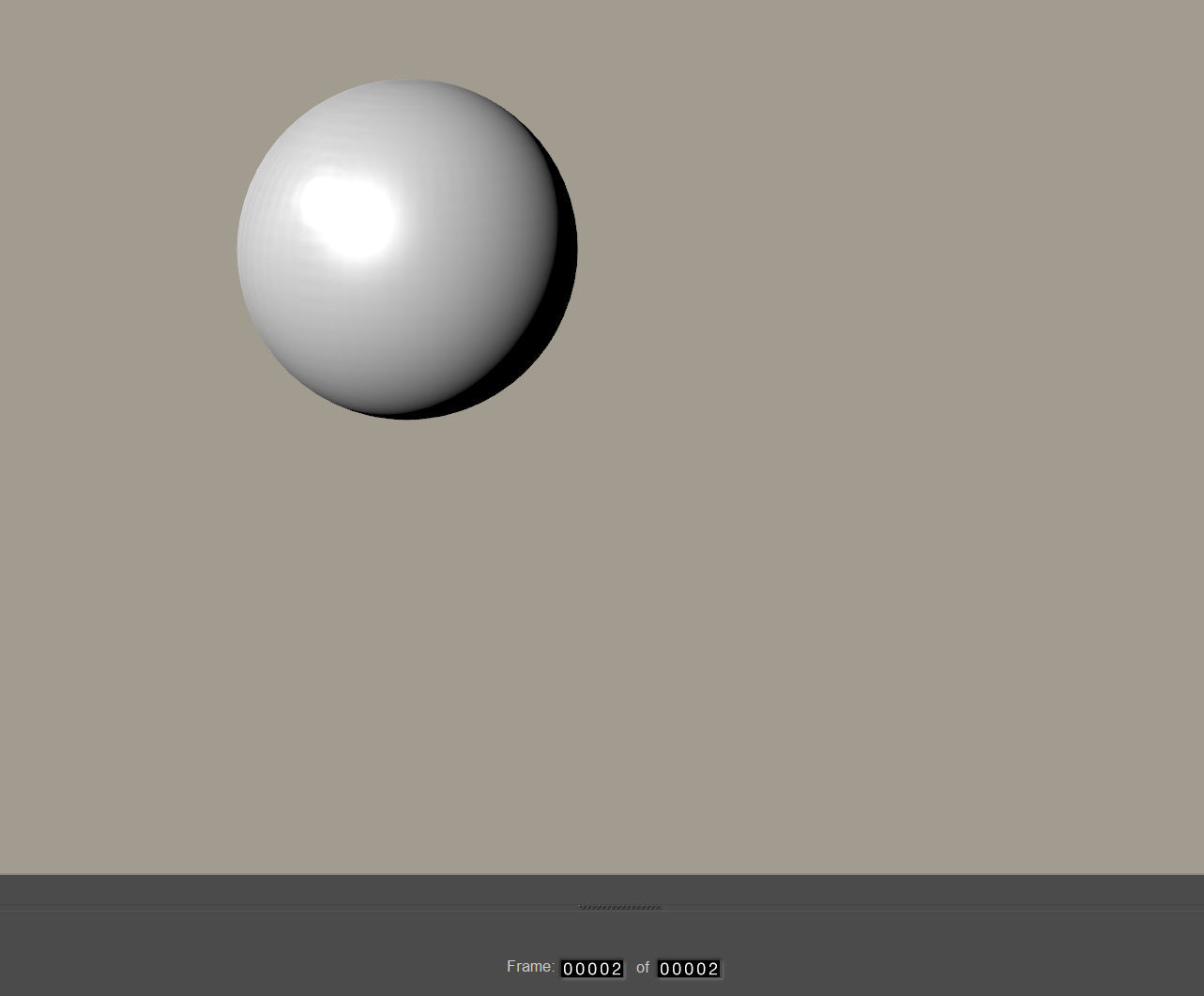
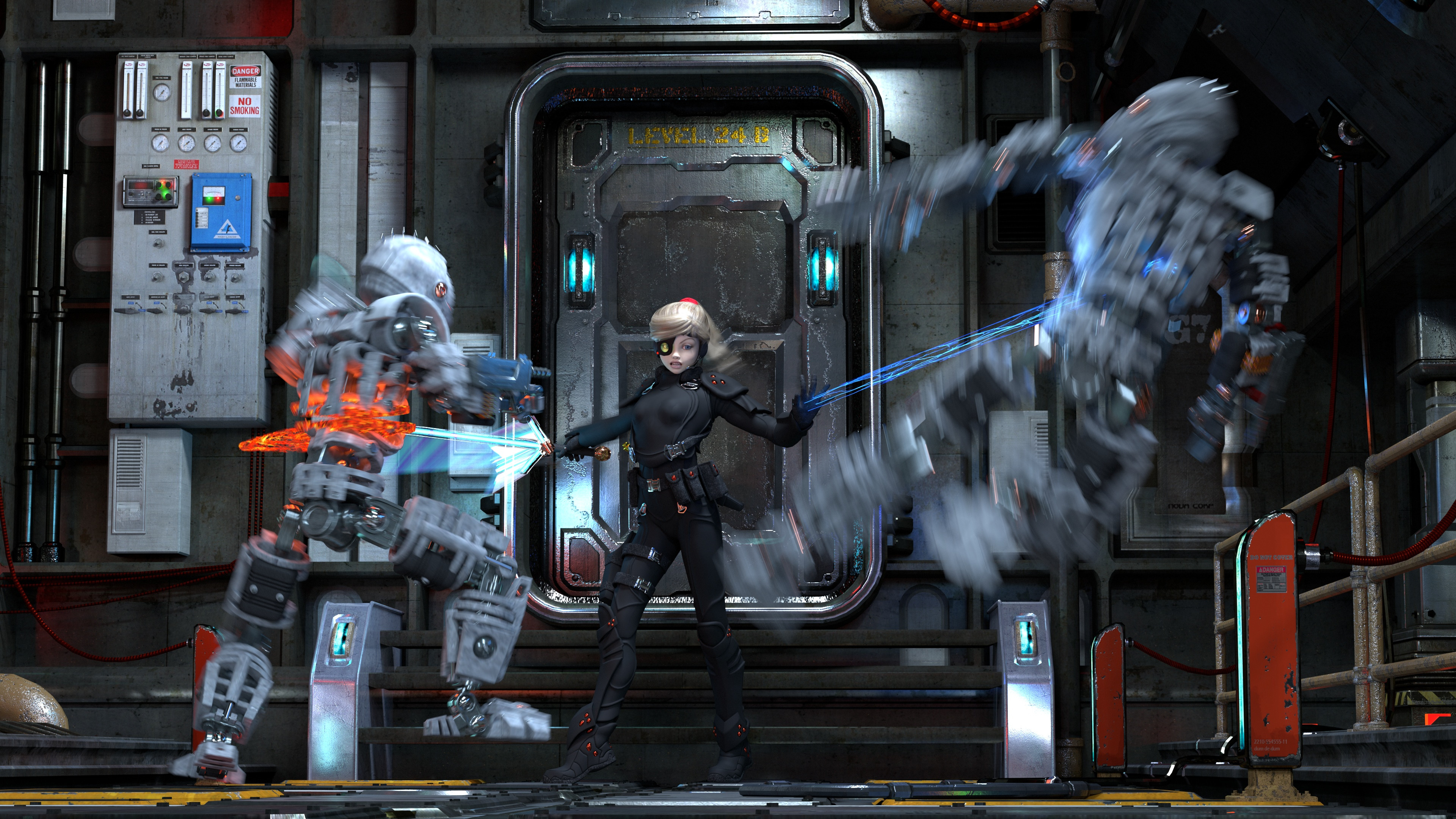
Anyway, motion blur with subdivision seems to work (scene built in P13, but rendered in P14):
Poser 12, Poser 13, Poser 14, in feet.
OSes: Win7Prox64, Win7Ultx64, Win11
Silo Pro 2.5.6 64bit, Silo 2025.1, Vue Infinite 2014.7, Genetica 4.0 Studio, UV Mapper Pro, UV Layout Pro, PhotoImpact X3, GIF Animator 5
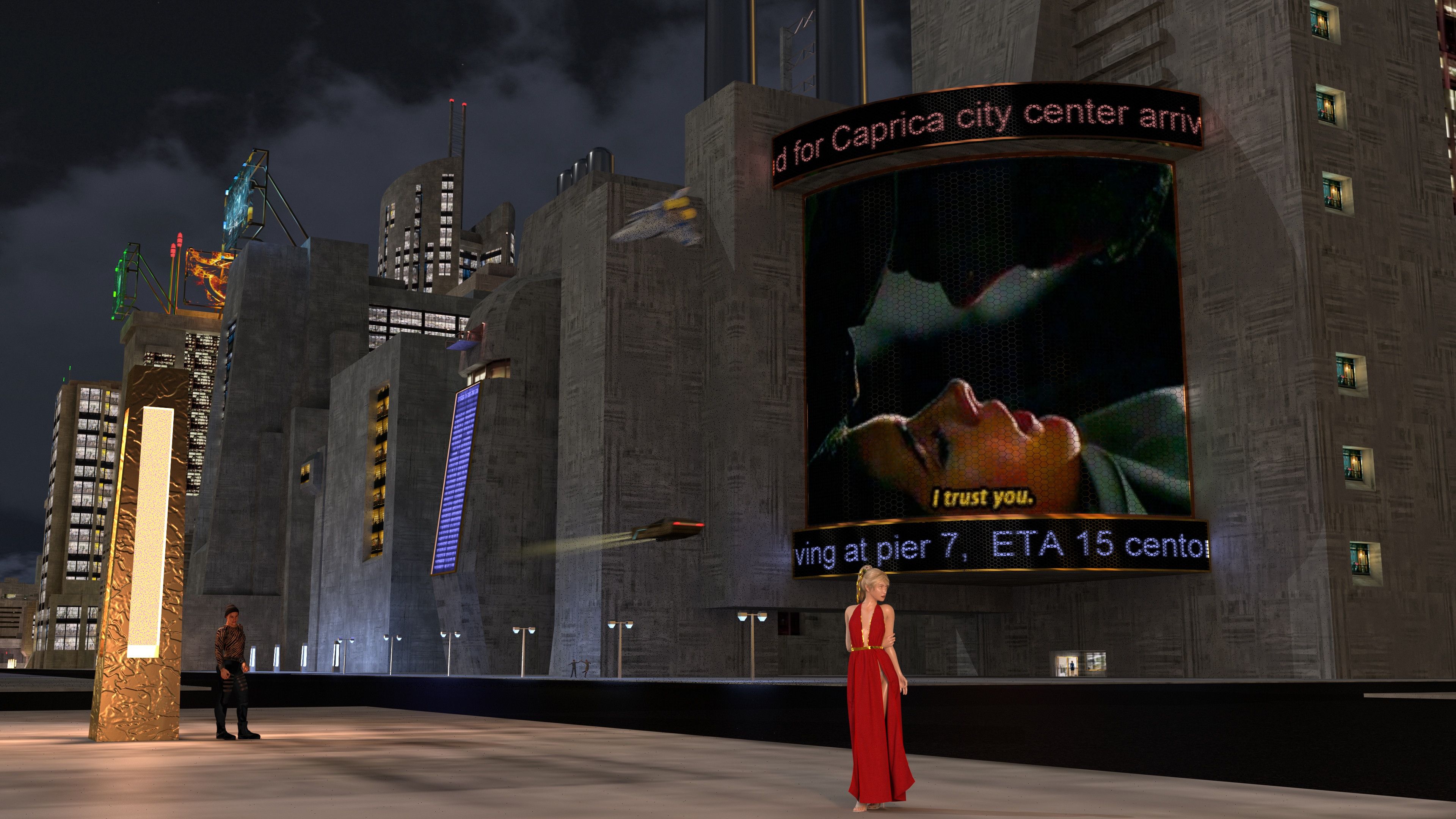
Ah, this scene has P13 cloth dynamics (Alembic .abc file), subdivision, and 3D motion blur; scene was re-opened in P14 and rendered (Superfly, Optix GPU):
Poser 12, Poser 13, Poser 14, in feet.
OSes: Win7Prox64, Win7Ultx64, Win11
Silo Pro 2.5.6 64bit, Silo 2025.1, Vue Infinite 2014.7, Genetica 4.0 Studio, UV Mapper Pro, UV Layout Pro, PhotoImpact X3, GIF Animator 5

Privacy Notice
This site uses cookies to deliver the best experience. Our own cookies make user accounts and other features possible. Third-party cookies are used to display relevant ads and to analyze how Renderosity is used. By using our site, you acknowledge that you have read and understood our Terms of Service, including our Cookie Policy and our Privacy Policy.
I'm trying to use the Motion Blur feature in Poser 14 using this tutorial from the official site: Motion Blur: From Static to Stunning - Poser Software but it's not working. The figure renders correctly but the prop dress and hair ON the figure stay static. I can't figure out what's happening. I checked and the props do have two keyframes like the figures. I'm about ready to just do this effect in Photoshop. Can anyone help me figure out what's going wrong?